-
-
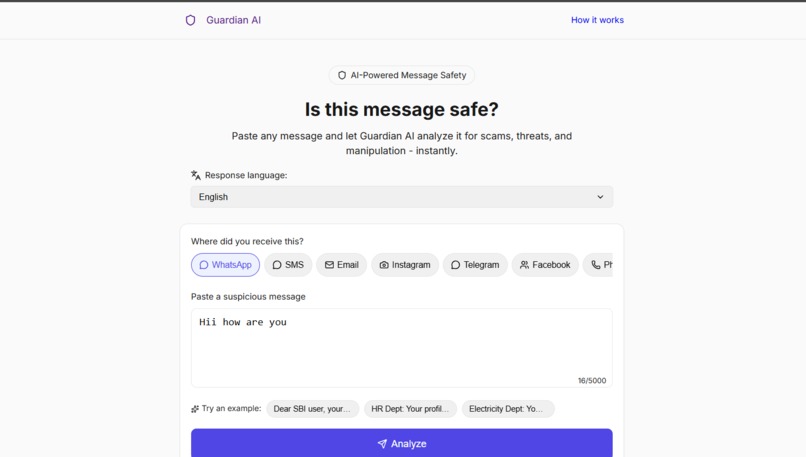
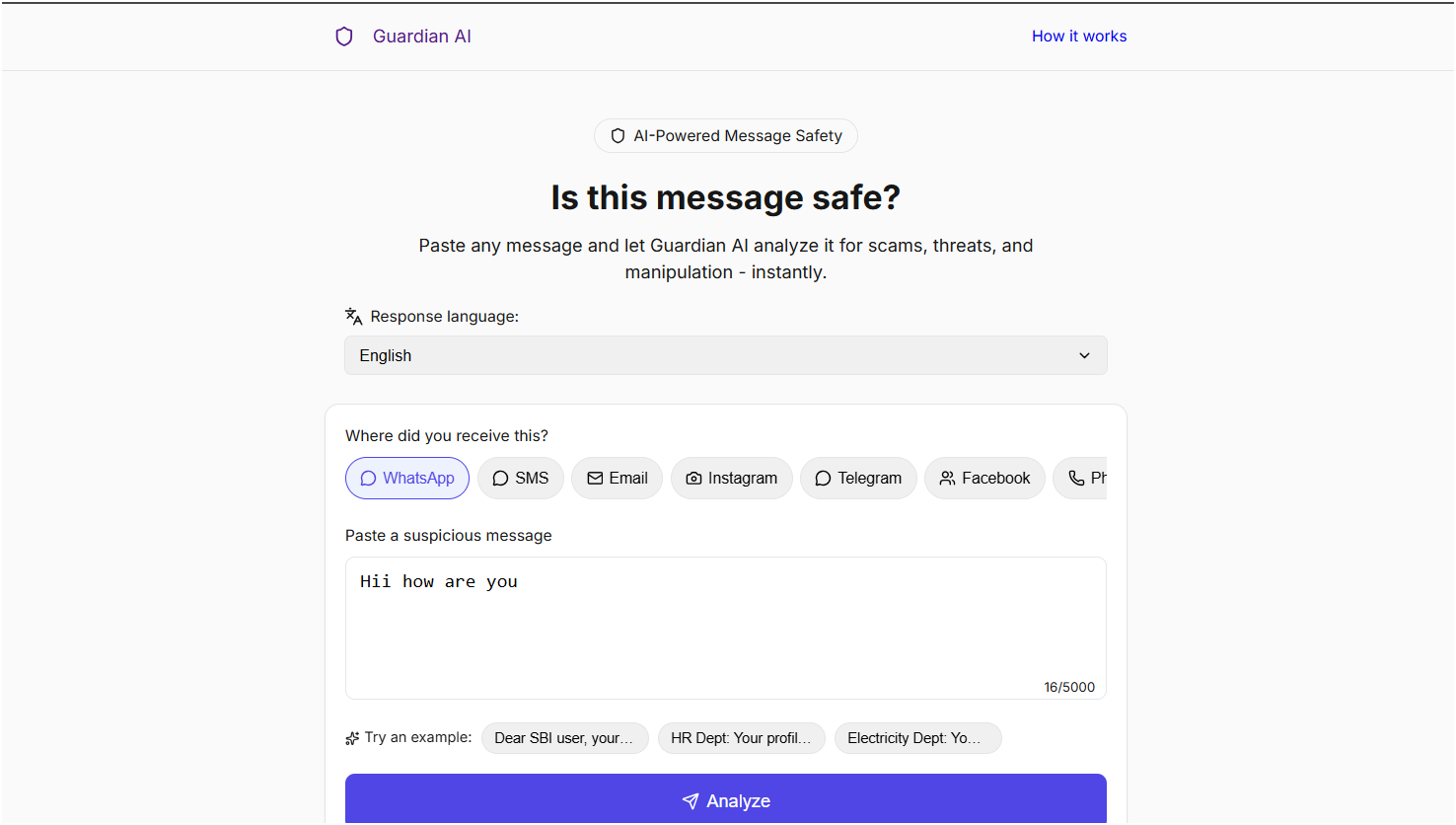
HOME PAGE
-
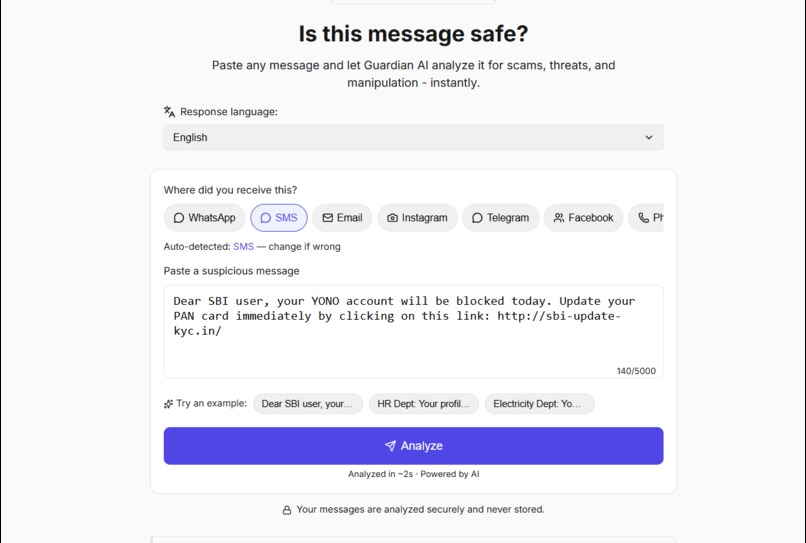
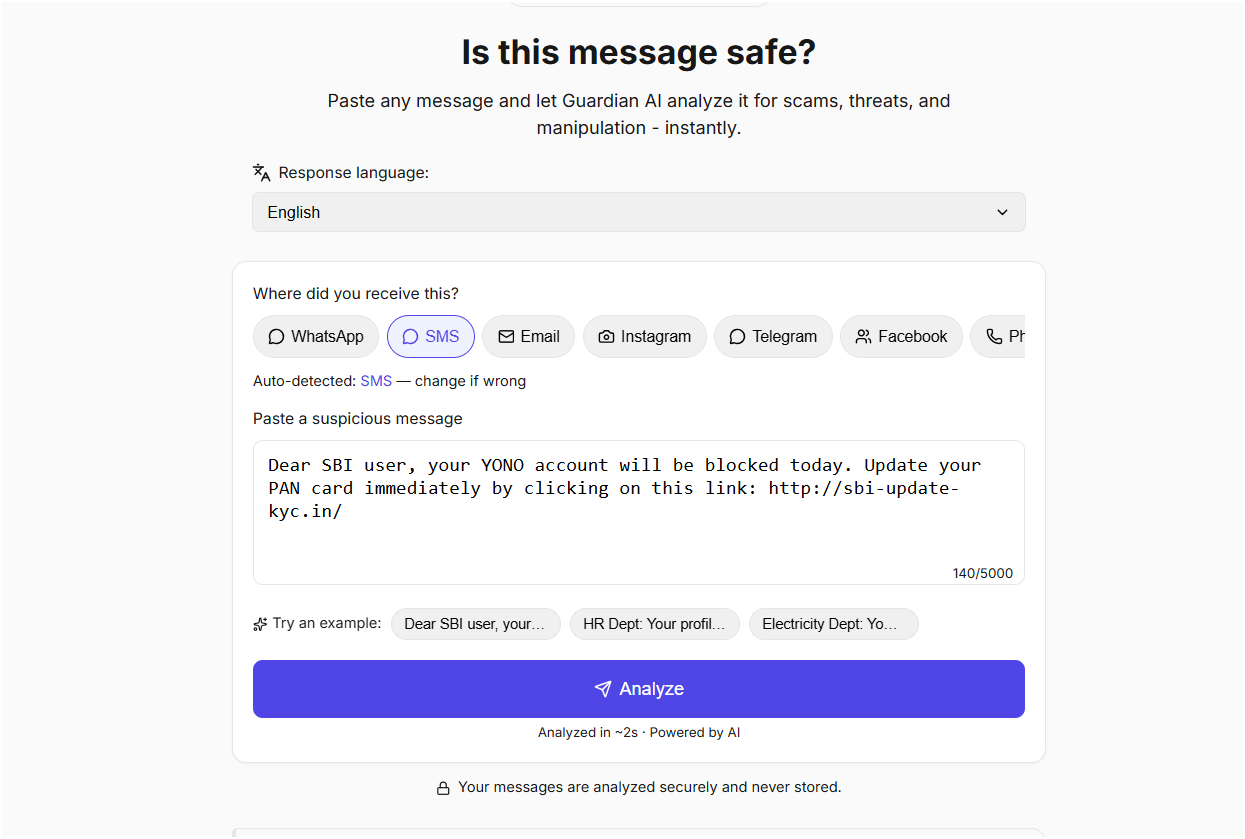
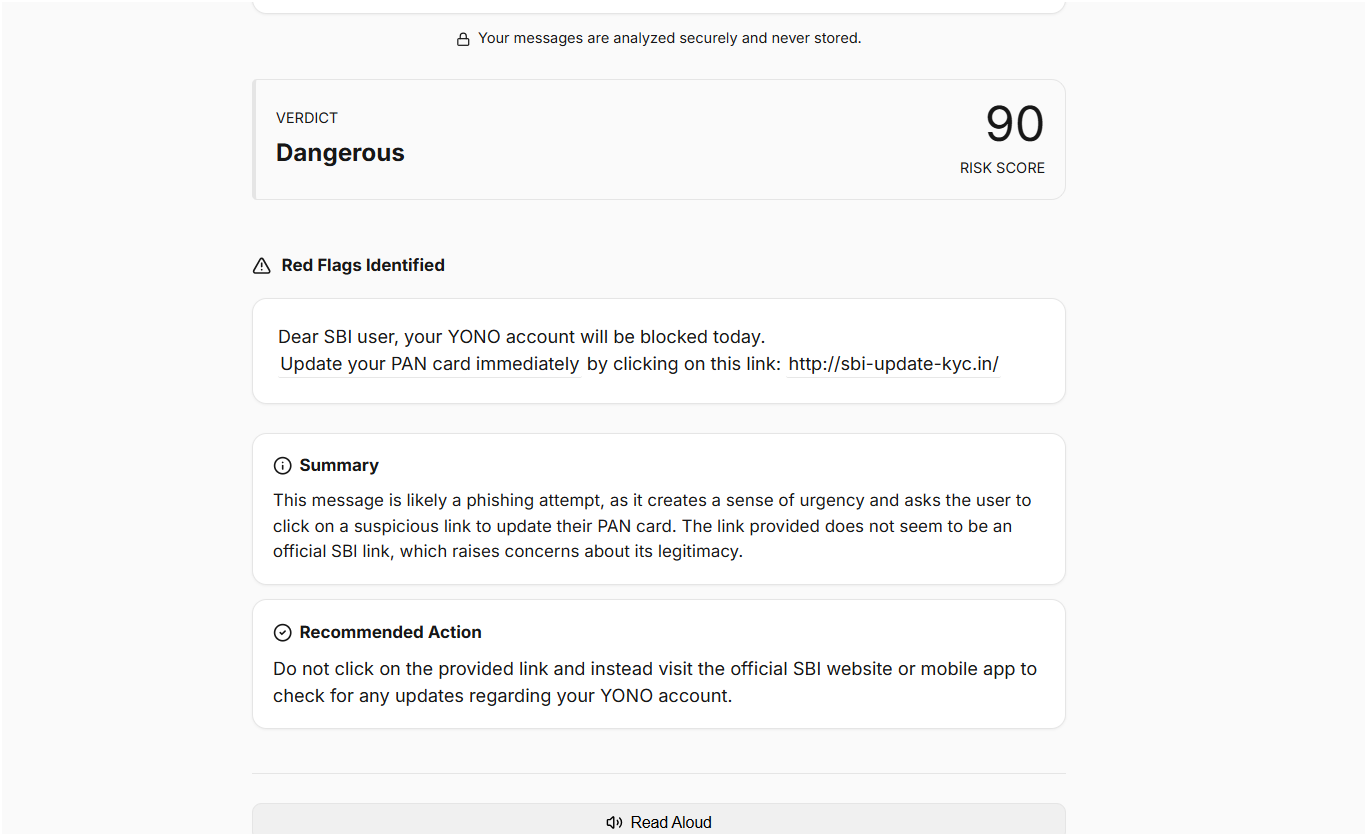
SPAM MESSAGE AS INPUT
-
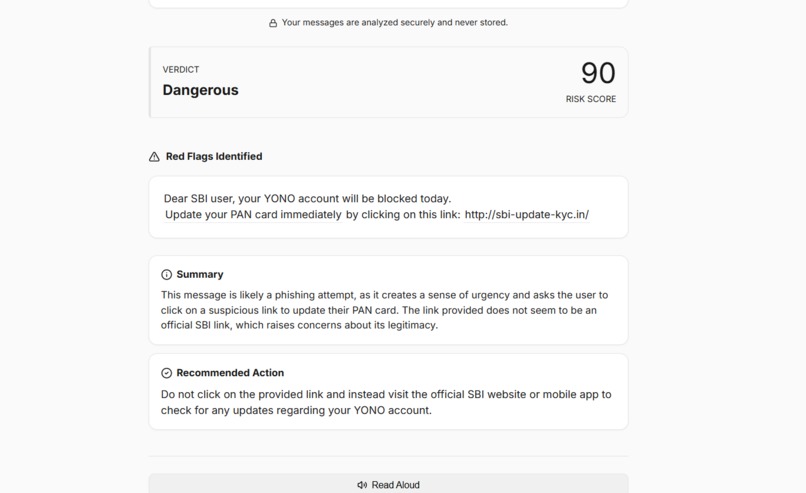
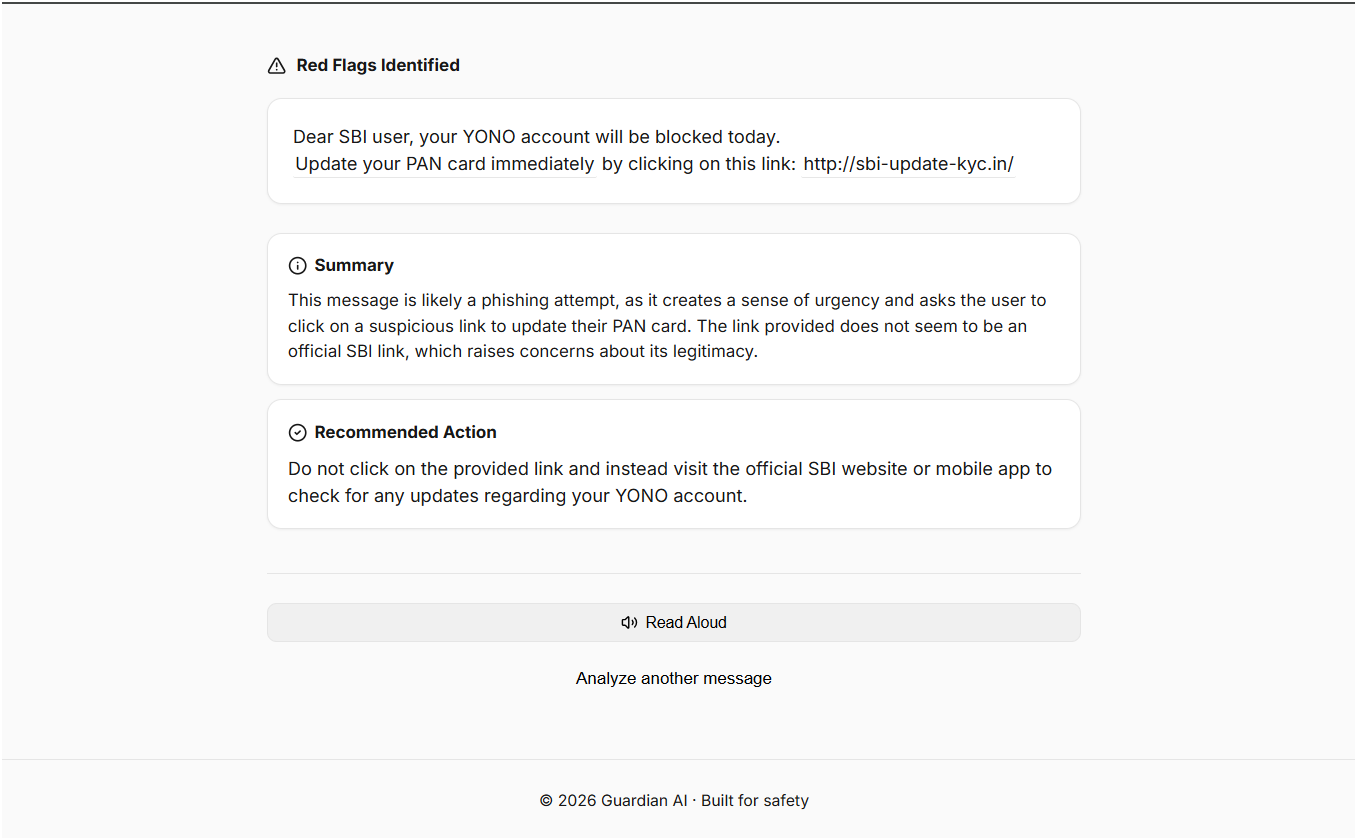
SUMMARY WITH SOLUTION
-
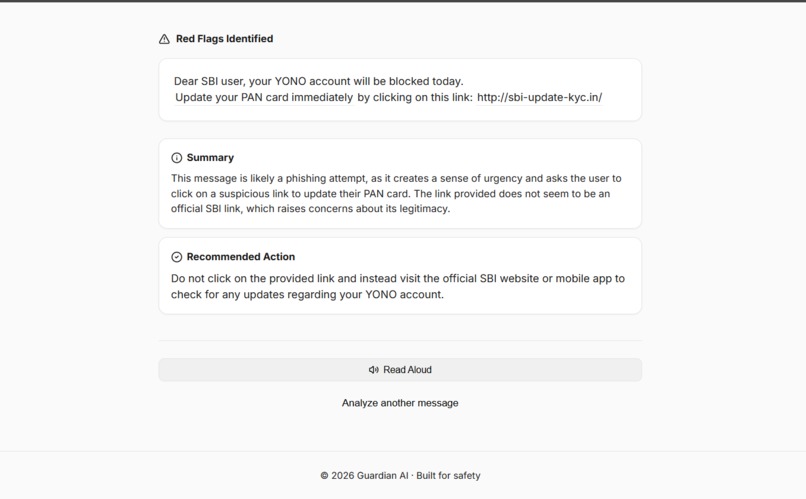
Senior citizens stay safe from digital scams using READ LOUD ACCESSIBILITY
-
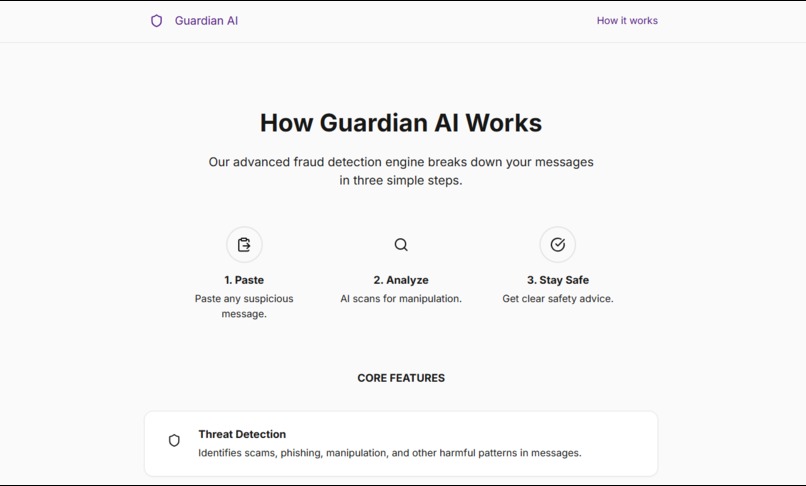
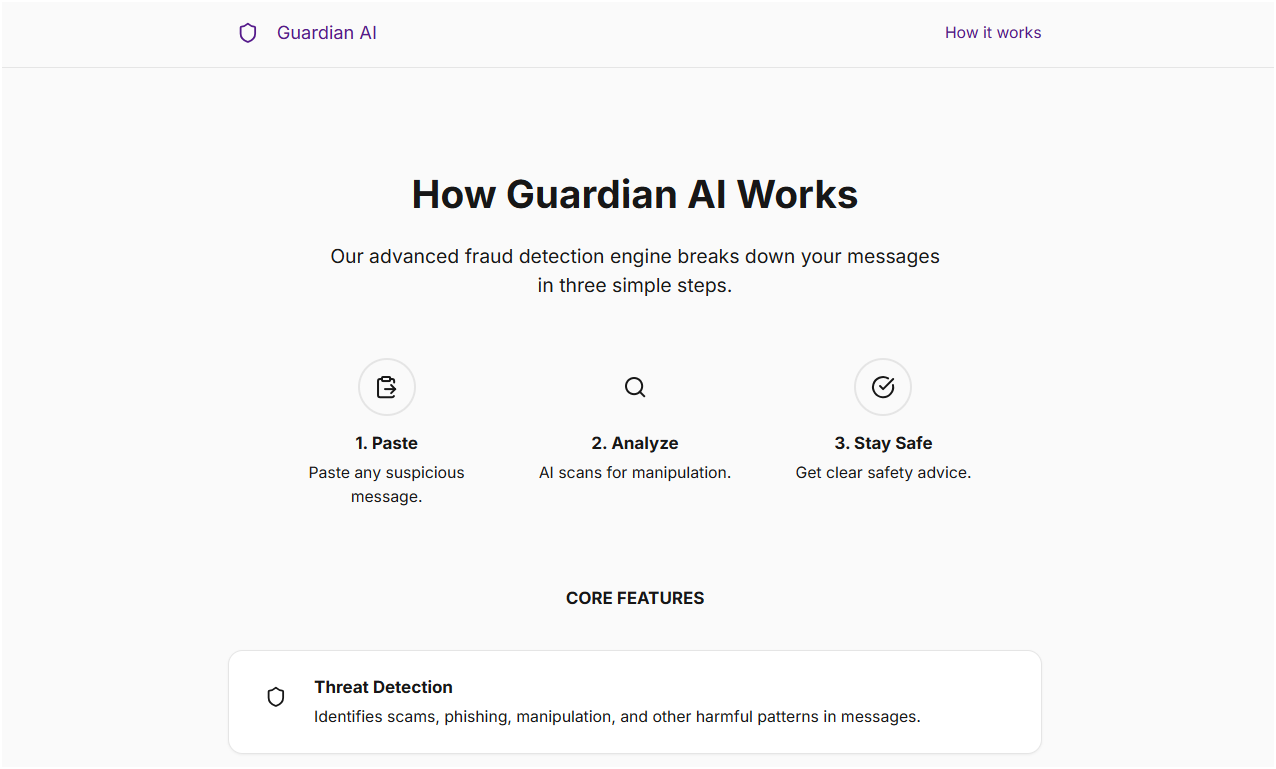
HOW IT WORKS
-
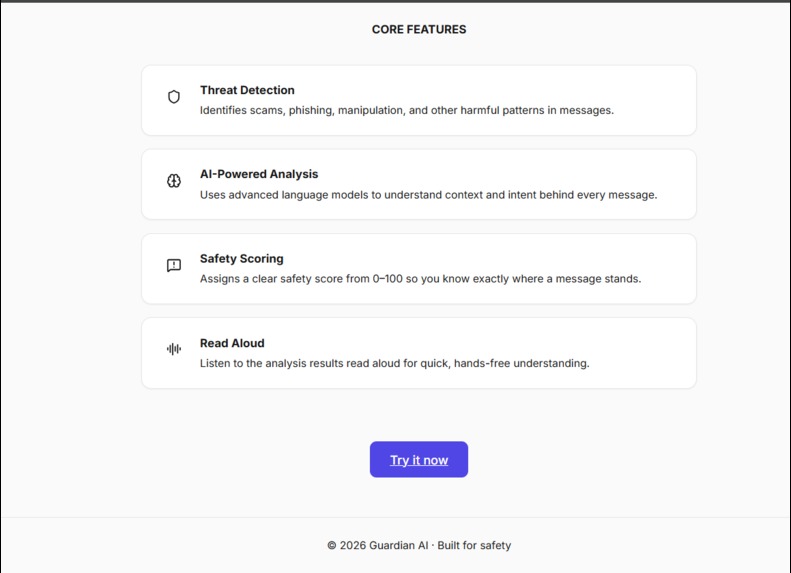
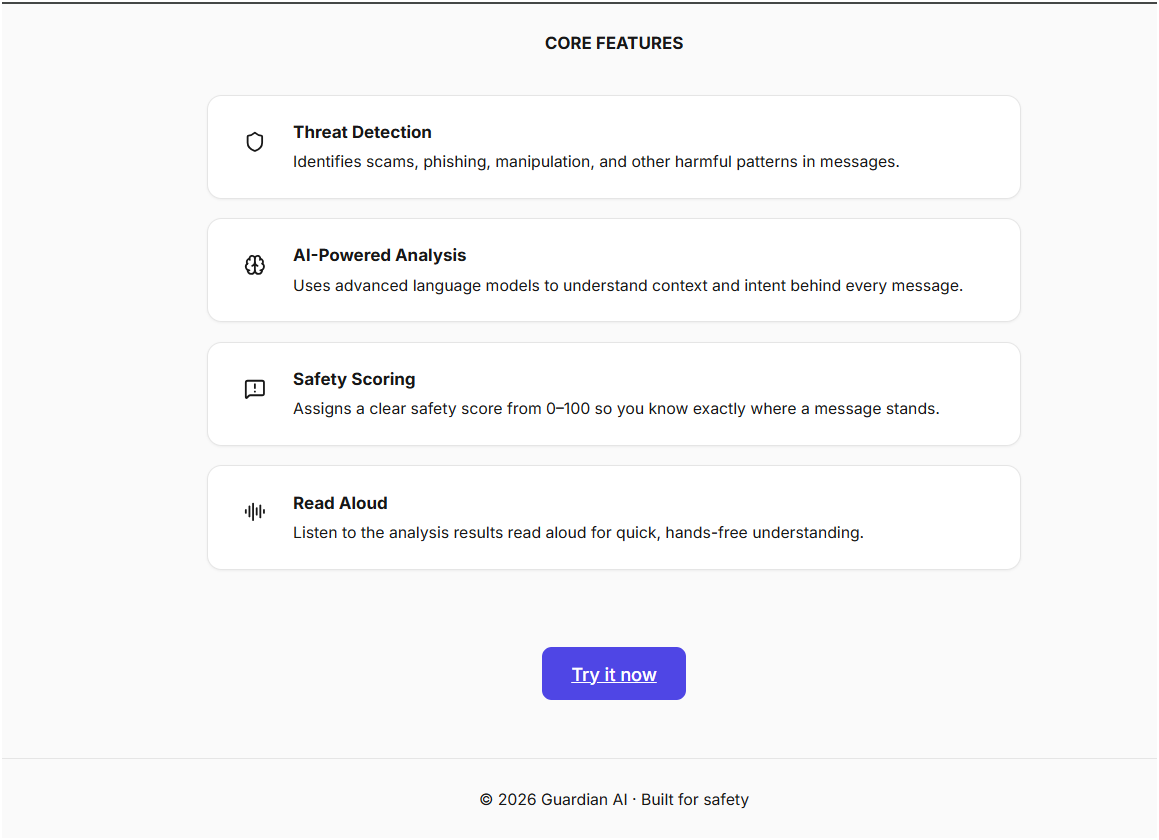
CORE FEATURES
Inspiration
Almost everyone we know has received one of these: "Dear SBI user, your account will be blocked today." "Your profile is shortlisted, pay Rs.500 registration fee." "Your electricity will be disconnected at 9:30 PM tonight."
The people who fall for these are rarely engineers. They are parents, grandparents, and students. The people who panic when a message says their bank account is about to be frozen, and who often can't read the English scam warnings that might have saved them. We wanted to build something a grandmother in Chennai could actually use: paste the message, and get a clear answer in her own language, spoken out loud if she prefers to listen.
What it does
Guardian AI answers one question: is this message safe?
Paste any suspicious SMS, WhatsApp forward, email, or job offer. Guardian AI returns a 0–100 risk score, re-renders your message with the exact manipulative phrases highlighted, explains in plain language why it's dangerous, and gives one clear next step. It responds in 12 Indian languages, auto-detects which platform the message came from (WhatsApp scams don't look like email scams), and can read the entire warning aloud in a natural voice.
How we built it
We built the whole thing in staged collaboration with Codex: first the architecture and a strict design system (we wanted it to look like a real SaaS product Linear/Stripe style not a hackathon project), then the input experience, then the analysis engine, then results, then polish.
The analysis runs on GPT-5.6 with a platform-aware prompt: the selected source (SMS, WhatsApp, Instagram...) changes which scam patterns the model prioritizes fake UPI requests and bank impersonation for SMS, registration-fee job scams for WhatsApp, fake giveaways for Instagram. The model returns strict JSON (risk score, flagged phrases with reasons, explanation, advice), which powers the highlighted-message UI.
For voice, we integrated Sarvam AI's TTS for natural Indian-language speech, generated lazily only when the user clicks Read Aloud, cached per analysis, with the browser's Web Speech API as an automatic fallback. The frontend is deployed on Vercel, the API on Render.
Challenges we ran into
Every API failed on us at least once. Our first build died with "quota exceeded" the moment we tried to demo it. We tried alternatives, hit walls there too, and eventually learned the real lesson: never depend on a single external service. The final architecture has a fallback chain at every layer if the primary analysis call fails, a backup provider answers; if the TTS API fails, the device voice takes over. The app degrades, but it never dies.
Getting an LLM to return parseable JSON, every single time. Free-form model output would randomly wrap responses in markdown fences or add friendly preamble, crashing our parser. We fixed it with strict prompt constraints, response format enforcement, and defensive parsing on the backend.
The robot voice problem. Our first Read Aloud used the browser's default speech synthesis the Tamil output was genuinely incomprehensible. We improved voice selection and pacing, then integrated Sarvam AI (built specifically for Indian languages), and the difference was night and day.
Deployment taught us monorepos the hard way. Our repo holds client and server together, and both Vercel and Render initially built the wrong directory a 404 site on one, a crashed API on the other. Pointing each platform at its own slice of the repo, and learning that Vite bakes environment variables in at build time, got us from "works on localhost" to working on any phone.
Accomplishments that we're proud of
- It survives failure. Every external dependency the LLM, the TTS, the network can fail, and the app still gives the user an answer.
- A grandmother can use it. One text box, one button, an answer in her own language, spoken aloud. Every feature that didn't pass that test got cut.
- 12 Indian languages from day one. Scam warnings shouldn't only speak English when scammers don't.
- Built and shipped in a day. From idea to a deployed, multilingual, voice-enabled app by staging the work into focused prompts and treating Codex as a collaborator rather than a code vending machine.
What we learned
- Reliability engineering matters more than features. Half our effort went into fallbacks, and that's exactly what made the demo trustworthy.
- Prompt design is product design. The scam-detection quality came from iterating on platform-specific instructions, not from more code.
- Constraints produce better UI. Repeating our design rules to Codex in every prompt was the difference between a generic AI-looking page and a real product.
What's next for Guardian AI
- Screenshot analysis upload a photo of a WhatsApp forward and analyze it directly, no retyping.
- Meet people where the scam happens a browser extension and a mobile share-target so checking a message takes one tap.
- A living scam database anonymized, opt-in reports so a new scam circulating in Chennai on Monday protects users in Mumbai by Tuesday.
- Family protection mode let a son in Bangalore get an alert when his mother in Madurai receives a high-risk message.
- Verified-sender lookups cross-check UPI IDs, numbers, and links against official registries so verdicts are backed by data as well as AI.
Built With
- codex
- express.js
- gpt-5.6
- javascript
- node.js
- openai
- react
- render
- rest-api
- sarvam-ai
- tailwindcss
- vercel
- vite
- web-speech


Log in or sign up for Devpost to join the conversation.