-
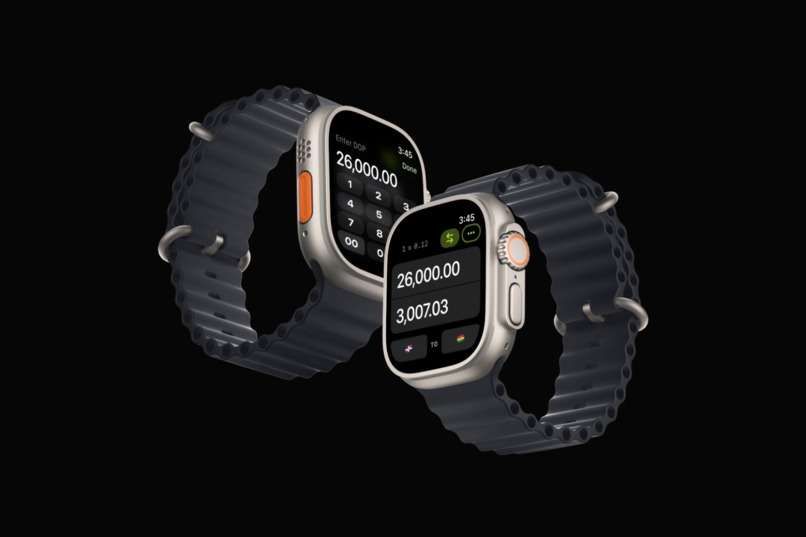
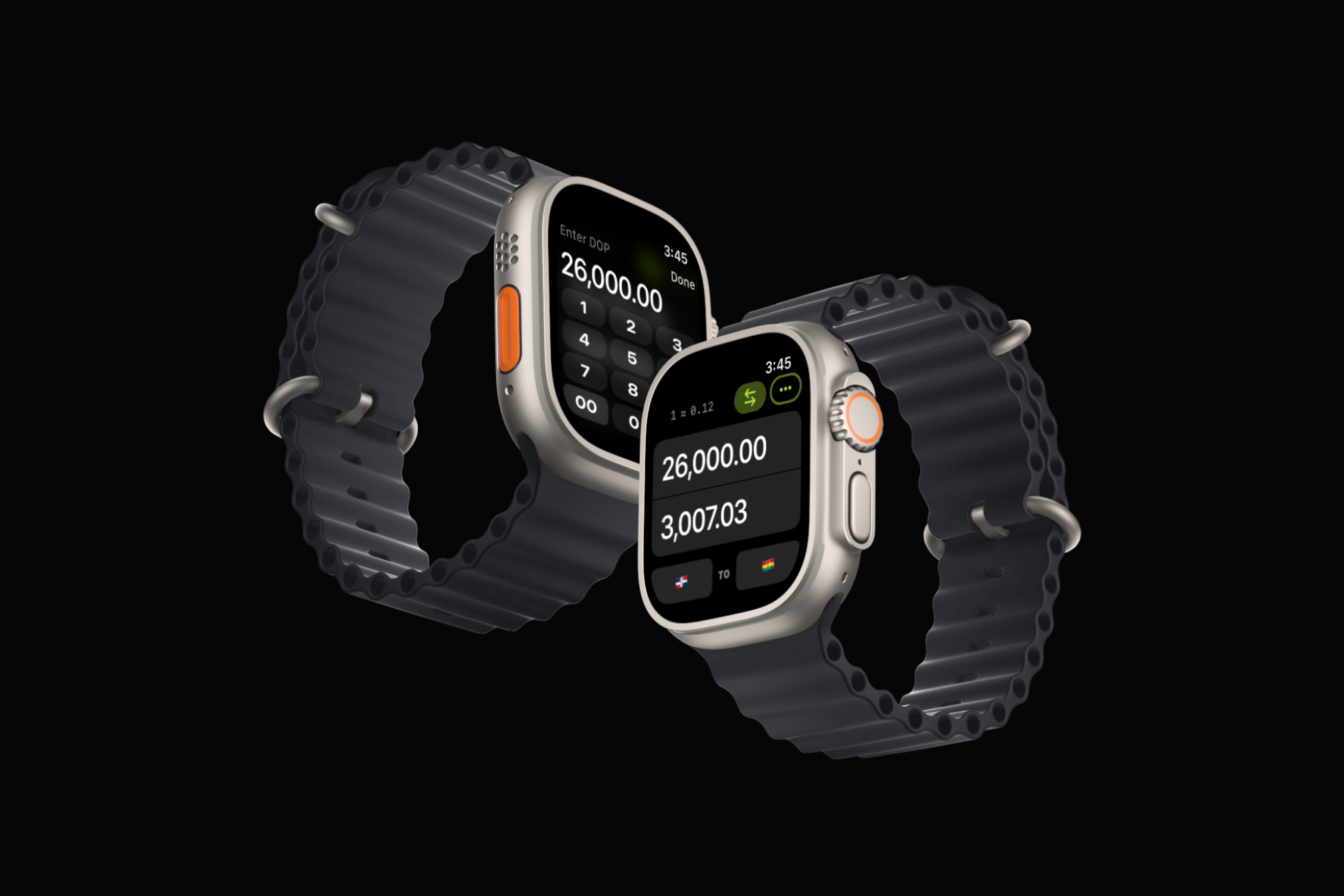
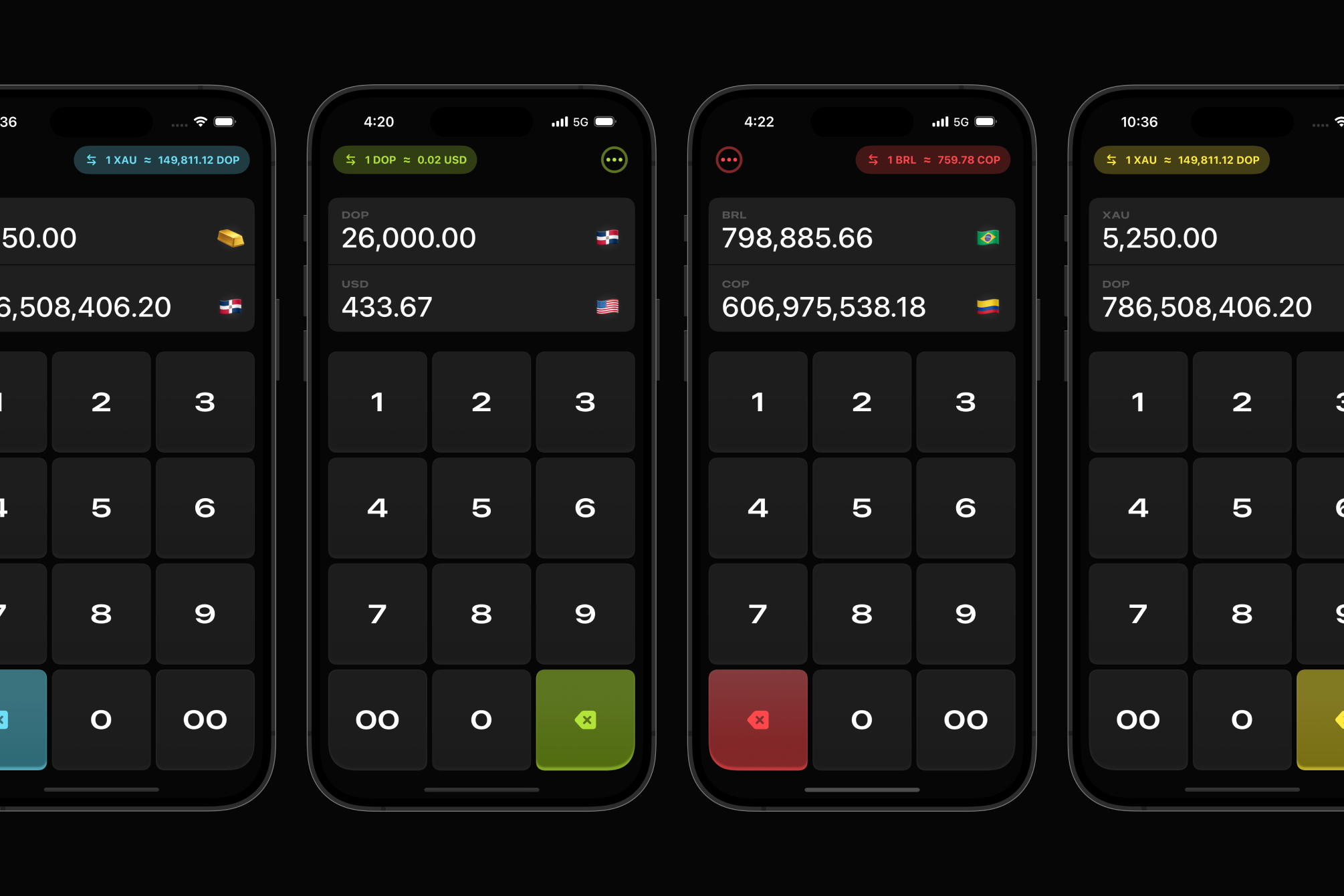
Main view and custom input view
-
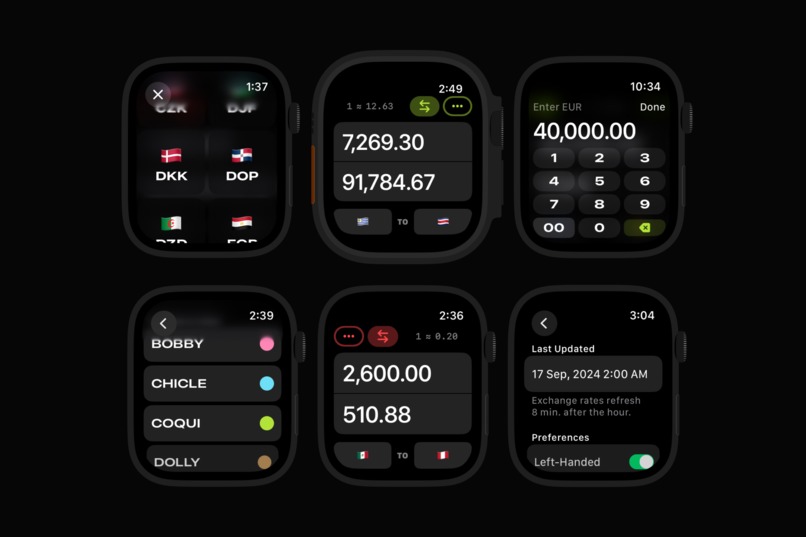
Watch screens left- and right-handed mode
-
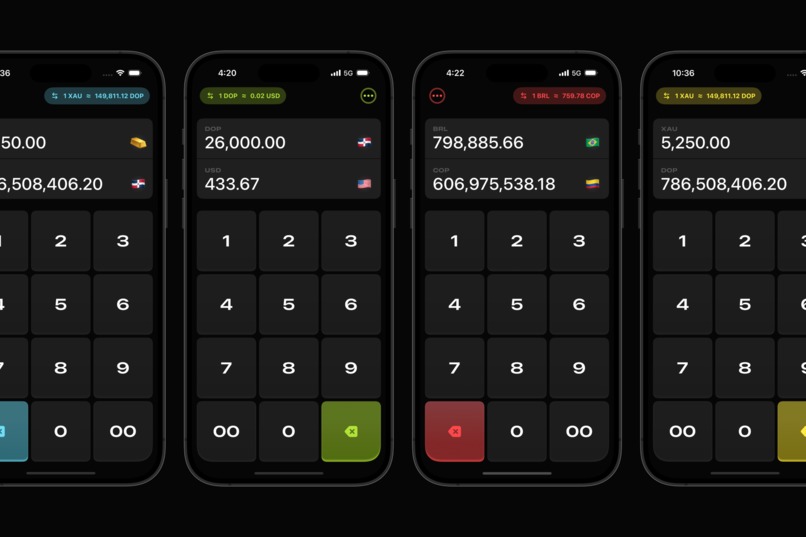
Mobile screens in left- and right-haded mode
-
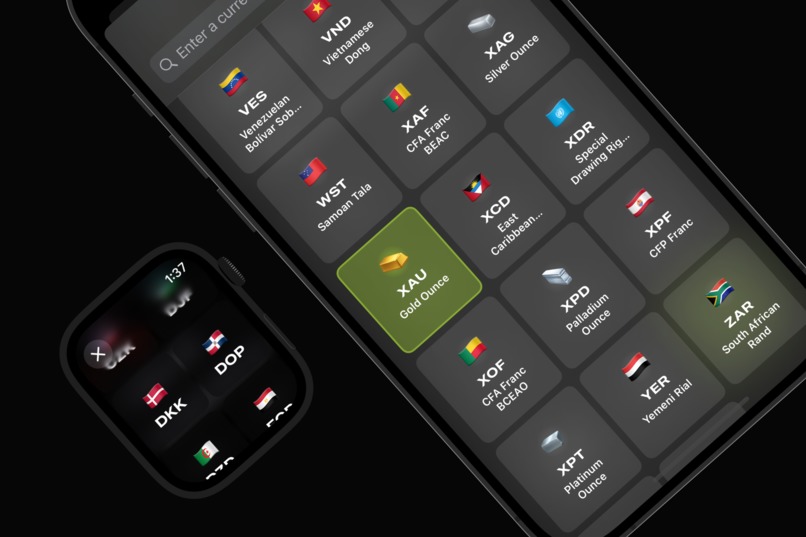
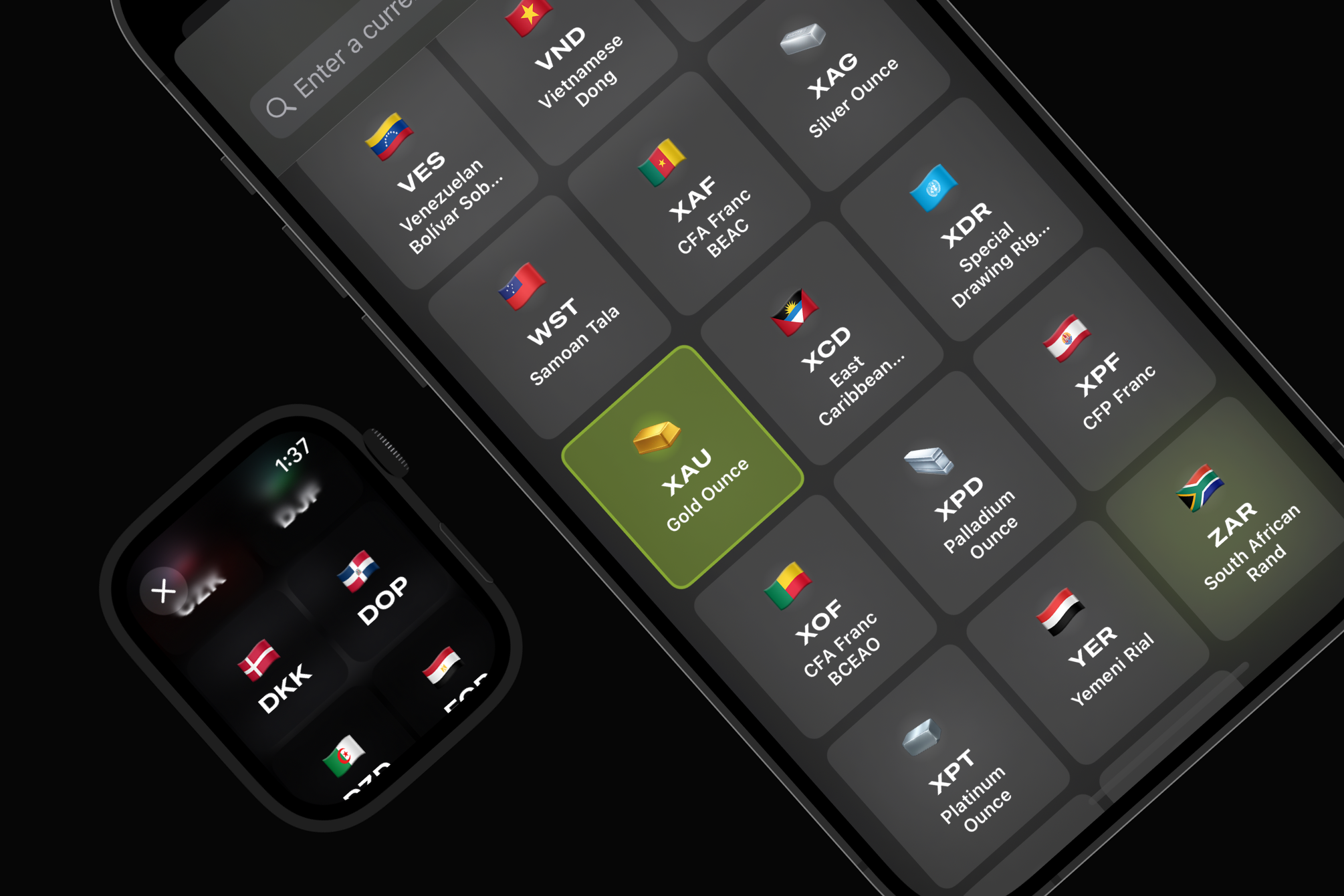
Currency selector with custom emoji
-
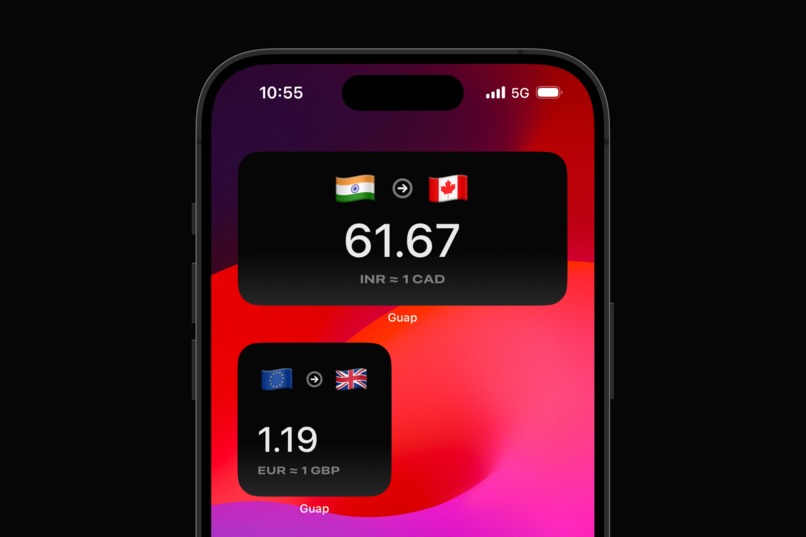
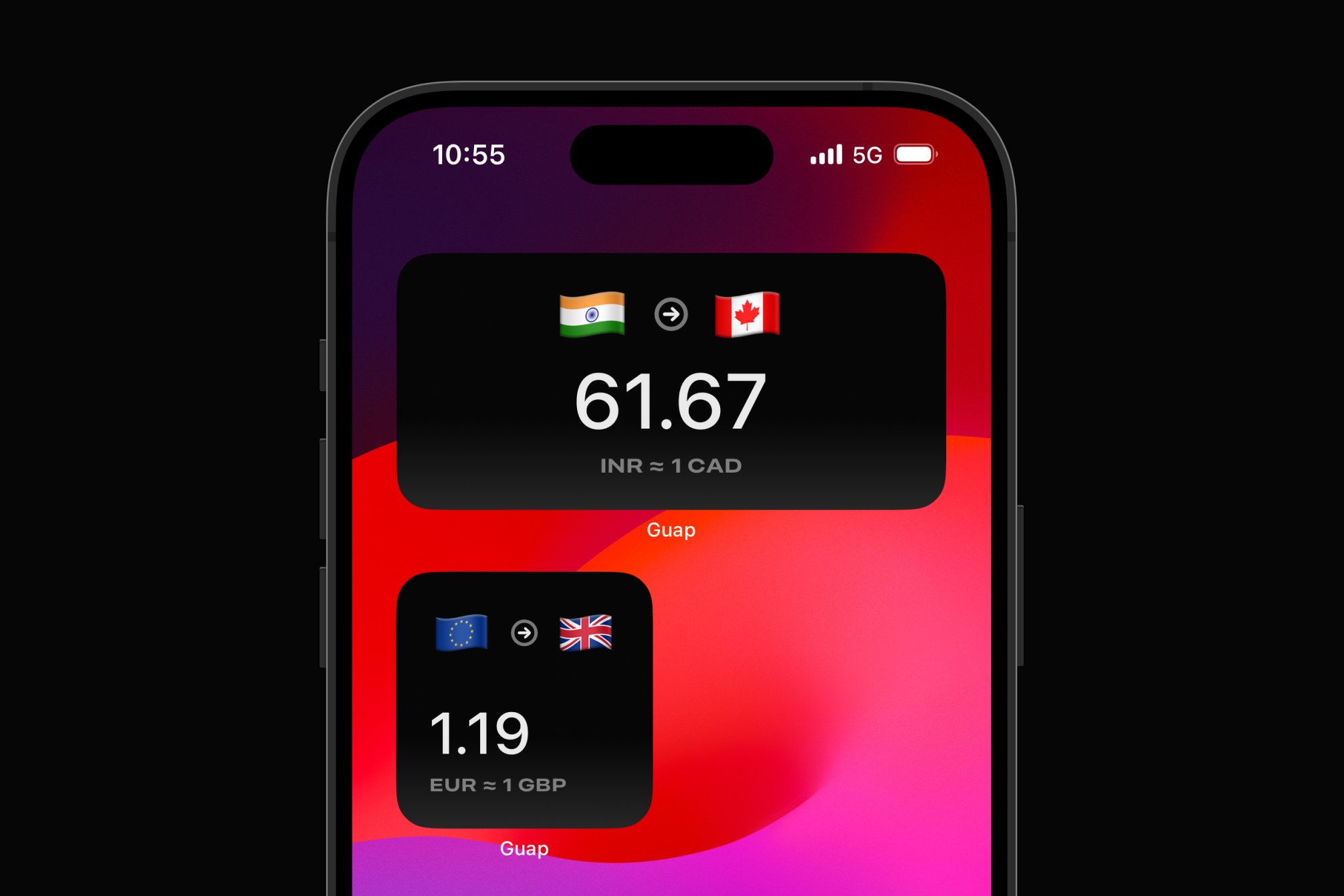
Hourly widgets because we can
-
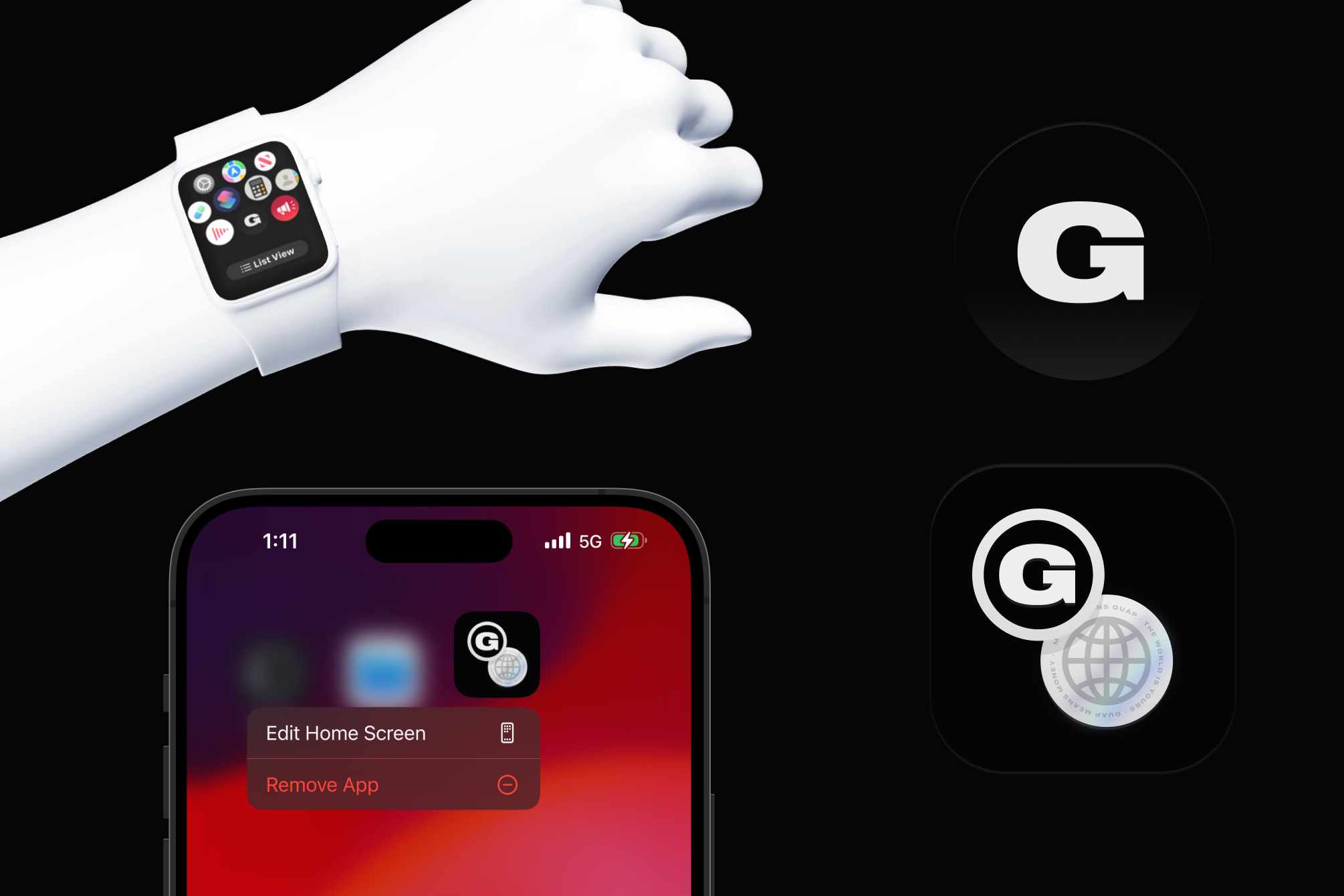
App icons
-
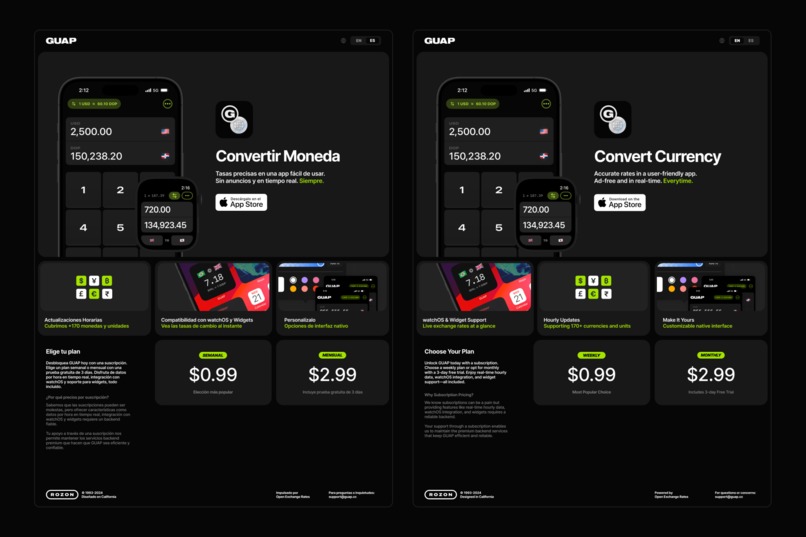
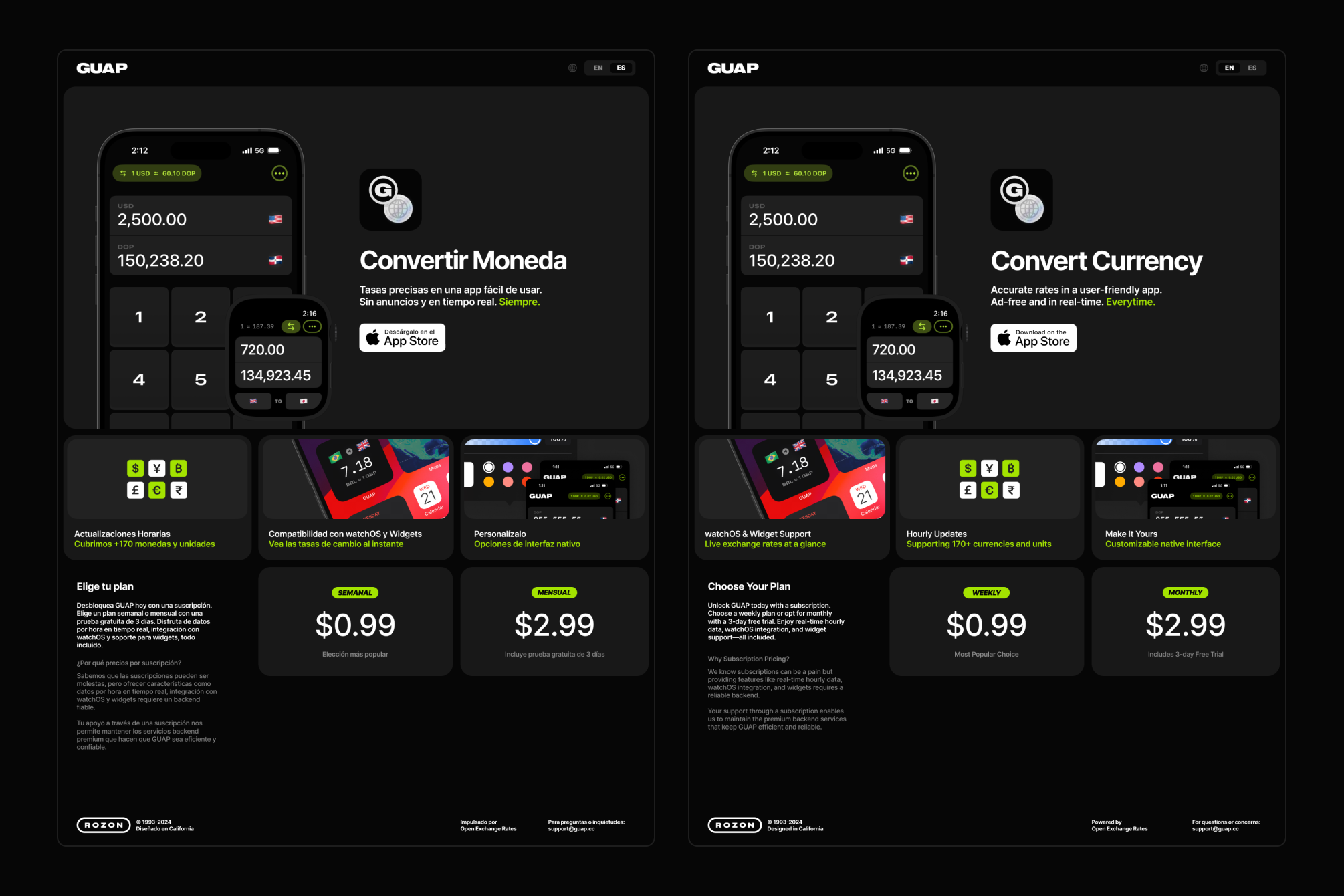
Landing page (EN/ES) (www.guap.cc)
-
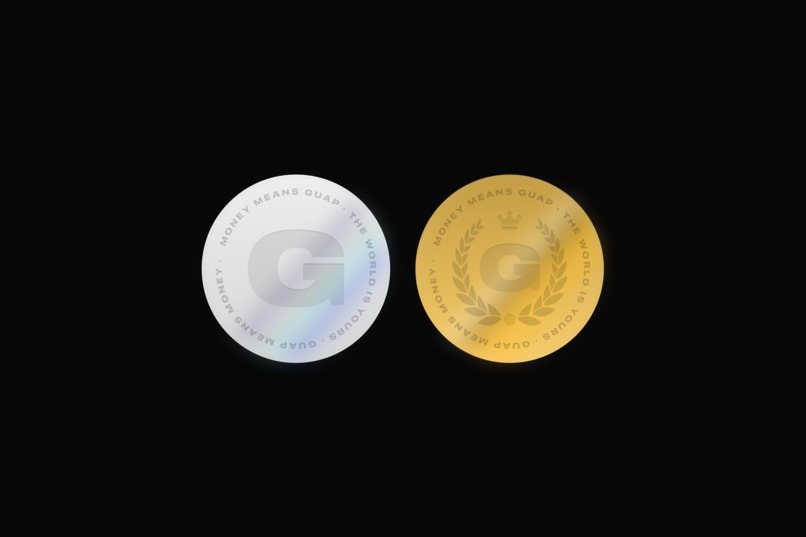
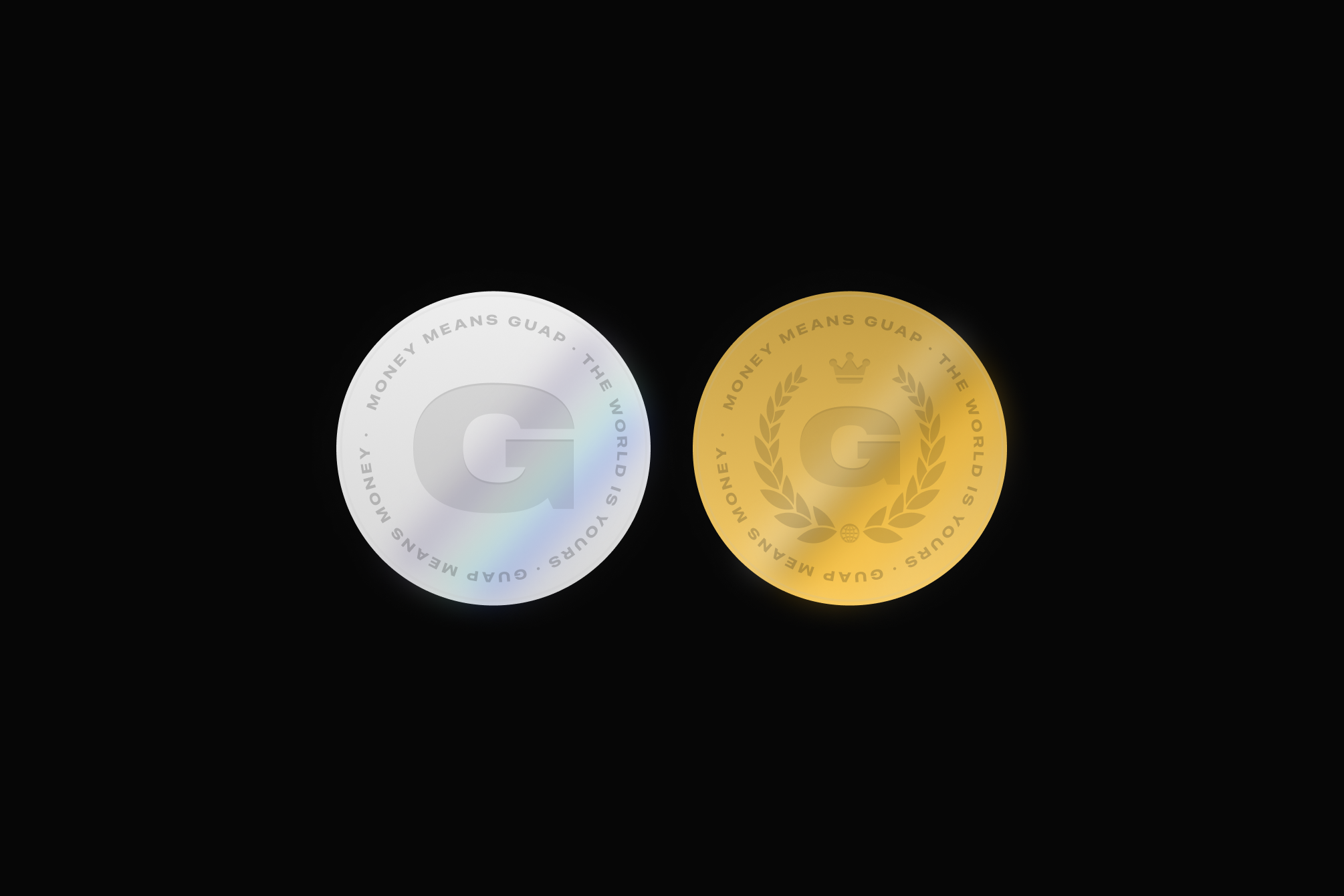
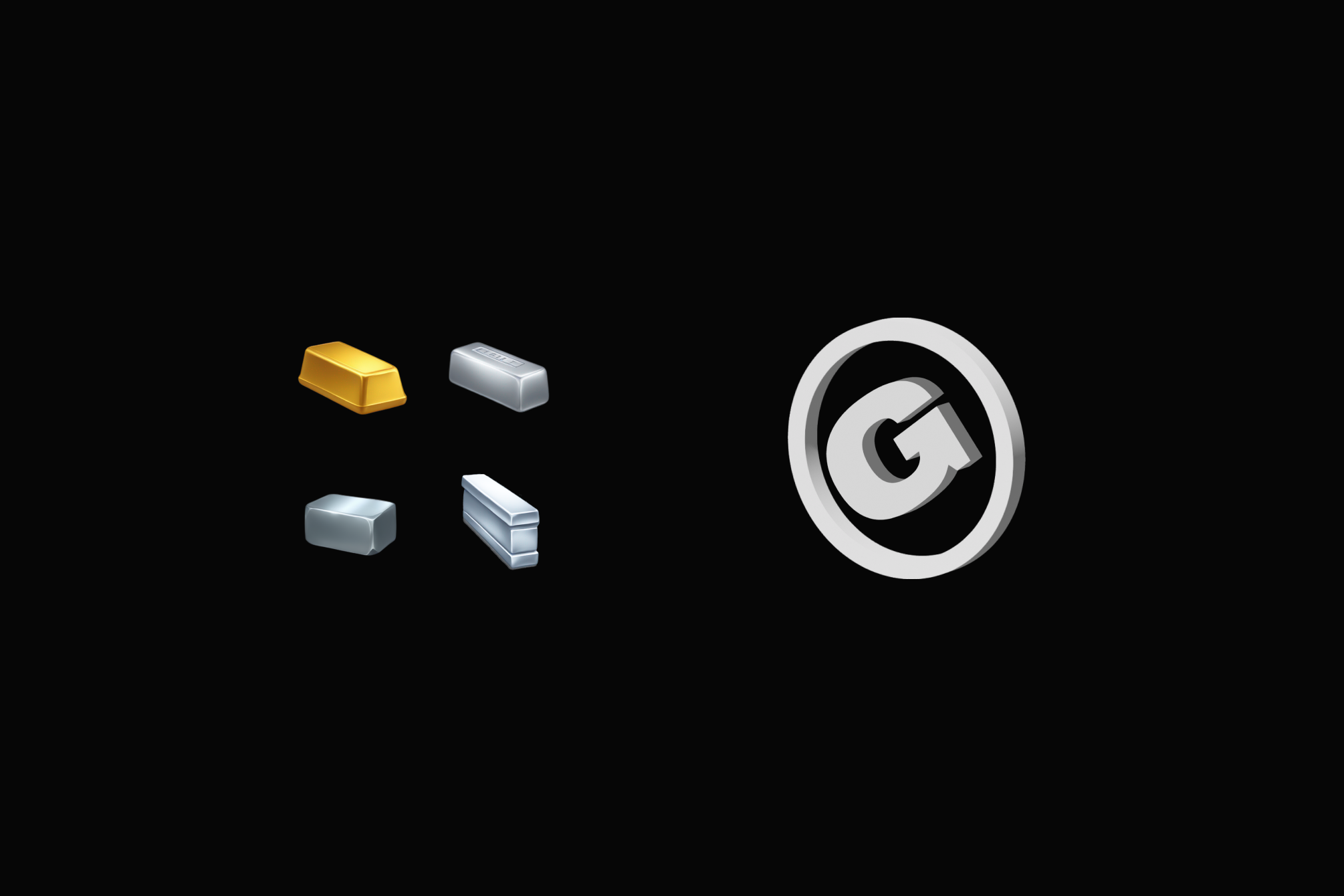
Time trial and subscription coins (turned med-poly 3D for final asset)
-
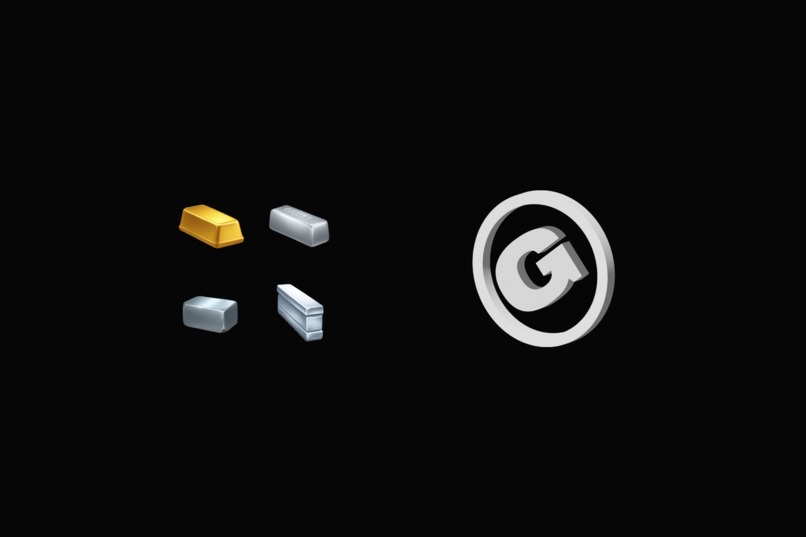
Custom emoji and 3D loading spinner
-

90's kid design inspo


Inspiration
I was inspired to build Guap after having an annoying time shopping at a supermarket in Santo Domingo and having to constantly reload Google in not-so-great network conditions. I thought to myself, "it'd be really nice for my Apple Watch to do this..." and, well, here we are.
Guap is a minimal watchOS and iOS application that provides realtime (hourly) exchange rates for 170+ currencies/commodities/special units on your wrist or in the palm of your hand. It is inspired by minimal applications such as Onigiri - Minimal Timer (https://apps.apple.com/us/app/onigiri-minimal-timer/id1639917298?mt=12) and the world-renowned Clear (https://apps.apple.com/us/app/clear-minimalist-todo-lists/id493136154); apps with low-density interfaces that do one thing really well and feel good to use.
What it does
Guap converts between 170+ currencies. It works offline. It is powered by Open Exchange Rates (https://openexchangerates.org) the leading provider of exchange rates on the web. It runs on watchOS and iOS. Both applications contain feature parity and offer flexible weekly and monthly plans for a very low price.
How I built it
Guap is a native app built with SwiftUI. The backend is written in vanilla Javascript and entirely serverless, powered by Fastify on Vercel with Upstash used for distributed caching. A cron job is executed hourly and updates the Redis cache. Each response to the client is outfitted with a cache header containing the TTL of the cached data. The client refreshes data 8 minutes after every hour. This ensures the backend remains lean, scalable, and most importantly FREE (as in, free-tier). Each time the client receives new data, it stores it in a SQLite DB using Core Data for offline purposes.
As previously mentioned, in terms of design, Guap is heavily inspired by minimal low-density applications that allow some customization. Aesthetically it's inspired by the Air Max 97 sneaker and the Kazaa P2P software for the early 2000s. Despite this, it boasts a truly native interface that feels right at home in the iOS ecosystem. In keeping with the early 2000s theme, I created a number of medium-fidelity 3D models and use them across the UI. I also got a chance to use Veximoji, a little emoji flag Swift Package I wrote a few years ago (github.com/roz0n/veximoji).
I originally designed the Guap logo in 2021 after my first bout with COVID, I posted it on Dribble but never did anything with it: https://dribbble.com/shots/15122893-Guap-iOS-Currency-Converter
Challenges I ran into
- Keeping everything running on the free tier (Vercel, Upstash, Open Exchange Rates)... an effective caching strategy was key.
- Just as the RevenueCat documentation warns, StoreKit promo codes are pretty much broken in sandbox. I can't get the input field to show for some reason. I settled for a 15 minute timer on the application.
- App Store Connect... it is a bleak, lonely place :(
- Working full-time and building something like this outside work hours is an endeavor I may be getting too old for!
Accomplishments that I'm proud of
What I’m most proud of is that I built something that solved a problem I actually had -- regardless of how minute. It feels highly satisfying to actually finish something. Implementing the RevenueCat SDK and has gotten the wheels turning re: app-monetization and ASO. I feel a little bit rejuvenated regarding mobile development both as a side-hustle and as a craft.
Also, there was zero generative AI used in the creation of any visuals outside of the custom mineral emojis.
What I learned
I learned why it's important for mobile developers to release at least one app to the actual stores. I've been practicing mobile development for over half a decade now and I'd never released anything to either store (I've worked heavily with other distribution methods though.) Just dealing with app review in and of itself was an eye-opening experience.
From a technical perspective, I learned a metric ton about in-app purchases and caching. I'm also getting really good with the WatchConnectivity framework and watchOS development in general.
Looking forward, I hope to add crypto currencies and historical data such as charts. I was not able to complete development of the latter two before the deadline.
Getting "Sherlocked"
I've been made aware Apple added a currency converter to the calculator app in iOS 18. I honestly didn't even know about it until two days ago. Regardless, I feel there's a place for something like this to exist despite any new OS integration judging from what I've seen.
Built With
- fastify
- nextjs
- swift
- swiftui
- upstash
- vercel
- xcodecloud

Log in or sign up for Devpost to join the conversation.