-
-

Login
-
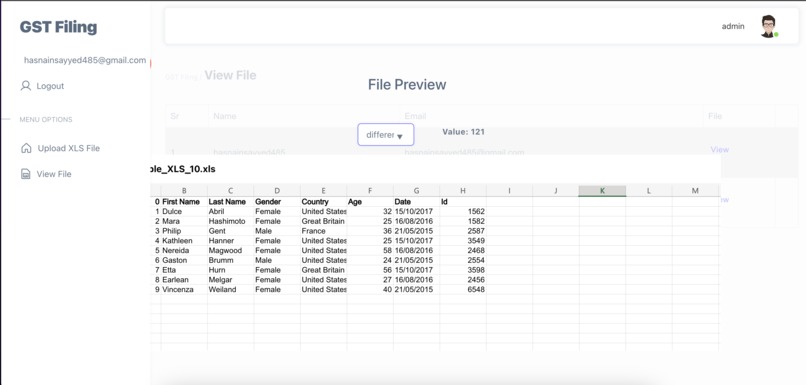
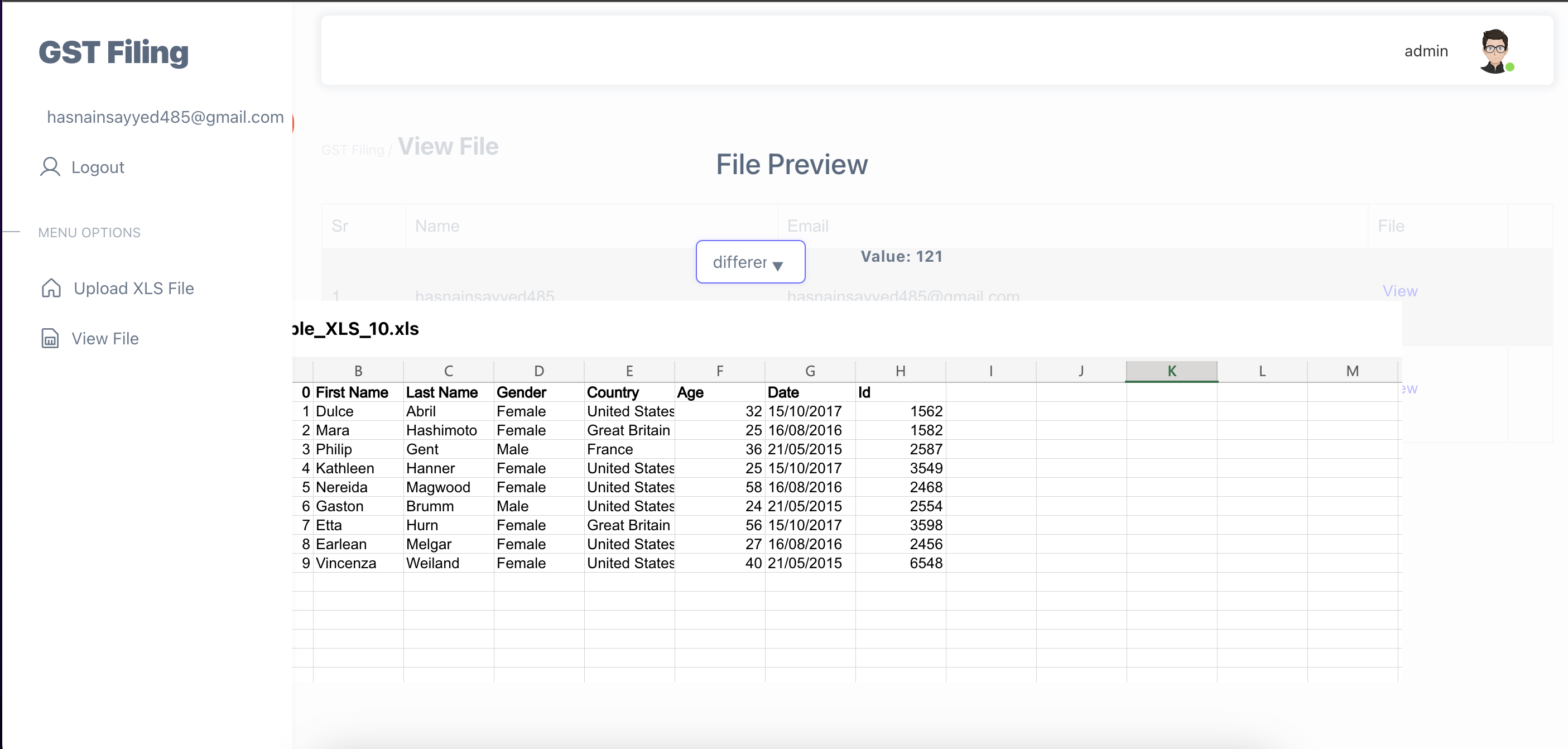
View Excel
-
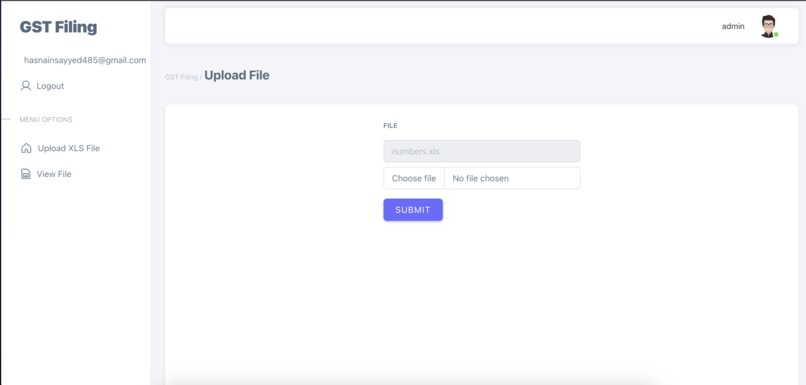
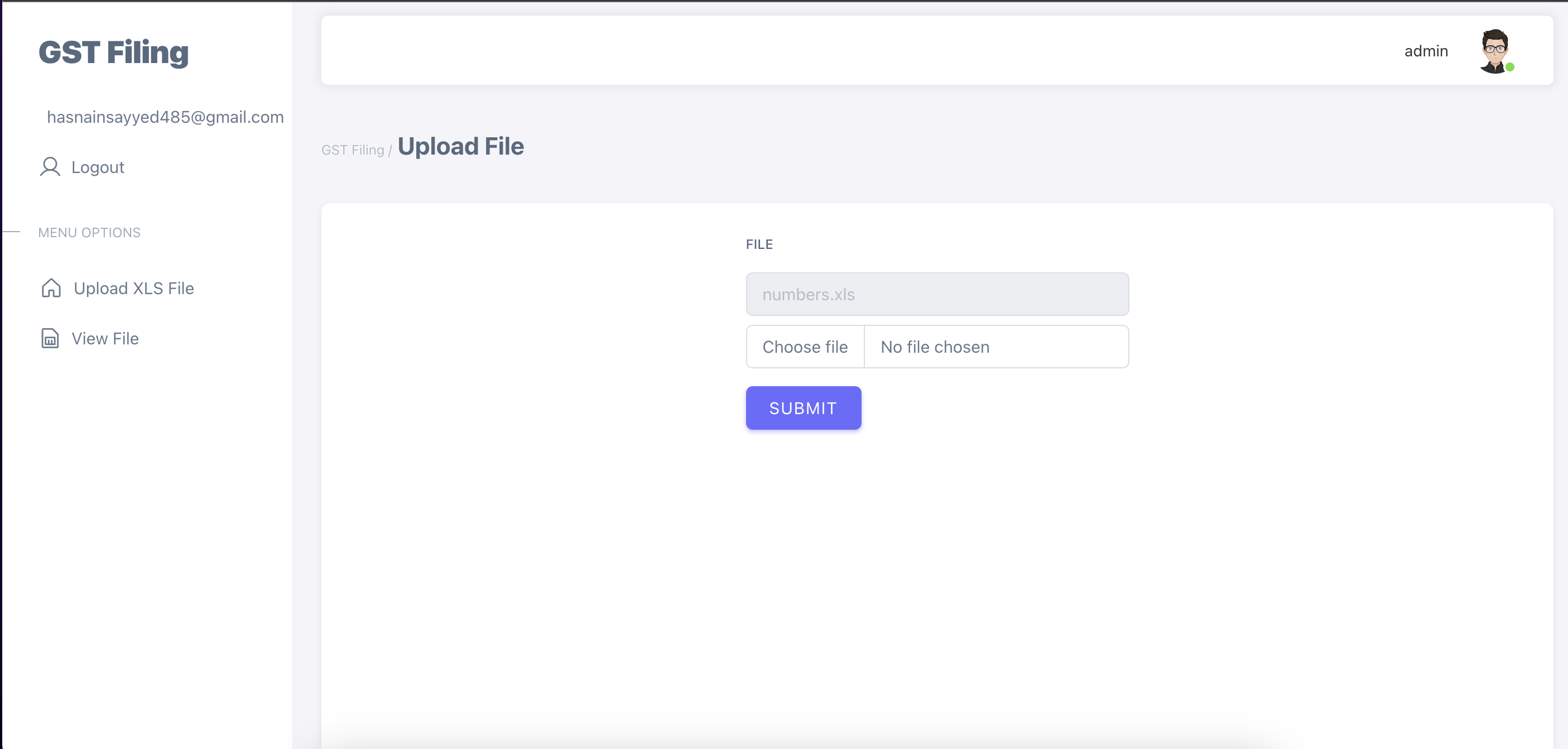
Upload file to firebase storage
-
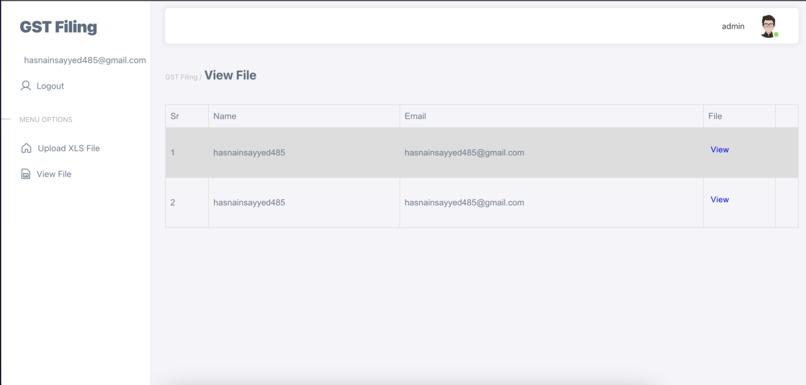
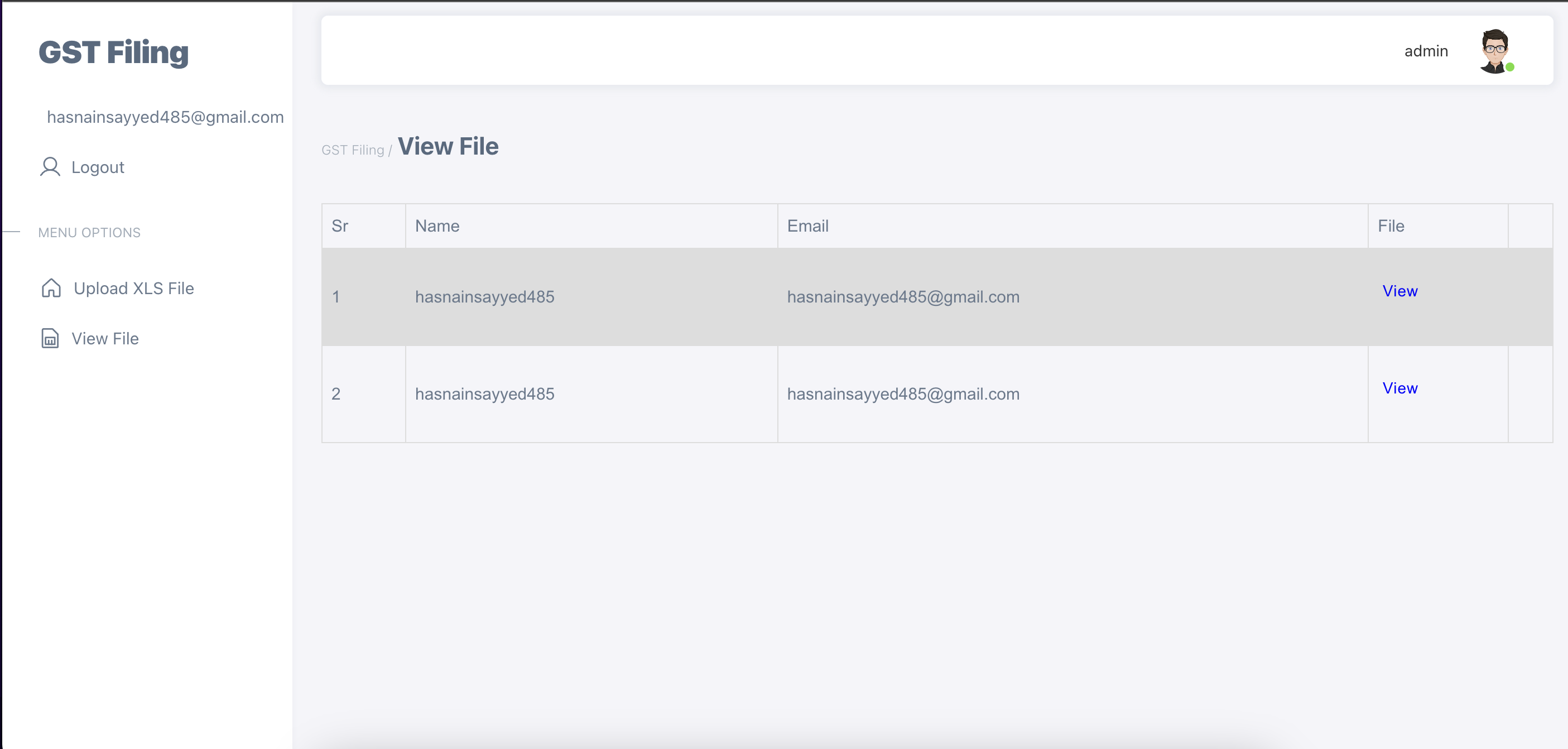
View file
-
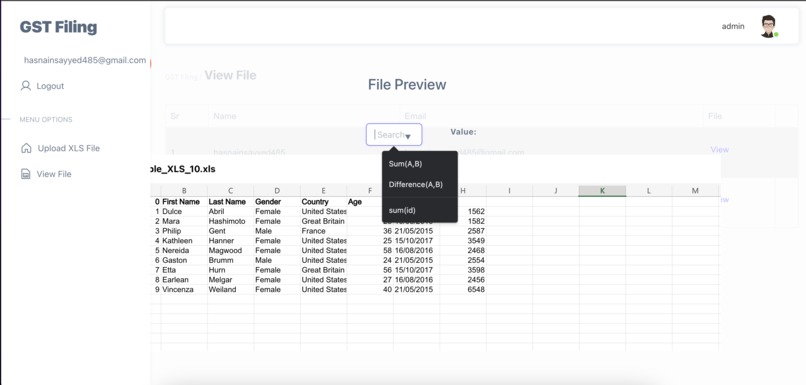
Perform operations


Inspiration
What it does
User Registration: User registration endpoint (e.g., POST /api/register) where users can create an account.
User Login: Generate a JWT token upon successful authentication and return it in the response. The token should be used to authenticate all API requests.
Access Control and Authorization: A middleware that verifies the JWT token for protected routes. A role-based or permission-based access control system.
Token Validation and Refresh: A mechanism to validate and refresh the JWT token. Verify the integrity and expiration of the token on subsequent requests
Field Operations: A functionality in the admin panel to select specific columns and rows from the uploaded Excel file using dropdown selectors. It provides field to add formulas like SUM, Difference, etc., that can be applied to the selected column and row.
Data Storage and Management: Utilize Firebase's Storage to store the Excel file data.
Excel Data Visualization: A functionality to visualize the Excel file data in the Web.
How we built it
React JS Firebase Firestore Firebase Storage Firebase Authentication Node JS JWT Authentication Redux
Challenges we ran into
Implementing JWT with Firebase for auth0
Accomplishments that we're proud of
Performing different mathematical operations on Excel file
What we learned
JWT token generation
What's next for GST Filling APP
Adding more formula in the given options


Log in or sign up for Devpost to join the conversation.