-
-
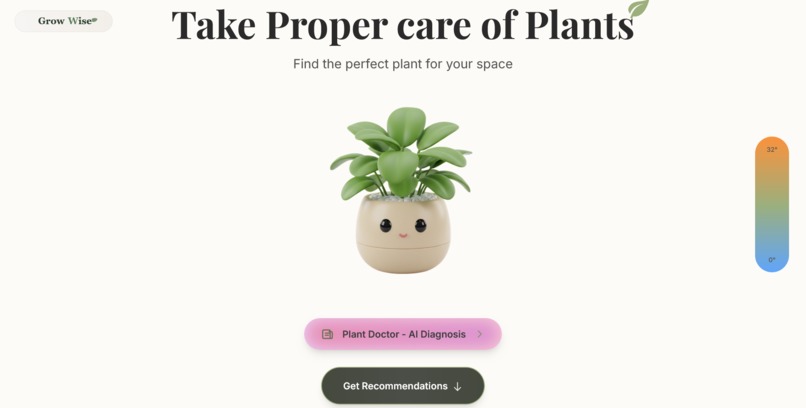
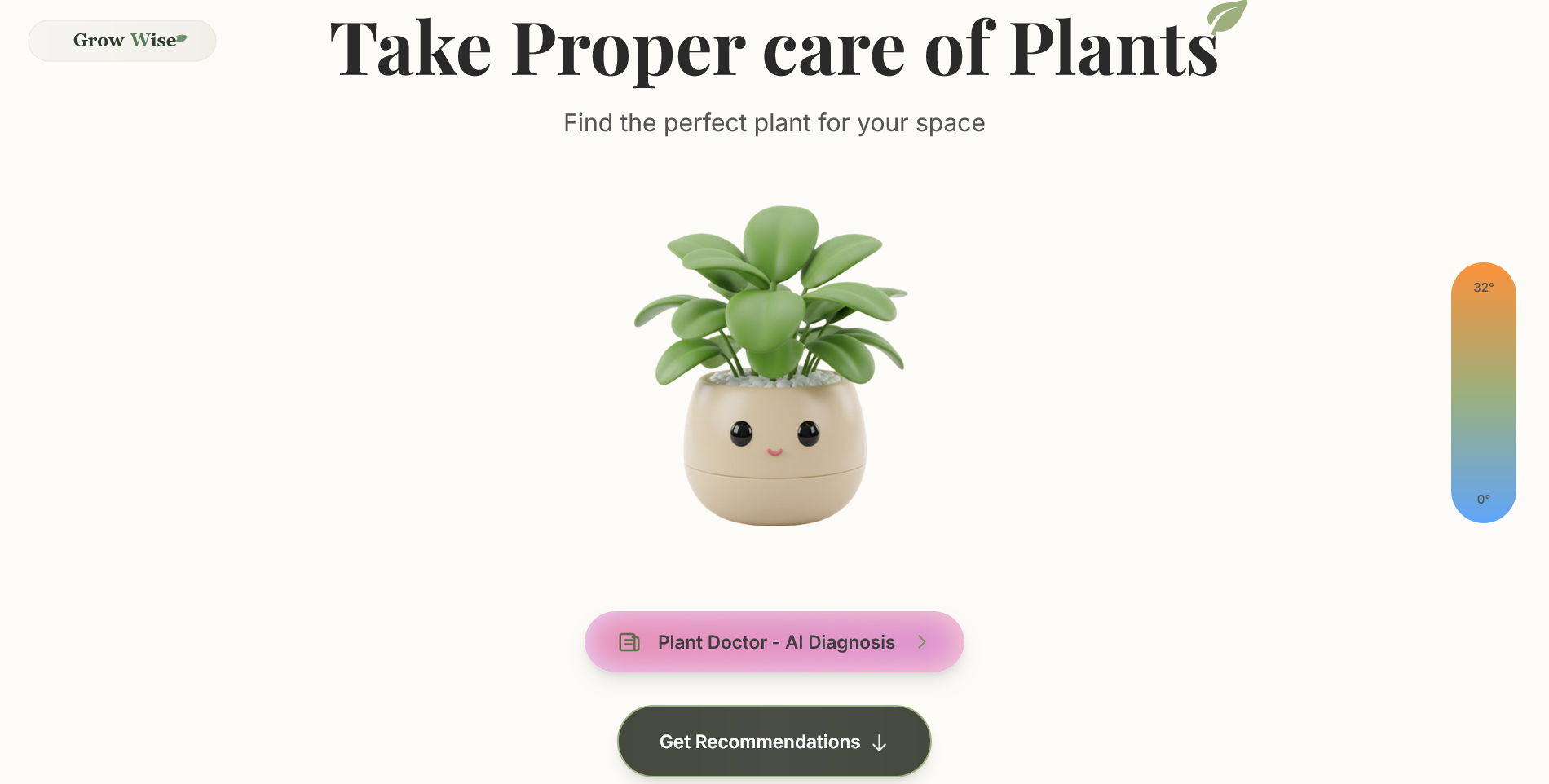
Welcome to GrowWise! Get AI plant help or find the perfect plant for your space. Let's start growing!
-
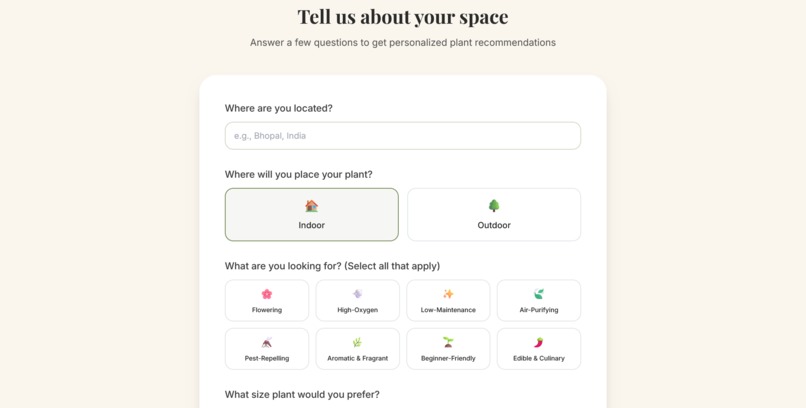
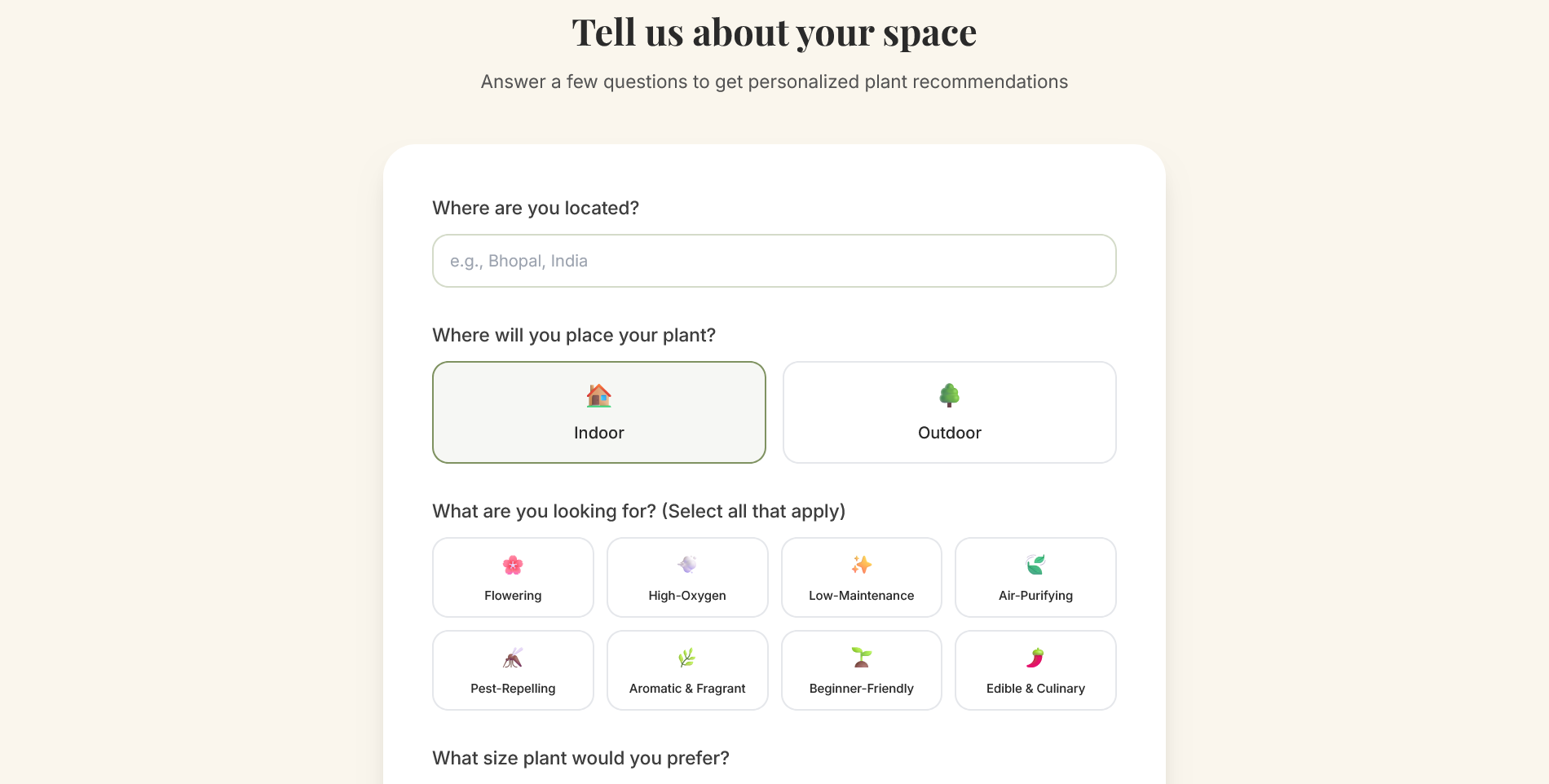
Tell us about your space! Our simple form helps us find your ideal green companion in just a few clicks.
-
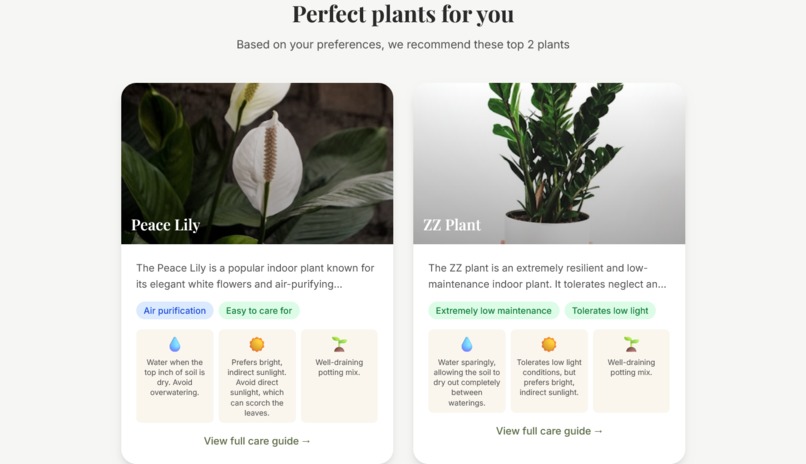
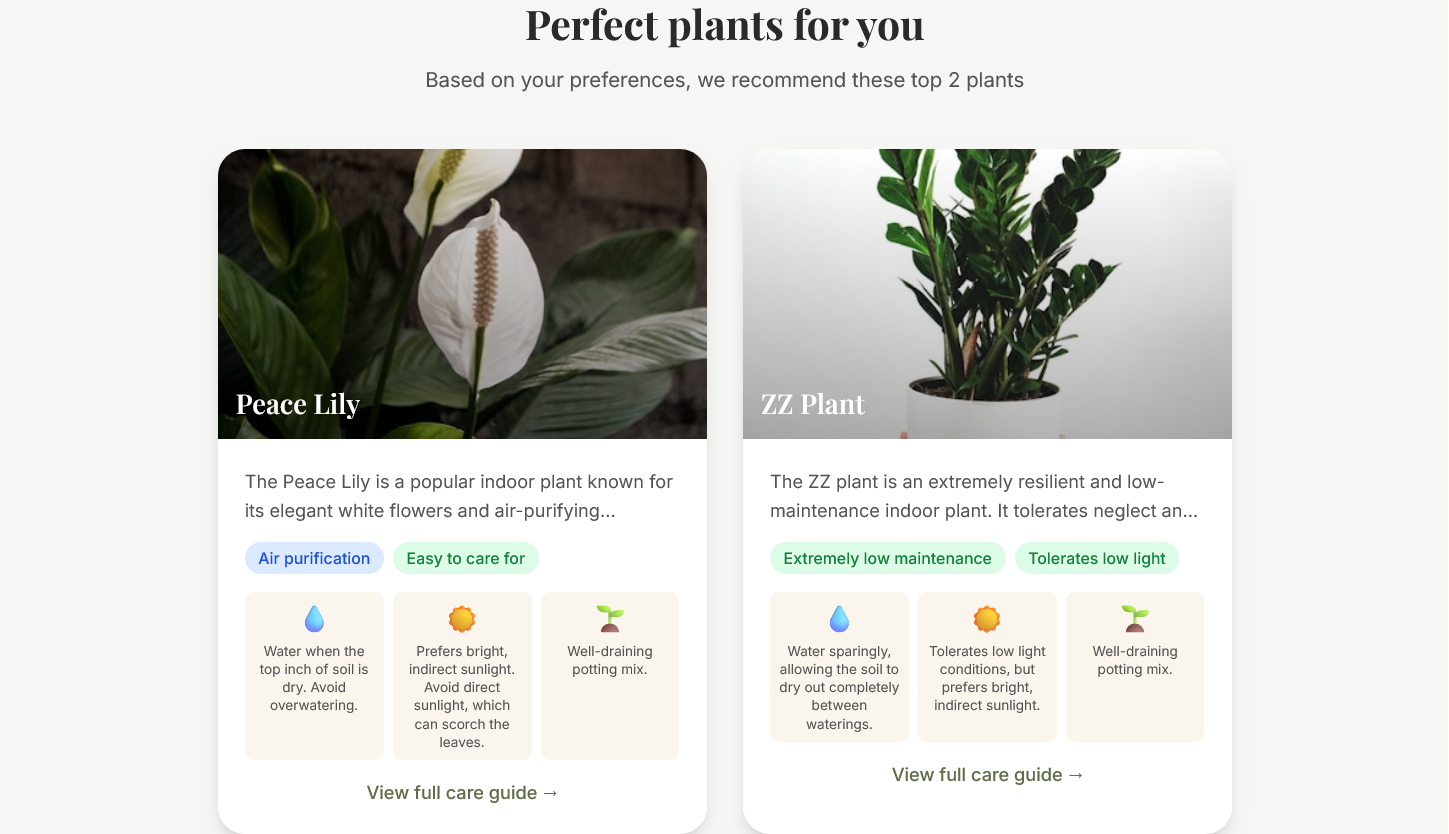
Perfect plants for you! Our AI recommends the best matches with key care tips at a glance. Dive in deeper!
-
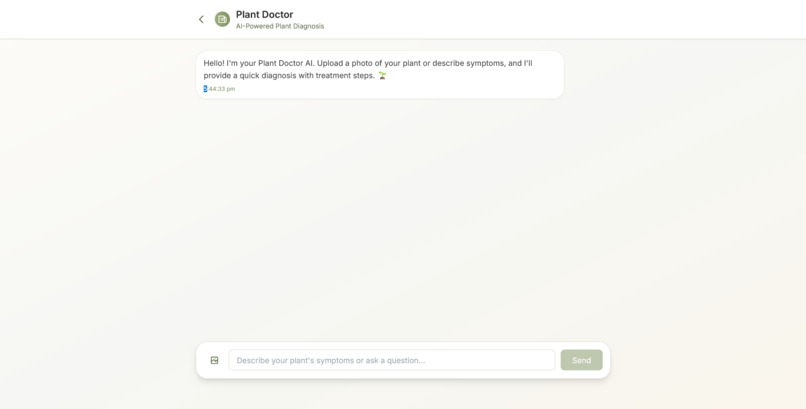
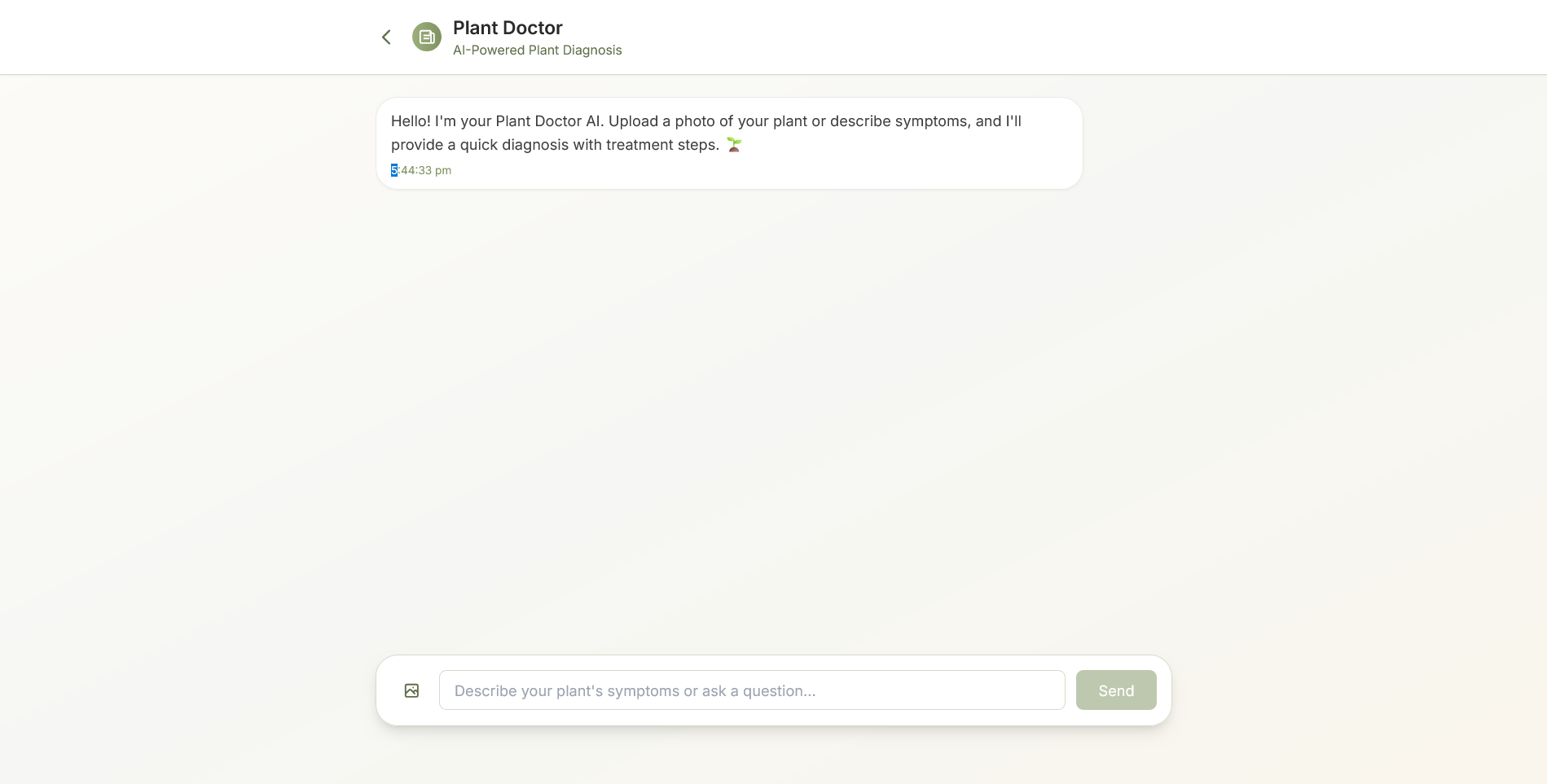
Meet your Plant Doctor AI! Upload a photo or describe symptoms to get a quick diagnosis and treatment steps.
-
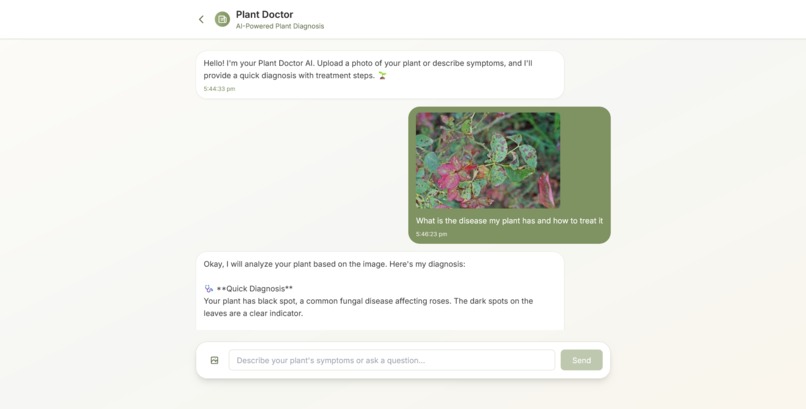
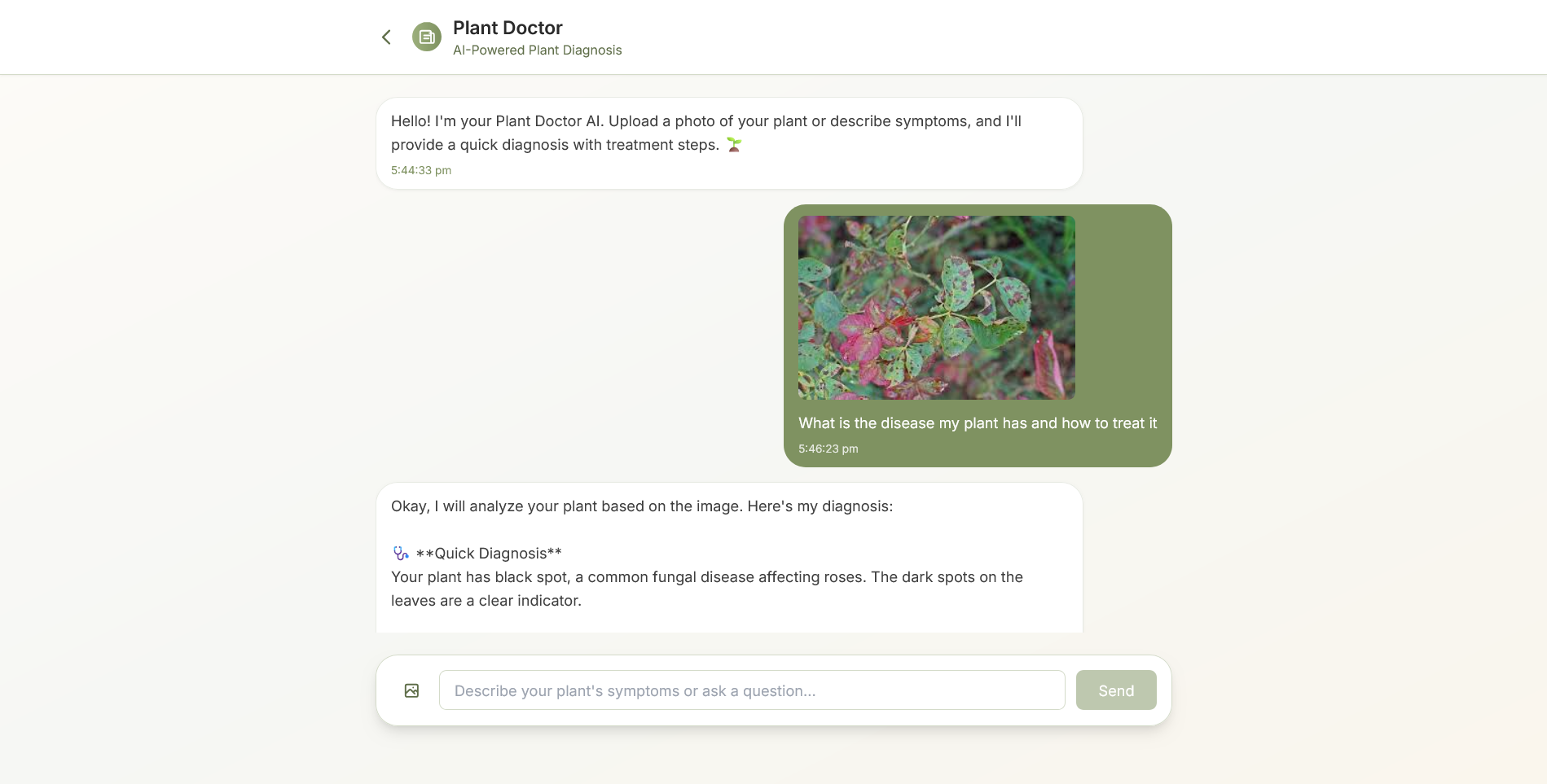
Simply upload a photo of your plant and ask a question. Our AI gets to work instantly to find a solution
-
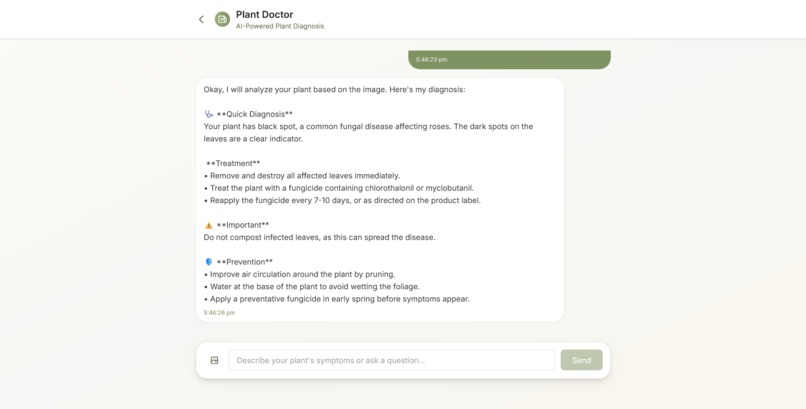
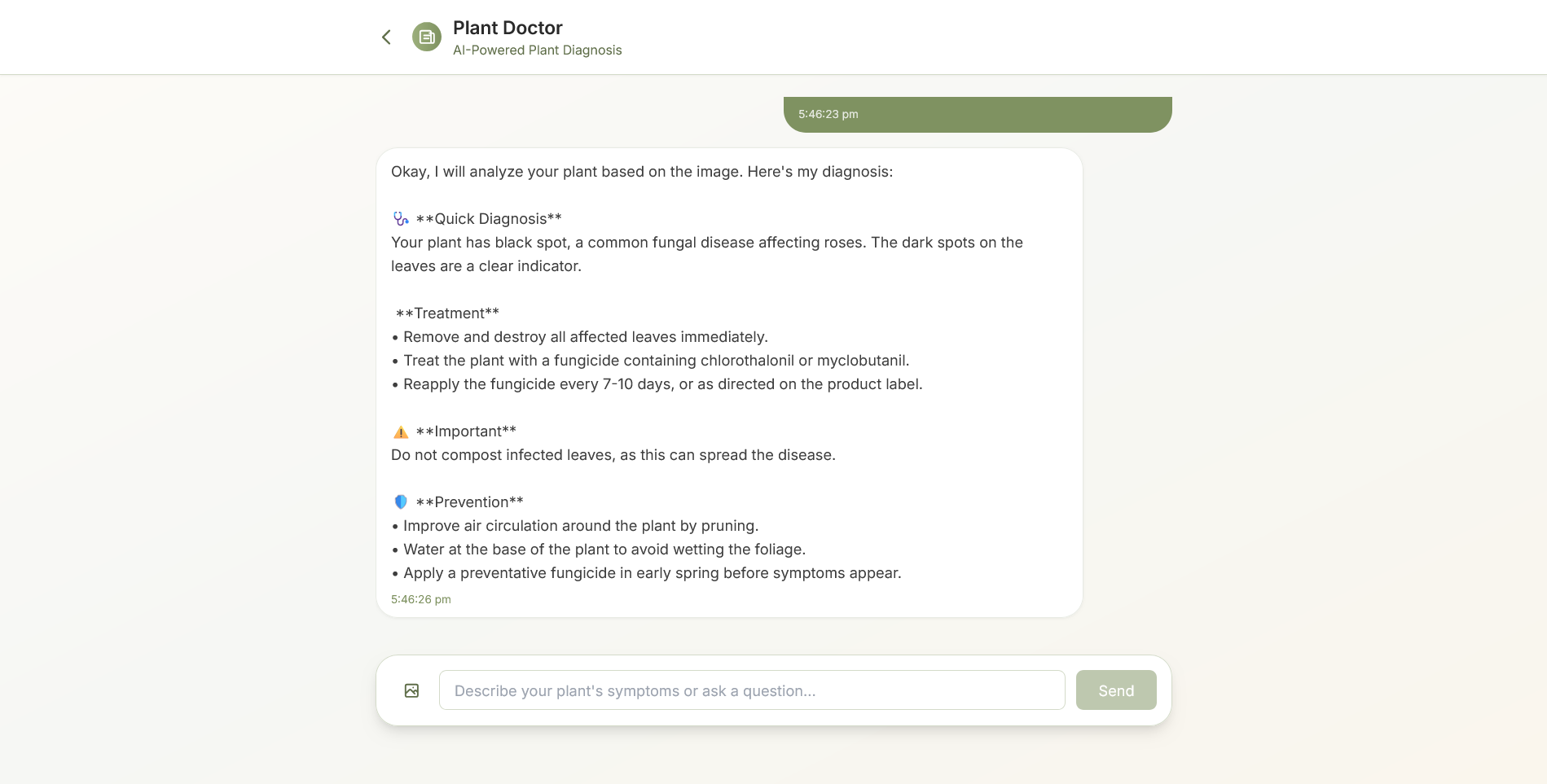
Get instant, detailed results. Our AI provides a diagnosis, treatment, and prevention tips to save your plant.
Inspiration
Living alone in my uni room, I kinda felt like it was missing something. It was just... four walls. I really wanted a plant to make the space feel a bit more alive and less like a concrete box. But when I actually looked into it, I was totally overwhelmed. There are SO many plants, and I had no clue how to keep one from dying on me in a week.
I figured other people must feel the same way – wanting some green in their lives but not knowing where to start. That's basically how GrowWise was born. I wanted to build something that cuts through the confusion and helps anyone find their perfect plant buddy.
What it does
So, what is GrowWise? It's basically your personal plant guru. You tell it what you're looking for, and it does the hard work for you.
- Get Plant Recs that Actually Make Sense: You tell it where you live, if the plant's for inside or outside, how much space you have, what kind of vibe you want (like, something that flowers, or something that's just super easy to keep alive), and how much sun your window gets. Then, the AI brain does its thing and gives you a list of plants that'll actually thrive in your space.
- No-Stress Care Guides: Once you pick a plant, it tells you exactly how to take care of it – how much water, how much sun, what kind of soil, all that stuff. No more guessing games.
- Pest & Disease Help: It also gives you a heads-up on common issues and how to avoid them, so your plant stays happy and healthy.
- The AI Plant Doctor: Is your plant looking a little sad? Just snap a pic, describe the problem to the chatbot, and our AI will analyze the image and text to diagnose the issue and tell you how to fix it.
How we built it
I built this thing with a pretty modern tech stack. The whole app is built on Next.js (using the new App Router, which is awesome for speed). For the look and feel, I went with Tailwind CSS. I wanted a really clean, minimalist vibe that felt calming, and Tailwind made that super easy without writing tons of CSS.
The real magic comes from the gemini-2.0-flash model. I'm using the Gemini API as the brain behind the recommendations. For the AI Plant Doctor, we used Gemini's multi-modal capabilities, which allow it to analyze both the photo you upload and the text you type to give you an accurate diagnosis. And yeah, I kept the project structure simple – no src folder, everything just lives in the app directory to keep things organized.
Challenges we ran into
Okay, so it wasn't all smooth sailing. The biggest headache was getting the AI to give me good, consistent answers. Trying to write the perfect "prompt" for gemini-2.0-flash was kinda tricky. I had to figure out how to ask it for recommendations in a way that it understood all the user's needs (like sunlight, location, etc.) and gave me back a clean JSON file every single time. That took a LOT of trial and error.
Also, just getting the Next.js backend to talk to the Gemini API without crashing or timing out was a bit of a learning curve. And on the design side, it was a fun challenge to make something "minimalist" without it just looking empty and boring.
Accomplishments that we're proud of
I'm super proud of how smart the recommendation engine turned out. Successfully implementing the AI Plant Doctor is a massive win. Using Gemini's multi-modal features to diagnose issues from just a photo and some text feels like actual magic. Getting these advanced AI features working inside a smooth, good-looking web app feels like a huge accomplishment.
What we learned
This project taught me a ton. Specifically:
- How to really use the Next.js App Router and structure a project properly.
- That Tailwind CSS is a lifesaver for building nice, responsive UIs quickly.
- The art of "prompt engineering" – basically, how to talk to a large language model like
gemini-2.0-flashto get exactly what you want out of it. - The basics of setting up API routes to connect a frontend app to a backend AI service.
- How to balance a clean, simple design with a user experience that still feels warm and inviting.
What's next for GrowWise
So, what's next? We've got a bunch of ideas to make GrowWise even better:
- Intelligent Plant Dashboard: A central hub that aggregates data from the user's location, climate, and season. It translates this into real-time, actionable advice and care schedules. It helps the user see plants simulation and growth in real time.
- User Accounts: So you can log in and save a list of your plants.
- Personal Dashboard: A place to track how your plants are doing, with little reminders for when to water them.
- Bigger Plant Database: Add more plants, especially ones that are specific to different regions.
- A Community Section: It'd be cool to have a place where people can share pictures of their plants, swap tips, and just connect with other plant parents.
- Maybe a Mobile App? It would be awesome to have GrowWise on your phone for easy access.
Built With
- copilot
- css
- gemini-api
- generative
- javascript
- react-native
- tailwind

Log in or sign up for Devpost to join the conversation.