-
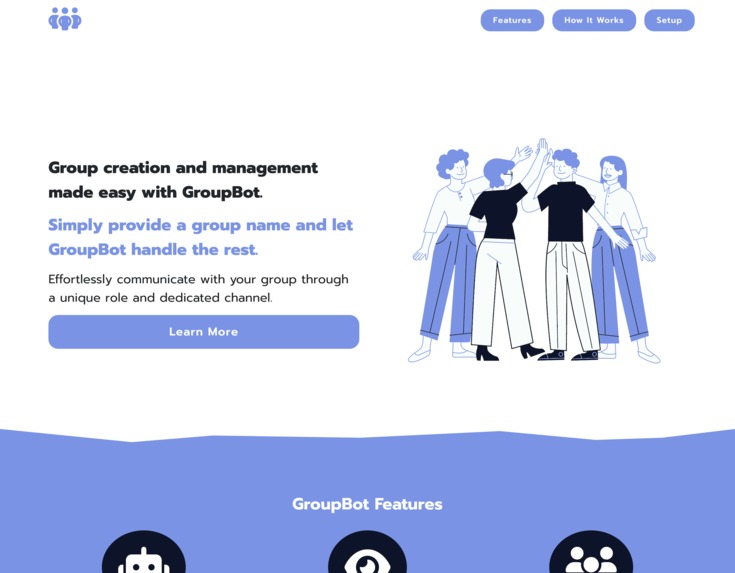
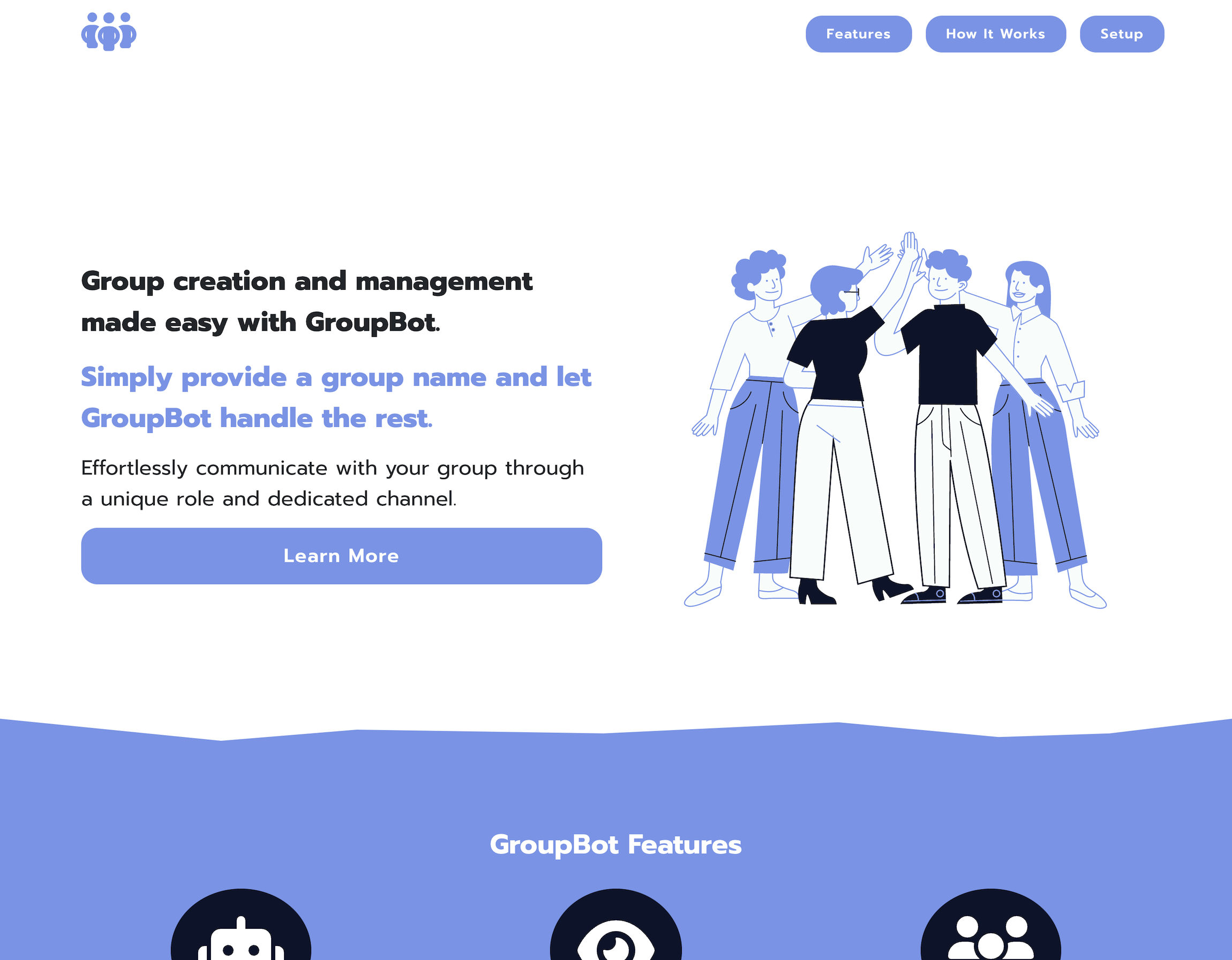
Website Hero
-
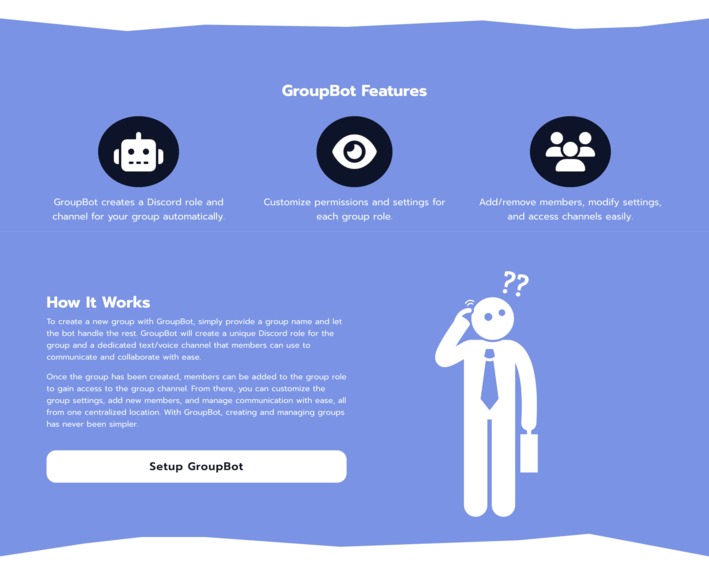
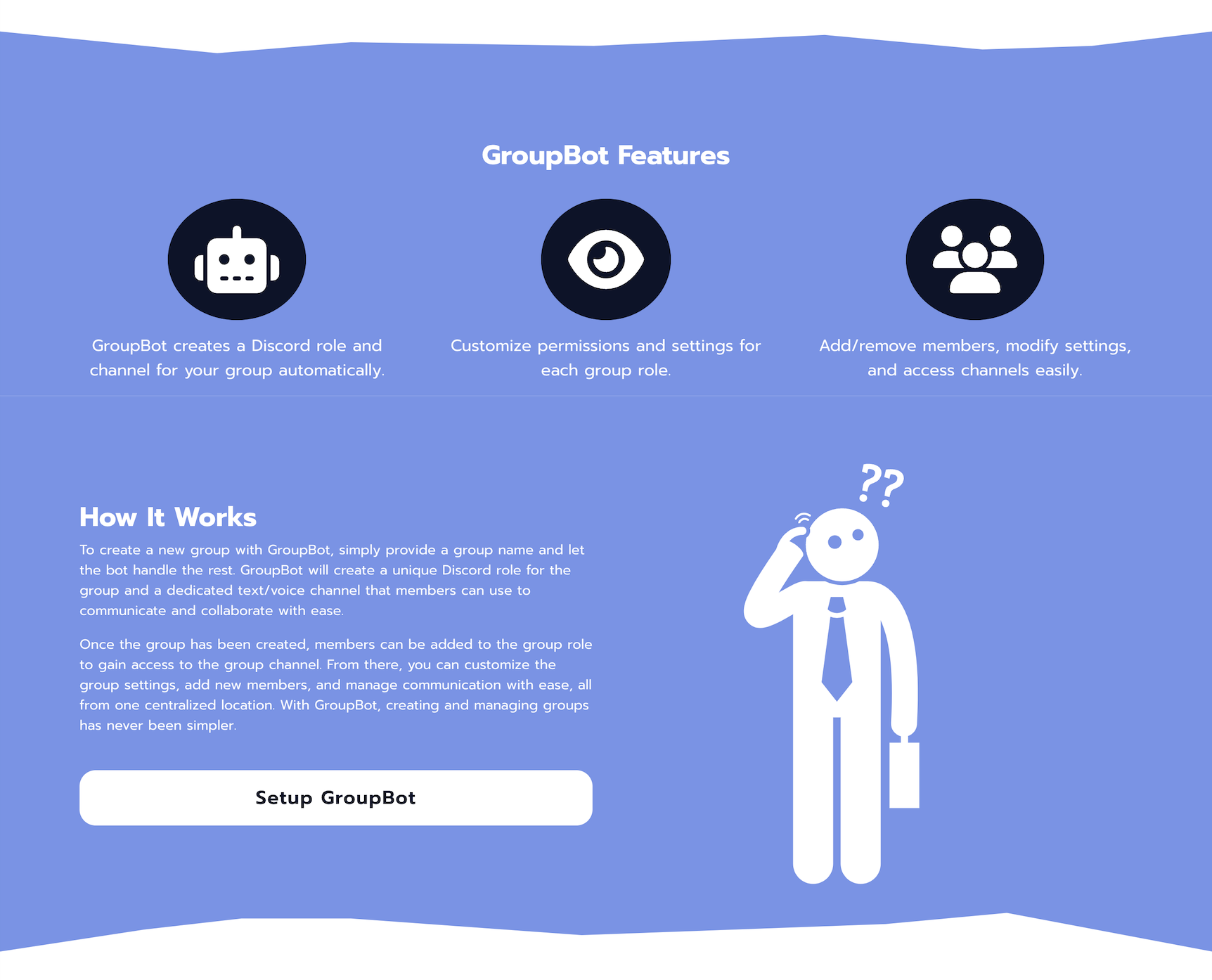
Website Mid-Section
-
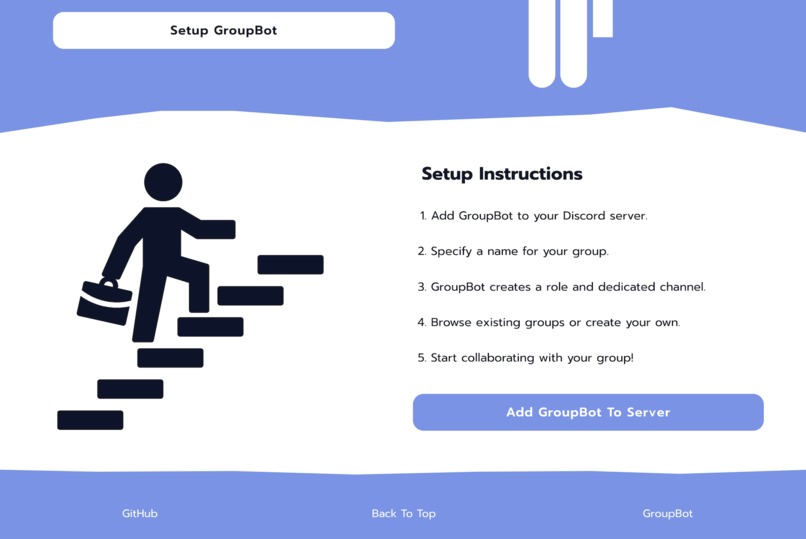
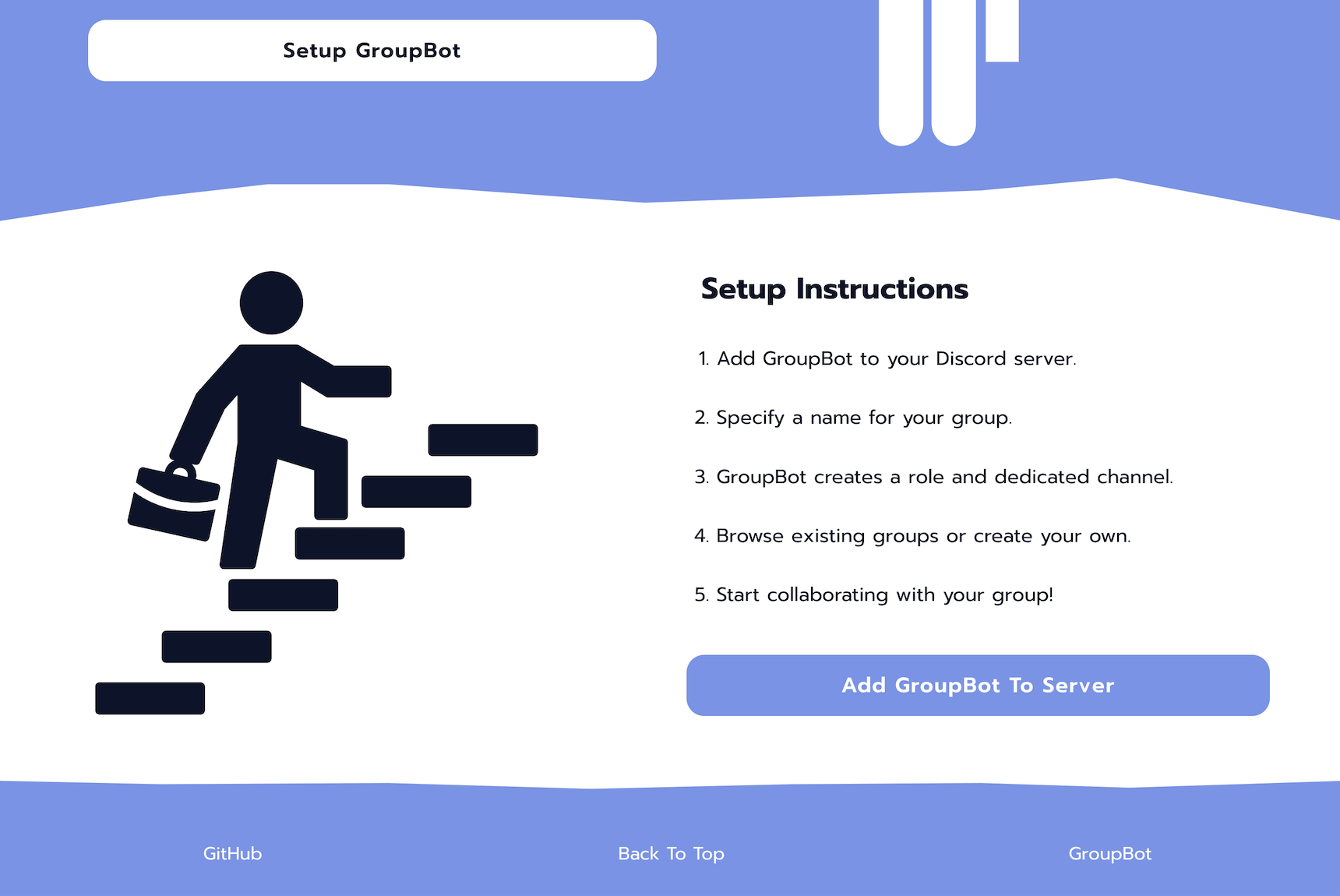
Website Footer-Section
-
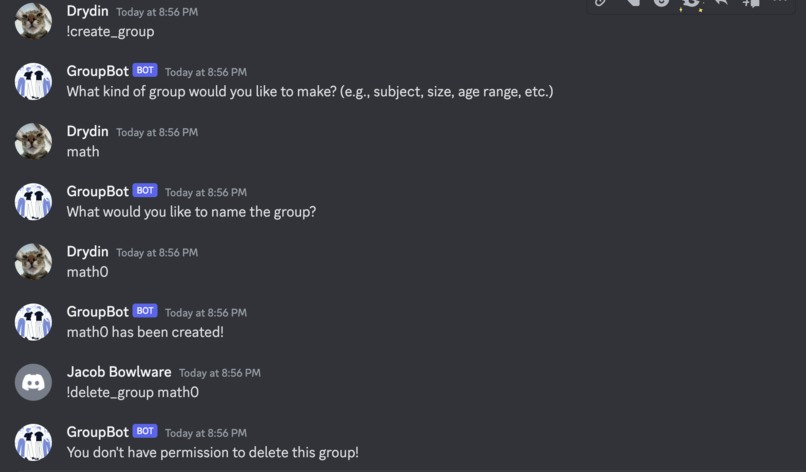
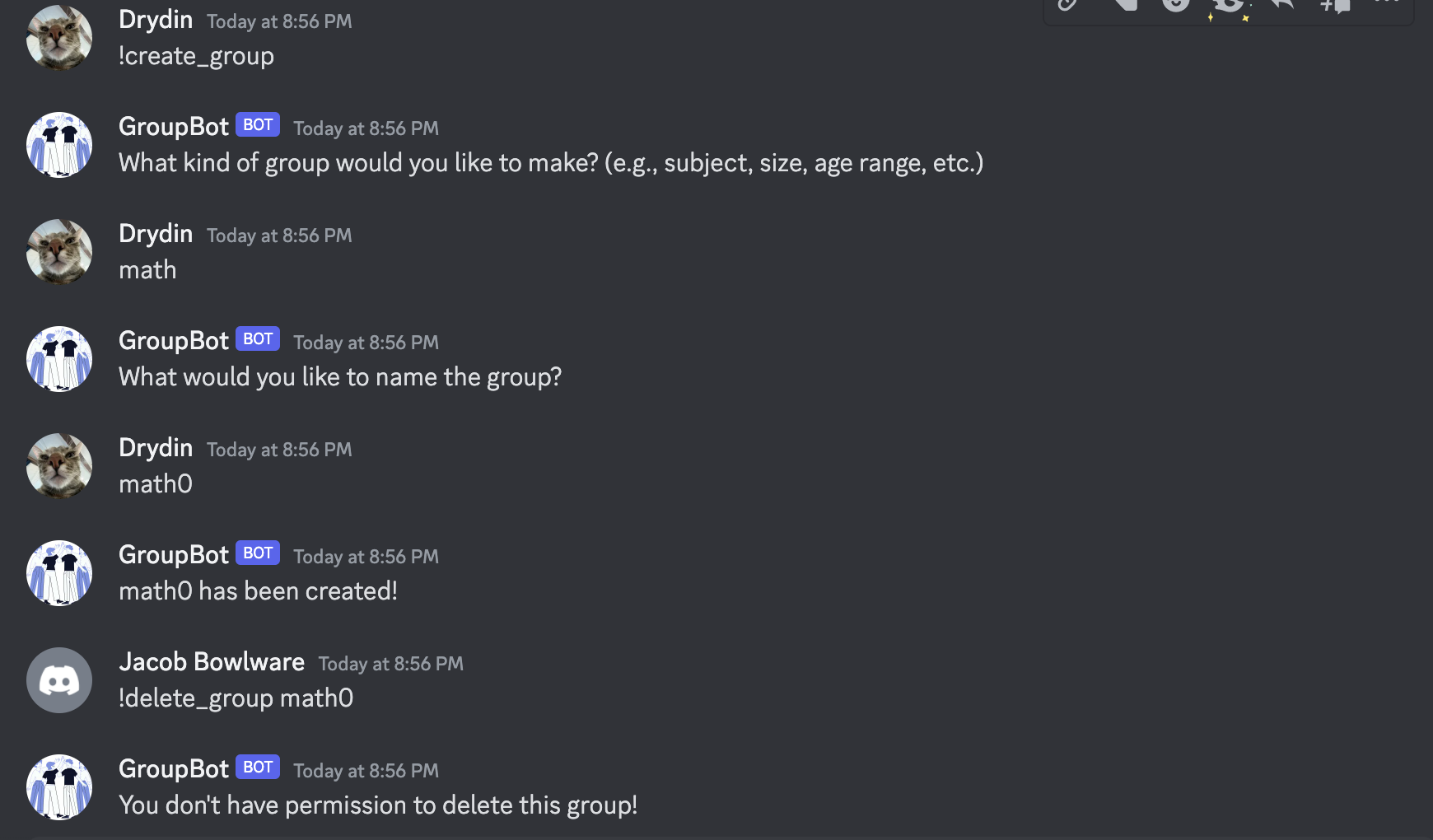
GroupBot taking user input on discord.
Inspiration
The inspiration behind GroupBot came from a desire to make it easier for people to find and connect with others who share their interests within Discord communities. Our goal was to create a tool that simplifies the process of forming groups and collaborating with others, allowing users to focus on building meaningful relationships and pursuing their passions. Whether you're looking to start a new project, join a team, or simply find a group of like-minded individuals, GroupBot makes it easier than ever to find your place in the Discord community.
What it does
GroupBot simplifies the process of creating and managing groups on Discord. With just a group name, the bot automatically creates a unique Discord role for the group and a dedicated text/voice channel, making it easy for members to communicate and collaborate. Users can join existing groups or create their own and wait for others to join. Once the group is created, members can be added to the group role to gain access to the group channel. With GroupBot, managing groups and connecting with like-minded individuals has never been easier.
How we built it
Our team worked hard to create this bot and website with the goal of helping people find their place in Discord communities. Jacob built the website using ReactJS, HTML/CSS, Firebase, and Bootstrap to make it easier to manage the CSS. He also followed best SEO practices to make the website more discoverable. Drydin developed the Discord bot using Python and the Discord Developer Portal, ensuring that each component worked smoothly and without any vulnerabilities.
Challenges we ran into
Our team faced several challenges during the development of this bot. Here are the key challenges we encountered:
- Debugging an endless ocean of errors.
- GitHub repository malfunctions resulting in new repositories being made.
- Creating a good website design/style and translating that to JS/React/HTML/CSS.
- Making the website mobile compatible.
- Remembering python syntax.
- Creating the discord bot itself and ensuring it could handle invalid user input.
- Making sure the bot assigns the correct roles to users and creates the correct discord channels.
Accomplishments that we're proud of
- Website came out looking great.
- Discord bot came out working as intended.
- We did not shortcut any steps and stayed true to our projects goal, no matter the issue.
- We successfully completed our first project in our first hackathon as freshman's.
What we learned
- How to effectively translate a UI design into code for our website.
- How to create a discord bot.
- How to have this discord bot: Create Private Channels, Assign Roles, and Manage Users.
What's next for GroupBot
- We plan to enhance the user experience by fixing some common errors and adding more options such as community creation (multiple groups can share a channel).
- We are also thinking of finding a way for GroupBot to be hosted on public machine / server, rather than us being forced to have the program running locally.


Log in or sign up for Devpost to join the conversation.