-
-
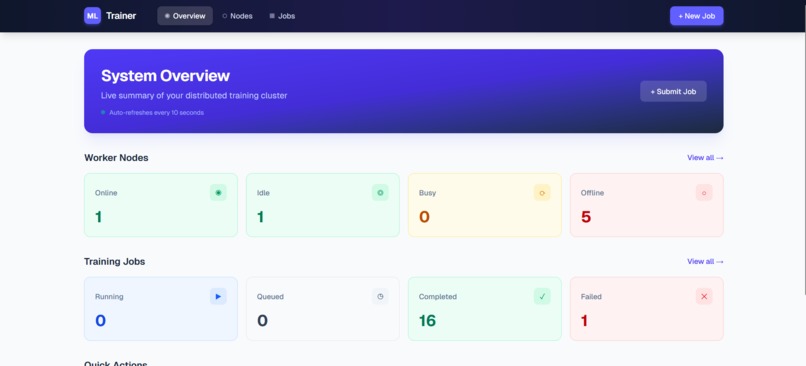
Our dashboard
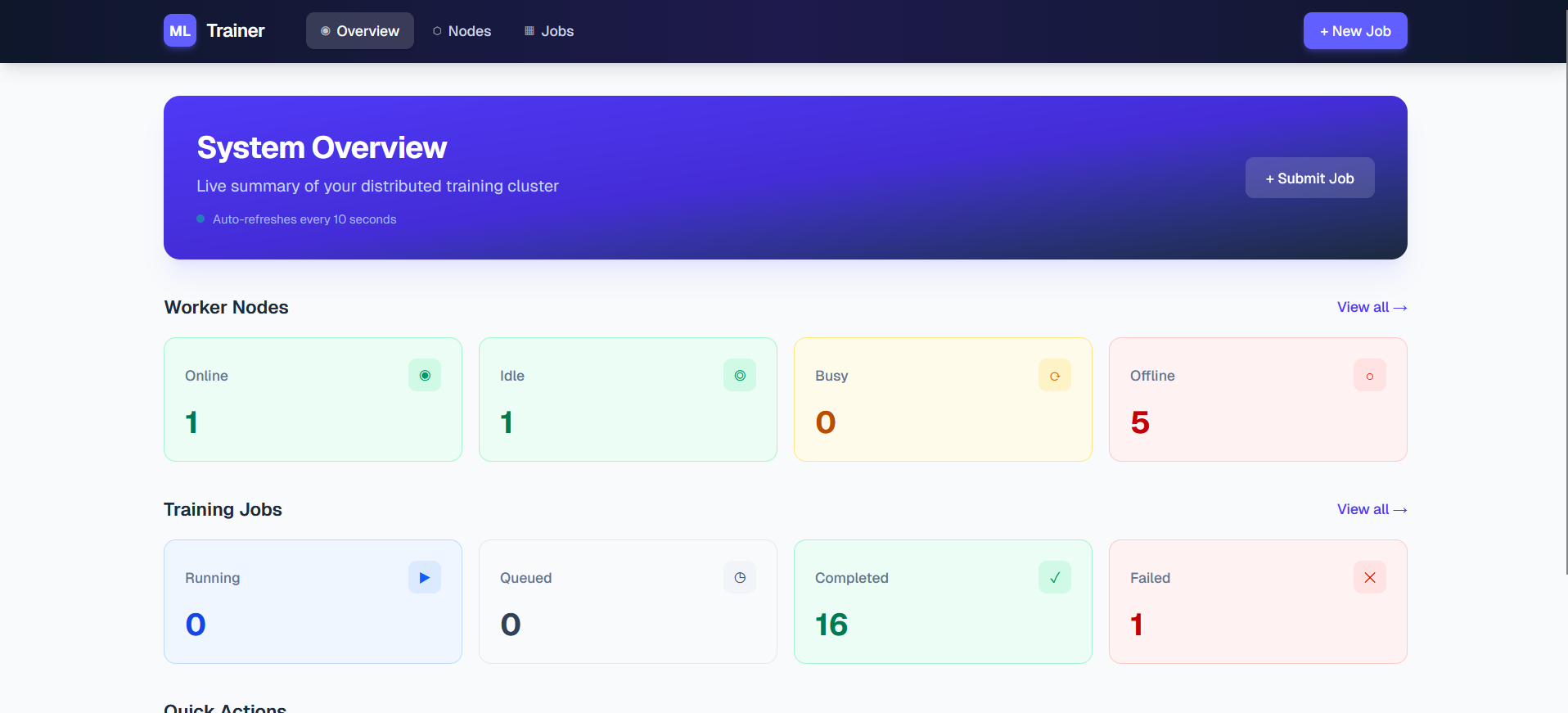
Group ML Trainer
Group ML Trainer distributes ML training jobs across idle networked machines. Users submit a job from one dashboard, workers train independently on their assigned data shards, and results are aggregated centrally.
Spec-Driven Development
We used Kiro’s spec-driven workflow as the backbone of our development process. Starting from a rough idea, Kiro guided us through a structured pipeline:
requirements → design → task planning
This resulted in:
- 12 formal requirements with acceptance criteria
- A full design document including:
- architecture diagrams (Mermaid)
- database schemas
- API endpoint definitions
- Pydantic models
- 15 correctness properties for property-based testing
- A 23-task implementation plan with explicit dependency ordering and traceability to requirements
This process forced us to make early decisions, such as:
- pull-based task assignment
- signed upload URLs
- a parallel training architecture
These would have been much more costly to change later.
Compared to vibe coding, the spec-driven approach helped us resolve key questions—such as authentication boundaries and database access patterns—during the design phase instead of mid-implementation. This made the actual build phase much smoother and more predictable.
Vibe Coding
We used vibe coding to implement individual tasks from the spec. Our workflow was simple:
- Reference the current task from the spec
- Describe the desired functionality and constraints
- Iterate quickly on generated code
One standout example was the implementation of the auth.py module. From a high-level description, Kiro generated:
- token generation logic
- SHA-256 hashing for secure storage
- FastAPI authentication dependencies
It also validated the implementation by checking imports and even caught environment issues, like a broken virtual environment symlink.
Another impressive capability was merge conflict resolution. Kiro analyzed both conflicting versions of auth.py, identified the strongest parts of each—for example, Bearer token parsing versus token generation logic—and produced a clean, unified result.
What surprised us most was that Kiro handled development workflow issues just as well as code. It helped with:
- rebuilding a broken virtual environment
- cleaning up a git repository after accidentally committing 2,000+
.venvfiles - managing dependencies and environment setup
Overall, it felt less like a code generator and more like a pair programmer that could handle both implementation and debugging in real time.
Agent Hooks
We used Kiro’s agent hooks to automate repetitive workflows and enforce consistency during development. In practice, this meant using a hook to:
- automatically run the test suite after task execution
This hook directly mapped to checkpoint tasks in our implementation plan, such as “ensure all tests pass”, so we did not have to remember to run validations manually.
The biggest impact was continuous validation:
- regressions were caught immediately
- code quality was enforced automatically
- we were able to move faster without breaking things
This was especially useful in a fast-paced hackathon setting, where small mistakes could easily slow down progress.
Steering Docs
We leveraged steering documents in .kiro/steering/ to enforce consistent patterns across all Kiro interactions.
One example was a reminder to Kiro to always run scripts or tests inside the virtual environment.
Without steering, each interaction would drift, and we found ourselves repeatedly reminding Kiro to use the venv. With steering in place, Kiro behaved more like a disciplined contributor who was already familiar with the project’s conventions.
MCP (Model Context Protocol / Powers)
We used Supabase and Netlify MCP integrations to extend Kiro’s capabilities beyond code generation.
Supabase MCP helped us directly:
- verify that deployed schemas matched our design document
- check table structures, indexes, and storage buckets
- validate queries during development
This was critical for a system where Coordinator–database coordination needed to be exact.
Netlify MCP helped with:
- managing dashboard deployment workflows
- validating build and deployment state
- hosting our frontend
MCP significantly reduced context switching. Instead of jumping between tools, we could validate infrastructure, debug issues, and confirm system state directly within Kiro.
This made infrastructure feel like part of the development process, rather than a separate step at the end.
Built With
- fastapi
- github-databases:-postgresql-(via-supabase)-apis:-supabase-postgrest-api
- netlify
- next.js
- node.js-cloud-services:-railway
- python
- pytorch-platforms:-docker
- react
- rest
- sql-frameworks:-fastapi
- supabase
- supabase-storage-api
- tailwind-css
- typescript


Log in or sign up for Devpost to join the conversation.