Inspiration
As a busy parent juggling household budgets, I grew frustrated with guessing the best time to buy staples or finding out I’d overpaid at the checkout. Watching friends and neighbors face the same struggle—wasting money on groceries due to inconsistent pricing across local stores—sparked the idea: create a tool to make grocery price tracking simple, accessible, and actionable for everyday shoppers.
What it does
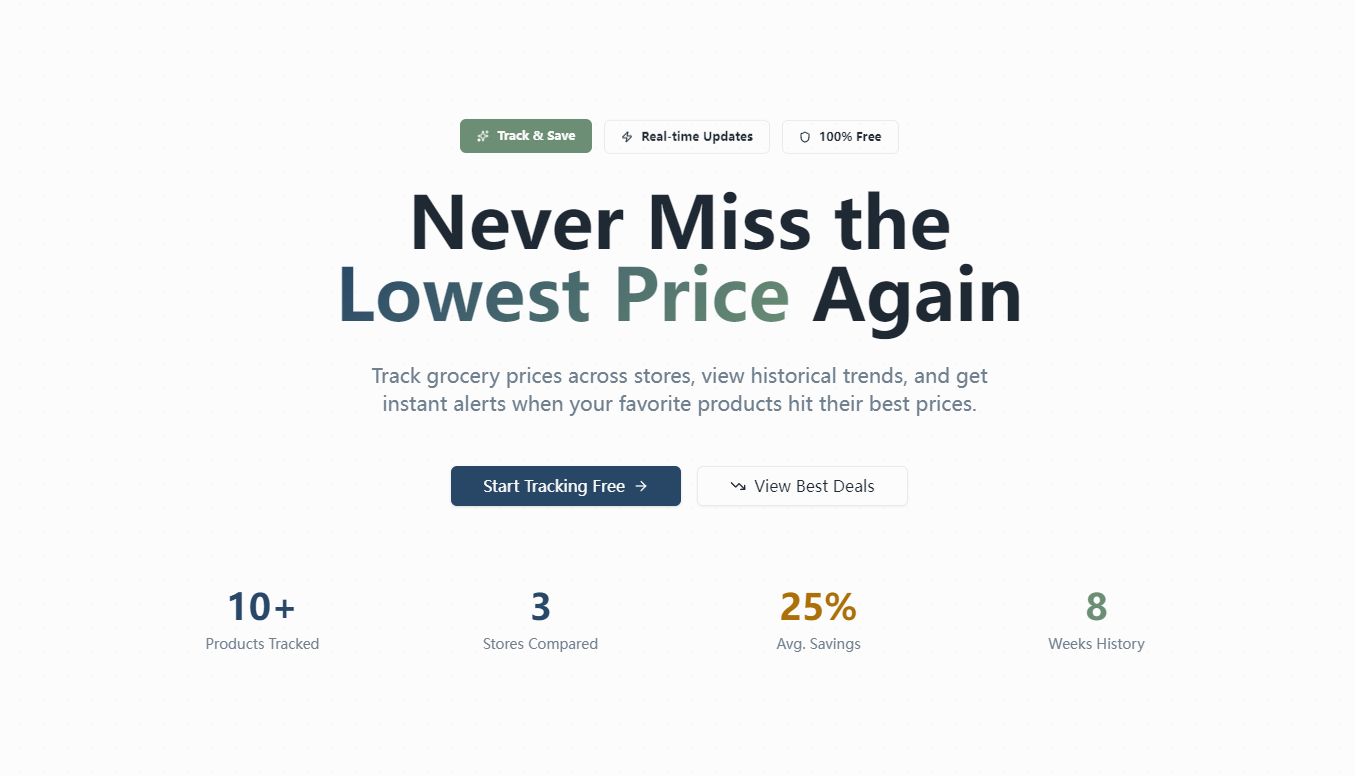
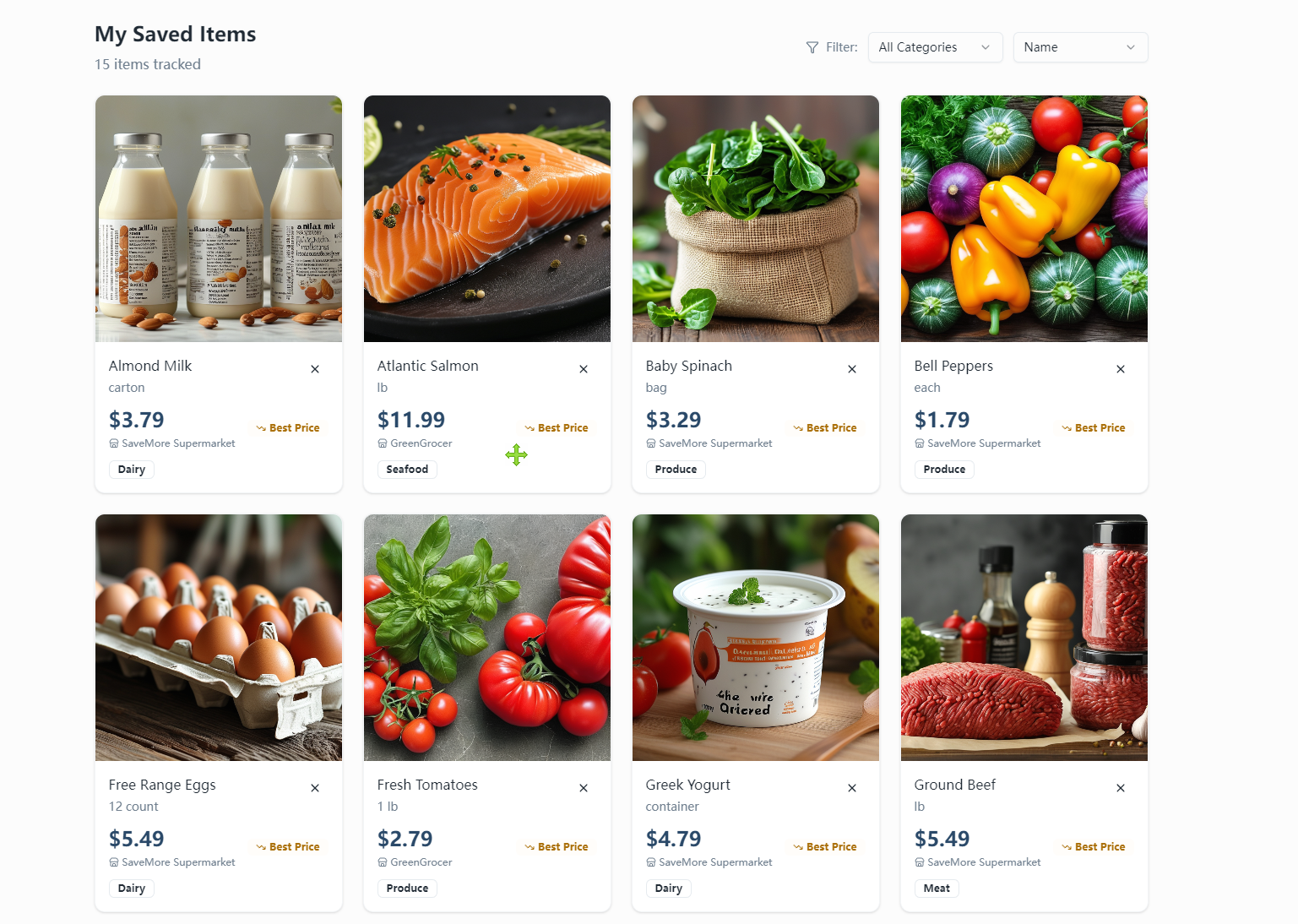
GroceryPrice Tracker empowers users to save on household groceries by tracking price changes for favorite items, comparing prices across multiple local supermarkets, visualizing historical price trends to spot the best buying windows, and setting custom alerts for when prices drop to desired levels. It also surfaces relevant coupons and calculates final discounted prices, all without needing an account to use.
How we built it
I started by mapping core user needs (price tracking, store comparison, alerts) to a clean, mobile-responsive UI. Using React for the frontend, I built the dashboard and product detail pages, integrating Chart.js to turn raw price data into intuitive trend charts. For the backend, Node.js and Express handled data logic, with MongoDB storing price history and user-set thresholds. Firebase APIs powered the notification system, and TailwindCSS ensured the design aligned with a warm, approachable color palette for easy daily use.
Challenges we ran into
The biggest hurdle was ensuring price data was displayed accurately and in real time—balancing performance with up-to-date information required optimizing data sync intervals to avoid slow load times. Designing the store comparison feature to handle tie scenarios (multiple stores with the same lowest price) also required iterative testing to make the UI clear and user-friendly. Additionally, ensuring the alert system only triggered once per price drop (to avoid spamming users) demanded careful logic refinement.
Accomplishments that we're proud of
Seeing the tool resonate with local shoppers—who now use it to time purchases of milk, bread, and other staples to save 10-15% on their monthly grocery bills—has been incredibly rewarding. I’m also proud of building a fully mobile-responsive interface that works seamlessly on phones (the primary device shoppers use) and creating price charts that even non-technical users find easy to interpret.
What we learned
This project taught me the importance of centering user simplicity—even with complex data logic, the interface needs to feel intuitive. I also learned how to balance feature depth with accessibility (e.g., no login required) and gained hands-on experience in data visualization and real-time notification systems. Most importantly, I realized how small, focused tools can have a meaningful impact on everyday financial wellness.
What's next for this project
Next, I plan to expand the store coverage to include more regional supermarkets and add a feature to highlight seasonal price trends (e.g., holiday pricing for turkeys or summer produce). I also want to refine the coupon matching logic to include more local promotions and explore lightweight integration with grocery list tools (even though it was out of scope for the first release) to make the tool even more integral to shoppers’ routines.

Log in or sign up for Devpost to join the conversation.