-
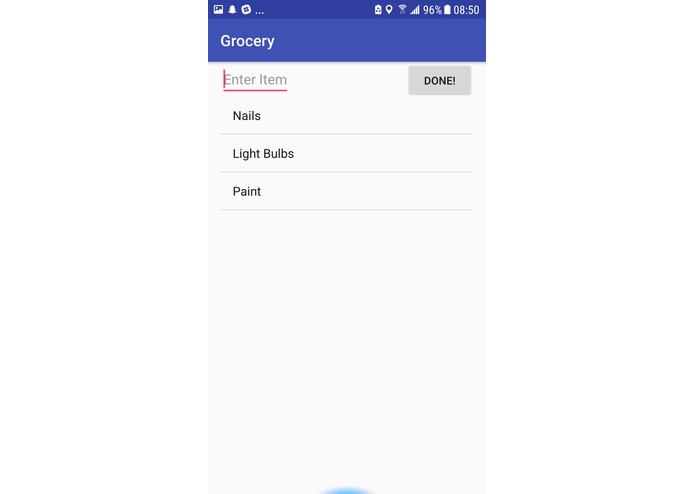
This is where you add items. (Screen 2)
-
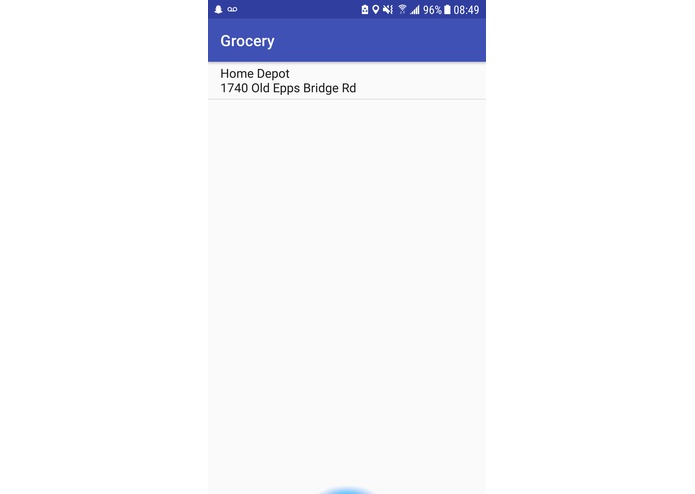
This is where you pick a store (Screen 1)
-
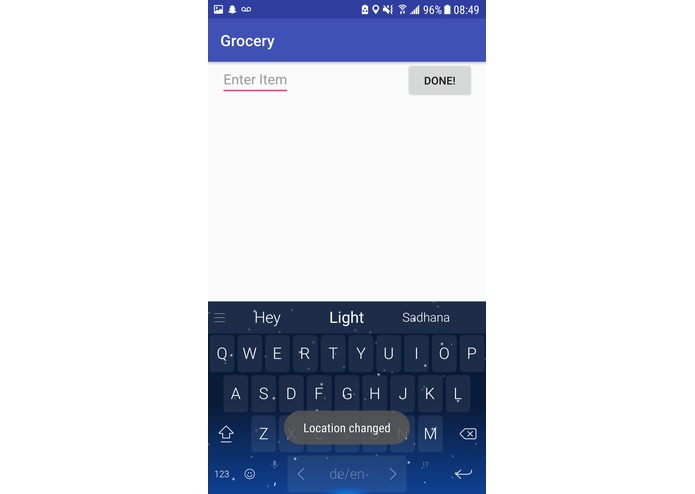
This is the screen where items are added.
-
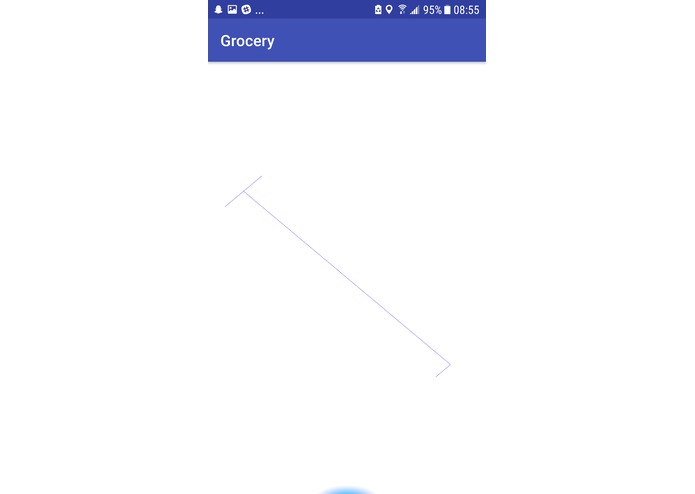
This is the arrow screen (Screen 3)


Inspiration
None of us very much enjoy having to find something in a store that never seems to be in the right place. Our team wanted to make it easier to find where something in a store is located, so that one can easily do that.
What it does
This app has in-built information about the internal map of a store and has a database of locations of items within the store. It takes GPS information from the phone and gives simple directions on how to get to the location of the item. You decide which store you go into and you add in which items you want to buy. The screens after that will guide you to the location of the item using an arrow.
How I built it
We had to divide up the tasks for the various functionalities of the app and decide which team member would do what.
Challenges I ran into
Many of us are new to android studio, so we had issues in figuring out how GPS works. That took a very long time. It was also hard to make sure everything was being done properly, because there was not enough time to check-in with each team member.
Accomplishments that I'm proud of
We are proud of how far we got in producing this app in one day. We were proud that we finally got the arrow pointing method working (which took a very long time because it was hard to figure out how to rotate a drawing in android)
What I learned
I learned how to rotate things in android. I learned how to create textboxes and make them editable. I learned a lot about how listviews work. I learned how to get latitude and longitude information from GPS on an android device.
What's next for Grocery Store App
Next, we will finish the application, getting all of the disparate information, from GPS to compass information, and putting it together and printing the map information properly.