Inspiration
As international students, we usually find it hard to minimize our grocery costs since we don’t know which stores offer good quality products at minimum prices. This web application can be beneficial to students and anyone who just moved-in to a new city.
What it does
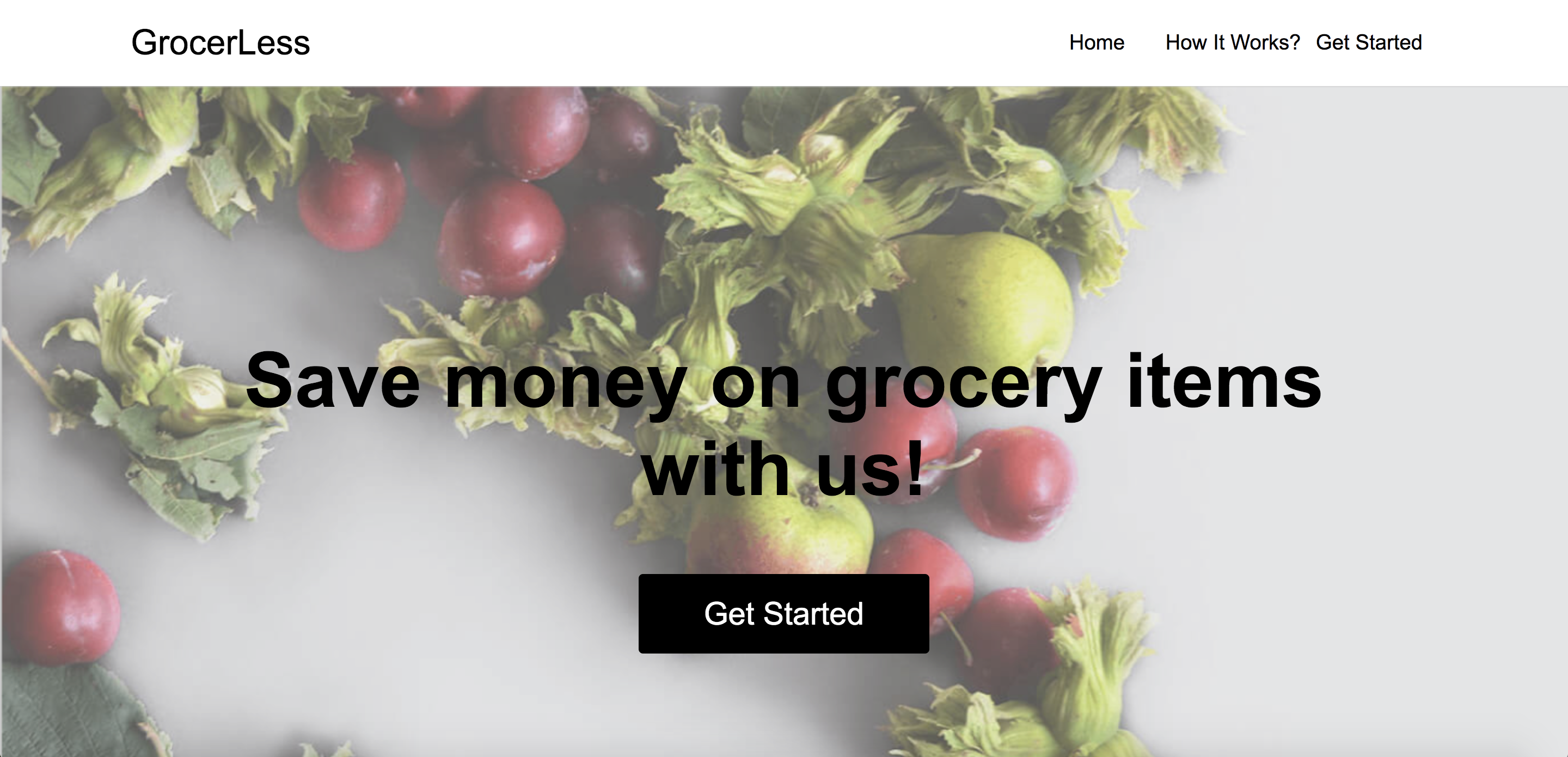
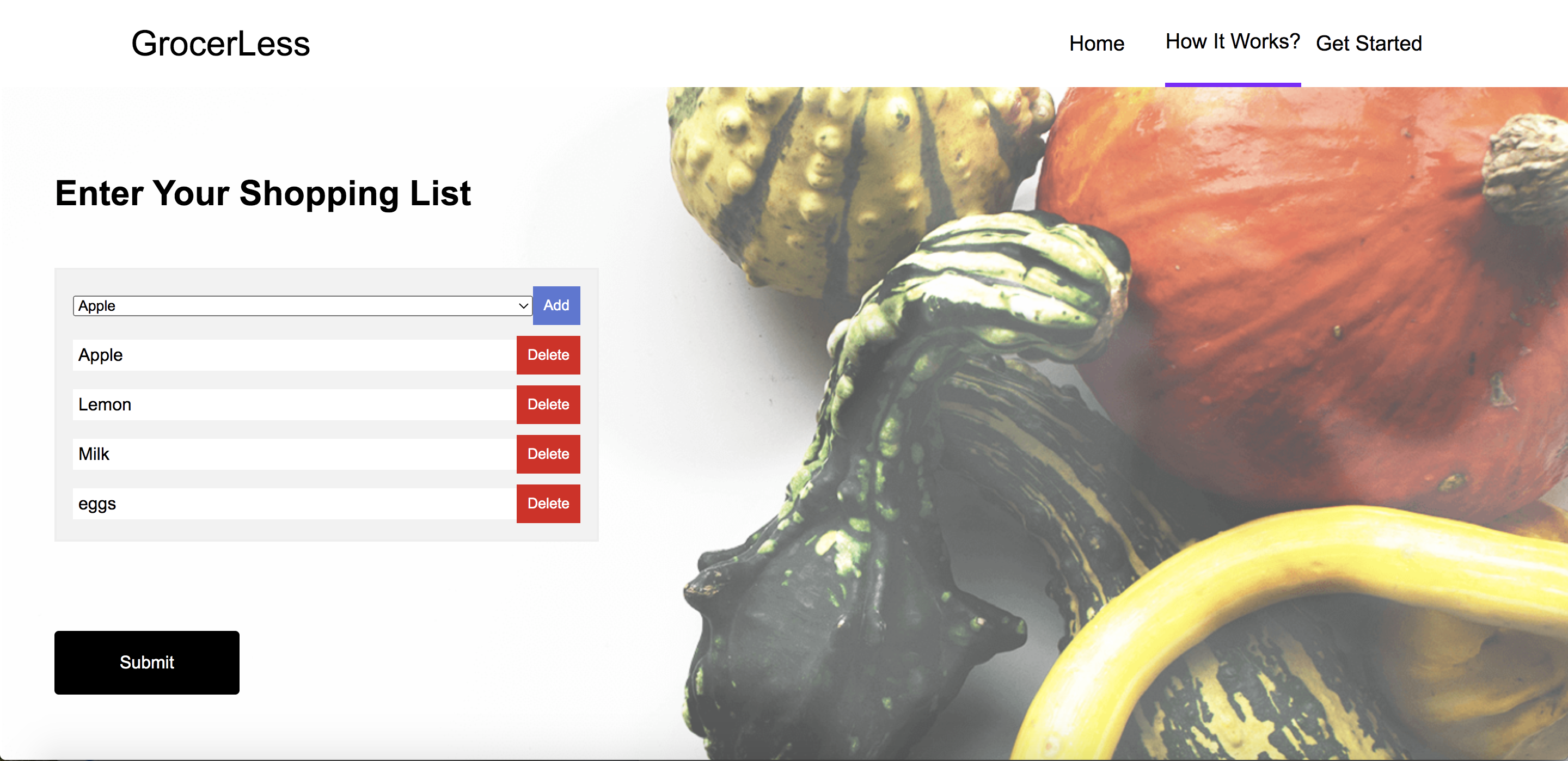
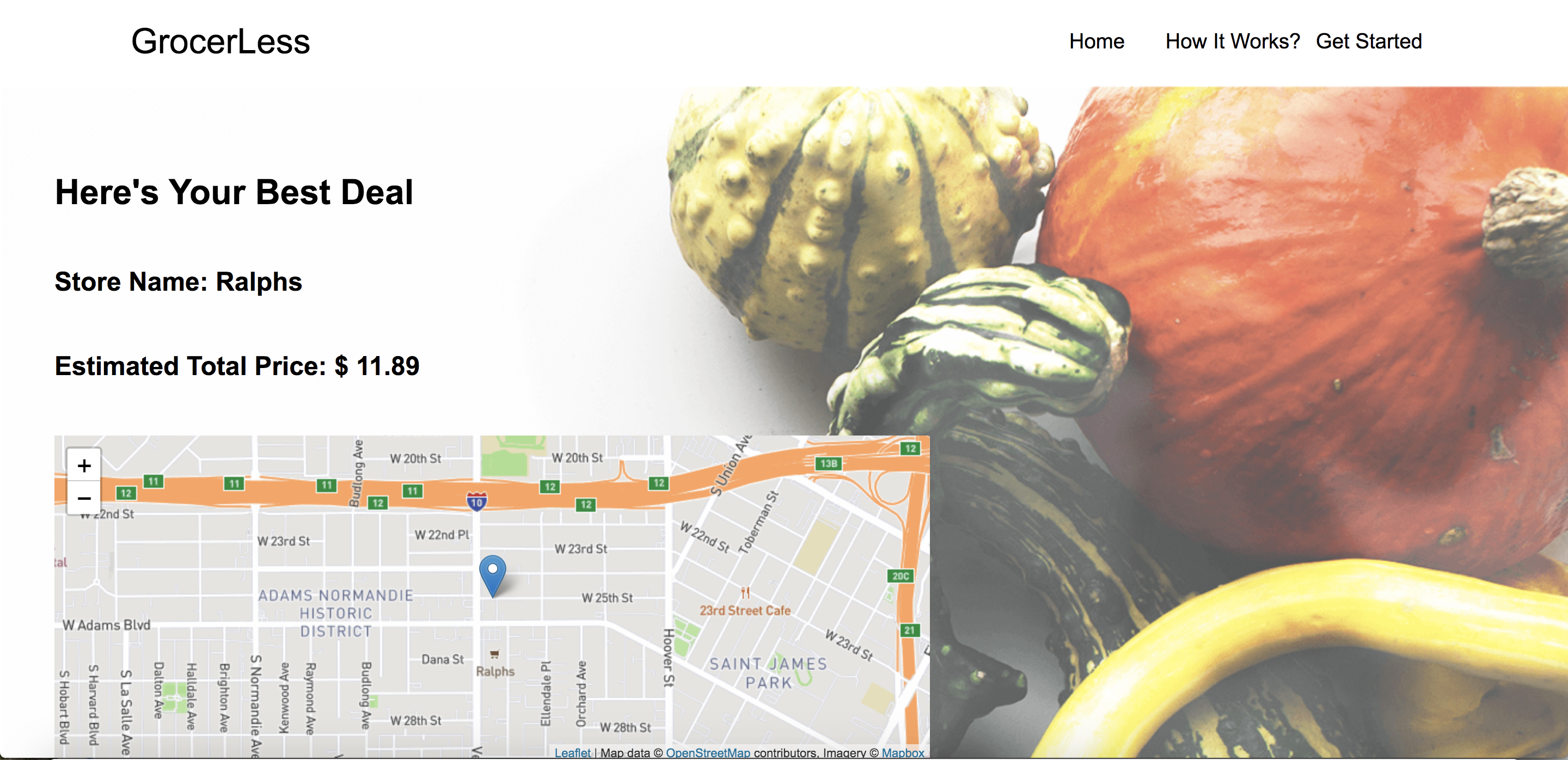
GrocerLess is a web application that helps customers save money spent on groceries by locating a nearby store that sells the list of grocery items at a minimum total price. Customers enter the list of the groceries they want to purchase and the web application returns a list of stores along with their locations where the list of items are available at an economical price.
How we built it
We initially created a dummy database (as Excel CSV files) to use in our application as we didn't have an actual database that syncs with our needs for building the web app. The front-end is developed using HTML, CSS, and Javascript and our back-end is coded in Python to return the minimum price, the store name, and store location. The front-end and back-end are connected through Flask.
Challenges we ran into
We had a hard time finding a database suitable for the working of our web app. Furthermore, we could not find grocery API datasets that have real-time data. We also struggled in integrating the frontend with the backend using Flask. In addition to all of that, we are new to web design.
Accomplishments that we're proud of
We were proud of importing our Excel files into Python and connecting it to our front-end. We are also proud of the responsive and innovative web design that is very user-friendly and can display well on mobile phones.
What we learned
Web design, Python, Flask, CSV, Maps API.
What's next for GrocerLess
There are numerous add-ons to this web app:
- Customer login and Image Processing- We can add a customer login, each customer who creates a login gets free coupons on adding an image of their bills. These bills serve as a medium to update our real-time database. The images of the bill contain data that could be manually entered or an image processing algorithm can be implemented to extract the values from the bill and automatically update them on the backend database.
- Quantity of the products- The quantity of the products can be entered and the price according to the quantity can be compared at different stores.
- Map- A real-time map can be provided to show the location of the store and the user can calculate the distance from their starting point.
- The number of stores can be increased i.e Target can have multiple branches and different prices at different locations at the same city.
- Various cities can be added to extend the use of the web app. Various students and people who move into a new city in different parts of US can easily find information and choose economical stores with good products.


Log in or sign up for Devpost to join the conversation.