-
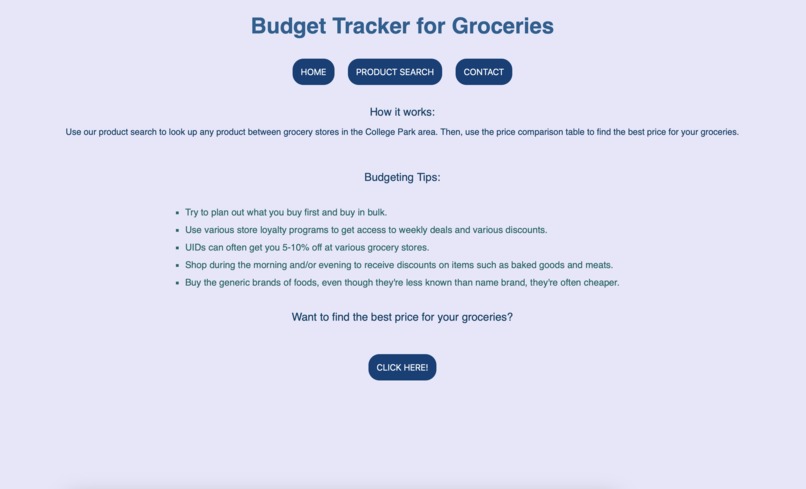
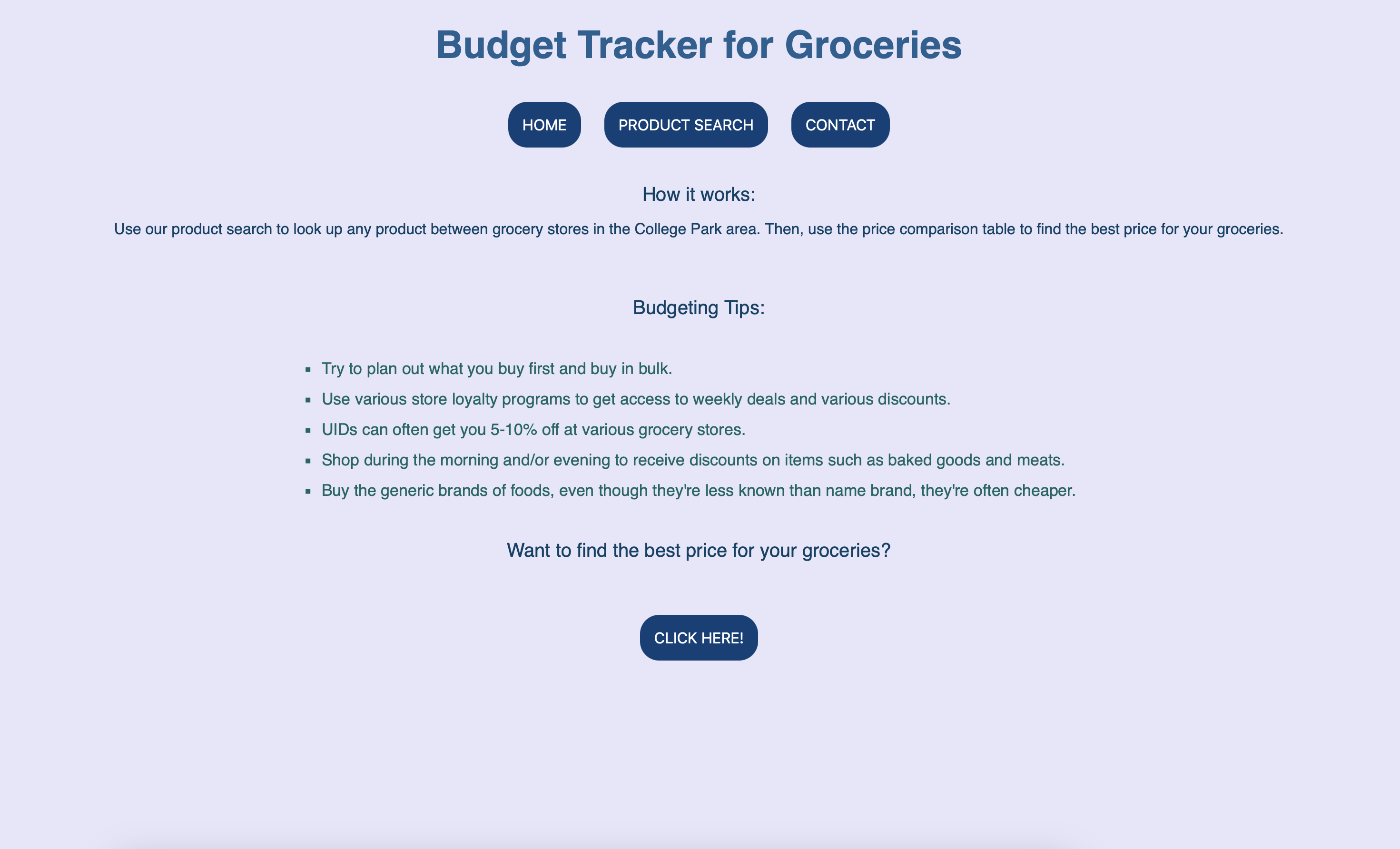
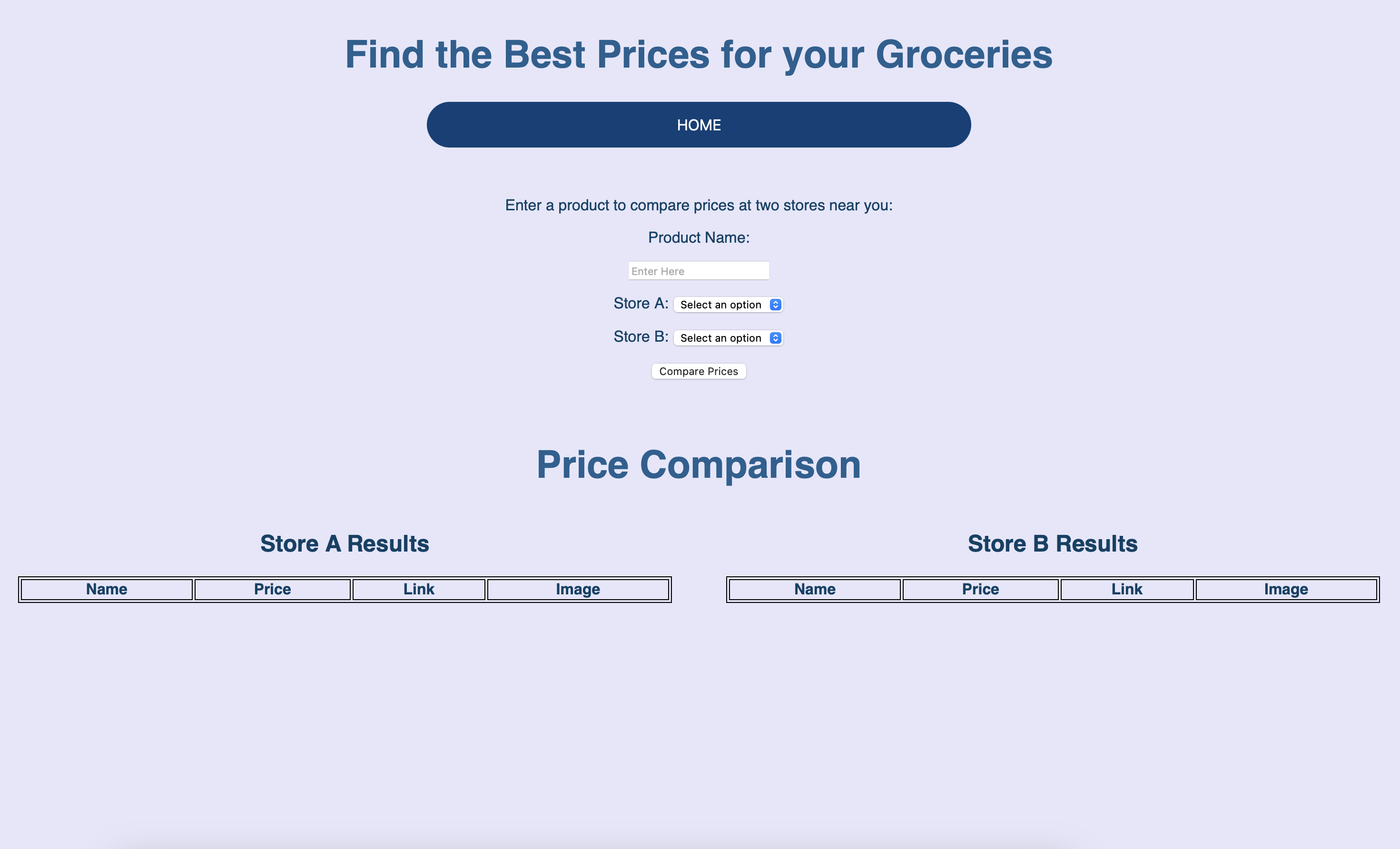
Homepage
-
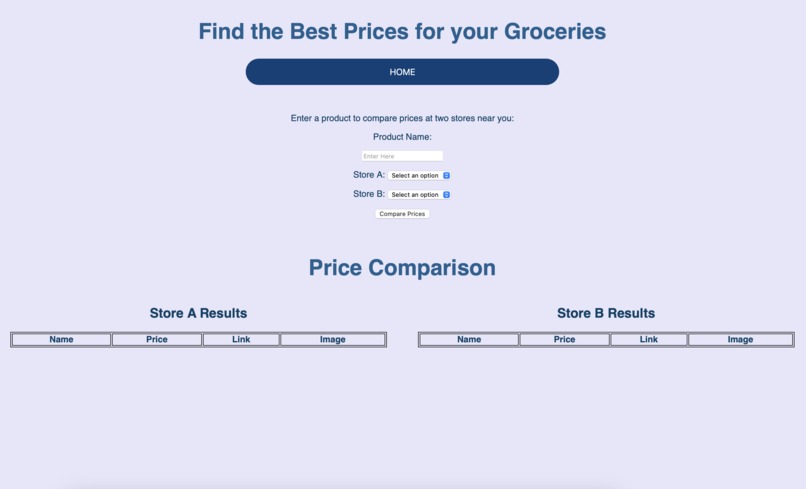
Price Comparison Page
-
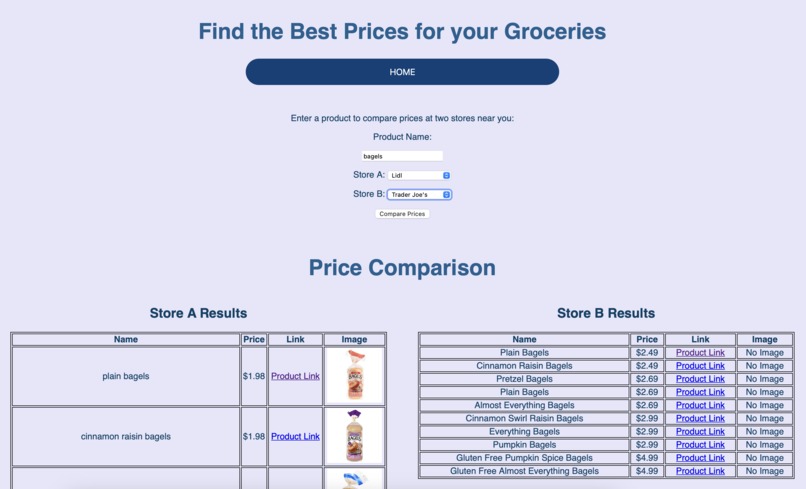
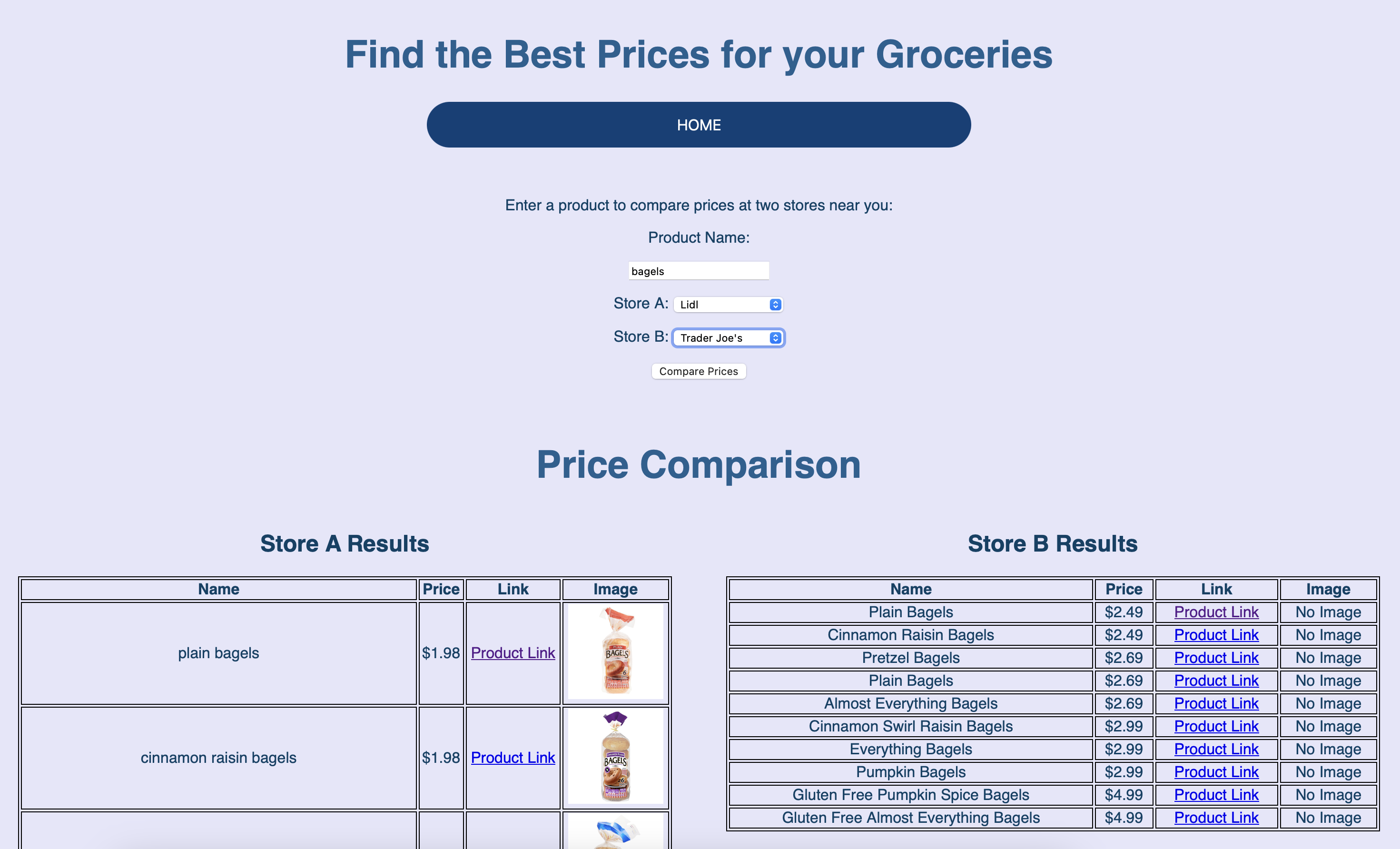
Price Comparison Results - Bagels
Inspiration
Everytime you walk into a grocery store, you always wind up going over budget, whether it's from your favorite food price rising, or your little sweet treat putting you $1.99 over budget (us too...). Now with the tool we developed, you can feel assured in the fact that the price you pay for is the lowest price possible.
What it does
Using Python webscraping libraries like BS4 and Selenium, paired with grocery website's built in search algorithms, we scrape the site for important infomation like the product name, price, image, and an external link for easy access. Then we display the information in a table so the user can compare prices for common items like milk, bagels, eggs, etc.
How we built it
Our webapp is built HTML/CSS, JS, and Python with Flask serving as the backend.
Challenges we ran into
Scraping from Trader Joe's website specifically was difficult because the products often didn't align with the search term. Additionally, we found that TJ doesn't host their images online so images couldn't be scraped like the Lidl's data.
Accomplishments that we're proud of
We accomplished a MVP within three weeks.
What we learned
New tools such as Git, home-brew, new frameworks such as Flask, and new libraries such as Selenium and BS4.
What's next for GroceriScout: Terp Edition
With more time, we hope to add more grocery stores to our web app, improve the price comparision UI, and increase number of stores you can compare at one time.


Log in or sign up for Devpost to join the conversation.