Inspiration
The idea for GrocerGo was born from the everyday frustrations faced by shoppers like us. During typical shopping trips, the most time-consuming task is often searching for specific items. This is especially challenging when customers do not know the exact names of items but have pictures of the products they need. Traditional interactions with store staff sometimes fail to resolve these issues effectively, inspiring us to create a solution that enhances shopping efficiency and accessibility.
What it does
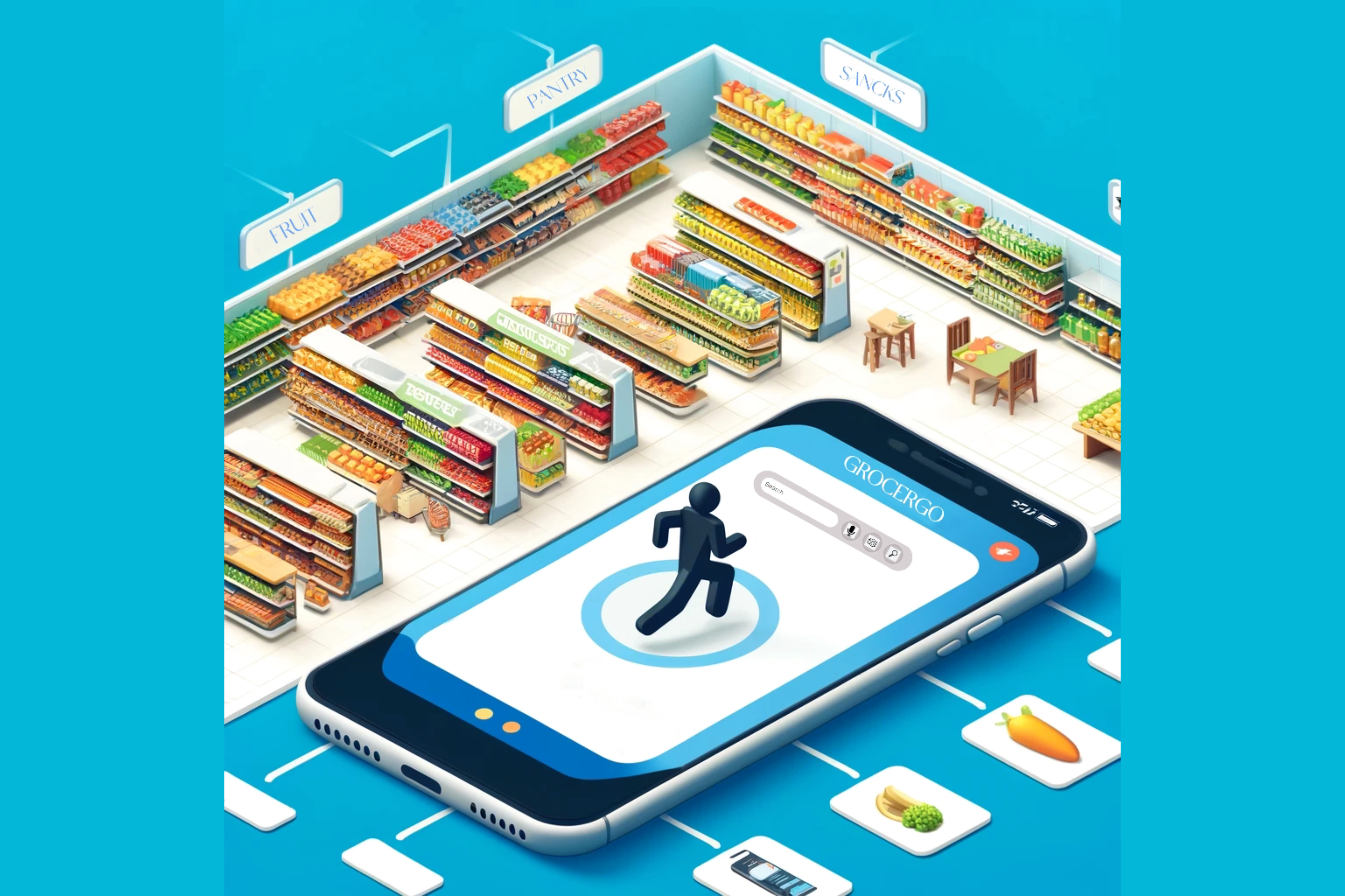
GrocerGo is a digital platform designed to streamline the shopping process. Upon registering, users receive a personal account to access our services. The main feature of GrocerGo is a robust search function, accessible from the homepage, which helps users quickly find the products they need.
Challenges we ran into
- Accuracy of Information: Ensuring the product data (like location and availability) was accurate and updated in real-time was a major hurdle.
- Voice and Image Recognition Technology: Implementing reliable and efficient voice and image recognition technologies to assist users effectively posed technical challenges.
- User Interface Design: Designing an intuitive user interface that could accommodate various types of user inputs smoothly was critical and required several iterations.
How we built it
Integration of Square APIs
- Gift Card API: We leveraged Square's Gift Card API to enhance the shopping experience by enabling a rewards system. This integration allows us to issue and manage gift cards directly through the GrocerGo platform, offering promotional benefits to users and incentivizing repeat visits.
Utilization of Advanced Technologies
- Large Language Model (OpenAI): Our core logic utilizes OpenAI's Large Language Model to interpret user inputs. This model is trained to understand natural language, identifying the intent behind each user query. Based on the user's input, the model determines the necessary actions—whether to add, delete, query, or update information. It then selects the appropriate API to execute these operations effectively, ensuring a seamless interaction for users.
- Speech to Text: Web Speech API: To make our application more accessible and to enhance user convenience, we incorporated the Web Speech API for speech recognition. This feature allows users to input commands through speech, which are then converted to text and processed by the OpenAI model. This is particularly useful for users who may find typing cumbersome or for those who prefer voice commands.
Workflow
- User Interaction: Users interact with GrocerGo via text or voice input.
- Input Processing: Inputs are captured and converted to text (if voice-based) using the Web Speech API.
- Action Determination: The Large Language Model analyzes the text to extract the intended action (add, delete, query, update).
- API Execution: Depending on the action, the relevant Square or Google API is triggered to perform the operation, such as updating inventory, processing payments, or managing gift card balances.
What's next for GrocerGo
- QR Code Integration: We intended to create a QR code system that customers could scan to quickly access our app, optimizing it for mobile use.
- Real-Time Location Services: We planned to implement a location-tracking feature that would detect which partner store the customer is in, automatically fetching that store's product database.
- Merchant Interface Development: The development of a merchant-side interface is ongoing. We are working on a system that allows cooperating merchants to easily integrate their product databases with our platform using a standardized template. Merchants would be able to scan their products to automatically fill in the location details (e.g., "fill block A"), streamlining the process of updating our database.


Log in or sign up for Devpost to join the conversation.