-
-
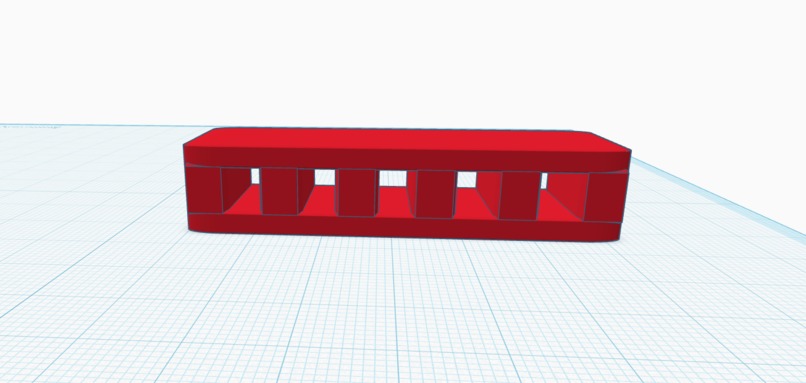
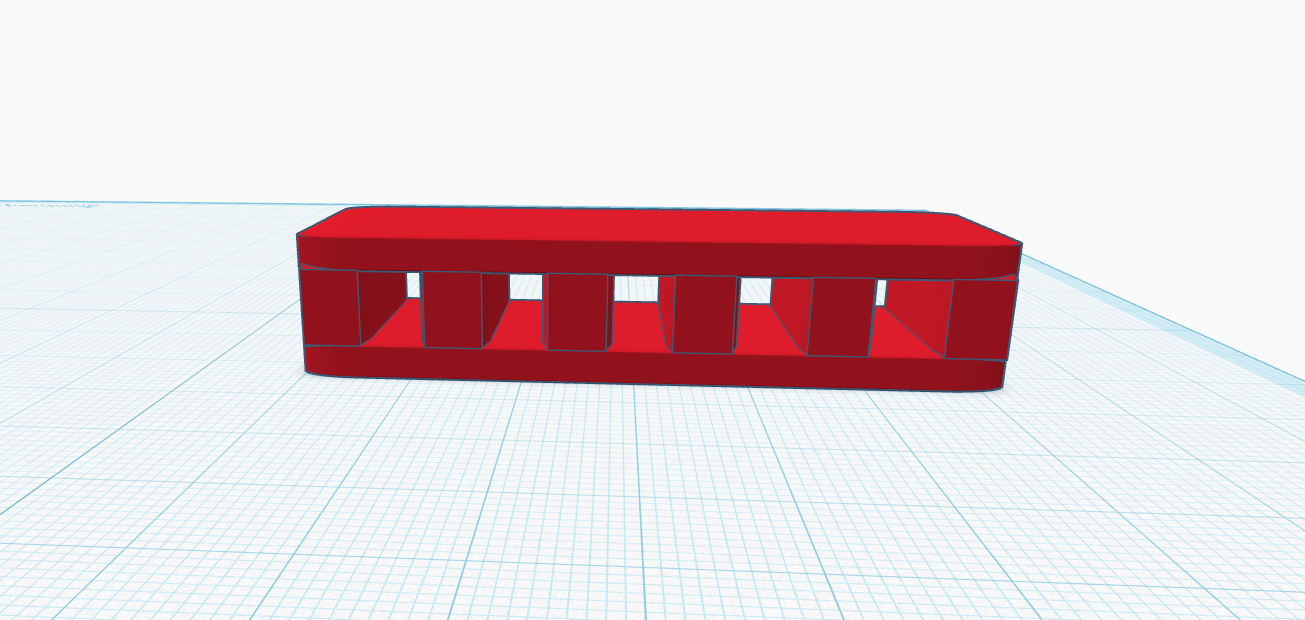
Finger holder sample stress tool
-
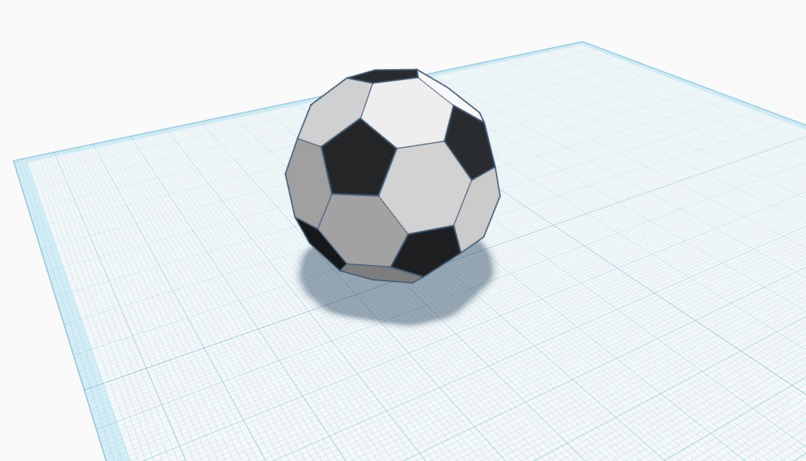
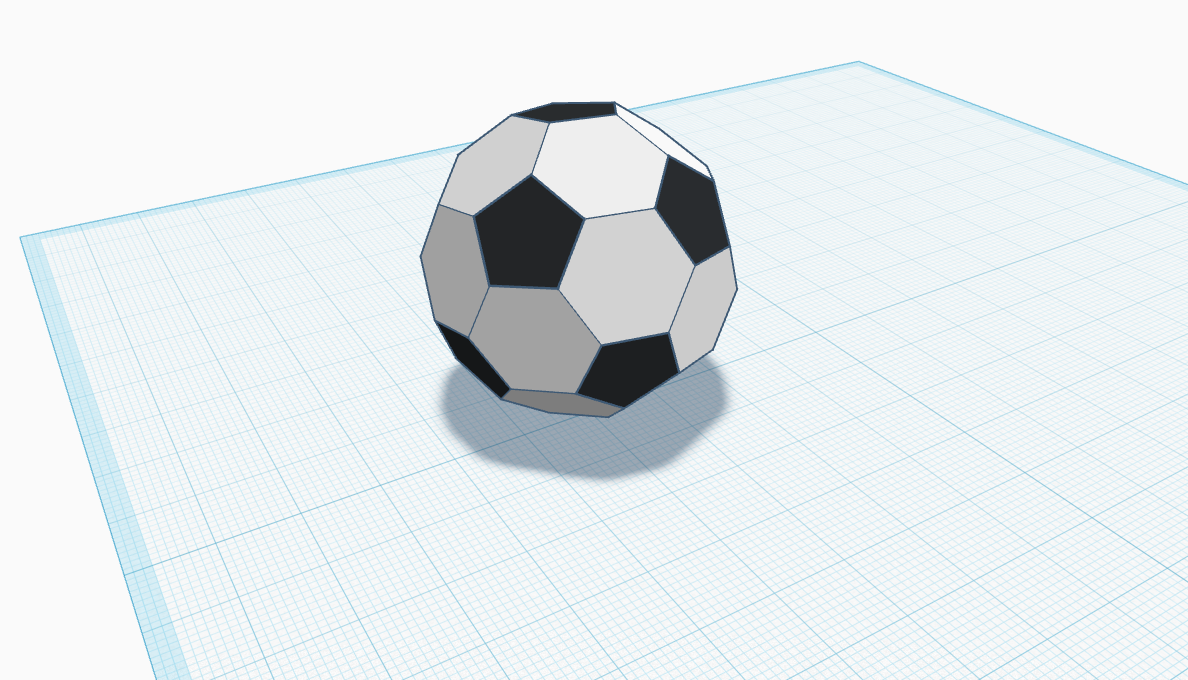
Soccer ball sample stress tool
-
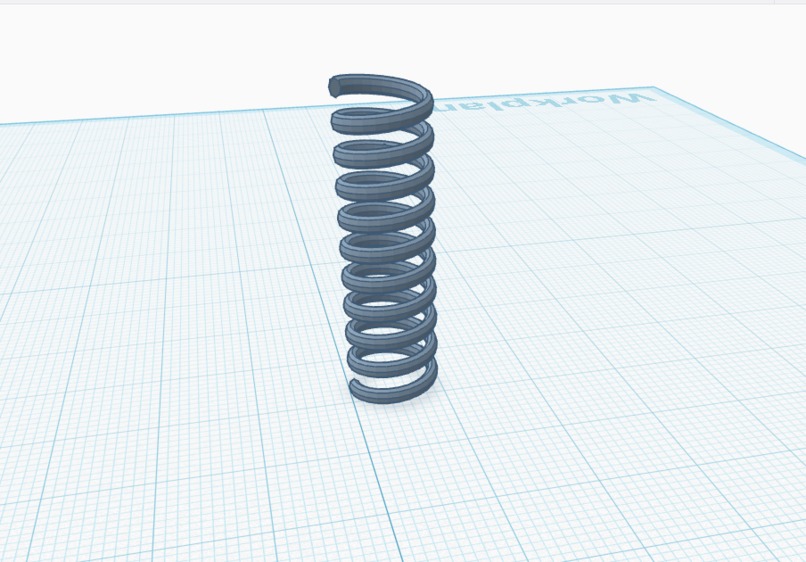
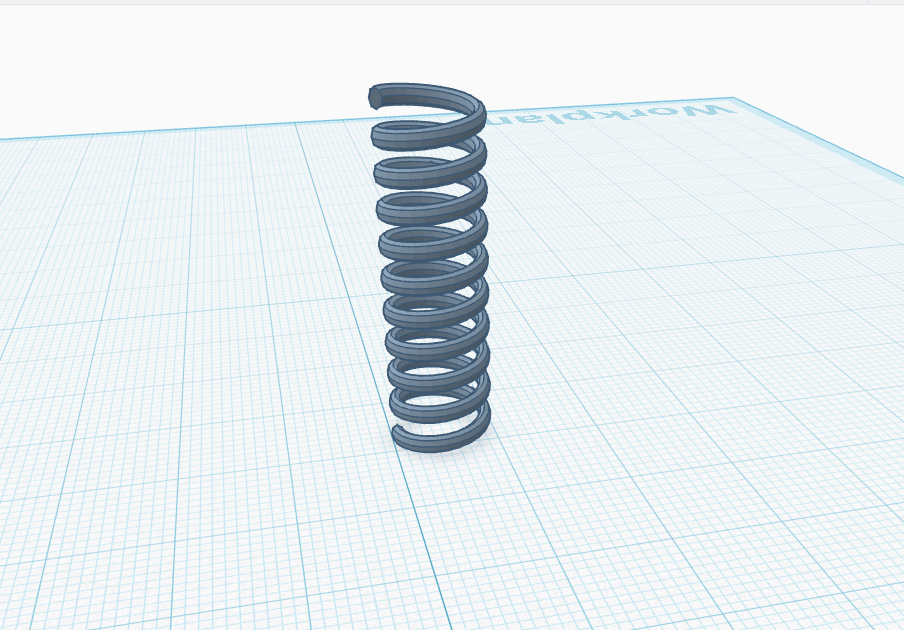
Spring sample stress tool
Inspiration
As a Suncoast High School student interested in robotics and 3D printing, I wanted a faster way to go from idea to object without digging through messy folders of STL files. GripForge was inspired by the need to simplify the maker workflow so students can focus on building instead of searching.
What it does
GripForge is a lightweight web demo that lets users preview a 3D model and instantly download the matching STL file in one click. It removes friction from the “find, verify, print” process and makes starting a print simple and clear.
How we built it
GripForge was built using HTML, CSS, and a small amount of JavaScript to dynamically update preview images and STL download links. The 3D models were designed and exported as STL files from Tinkercad, then organized into a clean, structured mini-library.
Challenges we ran into
The biggest challenge was making sure file paths, naming conventions, and folder structure worked correctly when switching between models. Small issues like capitalization and spaces in filenames initially broke previews and downloads, so careful debugging was required.
Accomplishments that we're proud of
We successfully created a clean, working demo within a short time frame that previews models and downloads the correct STL every time. The project is fully functional, organized, and deployable as a static site.
What we learned
We learned how important clean file structure and consistent naming are in web development. We also gained experience connecting front-end logic with real 3D-printable assets and deploying a working static web project.
What's next for GripForge
The next step is expanding the STL library and adding true parametric generation so users can customize size, grip patterns, and text in real time. An interactive 3D viewer and user accounts for saving designs would further scale the platform.

Log in or sign up for Devpost to join the conversation.