-
-
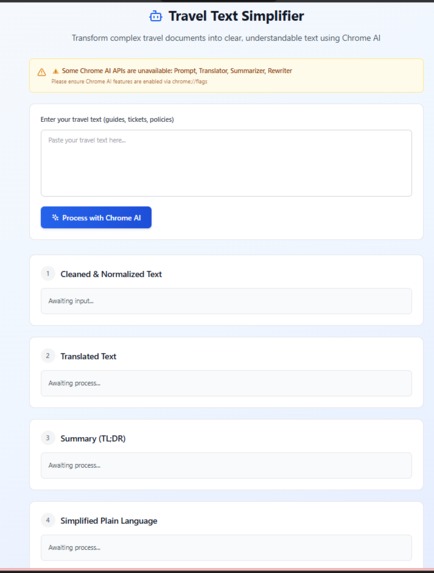
input screen
-
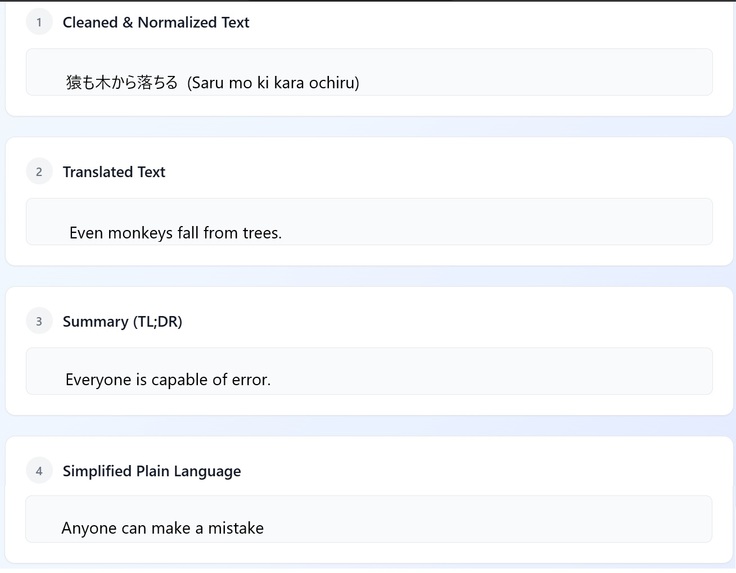
output after picture uploaded, OCR
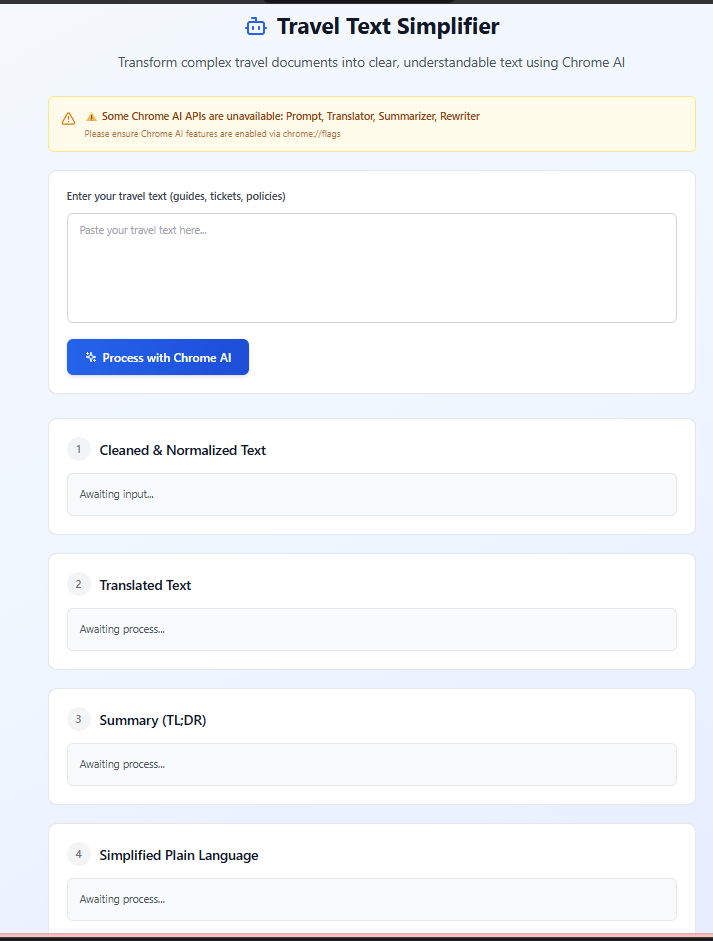
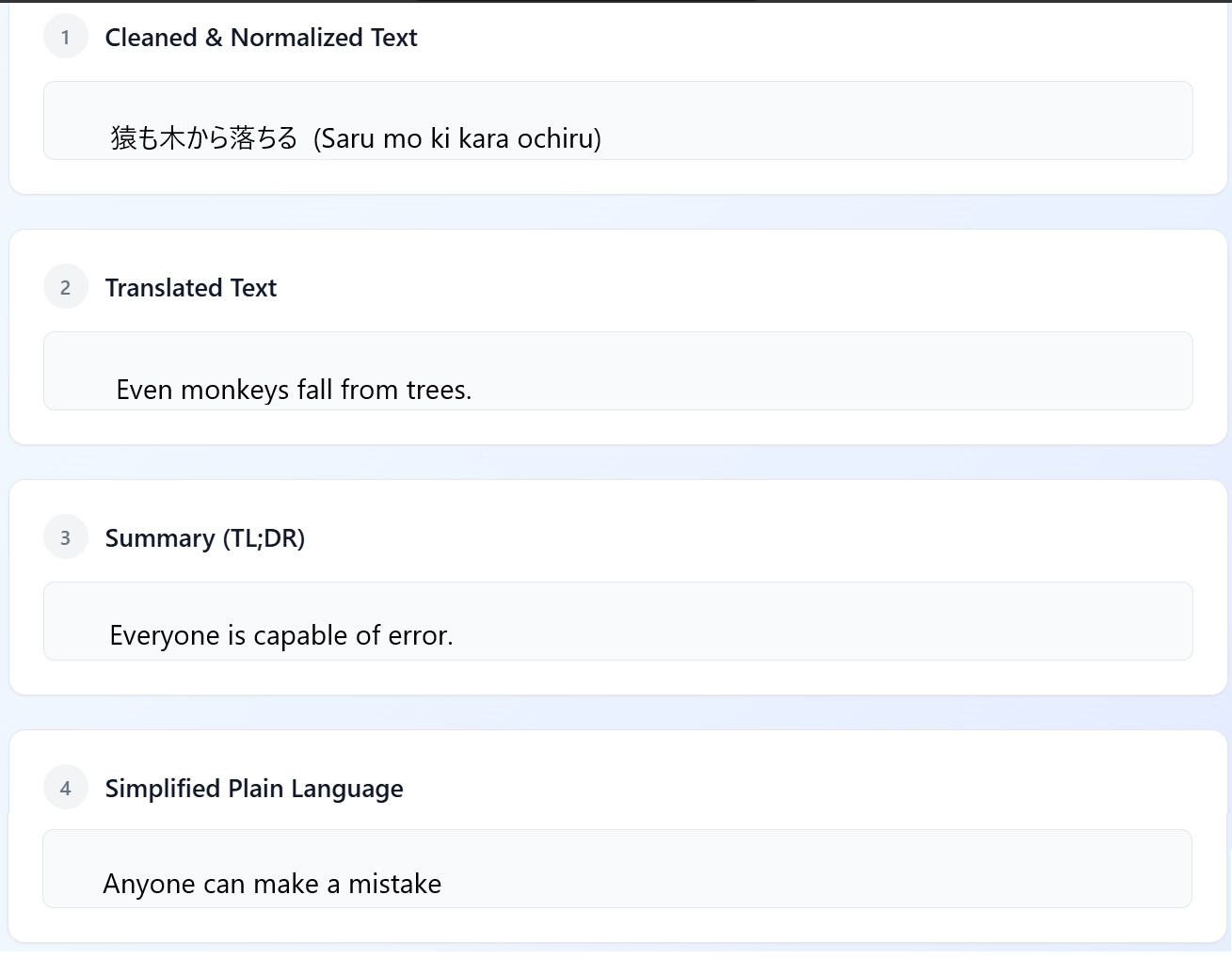
Inspiration
While traveling abroad last summer, our team member struggled to understand a complex hotel cancellation policy written in broken English, translated from Japanese. We watched as they missed critical information about their reservation because the document was too dense and confusing. This experience made us realize: millions of travelers face language barriers, complex travel documents, and accessibility challenges every single day. We wanted to create a tool that makes travel information universally accessible, regardless of language proficiency or reading ability.
What it does
Travel & Accessibility Companion is a Chrome extension that transforms complex travel documents into clear, simple language using Chrome's cutting-edge built-in AI APIs. Users can paste any travel-related text—hotel policies, ticket terms, visa requirements, tour descriptions—and the extension automatically:
Cleans and normalizes the text using the Prompt API to fix formatting issues Translates content into English using the Translator API with automatic language detection Summarizes lengthy documents into key points using the Summarizer API Simplifies the language into plain, accessible English using the Rewriter API
The result? A traveler-friendly version of any document that takes seconds to understand, helping users make informed decisions quickly while on the go.
How we built it
We built this extension using Chrome's experimental built-in AI APIs (part of Chrome's on-device AI initiative with Gemini Nano):
Frontend: Clean, minimal HTML/CSS popup interface designed for quick interactions Backend Processing: Pure JavaScript leveraging four Chrome AI APIs in sequence Architecture: Progressive enhancement pattern—if an API is unavailable, the extension gracefully continues with available features API Integration:
Prompt API (Gemini Nano) for intelligent text preprocessing Translation API for multi-language support with auto-detection Summarizer API for extracting key information Rewriter API for accessibility-focused simplification
We chose Chrome's built-in APIs because they run entirely on-device (privacy-first), work offline, and don't require API keys or backend servers.
Challenges we ran into
- API Documentation Gaps: Chrome's built-in AI APIs are experimental, so documentation was sparse and constantly evolving. We had to do extensive testing to understand the correct method signatures and parameter options.
- API Availability Detection: Different Chrome versions and configurations have different AI capabilities. Building robust availability checks that gracefully degrade functionality was challenging.
- Sequential Processing Pipeline: Coordinating four different AI APIs in sequence while handling errors at each step required careful asynchronous programming and state management.
- Memory Management: AI models consume significant resources. We had to implement proper session cleanup (destroying sessions after use) to prevent memory leaks.
- Balancing Summarization: Finding the right balance between brevity and completeness was tricky—too short and users miss critical details, too long and it defeats the purpose. ## Accomplishments that we're proud of Zero Backend Required: Everything runs locally on the user's device—no servers, no API costs, complete privacy Graceful Degradation: The extension works even when some APIs are unavailable, providing maximum utility across different Chrome configurations Real-World Impact: We tested with actual travel documents (hotel policies, visa requirements, airline terms) and saw 80%+ reduction in reading time Accessibility First: Our simplification pipeline makes travel information accessible to non-native English speakers, people with cognitive disabilities, and anyone who finds legal jargon overwhelming Lightning Fast: On-device processing means results appear in seconds, even without internet connection ## What we learned On-device AI is transformative: Chrome's built-in AI APIs prove that powerful AI doesn't need cloud servers—privacy and performance can coexist Progressive enhancement matters: Building for graceful degradation from the start creates more resilient applications Accessibility is universal: Tools designed for accessibility help everyone—even native speakers appreciate clear, simple language Real users, real needs: Engaging with travelers during development revealed use cases we hadn't considered (menu translations, emergency instructions, cultural etiquette guides) The future of browsers: Browsers are becoming AI-native platforms, and extensions that leverage these capabilities early will define the next generation of web experiences ## What's next for GringoLingo-MI6-007 Short-term enhancements:
OCR Integration: Add ability to extract text from screenshots of travel documents Multi-language output: Let users choose their preferred output language, not just English Save & Export: Allow users to save processed documents for offline reference Voice Output: Text-to-speech for audio accessibility
Medium-term features:
Context-aware processing: Detect document type (hotel policy vs. visa requirements) and customize processing accordingly Key information extraction: Automatically highlight dates, prices, deadlines, and action items Travel glossary: Build a popup dictionary for travel-specific terms Browser integration: Right-click context menu to process selected text on any webpage
Long-term vision:
Mobile app: Extend to Chrome mobile for on-the-go travel assistance Real-time translation: Live translation of travel websites as users browse Itinerary integration: Auto-extract travel details and create structured itineraries Community contributions: Allow users to share simplified versions of commonly confusing travel documents Accessibility certification: Partner with accessibility organizations to ensure the tool meets WCAG standards
Our ultimate goal: make travel information universally accessible, removing language and complexity barriers so everyone can explore the world with confidence.

Log in or sign up for Devpost to join the conversation.