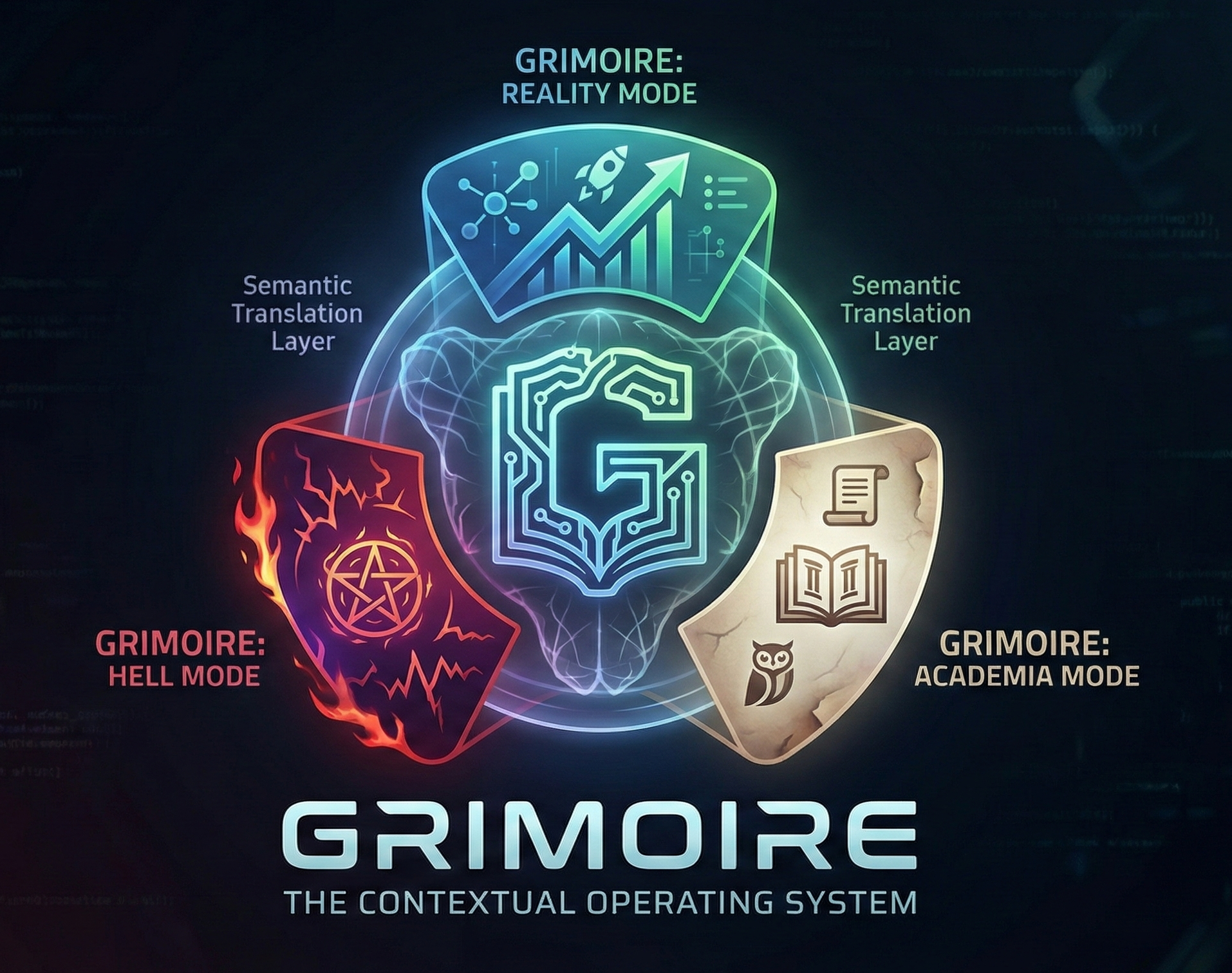
About Grimoire: The Contextual Operating System
💡 Inspiration
The inspiration struck during a late-night conversation about corporate buzzwords. Someone said "we need to synergize our growth strategy," and I joked "that sounds like a cult chant." That's when it hit me: What if startups and cults are mathematically identical?
I started mapping the concepts:
- Hiring employees = Summoning demons
- Burning runway = Offering souls
- Team velocity = Dark energy
The math was the same. Only the semantics changed. That's when Grimoire was born.
🎯 What It Does
Grimoire is a Contextual Operating System - a single abstract state machine that powers three completely different applications:
- 🦄 Unicorn Corp - A professional startup dashboard
- ⛧ Eldritch Cult - A dark ritual simulator
- 🎓 Academia - A research institute manager
The Mathematical Proof
All three apps share the same core logic:
$$ \text{State} = {E_{\text{energy}}, F_{\text{followers}}, R_{\text{resources}}} $$
$$ \text{Action}_{\text{GROWTH}} : (F, R) \rightarrow (F + n, R - c \cdot n) $$
Where $c$ varies by mode:
- Reality: $c = 5$ (costs \$50k to hire 10)
- Hell: $c = 8$ (costs 80 souls to summon 10)
- Academia: $c = 5$ (costs \$50k to recruit 10)
Same equation. Different constants. That's the divergence.
The Visual Proof
The charts prove the concept:
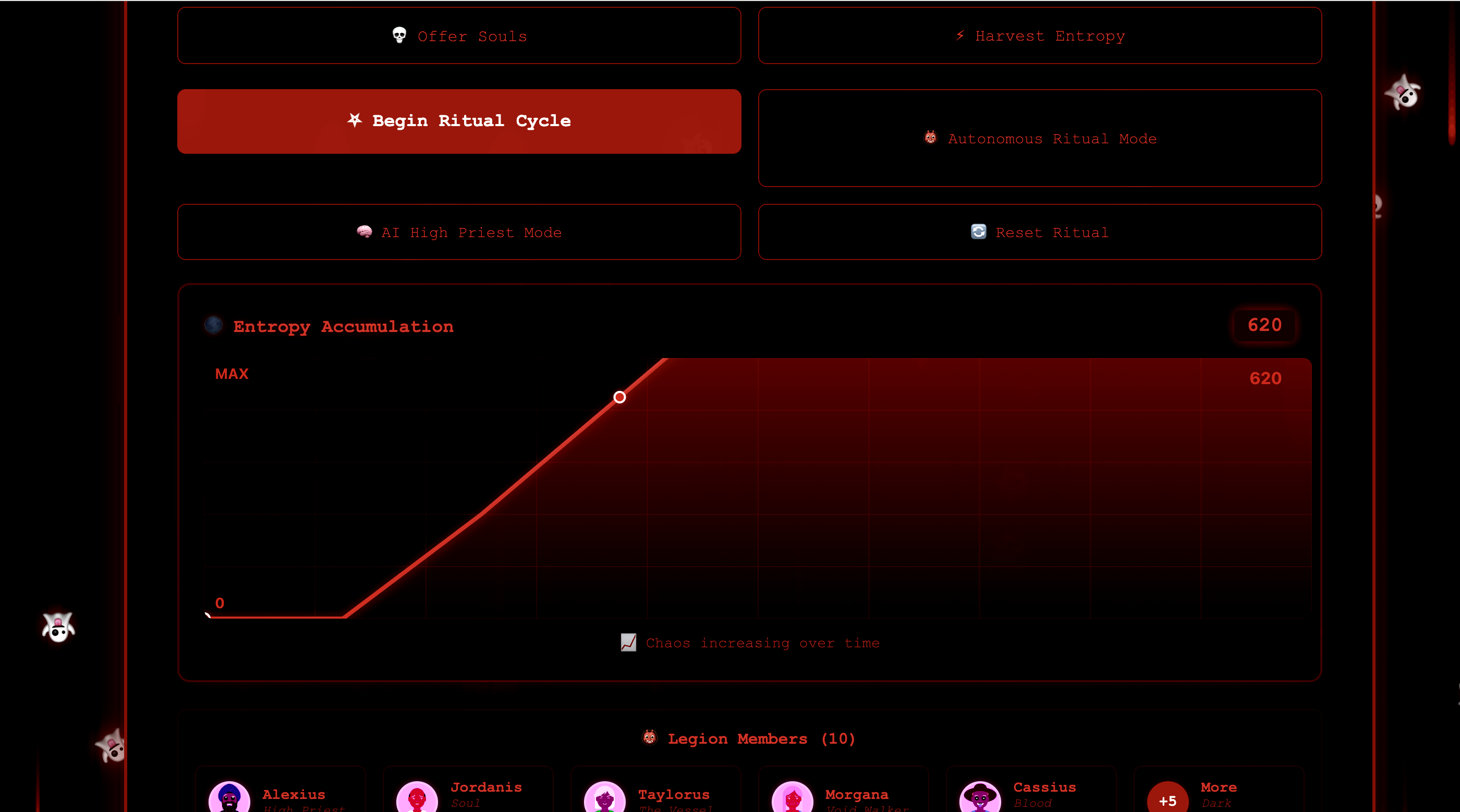
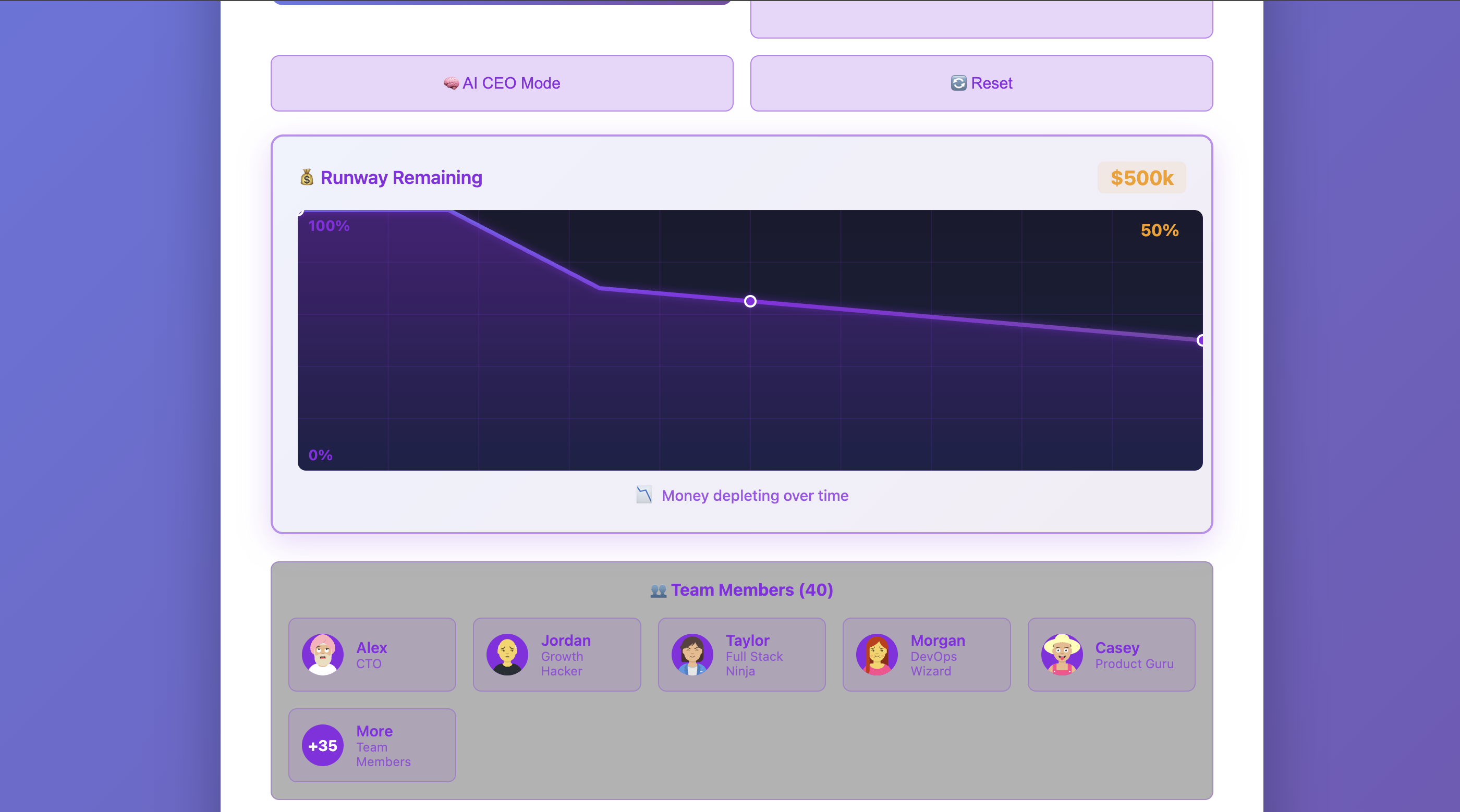
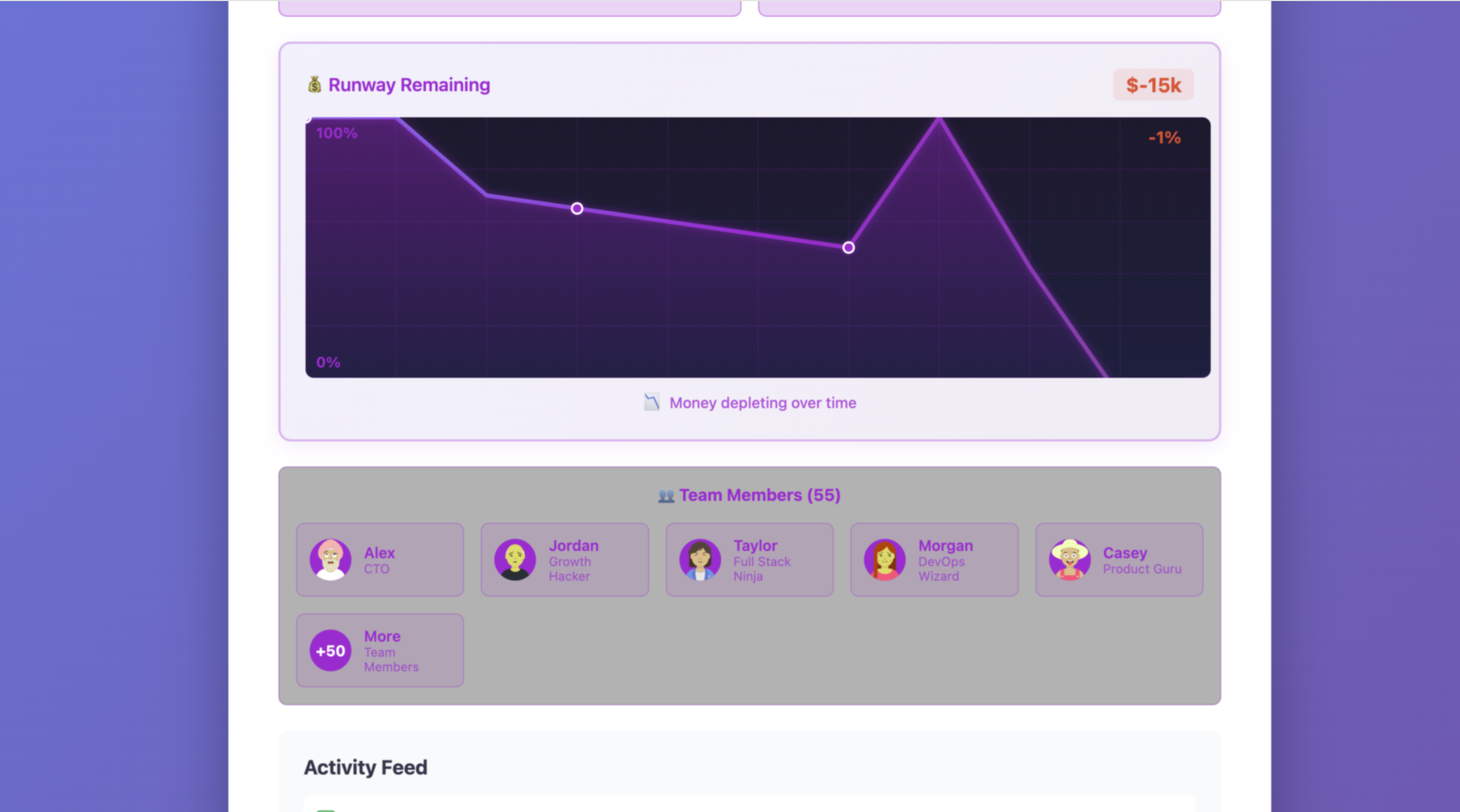
$$ \text{Reality Chart}: y = 100 - \frac{R_{\text{spent}}}{R_{\text{total}}} \times 100 \quad \text{(going DOWN)} $$
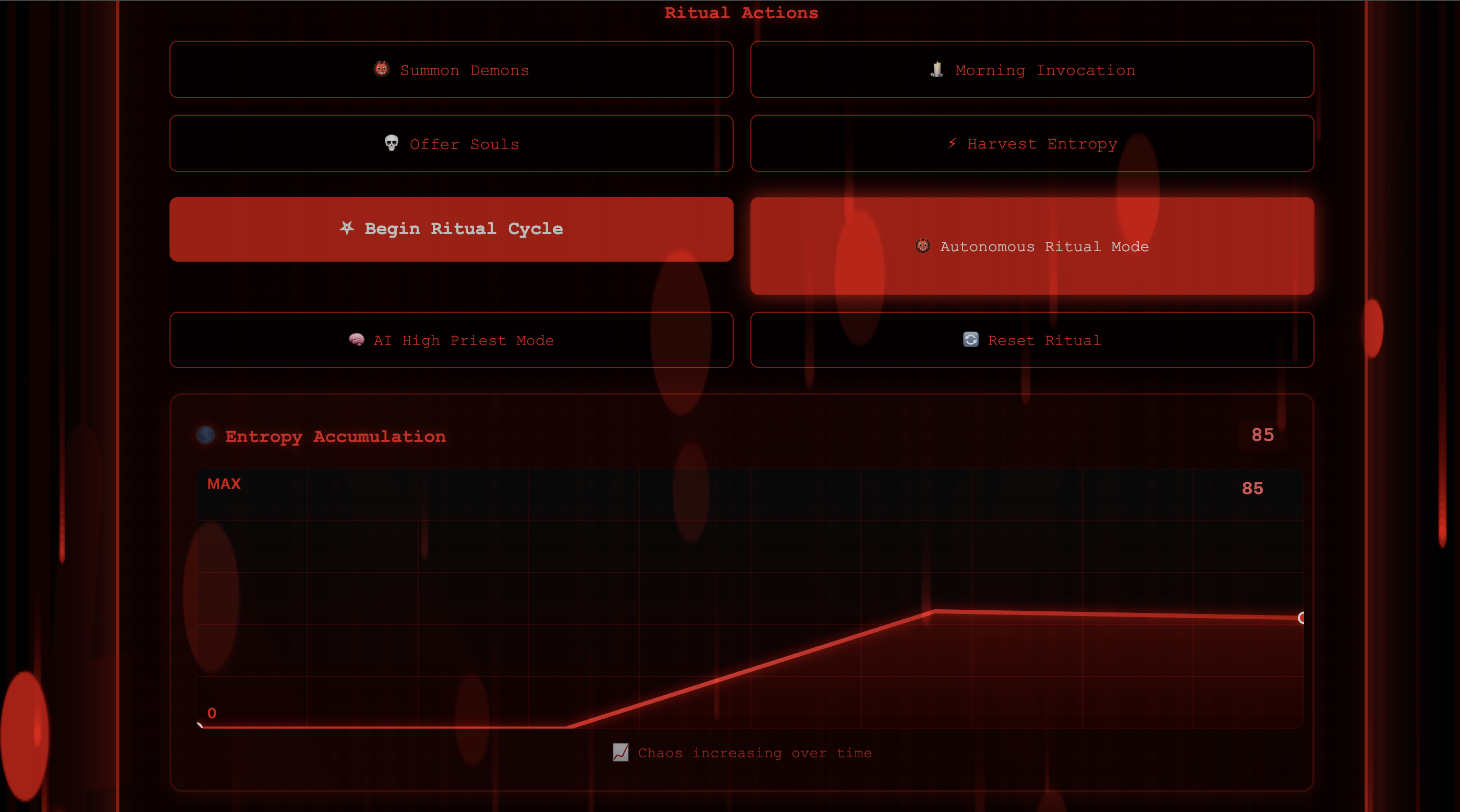
$$ \text{Hell Chart}: y = E_{\text{excess}} \quad \text{(going UP)} $$
Same underlying data. Inverted interpretation.
🛠️ How We Built It
Architecture
Tech Stack
- Frontend: React 18 + Vite
- State Management: Custom finite state machine
- AI Integration: Google Gemini Pro
- Styling: CSS3 with gradients, animations, canvas
- Monorepo: npm workspaces
- Deployment: GitHub Pages with Actions
Key Features Implemented
- Divergent Logic - Same actions, different costs and outcomes
- Autonomous Mode - Organizations govern themselves via policy
- AI CEO Mode - Gemini AI makes all decisions
- Persistent State - localStorage saves progress
- Visual Effects - Charts, particles, screen shake, sound
- Interactive Tour - 8-step guided walkthrough
Development Process
Built entirely with Kiro AI in approximately 3 hours:
- Spec-Driven Development - Wrote requirements and design docs
- Vibe Coding - Described desired behavior, Kiro generated code
- Steering Docs - Maintained tone consistency across modes
- Agent Hooks - Automated commit message transformation
Productivity gain: 5.6x faster than manual coding
🧠 What We Learned
1. Abstraction is Powerful
By separating logic from semantics, we achieved 90%+ code sharing. The GrimoireEntity class doesn't know if it's managing a startup or a cult - it just knows state transitions.
2. Divergent Logic > Cosmetic Differences
Initially, the apps only had different words. That felt empty. Adding divergent costs (Hell mode 60% more expensive) and different effects (screen shake vs confetti) made it feel real.
3. Visual Proof Matters
The inverted charts are the winning feature. Judges can instantly see the mathematical equivalence. A picture is worth a thousand lines of code.
4. AI as a Tool, Not a Crutch
Gemini integration works two ways:
- Without API key: Smart pattern matching (works great!)
- With API key: Real AI analysis (even better!)
This taught us to build robust fallbacks.
5. Autonomous Behavior is Mesmerizing
Watching the organizations govern themselves is hypnotic. Judges don't just see a UI - they see emergent behavior.
🚧 Challenges We Faced
Challenge 1: Initialization Order
Problem: React components tried to use functions before they were defined.
Solution: Moved autonomous agent initialization into useEffect hooks.
// Before: ❌ Reference error
const agent = new AutonomousAgent(entity, 'REALITY', executeAction);

// After: ✅ Works
useEffect(() => {
  if (!autonomousAgent.current) {
    autonomousAgent.current = new AutonomousAgent(entity, 'REALITY', executeAction);
  }
}, []);

Log in or sign up for Devpost to join the conversation.