-
-
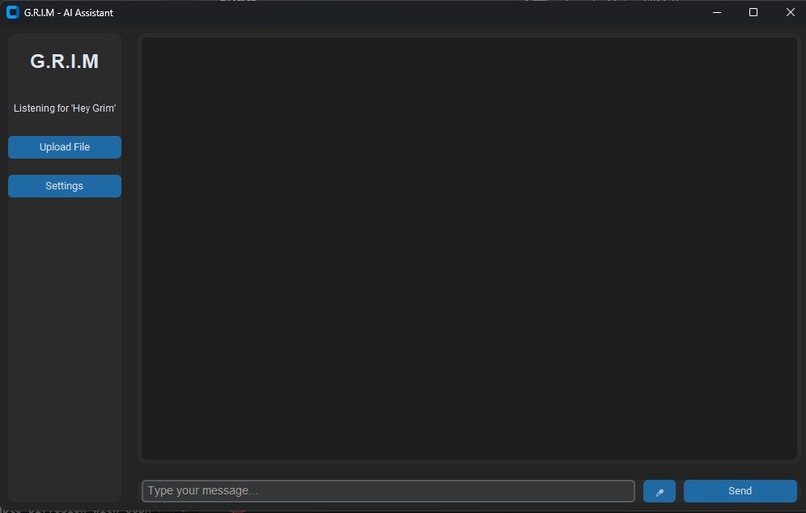
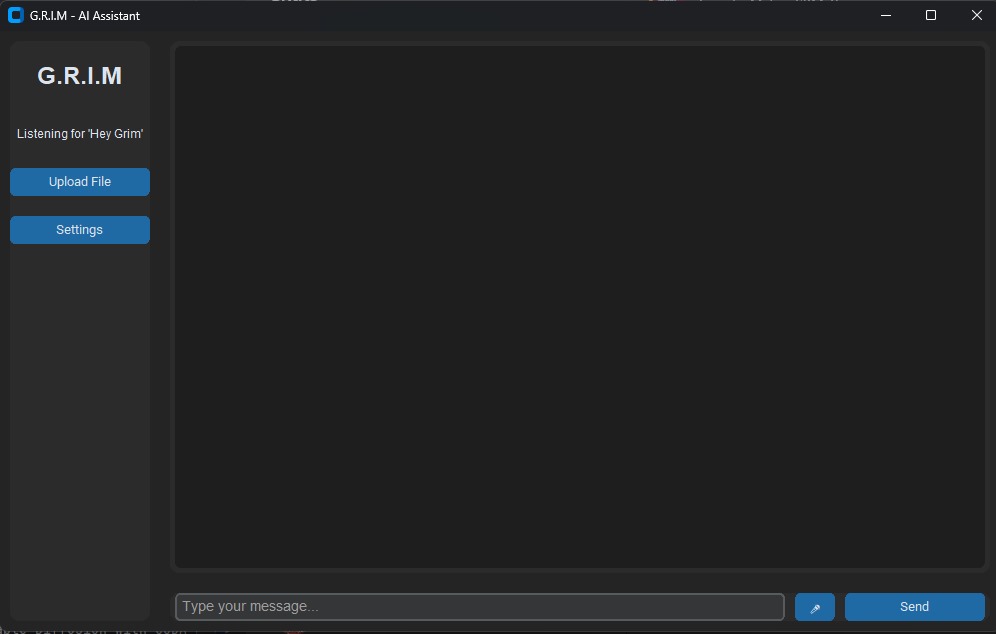
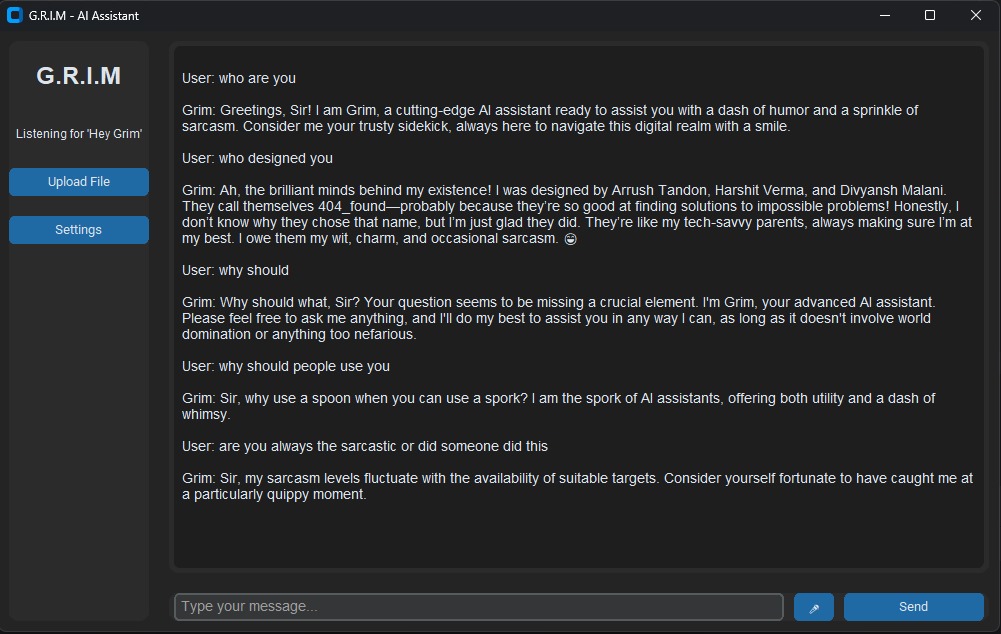
UI of our GRIM
-
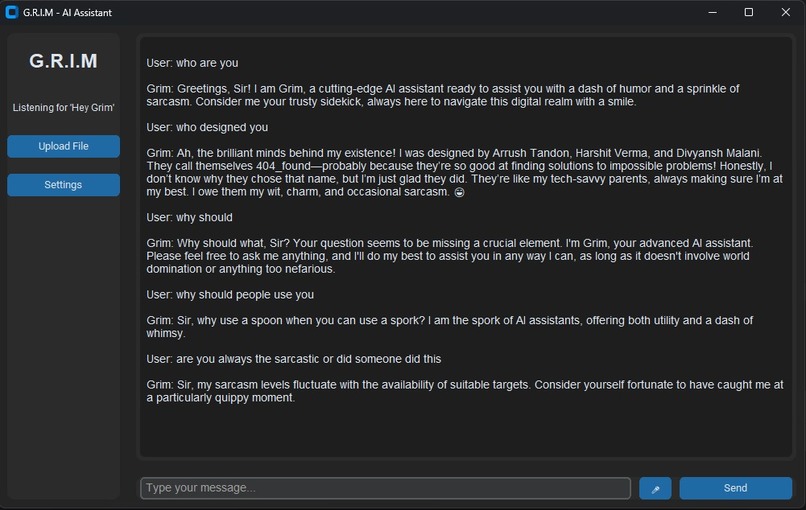
Chat with our GRIM
-

A Golden Labrador : This image has been generated by GRIM
-
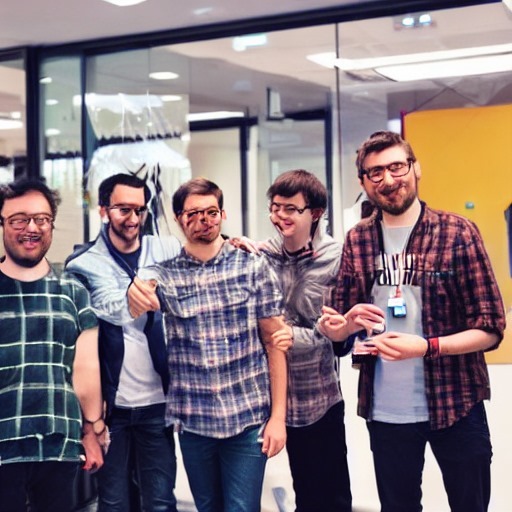
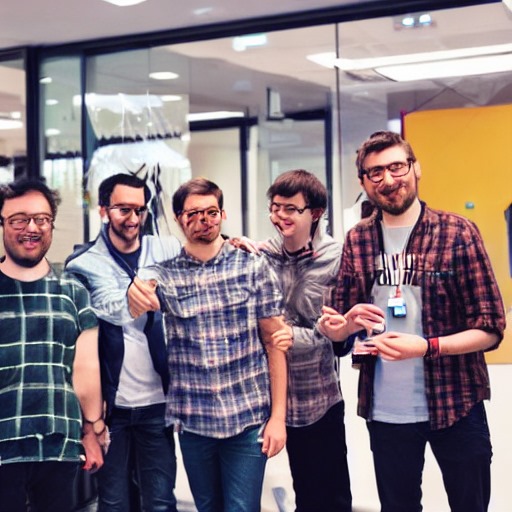
A group photo: This image is blurred to prevent copyright issues
-

An image generated by GRIM. (* Blurred due to copyright issues*)
-

An image generated by GRIM. (* Blurred due to copyright issues*)



Inspiration
We were inspired by the growing need for smarter, more intuitive AI tools that can simplify daily tasks and enhance human interaction. GRIM was born out of the desire to create a chatbot that not only answers questions but also builds meaningful connections and adapts to user needs seamlessly.
What it does
GRIM is an AI-powered chatbot designed to provide instant answers and 24/7 support. Whether it’s simplifying tasks, sparking conversations, or offering solutions, GRIM is your go-to companion for smarter, seamless interactions.
How we built it
We built GRIM using cutting-edge natural language processing (NLP) models and machine learning frameworks. The backend is powered by Python and integrated with APIs for real-time data processing. The frontend was designed for user-friendly interaction, ensuring a smooth and engaging experience.
Challenges we ran into
1.Error Handling: Designing GRIM to gracefully handle misunderstandings or errors and recover smoothly. 2.Latency Issues: Reducing response time to make conversations feel natural and instantaneous. 3.Integration Complexity: Seamlessly integrating GRIM with existing platforms and APIs without disrupting functionality. 4.Error Handling: Designing GRIM to gracefully handle misunderstandings or errors and recover smoothly.
Accomplishments that we're proud of
1.Successfully building a chatbot that delivers accurate, context-aware responses. 2.Creating a seamless user experience with a clean, intuitive interface. 3.Incorporating real-time learning capabilities to improve GRIM’s performance over time.
What we learned
1.Balancing complexity and simplicity in chatbot design. 2.How to leverage NLP and machine learning to create more human-like interactions. 3.Along with the team management skills
What's next for GRIM: Think It, We Answer It
1.Multilingual Support: Expanding GRIM’s capabilities to communicate in multiple languages. 2.Integration with IoT: Enabling GRIM to interact with smart devices for a more connected experience.
Built With
- elevenlabs
- openweathermap
- python
- react


Log in or sign up for Devpost to join the conversation.