-
-
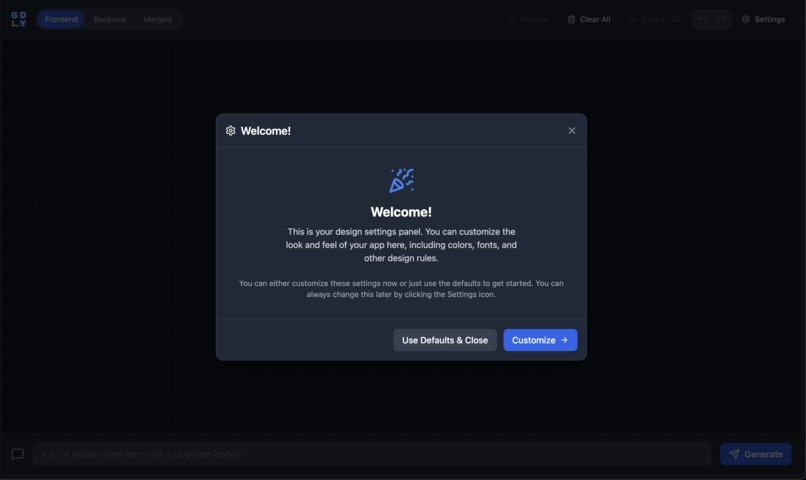
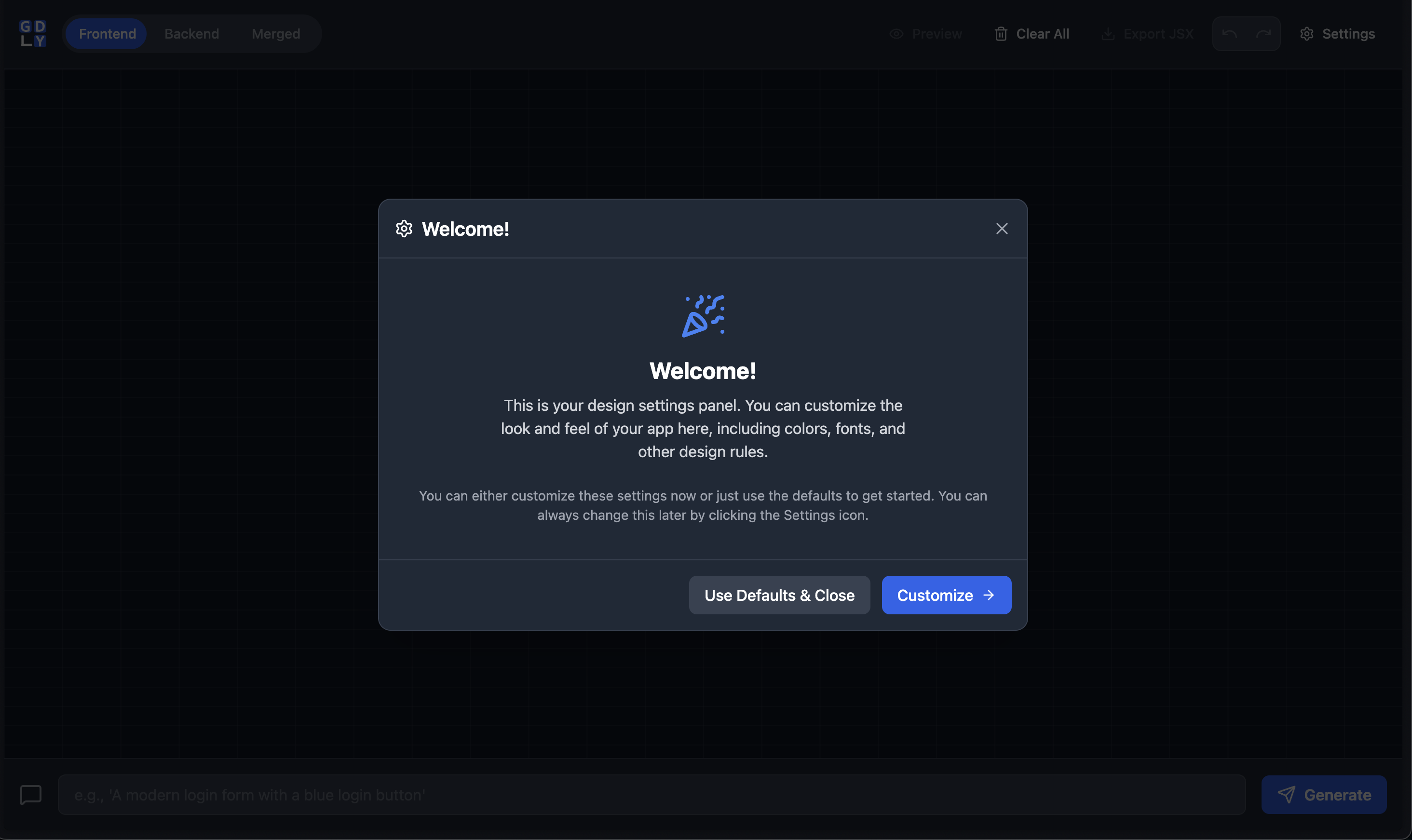
Welcome screen.
-
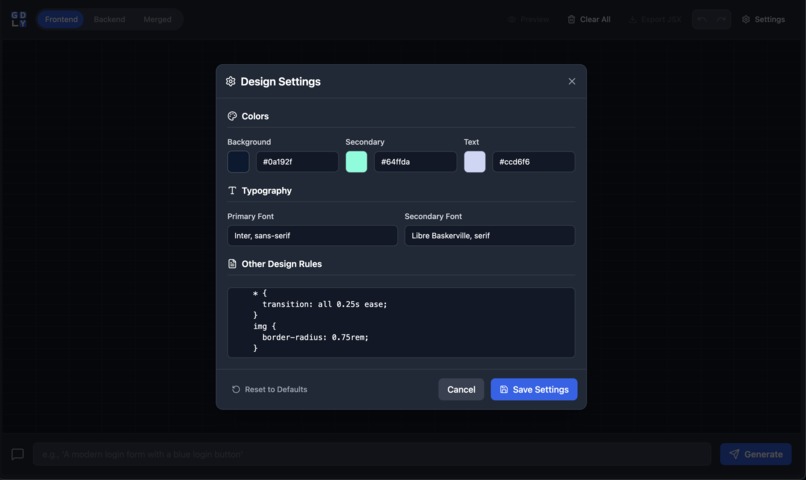
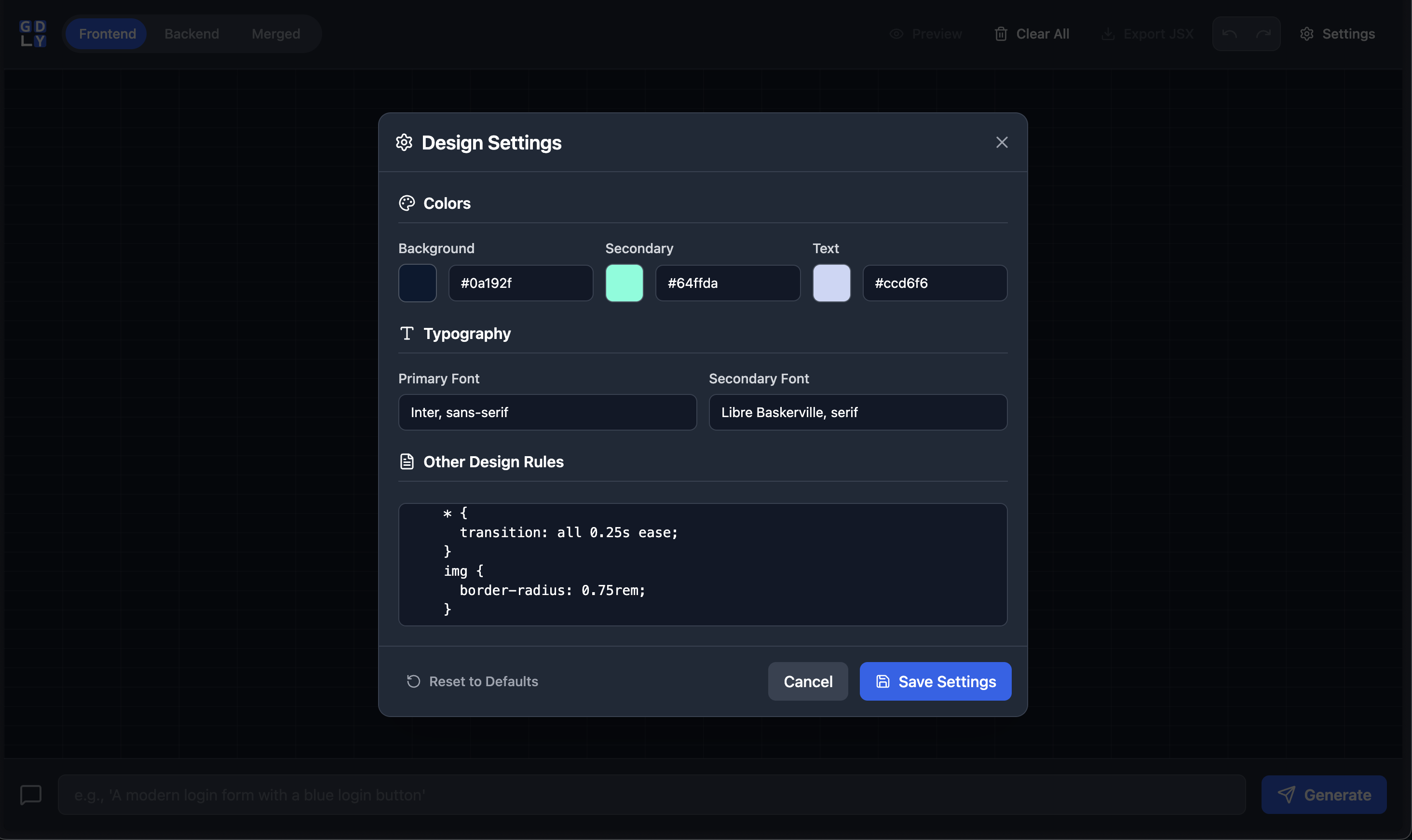
Customizing system settings.
-
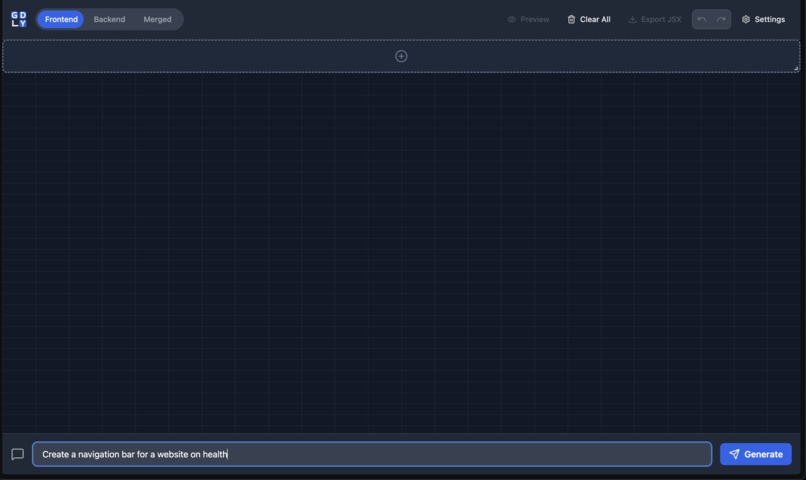
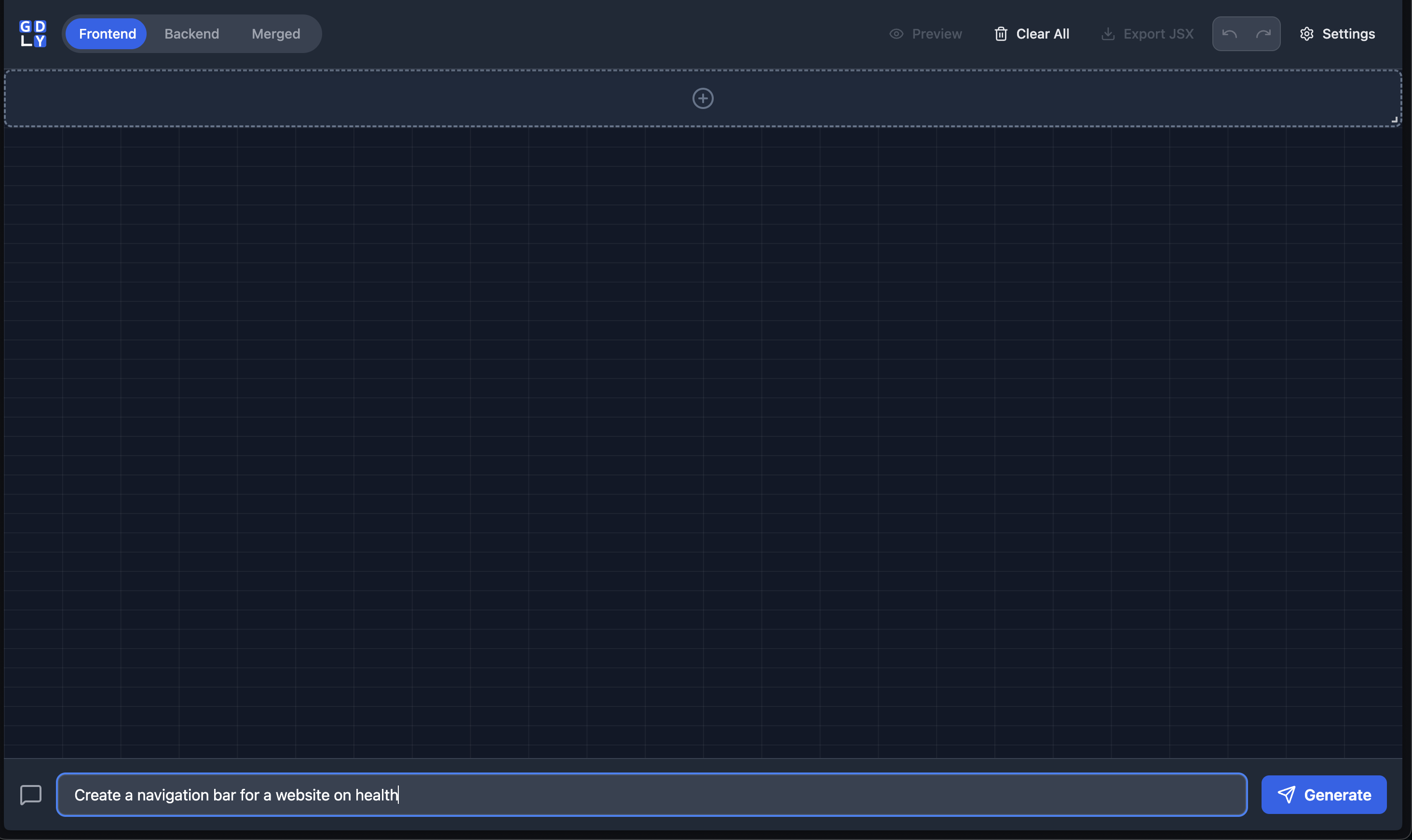
Creating a navigation bar from a new component.
-
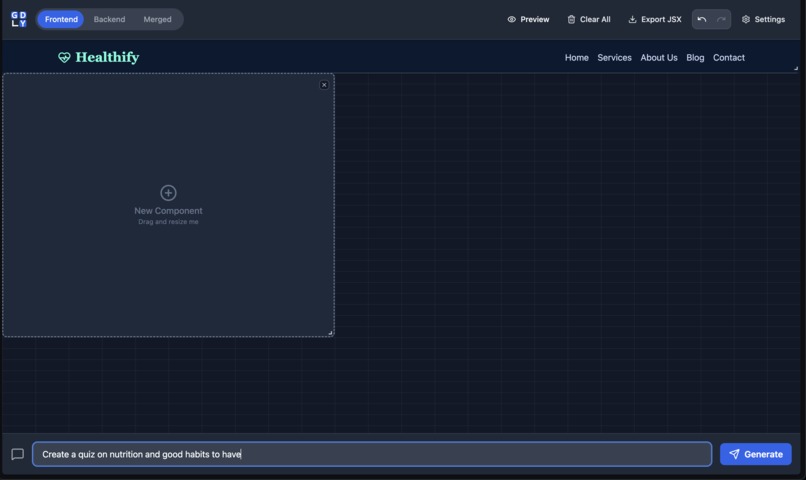
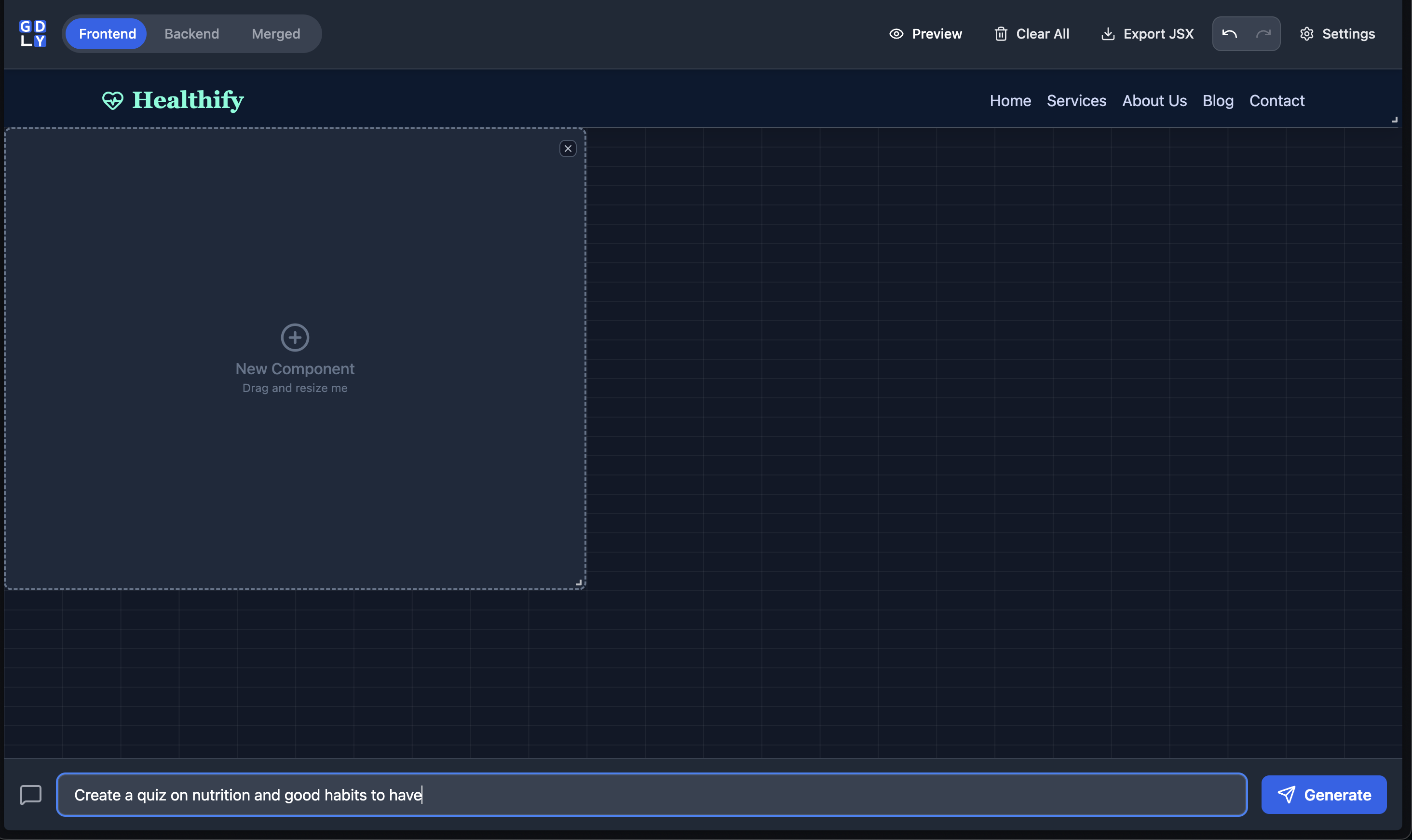
Navigation bar is displayed, and creating a health quiz from a new component.
-
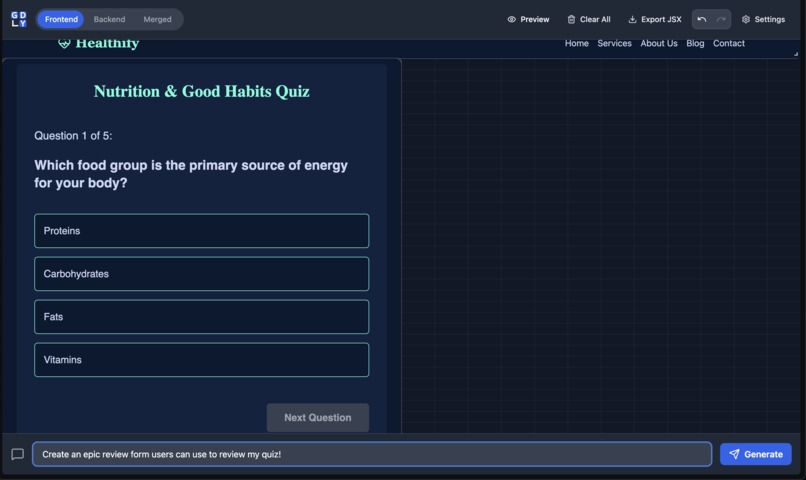
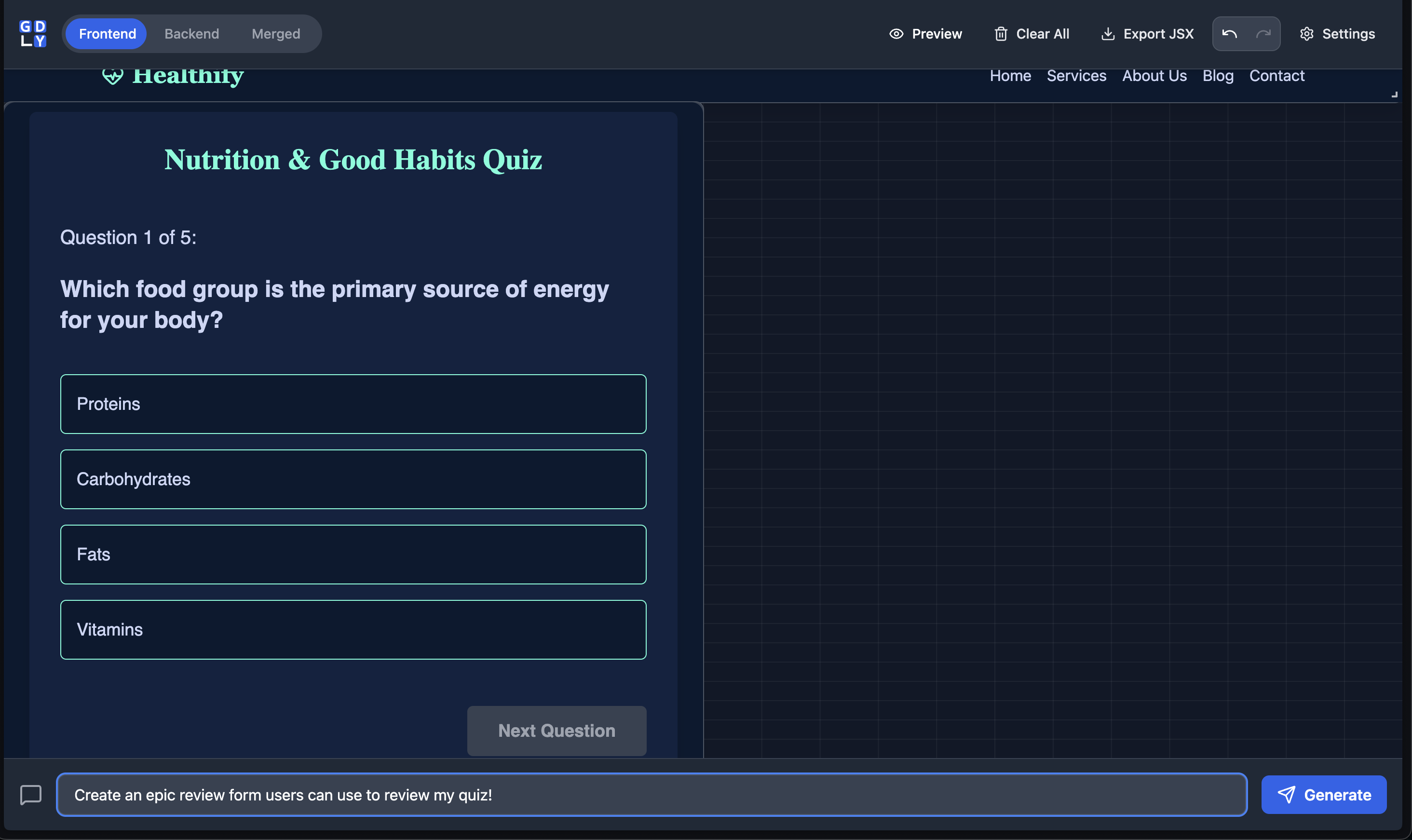
The navigation bar and quiz are displayed, and creating a review form.
-
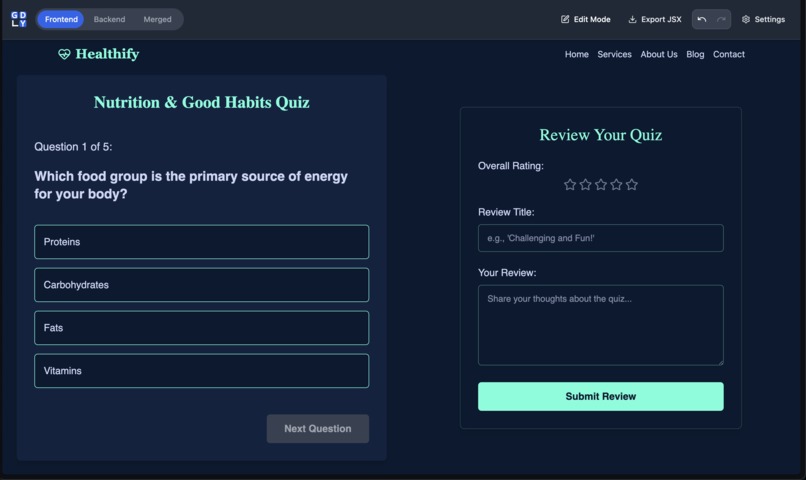
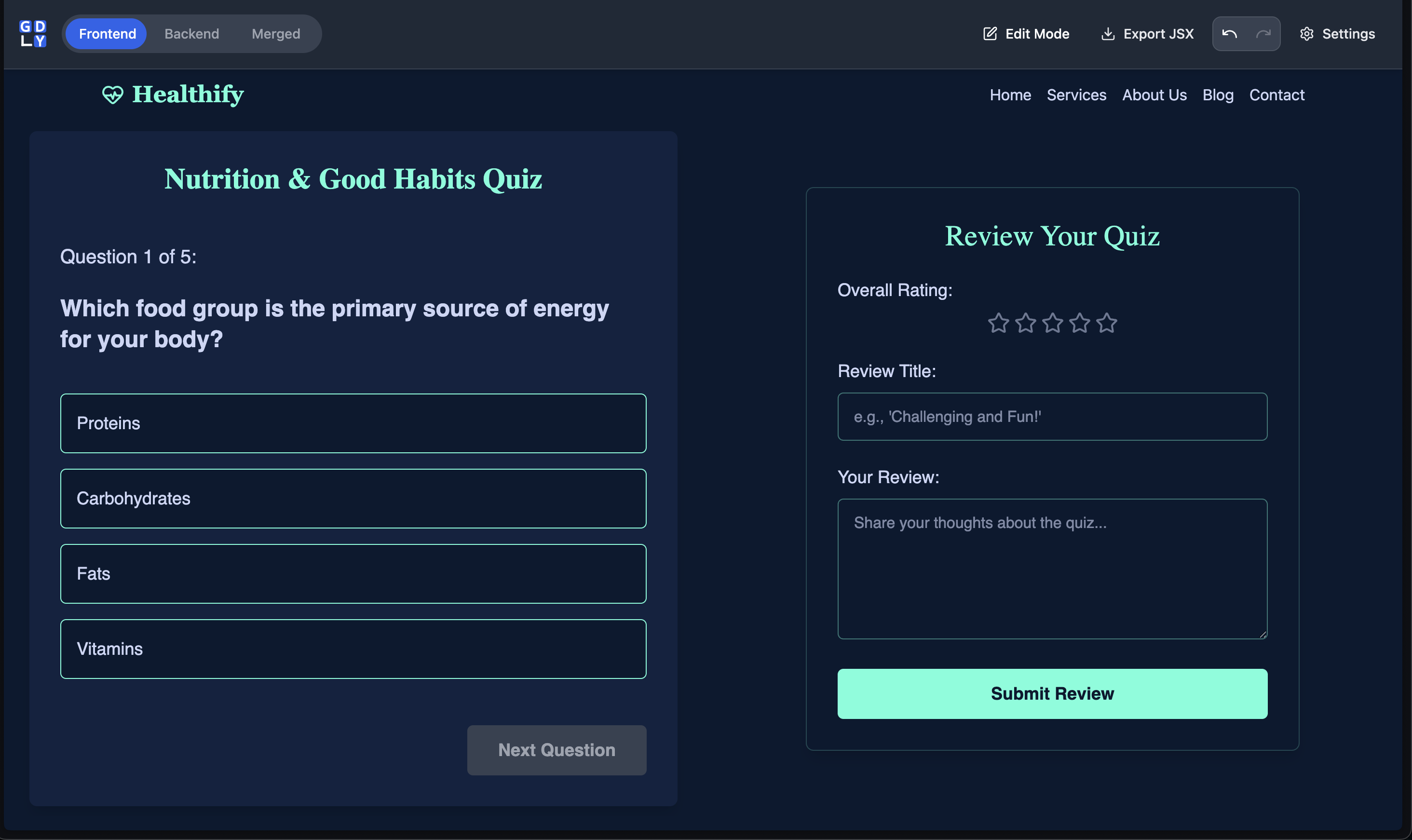
A preview of the frontend, including the navigation bar, quiz, and the review form.
-
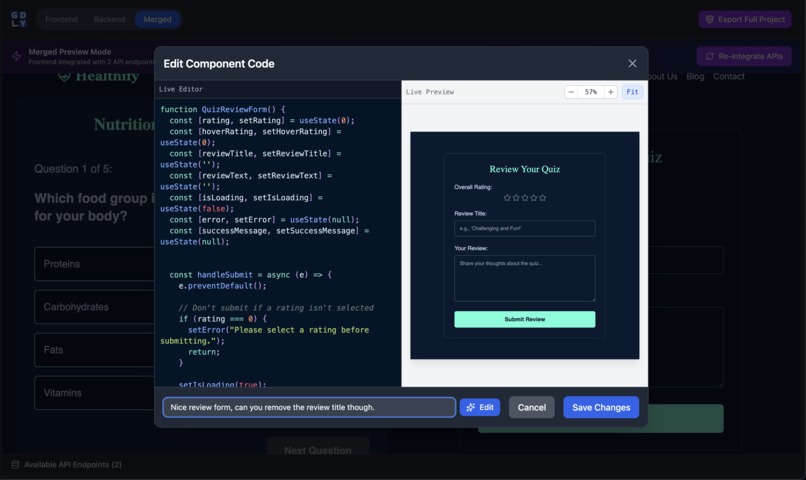
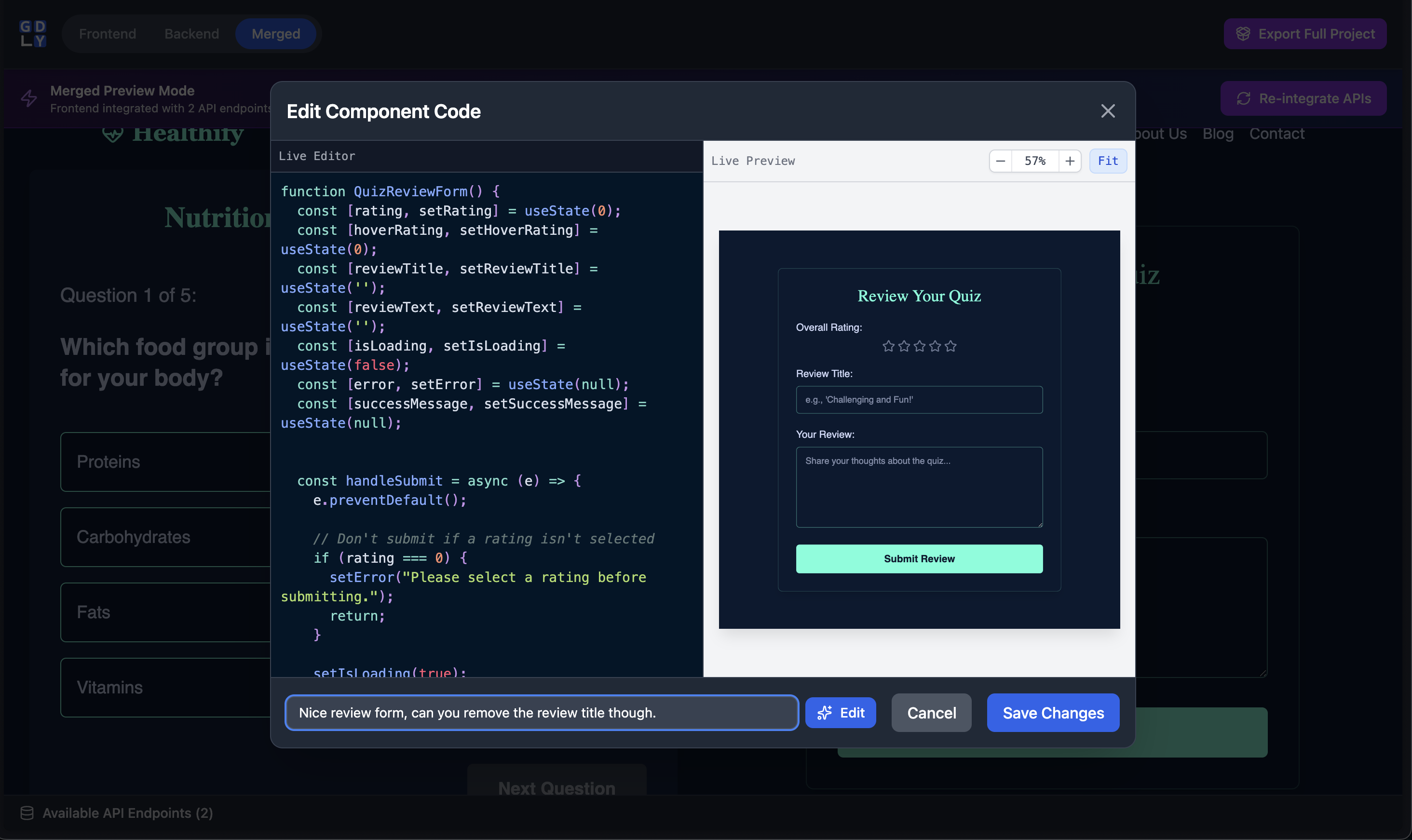
Editing the review form component directly.
-
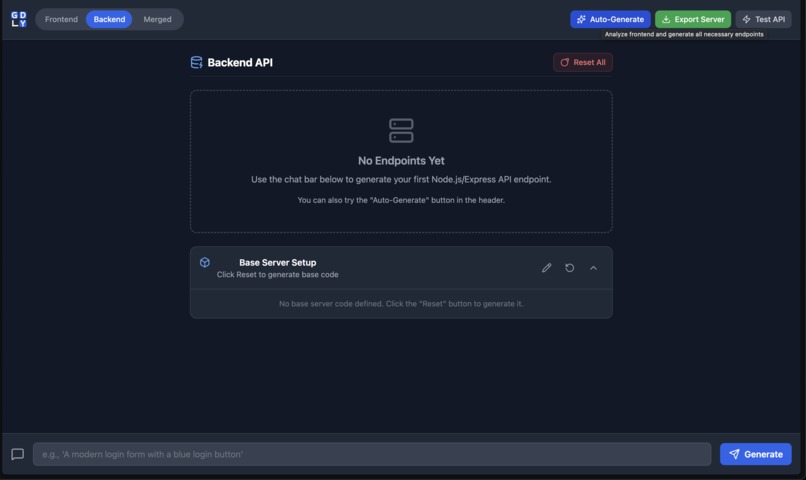
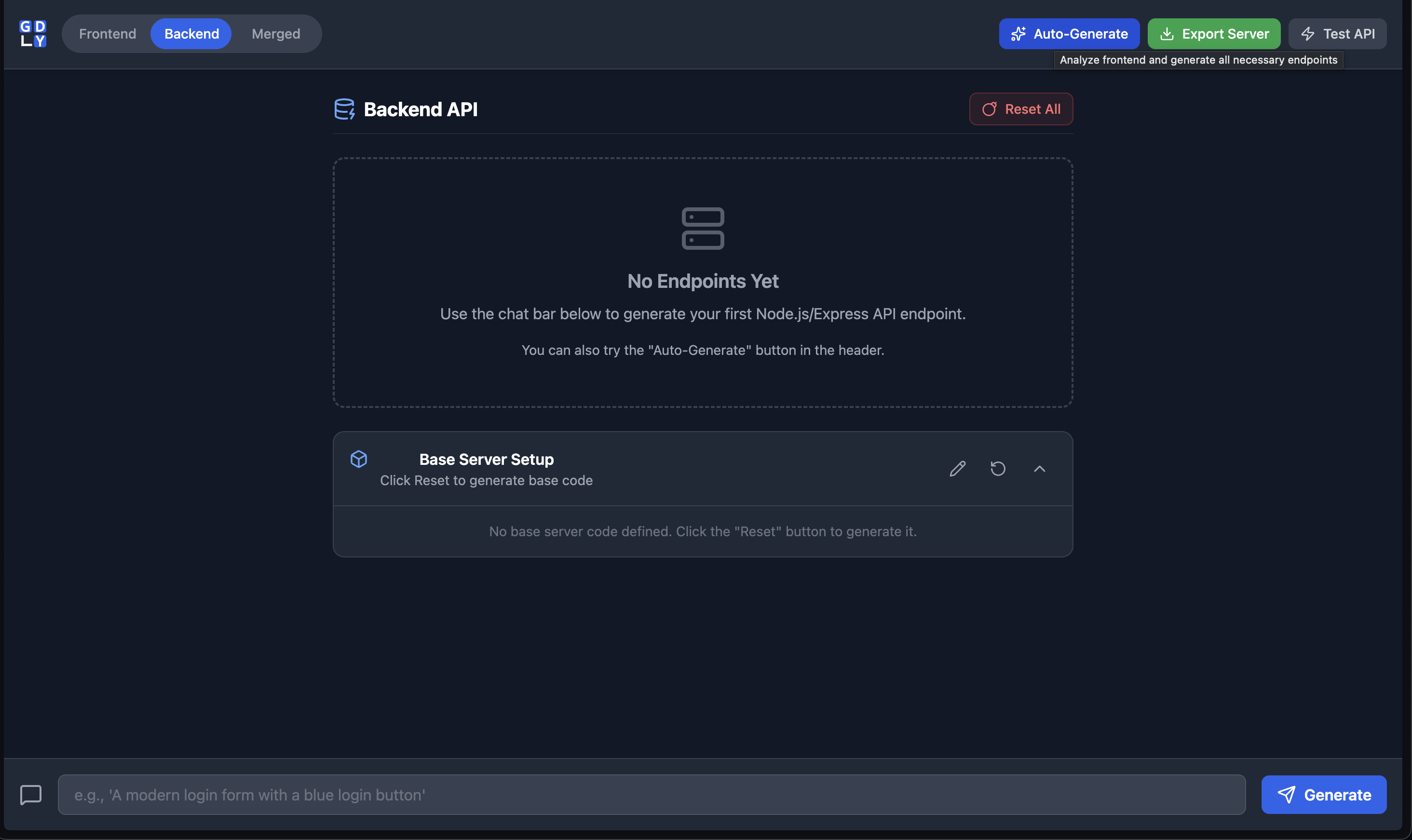
The backend view creating endpoints automatically by looking at the elements in the frontend view.
-
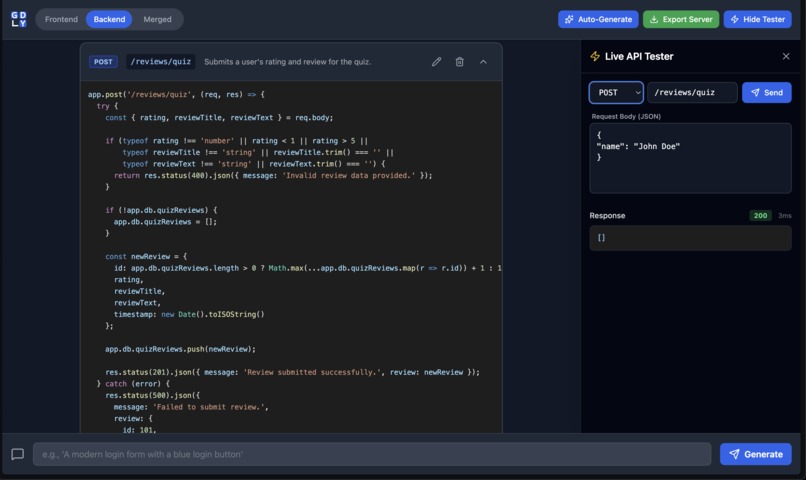
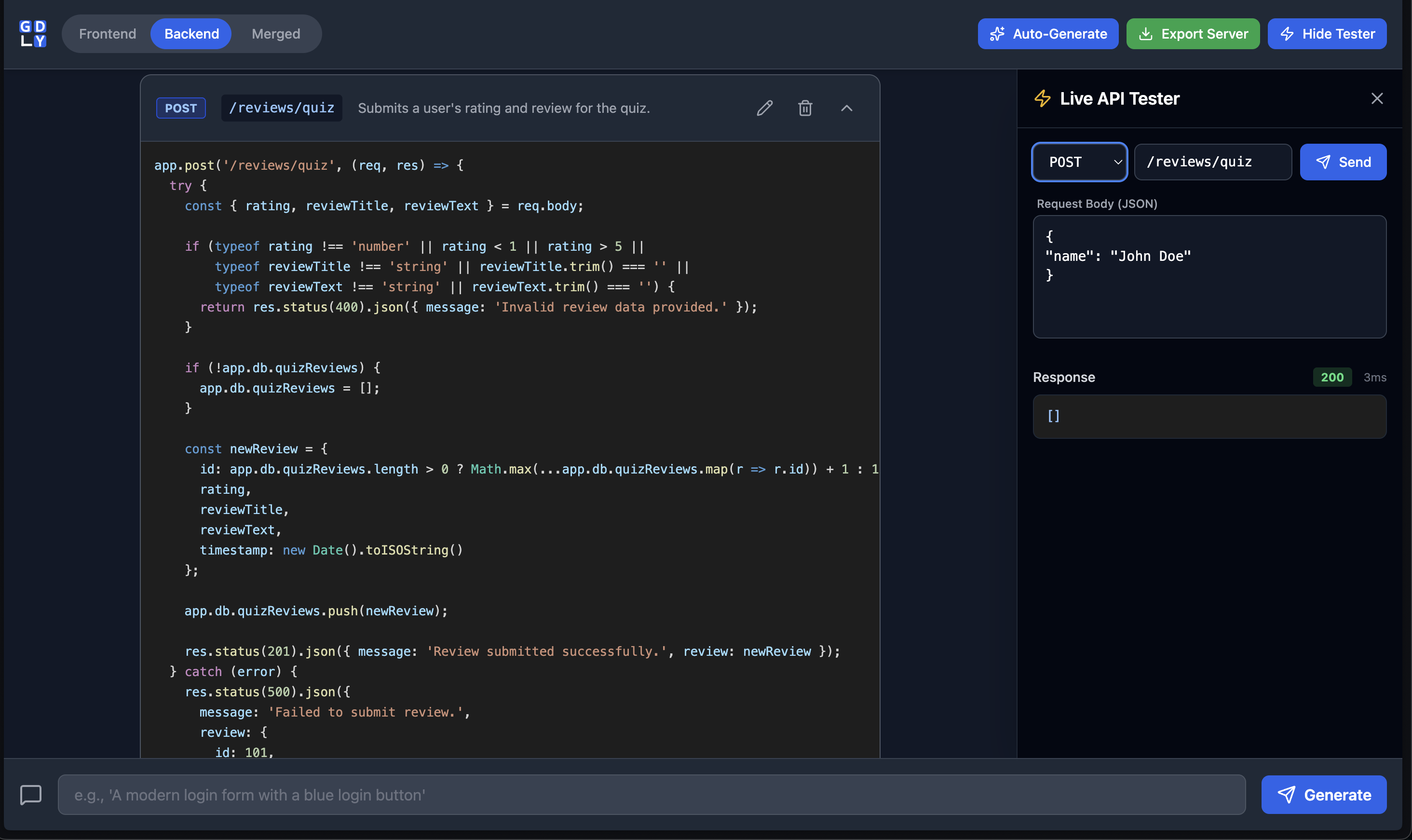
The code of the POST endpoint, with an example of API testing on the side.
-
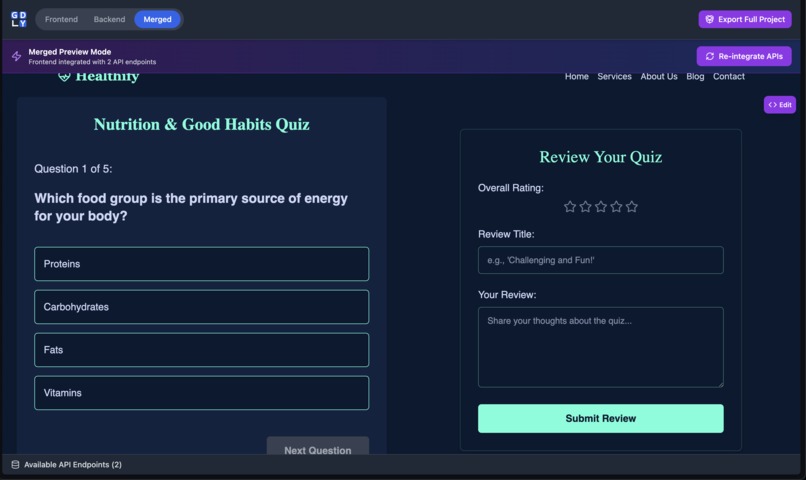
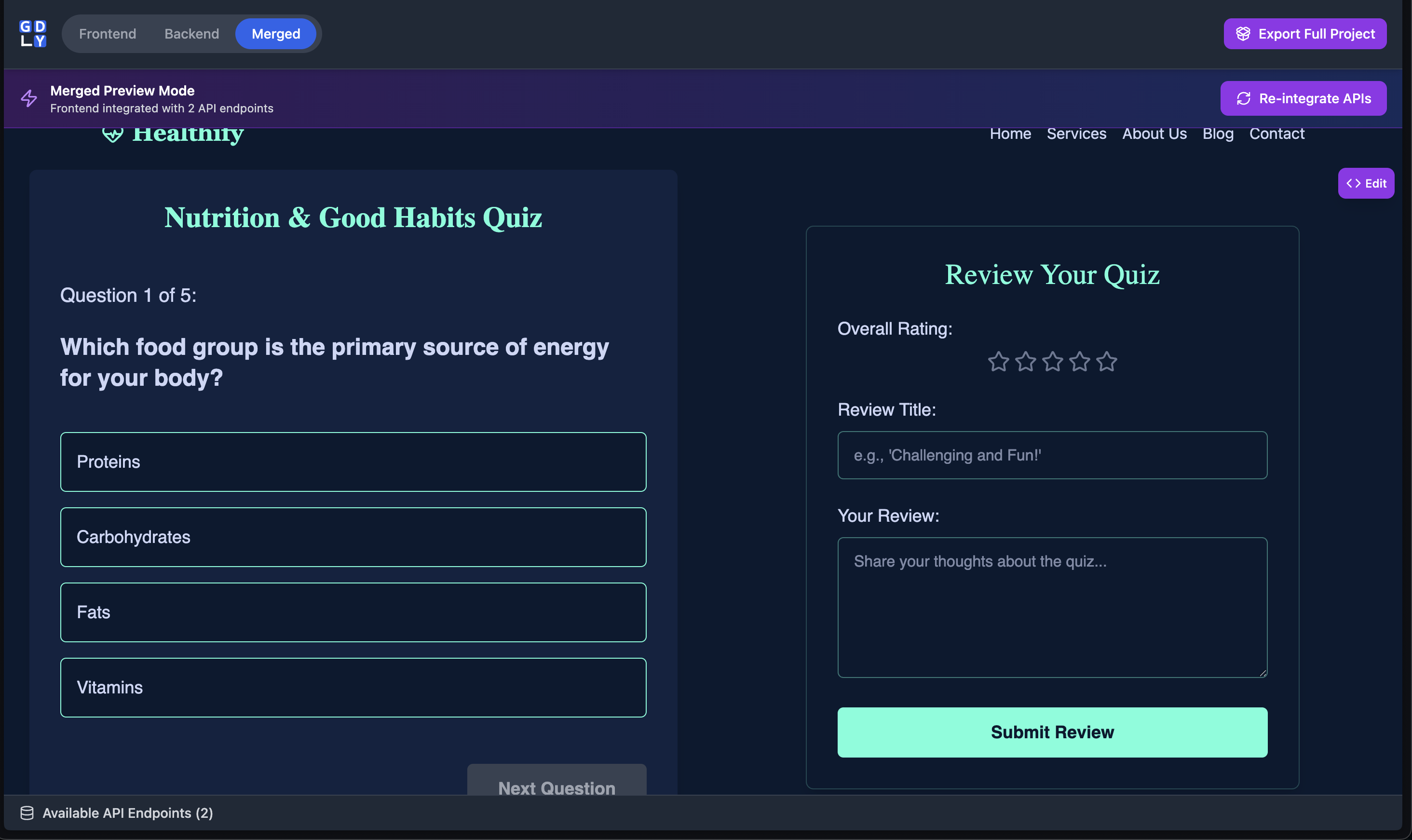
The merged view demonstrating the fully integrated website with the navigation bar, quiz, and review form.
-
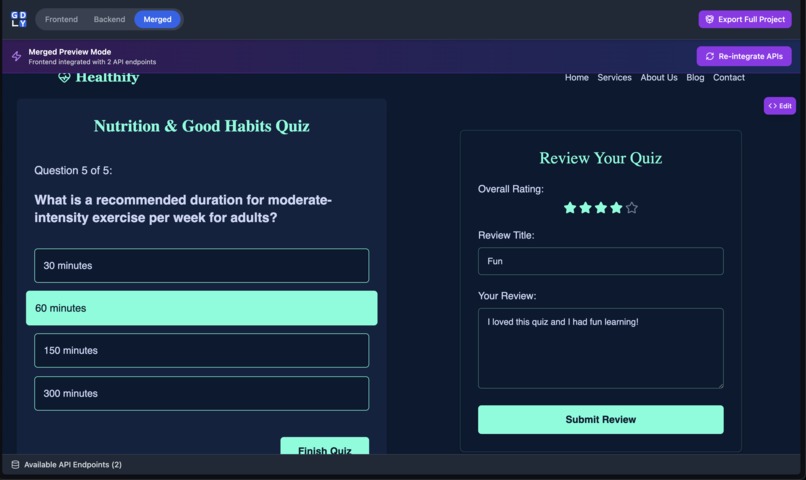
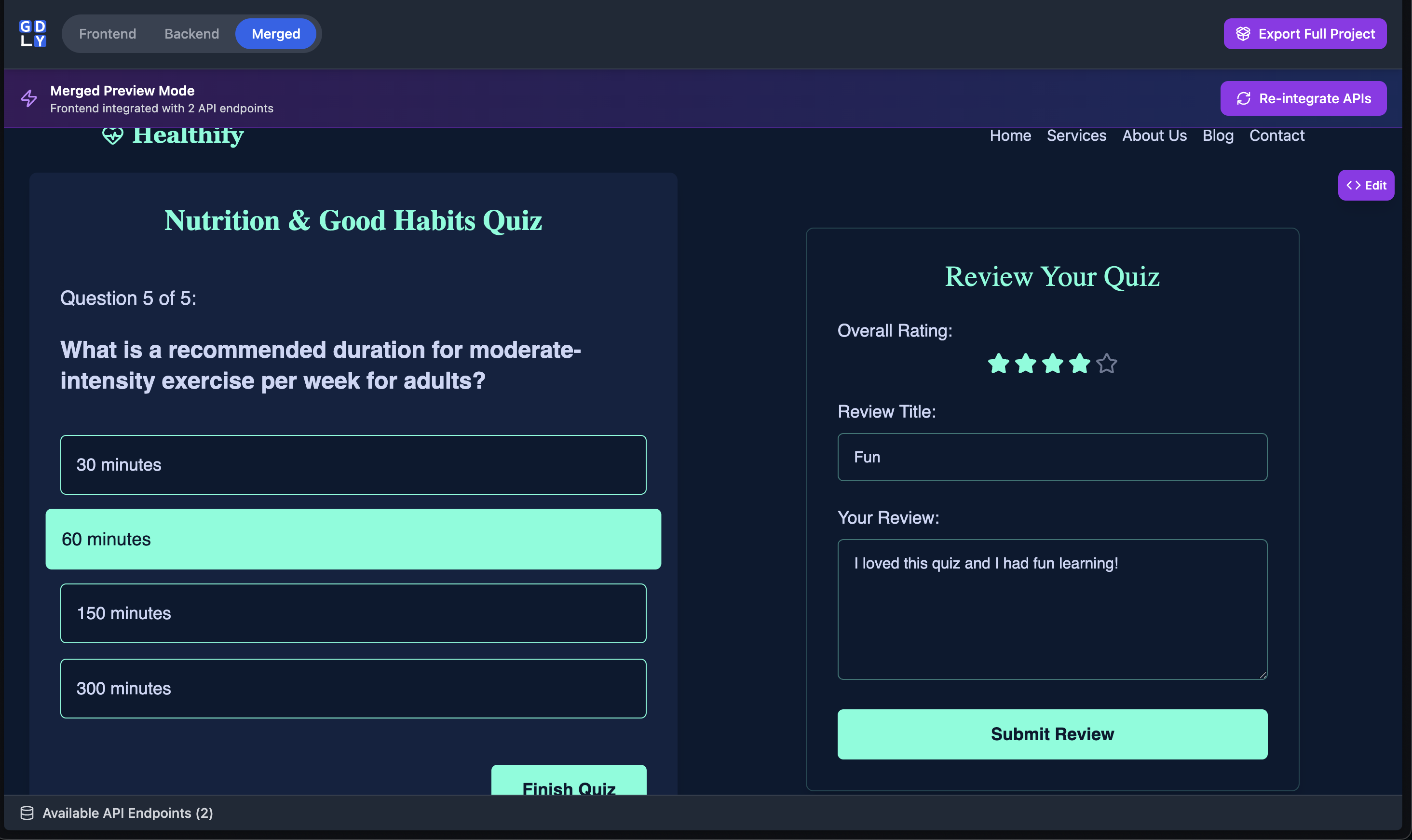
An example of a user completing the quiz and submitting a completed review form.
Gridly: Your AI-Powered, Grid-Based Full-Stack App Builder
Inspiration
Gridly draws inspiration from the intuitive, visual-first editing of platforms like Wix and the generative power of AI component tools like v0.dev. We wanted to bridge the gap: what if you could not only generate individual components but also visually arrange them on a precise grid and—critically—generate a fully functional backend to power them, all in one seamless interface?
What it does
Gridly is a browser-based IDE that empowers users to build full-stack web applications from scratch using natural language. The app operates in three distinct modes: Frontend, Backend, and Merged.
- Frontend Mode: Users can type a prompt (e.g., "a pricing card with three tiers") and Gridly's AI generates a React component. They can place it anywhere on a responsive 24-column grid or even click and drag to define the component's exact size and position.
- Backend Mode: Instead of writing frontend code, the same prompt bar generates Node.js Express endpoints. These endpoints run in a browser-based virtual server complete with mock
localStorage-backed persistence, allowing for rapid API prototyping. - Merged Mode: This is where it all comes together. Gridly's AI analyzes the frontend components and the backend endpoints and automatically refactors the React code to fetch data from the virtual API, turning a static design into a dynamic application.
Additionally, the AI can generate images on request (using Imagen 3), which are automatically cached in IndexedDB for persistence. Users can edit any component's code in a live-updating modal (react-live) and even use an AI chat to refactor their own code.
How we built it
- Core Stack: Vite + React 19 for a fast, modern frontend.
- AI: Google Gemini (
gemini-2.5-flash) for all code generation and refactoring, (gemini-2.5-pro), for merging frontend and backend functionality, and Imagen 3 for image generation. - UI & Layout:
react-grid-layoutis the heart of our visual editor. We usedframer-motionfor UI animations andlucide-reactfor icons. - Live Editing:
react-liveprovides the powerful in-browser code editor and preview. - Backend Simulation: We built a lightweight virtual Express server class that mocks API functionality directly in the browser, using
localStorageas a simple JSON database. - Styling:
tailwindcsswas used for all component and UI styling, with a design system context (colors, fonts) passed directly to the AI. - Exporting:
jszipis used to package the final project into a downloadable zip file.
Challenges we ran into
Our biggest challenge was bridging the gap between the 'frontend' and 'backend' modes. They existed in total isolation. How could a React component, generated without API knowledge, suddenly know how to call an endpoint that was generated 10 minutes later?
Our solution was a two-stage, AI-driven process:
Virtual Integration: We created an
integrateComponentsWithAPIfunction. When a user enters 'Merged' mode, this function feeds the AI the code for all frontend components and a list of all available endpoints. The AI's task is to refactor the React components, injectinguseEffectanduseStatehooks to call a specialwindow.__API_TEST__function (our virtual server's fetch handler).Final Export: For the final download, we couldn't ship a project that relied on
window.__API_TEST__. So, we created another AI function,convertComponentToRealApi, that runs during the export process. It scans each component's code and replaces all instances of the__API_TEST__call with standardfetchcalls pointed athttp://localhost:3000.
Accomplishments that we're proud of
We are incredibly proud of the final export feature. A user can spend 30 minutes prompting and dragging components, generate a few endpoints, and walk away with a production-ready, full-stack project in a single .zip file. The zip contains two clean folders, frontend and backend, with a package.json and README.md for each. It just works, and that handoff from a 'toy' browser app to a 'real' local dev environment feels magical.
We're also proud of the AI-powered refactoring chat. It's one thing to generate code from a prompt, but it's another to let a user iteratively change that code with AI, which feels much more like a collaborative partner.
What we learned
This project was a deep dive into the complexities of prompt engineering. Getting an AI to reliably return only a React component, or only an image prompt, required constant refinement of our system prompts.
We learned that the true power of GenAI isn't just one-shot generation; it's in AI-driven workflows. Chaining multiple AI steps together (e.g., generate component -> integrate with API -> convert to real fetch) unlocks capabilities that a single prompt never could.
Finally, we learned how to balance human creativity with AI efficiency. The grid and click-to-draw features are our commitment to keeping the user in the driver's seat, using AI to fill in the details, not to dictate the entire vision.
What's next for Gridly
- User Accounts & Cloud Saves: The current app is 100% local. The next logical step is to add authentication so users can save their grid layouts and projects to the cloud and access them from anywhere.
- GitHub Integration: Instead of just downloading a
.zip, we want to add an 'Export to GitHub' button that automatically creates a new repository and populates it with thefrontendandbackendcode. - Shared Design Systems: Allowing users to save and share their 'Design Settings' (colors, fonts, rules) as themes that others can apply to their own projects.
Built With
- css
- gemini
- imagen
- indexeddb
- javascript
- jsx
- react
- tailwind-css
- vite


Log in or sign up for Devpost to join the conversation.