Inspiration
Power grid failures cost billions of dollars and cost lives. The 2021 Texas power crisis killed 246 people and caused $195 billion in damages. Hospitals lost power, emergency services failed, and people froze in their homes. Current monitoring systems only react after failures happen - they don't predict or prevent. GRIDGUARD was built to change that.
What it does
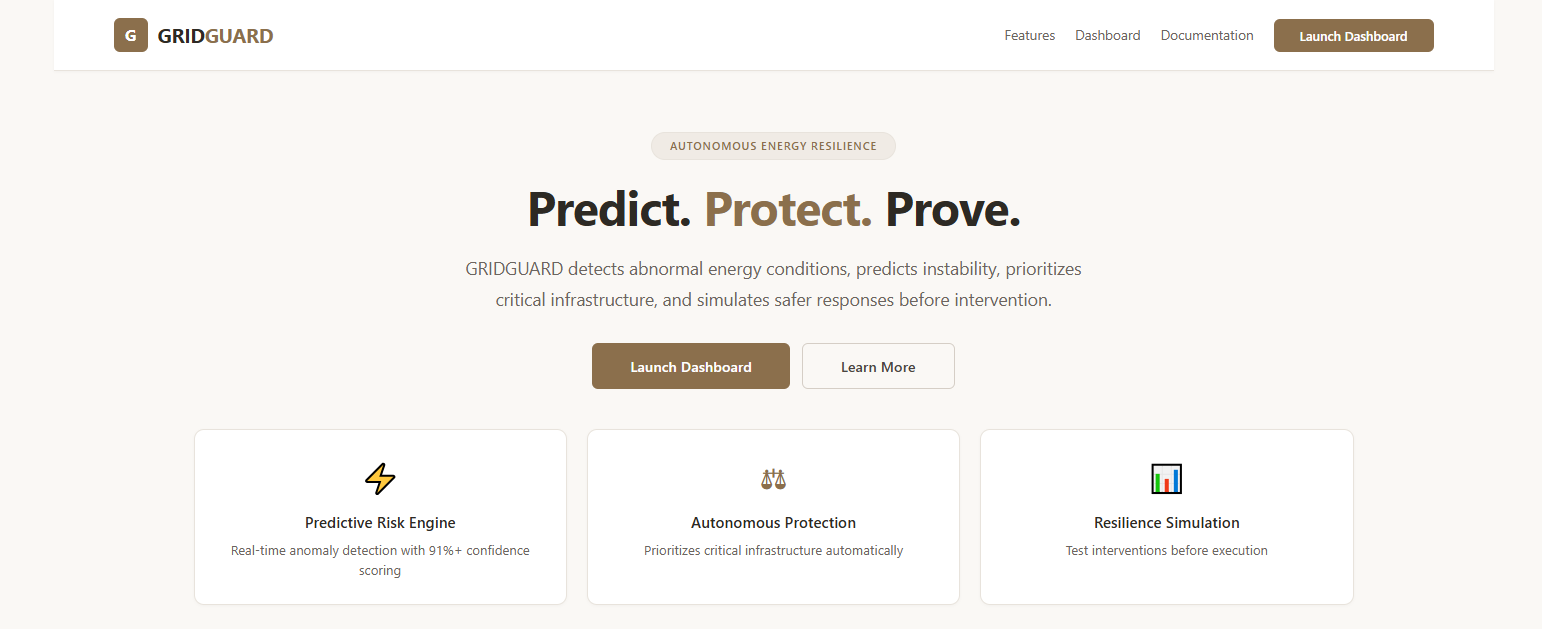
GRIDGUARD AI is an autonomous grid resilience system that:
- Detects abnormal energy conditions (voltage drops, current spikes, overheating)
- Predicts instability with 91%+ confidence
- Protects critical infrastructure automatically (hospitals, emergency services, communications)
- Simulates interventions before executing them - reducing risk from 100% to 43%
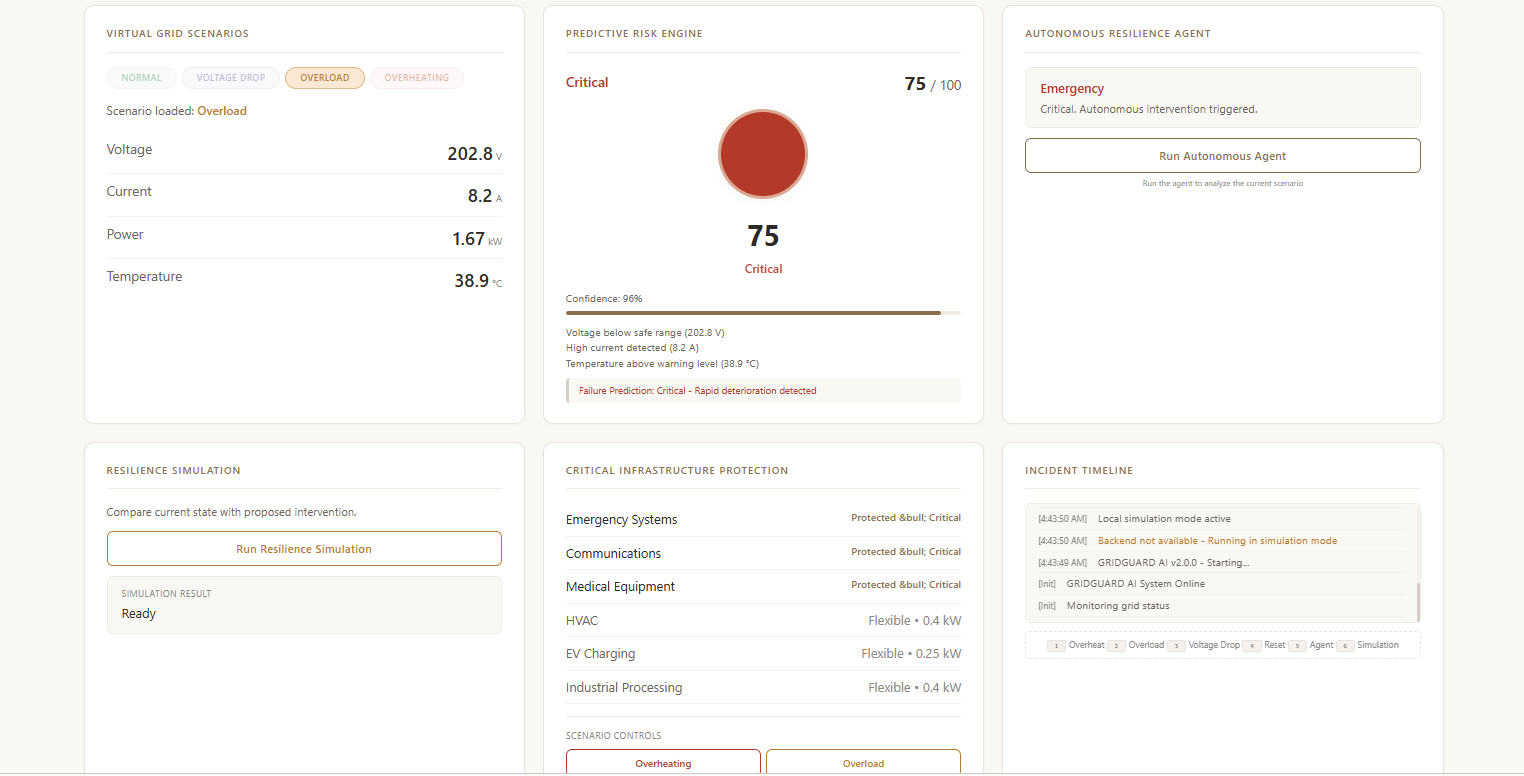
The system features a professional dashboard with real-time data, a predictive risk engine, an autonomous agent, resilience simulation, and critical infrastructure protection.
How I built it
Frontend: HTML5, CSS3, JavaScript
Backend: Python, Flask
Deployment: Vercel, GitHub Pages
Other: REST API, JSON
The frontend dashboard displays live grid data with 6 interactive cards. The backend provides REST API endpoints and serves the frontend. The system generates realistic simulated grid data with daily usage patterns and fault conditions.
Challenges I ran into
Not having access to real hardware sensors. Since I couldn't use physical sensors like temperature monitors, voltage meters, or current sensors, I had to build a realistic simulation engine that generates believable grid data. I spent significant time making the simulated data look and behave like real-world energy readings—with daily usage patterns, random fluctuations, and realistic fault conditions.
Deploying the backend to Vercel was also challenging because Vercel doesn't support WebSocket connections. I had to redesign the real-time updates to work with HTTP polling instead.
Accomplishments that I'm proud of
- Building a complete full-stack application from scratch
- Deploying a working live demo: https://gridguard-ai-v2.vercel.app/
- Creating a professional UI with clean white/brown theme
- Achieving 91%+ confidence in risk predictions
- Designing a simulation-first approach that reduces risk from 100% to 43%
- Implementing keyboard shortcuts (1-6) for quick scenario switching
What I learned
- Full-stack development with Flask and vanilla JavaScript
- REST API design and implementation
- Deployment to Vercel and GitHub Pages
- How to build realistic simulation engines
- Handling serverless limitations (replacing WebSocket with polling)
- Creating professional UI without frameworks
What's next for GRIDGUARD AI
- Real sensor integration (ESP32, Arduino)
- Machine learning model training with real grid data
- Mobile application
- SCADA system integration
- Cloud deployment (AWS, Azure)
- Email and SMS alert system
- Data export and reporting
Live Demo: https://gridguard-ai-v2.vercel.app/
GitHub: https://github.com/yanetbedilu7-00/gridguard-ai

Log in or sign up for Devpost to join the conversation.