-
-
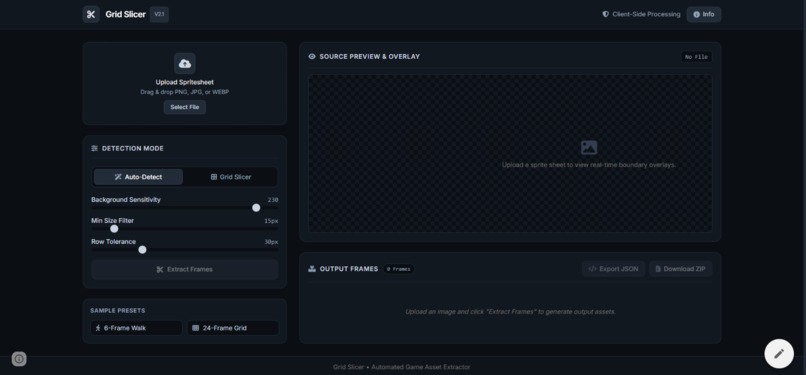
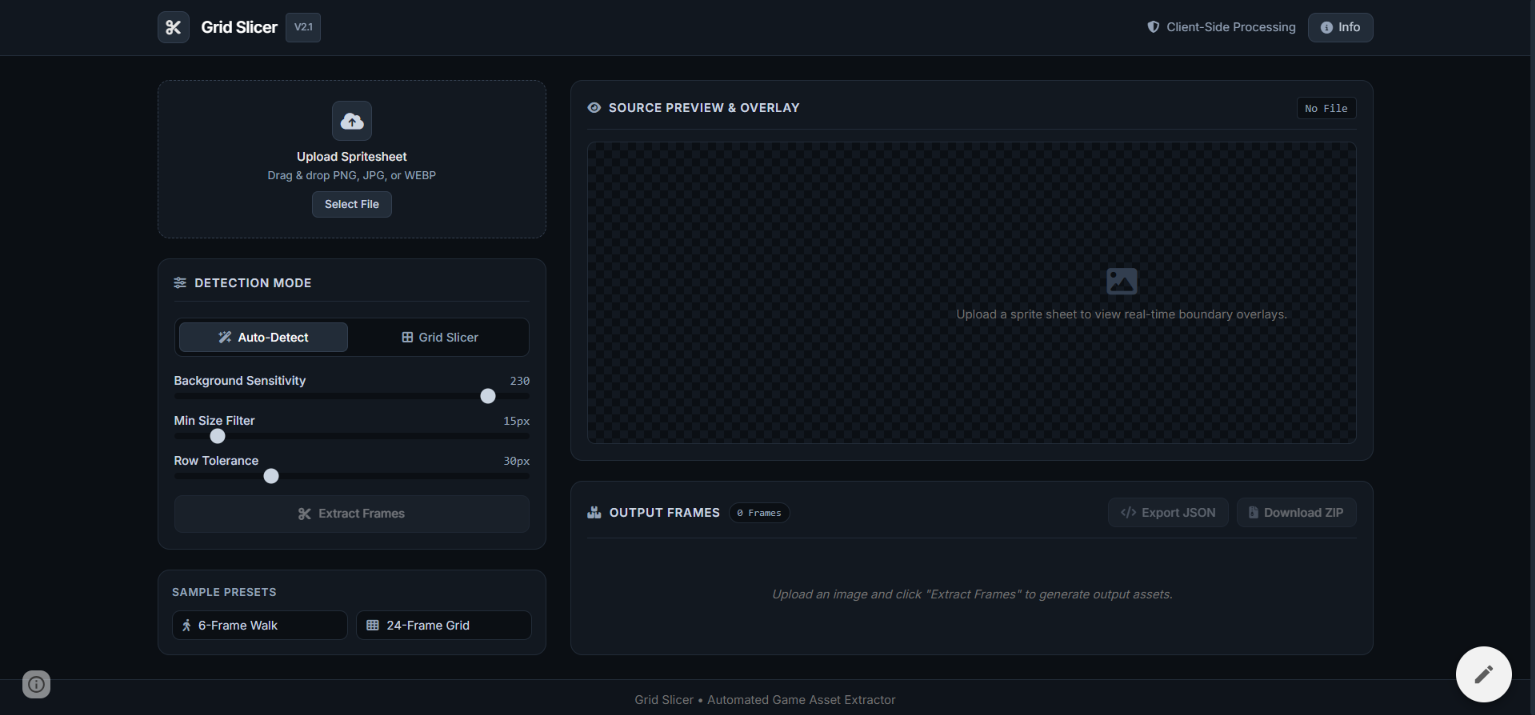
Web Application
-
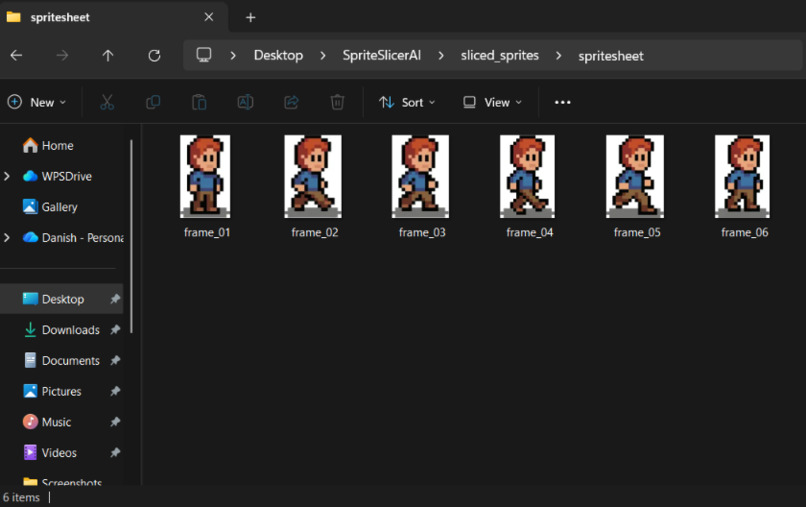
Finished Product
-
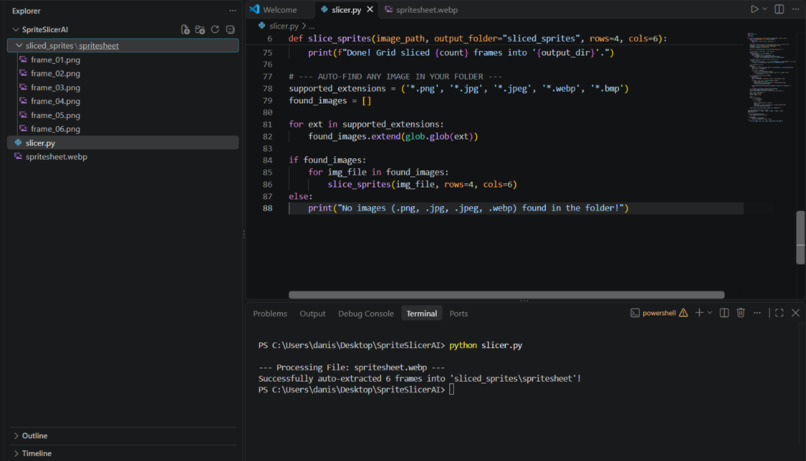
Back-end Code
Inspiration
As a 2D game maker, I got tired of downloading sprite sheets off the internet with messy backgrounds or fake "transparent" checkerboard patterns. Manual cropping takes way too long, so I wanted to create a tool that cuts them out automatically.
What it does
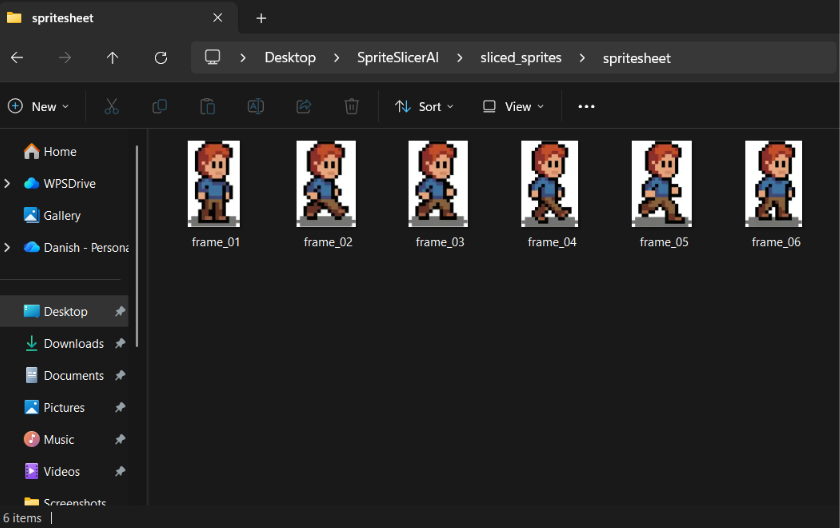
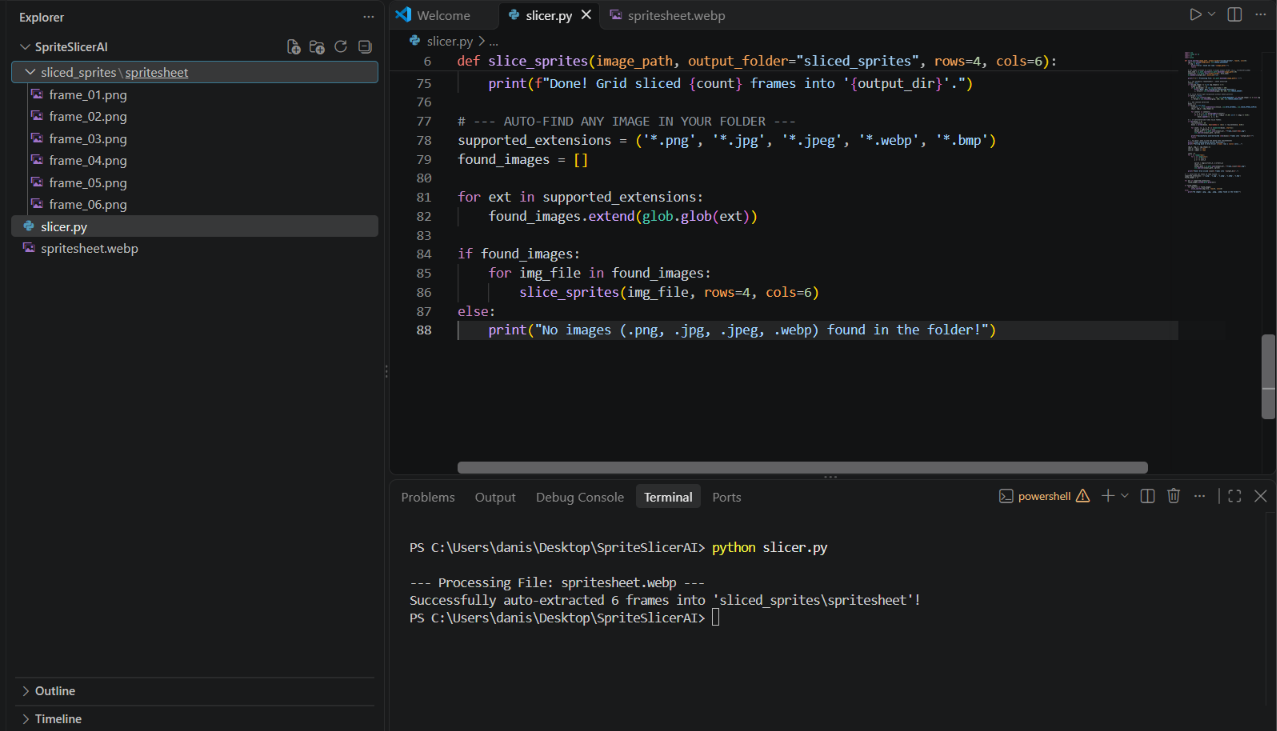
Grid Slicer takes any 2D sprite sheet image (PNG, JPG, WEBP) and cuts out each character frame into clean, separate images.
- Auto Detection: Finds character shapes and extracts them into separate files.
- Ordered Frames: Saves every frame in order (
frame_01.png,frame_02.png). - Smart Grid Fallback: If an image has a fake checkerboard background, it neatly slices it using a clean grid.
How I built it
- AI Assistance: I directed the project, logic, and design while using AI tools to write the Python and web application code.
- Python & OpenCV: Created the core computer vision logic to detect shapes, handle pixel channels, and slice sprite sheets.
- Web Interface: Built an interactive web application so anyone can drag and drop images directly in their browser and download frame ZIPs.
Challenges I ran into
Dealing with fake "transparent" checkerboard PNGs from search engines. The alternating gray and white squares kept tricking the detector. I fixed this by implementing a grid fallback system whenever a fake background is detected.
Accomplishments that I'm proud of
Going from zero coding experience to directing, building, and fully understanding a complete computer vision tool and web application that solves a real pain point for game creators!
What I learned
How computer vision handles image channels and bounding boxes behind the scenes, how to debug edge cases in image processing, and how to use AI as a programming collaborator.
What's next for Grid Slicer
Adding automated background removal and allowing creators to drop in multiple sprite sheets at the same time.
Built With
- ai
- computer-vision
- css3
- html5
- javascript
- opencv
- python


Log in or sign up for Devpost to join the conversation.