-
-
App icon.
-
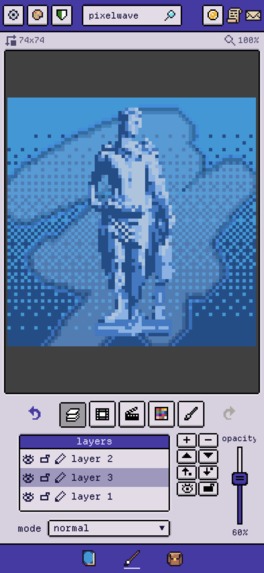
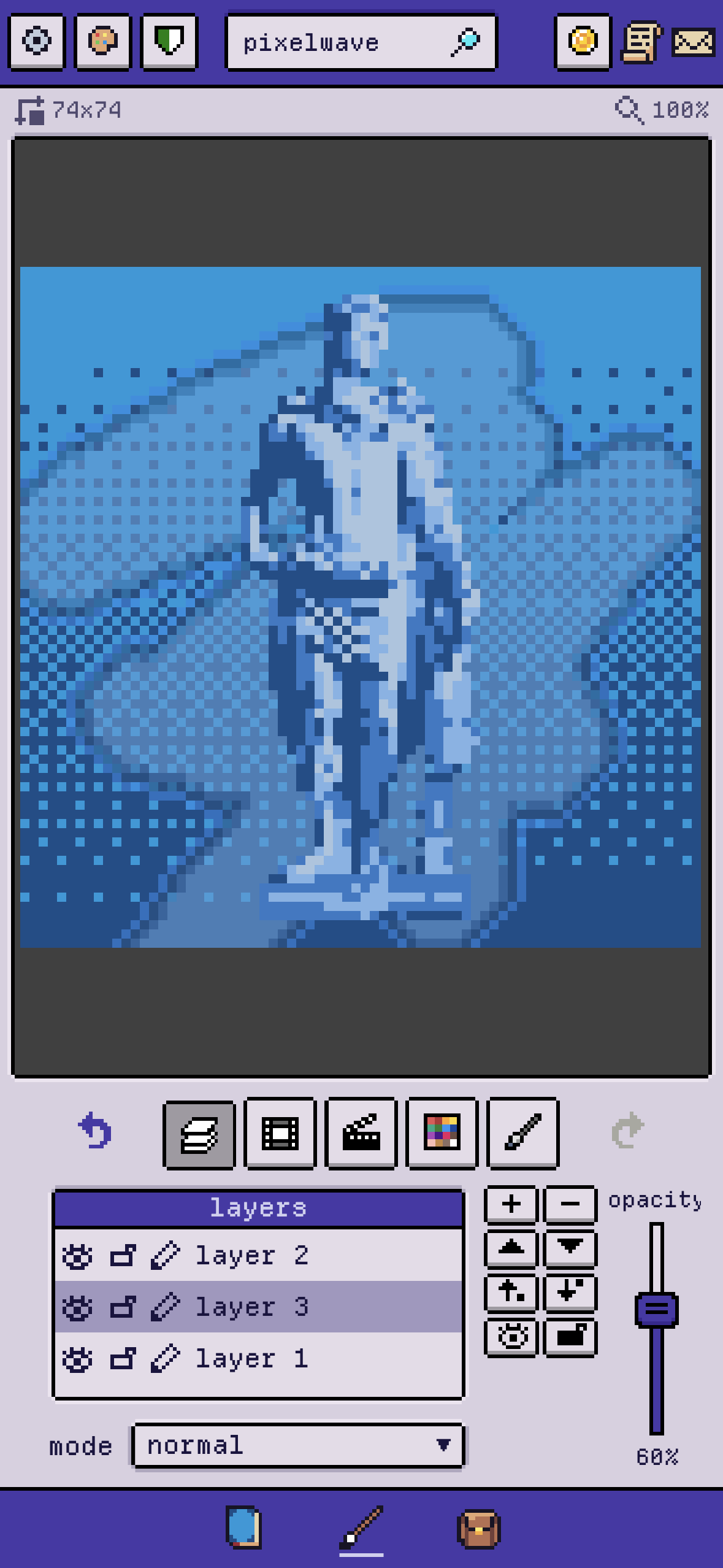
A vaporwave-like pixel artwork with layers.
-
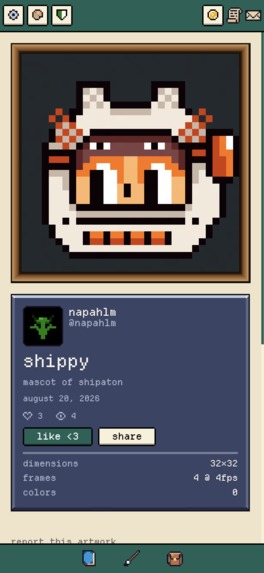
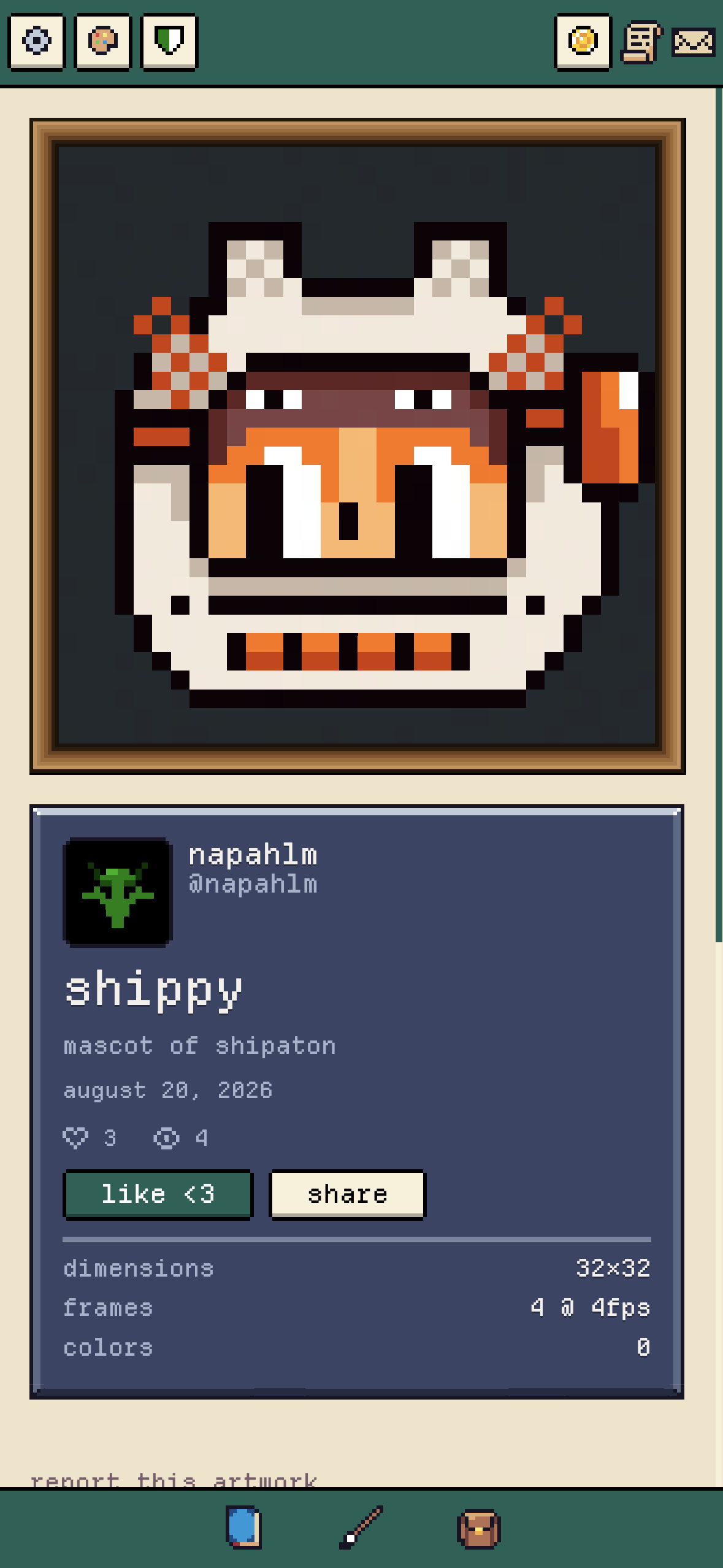
Shippy in the museum!
-
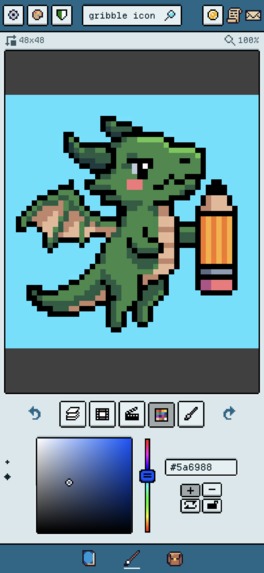
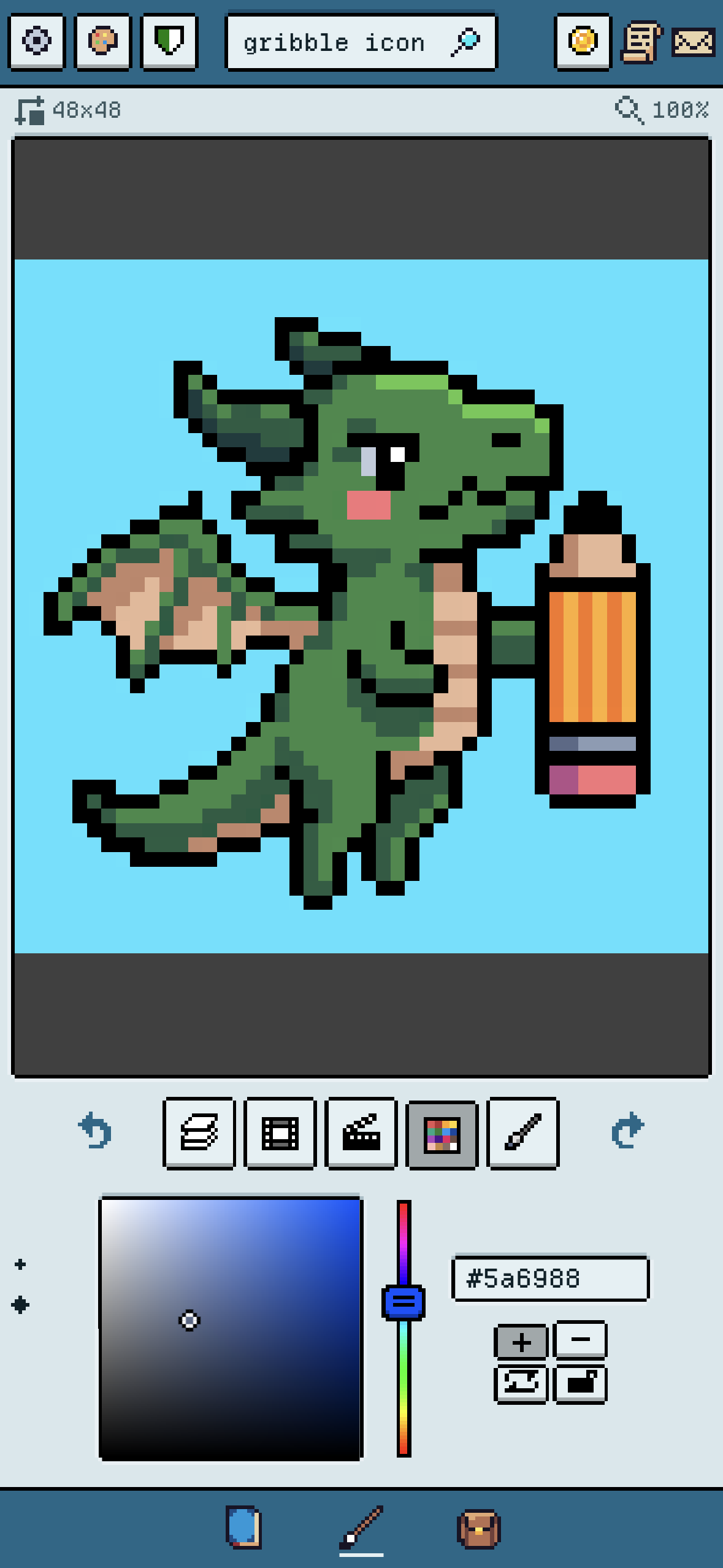
Choosing colors for drawing.
Inspiration
Have you ever had this feeling that you liked something as a kid that you want to express with the skills you have after growing up? That's how I feel about building Gribble. I have always been a fan of retro games and pixel art, and it's not surprising given the time I spent on my GameBoy as a kid. I wanted to make pixelated frontend components for my homepage and would not settle for uploading PNGs of art made in someone else's tool. It was just too simple. So I set out to find a way to create pixel art online ... dynamically ... with whatever tools the browser allows you to use.
It started with forcing CSS to fold like squares with box-shadows and evolved into more elegant use of JavaScript canvas. But I quickly met a wall. Writing pixel art in any code is really, really boring and repetitive.
For example, this is the needed CSS code for one single frame of a 4x4 pixel artwork.
.pixel-art {
  width: var(--pixel-size, 2px);
  height: var(--pixel-size, 2px);
  box-shadow:
    /* row 0 */
    calc(var(--pixel-size, 2px) * 0) calc(var(--pixel-size, 2px) * 0) 0 0 #262B44,
    calc(var(--pixel-size, 2px) * 1) calc(var(--pixel-size, 2px) * 0) 0 0 #124E89,
    calc(var(--pixel-size, 2px) * 2) calc(var(--pixel-size, 2px) * 0) 0 0 #262B44,
    calc(var(--pixel-size, 2px) * 3) calc(var(--pixel-size, 2px) * 0) 0 0 #124E89,

    /* row 1 */
    calc(var(--pixel-size, 2px) * 0) calc(var(--pixel-size, 2px) * 1) 0 0 #124E89,
    calc(var(--pixel-size, 2px) * 1) calc(var(--pixel-size, 2px) * 1) 0 0 #262B44,
    calc(var(--pixel-size, 2px) * 2) calc(var(--pixel-size, 2px) * 1) 0 0 #124E89,
    calc(var(--pixel-size, 2px) * 3) calc(var(--pixel-size, 2px) * 1) 0 0 #262B44,

    /* row 2 */
    calc(var(--pixel-size, 2px) * 0) calc(var(--pixel-size, 2px) * 2) 0 0 #262B44,
    calc(var(--pixel-size, 2px) * 1) calc(var(--pixel-size, 2px) * 2) 0 0 #124E89,
    calc(var(--pixel-size, 2px) * 2) calc(var(--pixel-size, 2px) * 2) 0 0 #262B44,
    calc(var(--pixel-size, 2px) * 3) calc(var(--pixel-size, 2px) * 2) 0 0 #124E89,

    /* row 3 */
    calc(var(--pixel-size, 2px) * 0) calc(var(--pixel-size, 2px) * 3) 0 0 #124E89,
    calc(var(--pixel-size, 2px) * 1) calc(var(--pixel-size, 2px) * 3) 0 0 #262B44,
    calc(var(--pixel-size, 2px) * 2) calc(var(--pixel-size, 2px) * 3) 0 0 #124E89,
    calc(var(--pixel-size, 2px) * 3) calc(var(--pixel-size, 2px) * 3) 0 0 #262B44;
}
So I needed a tool. Existing online tools didn't cut it and made it too difficult or were too simple. So Gribble was born. And when the first pixel canvas managed to generate code that could visualize pixel art I used that code to transform Gribble's components, and as they improved the app improved.
Snowballin' as they say.
What it does
At the very core Gribble is a full pixel art studio focusing on starting pixel art creation with as little friction as possible. It allows the users to draw on small and large canvases with a wide range of essential tools, and some really unique ones. Gribble can import most formats to edit, and exports in even more. Pixelated images, GIFs, videos, timelapses, spritesheets and also a unique 9-patch mode. And code exports of course so that you can make pixel components yourself!
Gribble works flawlessly across iOS, Android and web for the same account.
How I built it
I put A LOT of thought into making the code development process as frictionless as possible since I'm a solo dev, so it is built on top of firebase with mostly typescript and an absolute banger of a CI/CD pipeline on Github to publish changes for me on web/ios/android.
Gribble is an SPA, originally built as a web site with Vue, and ported with Capacitor to work with iOS and Android. If it turns out successful I would love to optimize with native solutions.
Gribble runs on Firebase. I have spent A LOT of time optimizing my development flow as I'm a solo dev, so my GitHub actions will deploy to web, iOS and Android by themselves if given the right commands. It's a banger CI/CD pipeline, I promise you.
So Firebase and GitHub is my core. Authentication is run by Firebase and all the cloud pixel art files are stored efficiently in Firestore. For securing sensitive bizniz operations and user's data I run a large set of backend Cloud Functions on the Google Cloud project behind the Firebase front for various tasks. My analytics also ties very well into this stack.
For additional security I actually run two separate Firebase projects, one prod and one dev/staging, which allows me to test live features without messing too much with the live project. And it's just a simple command parameter to go between the two when deploying new features!
RevenueCat runs the app payments of course, and you know that platform better than me!
Challenges I ran into
My biggest issues:
Getting users and marketing! This is a real challenge I really never found a good solution for. I tried posting on TikTok and Instagram, but couldn't uphold a decent schedule due to traveling with work and needing time for difficult features.
Overcoming the anti-aliasing of pixel components shows it's "seams" by going from CSS box-shadow to JavaScript canvas elements. Getting the colors and shapes right on the canvas, between several layers and aligned the hovering brush with the actual grid, were all difficult problems to solve and also have an efficient grid.
The renderer optimization took time out of my life. This is the one part that took ages. X times Y pixels quickly becomes inefficient on large canvas grids. And it's important to have the opportunity because competitors have managed to solve it. It involved WebGL rendering, dirty-cell tracking, and render scheduling. On a 512x512 pixel grid a full fill (tool) got 24x faster and undoing got 1000x faster.
Making the global gallery with artwork publishing. Publishing user generated content, and making it bug-free, proved to be tough! There are a lot of mechanisms in play such as liking, following, forking and retrieving files quickly from storage.
Accomplishments that I'm proud of
- The look and feel of my mobile app. I use it myself and love just opening it and start tweaking my artworks.
- The optimized renderer. Thank god I'm done with this hopefully.
- The forking feature that allows users to build on top of other creators' artworks. It's an under-appreciated feature that me as the developer secretly loves because it opens up for some cool visualizations and collaborations between creators and fans in the future.
- Strangers uploading to the global gallery <3
What I learned
- Anything can be pixel art. You just have to abuse CSS enough.
- I learned a lot about cybersecurity when it comes to authentication and backend functions. Sometimes wanting to be overly secure halted progress but I think it was worth it.
- Optimization is slept on. Running an efficient renderer is absolutely needed for the app to be usable on low-end devices and for drawing on large grids (more than 128x128) without lag.
What's next for Gribble
- An asset inventory that allows users to place ready-made components in their projects.
- Tilesets!
- An asset market place to allow users to share and sell their creations directly to other users as a way to earn money and contribute to the community.
- A collaboration with an art venue perhaps!
- A way to visualize the fork feature to see the history of an artwork!
- Increase the user base!
Built With
- css
- firebase
- javascript
- pixelart
- typescript
- vscode
- vue
- xcode


Log in or sign up for Devpost to join the conversation.