-
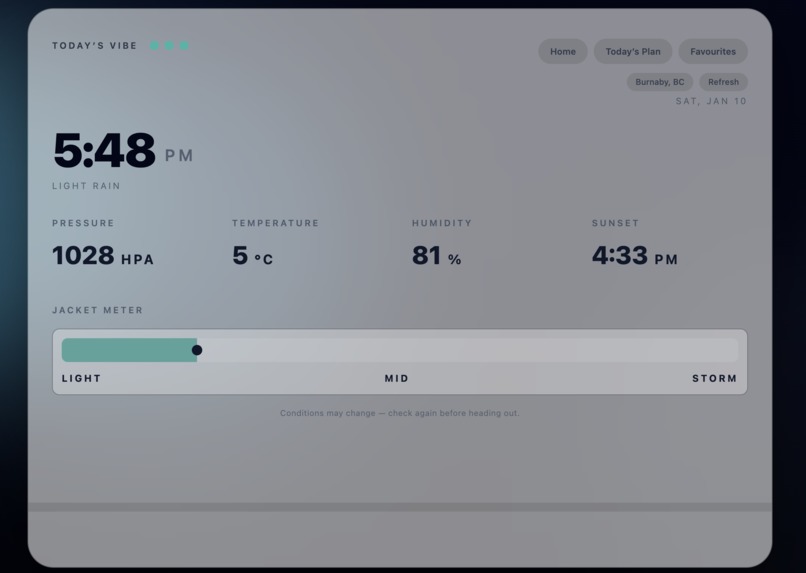
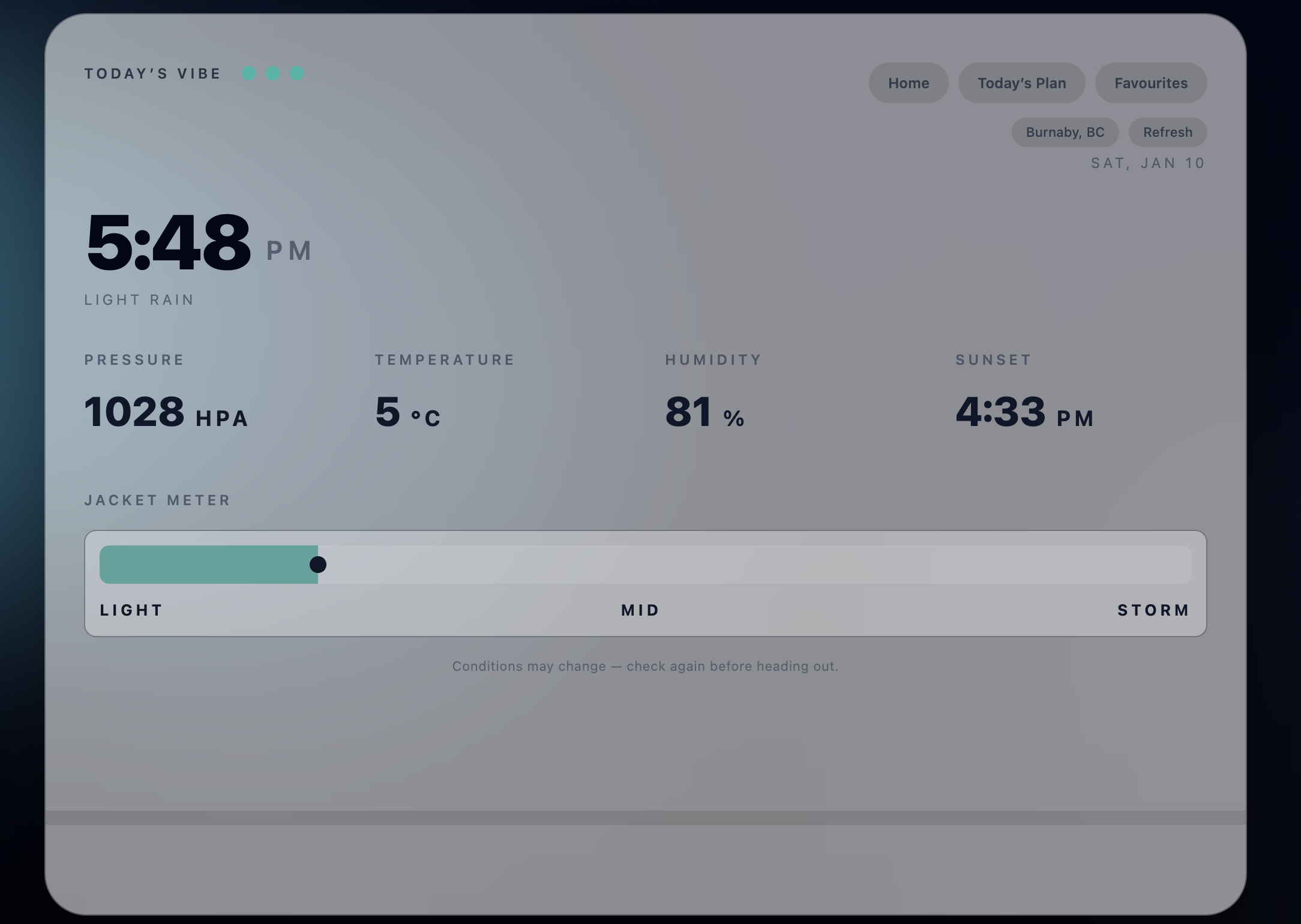
Weather
-
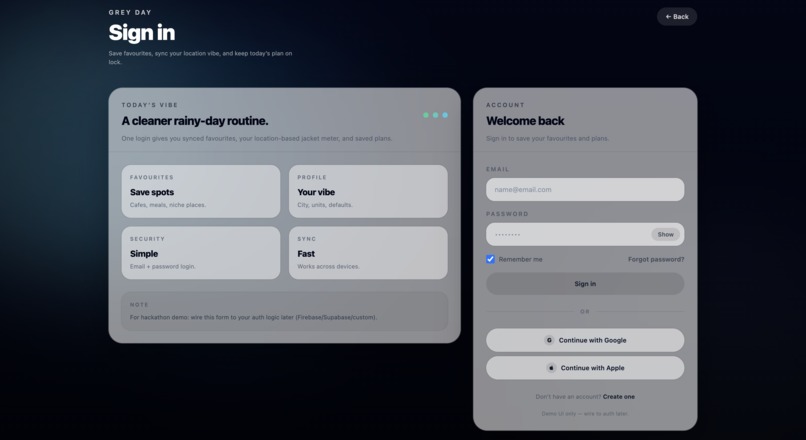
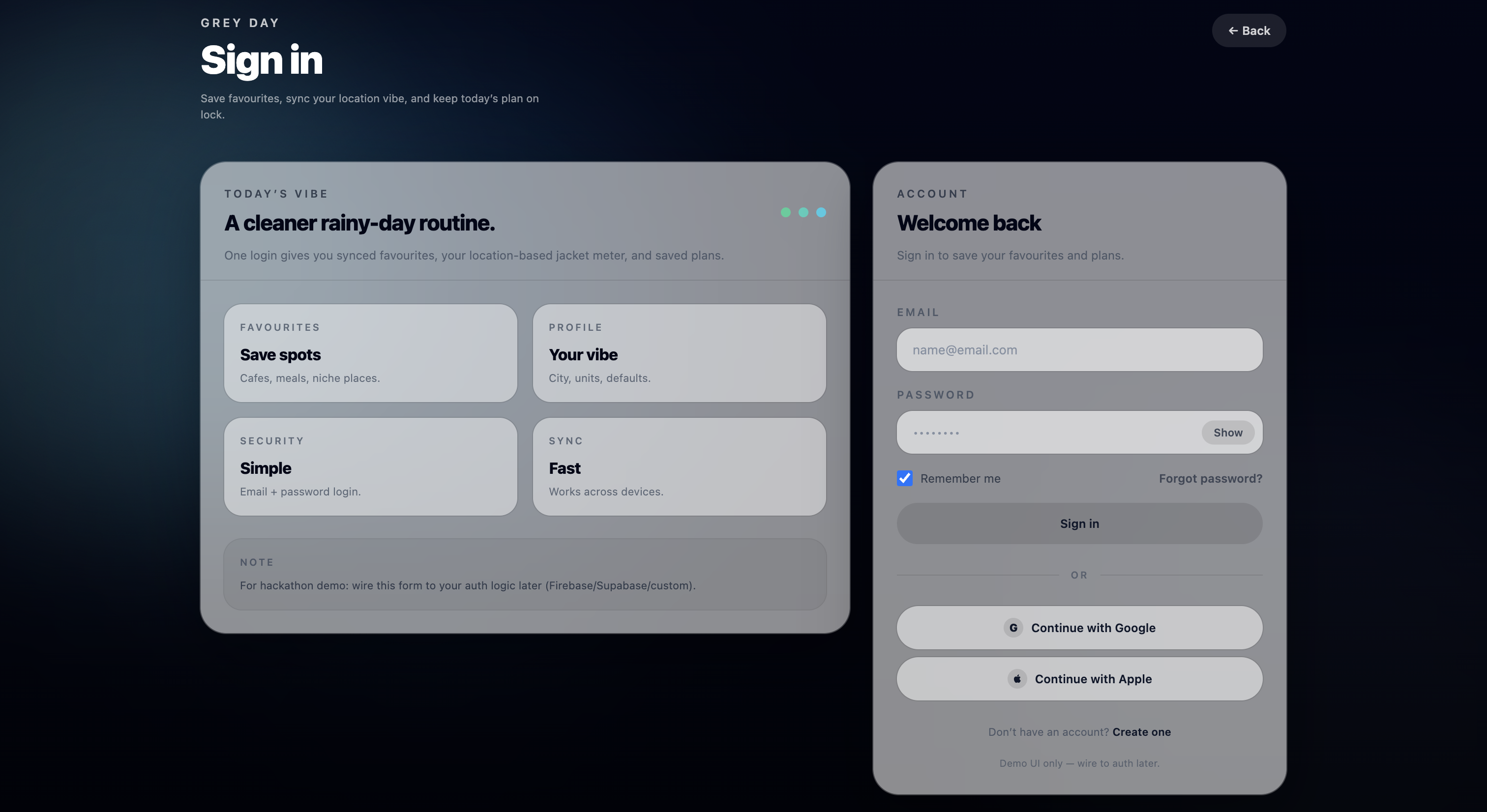
Profile
-
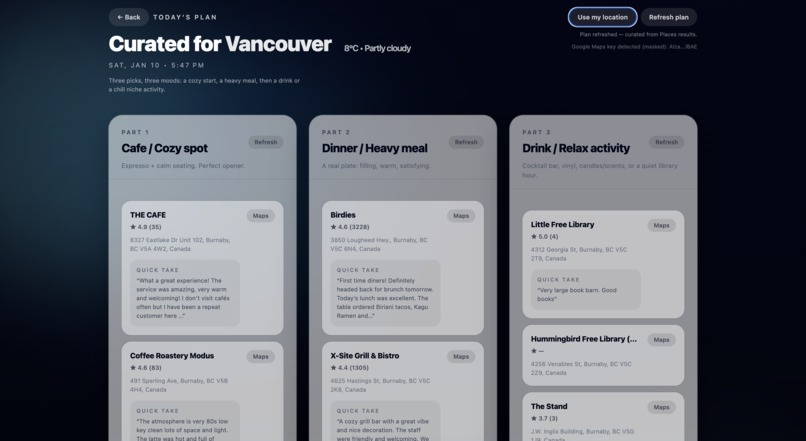
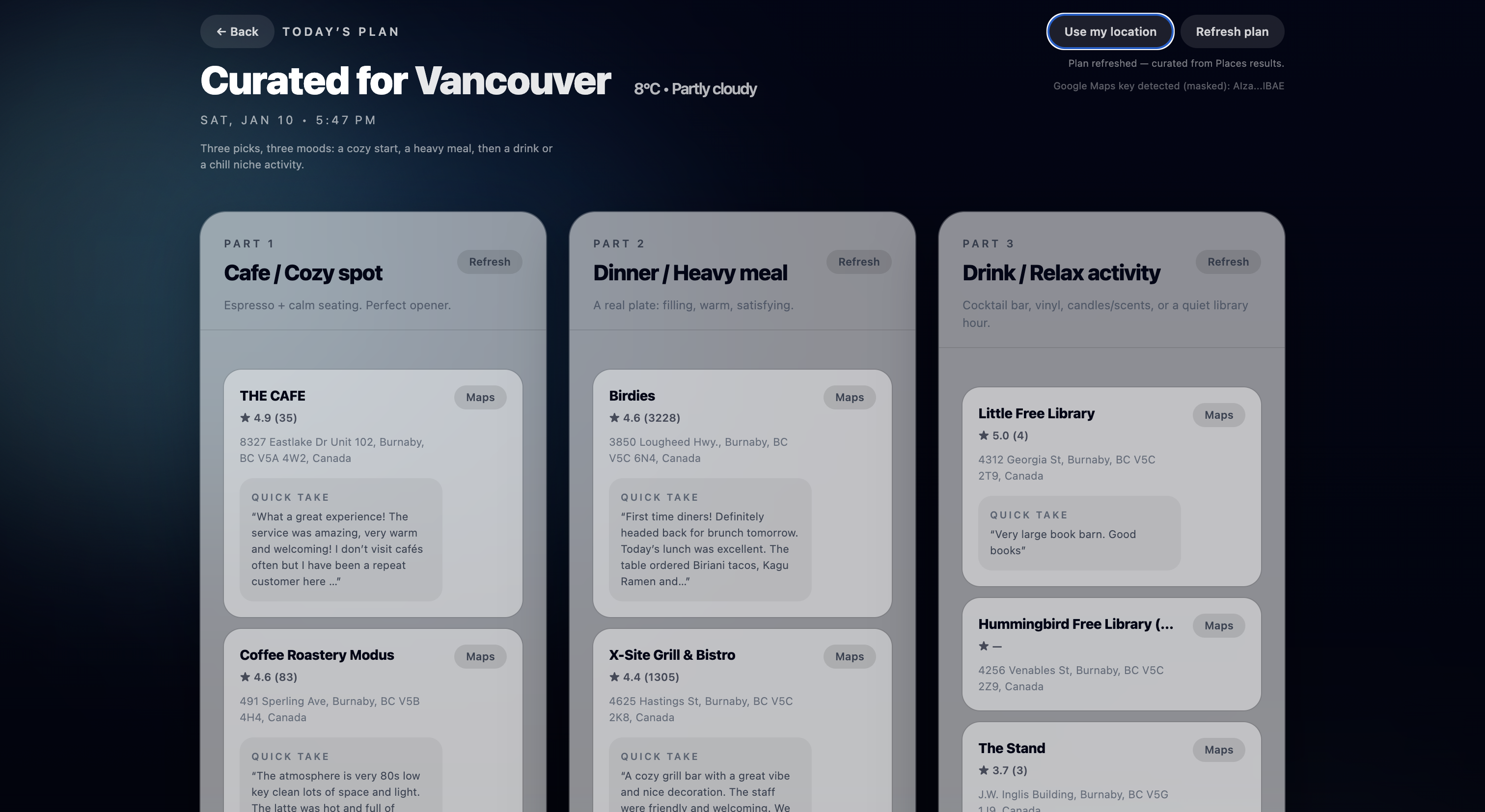
Today's Plan
-
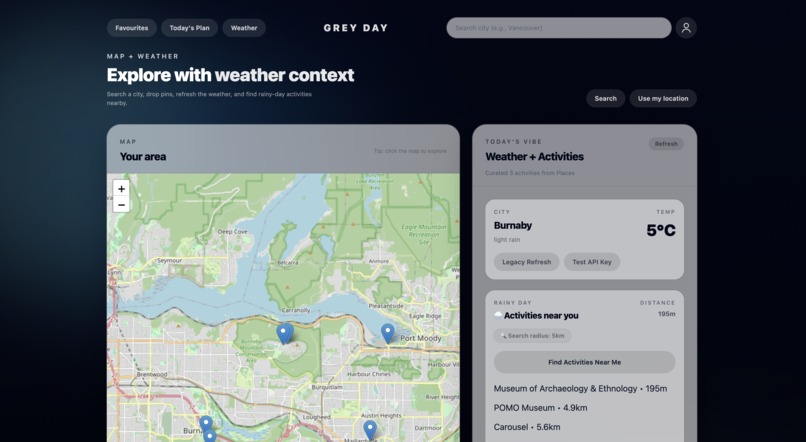
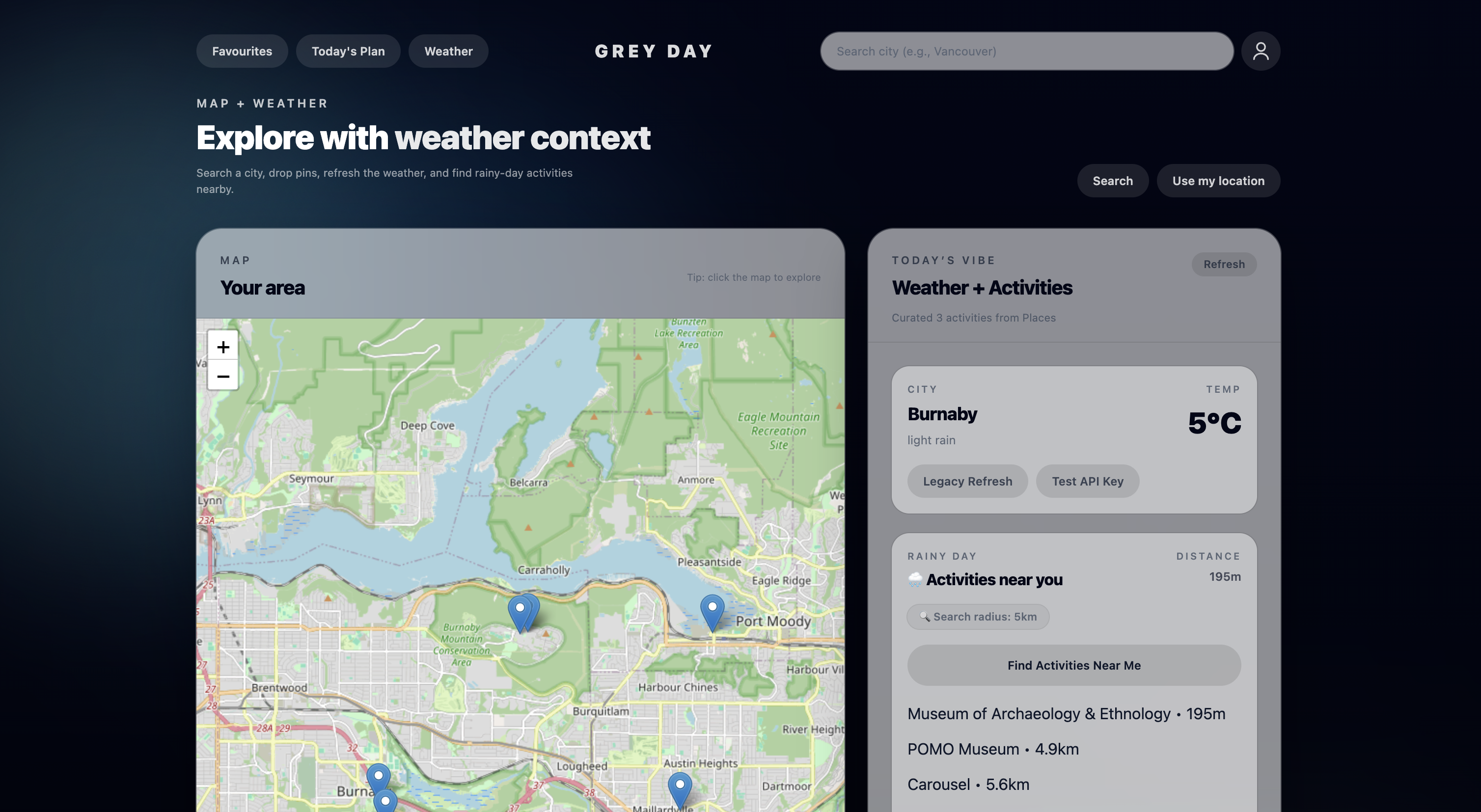
Homepage
🌧️ Grey Day — About the Project
The Idea
Grey Day was born out of a feeling we all know too well:
You wake up with plans.
It starts raining.
Everything falls apart.
Whether it’s meeting friends, going out for food, or just wanting to leave the house, rain has a way of canceling your day without warning. We realized that while there are weather apps, map apps, and restaurant apps, there is nothing that answers the one question people actually ask in that moment:
“My plans are ruined by the rain. What should I do now?”
Grey Day is our answer to that question, a tool that turns bad weather into a new plan instead of a dead end.
What We Built
Grey Day is a web app that blends three things:
$$ \text{Weather} + \text{Location} + \text{AI} = \text{Rain-Proof Plan} $$
When you open the app, it:
- Detects your location
- Checks the current weather
- Finds nearby indoor-friendly places
- Uses Google Gemini to build you a personalized and expertly curated plan:
- A café to warm up
- A place to eat
- A spot to have a drink or relax
- A café to warm up
Instead of endlessly scrolling through Google Maps or asking friends what to do, Grey Day gives you a ready-made rainproof plan.
How We Built It
We split Grey Day into two main parts:
1. The Frontend
This is what users see and interact with:
- A live map powered by Leaflet
- Weather panels showing real conditions
- Nearby places rendered on the map
- A Today’s Plan page that updates in real time
- An AI chat bubble for quick help (Future Feature)
Everything runs in the browser, so the app feels fast and responsive.
2. The Smart Layer (APIs + AI)
Behind the scenes, Grey Day talks to:
- Gemini AI to generate plans and chat responses
- OpenWeather for real-time weather
- Google Maps for nearby locations and accuracy
To keep things safe and flexible, we built a small server that acts as a middleman, hiding API keys and forwarding requests. When those keys aren’t available, the app automatically falls back to demo data, which makes it perfect for showcasing or testing.
What We Learned
This project taught us that good apps aren’t just about features, they’re about timing.
People don’t need more information when it’s raining.
They need decisions made for them.
Technically, we learned how to:
- Combine multiple APIs into one experience
- Build a frontend that works with or without real data
- Design an AI workflow that feels helpful instead of overwhelming
- Create a system that can scale from demo to production
Challenges We Faced
The hardest part was making everything work together.
We had to solve problems like:
- API keys and CORS blocking browser requests
- Making sure the app didn’t break when data was missing
- Designing AI responses that were useful, not random
- Keeping the UI clean even when a lot of data was on screen
We handled this by building a fallback system, if something fails, the app still works in demo mode. That way, Grey Day is always usable.
Why We’re Proud of It
Grey Day isn’t just a weather app.
It’s a Plan B for bad days.
It takes a moment of frustration, canceled plans, bad weather, boredom, and turns it into something positive:
a clear, simple, nearby way to still enjoy your day.
Built With
- google-gemini-api
- google-maps
- html
- javascript
- openweather
- tailwind-css


Log in or sign up for Devpost to join the conversation.