-
-
GreenSpace logo
-
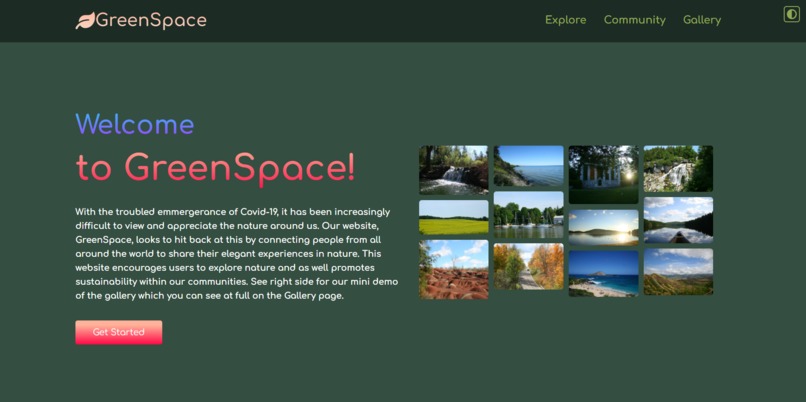
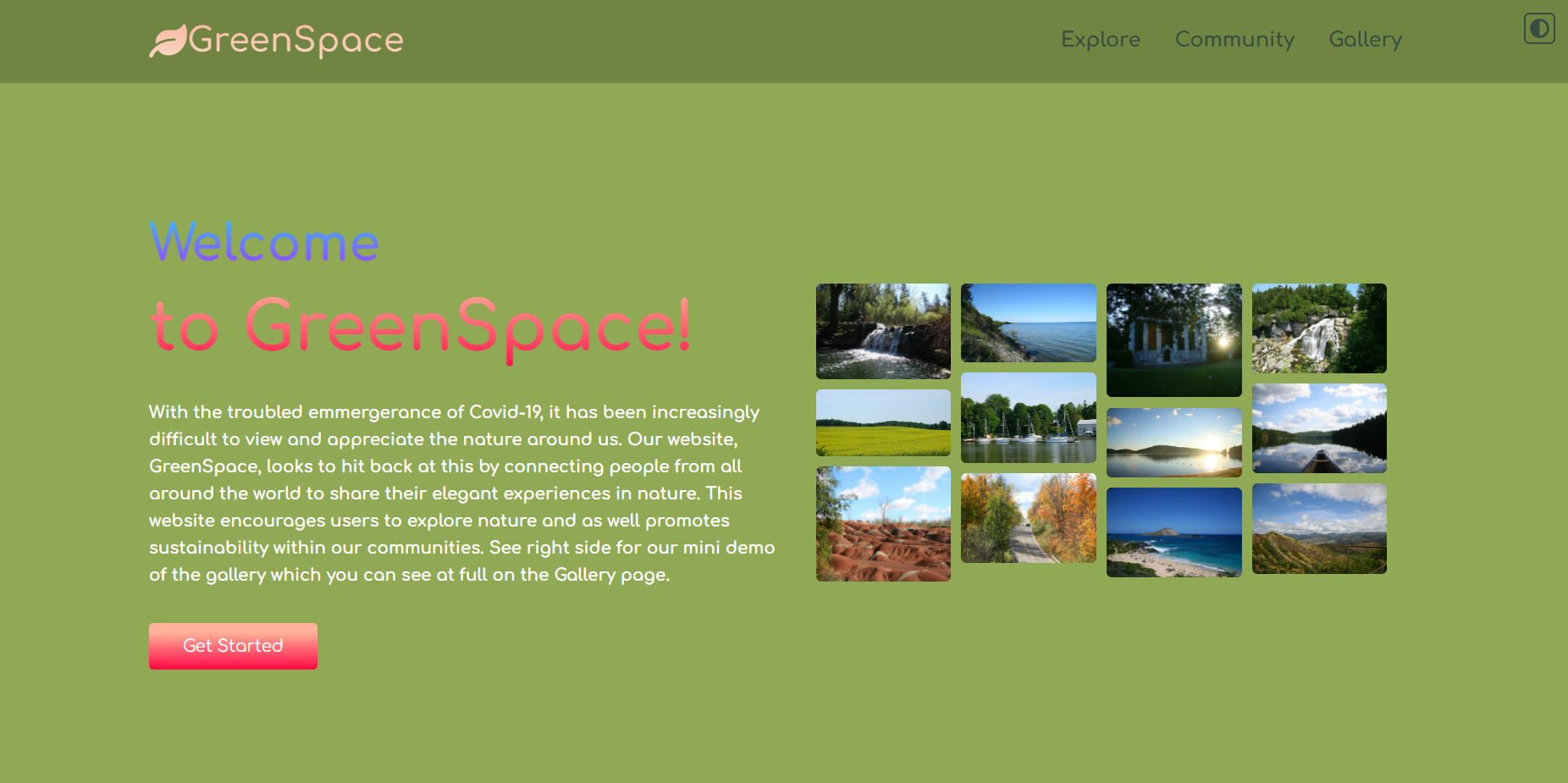
Welcome Page dark theme
-
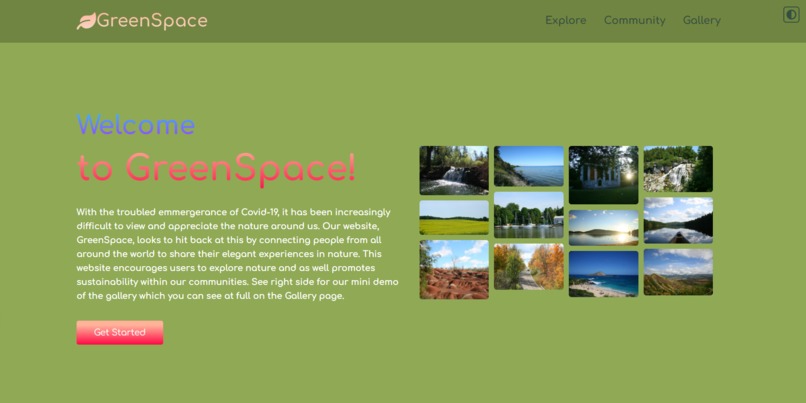
Welcome page light theme
-
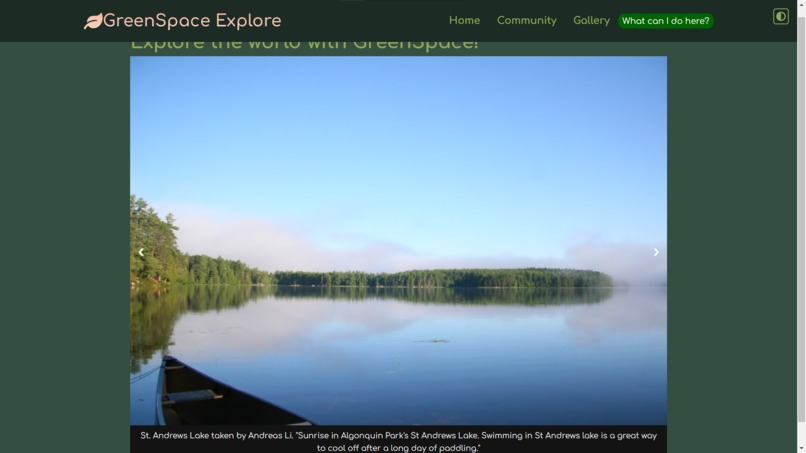
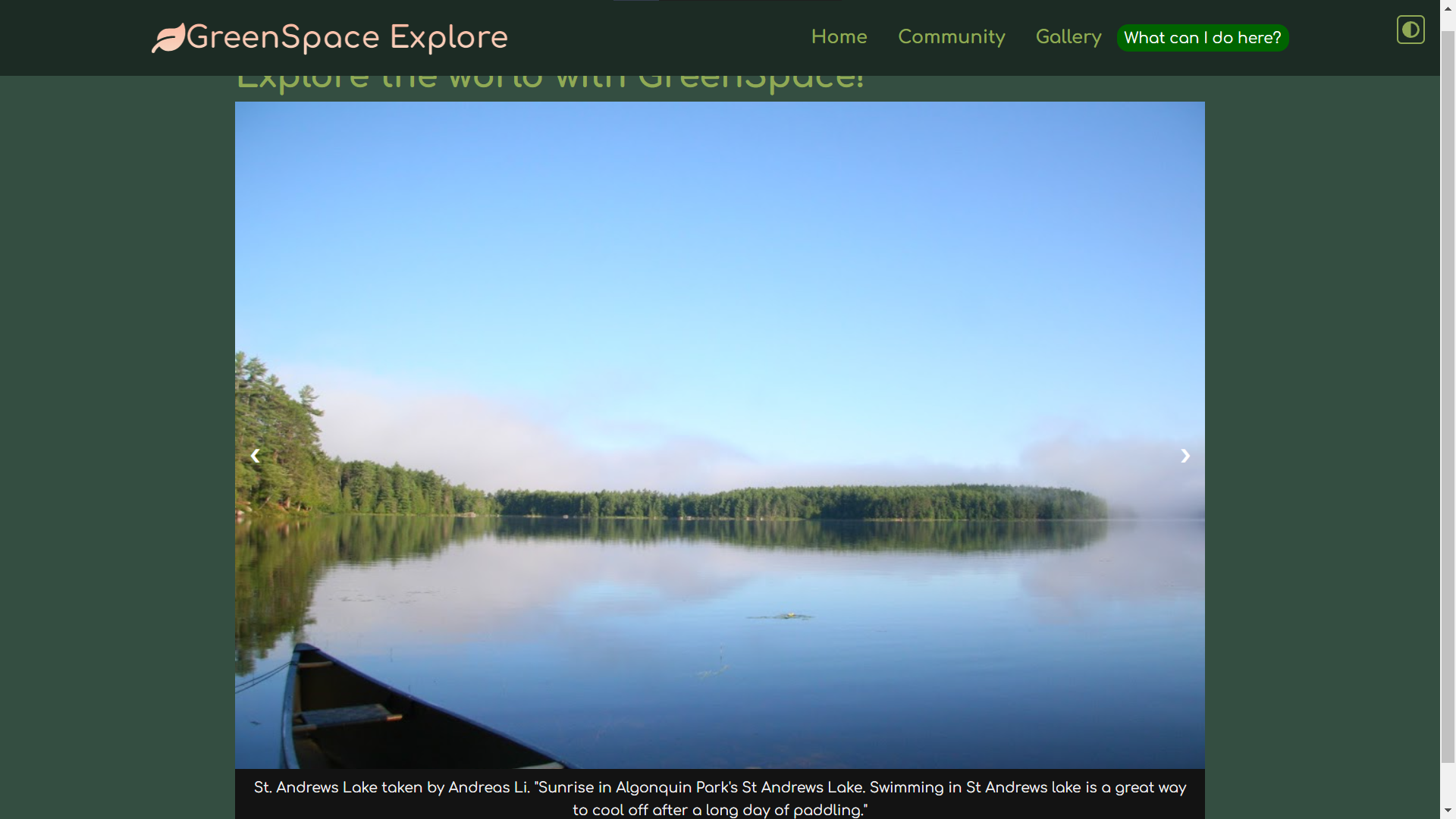
explore page dark theme
-
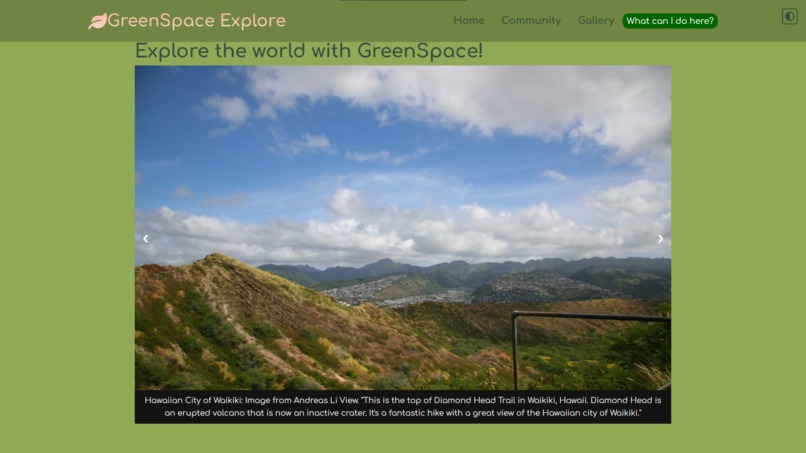
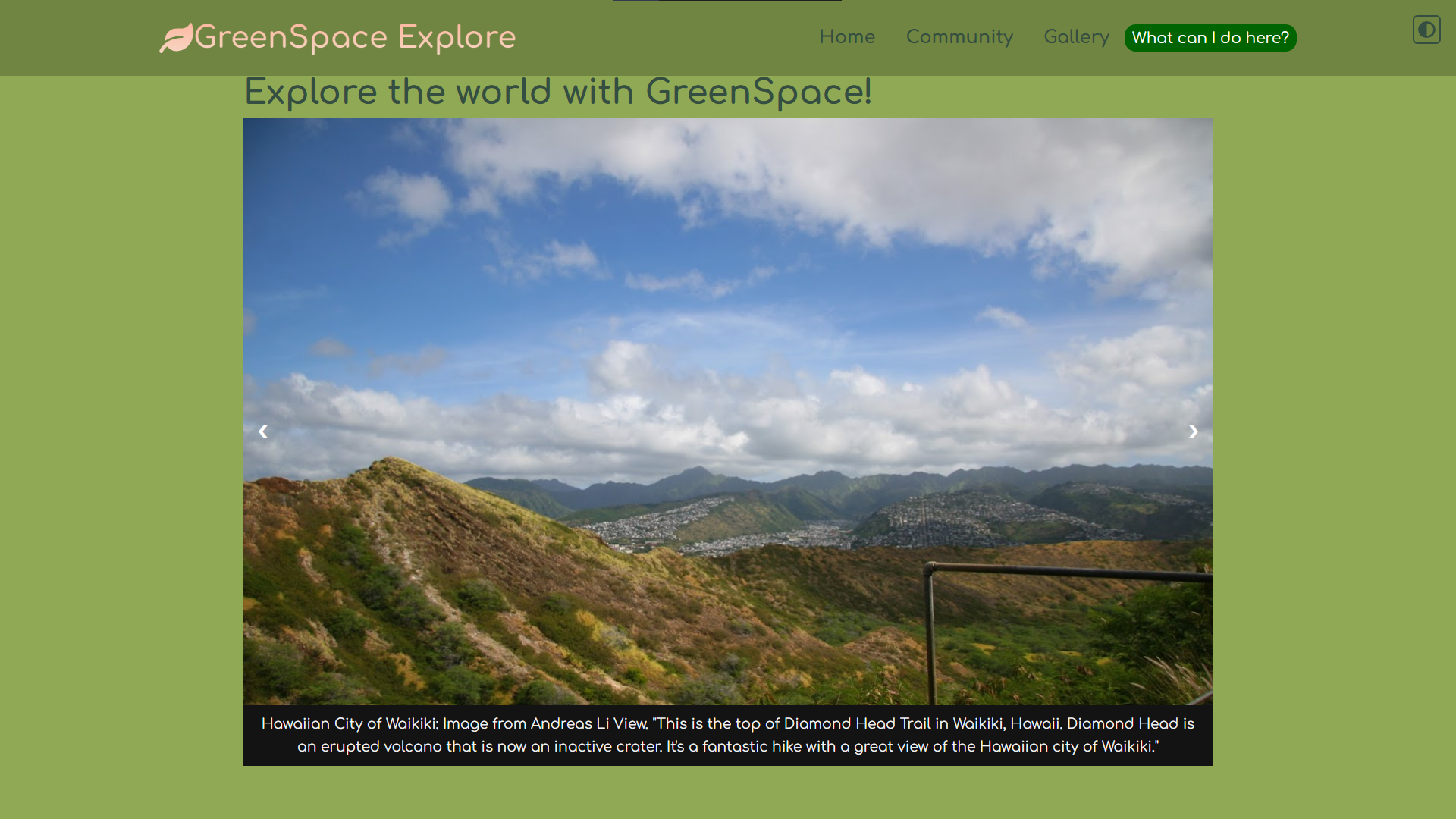
Explore page light theme
-
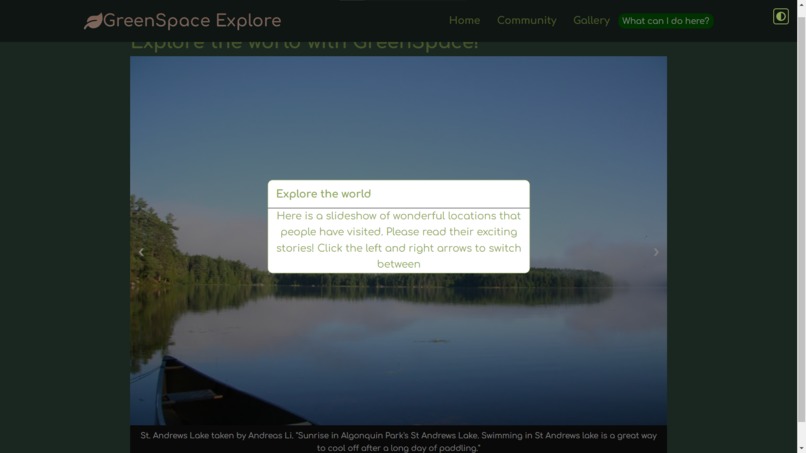
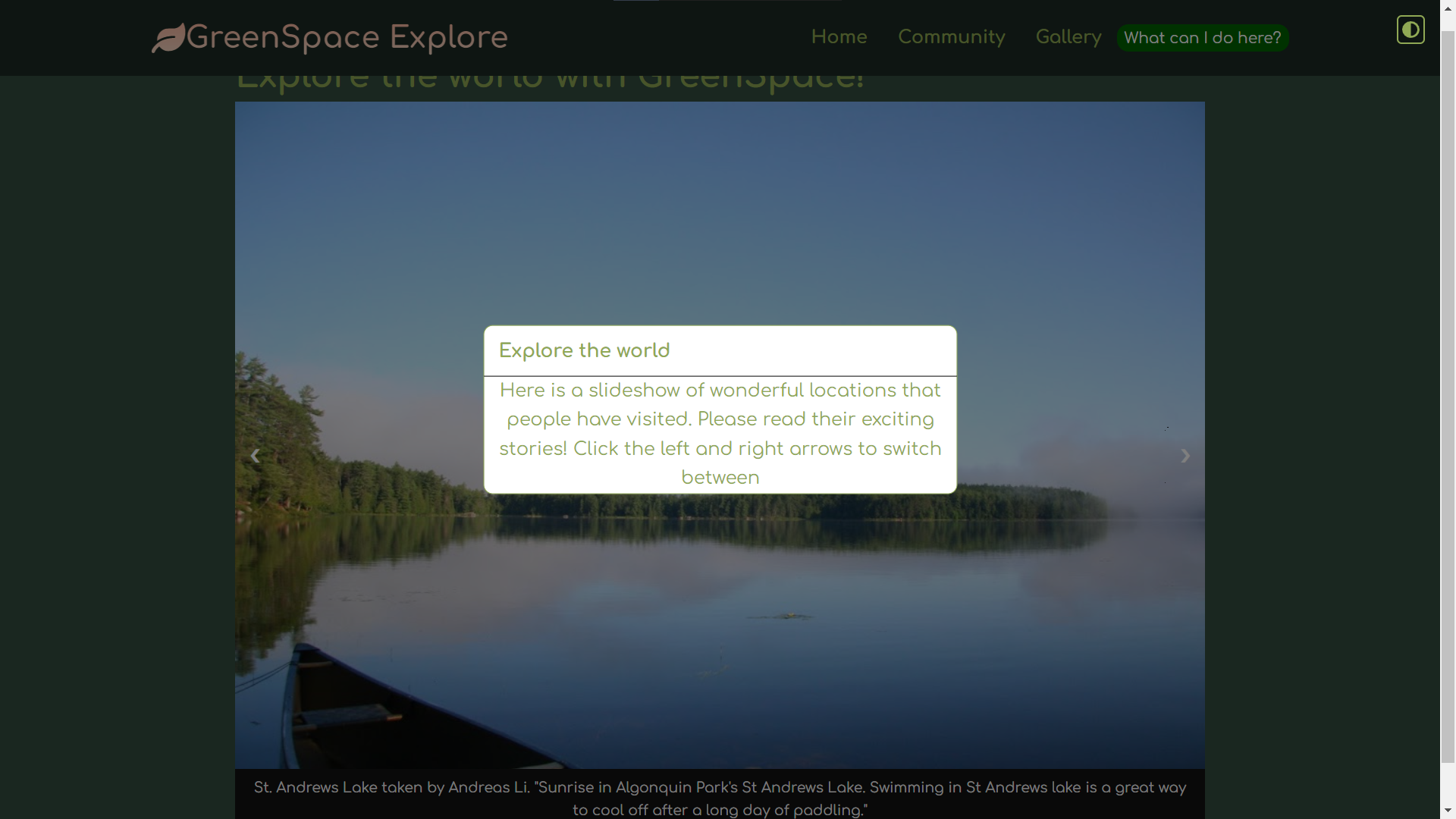
explore page info popup
-
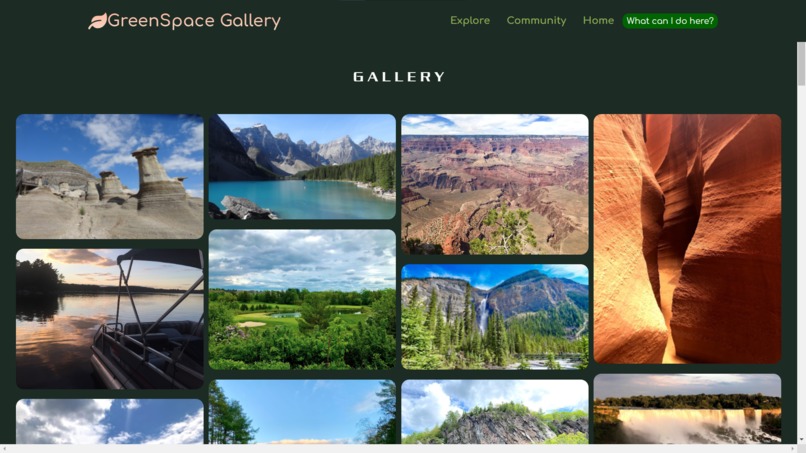
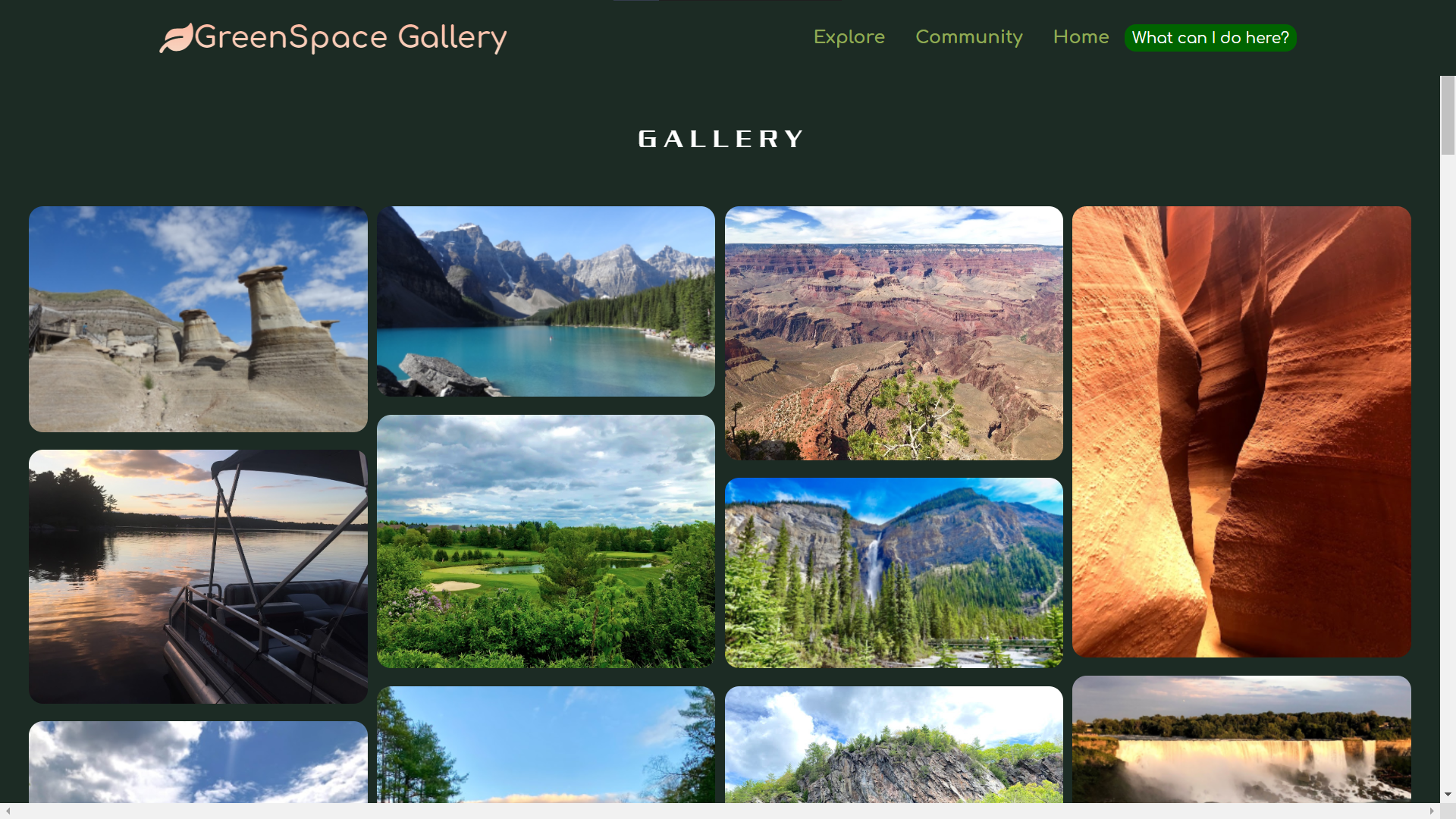
Gallery page
-
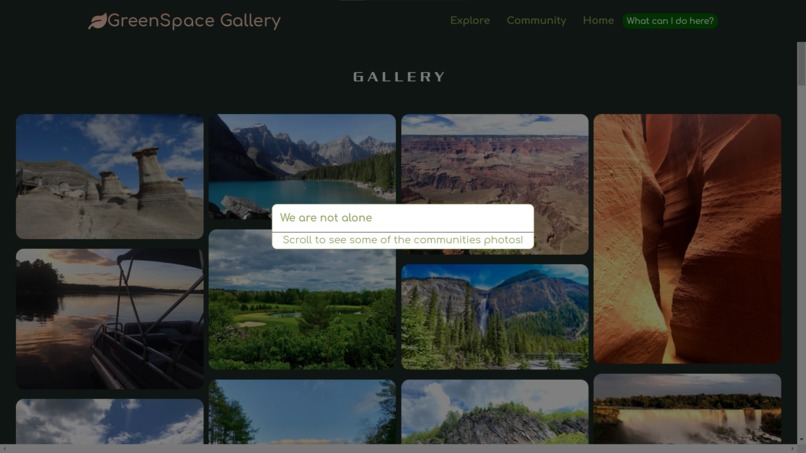
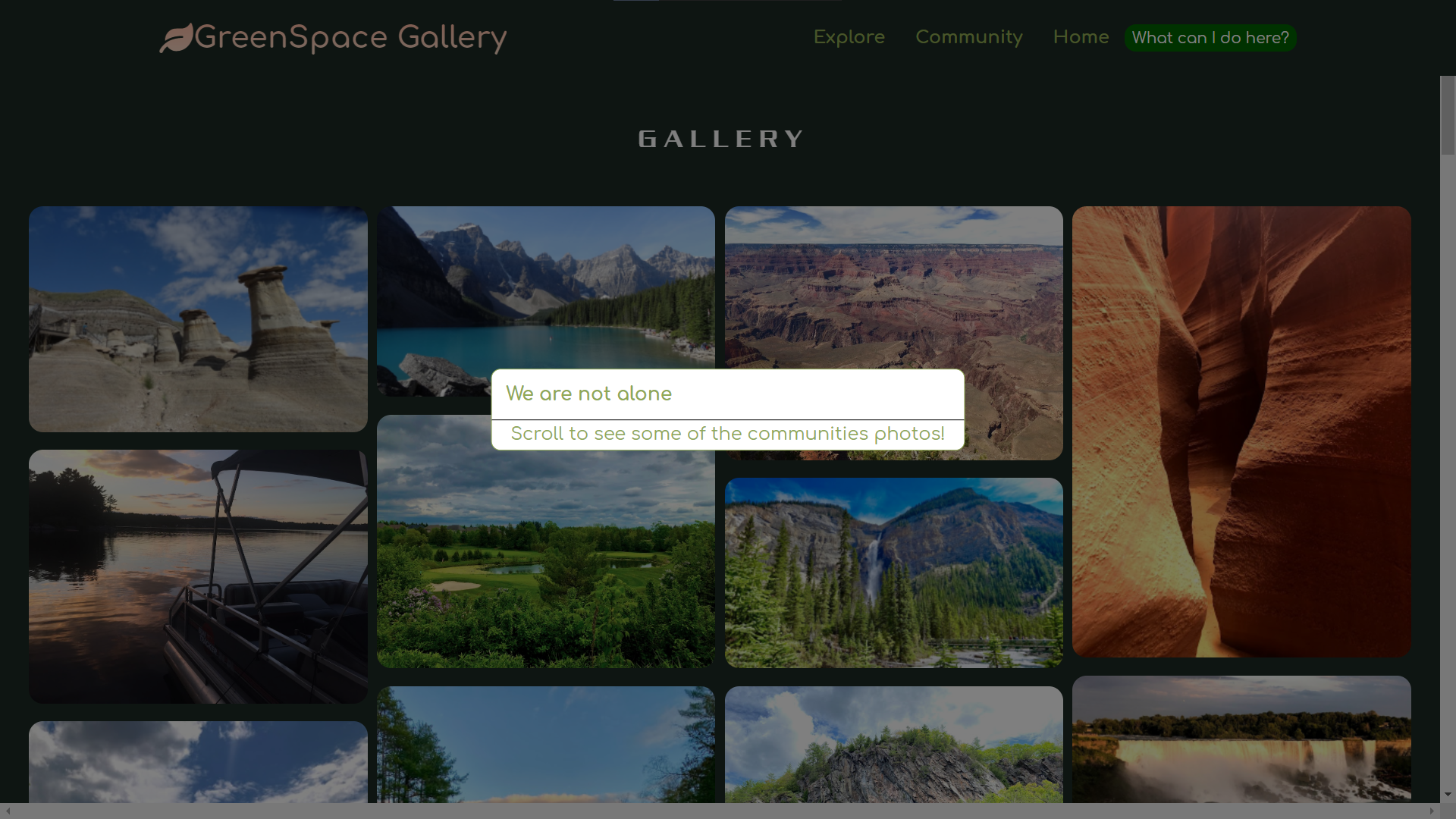
Gallery info popup
-
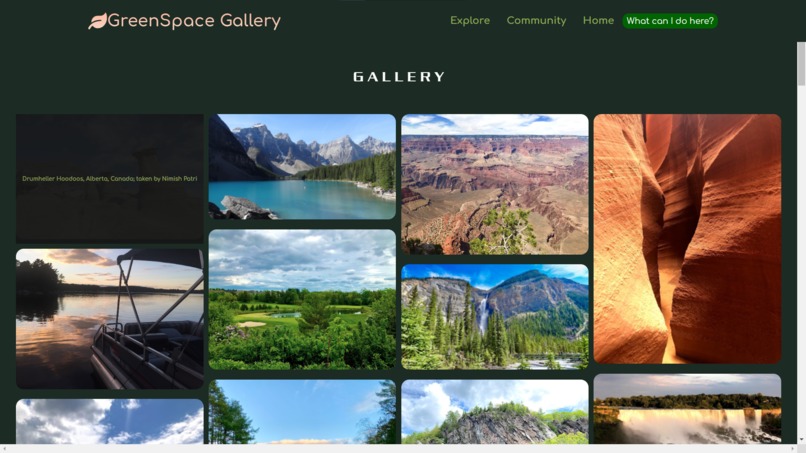
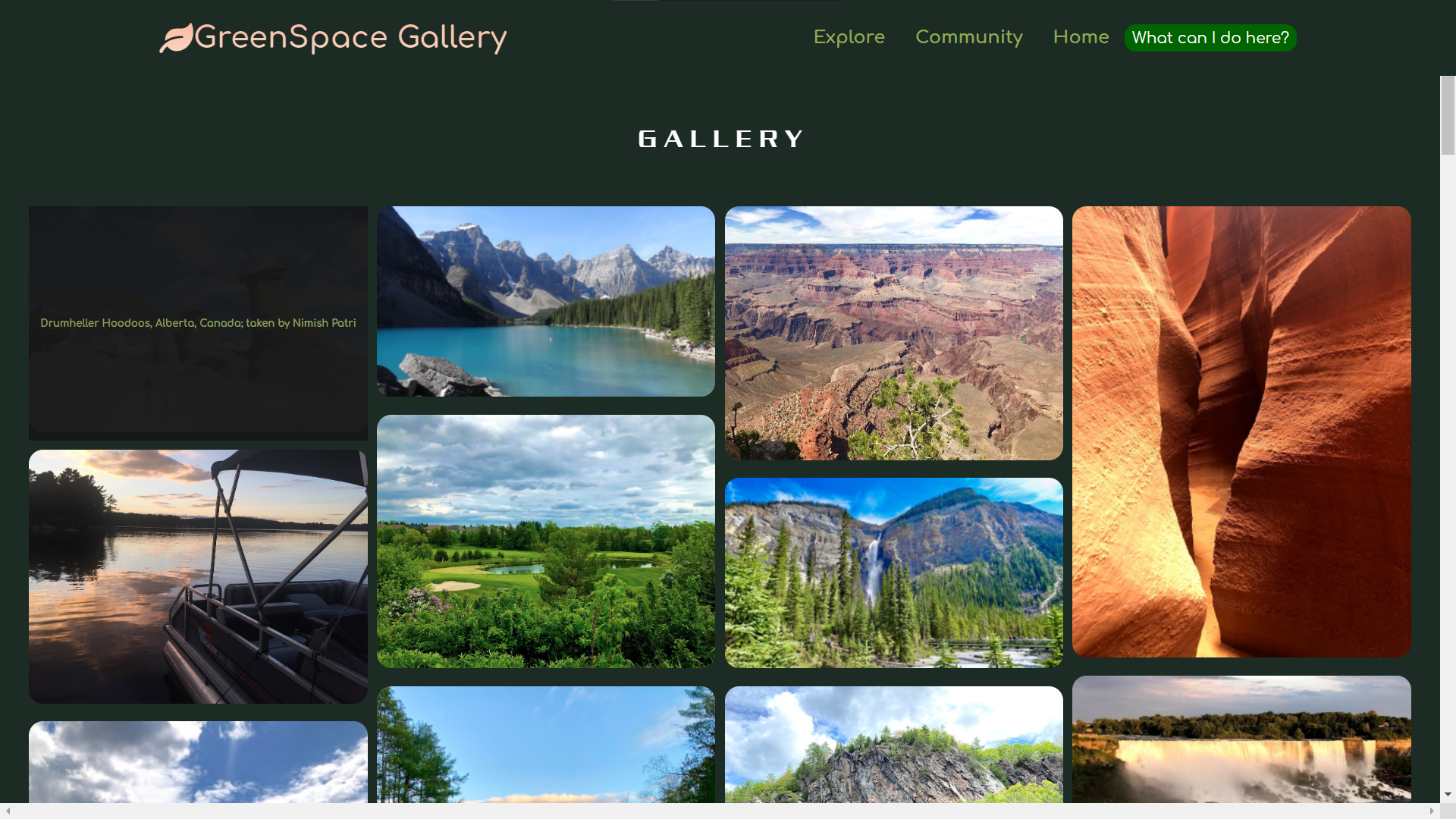
Gallery info overlay
-
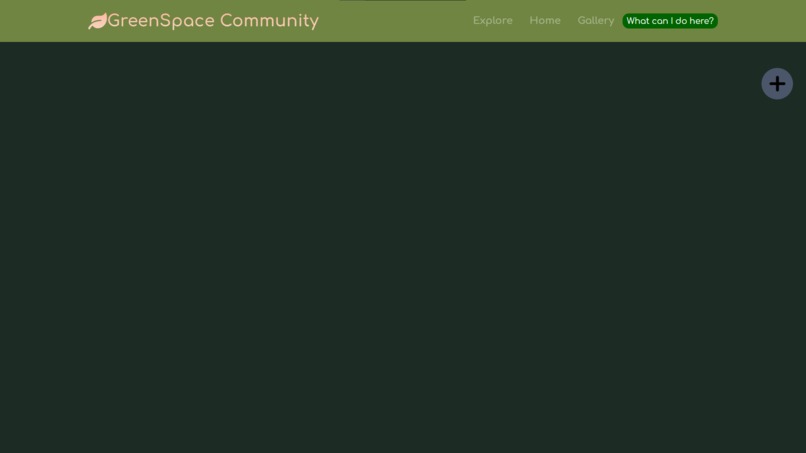
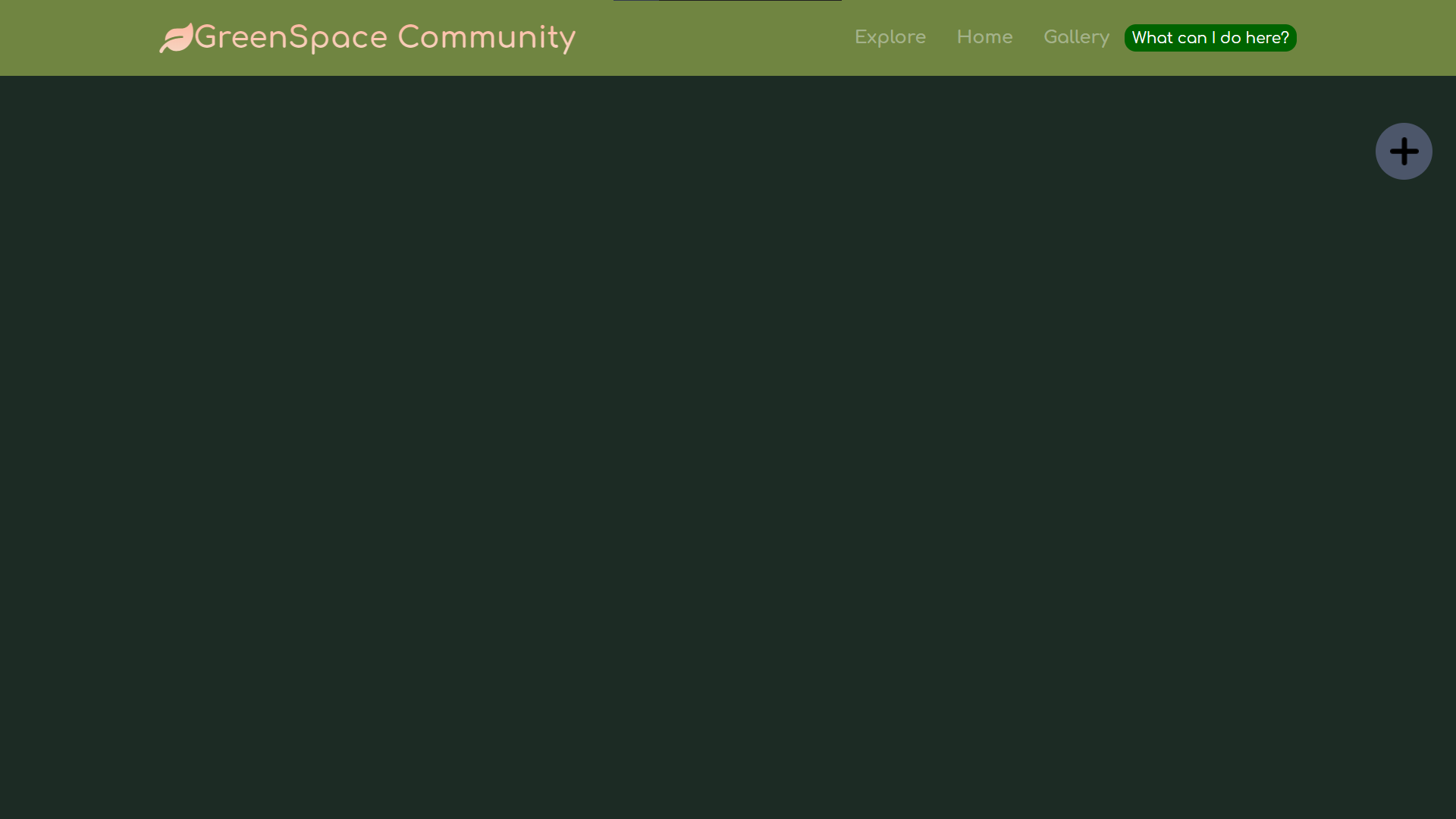
Community section
-
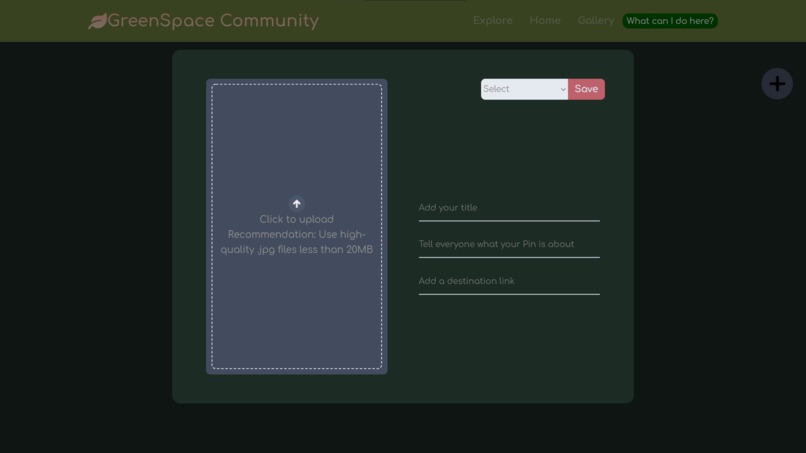
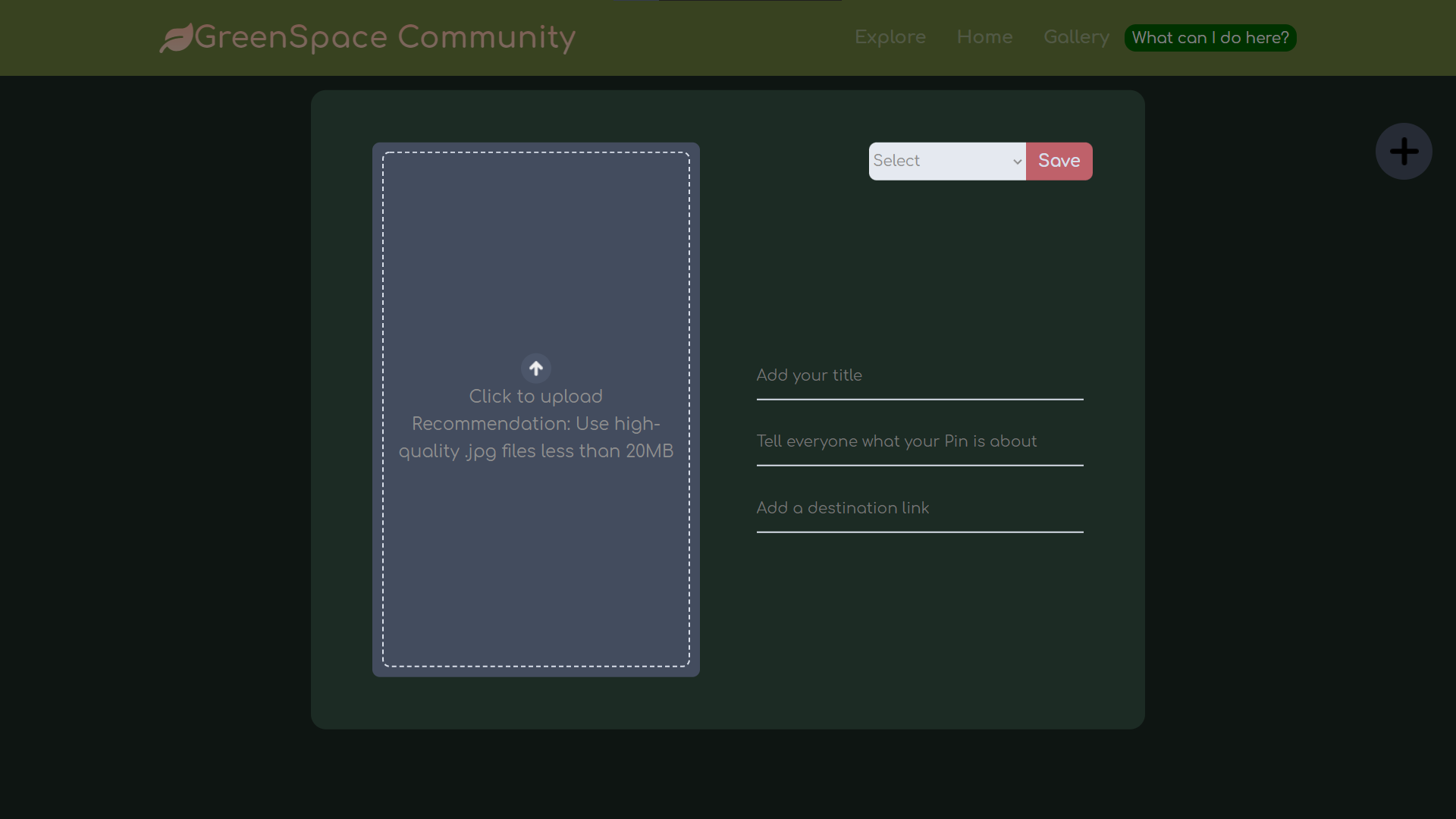
Community add post menu
-
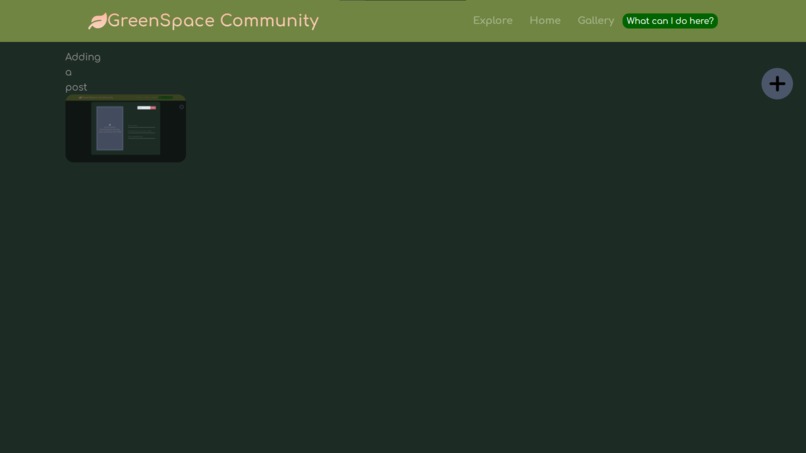
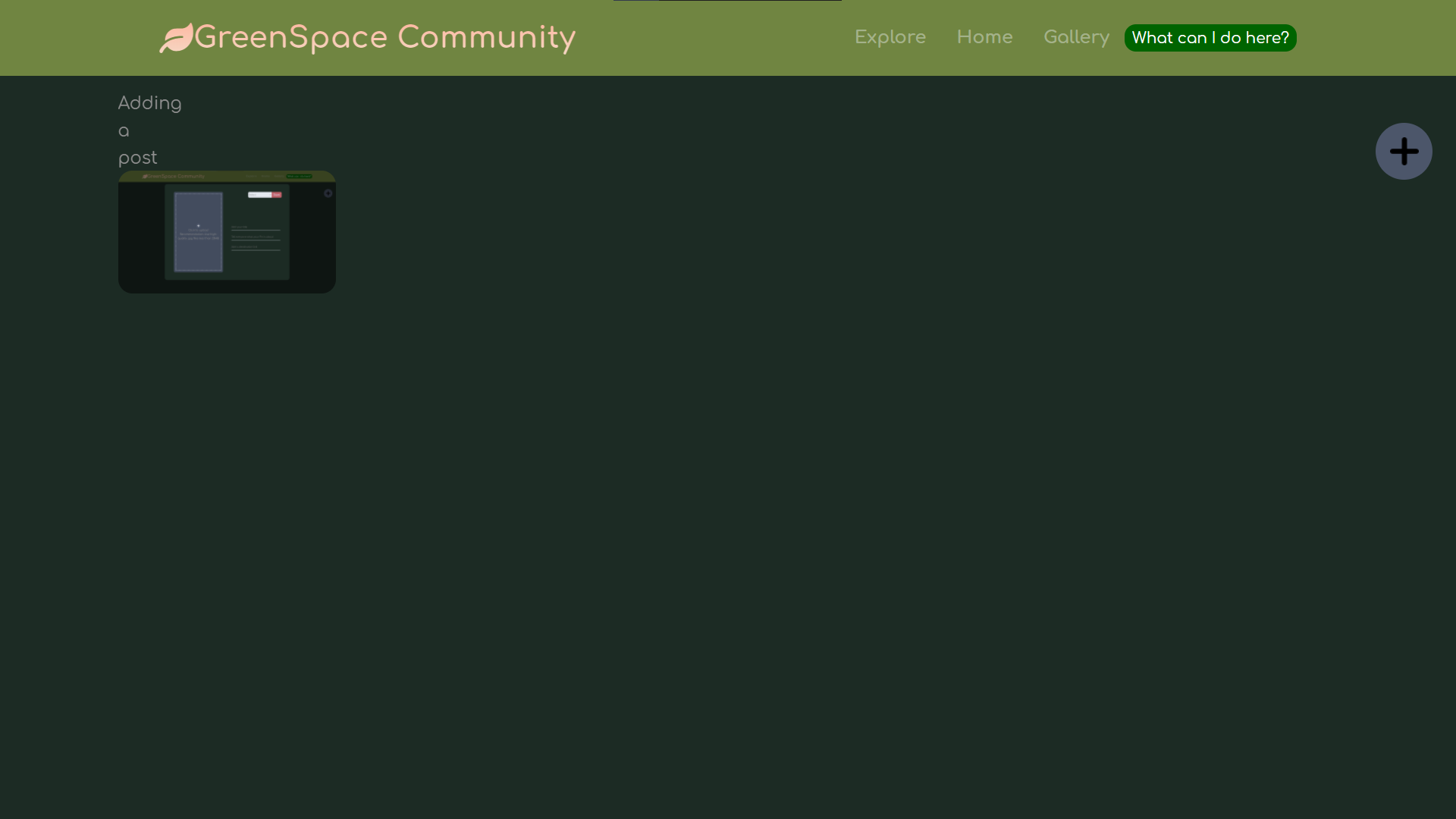
Community post added
-
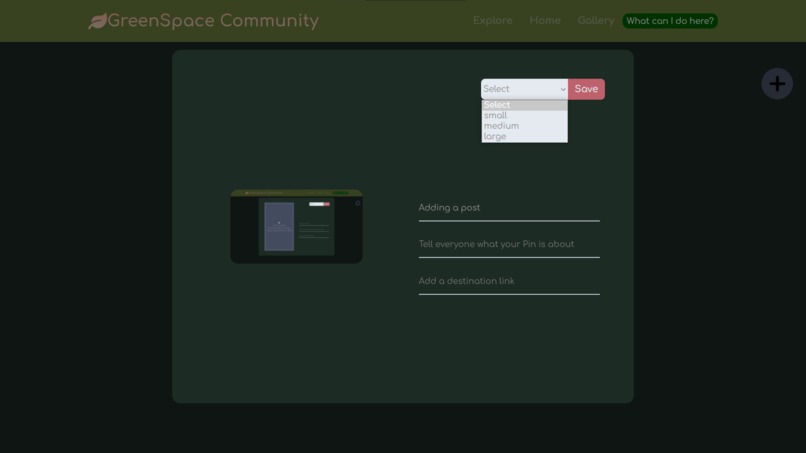
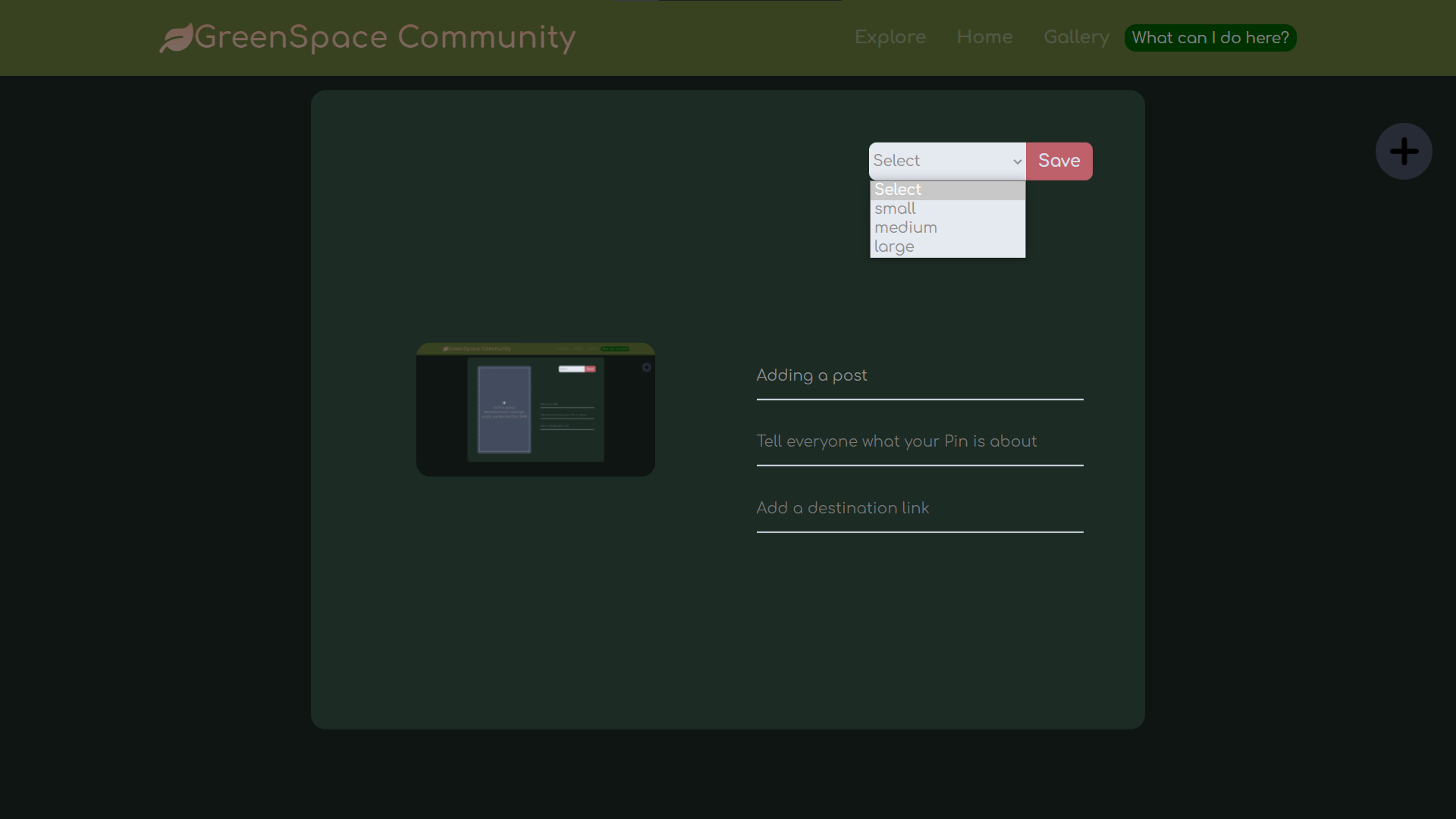
Community add post menu options
-
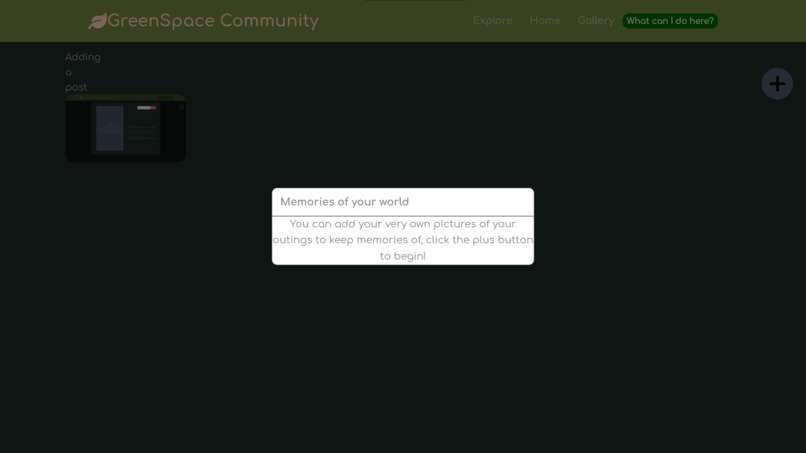
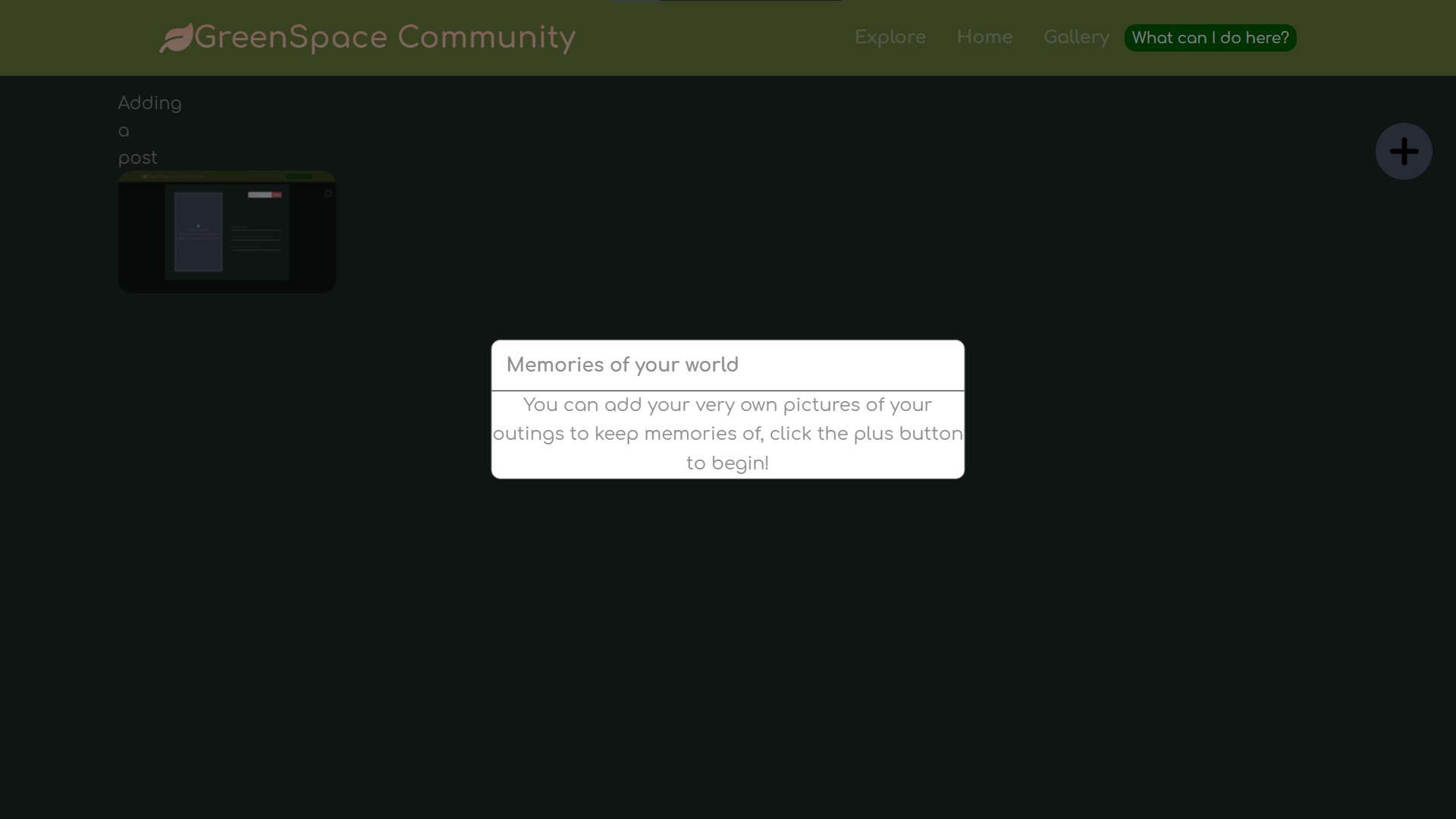
Community info popup
Inspiration
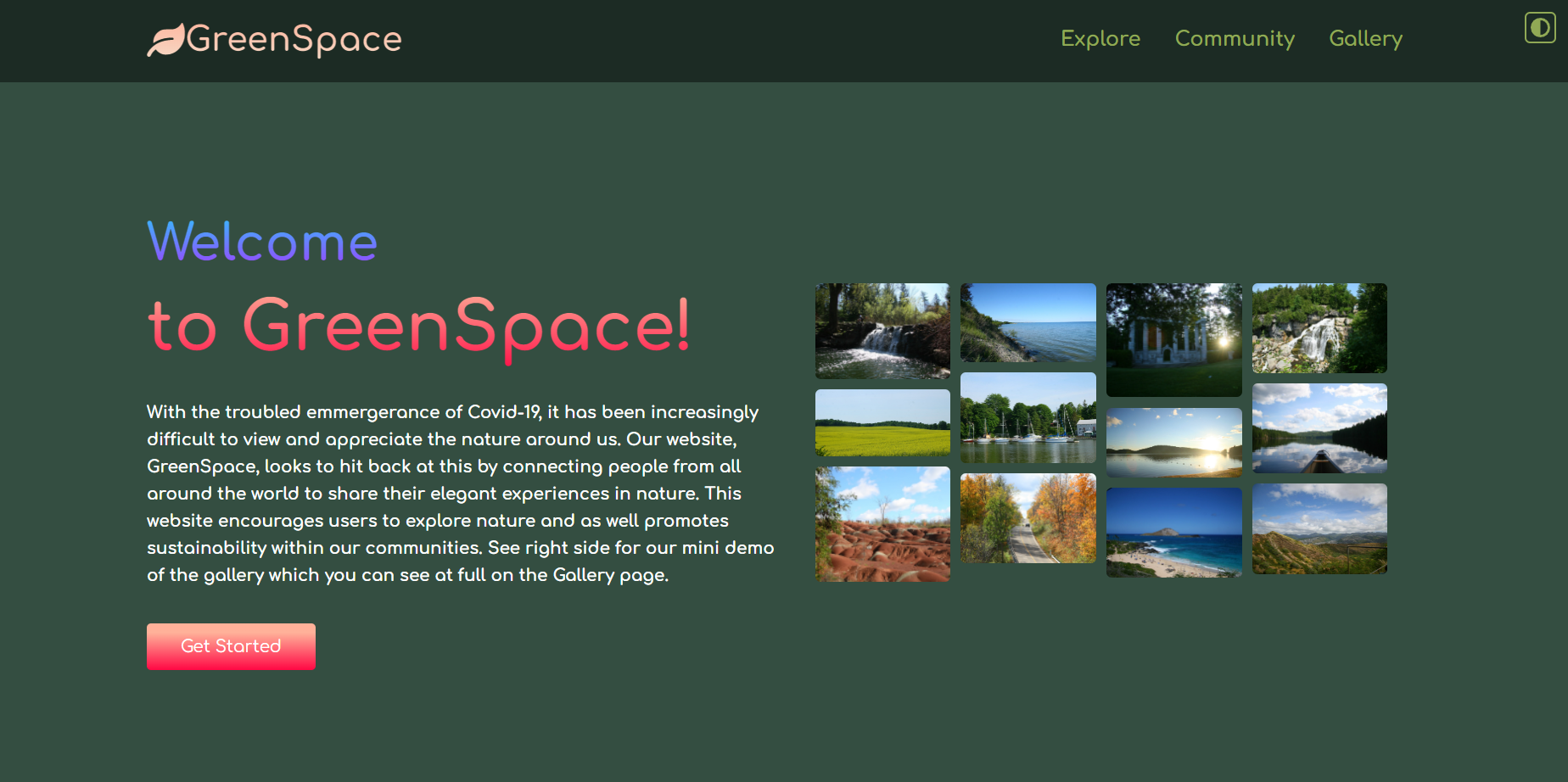
With the troubled emergence of COVID-19, it has been increasingly difficult to view and appreciate the nature around us. GreenSpace looks to hit back at this by connecting people worldwide to share their elegant experiences in nature. This website encourages users to explore nature while promoting sustainability within our communities.
What it does
GreenSpace is an online photo gallery where users can share images and experiences of the outdoors. Visitors to Greenspace can browse all of the photographs and experiences of individuals worldwide on the gallery page. Everyday, users get five random images and descriptions updated on their explore page. The explore page has a goal to inform visitors about exciting nature-immersive activities that they might be interested in, as well as to actively encourage people to explore nature and be active. Users also have the ability to upload and add their own photos and descriptions to the public gallery.
How we built it
Using HTML, CSS, and Javascript, we were able to make our website. We first started with the simpler tasks such as the homepage and the gallery. We then moved onto harder parts such as a slideshow presentation as well as the community upload page. After the main parts were built, we moved onto smaller quality features such as a built in light and dark theme, info popups, and colour themes. There was lots of organization and many iterations required within the process, but with proper planning and delegation we were able to build GreenSpace to be as functional and clean as it is right now.
Challenges we ran into
During this hackathon, we ran into some obstacles when making GreenSpace. One of the most notable ones being that we could not set up a database for the community sharing tab, and without this database we would not be able to store the images so that everyone on the website can see it. Additionally, the gallery site also had issues with loading the images and descriptions. Finding and utilizing an appropriate method for our needs was also often a challenge. We tried to come up with solutions to counteract these problems, but oftentimes they would not fully solve the problem. However, with lots of coordination, teamwork, time, and effort, we were able to overcome these challenges and create the website as you see it today.
Accomplishments that we're proud of
Over this weekend, I strongly believe we accomplished a lot as a team. We are proud of each other and the work we put into creating GreenSpace, considering how much we learned from this experience.
What we learned
We wanted to take advantage of all the workshops provided by Jamhacks 6, such as Web Development, APIs, Machine Learning, Front-end, and Quantum Computing. I think these were great experiences, and we all learned a lot even just from trying to create this application. Before this event, only one of our group members had prior knowledge on web development, but we came out of this hackathon with a responsive and fully functioning website.
What's next for GreenSpace
- We want to implement a sign-in feature so that users can have accounts on the website and also store their data.
- Our website could have a database that would allow for users to permanently store their photos on the website
- With a database we would also be able to add cool feature such as likes and comments on a public gallery where users can publicly store their photos for all users to see
- A system to moderate the photos that users will post on the website to ensure that all content is proper and mature.


Log in or sign up for Devpost to join the conversation.