-
-
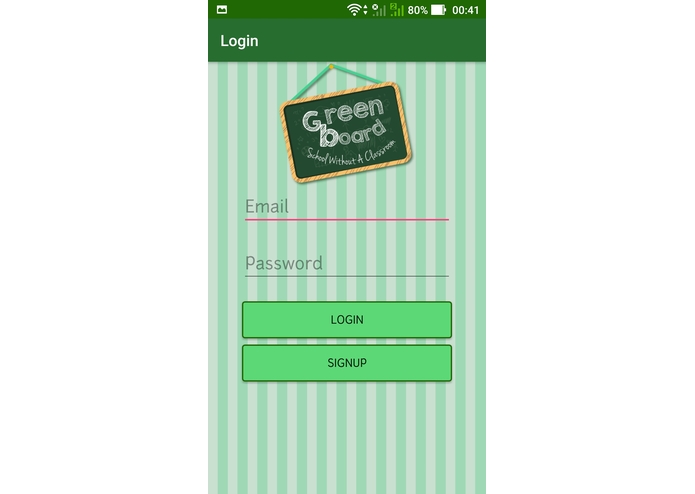
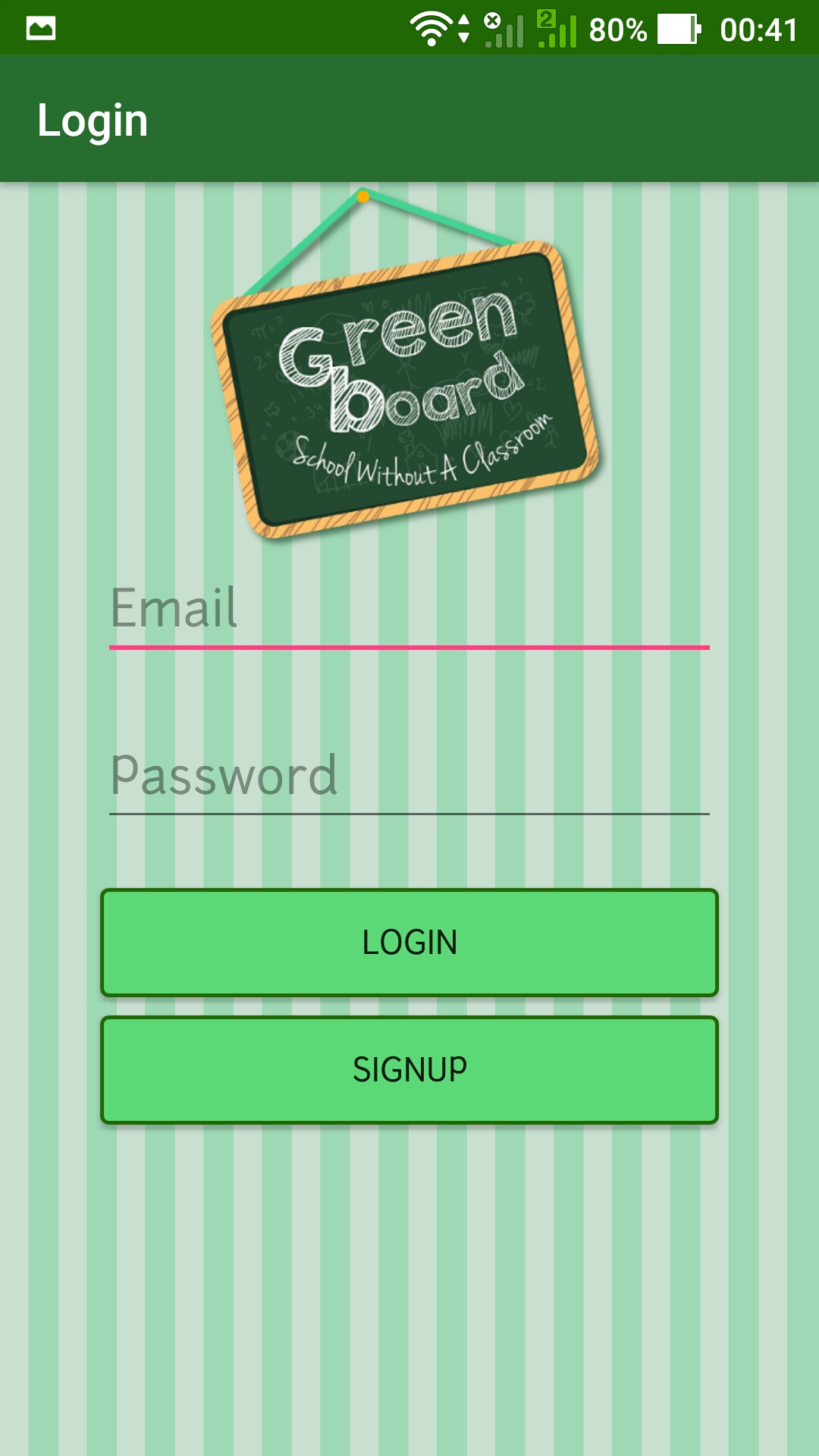
Login page
-
Logo Page
-
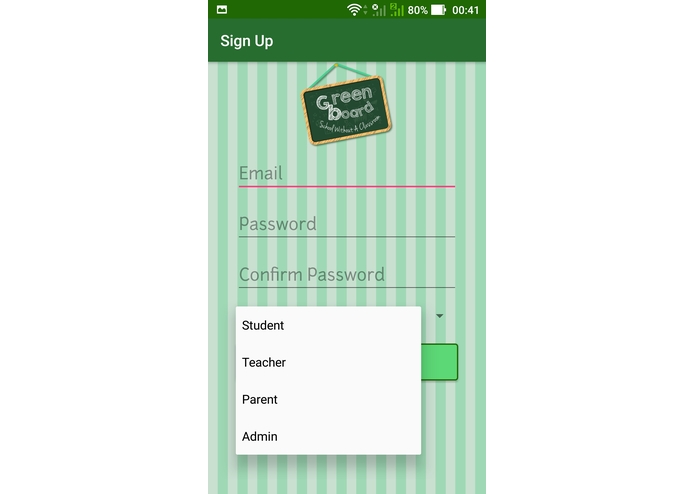
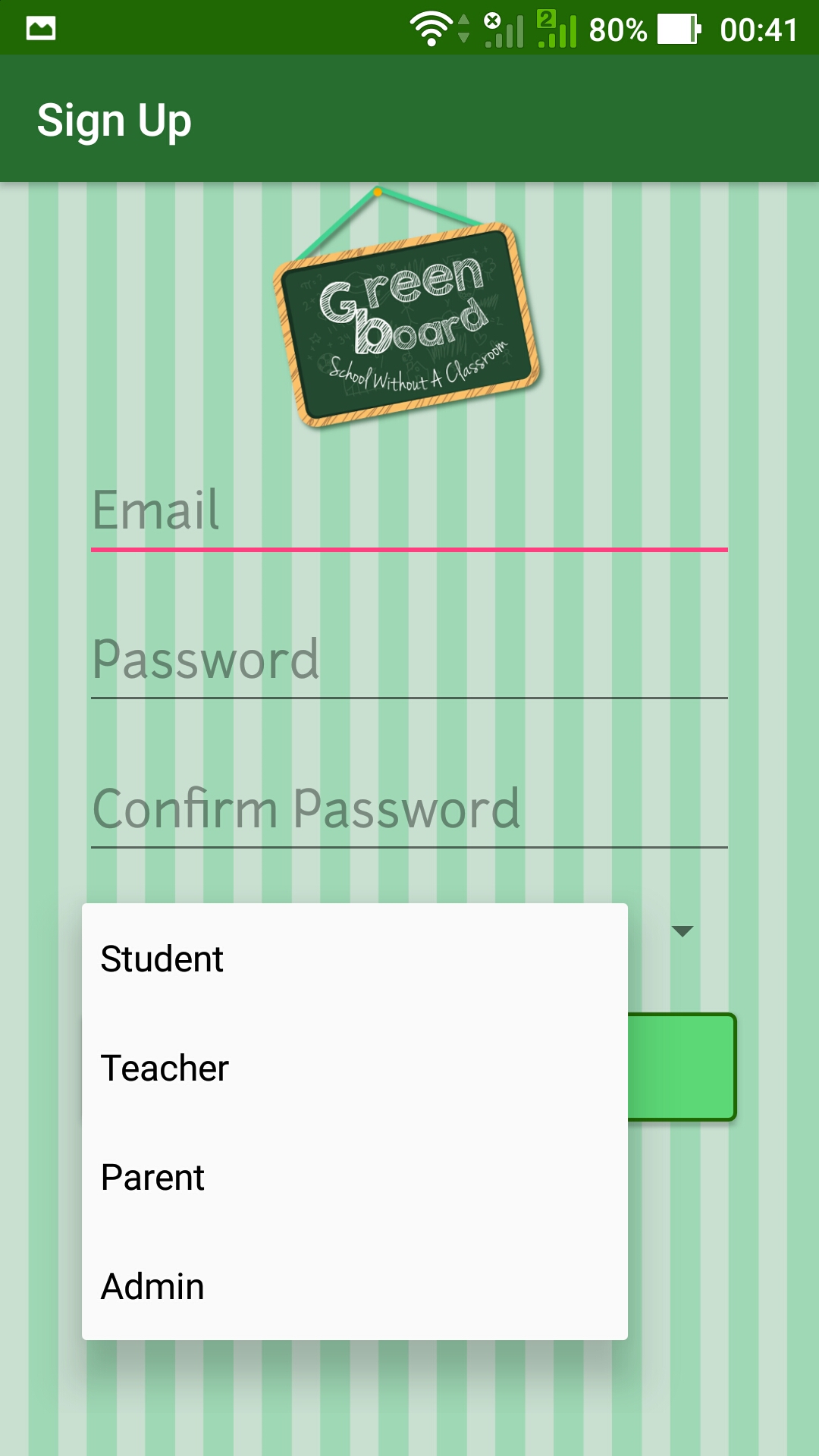
Signup
-
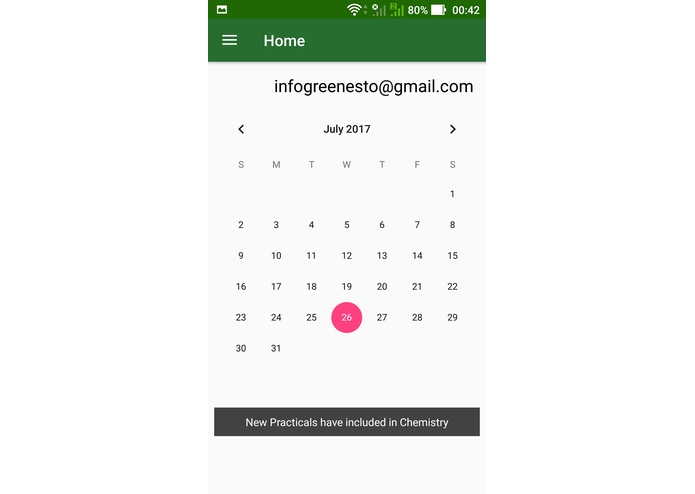
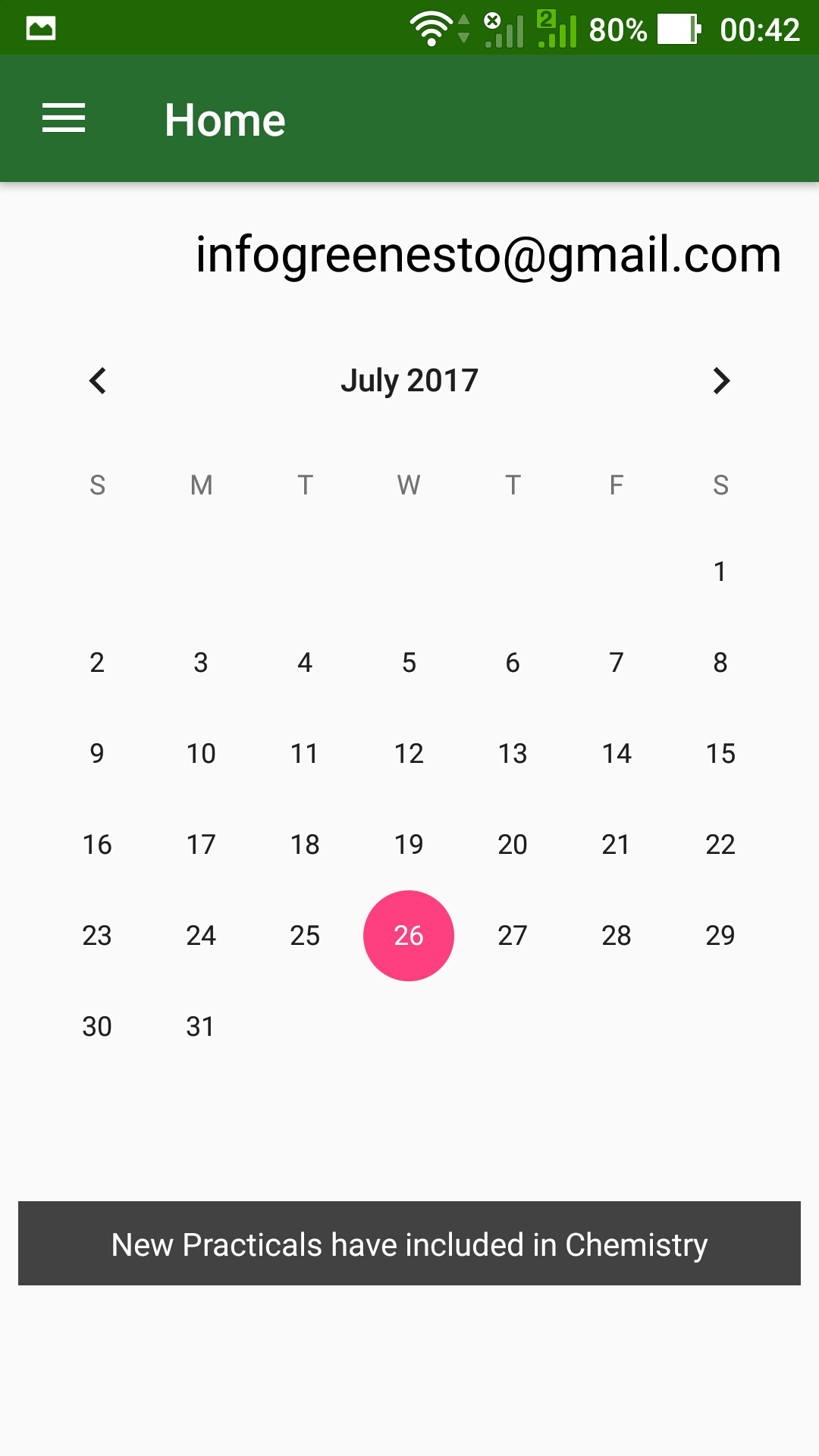
Student portal- Home page
-
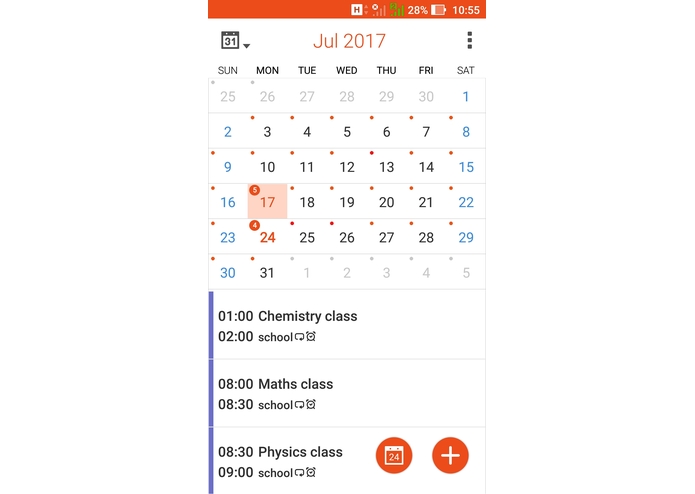
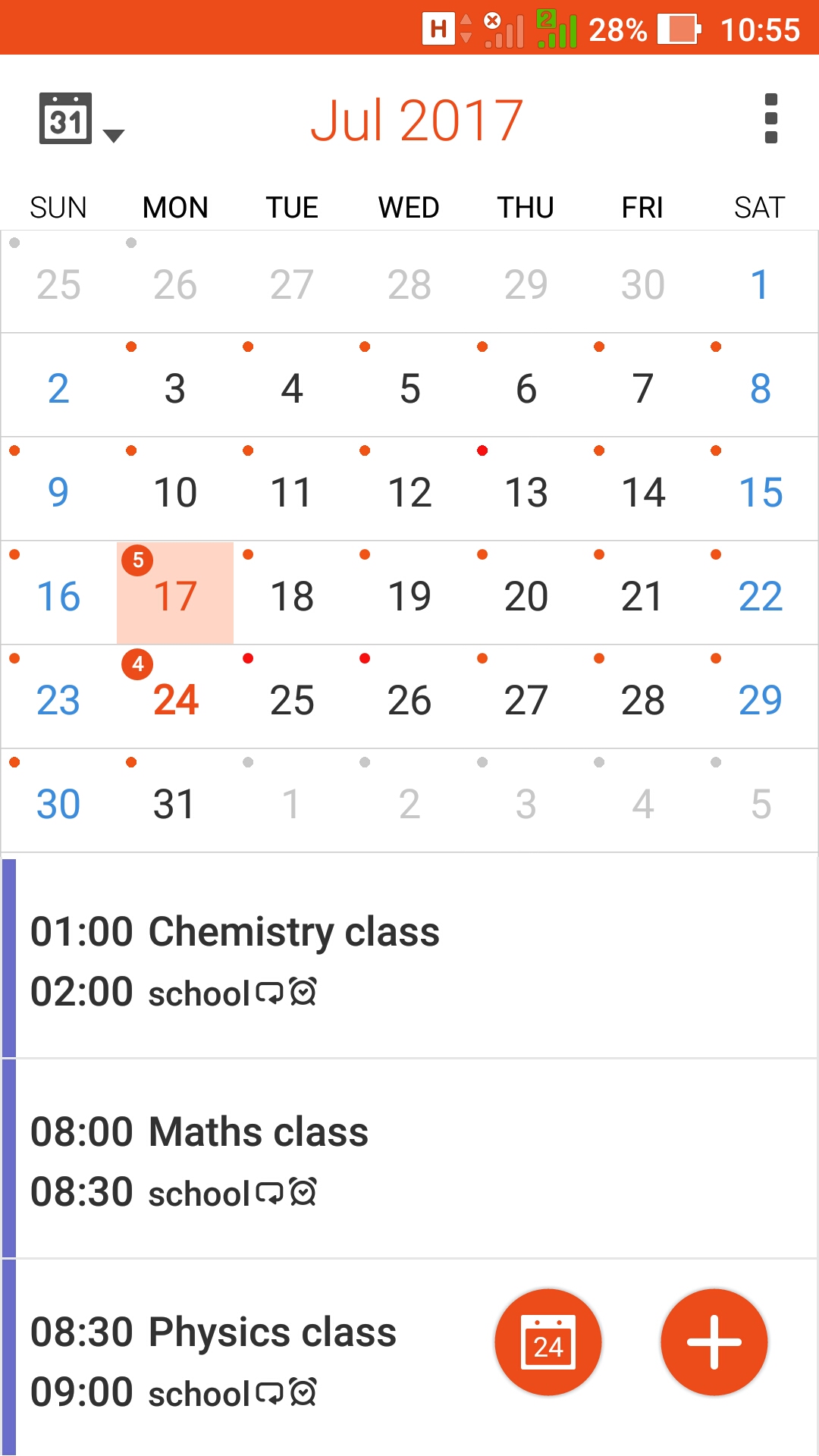
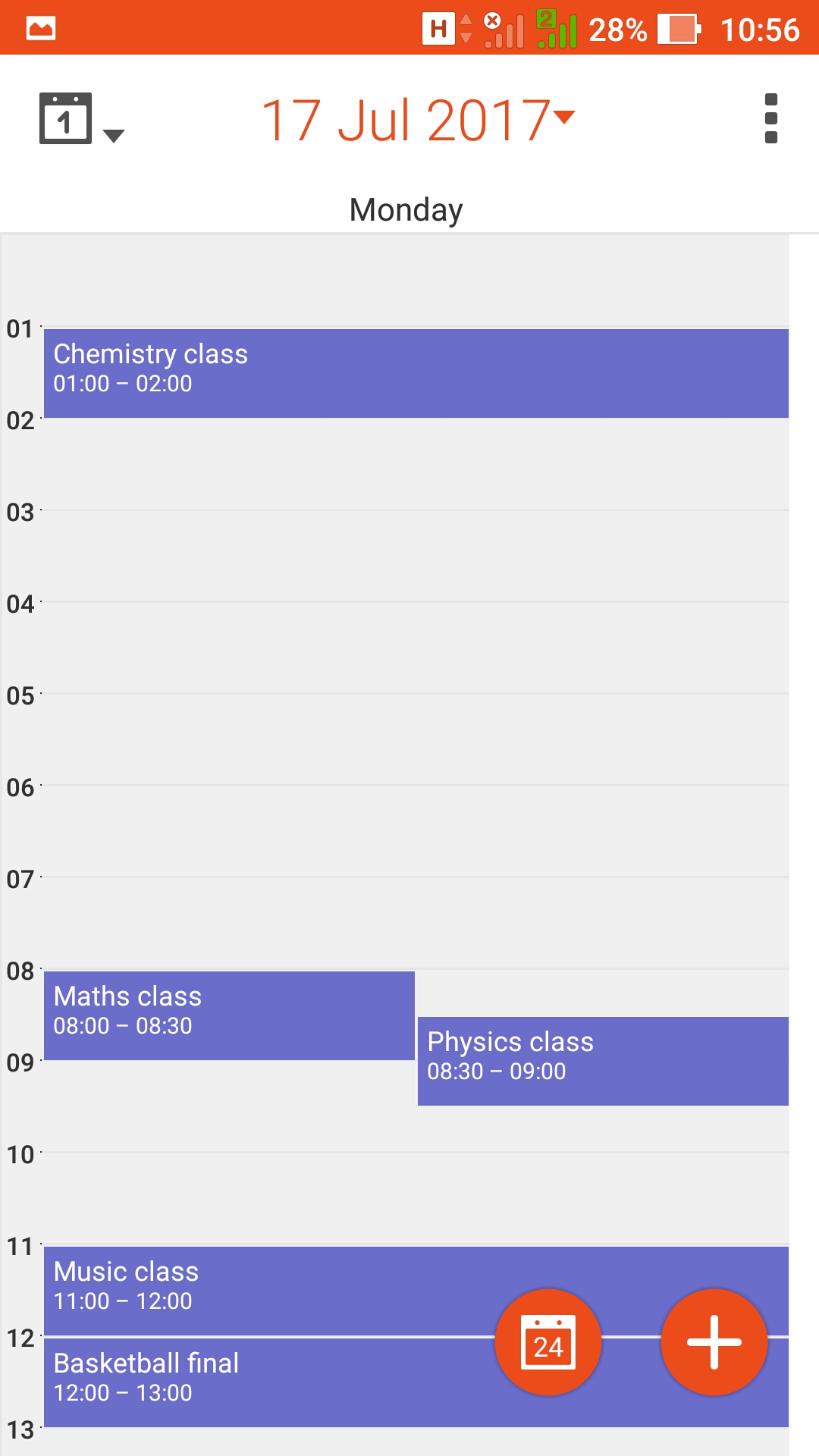
Time table
-
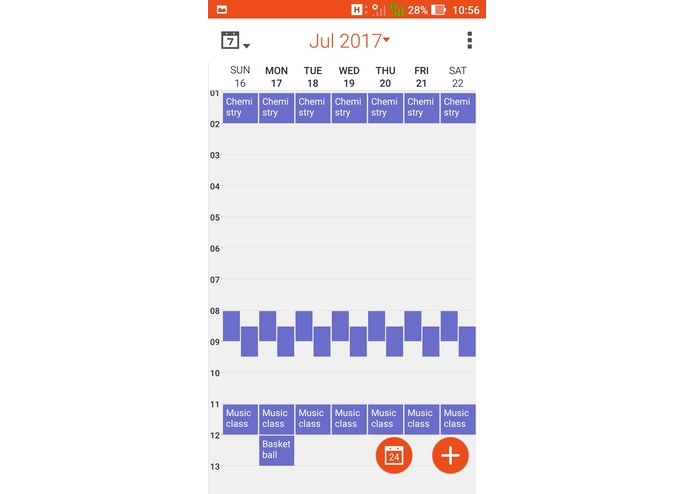
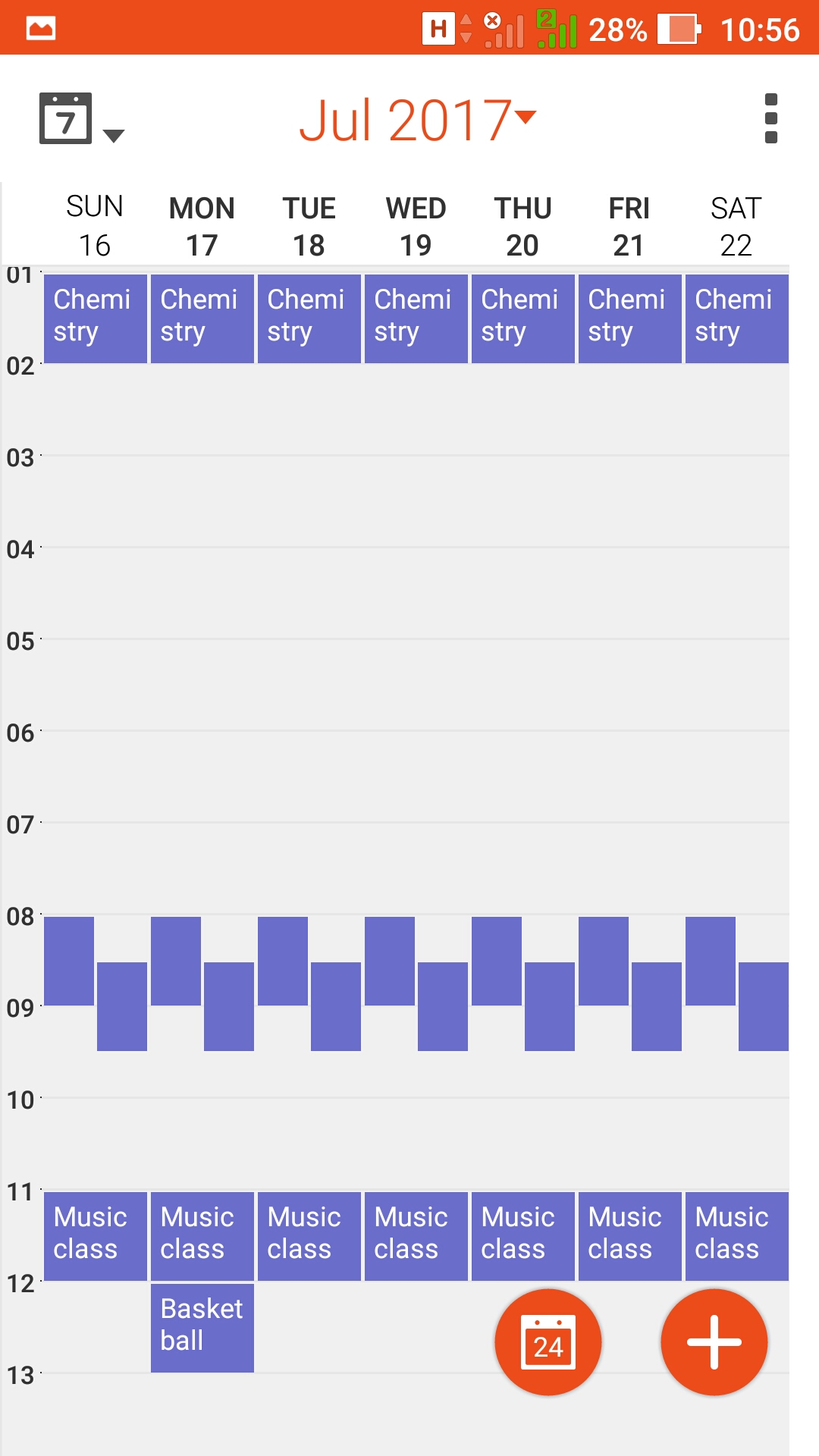
weekly task
-
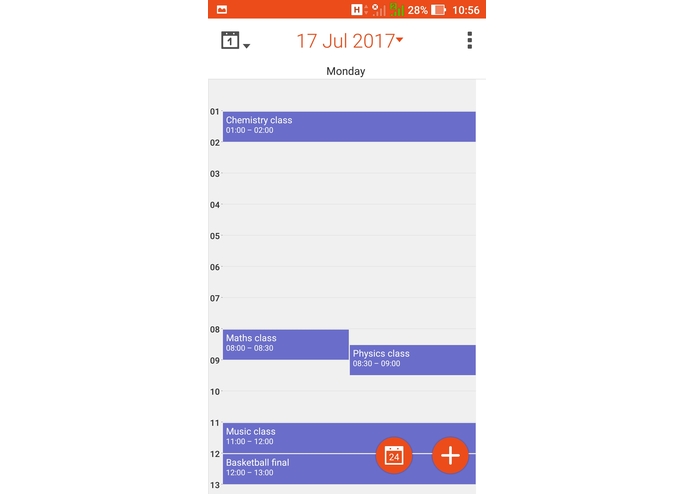
Daily Task
-
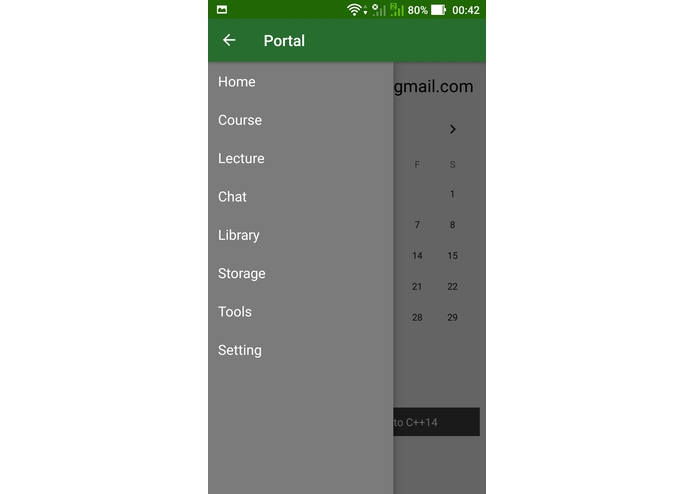
Dashboard- Student
-
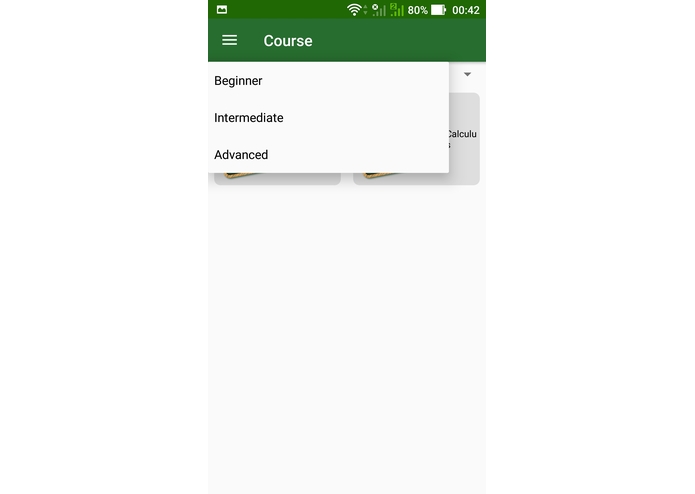
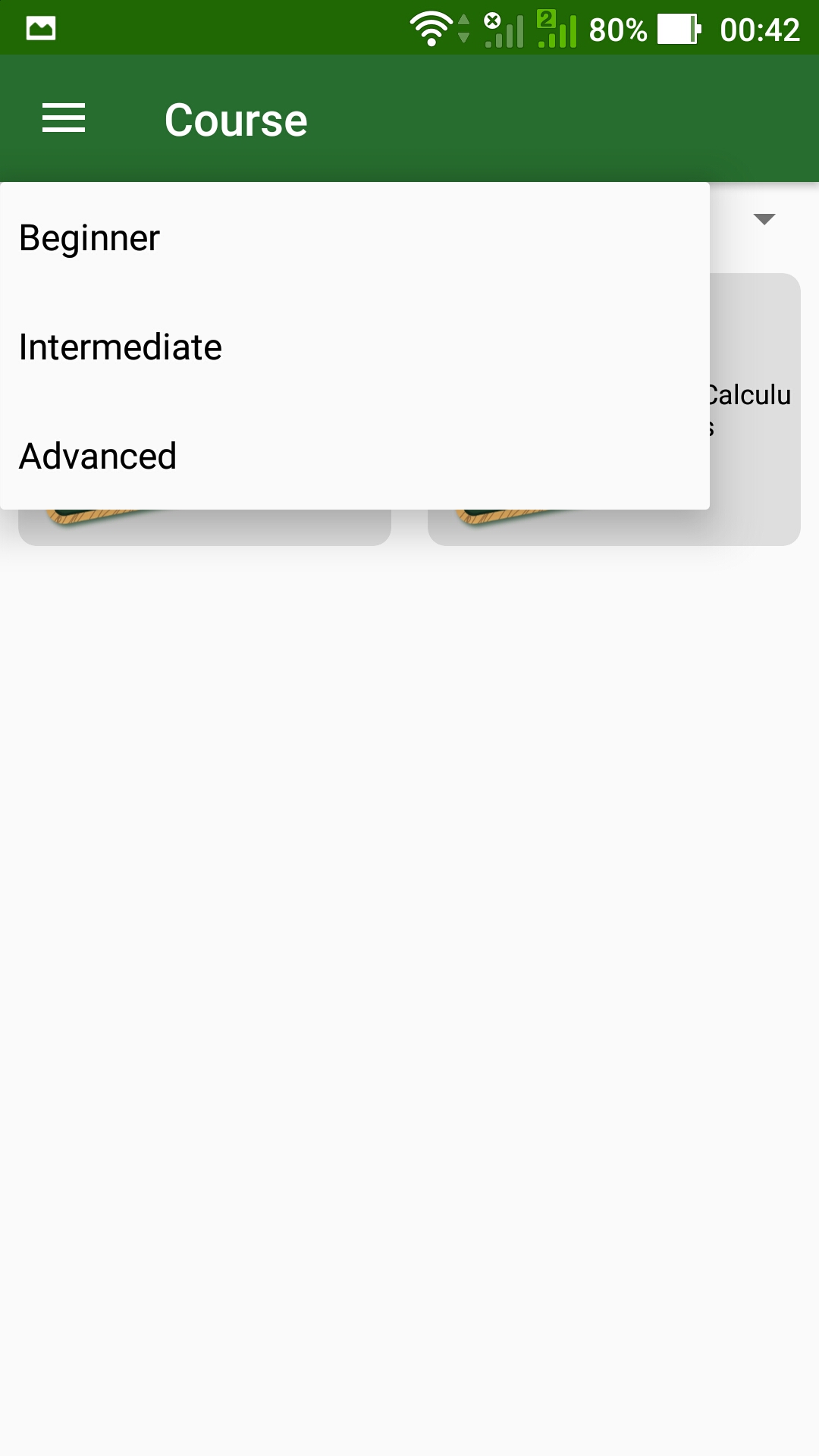
Coarse option
-
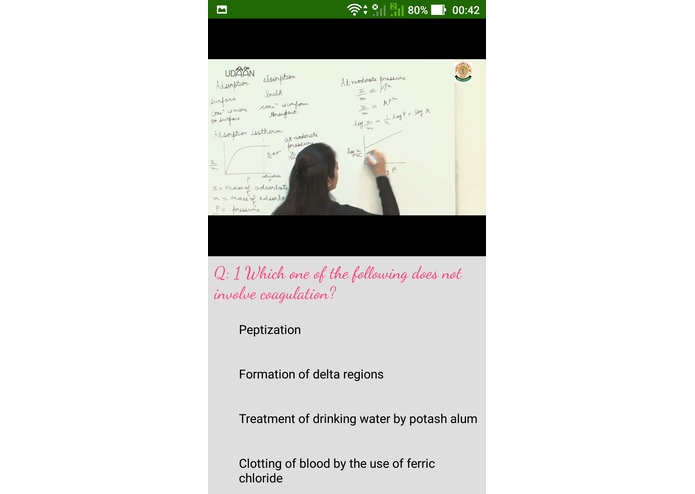
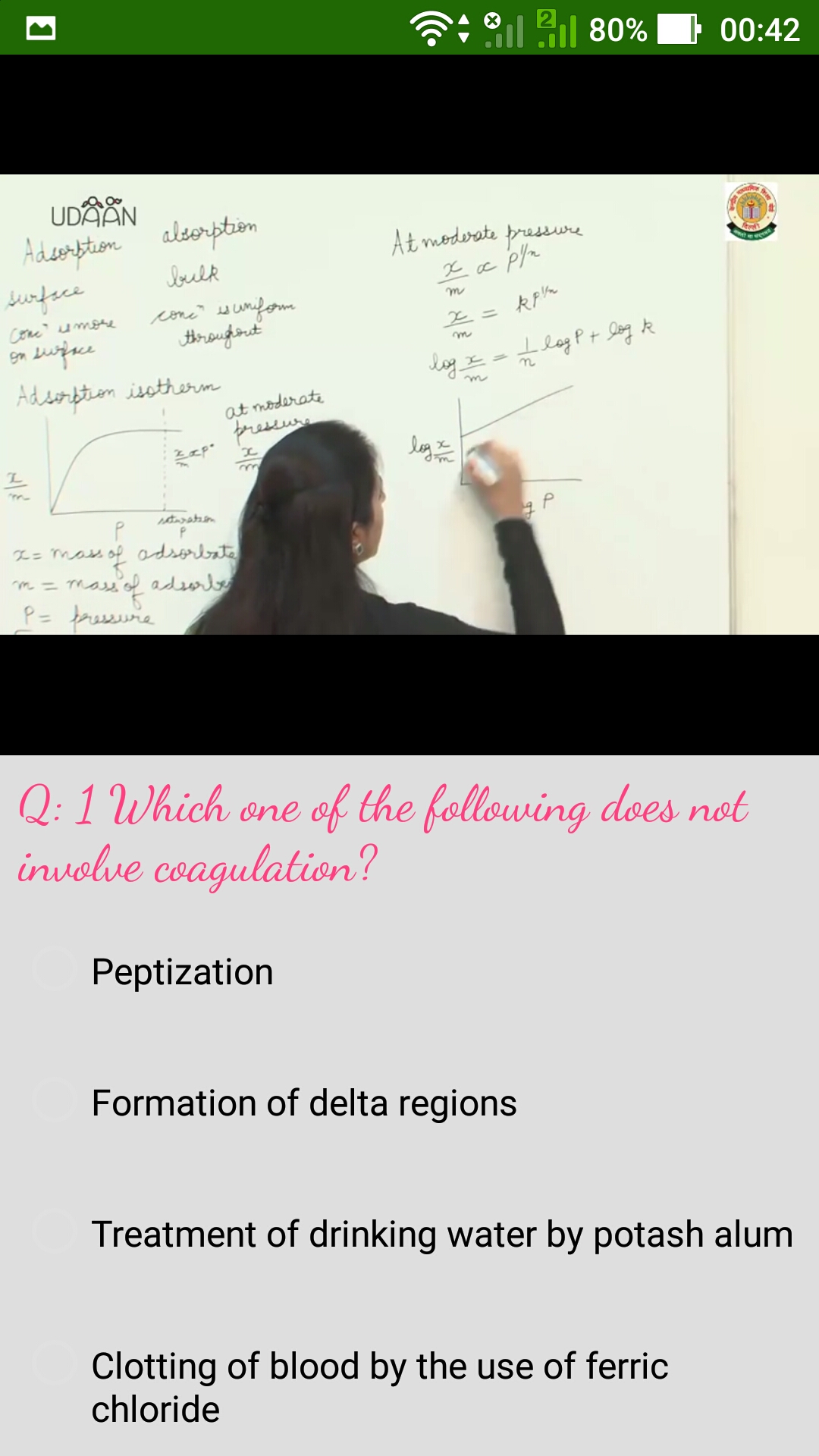
Live Lecture option
-
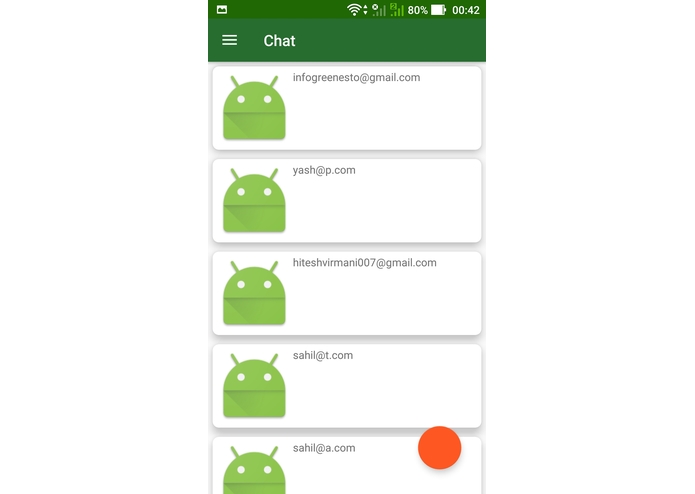
Chat bot
-
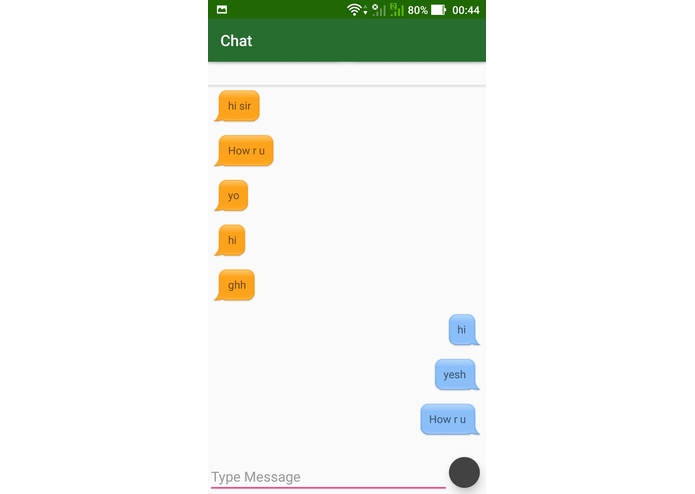
Chat Bot
-
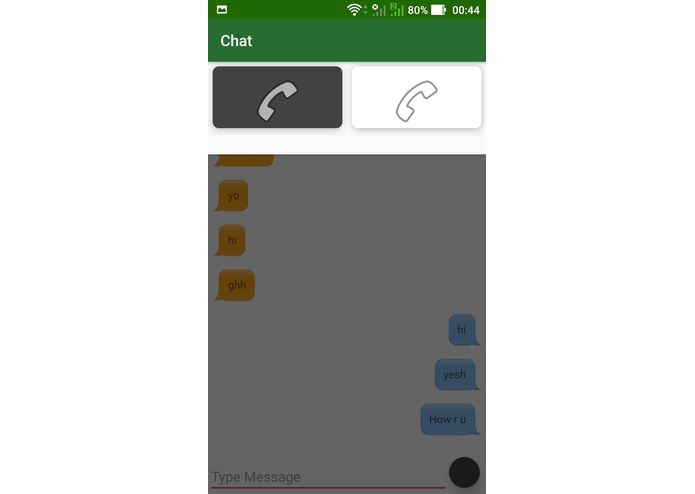
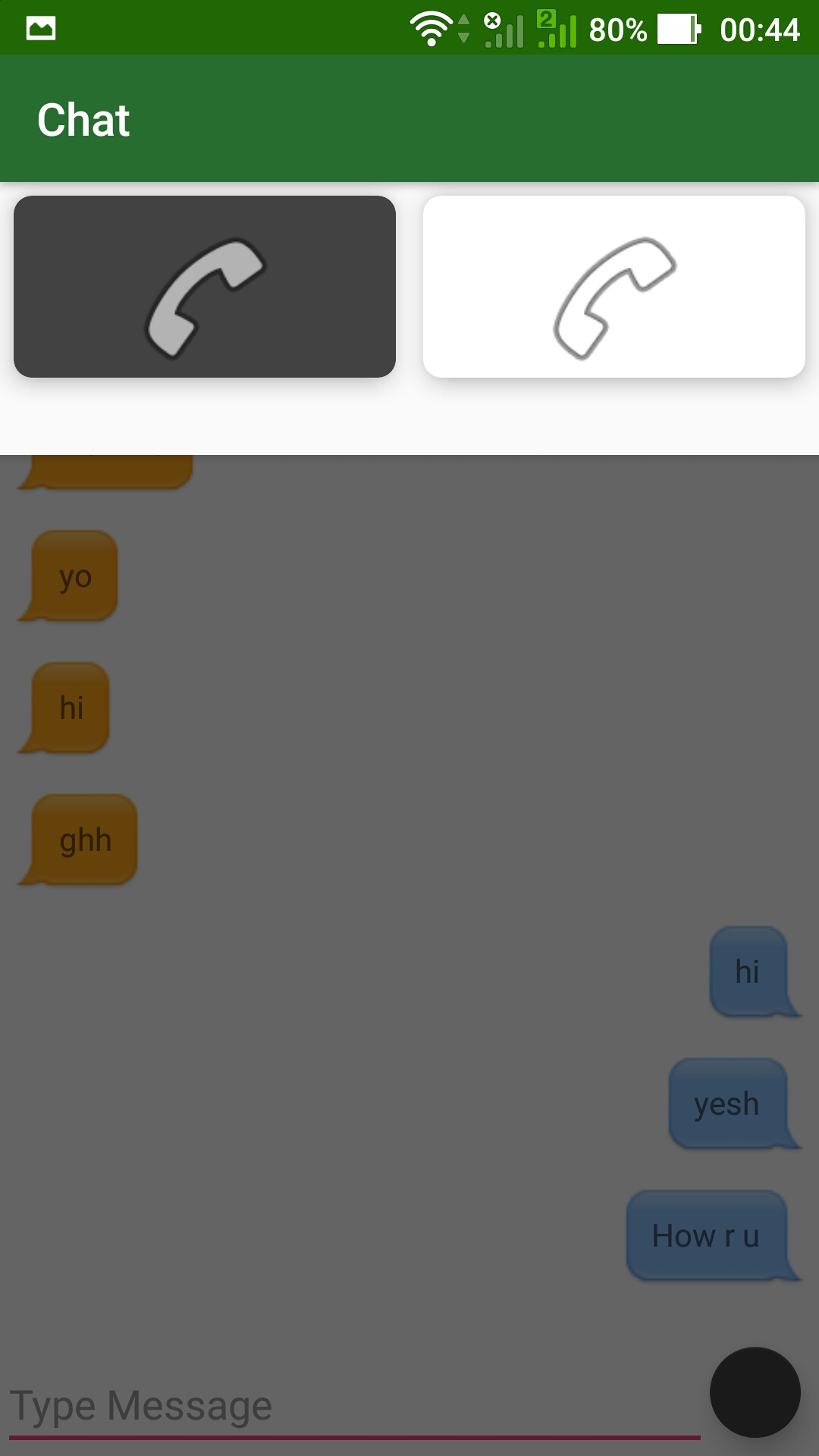
Audio and Video call Option
-
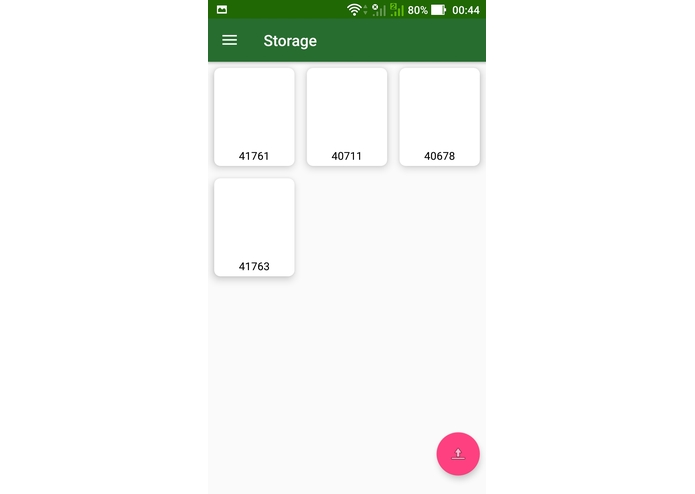
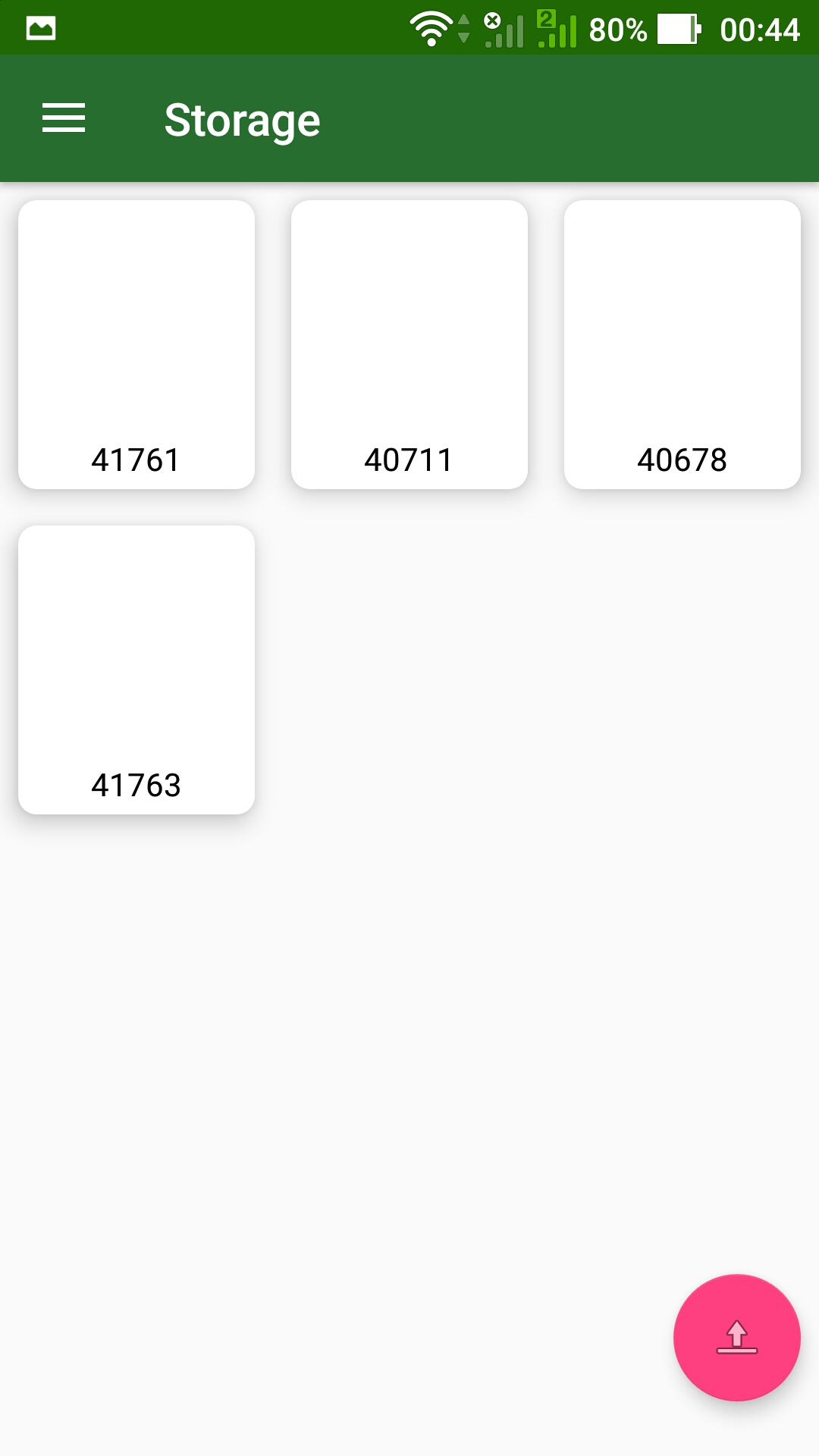
Storage- Upload assignments and documents
-
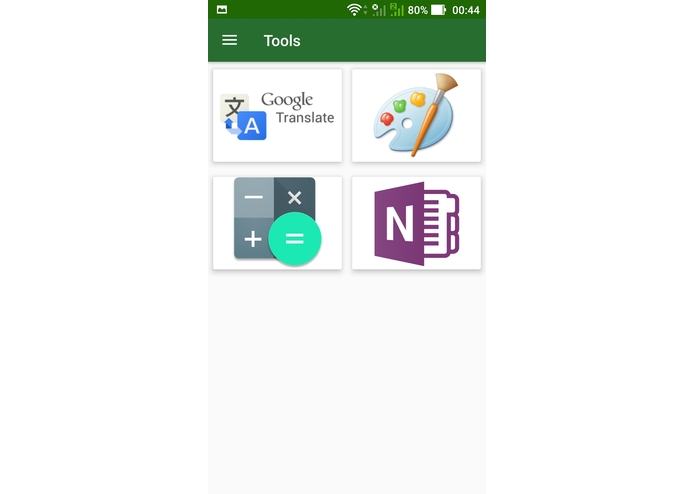
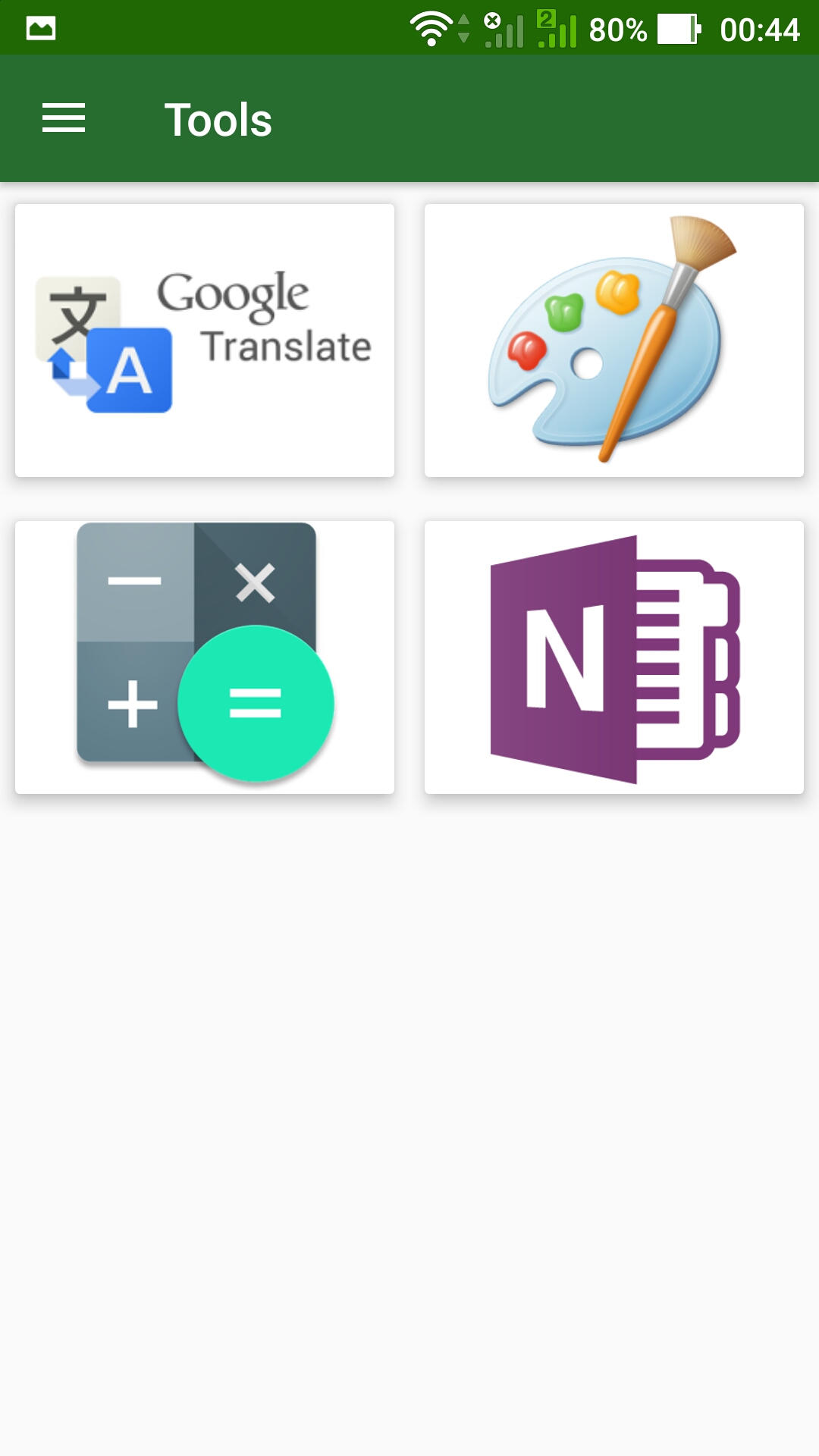
Quick Tools
-
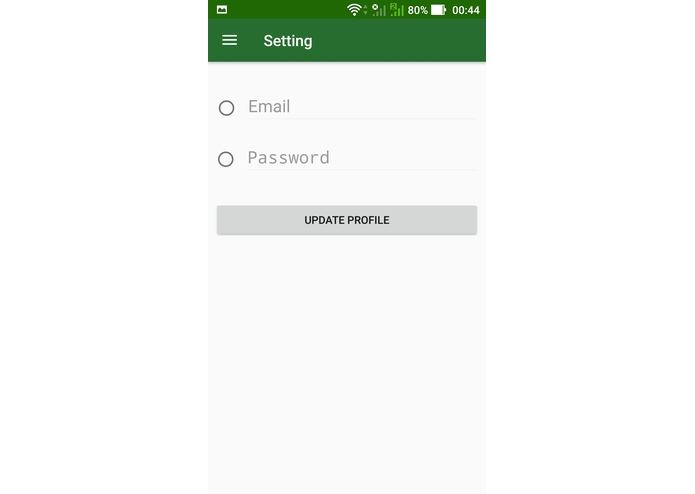
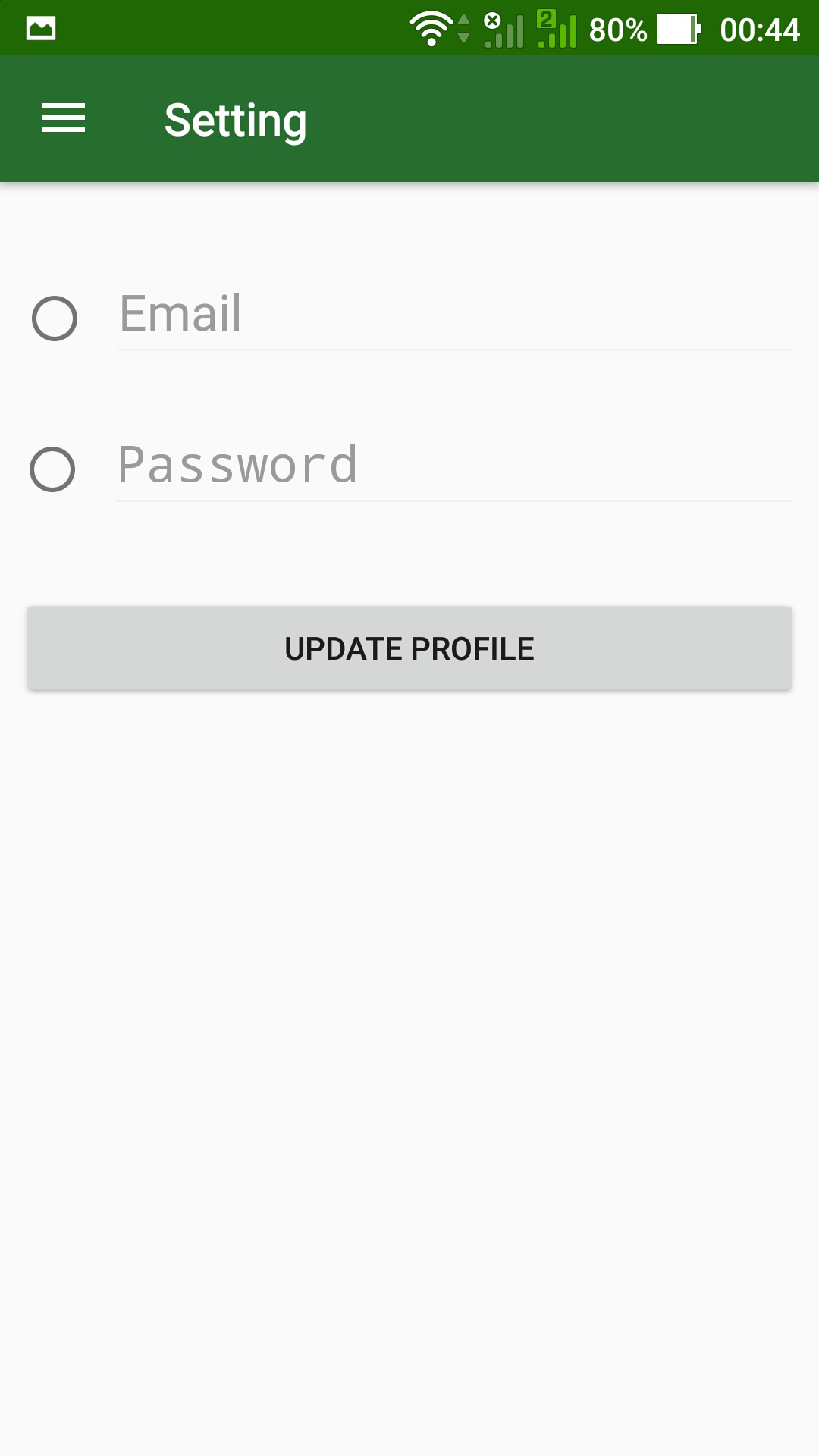
Settings
-
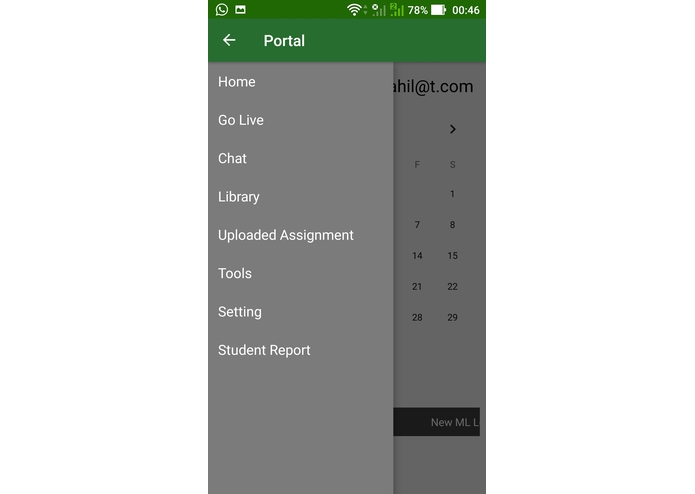
Teacher Login
-
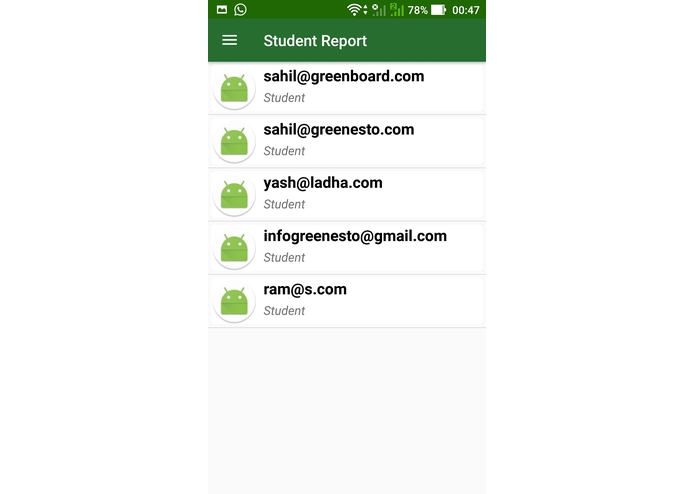
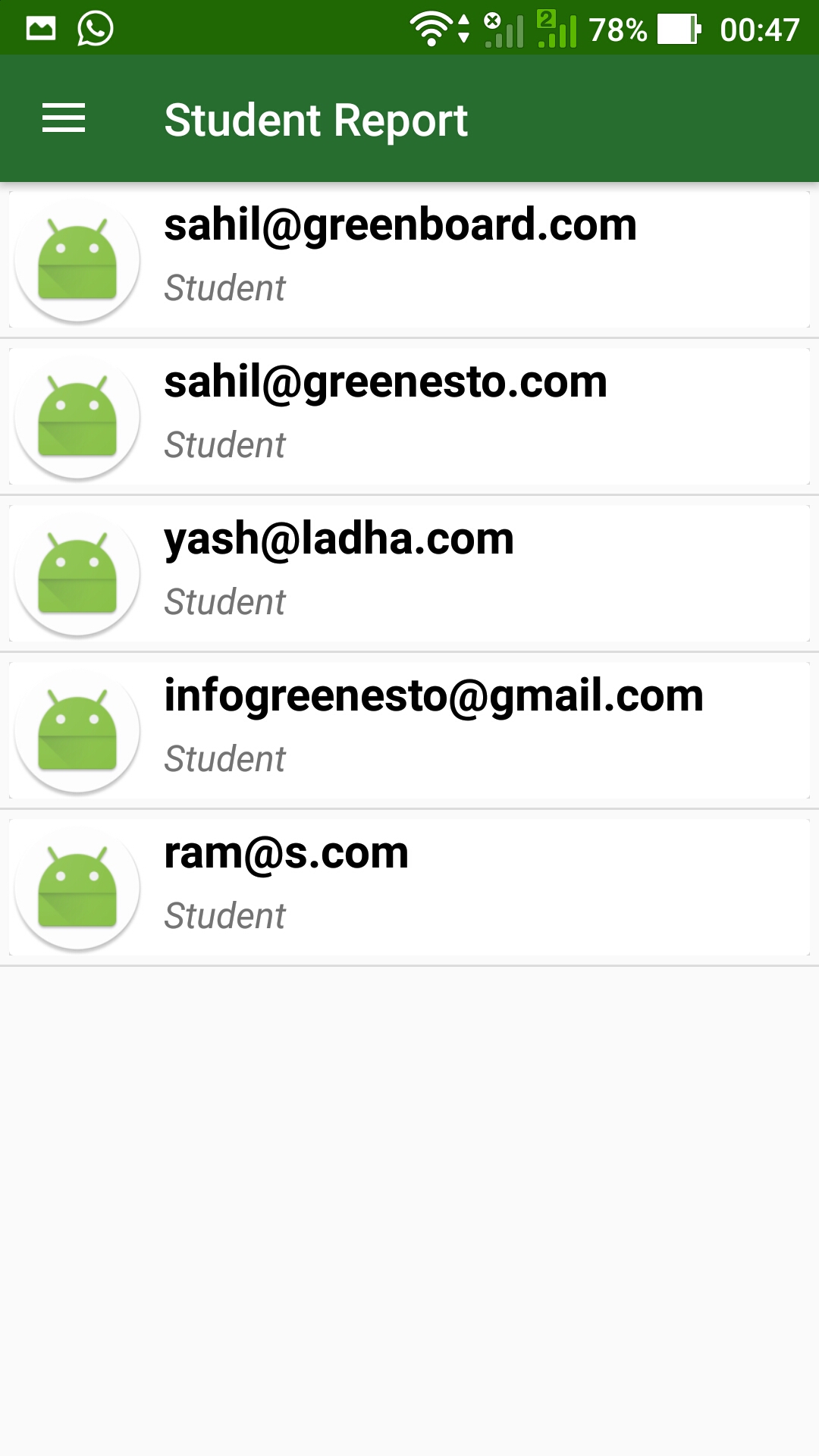
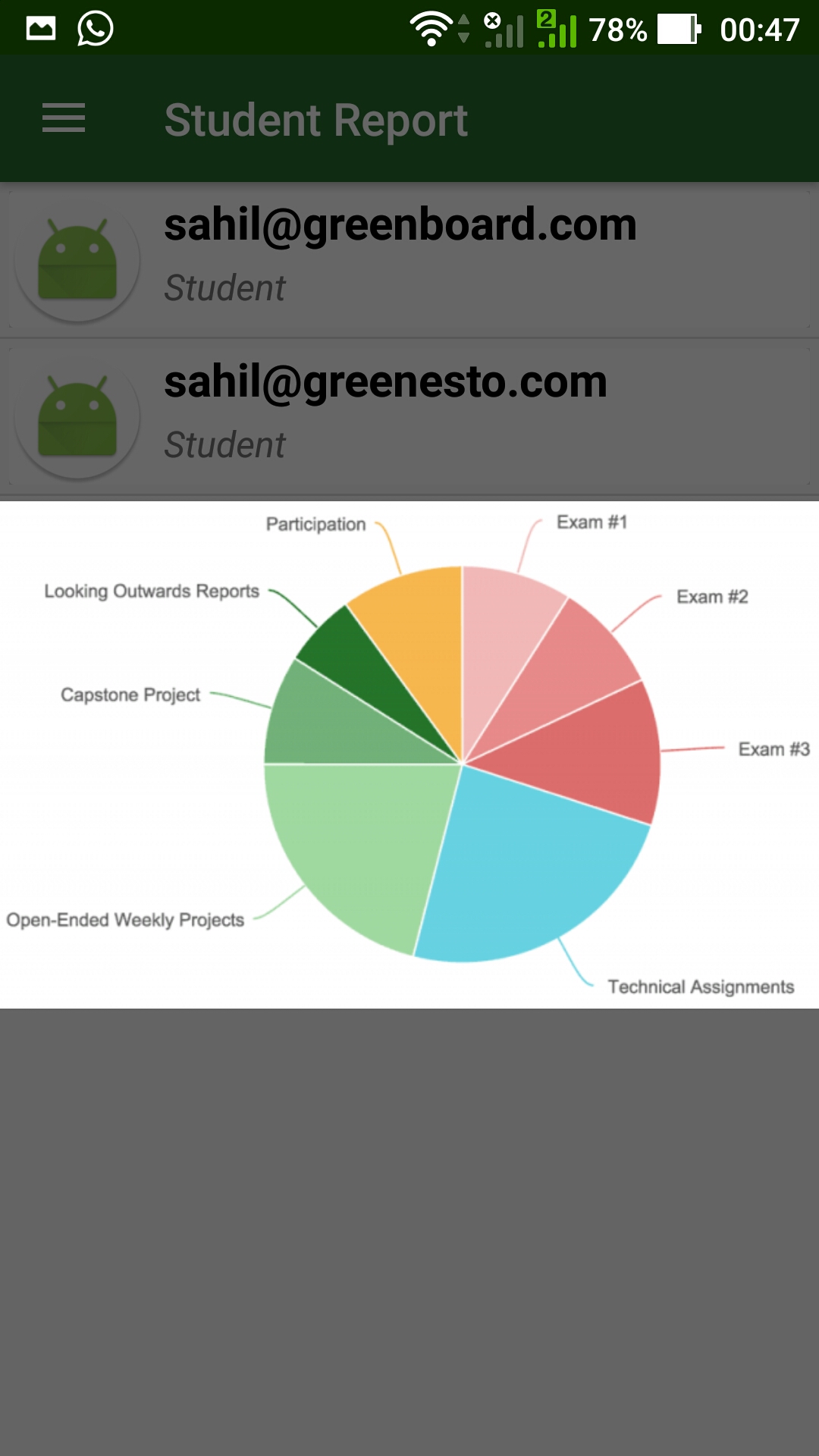
Progress report
-
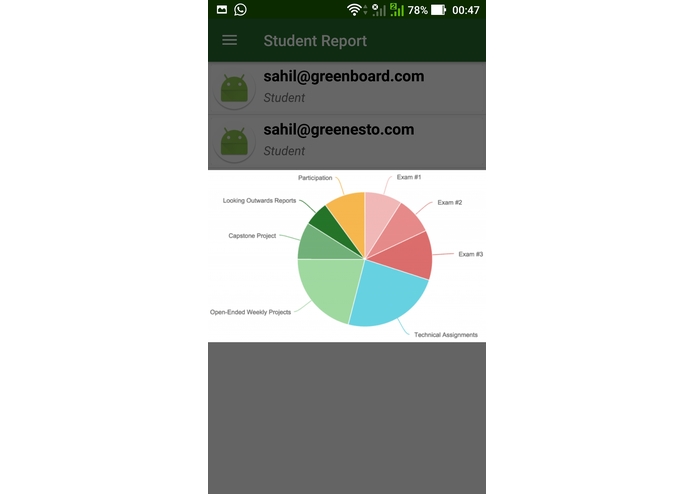
Progress Report
-
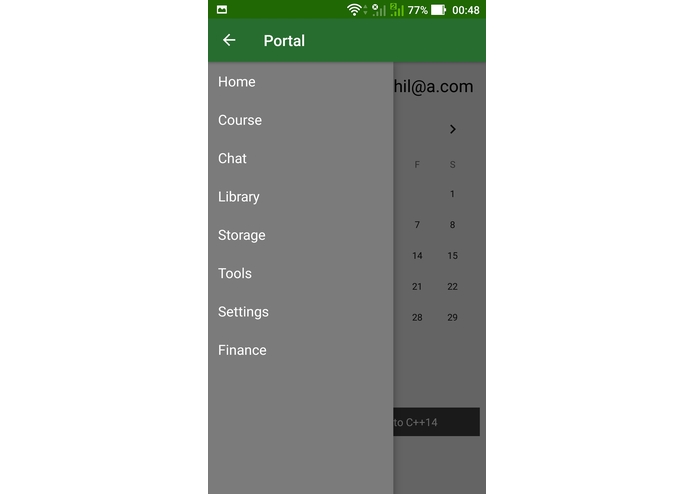
Admin Console
-
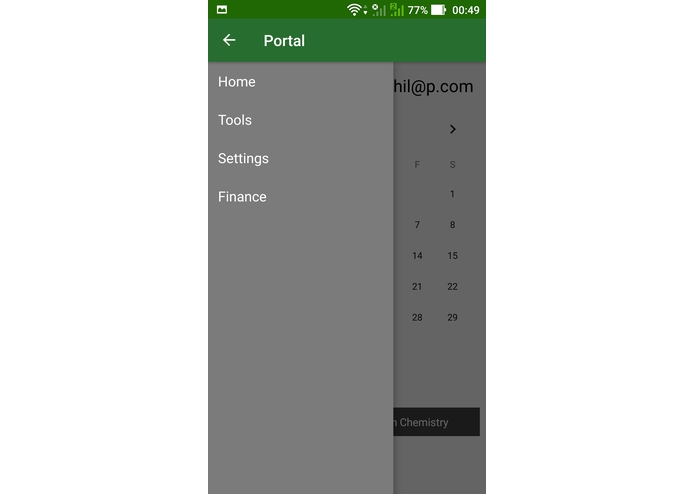
Parent Console
-
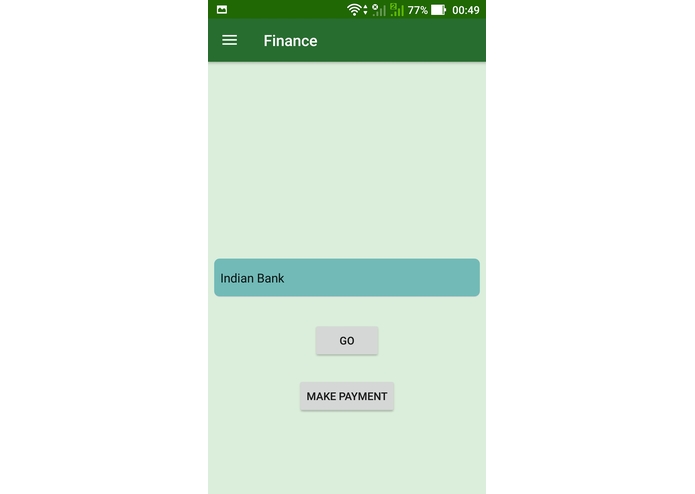
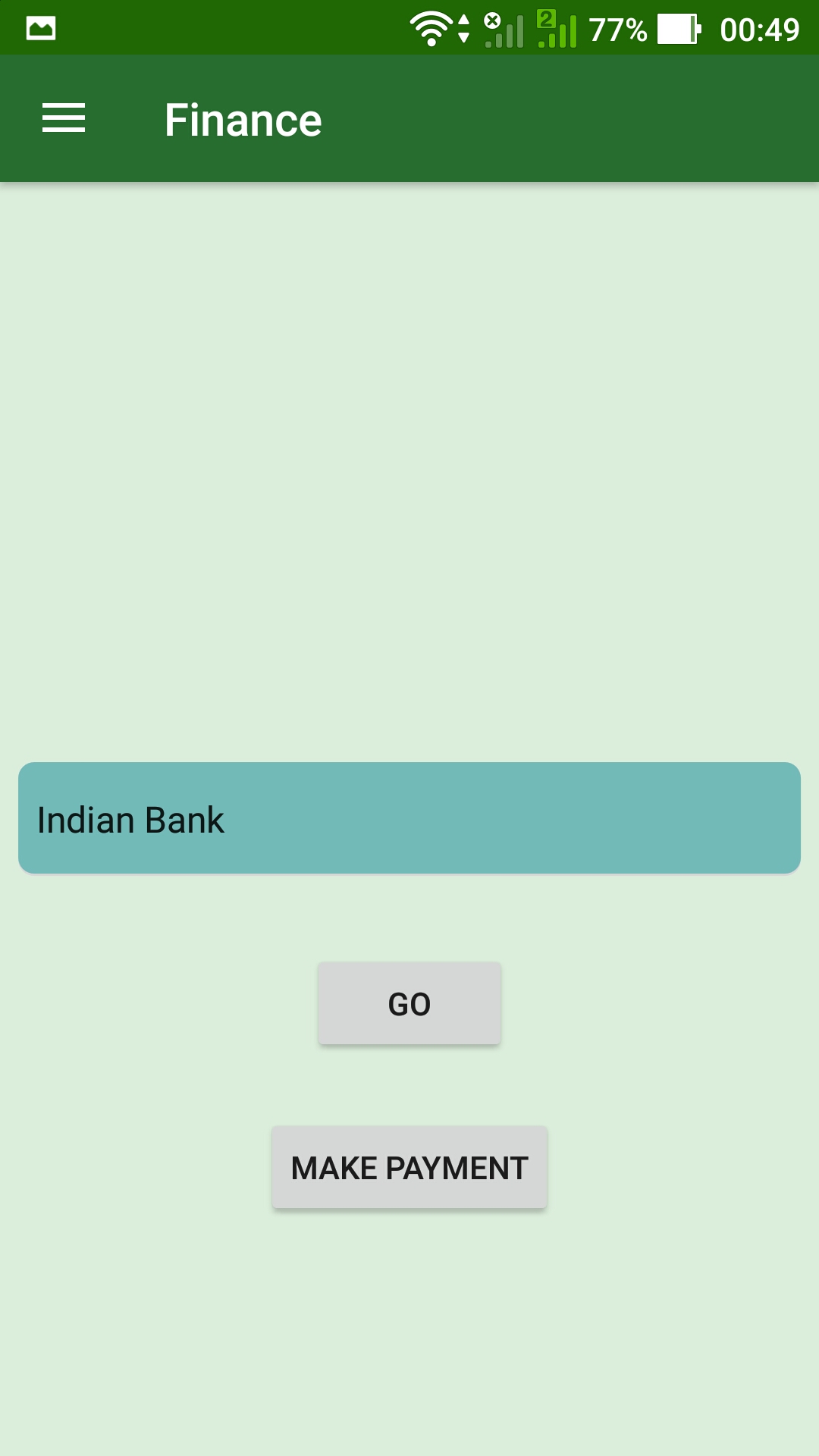
Make payment option- Finacial option
Inspiration
Pedagogy i.e. the art of teaching faces a real test in today’s times for it has remained very stagnant and rigid in its discourse. We seem to have forgotten that schools are the real ‘Temples of Innovation’ that shape children of the future. Schooling environment, since the industrial revolution, has done very less to revamp their gloomy, colorless, isolating and lifeless spaces. Whilst today we are living in the world of technology where we use smart technology and innovations to complete our requirement. This availability results in less human effort and more perfectionist results. In sync with this idea of a futuristic tech world, the concept of this application is to launch online schooling with a versatile pace and knowledge span available to each student to help them progress based on their own pace and interests at the touch of a button. Each child is unique. So should be their education and this application is a step towards providing a single versatile platform catering to the education of a student and need of the engagement to drive that productively.
What it does
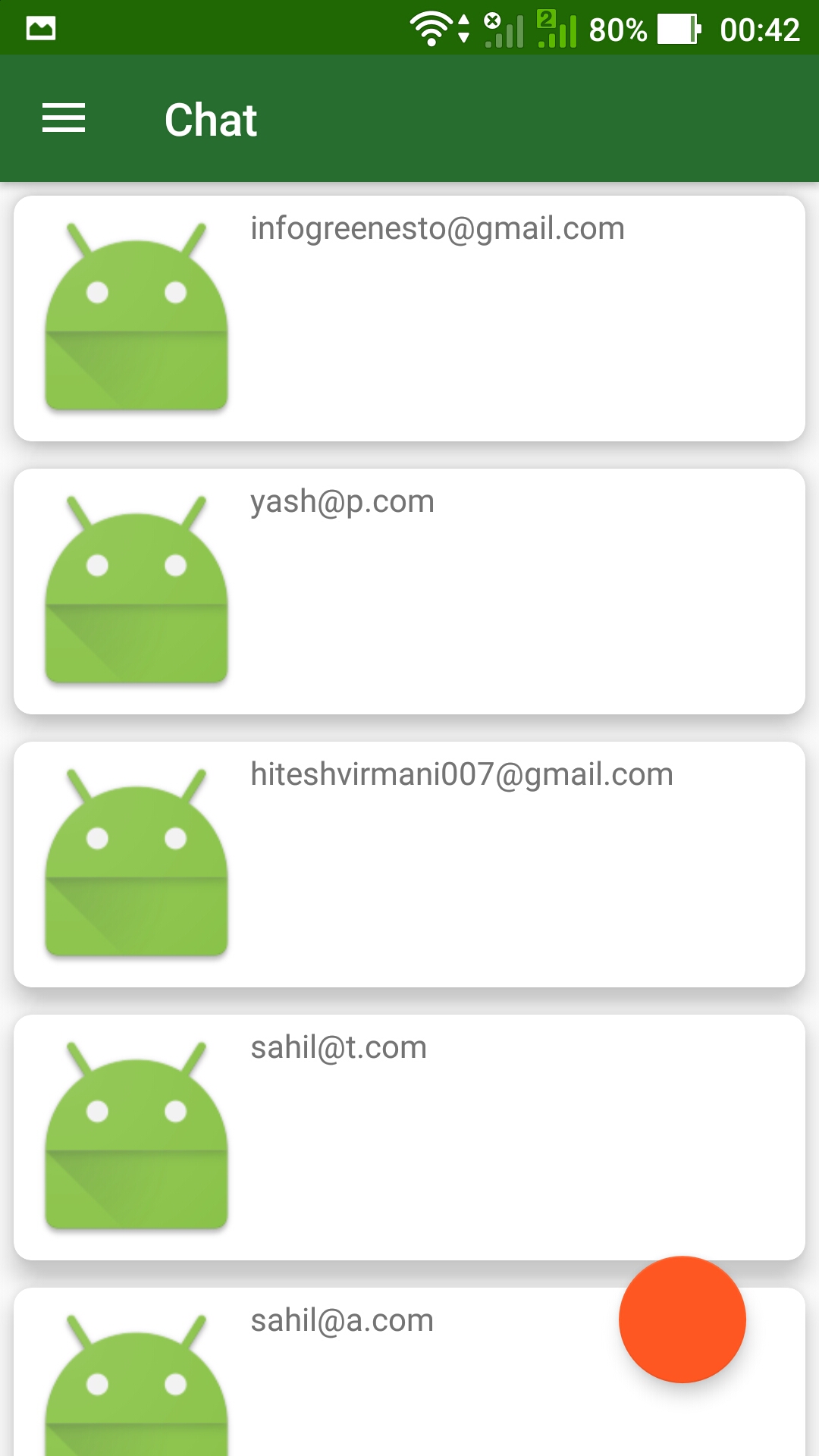
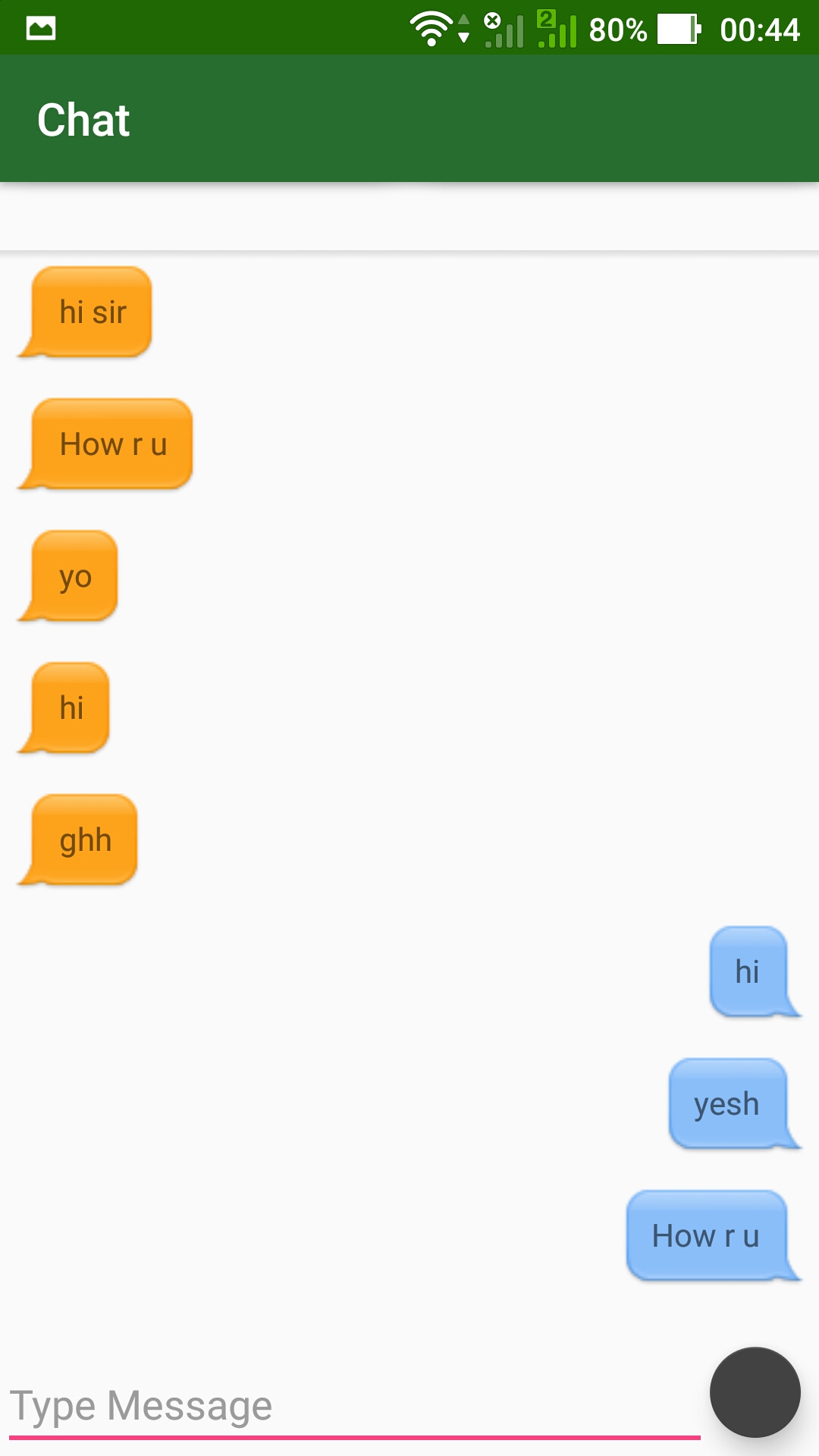
GreenBoard is an online school management app where student, Teachers, Parents and administration can each manage their tasks. Based on their roles the application provides unique opportunities with an ease of access to allow them all to perform their work in a smart and systematic way where they can collaborate with each other in a smarter manner. The options for each of the 4 portals include: Student access Weekly/ Monthly time tables where they can schedule all their tasks, classes, lectures and events Get timely alerts and attend live lectures, BOT for instant messaging, audio and video helps when you need to collaborate with teachers and your friends. Online library to access books and learning videos, Upload assignments and notes online with storage drives which they share with friends and teachers, Easy access tools like paint, Notes, translator, and calculator are integrated within an app for easy access daily use.
Teacher Access Upload and broadcast live lectures Create and view progress reports of individual students to help guide each one accordingly. BOT to communicate with students and groups by means of chat, call, and video. Time table access where they can track and schedule their day to day task to alert them for upcoming schedules. Upload assignments and share it with students and parents.
Parent access View their child’s time table and progress reports. Communicate with teachers and view school events and updates. View pending dues and make online payments through the app.
Administration access Track financials of each student Manage their internal system and communication through BOT. Track each teacher and student schedule. Manage progress report of each student.
How I built it
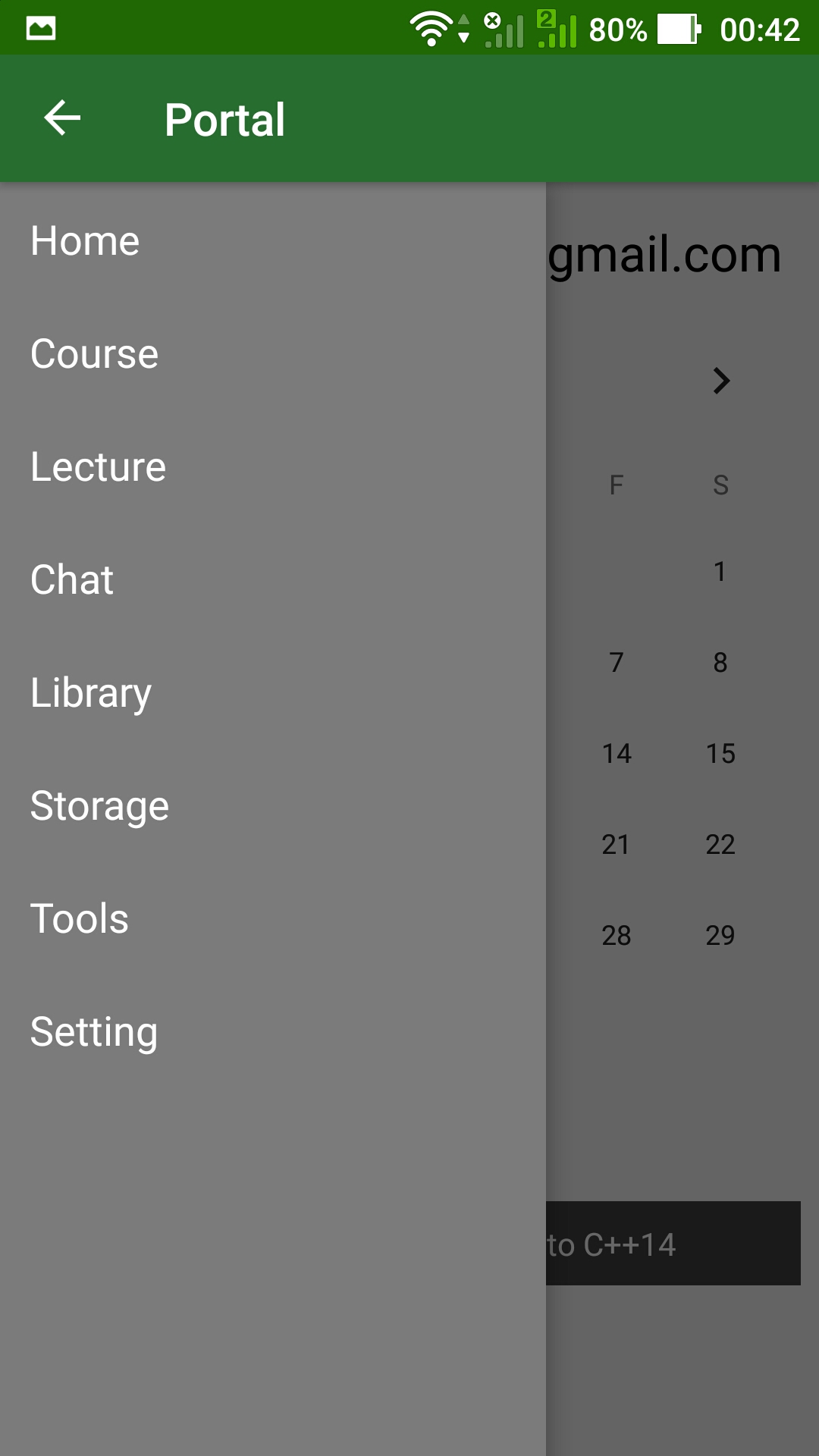
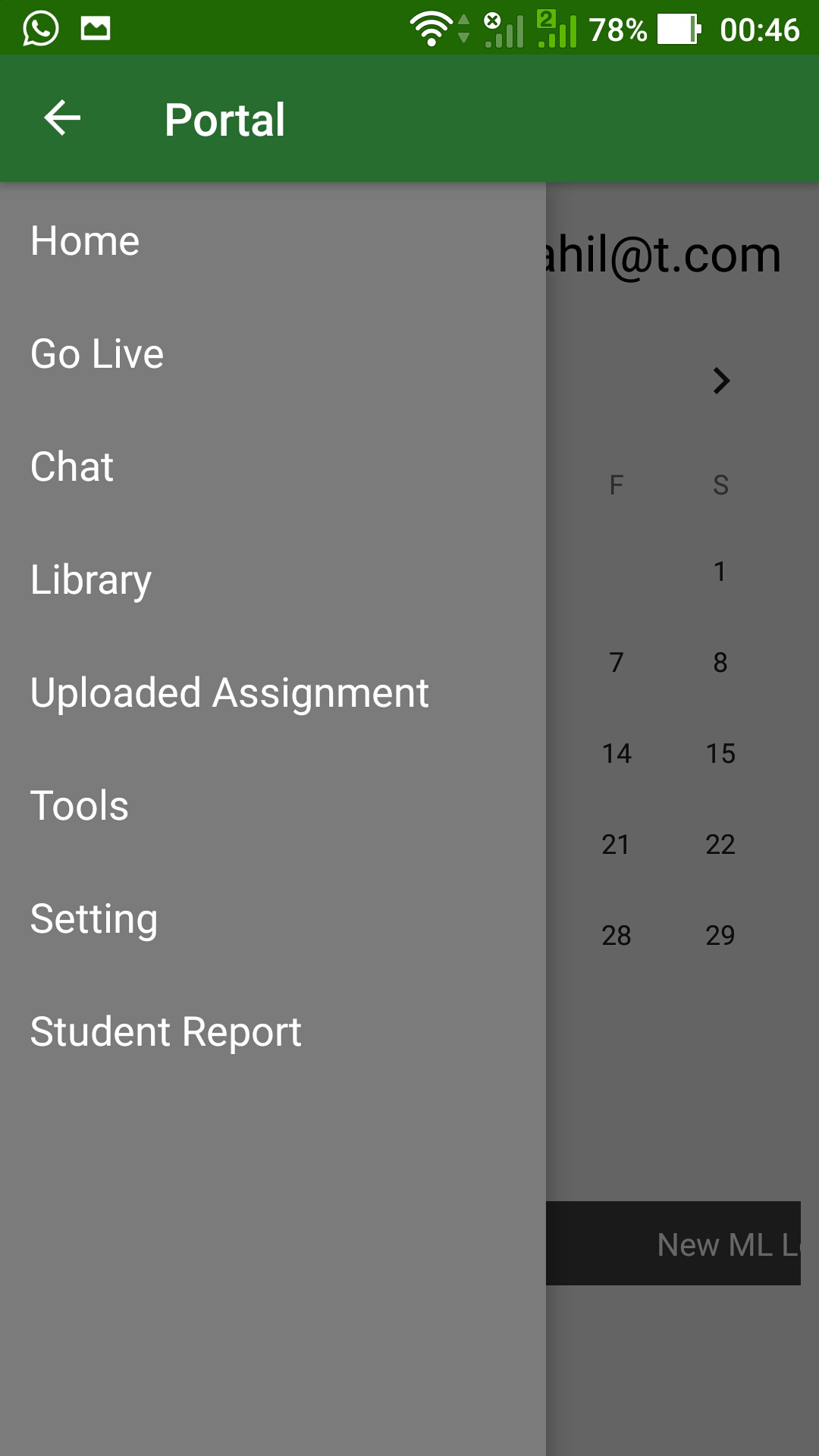
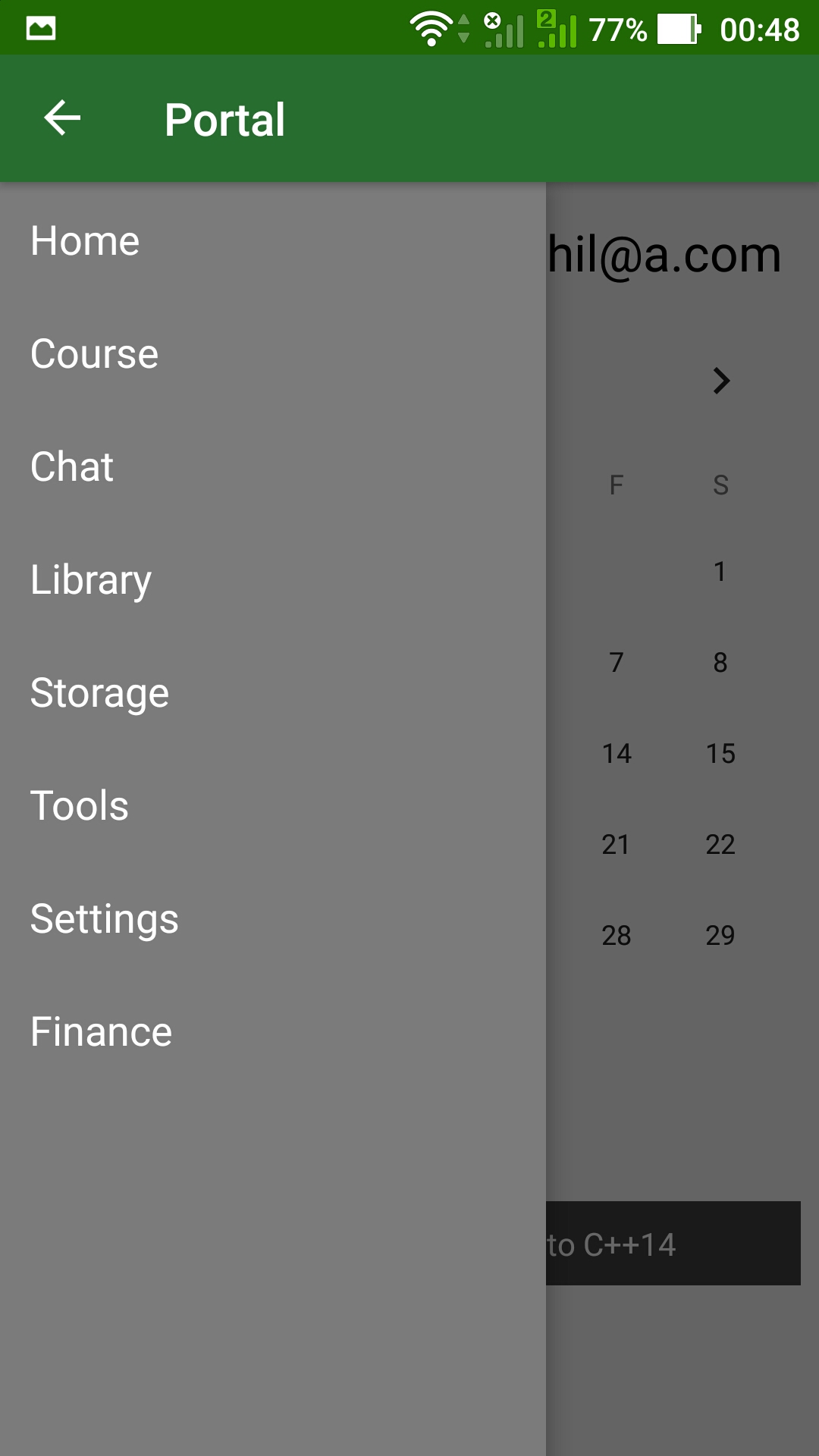
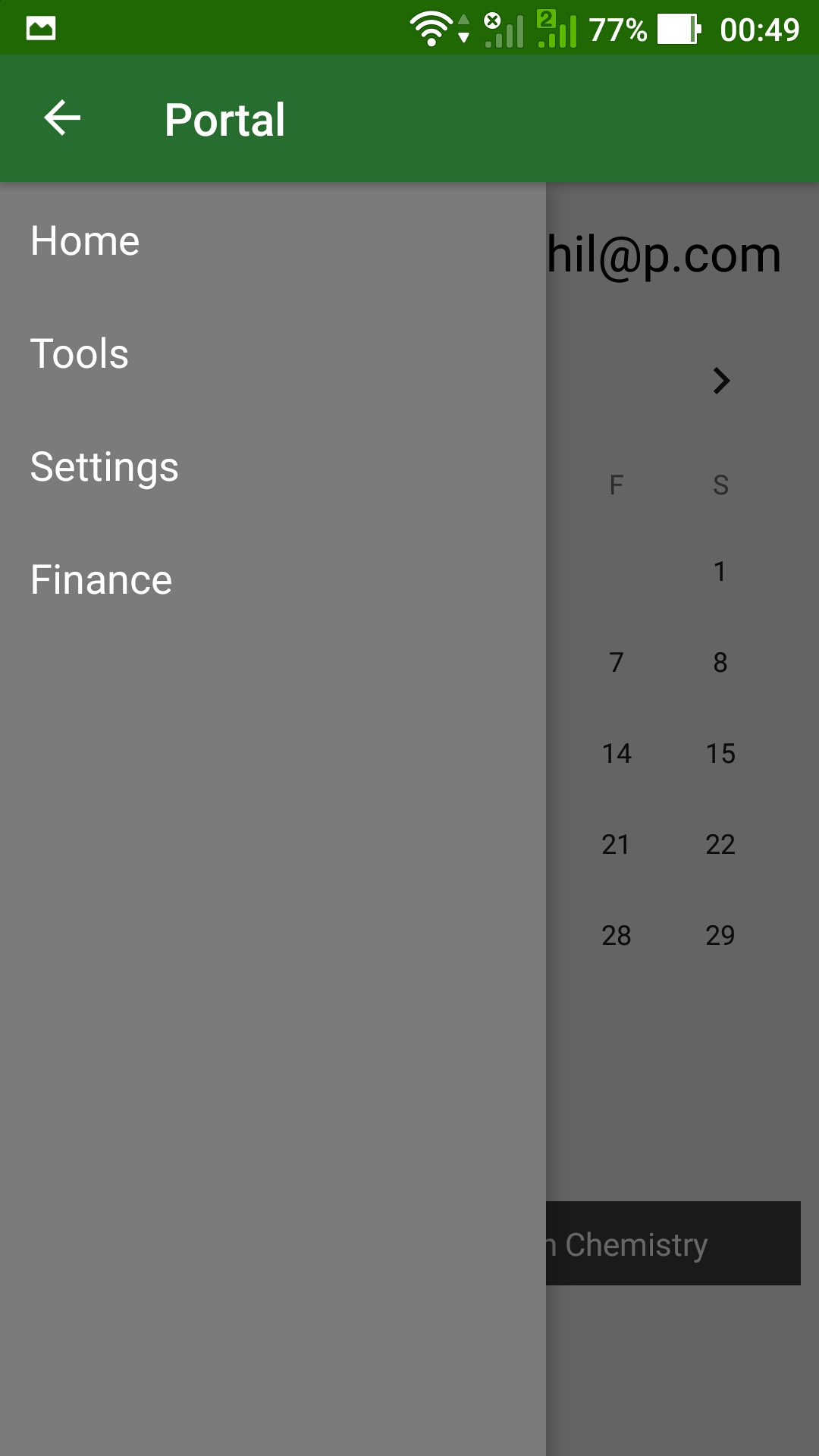
The project has a very efficient directory structure for different classes. It has been segmented into Portal, Models (Database Models), Adapters and main Interface. These all modules along with the Firebase services neatly binds the app and give a dynamic user experience. Firstly user is signup and authenticated with the Firebase Authentication. At the time of Authentication, the entry of the user is added to the database (Realtime database) of the app along with the associated model (Student, Teacher, Parent, Admin). Them the user is directed to a generic portal which gets inflated according to the type of user logged in, for eg, if it is student them the layout student will gets inflated and if it is teacher them layout for teacher will gets inflated. And this all is dynamic and there is no static assets involved in it. The activity has a child fragment which intiates the modules based on the option selected in the navigation drawer ( which is on the side). The entries are stored in the No SQL database of Firebase which gives an upper edge over the old SQL based backends.Now the whole app is divided into different modules that are defined inside the module. Home : This is the index fragment of the app. There is email showing on the top right displaying the information of which user is logged in. It Fetches the uid of the current user from Firebase Auth instance and them Fetches the user details from 1 the Firebase realtime databsae. There is a viewpager at the bottom of the screen showing slideshow of the news and autoscrolls at regular intervals. However you can also scroll them if you want. Course : There is a spinner which progresses the user selecting a course and its level that the user want to learn and them inflates a card view with pretty fade up animation inside a grid view. All the adapters for inflation are inside the Adapters package. Lecture / Go Live : This segment uses the Youtube api for streaming the lectures for now, but in the later future we will try to integrate a live streaming sdk for incorparting live lectures. Also when clicking on the thumbnail we can see that a small quiz is also running in the bottom. Currently it is static but later in the future it will be based on AI bot that gives questions based on the type of lecture. Chat : Students can select persons to whom they want to chat and can chat with them in real time. This uses the Firebase Realtime database and an algo for listening and inflating the chats. Library : Library uses the Firebase Storage for storing files and it downloads them to your local device so that you can view them. There is a progress listener which is shown on fragment till the file is downloaded. Storage : As the name suggests it uses Firebase Storage to store the files but along with it also uses Firebase Database for storing the download uri for the asset in the folder of the user. Ion and Pdfium are used to async downlaod and generate thumbanil of the pdf respectively. Ion is an async library for networking and inflation task. Tools : Contains currently static assets for translation, paint and note but later on we will incorporate SDK which lead to implementation of these functionalities. Settings : You can change your credentials using FirebaseAuth Instance. Finance : It redirects you to the payment portal of respective firms based on the choice selected in the spinner. Currently it is static because we don’t have right for a payment gateway.
Challenges I ran into
Since we designed an android application, I was unable to use spark tools which were incompatible and showed as not available - it will come soon. Hence we had to create our own BOT. Collaborating four consoles in one app is a bit of a challenge but vital for the app usability so we create 4 main consoles based on user requirements - Student portal, Teacher portal. Admin portal and Parent portal.
Accomplishments that I'm proud of
To create a BOT is a new experience for me which is managing the whole school management system and students. An online classroom which can become a source of innovation.
What I learned
To create a BOT is a new experience for me which is managing the whole school management system and students. An online classroom which can become a source of innovation.
What's next for GREENBOARD
The project is still a vision with initial concepts trying to change the education system. For now, the focus of the app was on inter-management systems to enhance collaboration and communication however in the future we would like to scale this proposal engaging more features for easy accessibility and usability for the audience.
Built With
- android-studio
- firebase
- ion
- pdfium
- splash
- youtube

Log in or sign up for Devpost to join the conversation.