-
-
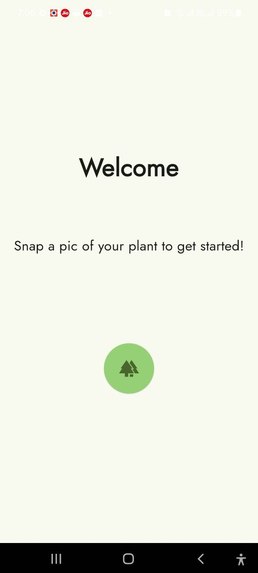
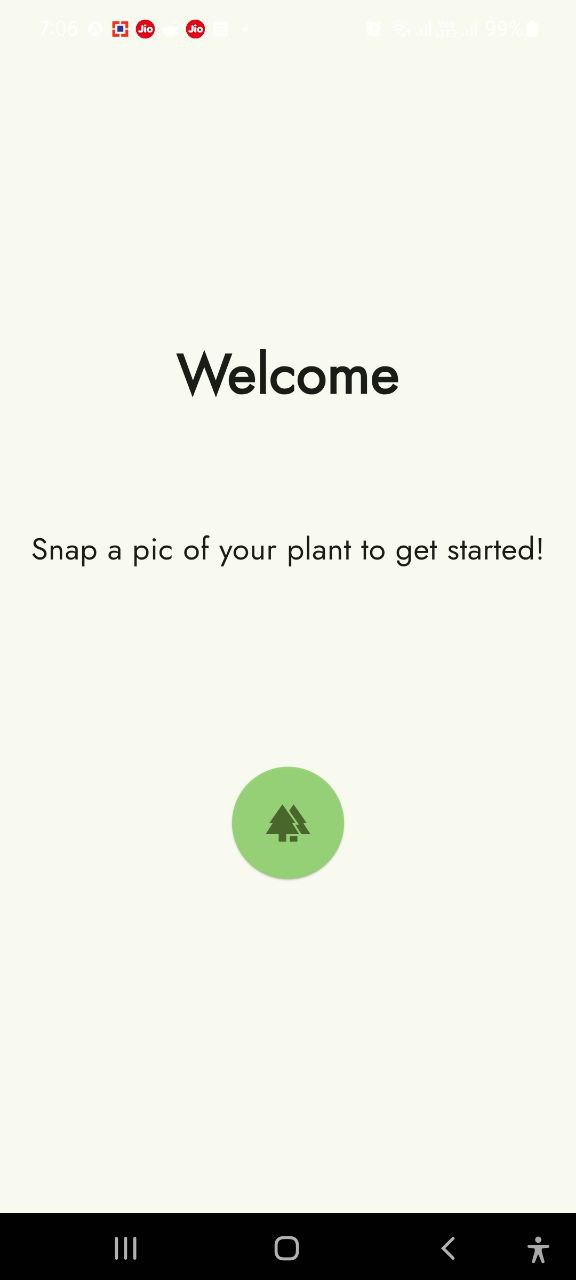
Welcome Screen
-
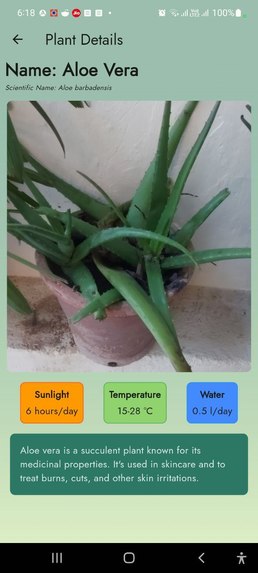
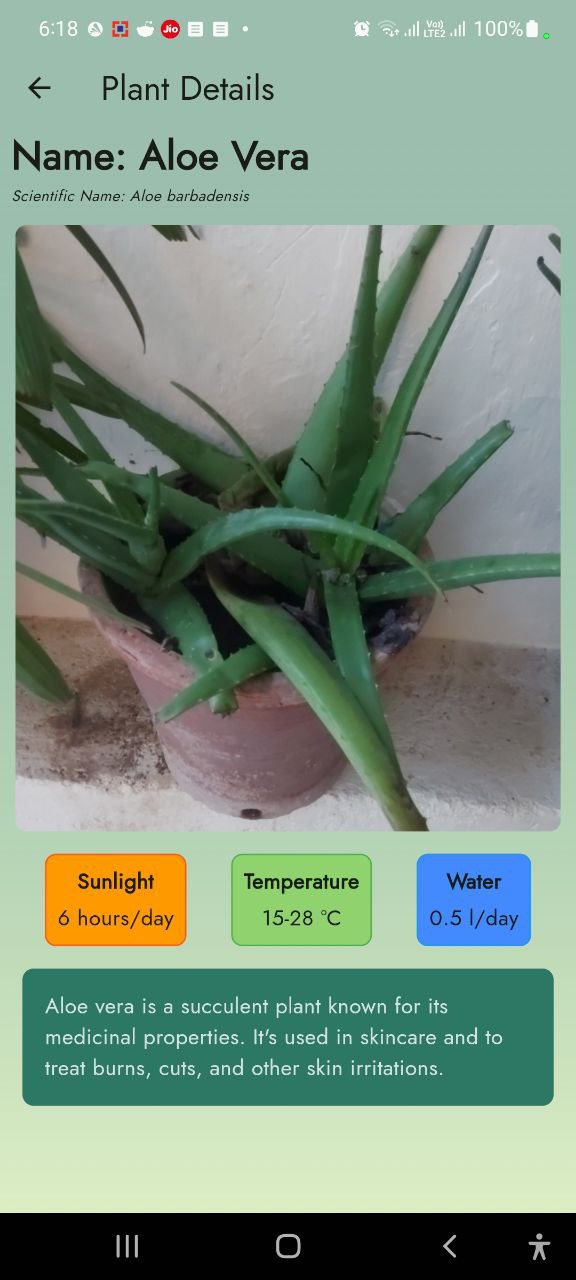
Aloe Vera
-
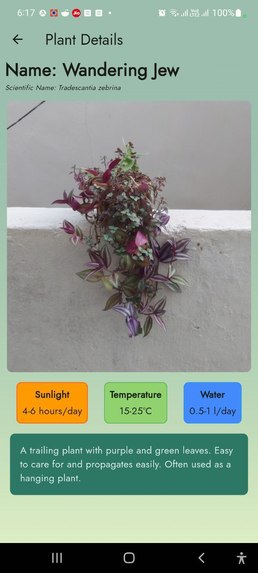
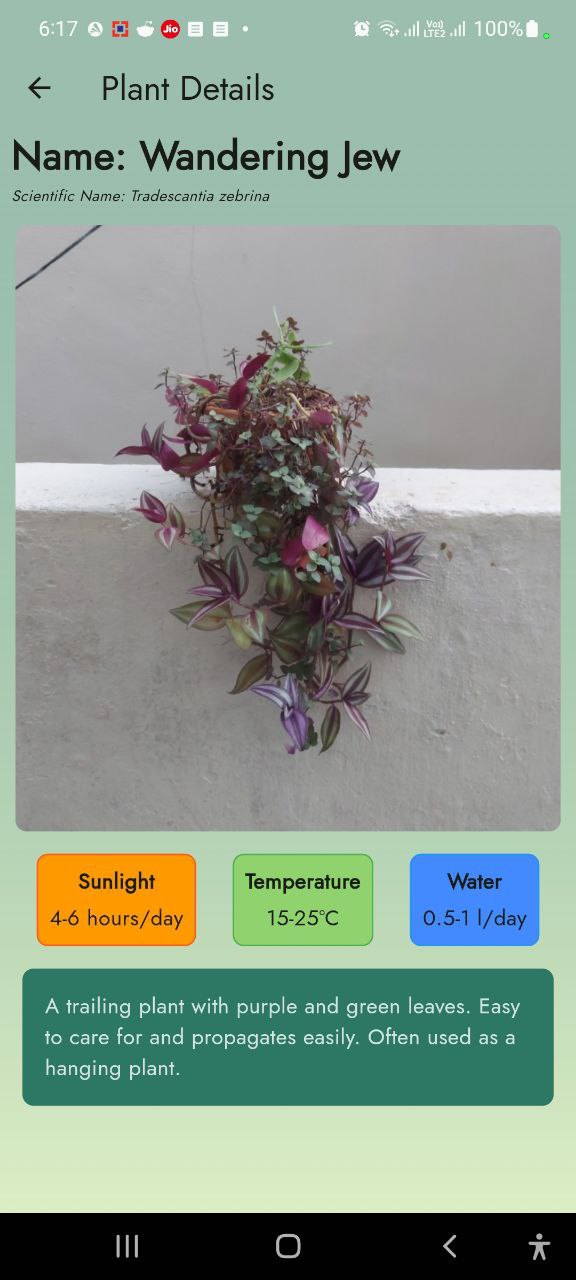
Wandering Jew
-
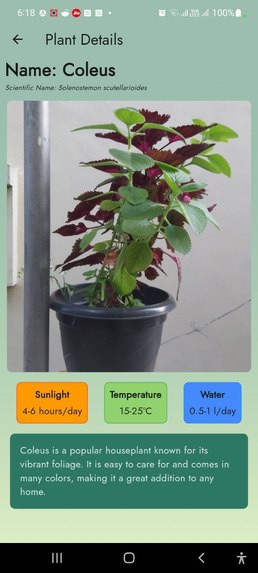
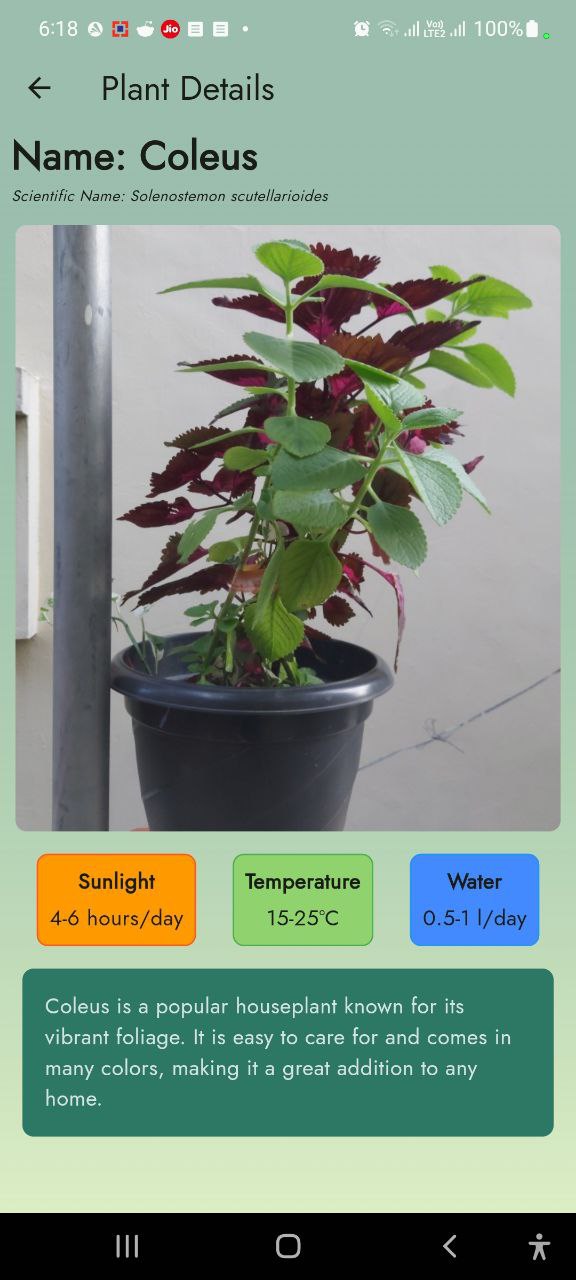
Coleus
-
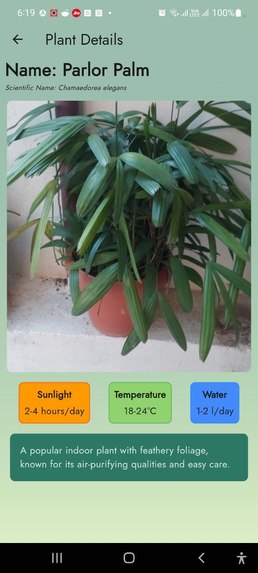
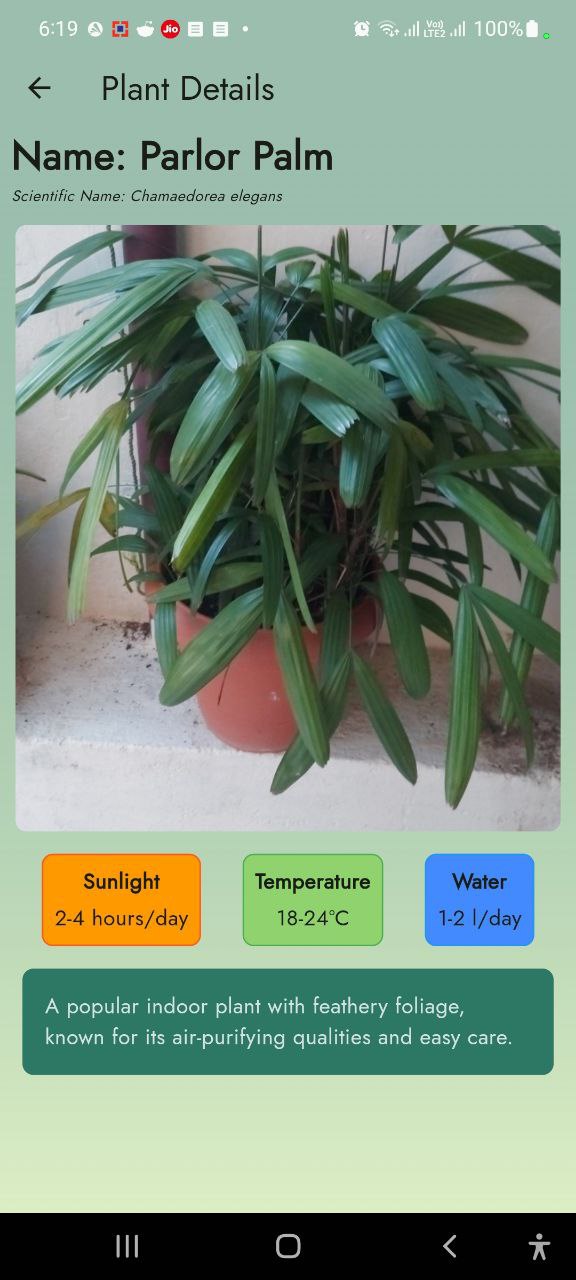
Parlour Palm
-
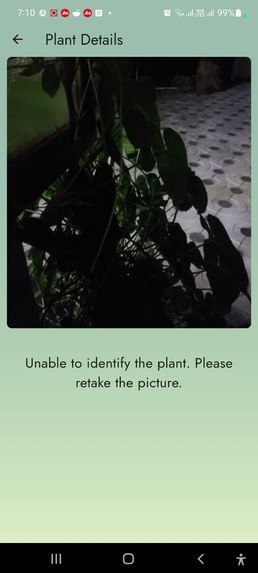
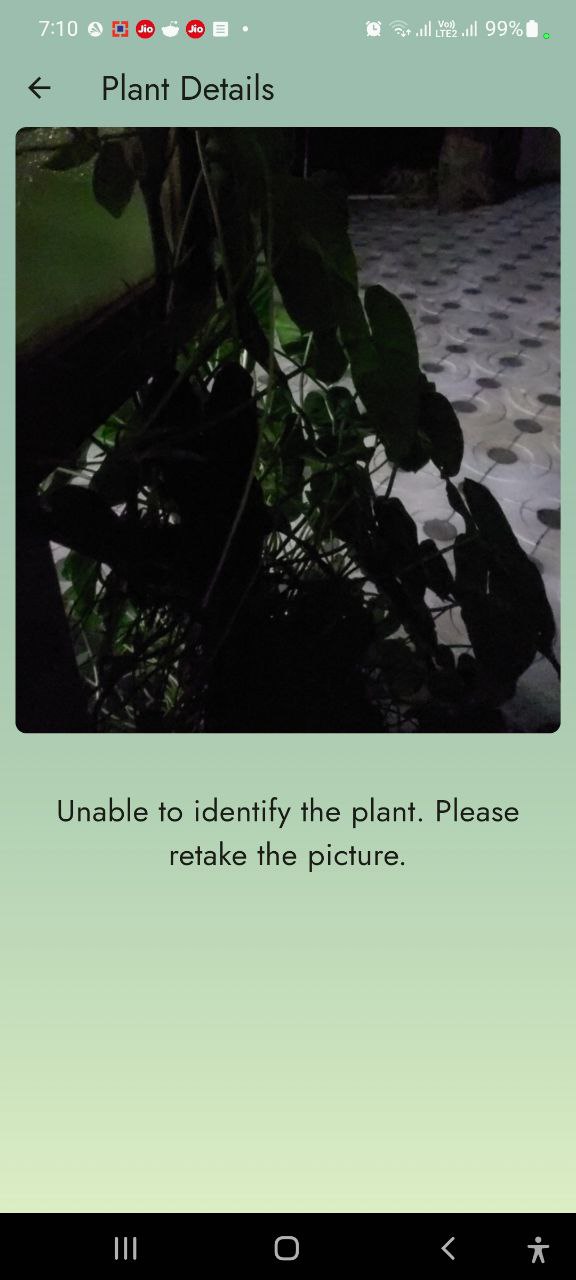
Unclear Picture Error
Inspiration
Growing up surrounded by gardens and with a family member experienced in maintaining them, I often struggled to identify different plants and care for them, especially when the resident gardener was away. I soon realized that many people faced similar challenges, so I decided to create an Android app to solve this problem.
What it does
The app allows users to take pictures of unfamiliar plants and learn their names, scientific classifications, and optimal growing conditions.
How I built it
I developed this Android app using Flutter and integrated Google’s Gemini LLM for image recognition.
What I learned
This project was my first experience with both Flutter and the Gemini API for developing Android applications. I learned how to develop a user-friendly UI in Flutter and effectively integrate the LLM for plant identification.
Prerequisites
- Flutter
- Dart
- Android phone/emulator
- Gemini API Key
How to install
- First, get an API Key from the Gemini LLM website
- Clone the project with
https://github.com/Abishek-Jayan/Green-Health.git - In your preferred terminal, install all dependencies with
flutter pub get - Connect your Android phone to your PC, make sure USB debugging is enabled on your phone (else, use an Android emulator) and test run the app with
flutter run --dart-define=API_KEY=your_api_key_here - Build the apk with
flutter build apk --release --dart-define=API_KEY=your_api_key_here - Then you can install the app by connecting your phone to your PC then manually copy paste the apk from the build folder to your phone and install the apk directly
- Or if you have USB debugging enabled on your phone, connect it and run
flutter install apk --release

Log in or sign up for Devpost to join the conversation.