-
-
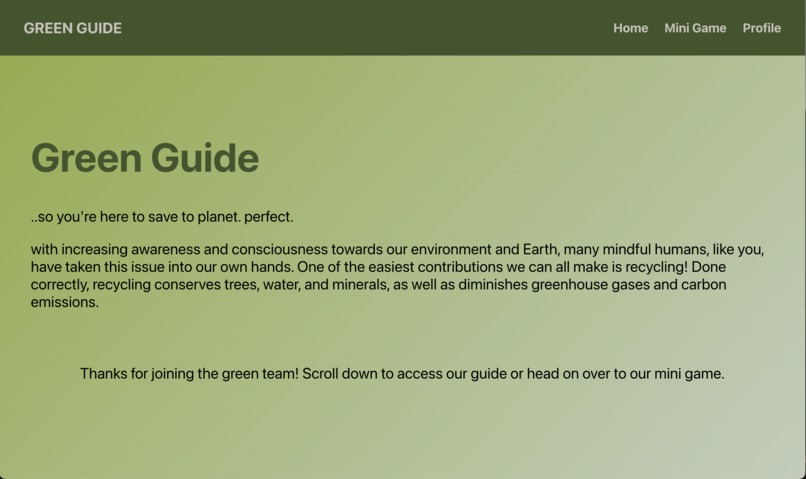
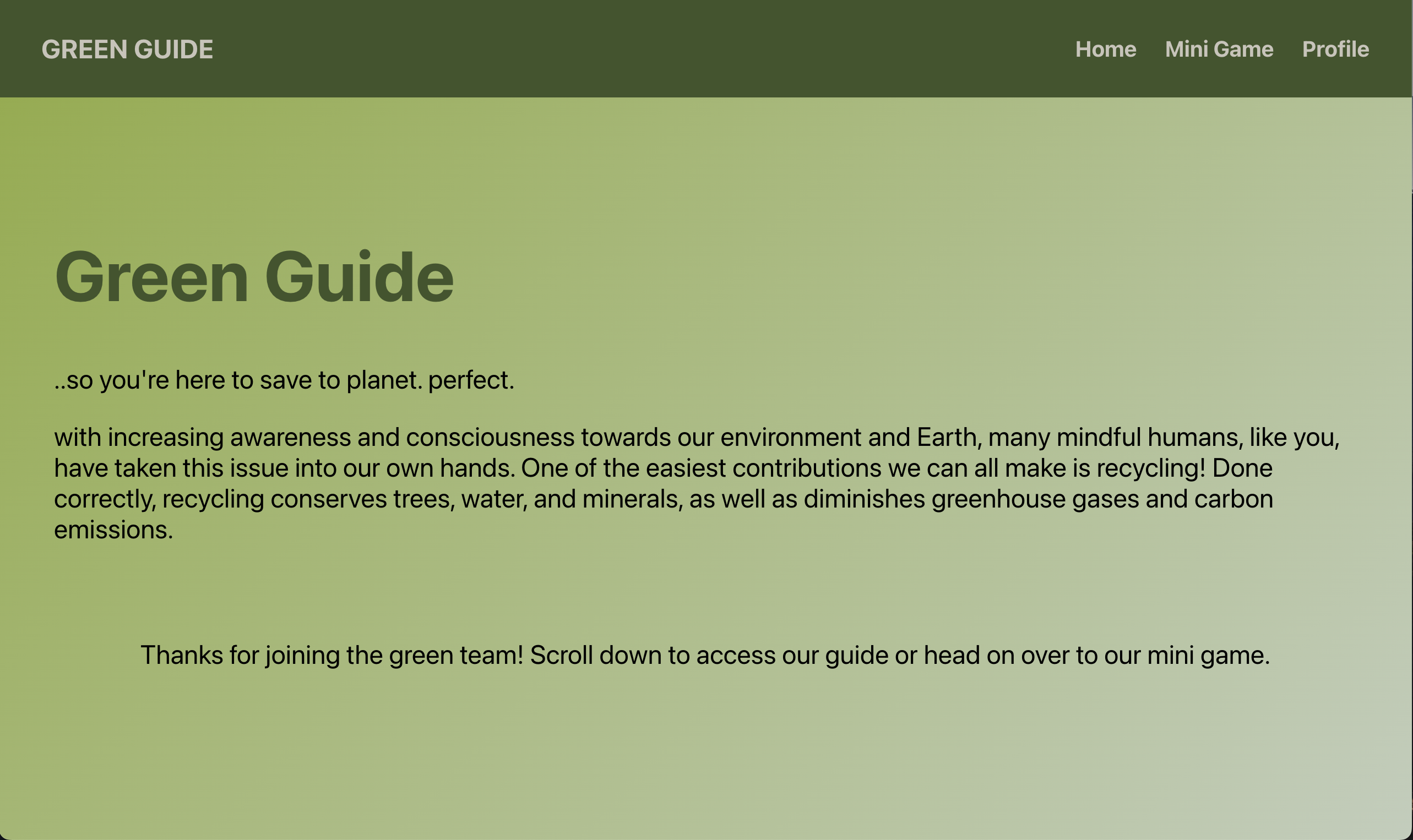
Home Page
-
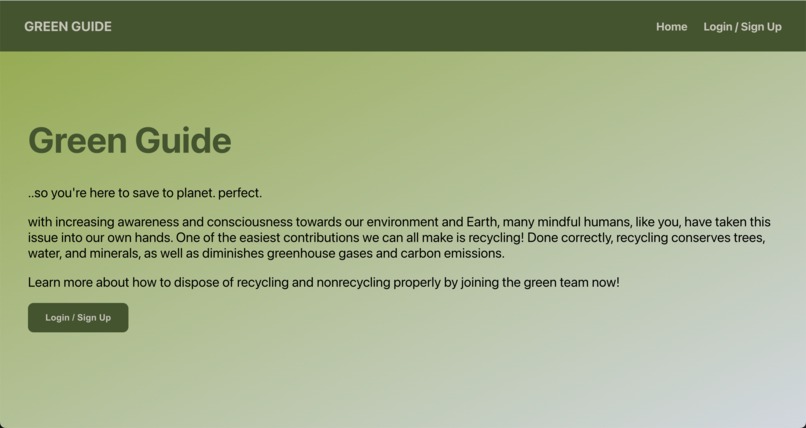
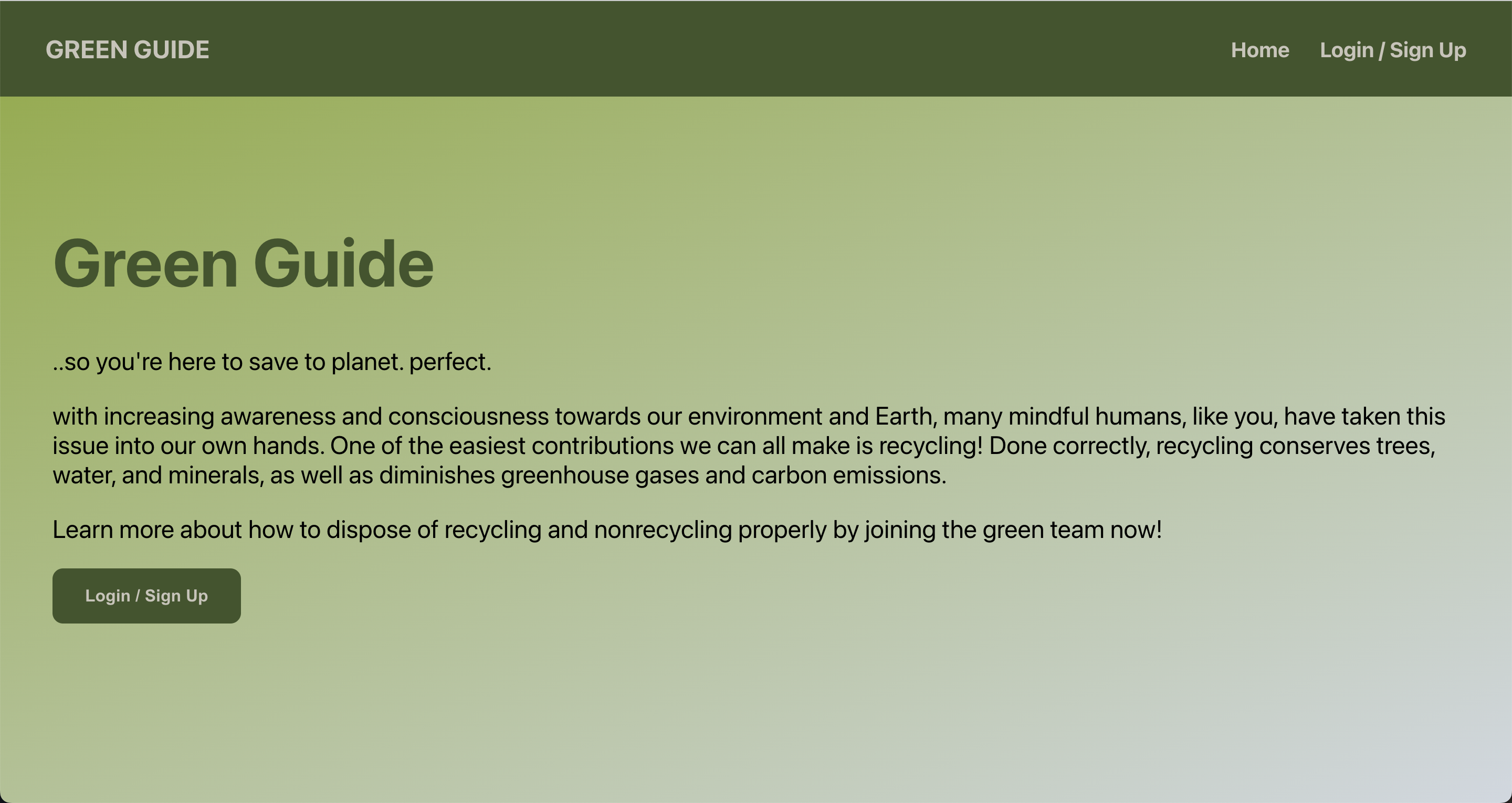
Home Page w/o Login
-
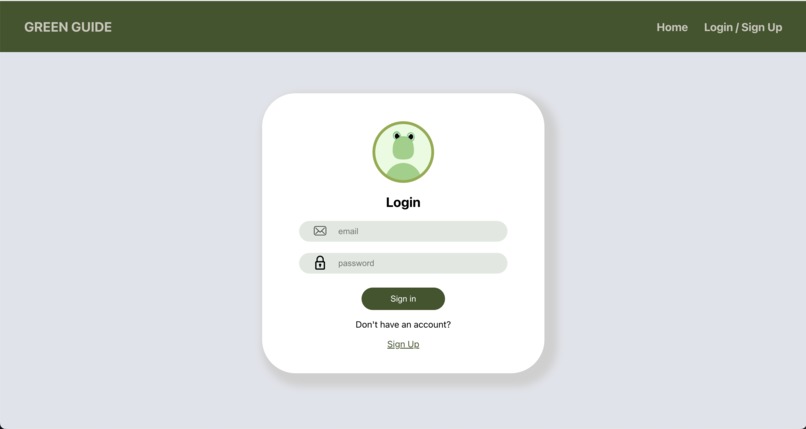
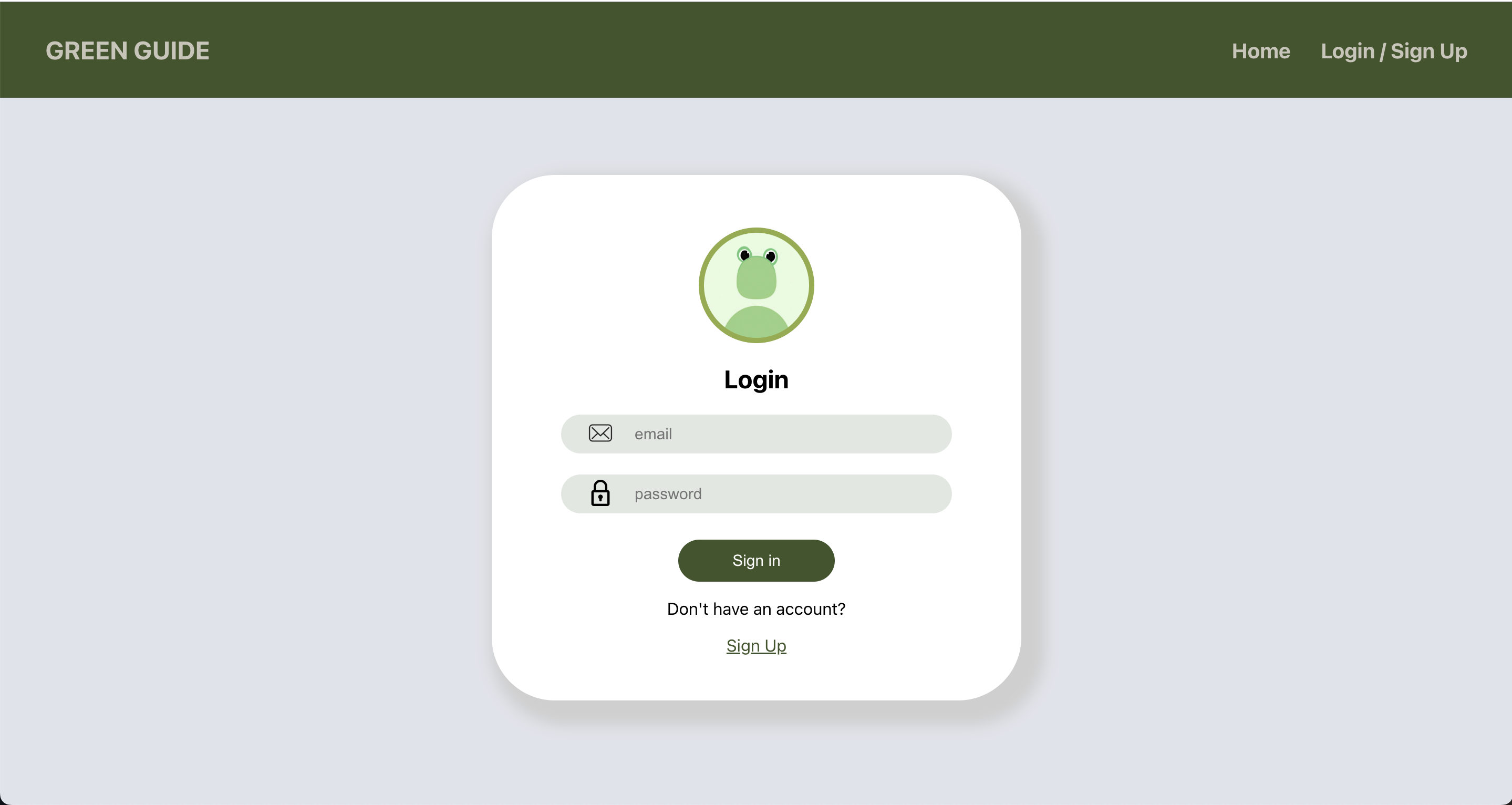
Login
-
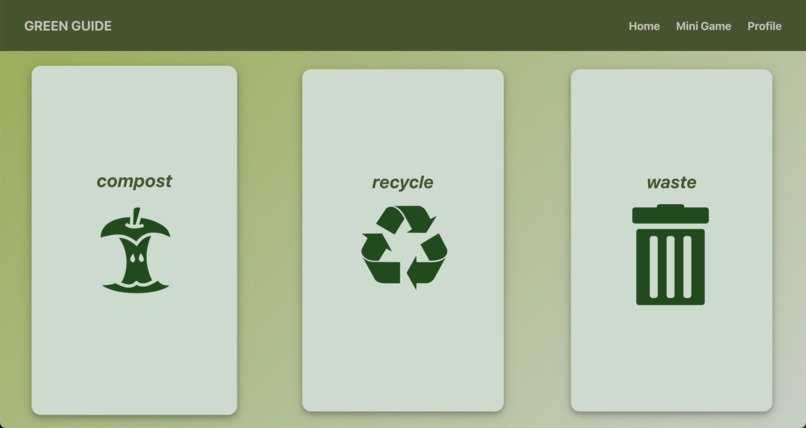
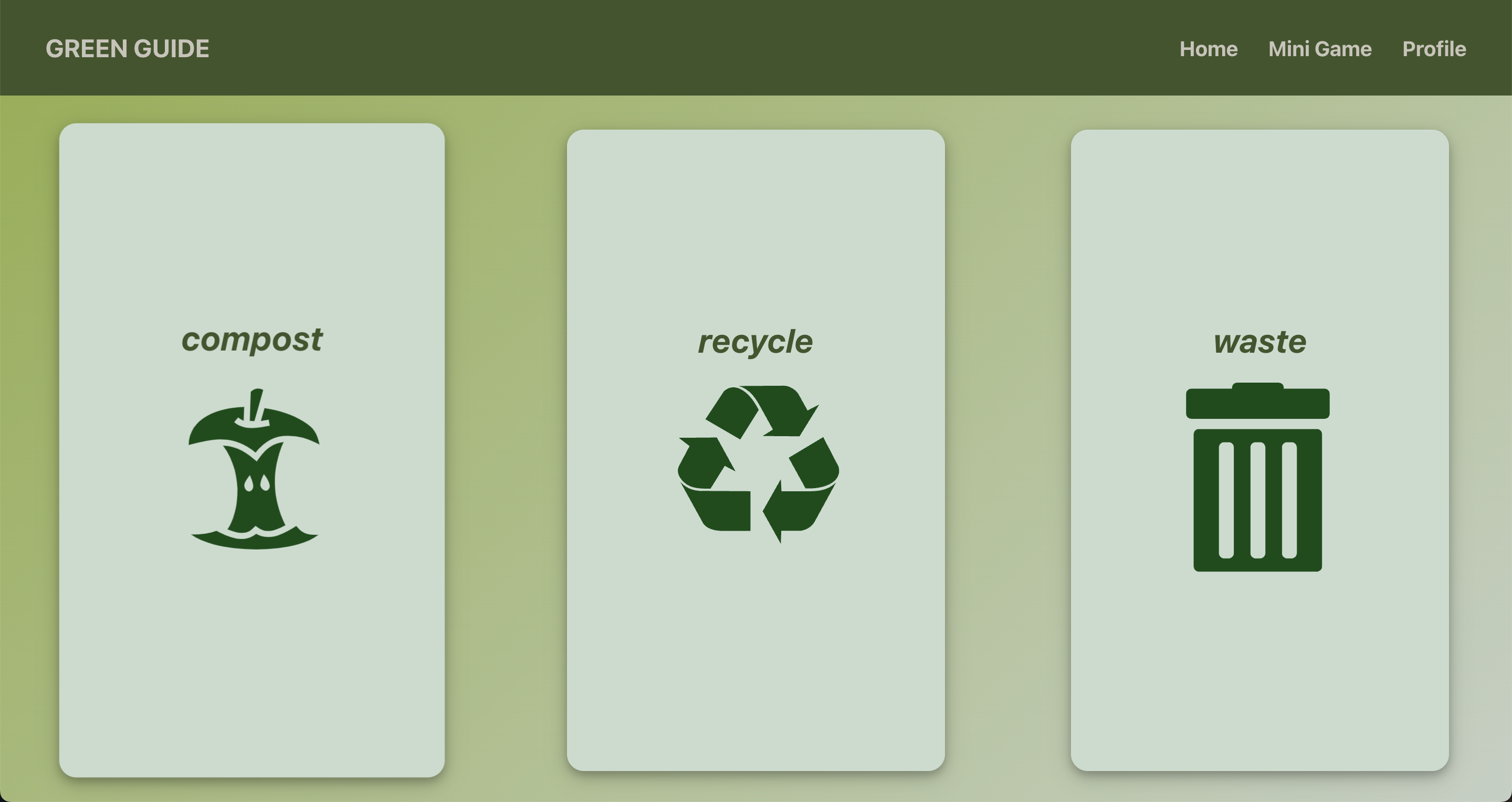
Resources
-
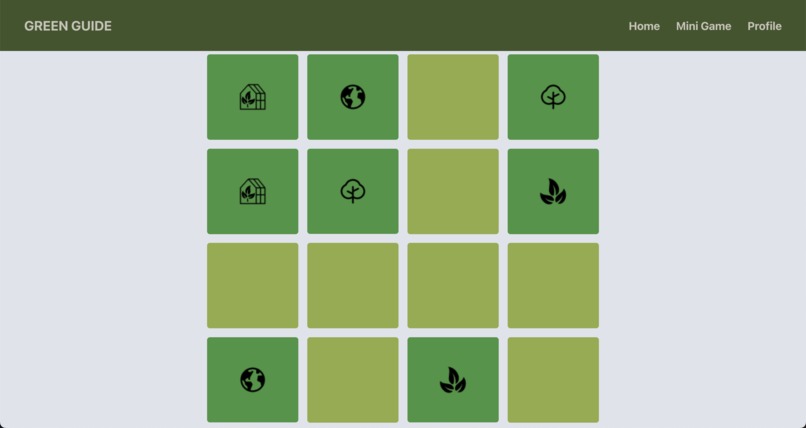
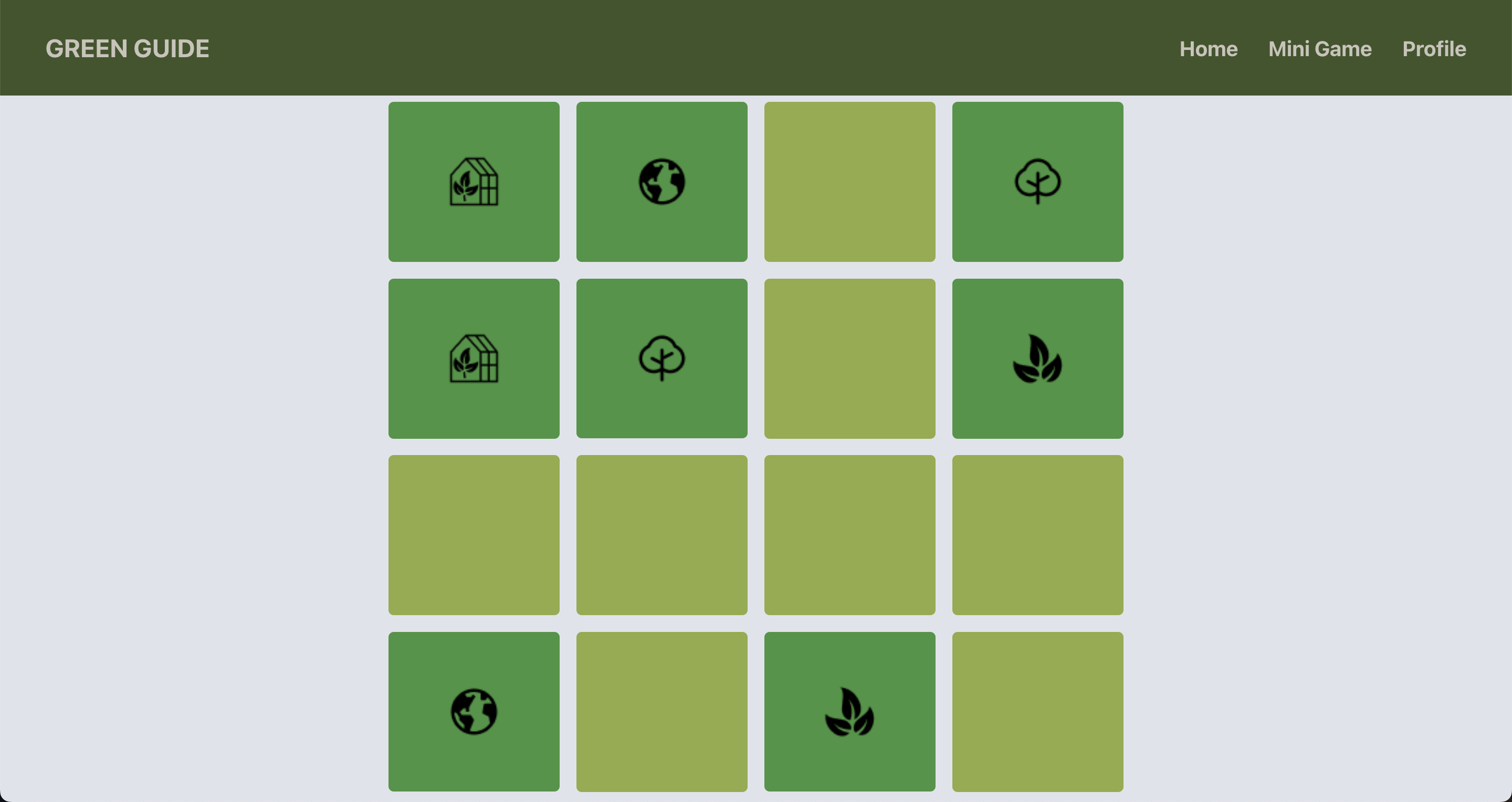
Mini Game
-
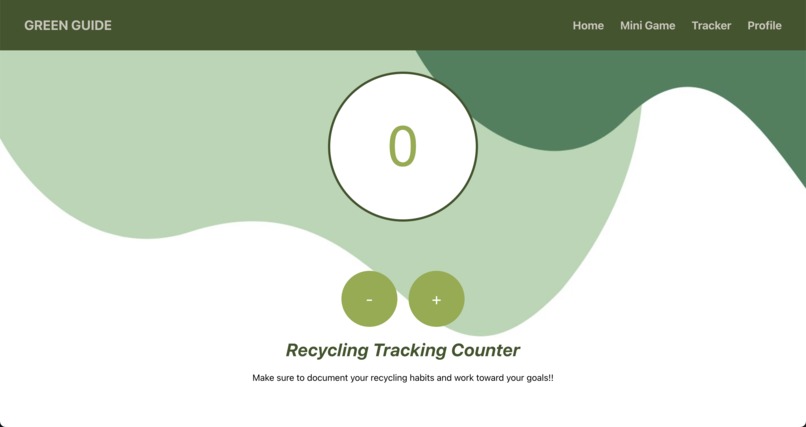
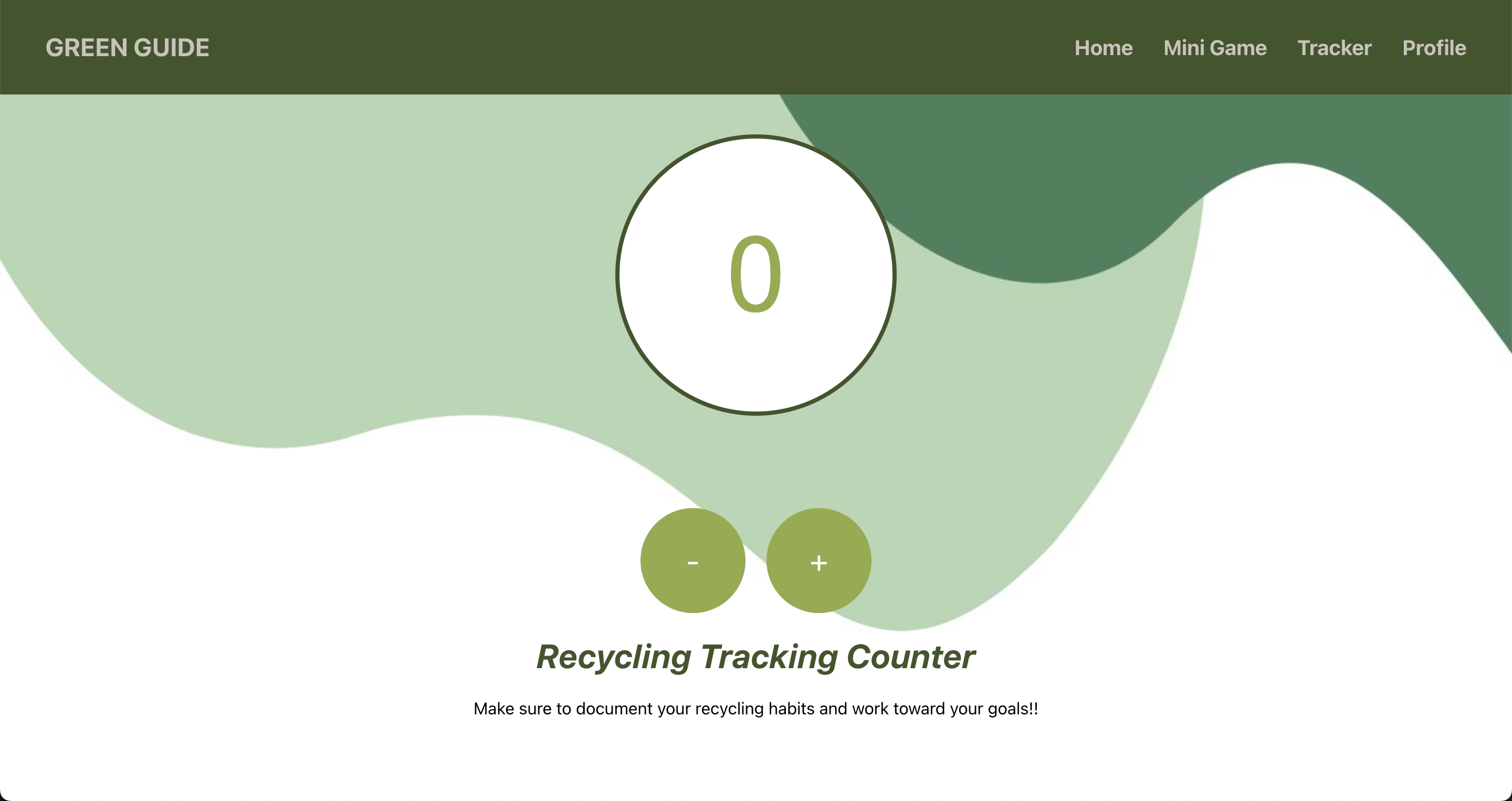
Recycle Tracker
Inspiration
We wanted to create this project in order to help teach more people about recycling and compost. It can be especially difficult when everyone is so busy to find the time to remember to recycle and compost, we hope that our website will help more people be better informed about what to do with their different types of waste and prepare them to properly dispose of their waste in a way that is most beneficial to helping preserve the planet.
What it does
Our website is designed to help people stay informed about what to do with their trash. The website provides resources for people to learn more about composting and recycling in addition to informing them of which wastes can be put into each category to help make sure they properly dispose of their waste. We have also included a mini game as a fun break. If you want to keep track of your recycling, we have also created a tracker page.
How we built it
We built this project using HTML, CSS, JavaScript, React, and Firebase.
Challenges we ran into
We are all quite new to hackathons, so it was difficult to figure out how to get started and come up with a feasible project idea. Once we did settle on an idea, we ran into many technical roadblocks since most of us were unfamiliar with React. The authentication was also really challenging since none of us had worked with Firebase or authentication before, but we managed to figure out how to create all the features we wanted after a lot of research and collaboration.
Accomplishments that we're proud of
Some of our accomplishments were that we were able to design and implement a front end with a navigation bar, informational cards, a mini game, and a recycling tracker. We were also able to connect firebase to implement an authentication system for our login/signup where main features such as resources, the mini game, and tracker are only accessible through log in. We all learned a lot from this hackathon!
What we learned
Throughout this project we developed a stronger foundation in front end development, learning how to use React to create an effective user interface. Additionally, we explored the capabilities of React hooks to keep track of data such as in our tracker feature. We also learned how to use Firebase and React context in order to maintain a secure authentication system for our log in system.
What's next for Green Guide
The next thing we would want to do with green guide would be to add a data visualization tool. We want users to be able to log the waste that they pick up and either trash, recycle, or compost. After logging the waste and type that they pick up and properly dispose we would want to be able to either develop visualization for how much of each trash they've picked up. Additionally we would want another visualization of how both the summation of all the waste or a select amount of waste affects their own carbon footprint either offsetting or increase depending on how much they properly dispose of their waste.


Log in or sign up for Devpost to join the conversation.