-
-
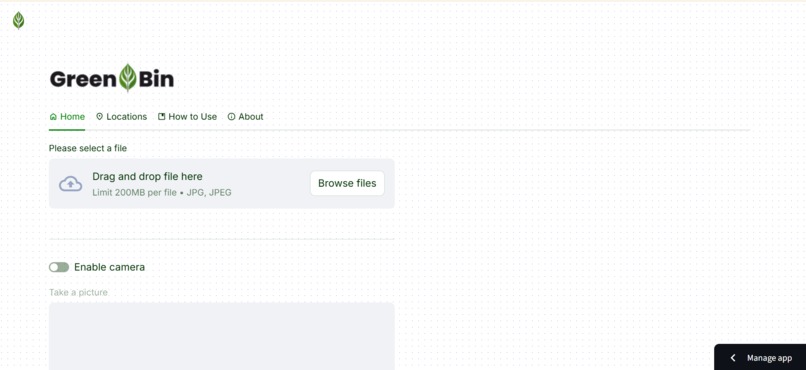
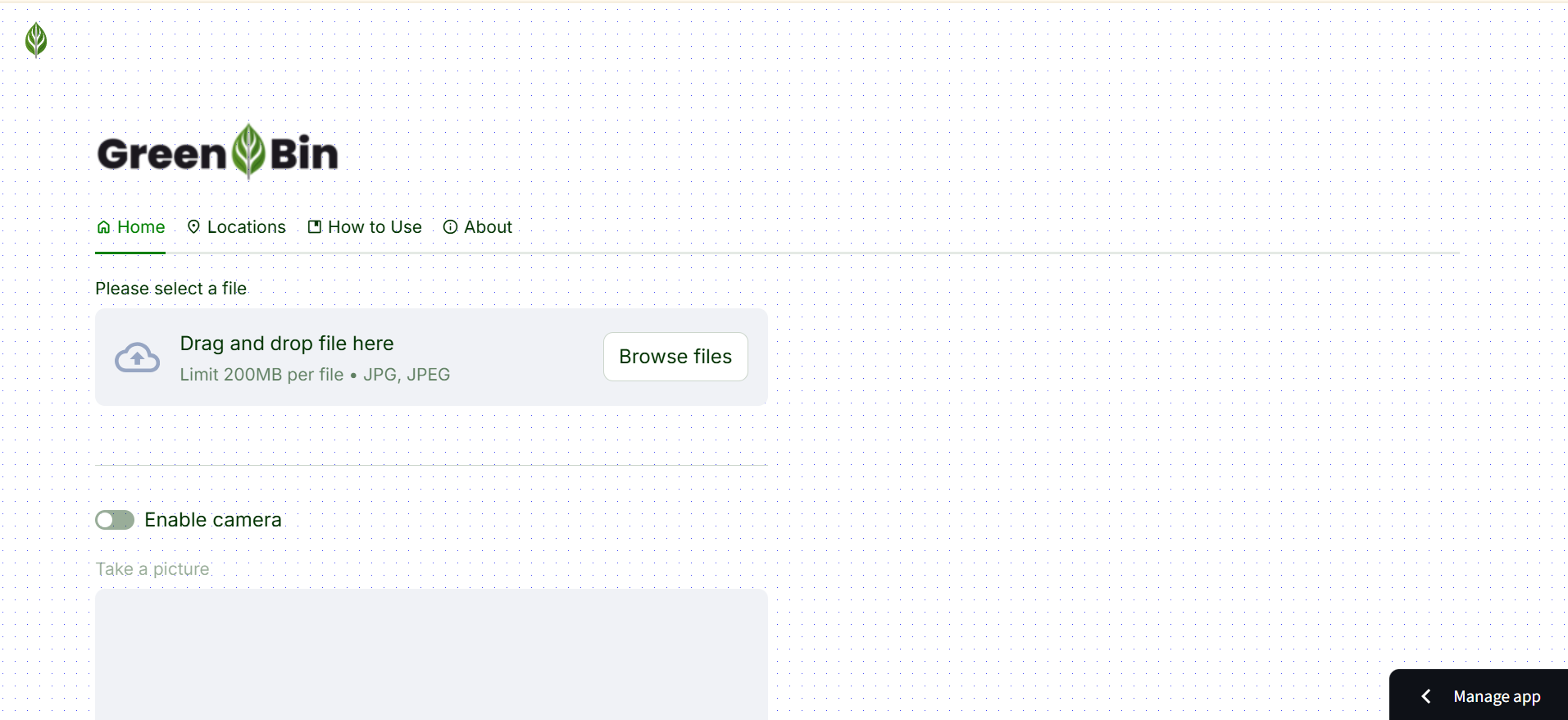
Home Page
-
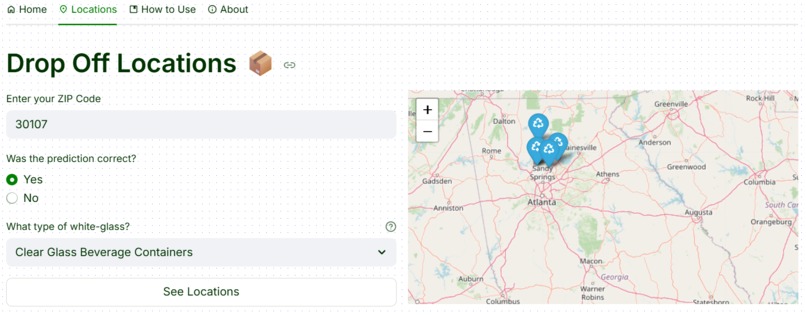
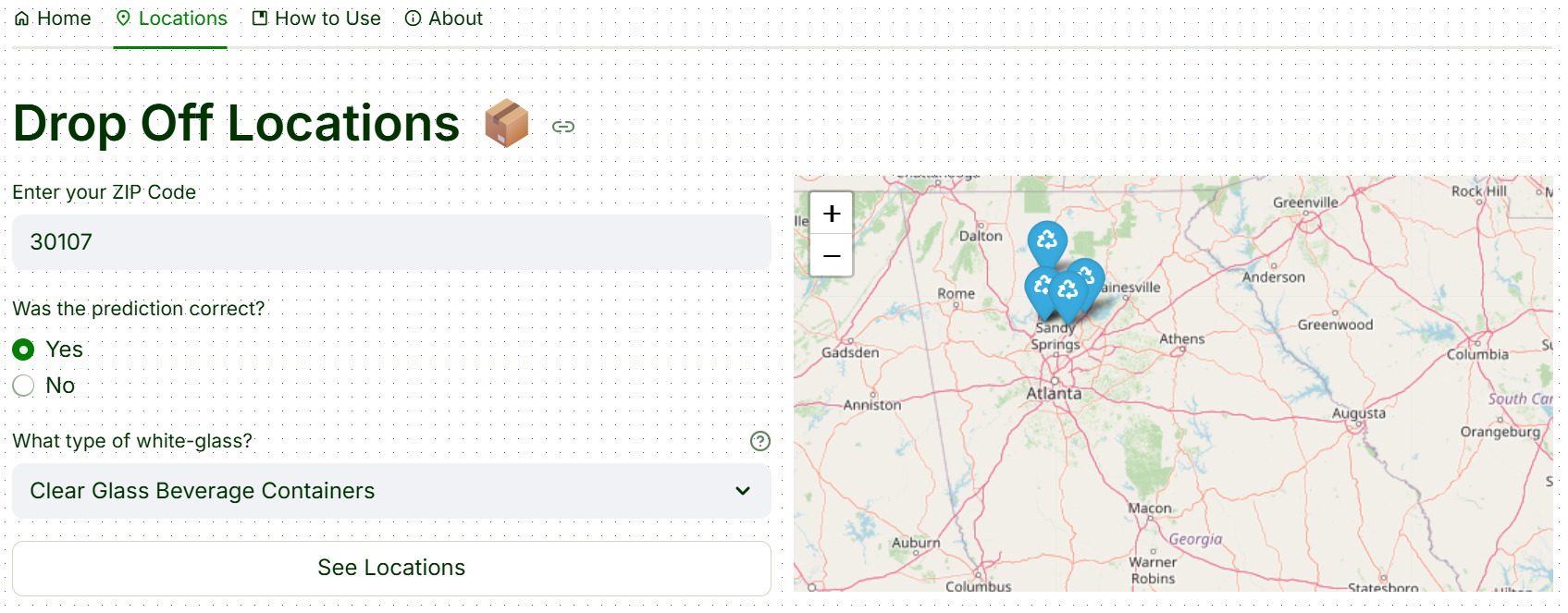
Locations Page
-
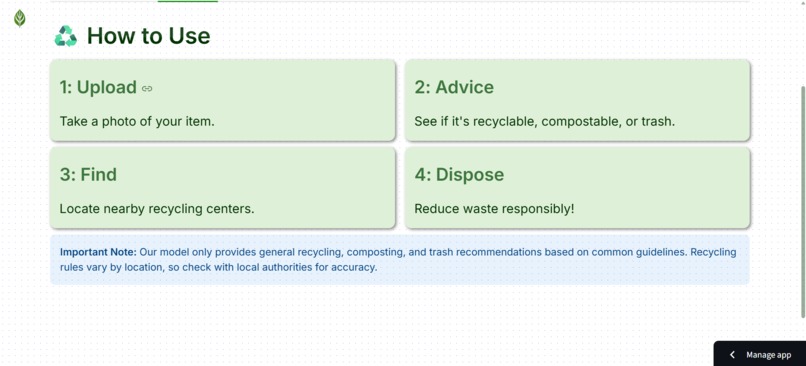
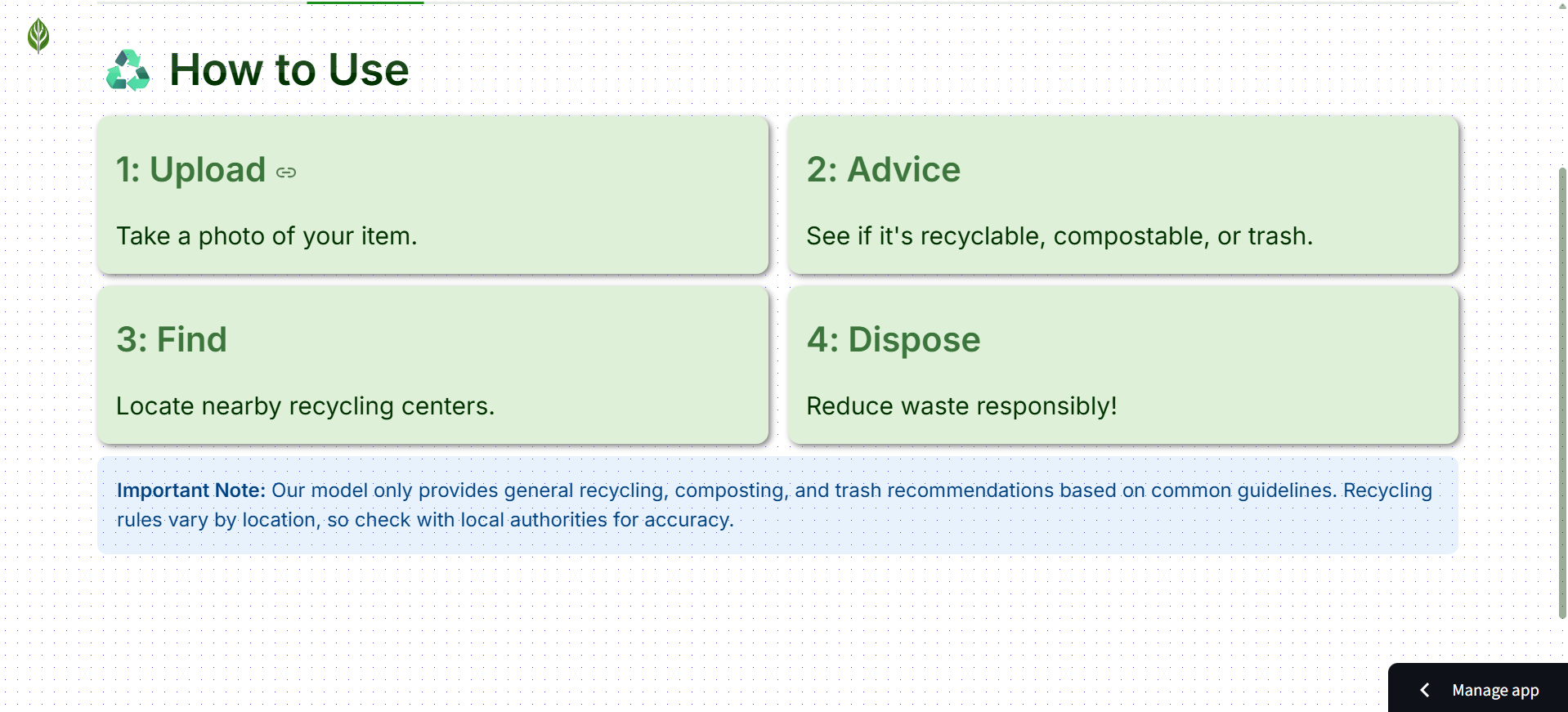
How-to Page
-
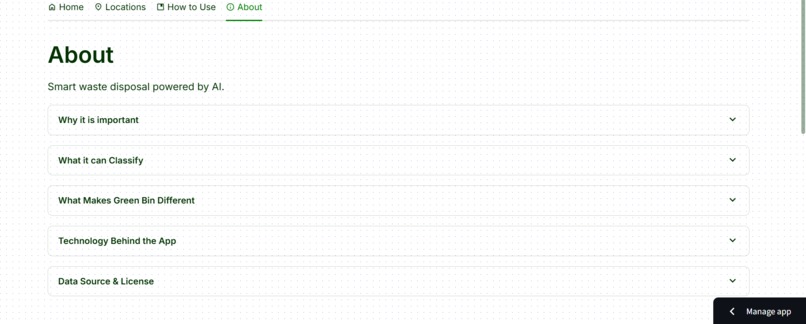
About Page
-
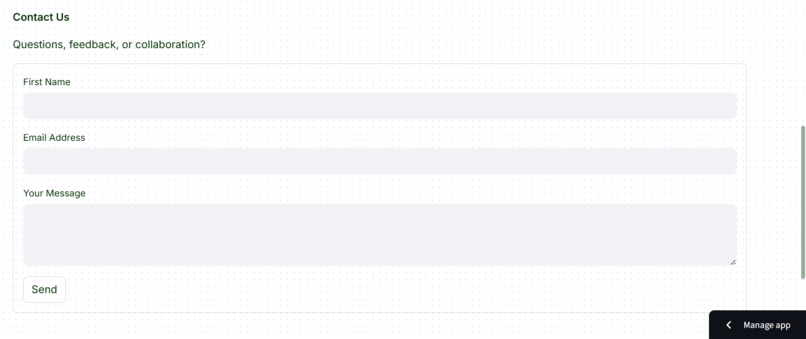
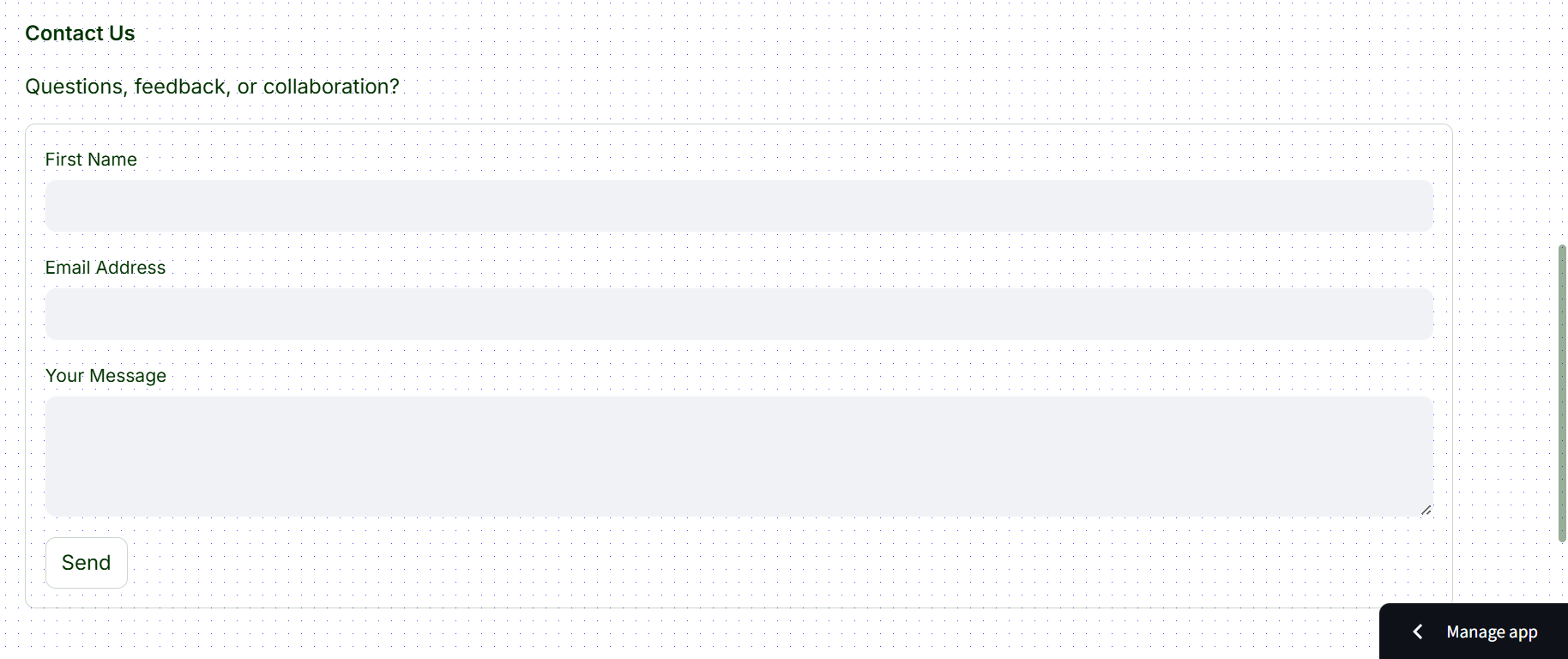
Contact Us Form

🌱 Inspiration
Every day on my school bus rides, I noticed a lot of plastic and trash scattered alongside the roads and trees. Around that time, I was learning about Machine Learning and Deep Learning, and I realized I wanted to apply that knowledge to tackle a real-world problem. Seeing the pollution around my community inspired me to create Green Bin — a way to use technology to help clean up and manage waste better.
♻️ What it does
Green Bin is a web app designed to make waste sorting and recycling easy and accessible for everyone. It uses computer vision to help users identify how to properly dispose of items, whether as trash, recycling, or compost. The app also supports users by providing useful information and local resources to promote environmentally friendly habits. Specifically, Green Bin:
✅ Lets you take a picture of an item to instantly see how to throw it away properly.
📍 Shows nearby recycling drop-off locations to make disposal convenient.
📚 Offers helpful tips and fun facts to educate and encourage better recycling habits.
🧼 Raises awareness about the importance of recycling, reusing, and reducing waste to protect our planet.
🛠️ How we built it
Green Bin was built using a combination of powerful tools and technologies that made it possible to integrate computer vision, mapping, and user interaction seamlessly:
Python and Streamlit were used to build the web app. Streamlit widgets made it easy to create an interactive and user-friendly interface quickly.
TensorFlow powered the computer vision model. I used MobileNetV2 as a feature extractor and custom-designed the final layers of the neural network to fit the specific task of classifying items. The dataset used for training came from Kaggle, and more information about it is available in the app’s About section.
The model is hosted on Hugging Face, and during runtime, it is downloaded and used for classification.
Once an image is classified, the label is sent to Gemini to determine whether the item should be recycled, composted, or thrown in the trash.
To help users find disposal centers, I used the Earth911 Search API, which returns local drop-off locations based on the user’s ZIP code.
Folium was used to display the disposal locations on an interactive map within the app.
I also integrated Supabase as the backend to store images that were misclassified. This will help improve the model over time through retraining and analysis.
This combination of tools allowed me to build a fully functional and educational web app that uses AI to support real-world sustainability.
🧩 Challenges we ran into
One of the biggest technical challenges I faced was integrating the Earth911 API into the app. It was my first time working with APIs in Python, so I had to learn how to use the requests library and understand how to parse and use JSON data properly. Another challenge was working with Supabase, as I had never used it with Python before. Figuring out how to connect, upload, and store misclassified images took some trial and error.
Beyond technical hurdles, I also faced some mental challenges. At times, I doubted whether my app was truly solving the problem or if it could compete with other tools that already exist. But through reflection, I realized that the real value of this project wasn’t just in what I built — it was in what I learned while building it. I gained more knowledge and confidence through this hands-on experience than I ever did through tutorials or bootcamps.
Finally, even though my model achieved 92% accuracy, I was discouraged when it made mistakes on common products. But I came to understand that this is just the starting point. As more data is collected and the model is retrained, its performance will only improve.
🏆 Accomplishments that we're proud of
- Built a fully functional web app using Python and Streamlit to solve a real-world problem.
- Trained and integrated a custom computer vision model using TensorFlow and MobileNetV2, achieving over 92% accuracy.
- Successfully connected to and used the Earth911 API to display real-time recycling drop-off locations.
- Learned to work with Supabase in Python to store misclassified images for future model improvement.
- Integrated Folium maps into the app to help users visualize nearby disposal centers.
- Deployed the model on Hugging Face and connected it to the app for real-time predictions.
- Applied Gemini to interpret classification results and determine the appropriate waste category.
- Gained more practical experience and confidence than from any tutorial or bootcamp.
- Created a foundation that can be expanded and used by local organizations to help clean up communities and promote sustainable waste disposal.
📘 What we learned
- Learned how to work with external APIs (like Earth911) for the first time using Python, and gained a strong understanding of how to use the
requestslibrary and parse JSON data. - Gained experience with Supabase as a backend service for storing data, including how to connect and upload data using Python.
- Deepened my understanding of computer vision, including training a custom classification model using MobileNetV2 and TensorFlow.
- Improved my ability to build user interfaces with Streamlit, using widgets and layout tools to make the app interactive and user-friendly.
- Learned how to use Folium to embed dynamic maps into my web app and visualize location-based data.
🚀 What's next for Green Bin
- Partner with local organizations or environmental groups to use Green Bin during community clean-up events, helping classify and responsibly dispose of trash found on roadsides.
- Retrain the model using misclassified images collected through Supabase to improve accuracy, especially for common household products.
- Expand the database of recognized items and include more edge cases and hard-to-classify materials.
- Improve the app’s performance by optimizing the model loading and classification time.
- Add a mobile-friendly version or transition the web app to a cross-platform mobile app using tools like React Native.
Built With
- css
- earth911-search
- folium
- python
- streamlit
- supabase
- tensorflow


Log in or sign up for Devpost to join the conversation.