-
-
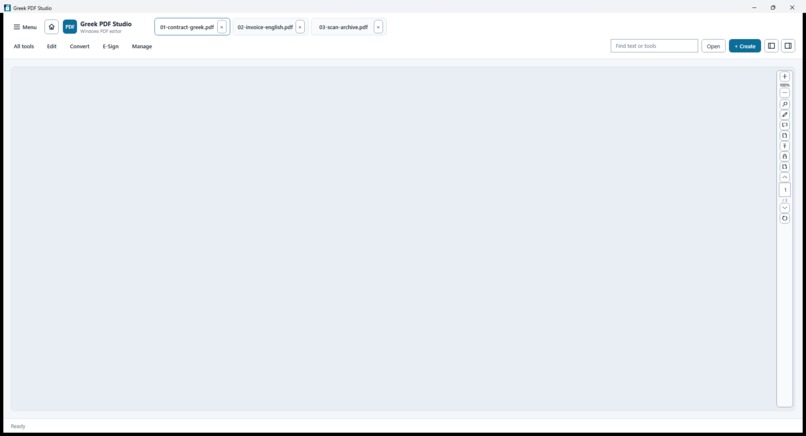
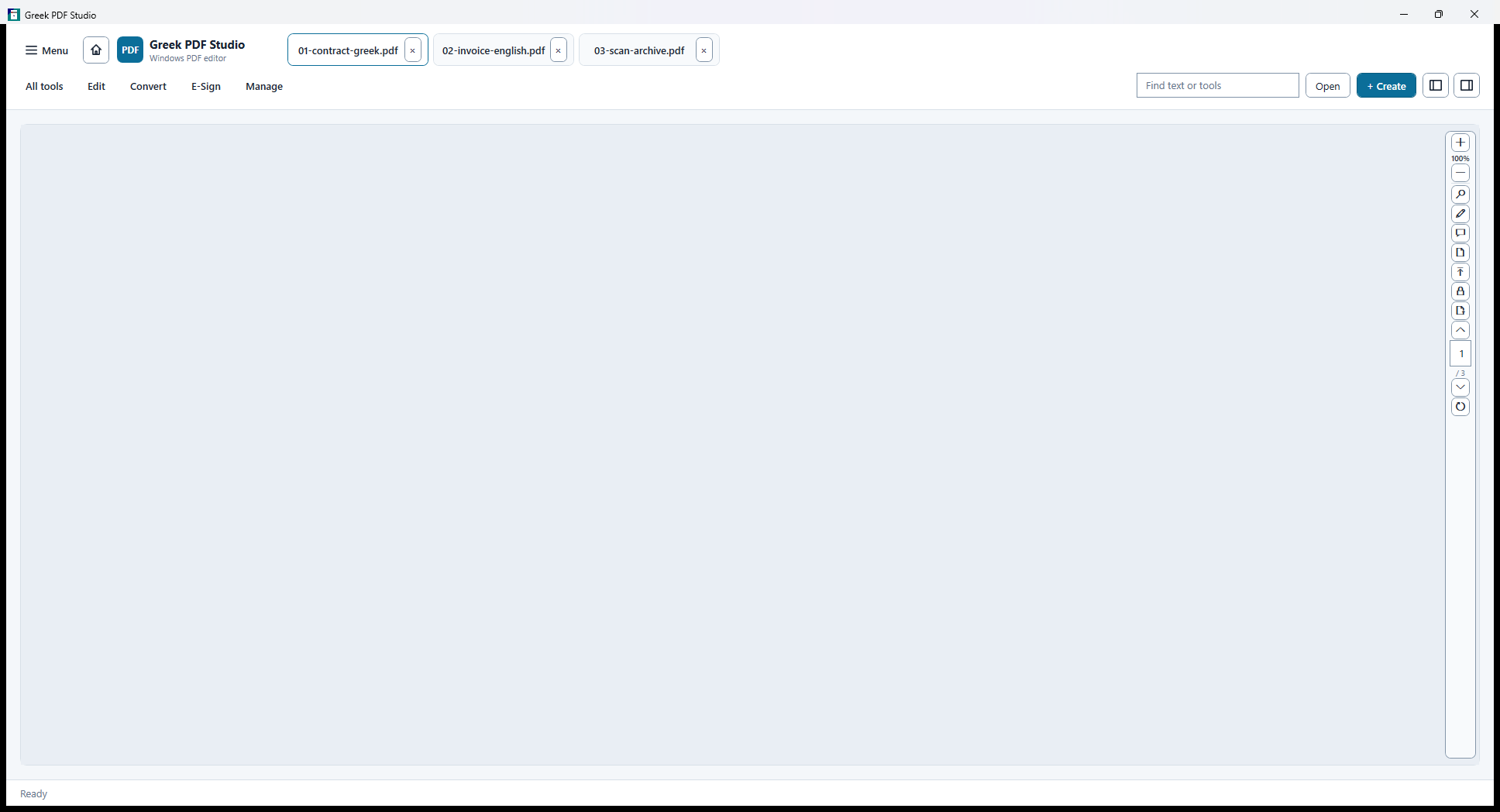
Focused document tabs and a spacious PDF reading canvas.
-
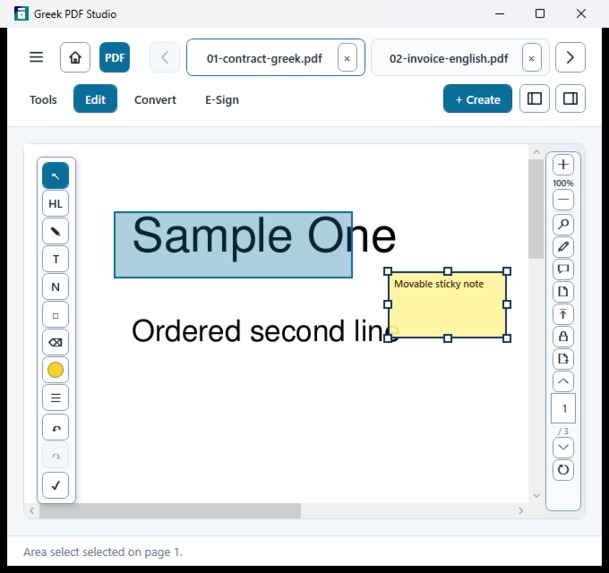
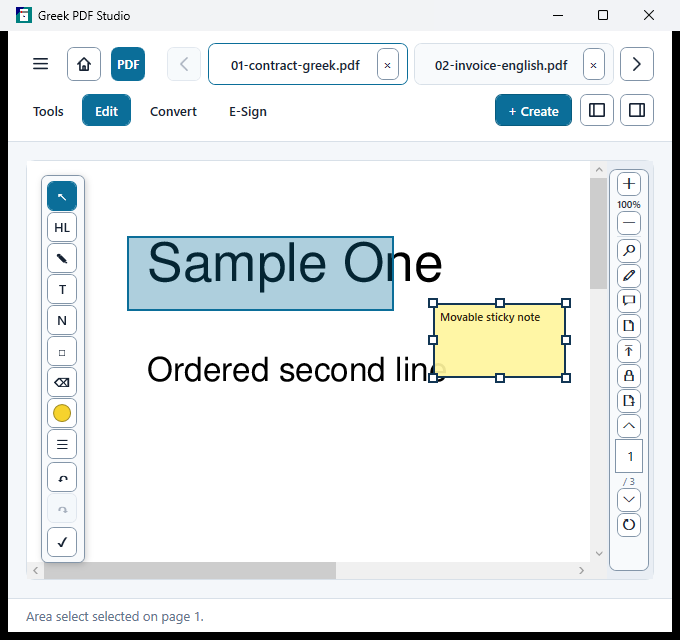
Direct page editing with text, highlights, ink, notes and forms.
-
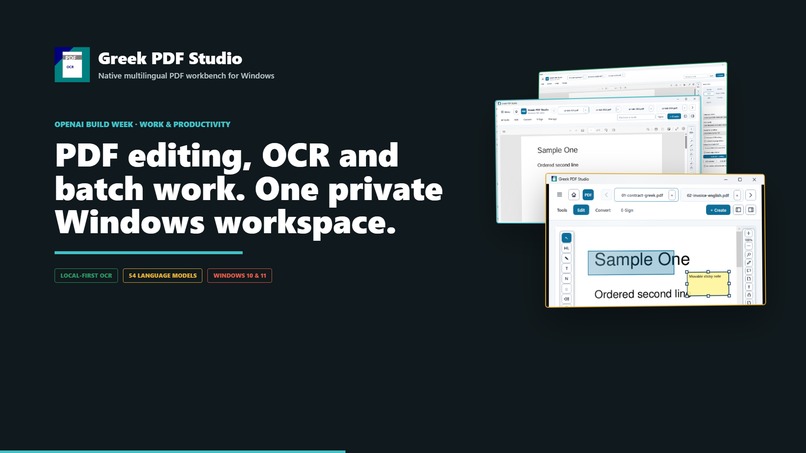
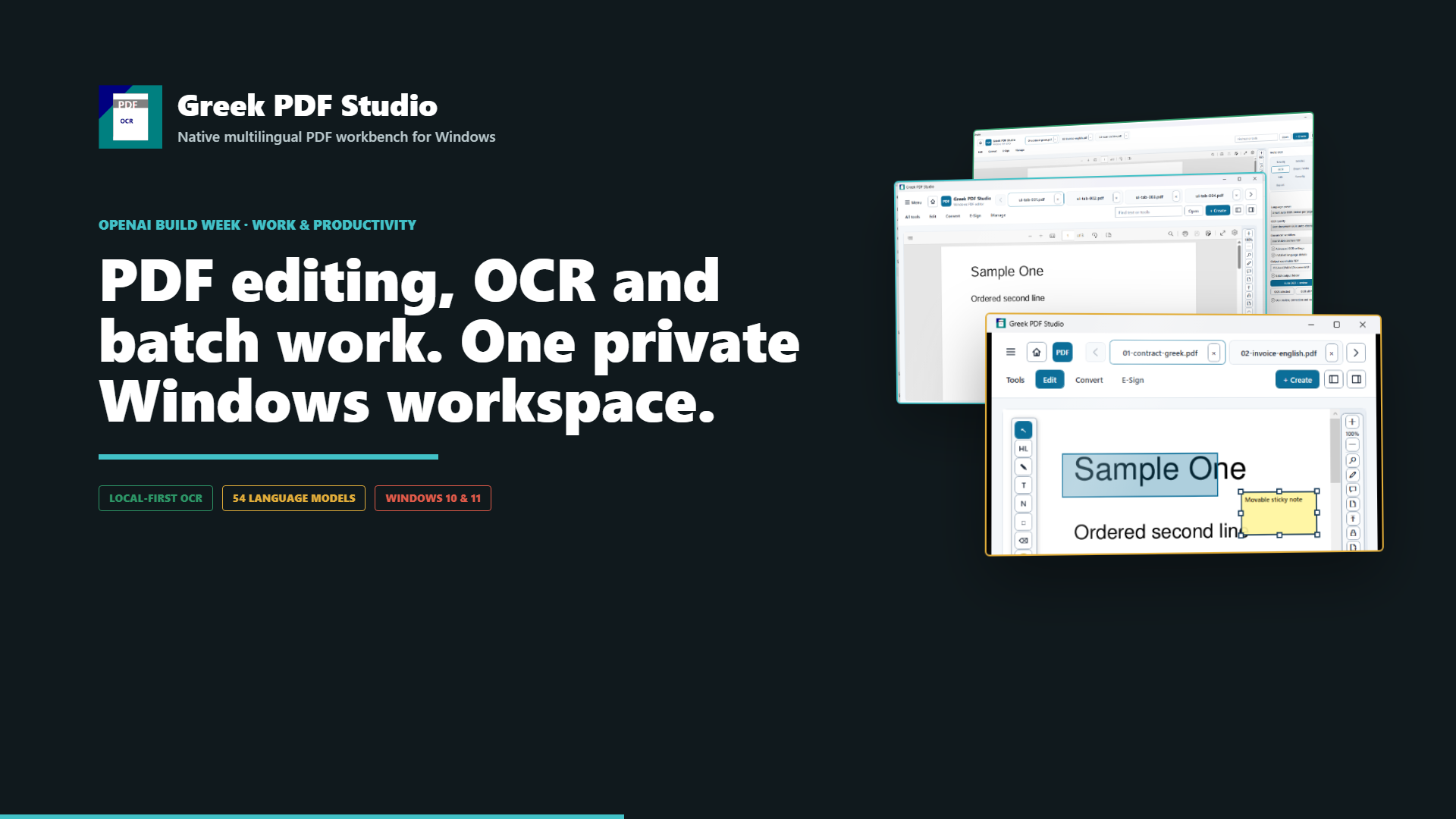
Greek PDF Studio: a reader-first workspace for multiple documents.
-
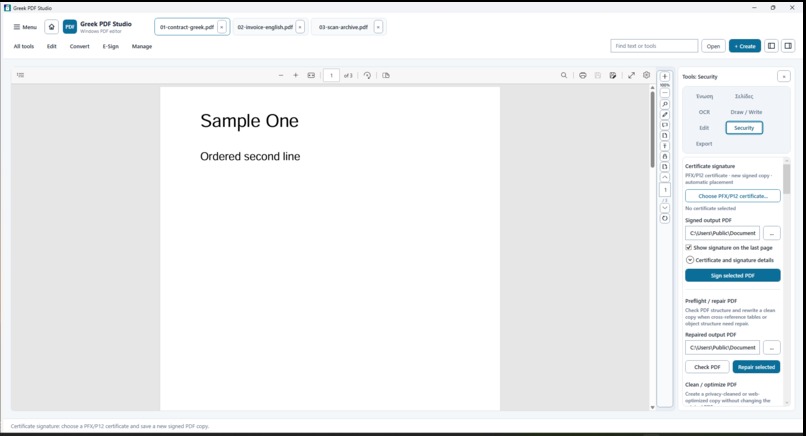
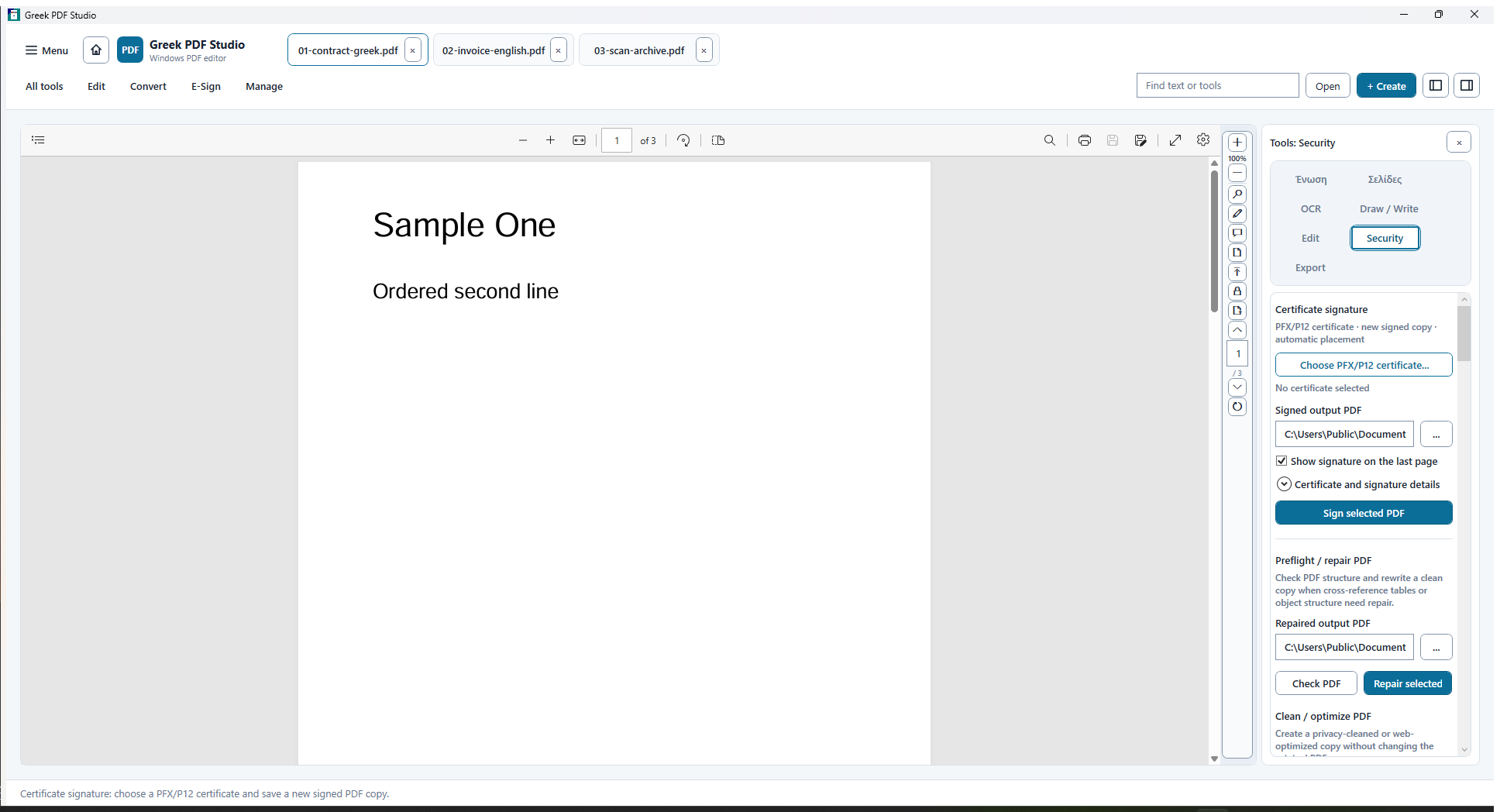
Protection, signing, redaction and authorized document access.
-
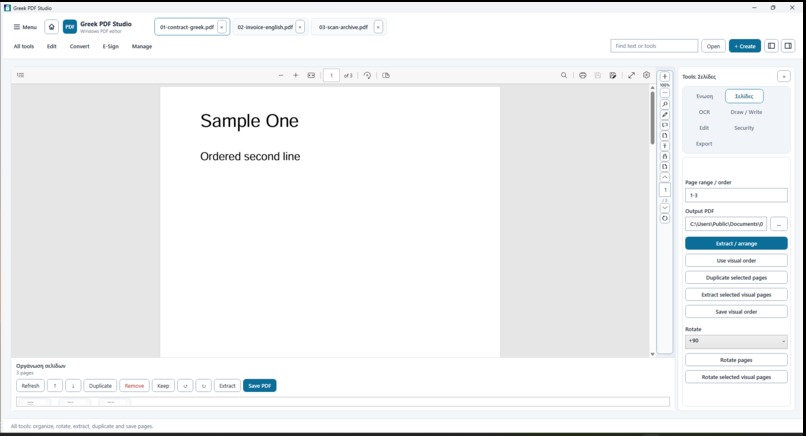
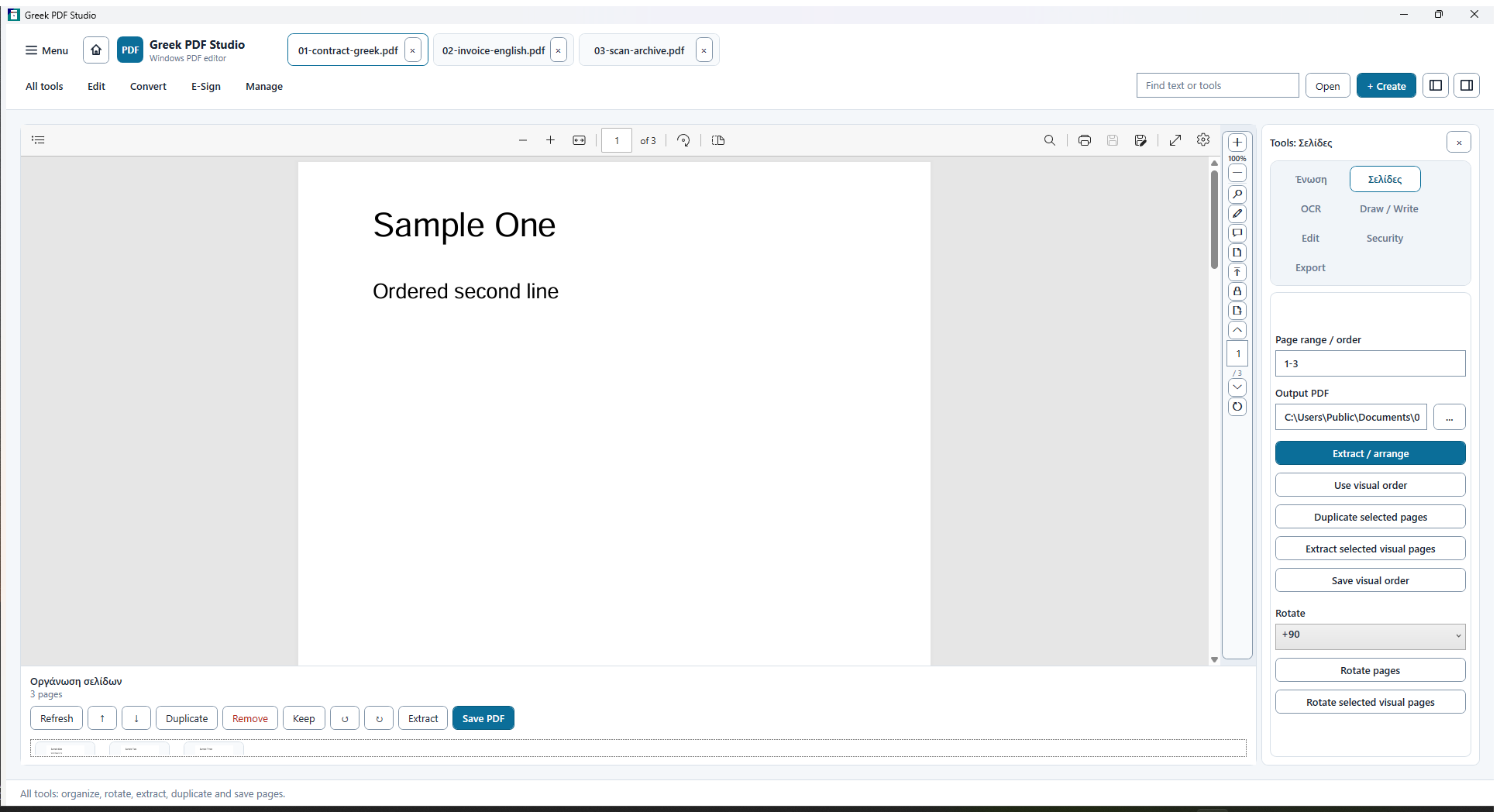
Visual page organization, extraction, merge and batch workflows.
-
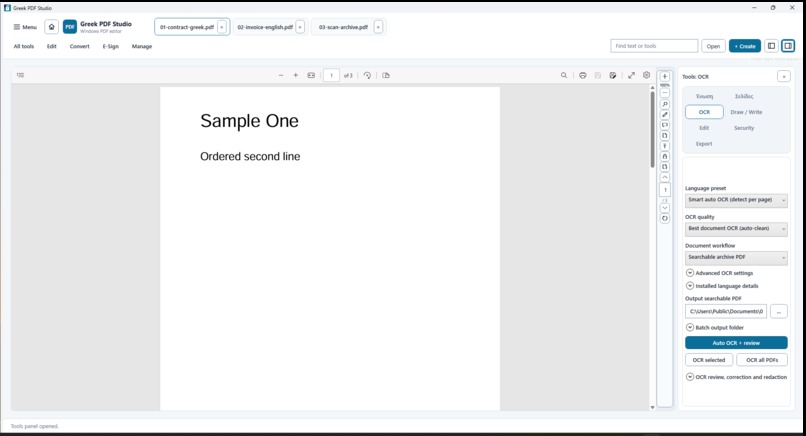
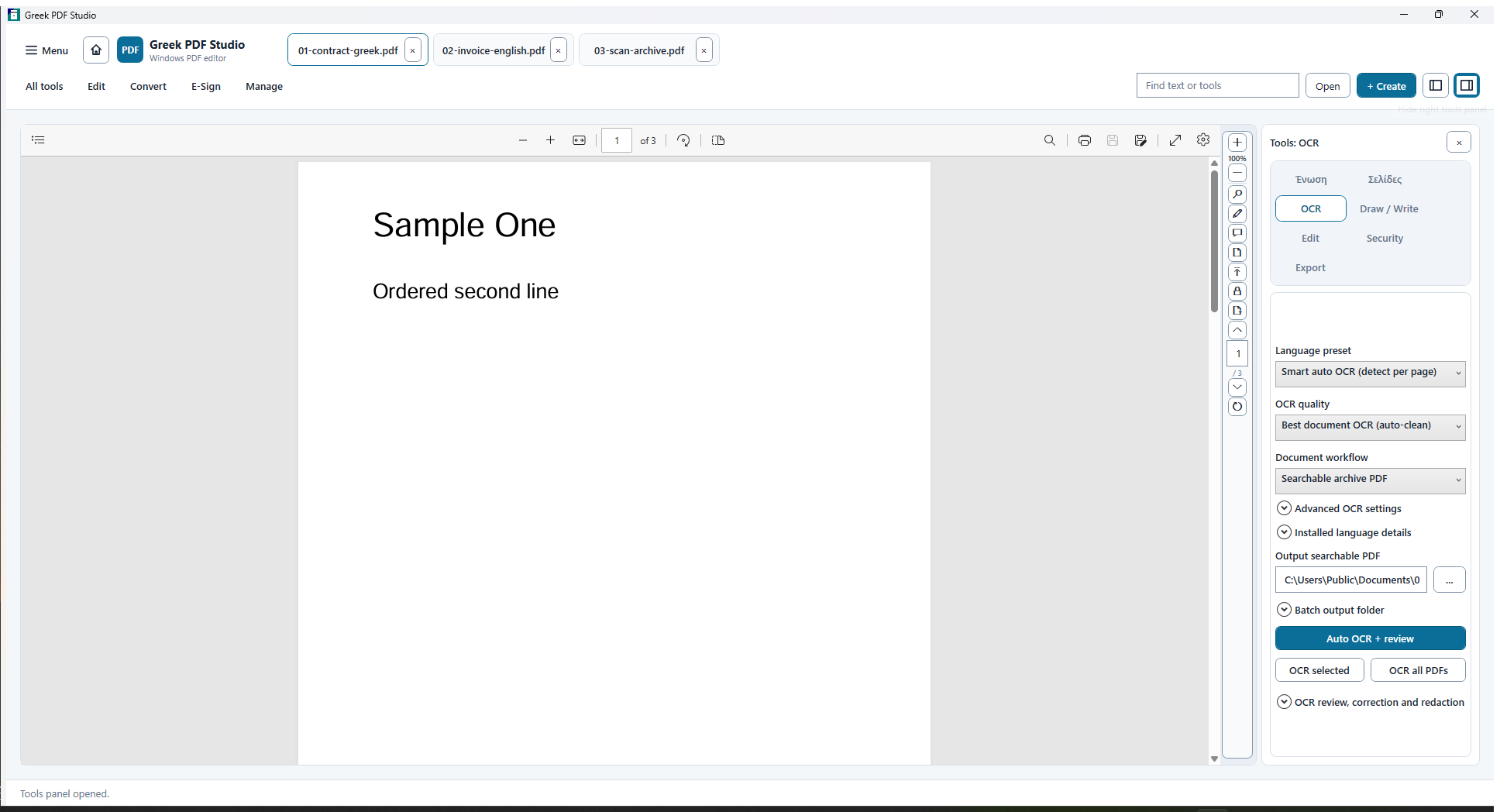
Local multilingual OCR with visible review and correction.
Inspiration
Document work becomes fragmented quickly. A user may need one utility to scan text, another to rearrange pages, another to convert a file, and a browser service for a final repair. That fragmentation is especially painful for Greek and mixed-language documents, where privacy, text quality, and repeatable local processing matter.
Greek PDF Studio was built to make the document itself the center of the workflow. The user opens several PDFs in tabs, works directly on the page, and reaches focused tools only when they are needed.
What it does
- Opens multiple PDFs in document tabs and optionally remembers the last page of every file.
- Creates a blank PDF or starts from a template.
- Selects text and adds highlights, ink, text boxes, notes, shapes, images, signatures, and form fields directly on the page.
- Provides color, opacity, stroke width, eraser, undo, redo, move, resize, delete, and saved-object editing controls.
- Merges files, visually reorders pages, duplicates or removes pages, splits documents, and extracts selected pages.
- Processes batches of documents; the release suite includes a 100-file merge and a 100-document edit/export run.
- Runs OCR locally with 54 packaged language models and a review/correction workflow.
- Exports editable DOCX, XLSX, PPTX, TXT, and image outputs.
- Adds password protection, flattened redaction, certificate-backed signatures, visual comparison, and authorized unlock.
- Includes an offline installer, repair path, uninstall path, and embedded illustrated help.
How we built it
The desktop client is a .NET 8 WPF application for Windows 10 x64 and Windows 11 x64. The UI is organized around a reader-first document canvas, compact direct-manipulation toolbars, progressive side panels, and per-document state. PDF, OCR, export, security, and process execution live behind service boundaries so long-running jobs can be validated, cancelled, and cleaned up independently of the interface.
The installer carries the required local PDF/OCR toolchain and language data. Release automation verifies the exact application and installer hashes, installed UI, offline dependency repair, uninstallation, source preservation, and temporary-file cleanup.
How Codex and GPT-5.6 helped
Codex with GPT-5.6 was used as an engineering partner throughout the event-window release. It inspected the existing WPF codebase, translated document workflows into direct page interactions, separated service responsibilities, diagnosed crash and dependency paths, and added repeatable functional and desktop UI checks.
It was particularly valuable for connecting implementation changes to evidence: OCR fixtures, native annotation round trips, 100-file operations, installer repair, UI layout checks, release hashes, and a reproducible media pipeline. The same workflow generated the English narration, captions, product screenshots, video timeline, media QA, and this judge package from verified project data.
Codex session ID: 019f1566-3dd5-7540-8151-1e8aaabd5676
Challenges
The hardest part was not adding isolated buttons. It was keeping a complex document surface readable while many workflows shared the same files and state. Direct page tools had to remain usable with multiple open documents, saved annotations, scrolling, zoom, and long-running operations.
OCR also required careful truthfulness. The packaged release proves exact recognition on controlled Greek and English fixtures and broad initialization across 54 models, but it does not claim perfect results on every arbitrary scan. The product therefore combines automation with visible review and correction.
Packaging was another major challenge. The installed program had to work offline, recover a missing core tool from its bundled payload, preserve source files, avoid leaking passwords into evidence, and uninstall cleanly.
Accomplishments
- A validated native Windows release with one application executable and one offline installer.
- Exact Greek and English recognition on controlled release fixtures, plus tested Greek-English automatic mode, Ancient Greek polytonic, German, Russian, and Simplified Chinese scenarios.
- Direct annotation round trips for text, marks, shapes, ink, notes, images, and seven form-field families.
- Verified merge, split, extract, protect, authorized unlock, redaction, compare, signing, and editable exports.
- Deterministic 100-file merge and 100-document batch edit/export tests.
- Embedded help with real screenshots, search, zoom, and task-based instructions.
- A fail-closed release pipeline with application, installer, UI, repair, and uninstall evidence.
What we learned
For document software, quality depends on the boundary between automation and review. Fast automation is useful only when the user can see what changed, correct it, undo it, and trust that the original stayed untouched.
We also learned that packaging is part of product design. A feature is not complete when it works only on the development machine; dependency discovery, offline repair, cancellation, cleanup, and uninstall behavior must be designed and tested with the feature.
What's next
The next release work focuses on broader real-document OCR benchmarks, deeper native text/object editing, additional accessibility proof at non-default Windows scaling and system contrast modes, and further performance profiling on very large mixed-document workloads.


Log in or sign up for Devpost to join the conversation.