Inspiration
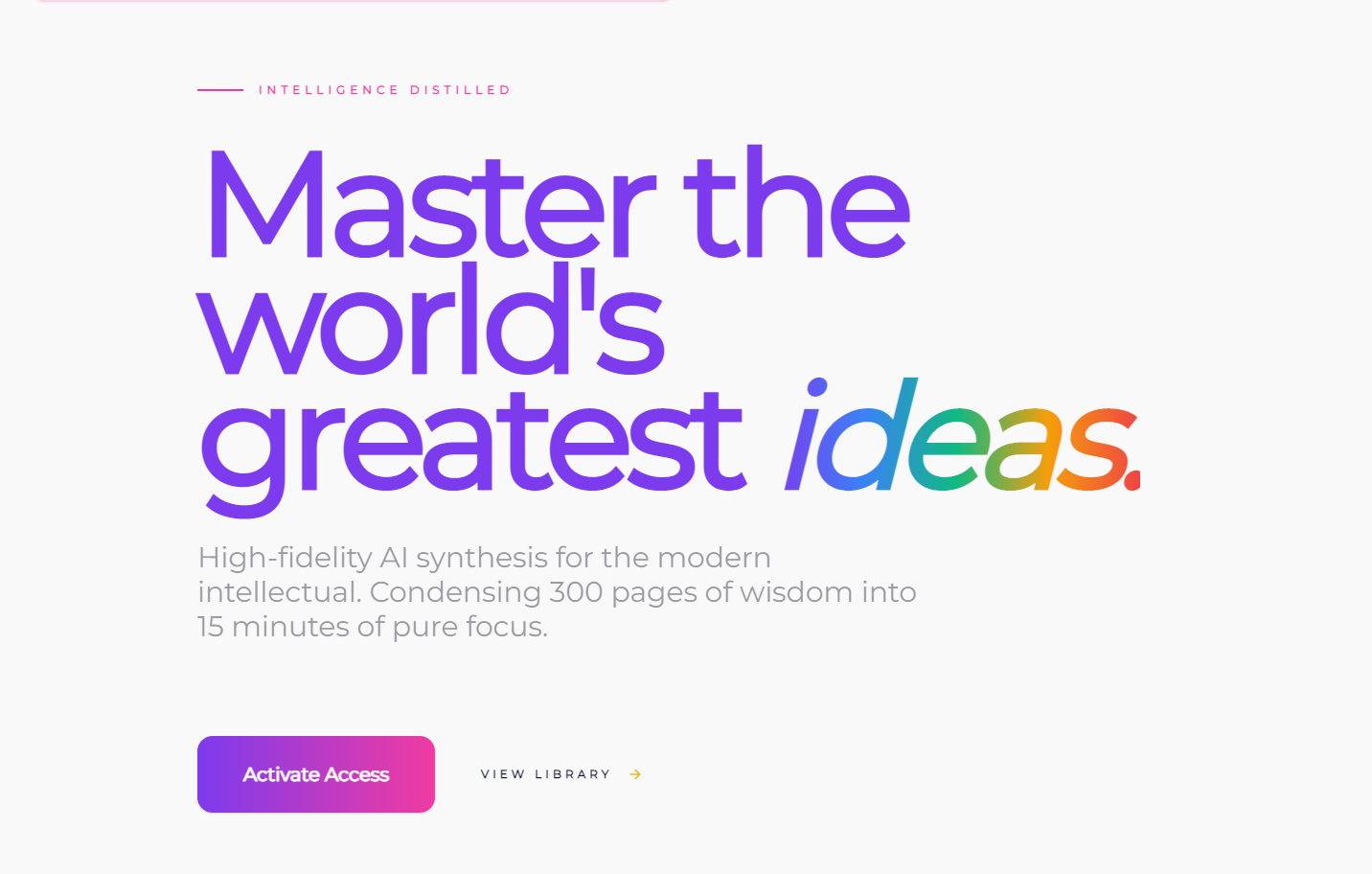
As a busy professional juggling work, family, and a desire to keep learning, I grew frustrated with how little time I had to read. I’d buy books but never finish them, missing out on transformative ideas. That’s when I thought: what if I could distill the core of any book into a 15-minute digest – text and audio – so anyone could learn on the go? I wanted to make knowledge accessible, no matter how packed your schedule is.
What it does
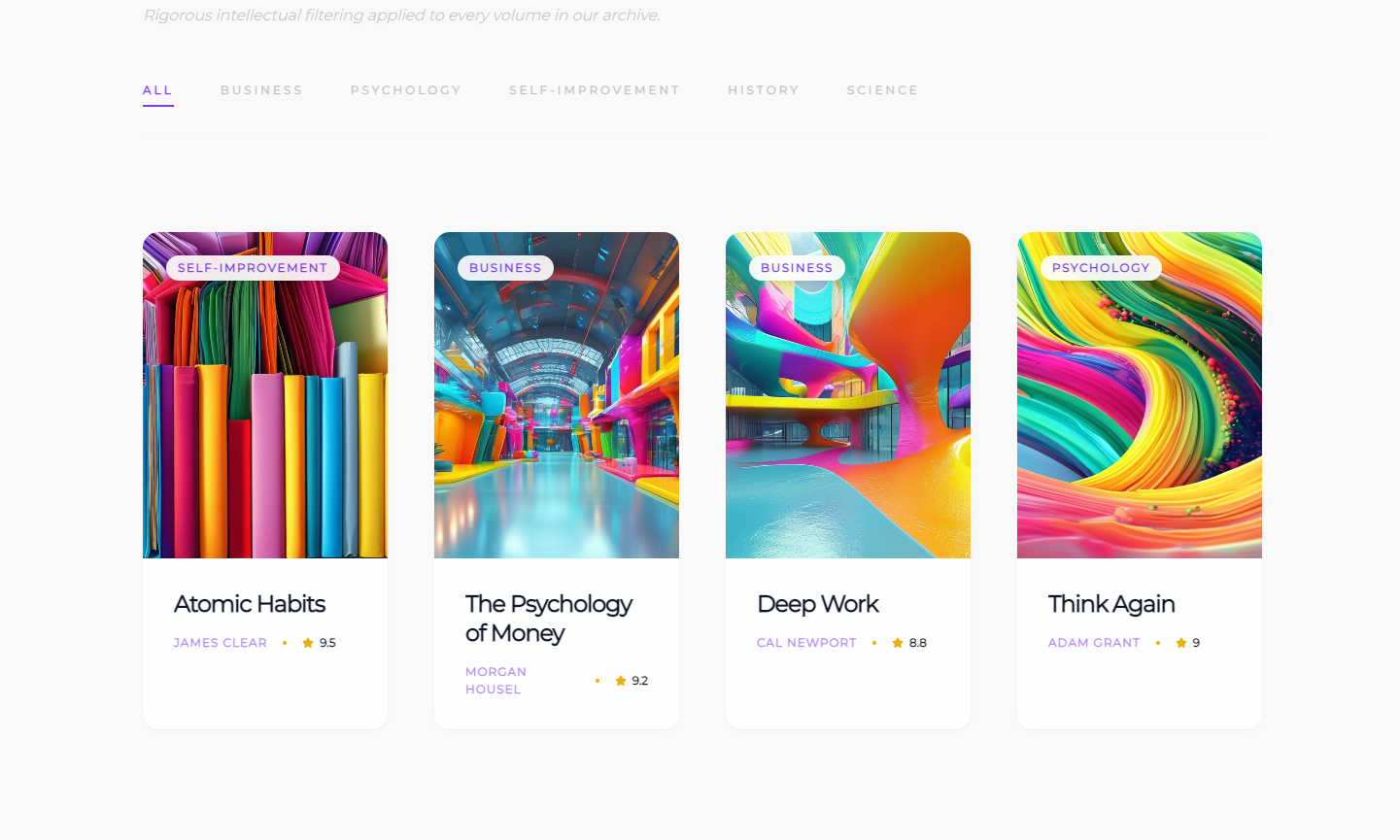
BookSummary AI lets you explore key book insights in 15 minutes via structured AI summaries and narrated audio. You can build a personalized bookshelf, tag/filter books by category, discover related reads through interactive thematic maps, and decide if a book is worth your time – no login required.
How we built it
I started by mapping core user needs (speed, accessibility, personalization) to the UI/UX structure – homepage, book detail, and shelves. I used React for the frontend (responsive design for mobile/desktop) and Node.js for the backend. OpenAI API powered the summary generation, Web Audio API handled audio playback/sync with text, and D3.js built the thematic maps. MongoDB stored bookshelf data, with Tailwind CSS for consistent styling.
Challenges we ran into
The biggest hurdle was syncing audio playback with text highlighting – timing delays and cross-device inconsistencies forced multiple iterations to get it smooth. I also struggled with making the thematic map dynamic (generating connections based on book content) without sacrificing load speed. Additionally, balancing demo mode limits (3 free books) with a seamless user experience took trial-and-error to avoid frustration.
Accomplishments that we're proud of
Nailing the audio-text sync across all devices, building an intuitive thematic map that makes discovering new books feel organic, and creating a bookshelf system that’s simple to tag/sort – no clunky interfaces. Most importantly, the demo mode works flawlessly: users get full access to 3 books, with a clear subscription prompt that doesn’t disrupt the experience.
What we learned
I deepened my understanding of audio API integrations and dynamic data visualization with D3.js. More importantly, I learned to prioritize user flow over feature bloat – even small touches (like confirmation messages for saving books) make a huge difference in usability. I also realized how critical it is to test demo limits with real users to avoid friction.
What's next for this project
First, expand the book library to cover more genres (fiction, science, philosophy) beyond business/self-help. Next, add playback speed presets tailored to commuting/exercising (slower/faster paces) and refine the thematic map to include cross-genre connections. Finally, explore a premium tier with offline audio downloads – a top request from beta users – and refine the subscription experience to align with user feedback.
Built With
- amazon-web-services
- d3.js
- mongodb
- openai-api
- web-audio-api

Log in or sign up for Devpost to join the conversation.