-
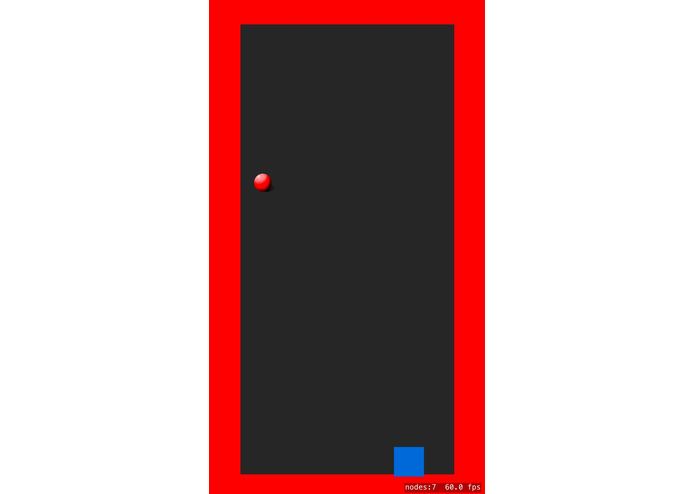
when all blocks are removed by the player.
-
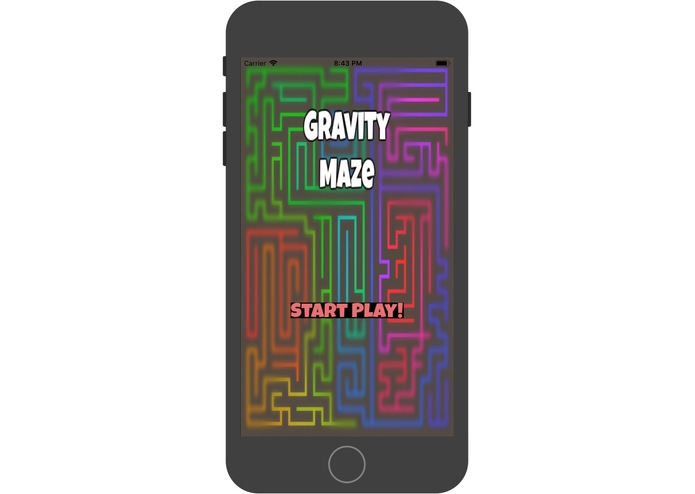
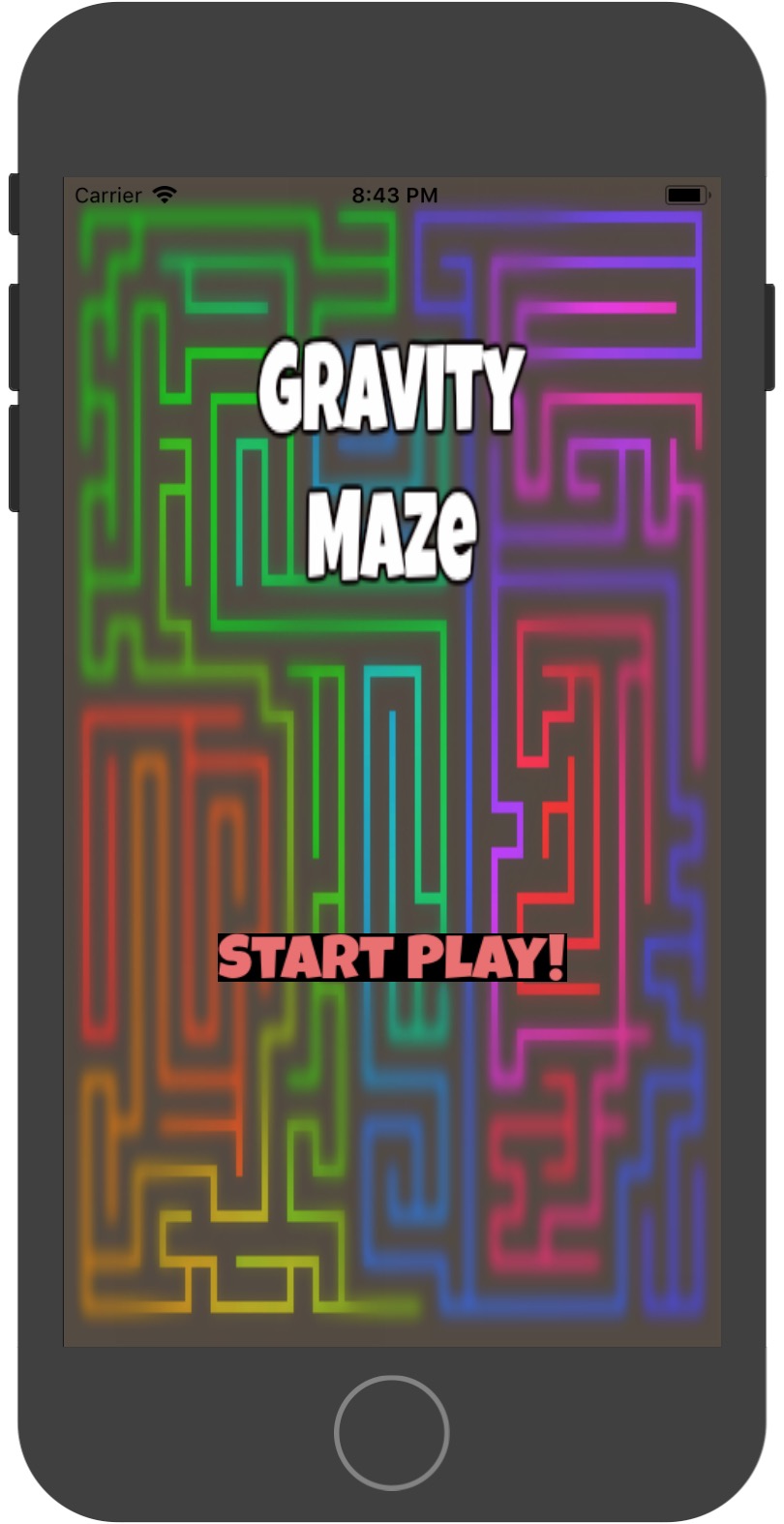
enter page
Inspiration
What it does
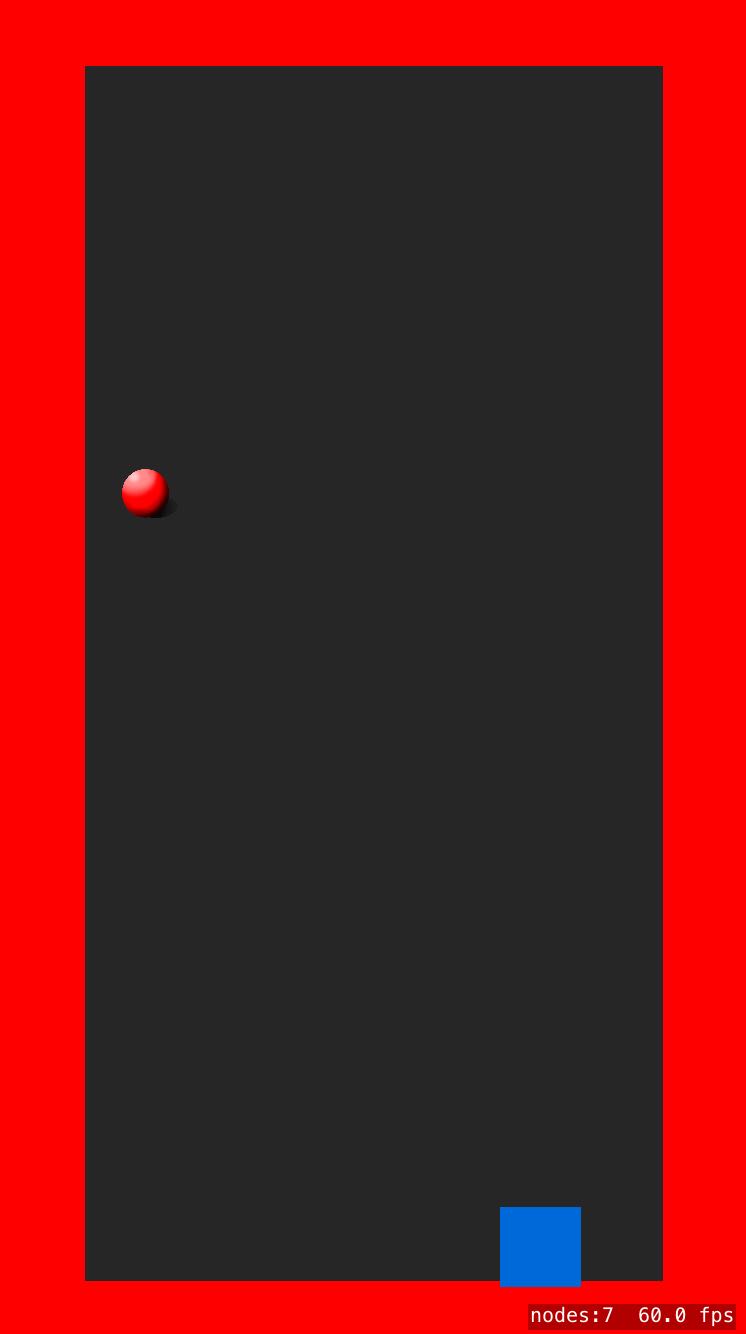
When the game starts, player 1 will be asked to set up the maze by clicking on the bars to make it disappear. When the player finishes setting up the maze, he/she could press "set up" and hand the device to another player, who's then going to control the ball through the maze using gravity sensor by leaning the phone.
How we built it
We search online for basic tutorials on how to build an IOS game because none of our team members has experience in IOS game development. Then we design the main page of the game. At last we design the basic implementation of functions and just keep debugging and debugging...
Challenges we ran into
How to make use of touchBegin Fix situation that the game will crash if we touches on the background instead of on the bars.
Accomplishments that we're proud of
We successfully build the segue between different scenes. We are able to make the ball move by making use of gravity sensor of the phone. We manage to make the bars disappear when setting up the maze.
What we learned
How to make use of the gravity sensor. How to use the touchBegin function
What's next for Gravity Maze
Add a nice background and refine the graphic design. Add the functionality to let the user save their previously designed mazes. Test the solvability of the maze before setting up the maze.
Log in or sign up for Devpost to join the conversation.