-
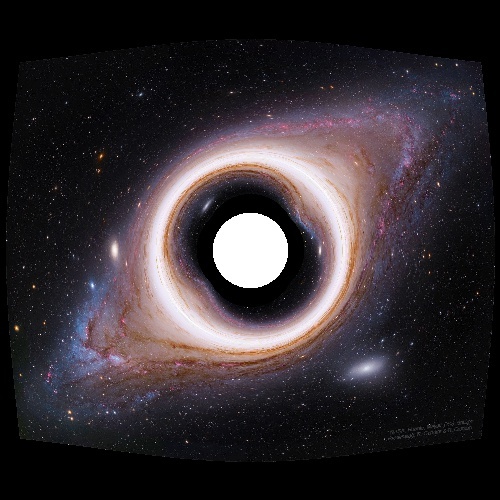
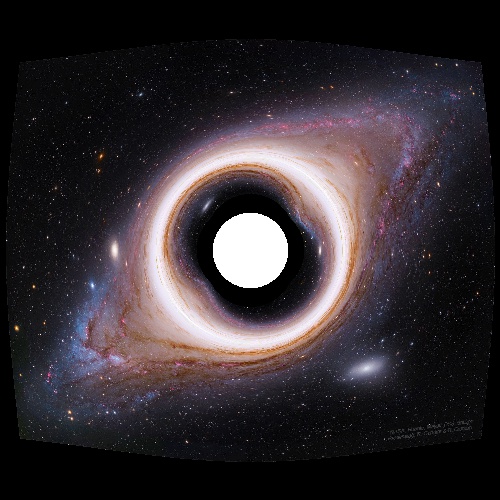
The Andromeda Galaxy lensed by a mass
-
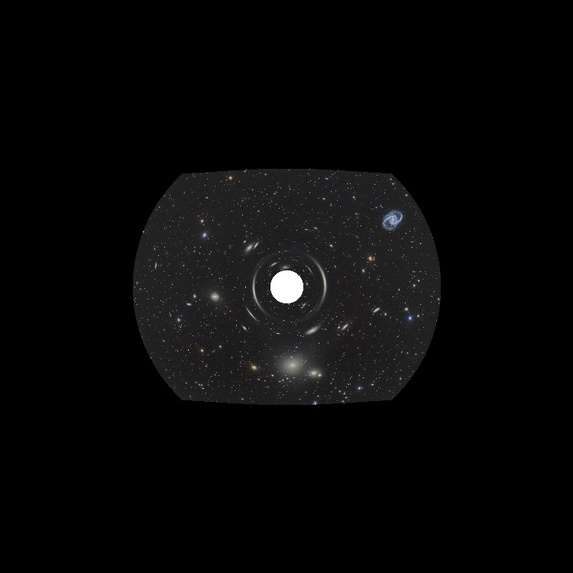
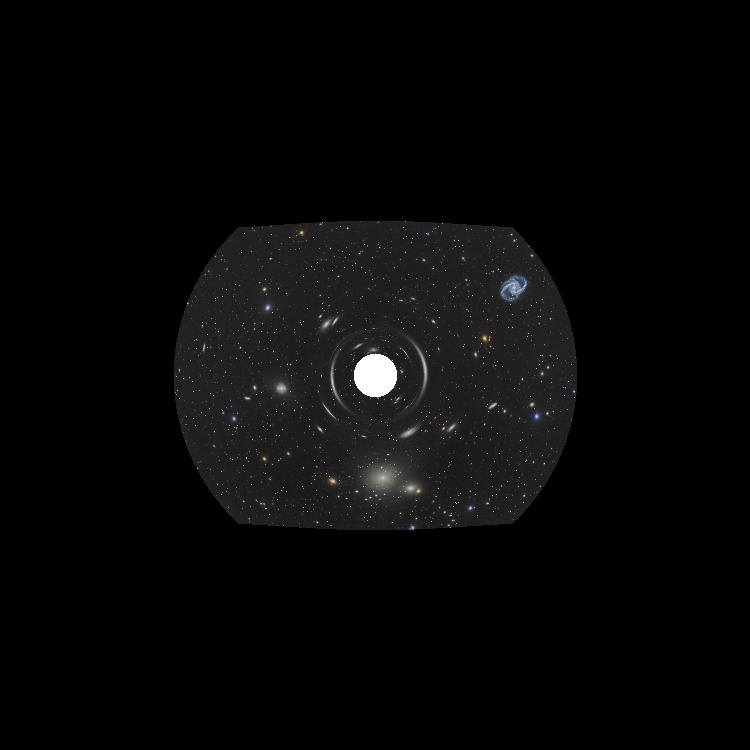
The Fornax Cluster lensed by a mass
-
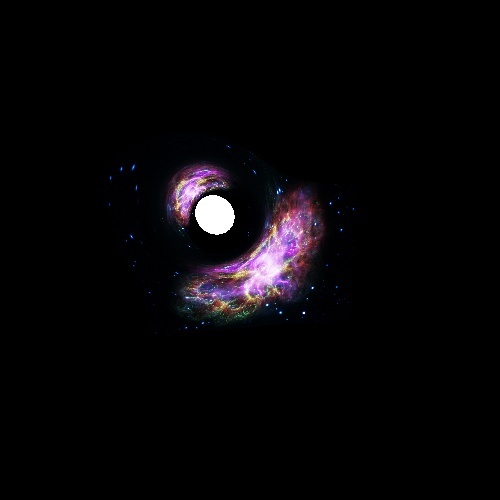
The Crab Nebula lensed by a mass off-center from the camera
-
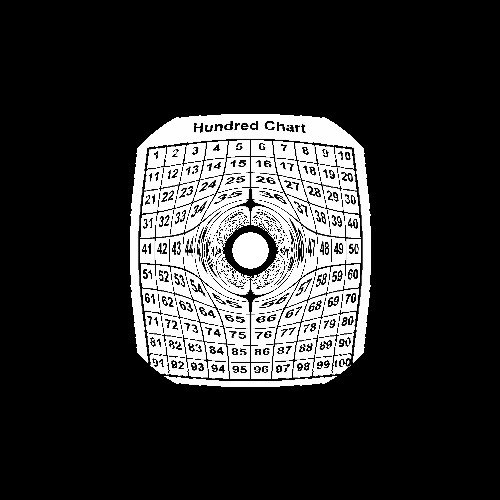
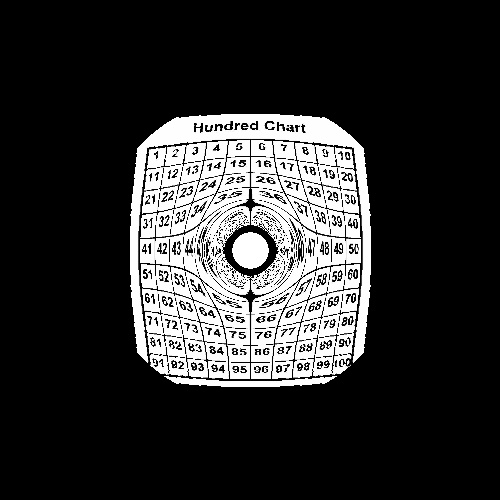
A grid of 100 numbers lensed by a mass
-
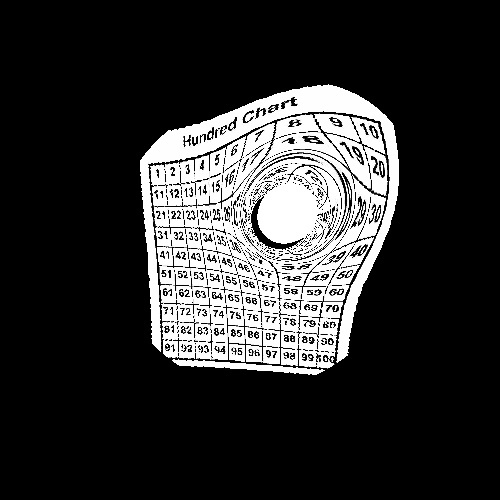
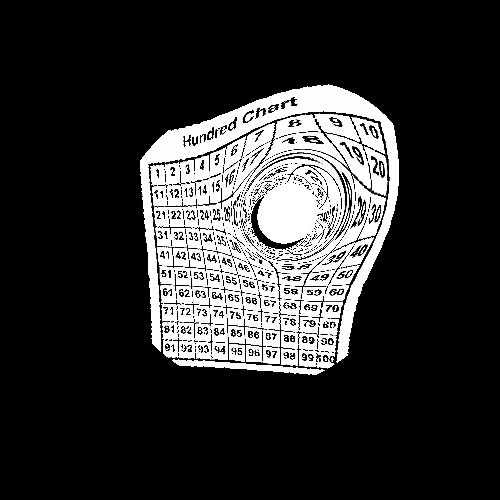
A grid of 100 numbers lensed by a mass off-center from the camera
-
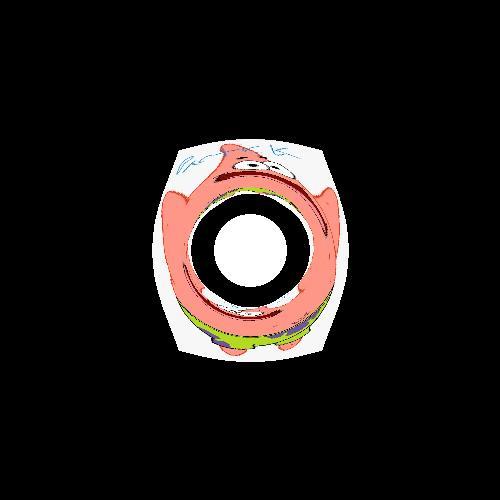
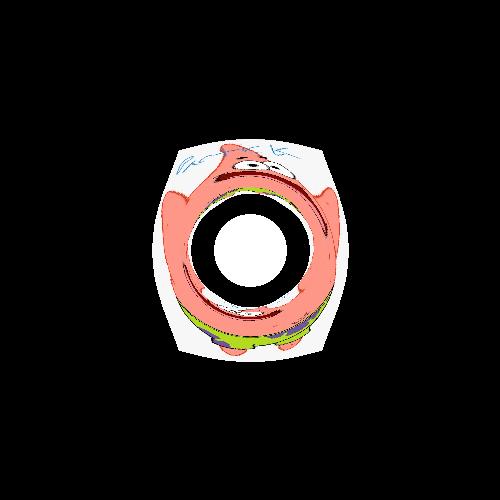
Patrick lensed by a mass

Instructions for Use
- Clone the github repository
- Run
python -m pip install -r requirements.txt - Read
lensing_simulator/README.md - Run
lensing_simulator/lensing_simulator.py
What it does
Simulates what an image would look like if it was lensed by the gravitational field of a massive object.
How we built it
We used ray tracing and Newtonian gravitational field equations to trace the path of light rays in a curved spacetime. The rays are fired out of the camera and their motion is simulated over many time steps. If the rays hit the mass, their corresponding pixel is colored white. If they hit the image, their corresponding pixel is colored the same as the pixel on the image that they hit. If the rays get too far away from the camera, they are colored black.
Challenges we ran into
Getting the normal rendering working was at times very difficult and confusing, and sometimes the images that we got out were very funny. It took a long time, but we were able to debug the code just before the end of Saturday night. It also takes a few minutes to produce a low-quality image, and a few hours to produce a higher quality one.
Accomplishments that we're proud of
The images that we get as output are extremely cool, and very fun to look at. It was very satisfying to get the rays tracing correctly and produce an image.
What we learned
We learned how to use many new libraries in Python, including Gooey, Pillow, and NumPy. We also learned how to do ray tracing a physics simulations.
What's next for Gravitational Lensing Simulator
Optimization, including possible porting to a language other than python and/or getting the code to run on the graphics card. Additionally, using more advanced math to create better approximations of relativity.


Log in or sign up for Devpost to join the conversation.