-
-
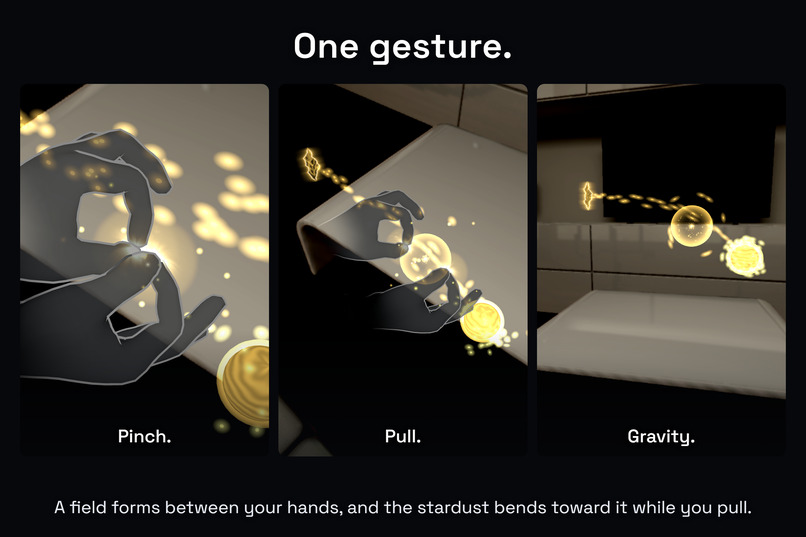
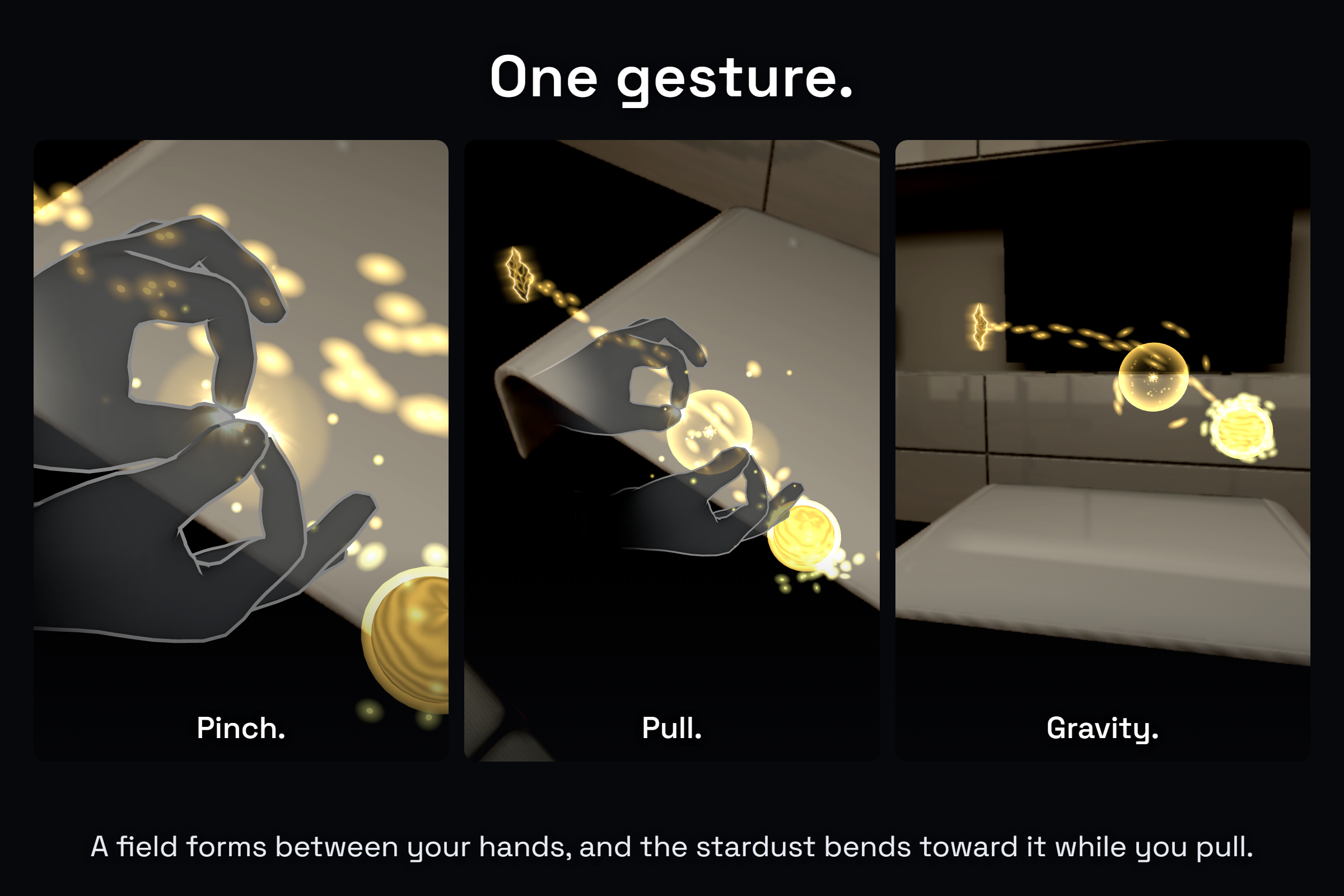
One gesture.
-
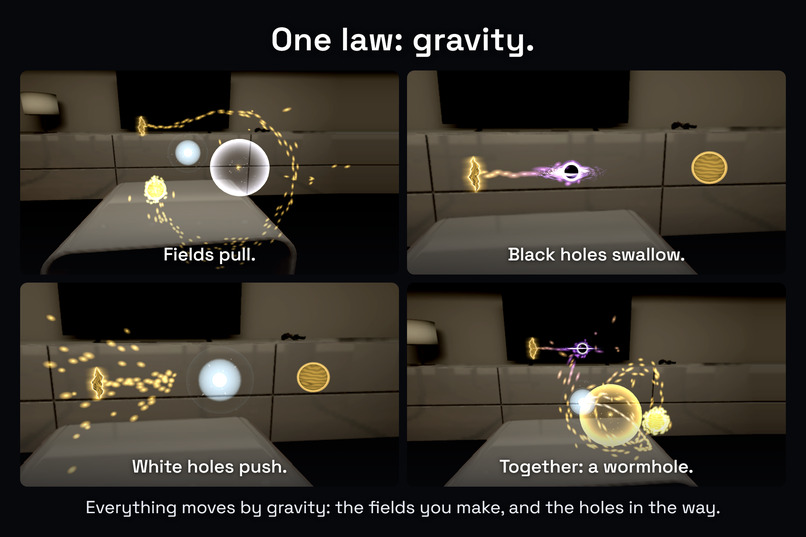
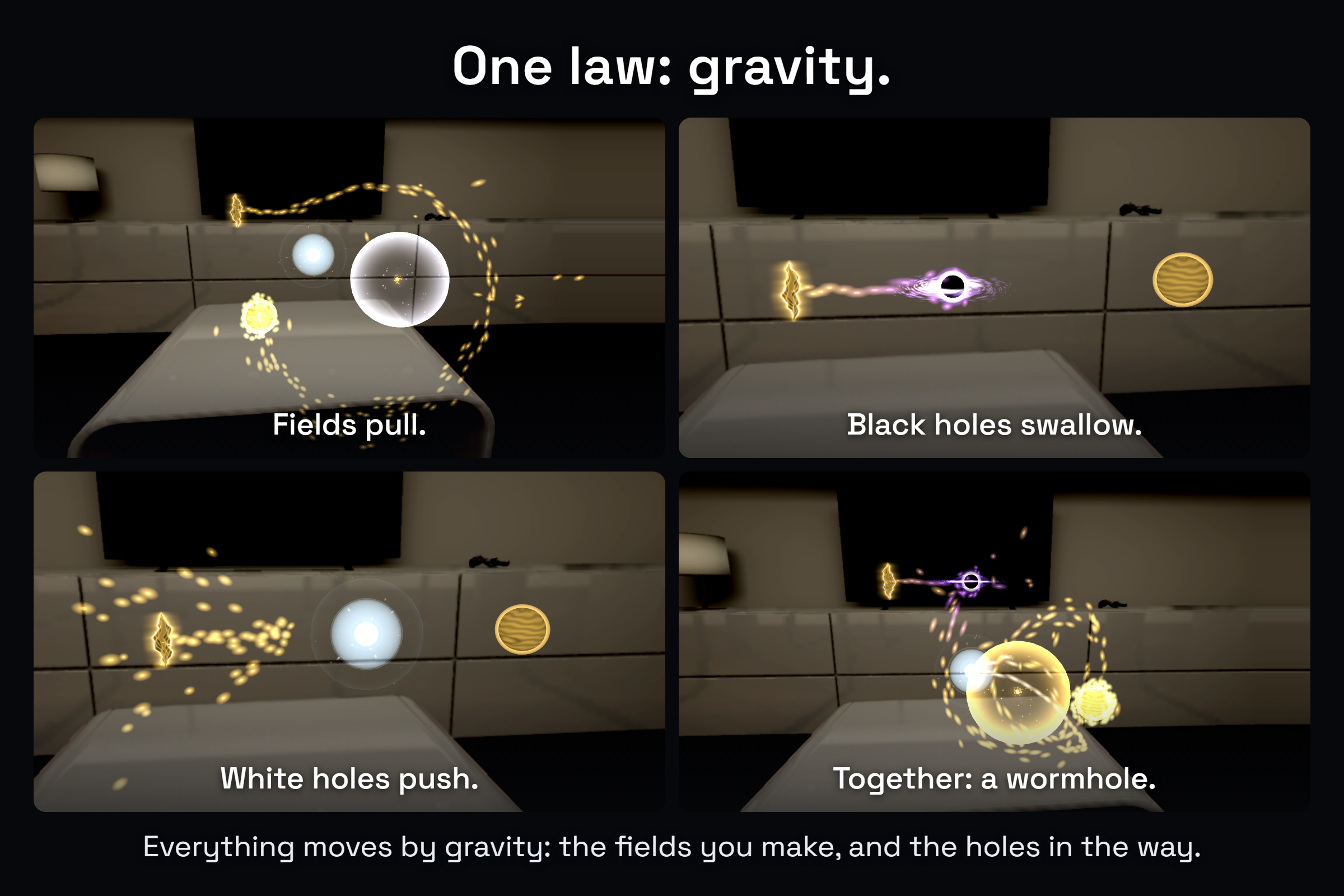
One law: gravity.
-
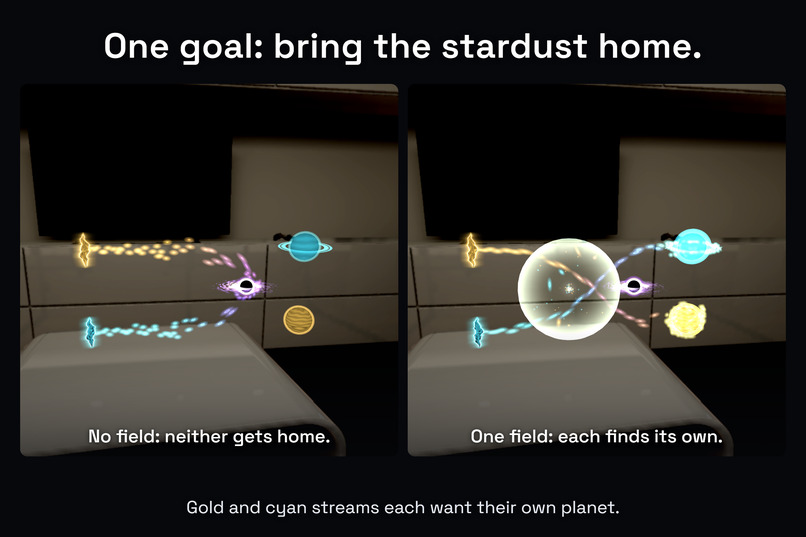
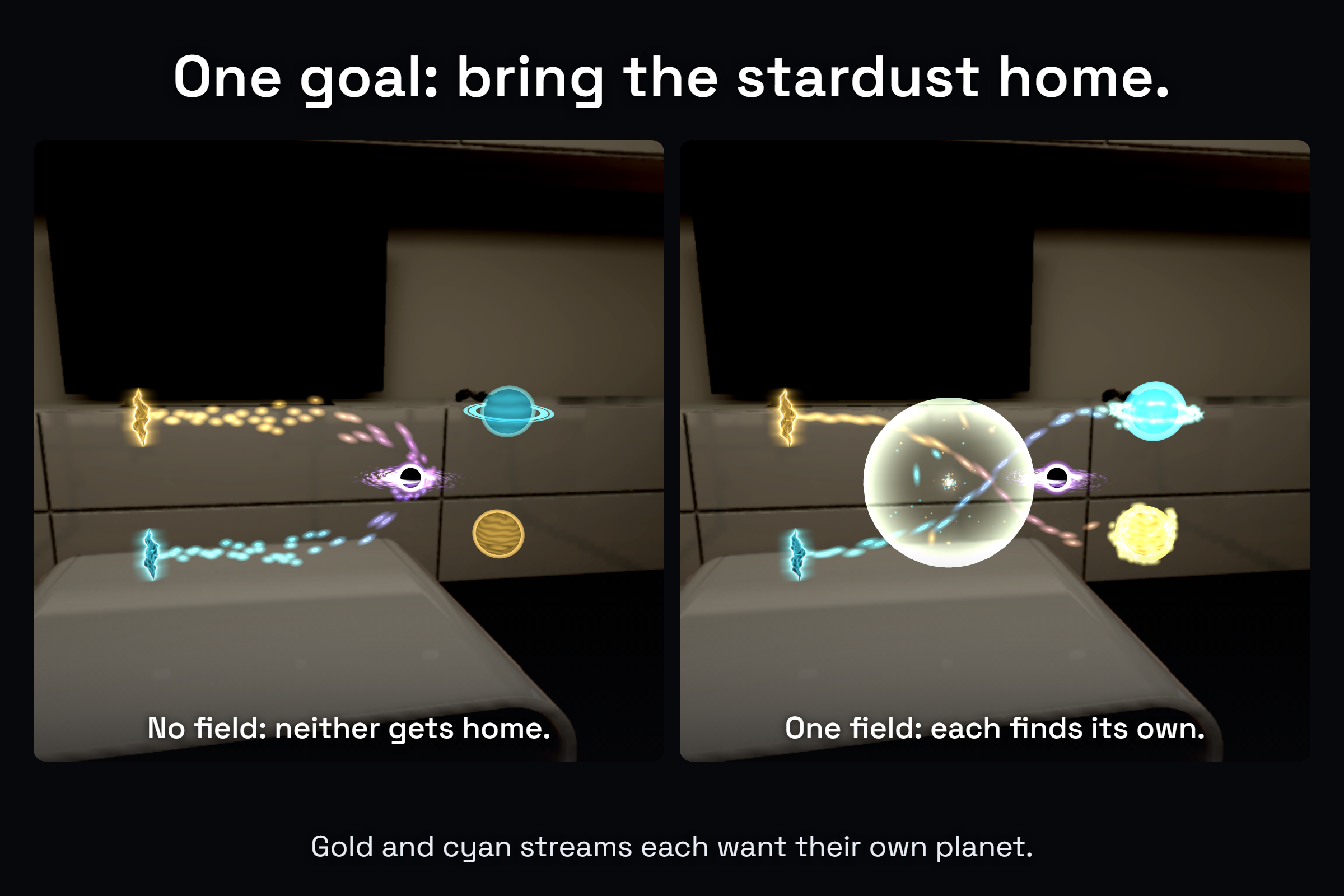
One goal: bring the stardust home.
-
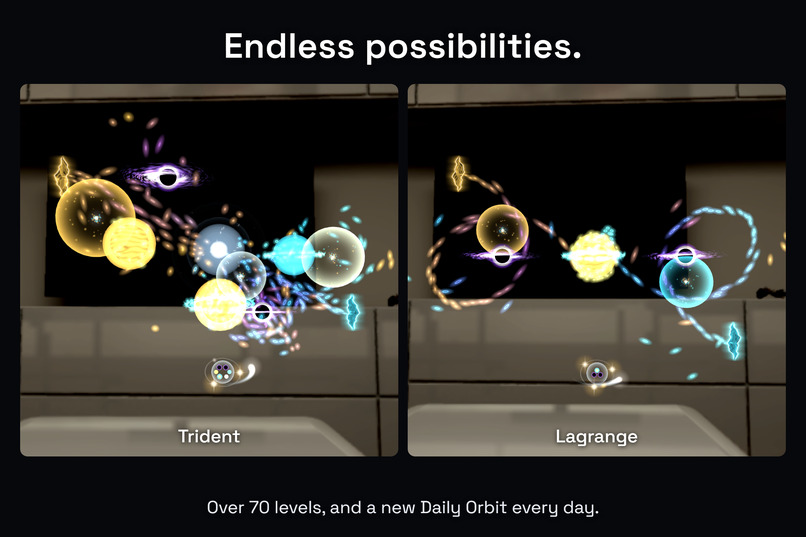
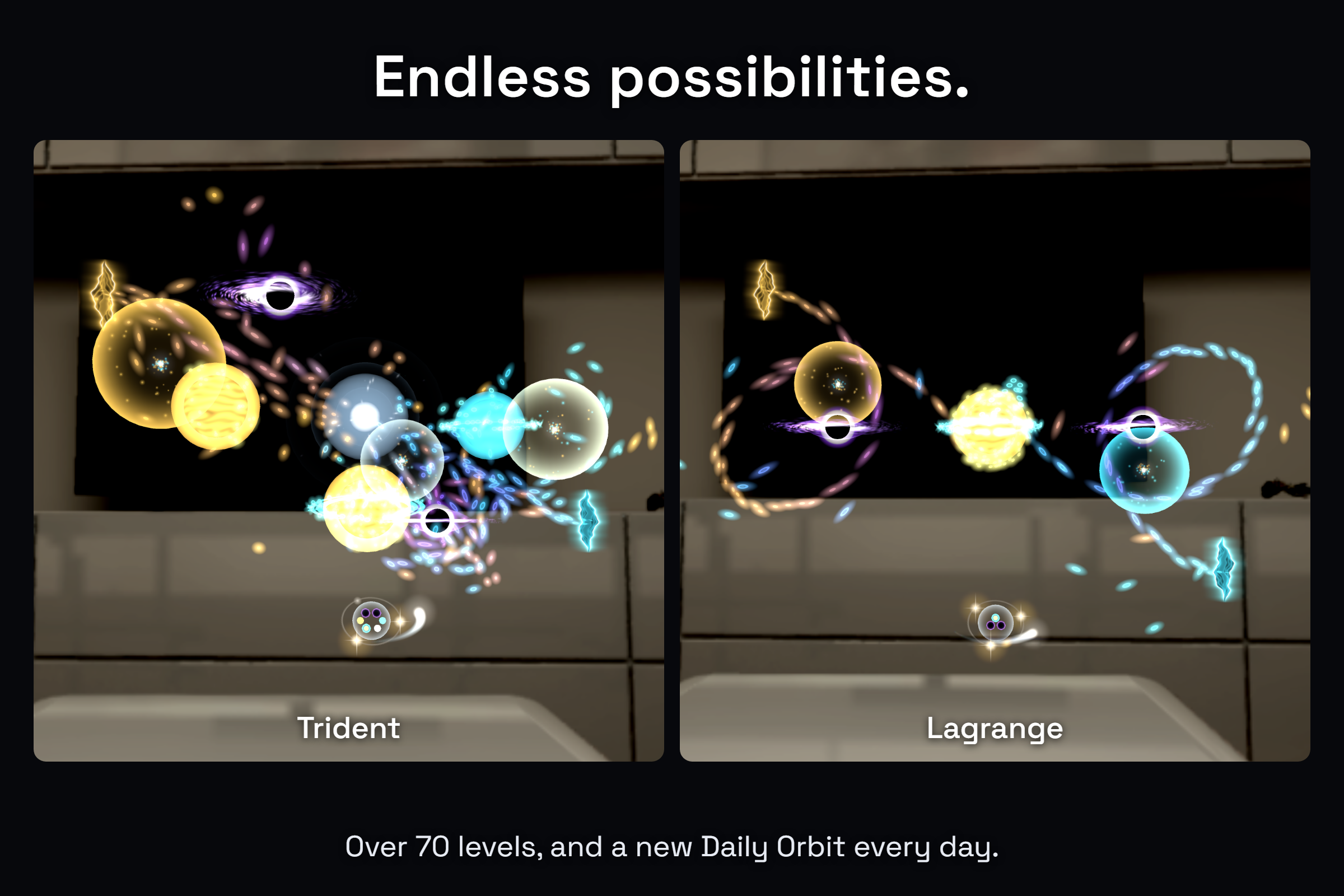
Endless possibilities.
-
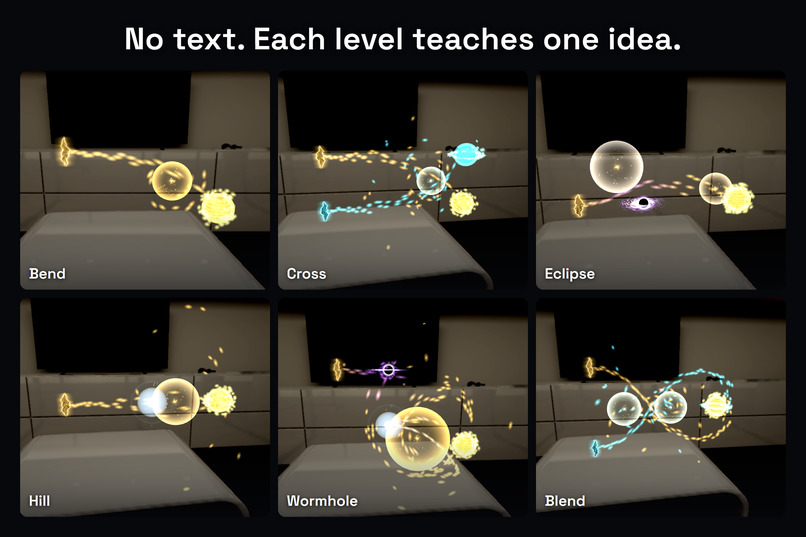
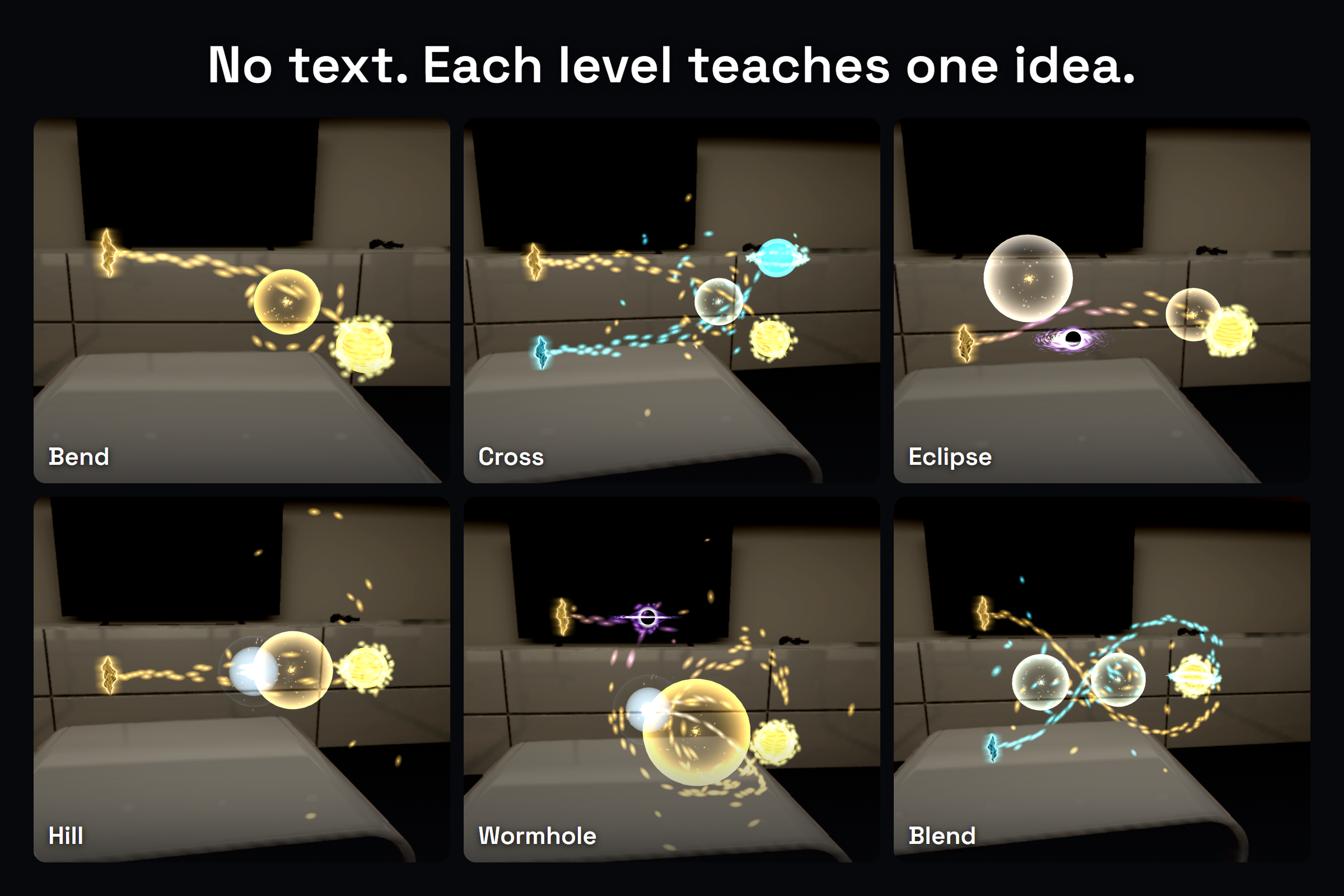
No text. Each level teaches one idea.
-
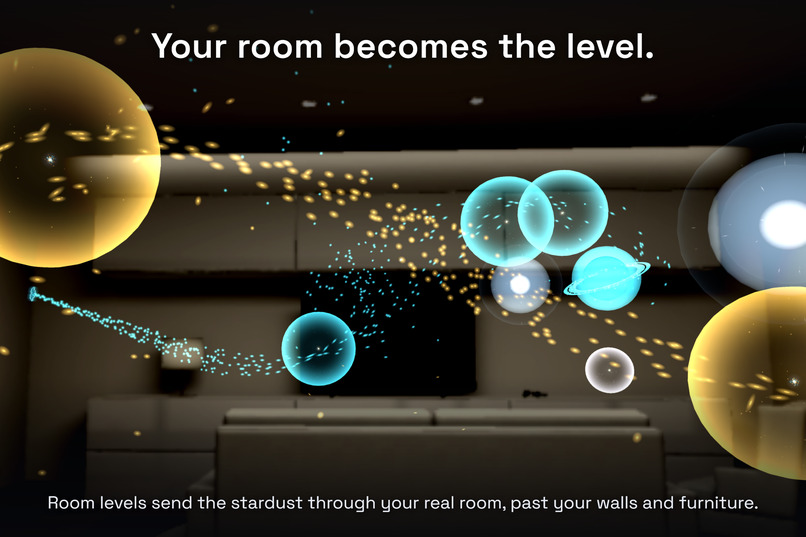
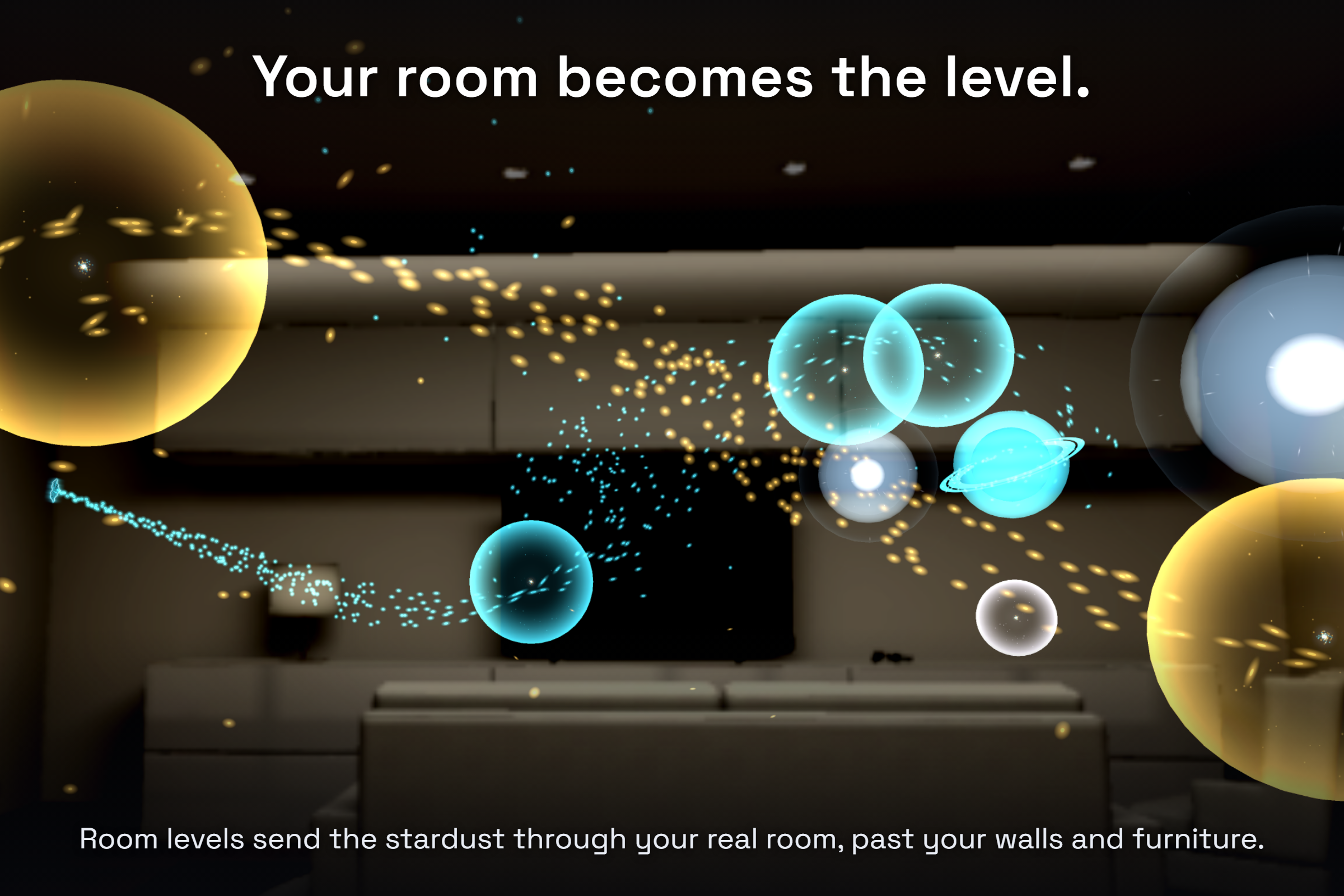
Your room becomes the level.
-
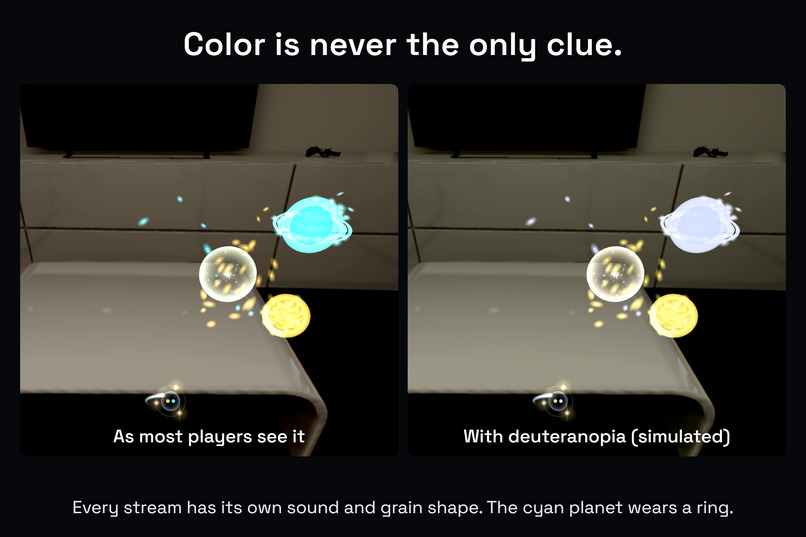
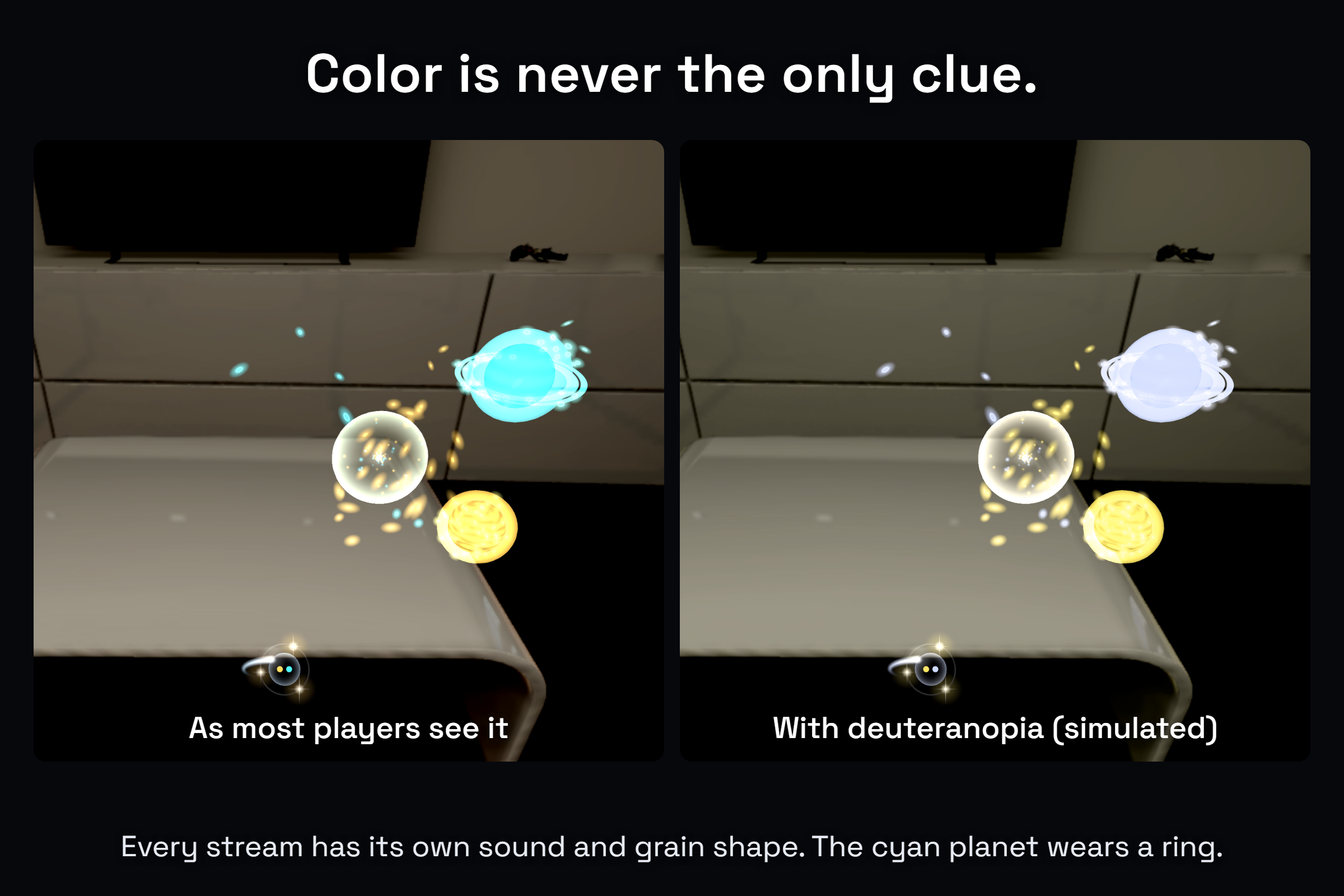
Color is never the only clue.
-
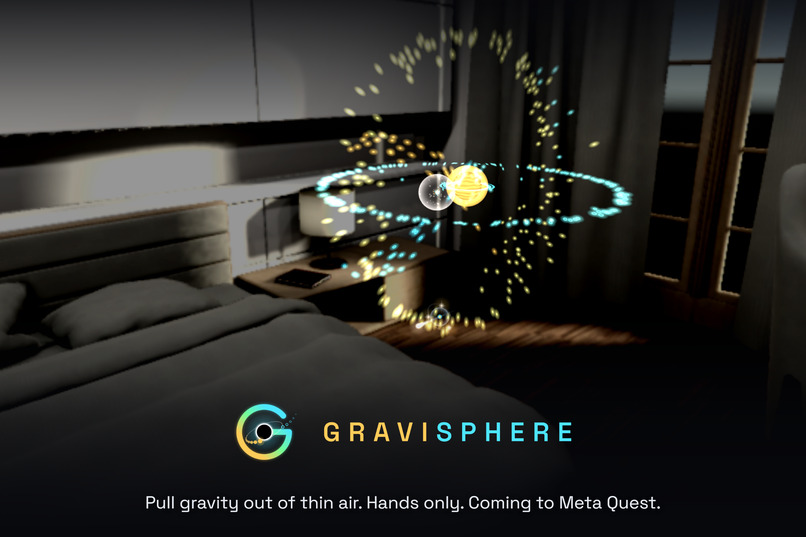
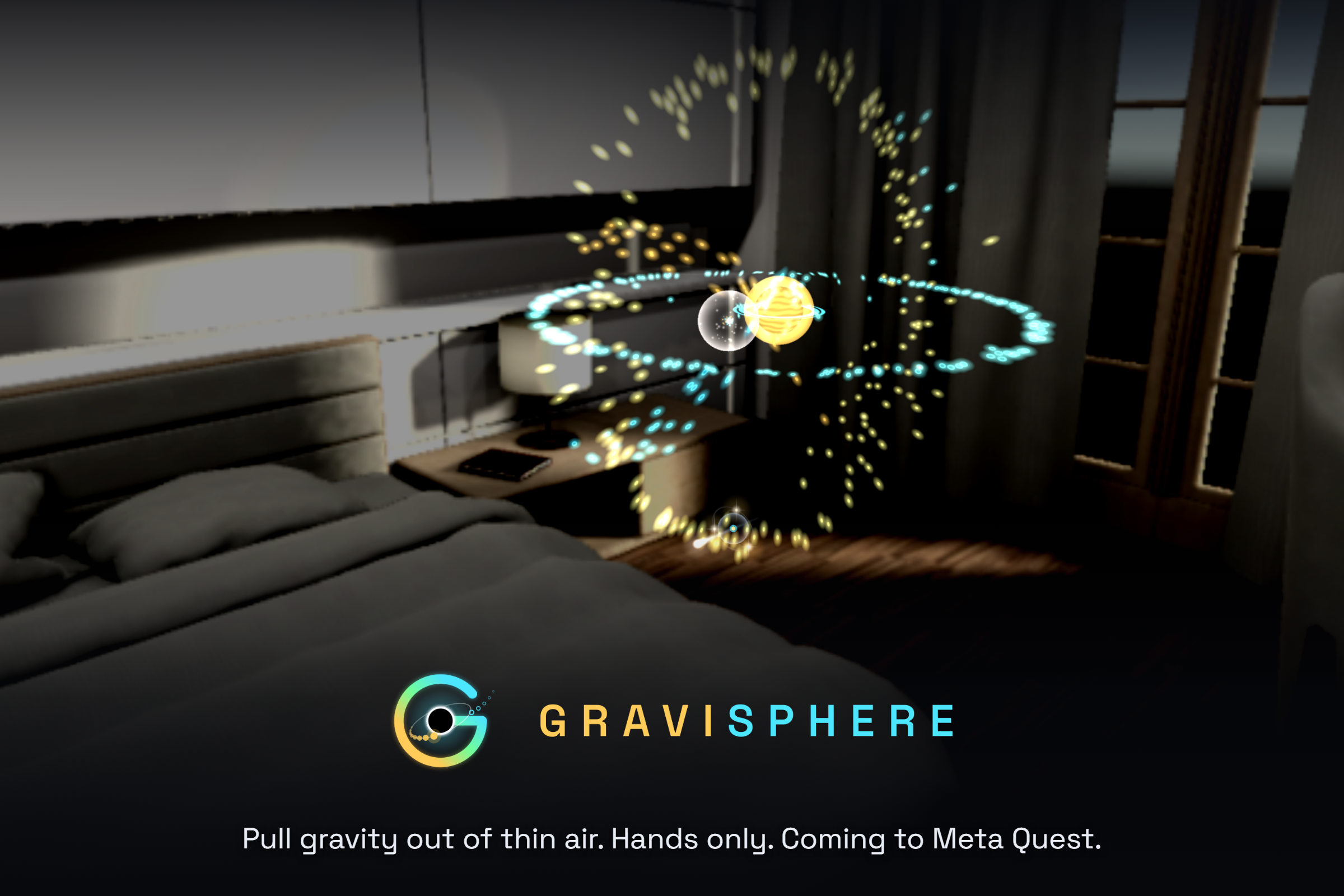
Pull gravity out of thin air. Hands only. Coming to Meta Quest.
Inspiration
Most games explain themselves with words. Gravity doesn't need any: everyone has dropped something and watched it fall. I wanted a game that teaches orbits the way we learned to catch a ball — by trying it with our own hands.
I'm an app developer who loves short mixed reality games I can play while still seeing my kids.
What it does
One gesture. Pinch the air and pull your hands apart: a gravity field blooms between your hands, bending glowing stardust toward it. On supported headsets, eye tracking lets you create fields where you look or grab them from afar.
One law: gravity. Your fields pull stardust in. Black holes swallow it, white holes push it away, and together they form a wormhole.
One goal: bring the stardust home. Guide every stream to its planet. Each planet swells and sings as it fills, and the level resolves in a chord.
Endless possibilities. Twelve opening levels teach the basics, followed by 60+ more. Daily challenges arrive as comets; solve them to light a star in your constellation. In room levels, your real room becomes the puzzle: stardust bounces off your walls and furniture, and every level is fitted to the room it finds.
Made for everyone. Play seated, within arm's reach, using one or both hands. No text, and color is never the only cue: every stream has its own shape and sound. If you can pinch, you can play.
How we built it
As a solo developer with a family and only spare time, I built Gravisphere in 6 weeks with AI agents as my team. Using the Meta VR CLI and Meta XR Operator, they helped implement ideas and playtest builds in the XR Simulator.
Built in Unity with the Meta Interaction SDK and Mixed Reality Utility Kit. Everything you see and hear is generated live: no 3D models, no animation clips. A custom gravity simulation moves every grain, and sounds are synthesized and spatialized as you play.
Challenges we ran into
Making hands feel natural. Bare hands aren't buttons: relaxed hands must never create things accidentally, and brushing past a control mustn't trigger it.
Communicating without words. How do you tell someone to come back tomorrow? Each daily challenge arrives as a comet. Solve it, and the comet lights a star, then waits where tomorrow's star will shine. And how do you tell someone that their whole room is a level? A planet they have just filled lifts off and grows out into their room, revealing a new playground.
Rooms we've never seen. Every home is different. Room levels read walls, floor, ceiling and furniture with the Mixed Reality Utility Kit and place their goals in free space.
Accomplishments that we're proud of
My six-year-old can't read yet, but played without a single instruction. The entire game is taught through gameplay, visual feedback and sound — without words.
We kept it to one gesture to learn: a pinch. Every level is checked solvable, and the game runs at 90 fps on Quest 3.
What we learned
An agent can test whether a game works. Only playing it yourself tells you if it's fun.
The first version was a ball steered around walls. It worked, but it was boring. Turning it into a stream of particles — and the walls into black and white holes — made the game come alive.
A world that responds to every gesture teaches better than any text.
What's next for Gravisphere
Gravisphere launches on the Meta VR Store in January 2027. After that, we're working on a competitive mode: bend stardust against an AI opponent, and later against other players.


