-
-
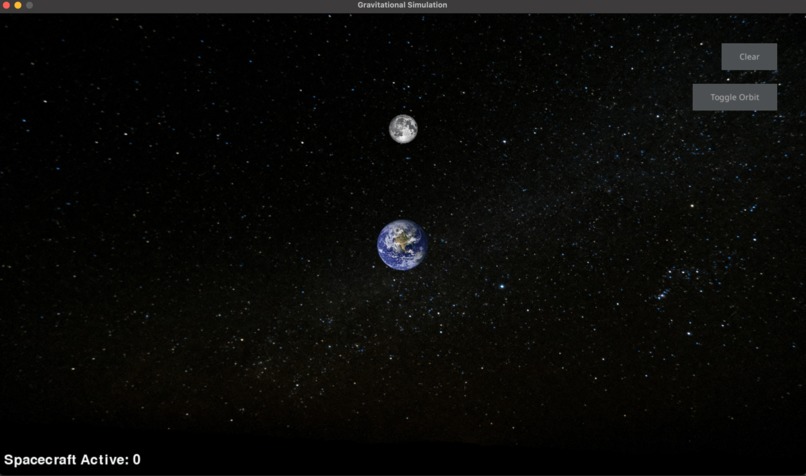
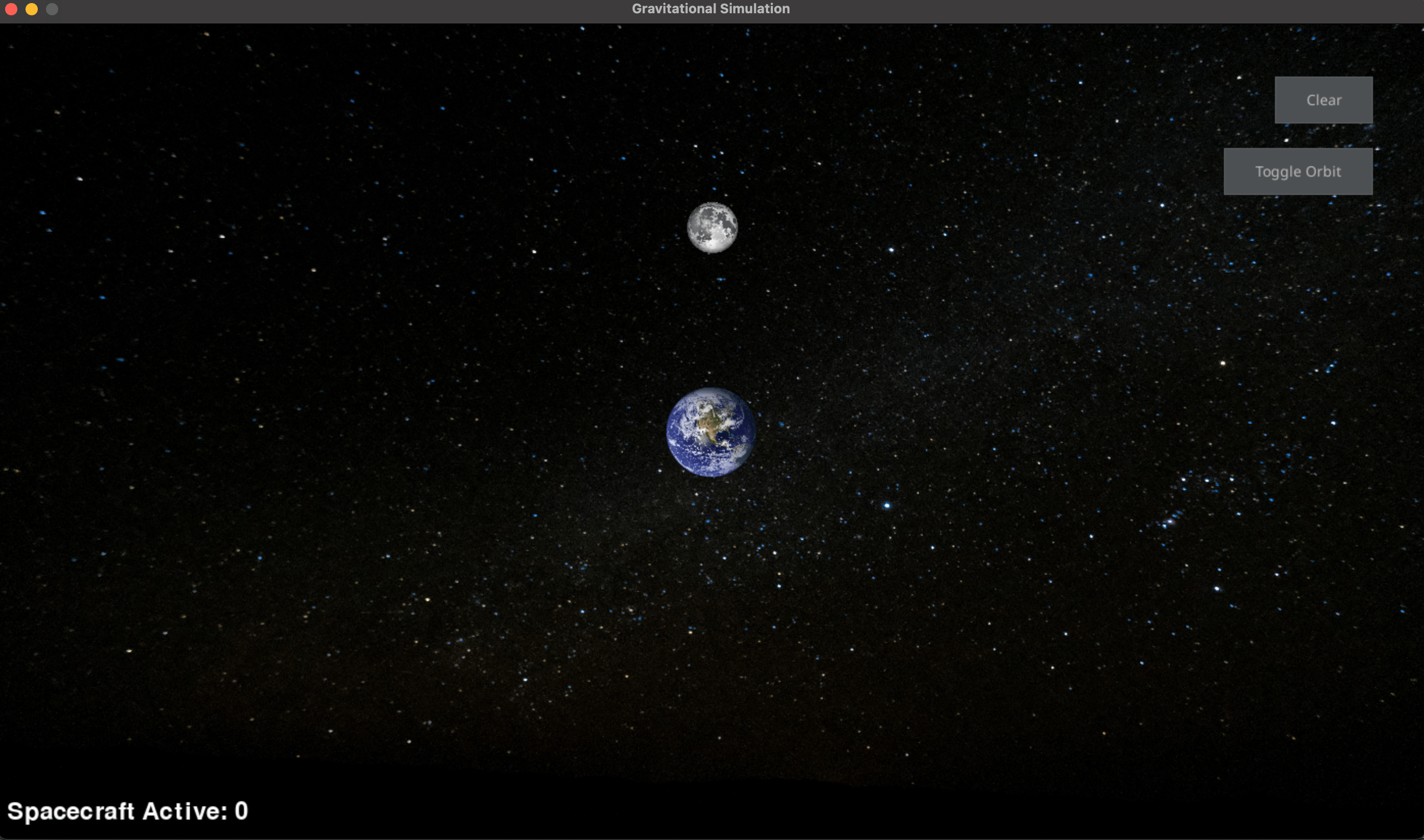
This is the clean environment with no active spacecraft.
-
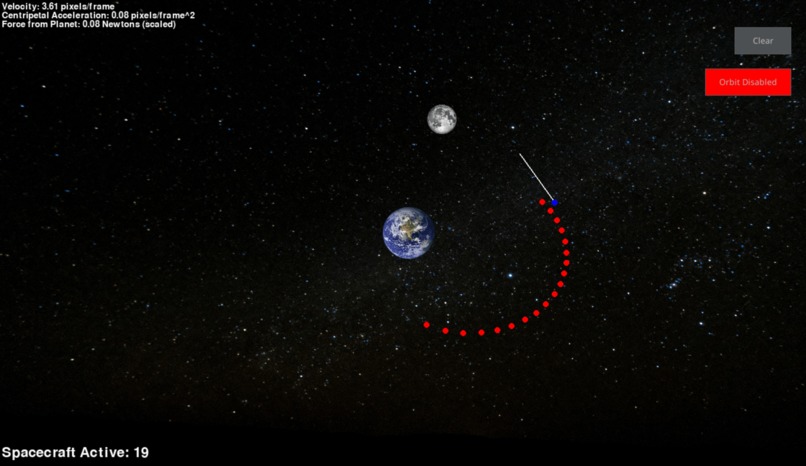
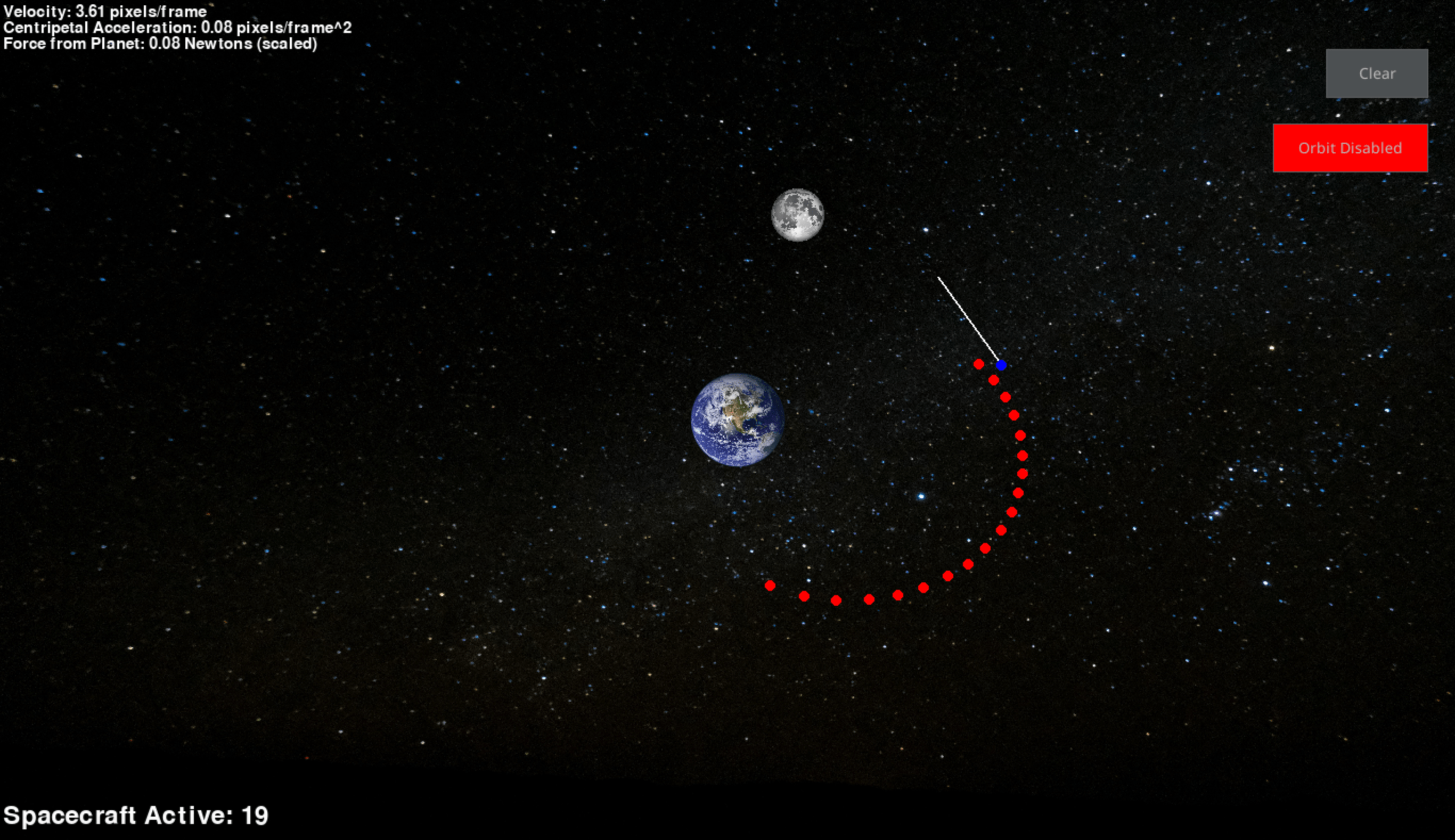
This is the environment with some spacecraft and no orbit control, allowing them to move freely within the gravitational environment.
-
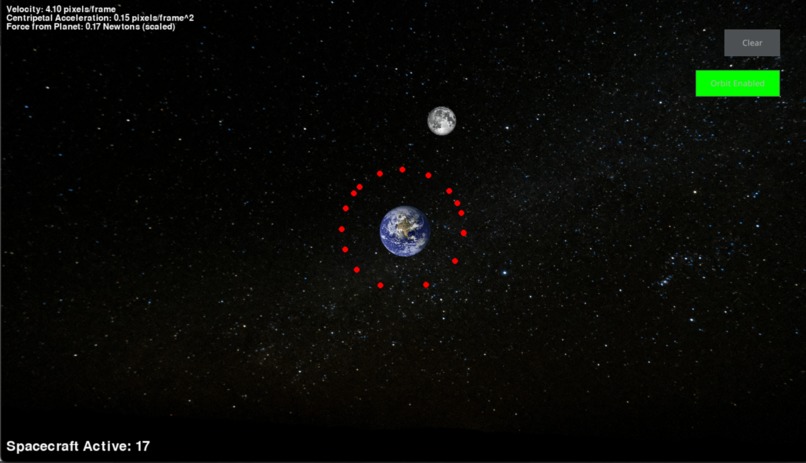
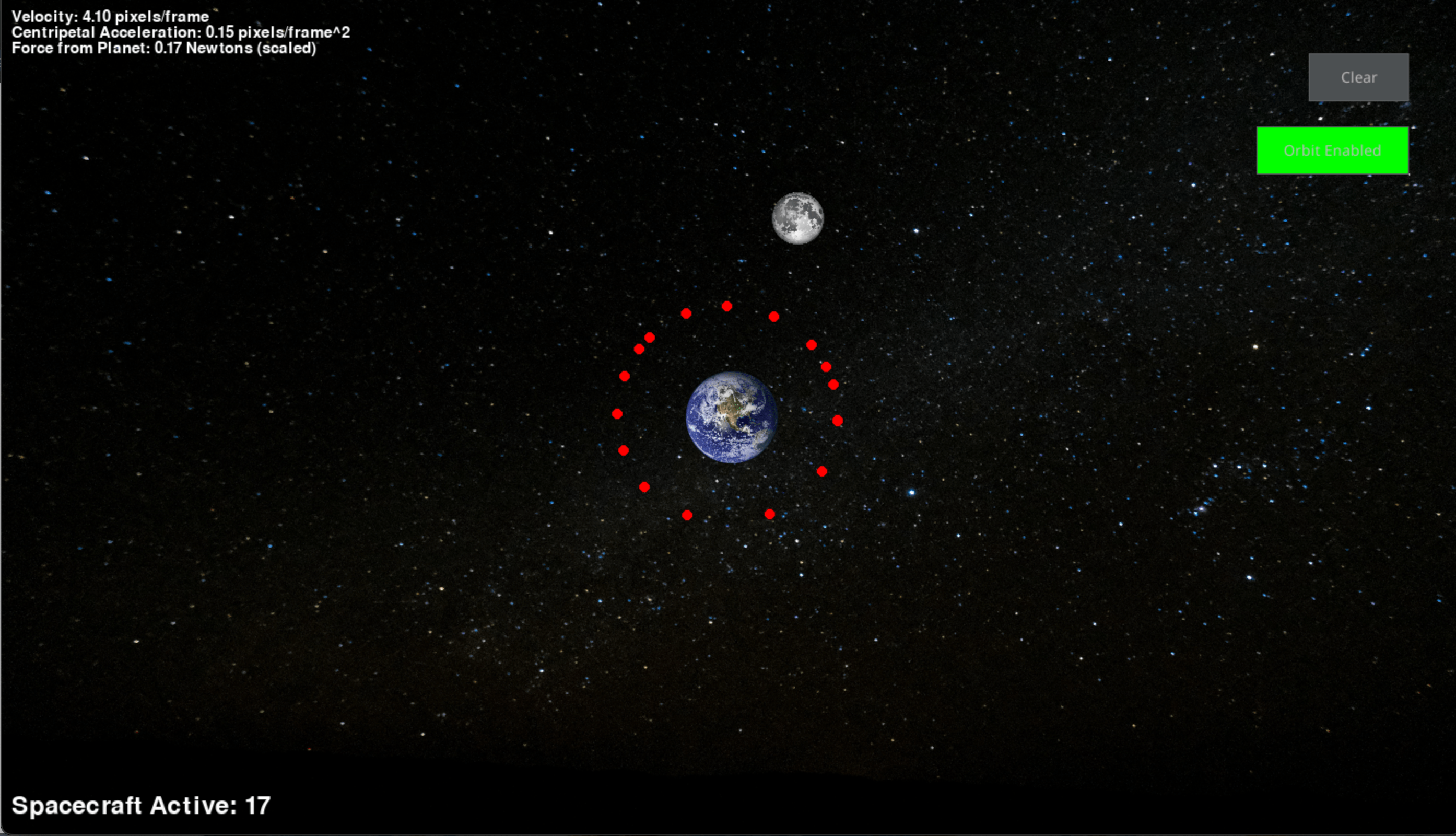
This is the environment with some spacecraft and orbit control enabled, but they are still subject to the moon's gravitational pull.
GraviSim: An Interactive Two-Body Simulation
Inspiration
The inspiration for this project stemmed from my fascination with space dynamics, specifically the motion of objects in orbit. Last semester in astrophysics, I was intrigued by how satellites, moons, and spacecraft interact with the gravitational pull of planets. I wanted to recreate this in a simple, interactive way to better visualize orbital mechanics and to experiment with the physics involved in space travel. I also wanted to understand how different variables, like velocity and distance, affect a spacecraft's trajectory. I felt like creating this simulation would be a fun challenge to combine my math, physics, and computer science skills, while also creating a tool that could be used to educate students in a classroom.
Building the Project
The project was built using Pygame, a library I’ve worked with somewhat in the past, but applying it to simulate gravitational dynamics presented unique challenges. The simulation involves a planet, a moon, and multiple spacecraft that can interact with these objects by moving in a gravity-driven system. The core components of the simulation include: 1. Planet and Moon: I created classes to represent the planet and its moon. The moon orbits around the planet based on its angular velocity and the planet's gravitational pull. 2. Spacecraft Movement: The spacecraft moves based on initial velocity and gravitational forces from the planet and moon. The movement of the spacecraft was tricky because the initial velocities were tied to the mouse movements, which I had to calibrate to ensure smooth transitions into orbit. 3. Gravitational Physics: I applied Newton’s law of gravitation to calculate the forces acting on the spacecraft. By using the force of gravity, I could compute the accelerations and velocities, which helped in simulating orbital and free-fall motion. 4 User Interface: I integrated a UI using pygame_gui, where users can spawn spacecraft, clear objects, and toggle orbital mechanics on and off. It also shows speeds, forces, and the centripetal acceleration of the spacecraft.
Challenges
- Initial Velocity: One of the most complex aspects of the project was initializing the spacecraft velocities. These velocities had to be proportional to the initial mouse movement, but ensuring that the spacecraft didn't fly off-screen or immediately crash into the planet required adjusting the scale factor of the velocity. The spacecraft’s movement had to be scaled based on the distance the mouse moved, which meant adjusting velocities in a way that would make sense within the context of orbital physics. It was a delicate balancing act to make the controls intuitive while preventing erratic motion.
- Auto-Orbit Functionality: Initially, I tried to make the system automatically put objects into orbit when they got within a certain distance of the planet, but the interaction between manual movement and the auto-orbit behavior was tricky to balance. I had to carefully manage the spacecraft's state to ensure that toggling auto-orbit didn’t break its motion or cause erratic behavior. Balancing the auto-orbit toggle while preserving user control was really important. I had to manage the spacecraft's transition into orbit properly and make sure that manual adjustments didn’t interfere with the automatic gravitational pull when enabled. I still wanted students/users to be able to see the difference between an automatically calculated velocity to keep the spacecraft in orbit as opposed to what happens from them controlling those variables.
- PyGame GUI Rendering: Another significant challenge was dealing with the blitting and rendering of various elements, particularly the toggle button and handling mouse events in PyGame. While I had some experience with PyGame from past projects, I struggled quite a bit with integrating all the visual components into a cohesive interface. Debugging issues related to button placement and mouse interaction was time-consuming, but overcoming these hurdles allowed me to create a more functional and user-friendly interface for the simulation.
What I Learned
This project taught me a lot about physics simulations and how different forces interact with each other in a system. I also learned how to apply gravitational equations in a game-like environment, which helped me visualize concepts I had only read about before. Working with velocities, accelerations, and forces in a 2D space was a great exercise in both physics and coding. Moreover, managing object interactions and states (like when a spacecraft enters orbit or collides with a planet) challenged me to think critically about game logic and object-oriented design.
From a development standpoint, I learned a lot about Pygame's rendering system and how to optimize the user interface elements so the simulation could run smoothly and be accessible to users. The toggle for auto-orbit and object removal on collisions added a level of interactivity that was both educational and engaging.
One Feature I’m Proud Of
In this simulation, the dynamic interaction between the spacecraft, Earth, and the moon is central. Imagine a spacecraft in orbit around Earth. It’s constantly affected by Earth’s gravity, keeping it in orbit. But as the moon orbits Earth, its gravity also pulls on the spacecraft, which can either speed up or slow down its orbit, depending on its position relative to the moon. For example, when the spacecraft is positioned on the opposite side of Earth from the moon, the moon’s gravitational pull weakens, and the spacecraft’s velocity remains stable. However, as the spacecraft gets closer to the moon, the gravitational pull increases. This causes the spacecraft to accelerate, as it feels a stronger pull from the moon, changing its trajectory and velocity. Mathematically, this is governed by Newton's Law of Universal Gravitation. The result is that the spacecraft’s overall velocity is dynamically changing, even though it's already in orbit around Earth. This constant tug-of-war between the Earth and the moon makes the spacecraft’s orbit unpredictable and gives the user a visual, hands-on understanding of how celestial bodies interact with each other. The auto-orbit toggle further tweaks the spacecraft’s velocity to keep it in a stable orbit, but as long as the user adjusts the spacecraft's path, the moon’s gravity will always add an extra level of complexity.
Notes
Additionally, all of the code is explained block by block in the jupyter notebook, which will walk you through all of my math, code, and reasoning behind everything. Left-click to place your initial dot, then drag to determine direction/velocity. Right click to release spacecraft.


Log in or sign up for Devpost to join the conversation.