Inspiration
I wanted to build a small timer that students can use to set a block of time for reading, studying or any other educational task, without touching their phone.
Most students time their study sessions on a phone. The problem is that the phone is the biggest distraction on the desk. You pick it up to start a timer, and a notification pulls you away before you’ve opened your book. A phone is a bad tool for a job that needs you to stay focused.
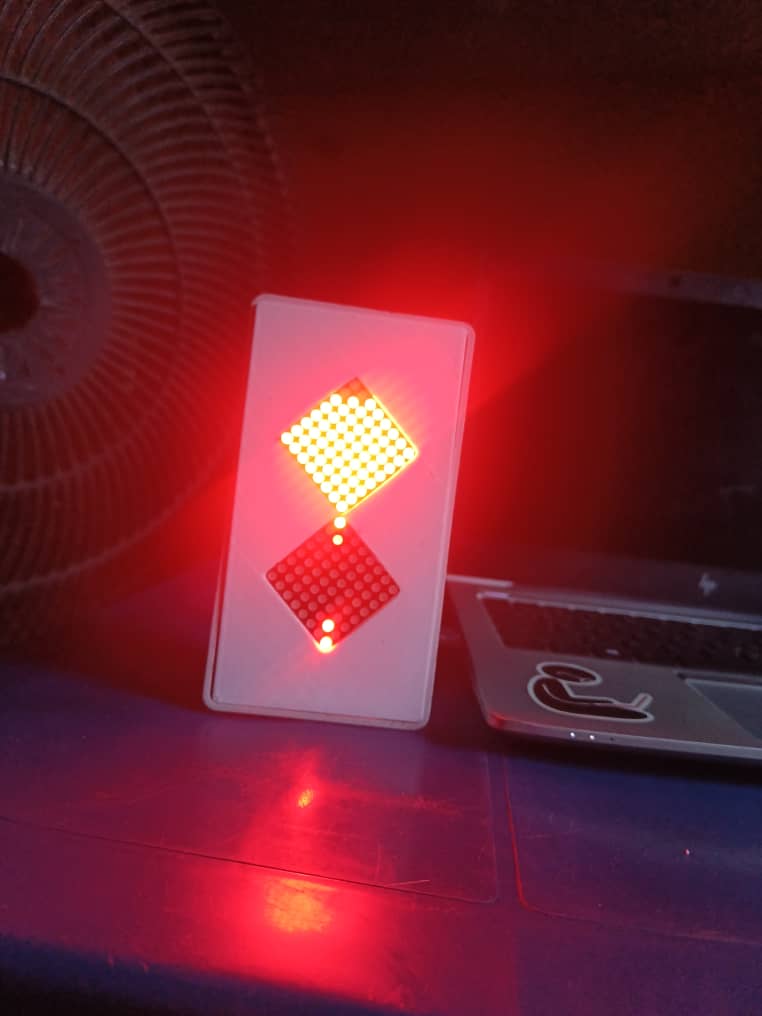
Hourgrain removes the phone from the process. It is a dedicated device with one job. You set the time, and it shows the time passing as sand falling between two LED displays, like a real hourglass. There are no apps, no notifications and nothing to scroll. When the time is up, a buzzer tells you to stop.
What it does
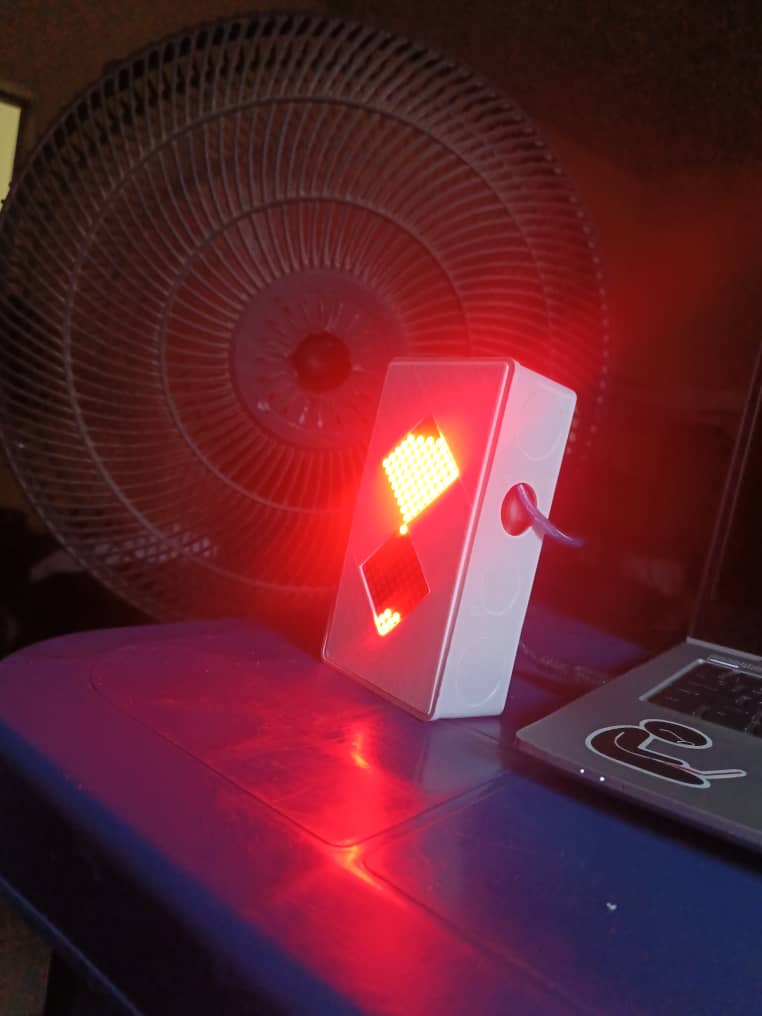
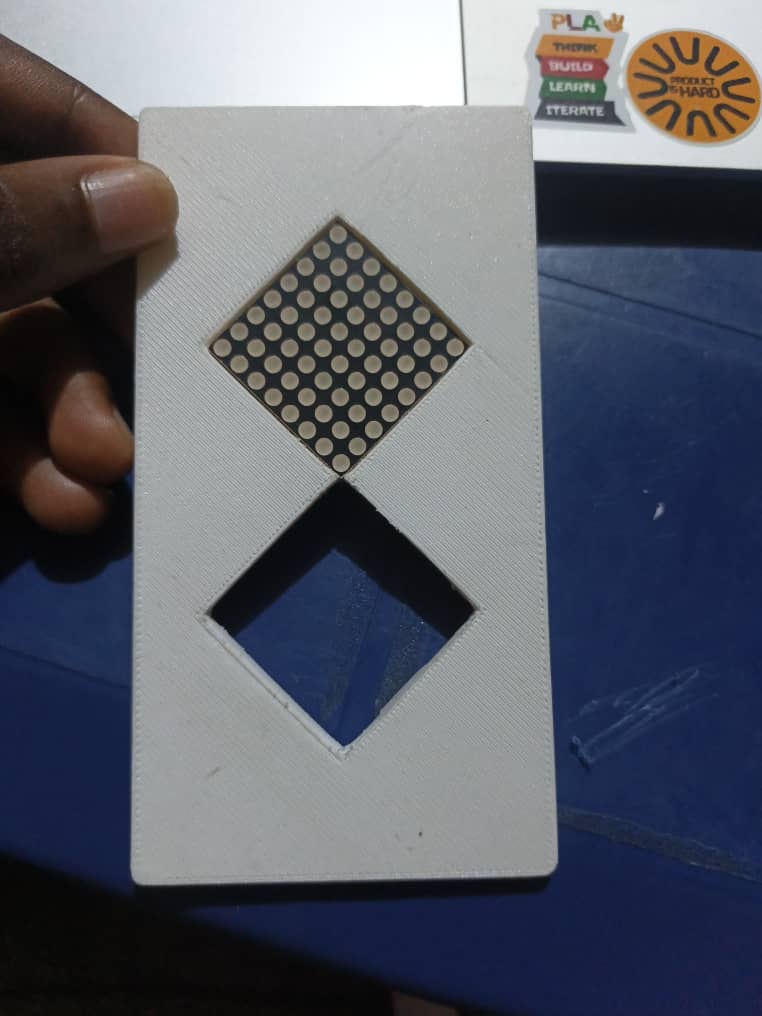
Hourgrain is a digital hourglass for study sessions. Two 8x8 LED matrices sit in a diamond layout like a real hourglass. The top matrix starts full, and “sand” falls one grain at a time into the bottom matrix. Flip the device and a motion sensor detects it, so the sand reverses direction. When the last grain lands, a buzzer sounds to end the session.
How I built it
Controller: Arduino Nano Display: two MAX7219-driven 8x8 LED matrices Orientation sensing: the motion sensor(MPU6050) accelerometer, Alert: buzzer Enclosure: 3D-printed case
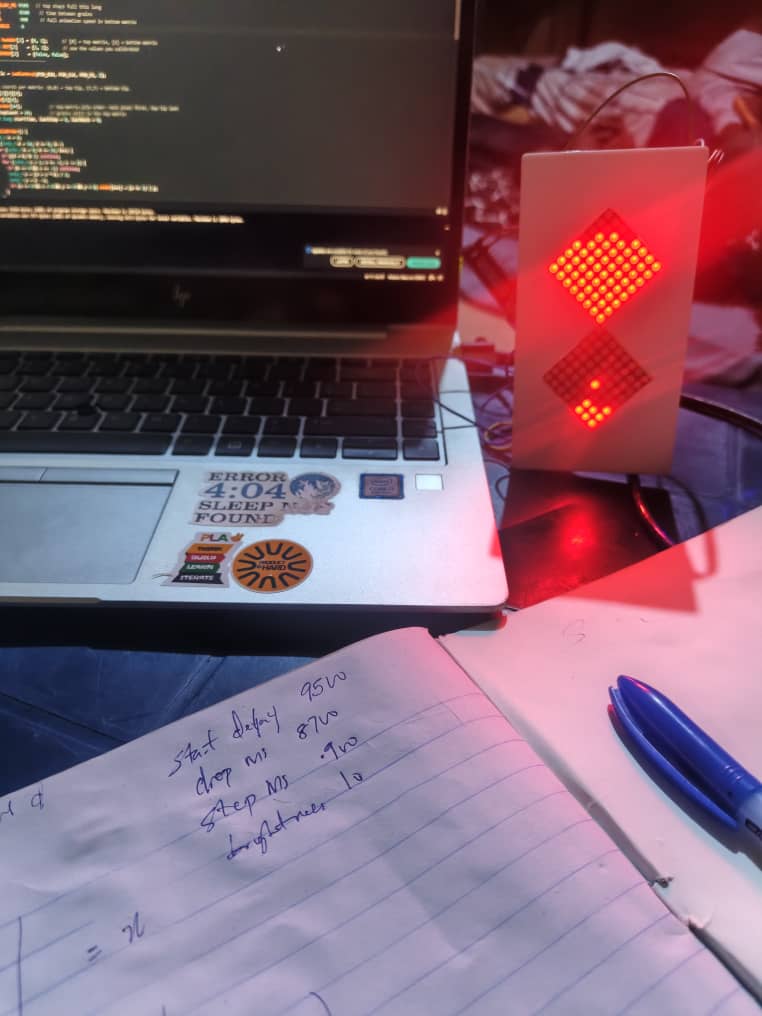
I built it in stages. First the sand animation alone, then the MPU6050 orientation sensing, then the flip behavior, then the case.
The calculations
Each matrix has 8 × 8 = 64 pixels, so a full session moves 64 grains.
Time per grain = total time ÷ 64
Session Total (s) Time per grain 5 min 300 4.69 s 10 min 600 9.38 s 25 min 1,500 23.44 s 45 min 2,700 42.19 s 60 min 3,600 56.25 s
In the code this is one line: grainInterval_ms = (minutes × 60 × 1000) / 64. For 25 minutes that gives 1,500,000 ÷ 64 = 23,437.5 ms per grain. The fall animation takes a fixed time, and the device waits for the rest of the interval before the next grain.
The time is adjustable. Only the minutes value changes, and the interval is recalculated automatically. Nothing else in the code depends on it.
Accuracy: the Nano’s clock is a resonator, not a precise crystal, so it drifts slightly.
Challenges
Diamond layout: rotating the matrices 45° meant remapping pixel coordinates so grains fall tip-to-tip. I had to calibrate the rotation values until the sand moved in the correct direction. Making it look like sand: grains drop from the top-most pixel one at a time. I tuned the timing so the fall reads as sand and not a blinking dot. Orientation sensing: I had to find which MPU6050 axis points along the vertical of the device (Z). Upright read about −11.5 m/s² and flipped about +8.0 m/s². The values are not a clean ±9.8, so the thresholds came from measured data, not theory. Flip behavior: on a flip, the sand in the new top matrix should fall toward the neck. It should not jump or teleport.
What I learned
Controlling LED matrices directly with LedControl and how matrix orientation works Reading an accelerometer and turning raw values into a reliable “flipped” signal Turning a real-world behavior (sand flow) into timing math and animation logic Designing the hardware and code together, because the case size and sensor placement both affected the software

