-
-
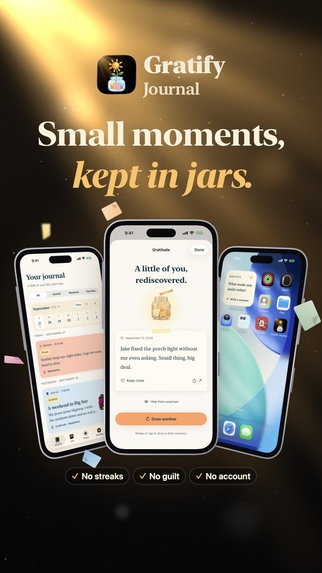
Gratify Journal
-
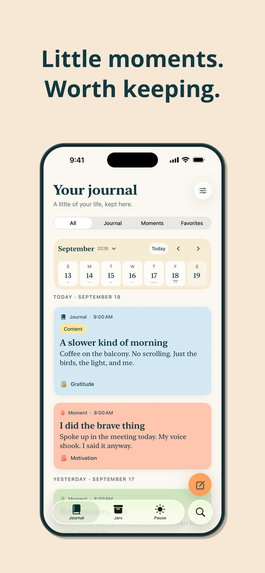
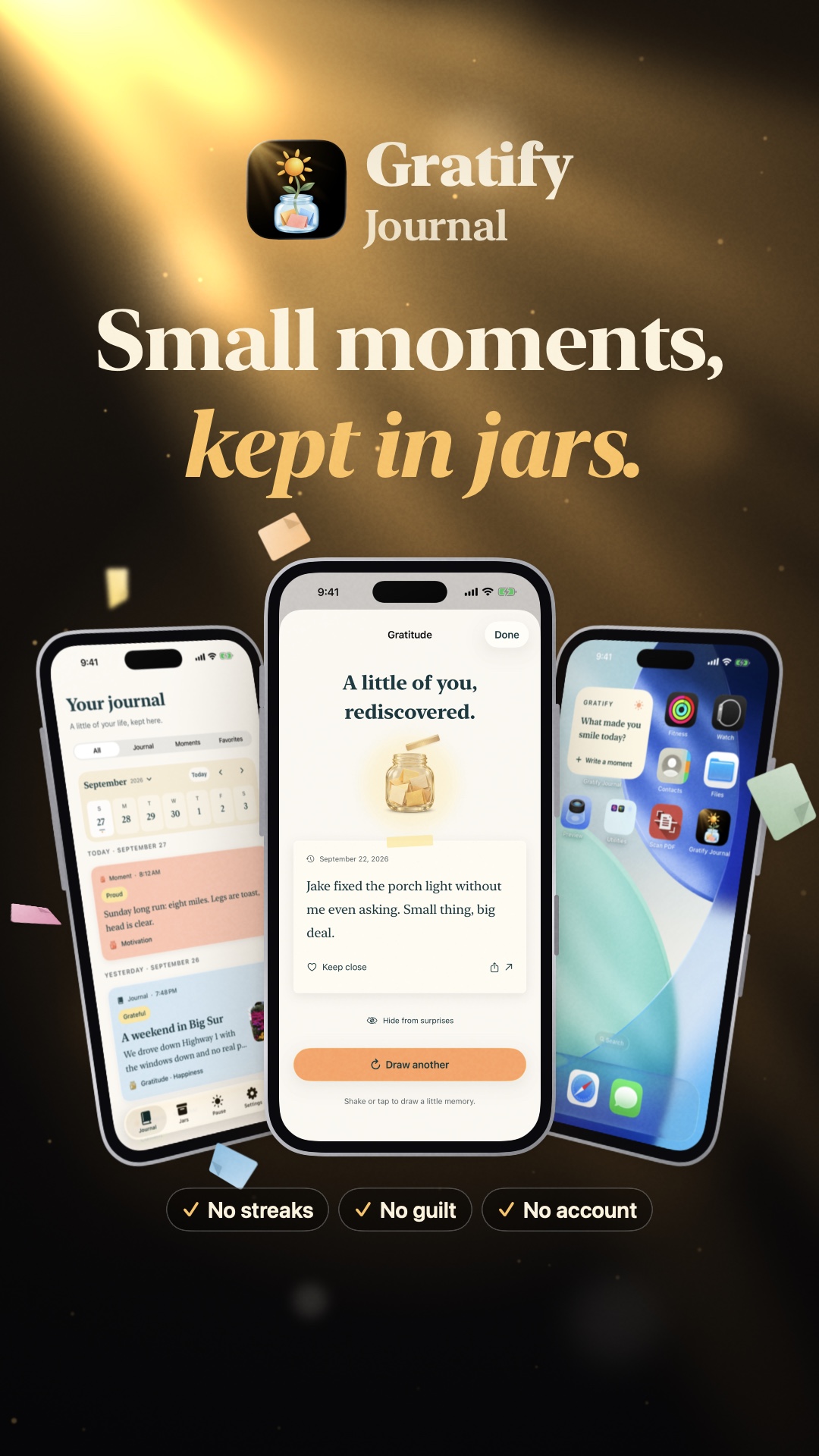
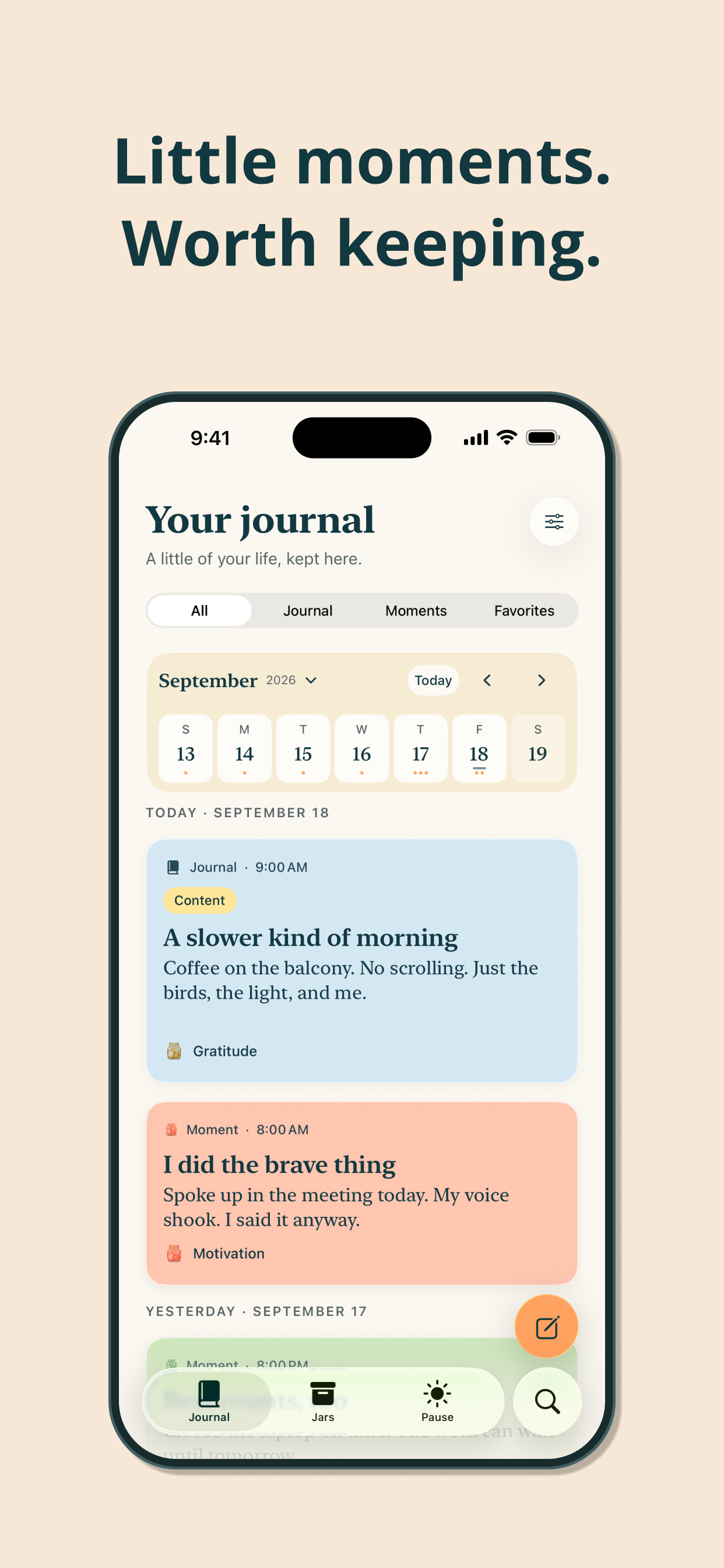
Quick moments or full pages, all in one gentle timeline.
-
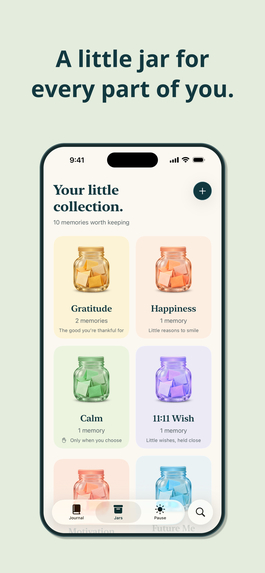
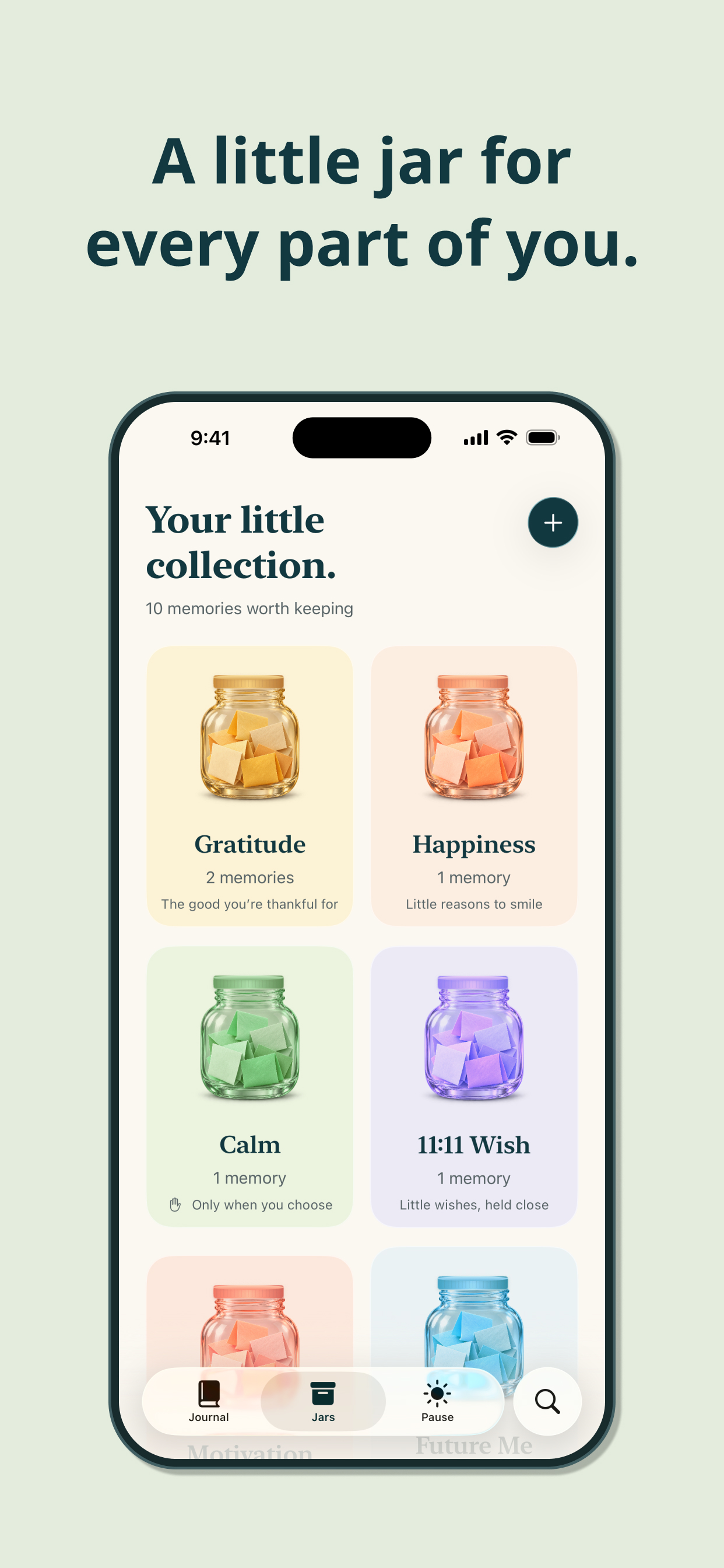
Colorful jars for gratitude, happiness, calm and wishes.
-
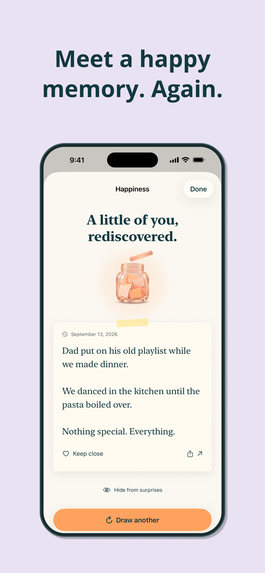
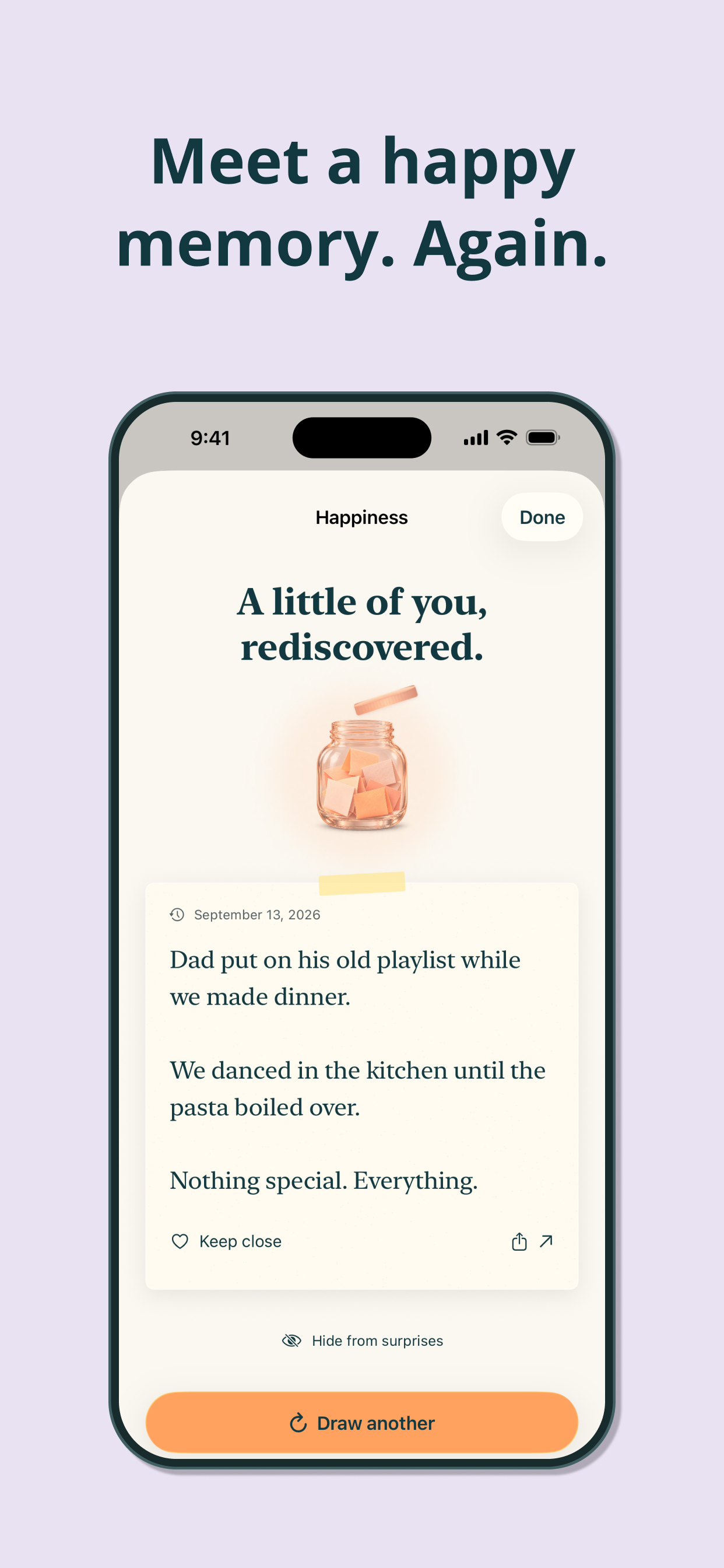
Shake a jar and a happy memory finds you again.
-
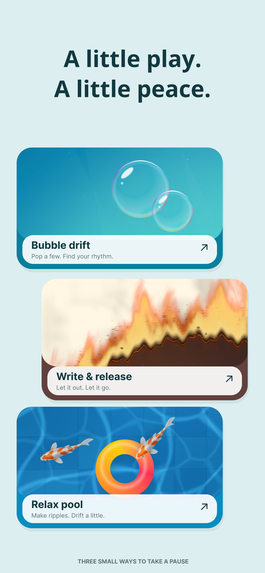
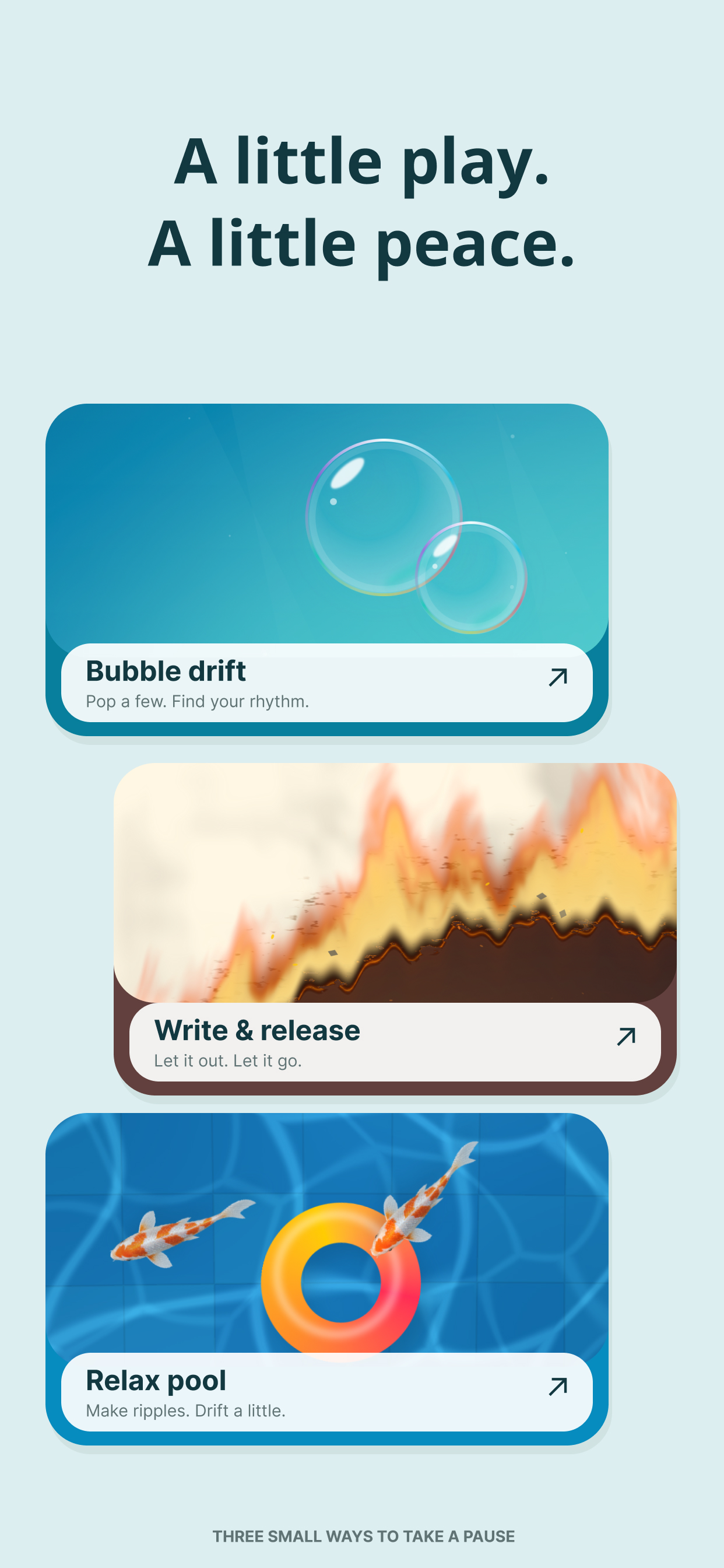
Pop bubbles, burn a worry, or drift in a calm pool.
-
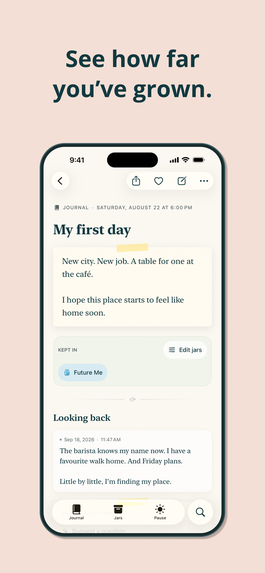
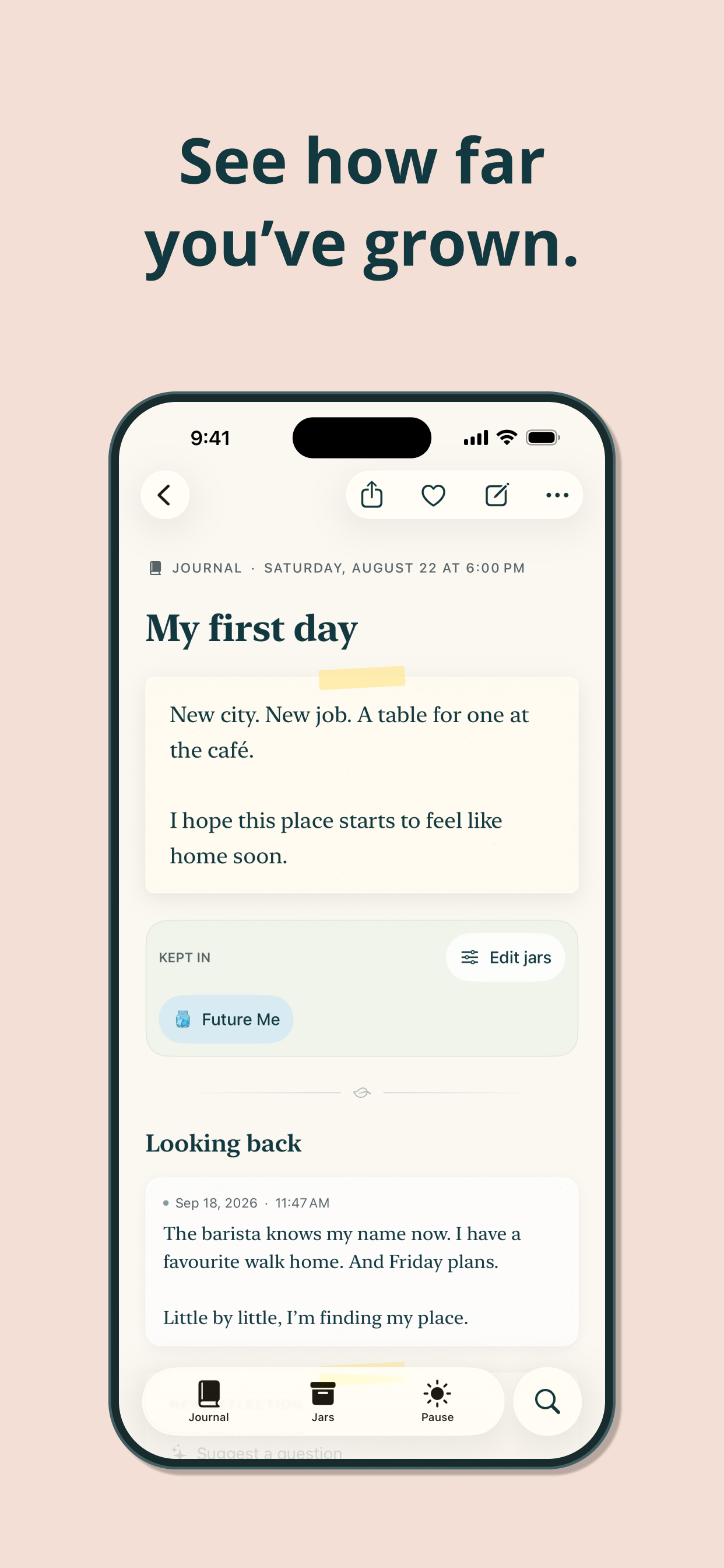
Add reflections to old entries and see how far you've come.
-
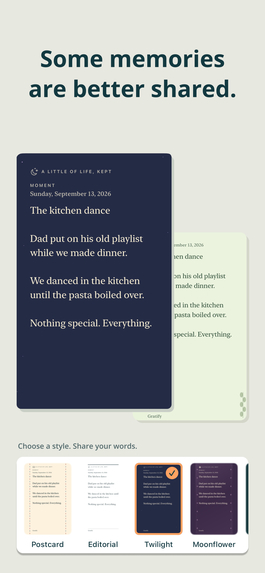
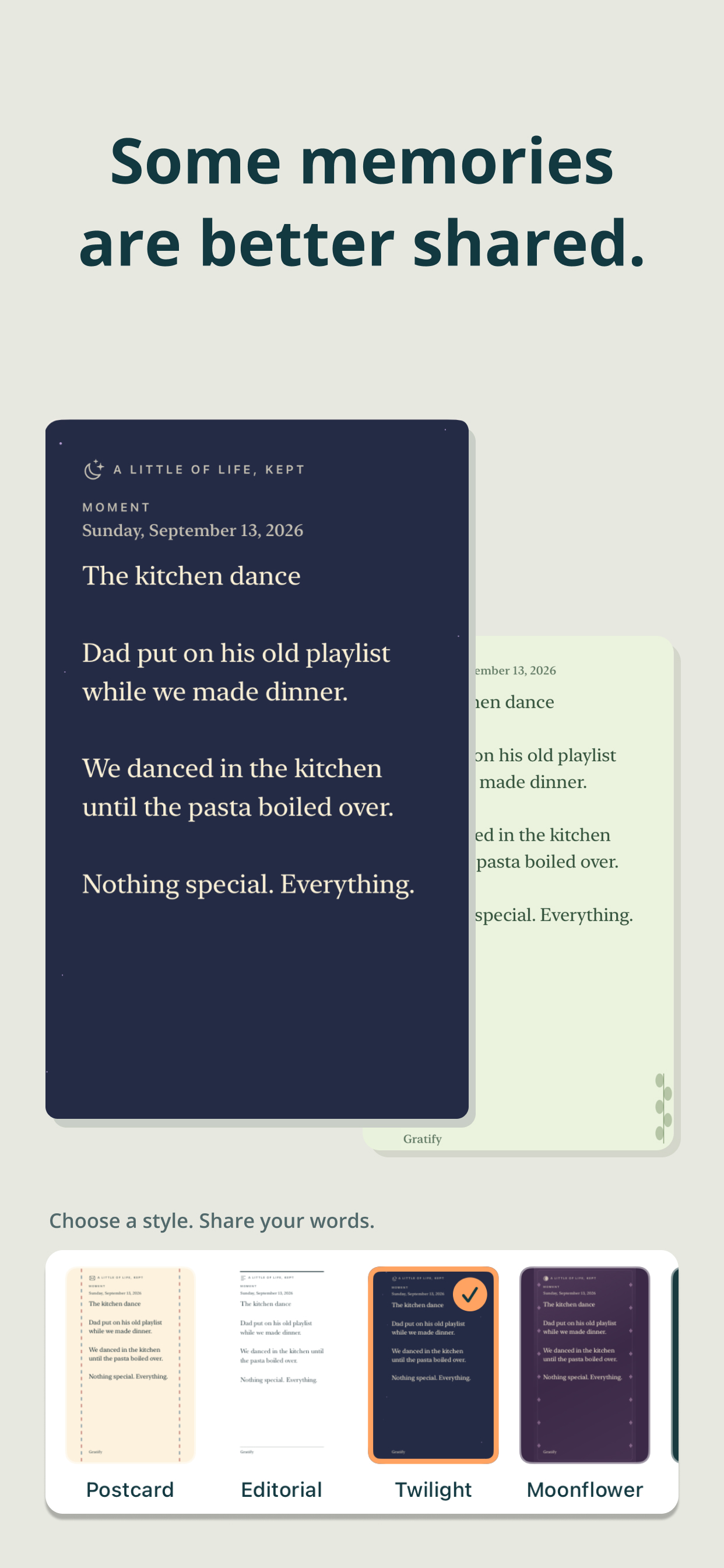
Share any memory with your loved ones in one of 14 paper styles.
Inspiration
Most journaling apps assume you have twenty quiet minutes and something important to say. Most days we have neither. We have one small thing: a text that made us smile, a win at work, a worry we'd like to put down. Streaks, blank pages and "you missed 4 days" notifications turn that small thing into homework, so people quit.
We wanted a journal that asks for a sentence, not a session. It should be somewhere to keep the good things so you can find them again on a hard day. And it should stay private: no account, no server, and no one reading your diary.
What it does
Gratify is a native iPhone and iPad journal built around three ideas.
✍️ Write a little
- Moments for one line and Journal pages for when you want to write more. Both can have a title, a mood and photos.
- A week strip and calendar timeline, with search and filters.
- Drafts save automatically and survive the app being closed.
- Voice input, with no audio saved.
- Looking back: return to an entry later and add a dated reflection. On supported devices, Apple's on-device Foundation Models can suggest a reflection question. AI questions are always labelled, and only that one entry's text is used.
🫙 Keep it in jars
- Moments go into colourful glass jars: Gratitude, Happiness, Calm, 11:11 Wish, Motivation, Future Me, Ideas, Kindness, Dream Life, and your own custom jars.
- Shake or tap a jar to draw a memory back out.
🌿 Take a pause
- Encourage me: a kind reminder paired with something you wrote.
- Help me relax: pop drifting bubbles, burn a worry on paper, or play in a little pool.
- Help me notice: a one-minute grounding exercise.
Also included:
- Liquid Glass on iOS 26.
- Siri and Shortcuts: "Write a moment in Gratify".
- Home Screen and Lock Screen widgets.
- Daily reminders and an 11:11 wish nudge.
- Export any entry as an image or PDF in 14 paper themes.
- Full Dynamic Type, VoiceOver and reduced-motion support.
No streaks. No guilt. No account.
How we built it
- SwiftUI and Swift 6, targeting iOS 17 and later.
- SwiftData with versioned schemas, plus a separate device-only store for drafts.
- Optional CloudKit sync into the user's private iCloud database. There's no backend of ours.
- Foundation Models and SpeechAnalyzer on iOS 26, with fallbacks on older devices.
- App Intents (including the
.journal.entryApp Schema) and WidgetKit. - Metal shaders and native animation for the Pause activities, and a custom paper-grain surface.
- RevenueCat for all purchases:
- RevenueCat Paywalls, configured in the dashboard, so prices and experiments change without an app update.
- Customer Center, so subscribers can cancel, get refunds or change plans in-app.
customerInfoStream, so renewals, refunds and grace periods show up live.- Entitlement matching that survives repricing:
ent_yearly_2027_24works with no code change, and an unrecognised active entitlement still grants access. - A shared app user ID through iCloud, so all of a person's devices count as one customer and Plus unlocks without tapping Restore.
How it makes money
Freemium. The free tier is a complete journal:
- Unlimited writing
- Four jars
- Reflections and reminders
- One photo per entry
- A daily session of every Pause activity
Gratify Plus (Monthly, Yearly or Lifetime) adds:
- Every jar and unlimited custom jars
- Unlimited photos per entry
- All 14 export themes
- Unlimited Pause sessions
- iCloud sync
We charge for more, never for access to your own writing. When Plus ends, nothing is deleted or locked.
Challenges we ran into
- Sync that respects "no." A diary going to the cloud should be a choice. We had to tell apart never asked and said no across devices, and offer sync exactly once, right after purchase.
- Lapsed subscriptions. We designed the lapse notice, a one-time banner and a free iCloud recovery so nobody believes they have a backup they don't.
- One codebase from iOS 17 to iOS 26, with Liquid Glass, on-device AI and new speech APIs, plus equivalent experiences on older systems.
- Honest AI. Suggestions are labelled, limited to one entry, cancelled when the app goes to the background, and never required.
Accomplishments that we're proud of
- A journal that feels like paper and glass, not a form.
- A free tier generous enough to recommend. People pay for sync and creativity, not to escape a lockout.
- A privacy promise we can make in one line: your writing never leaves your devices, except to your own iCloud.
What we learned
- Letting RevenueCat own entitlements and paywalls turned pricing into a dashboard decision instead of an app release.
- The best moment to offer sync is straight after purchase, when the customer has just decided they want Plus.
- Gentle design is hard engineering. Much of the work went into the states people rarely see: lapses, restores and failed downloads.
What's next for Gratify
- Paywall A/B tests with RevenueCat Experiments
- An introductory free trial
- More Pause activities and jar themes
- A Mac app and localisation

Log in or sign up for Devpost to join the conversation.