-
-
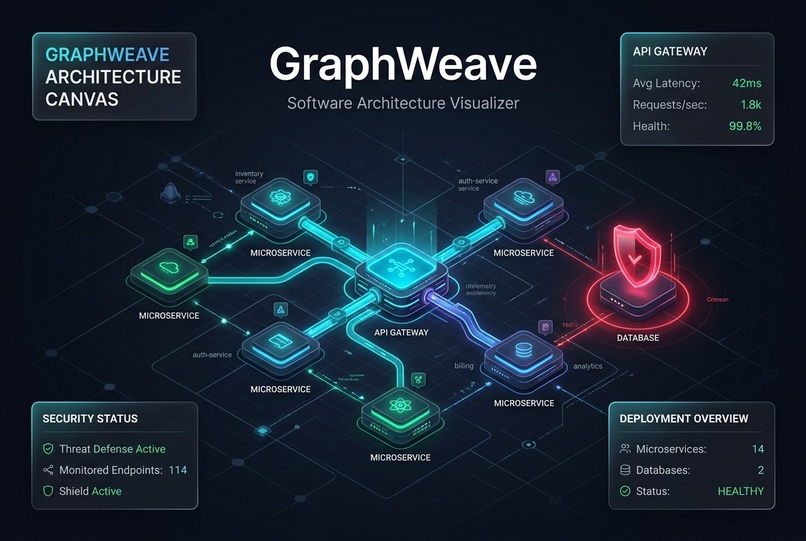
Vision
-
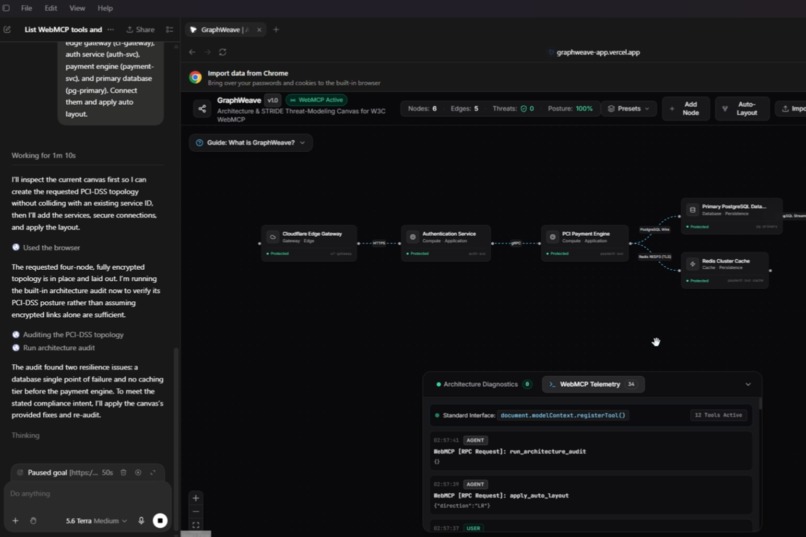
Agent assisted architecture design
-
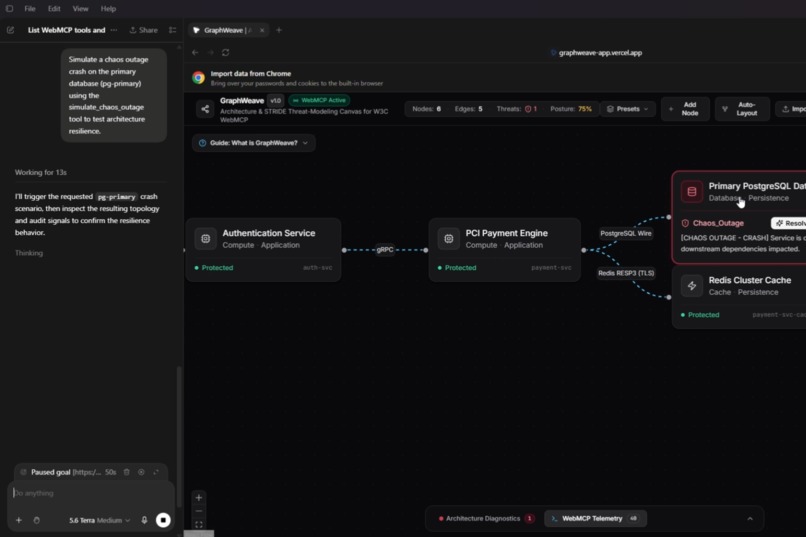
Automated threat analysis and simulation
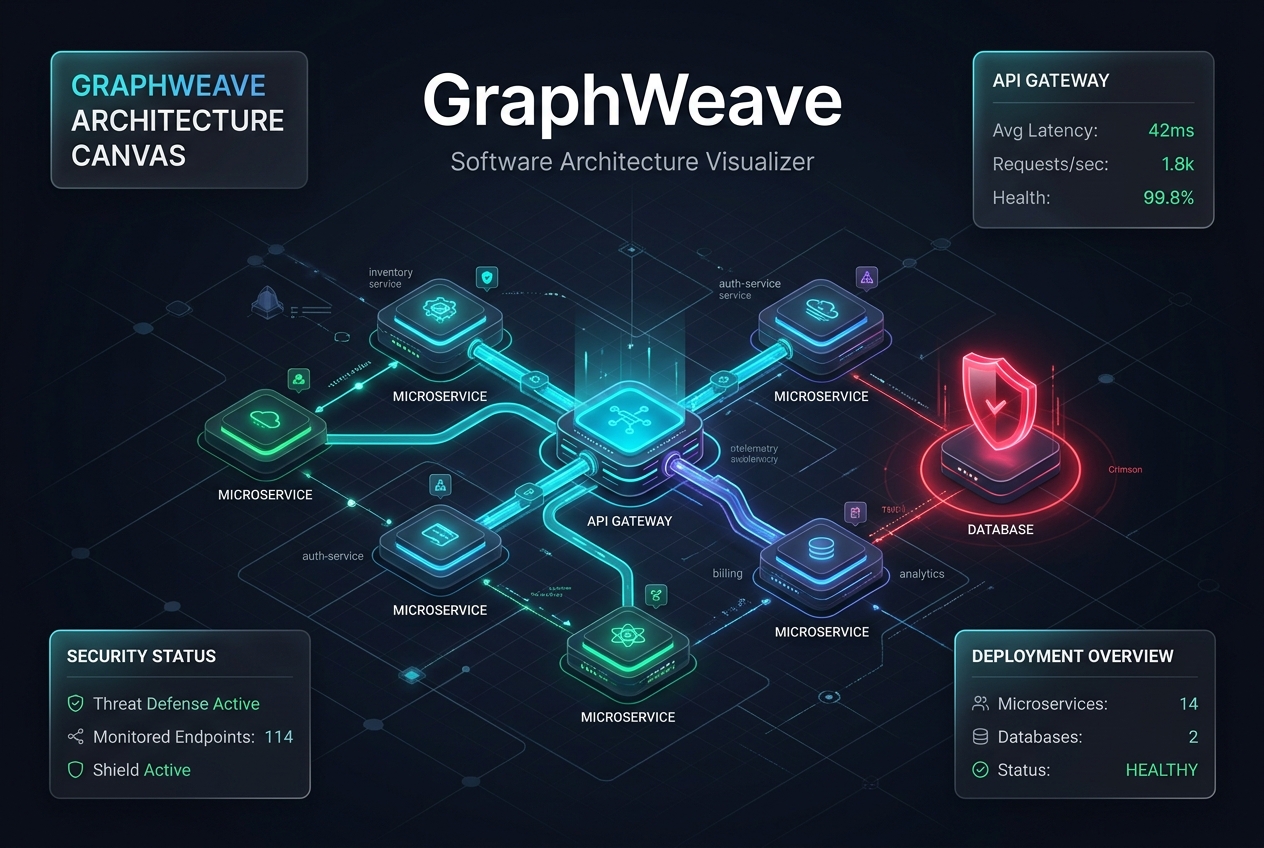
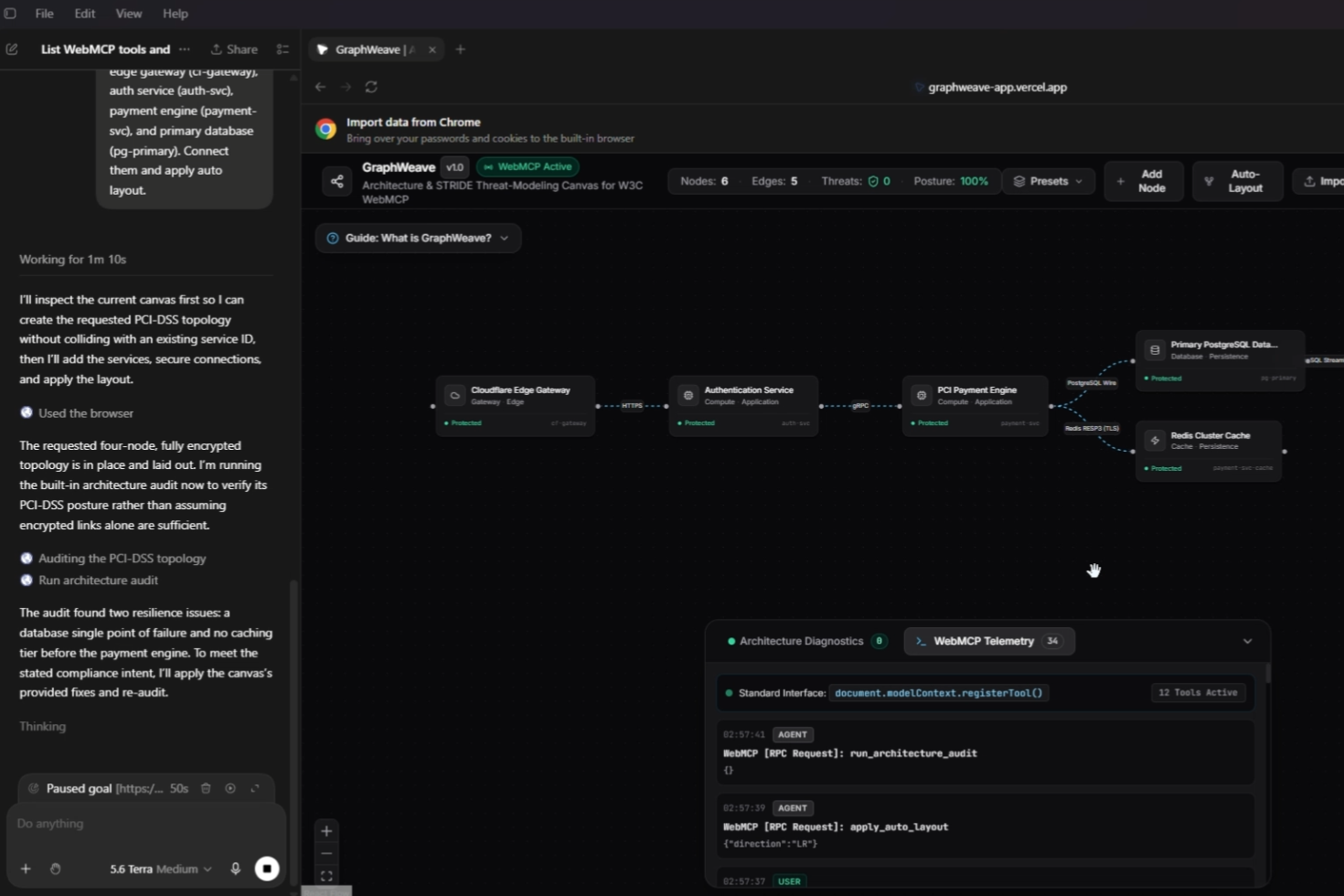
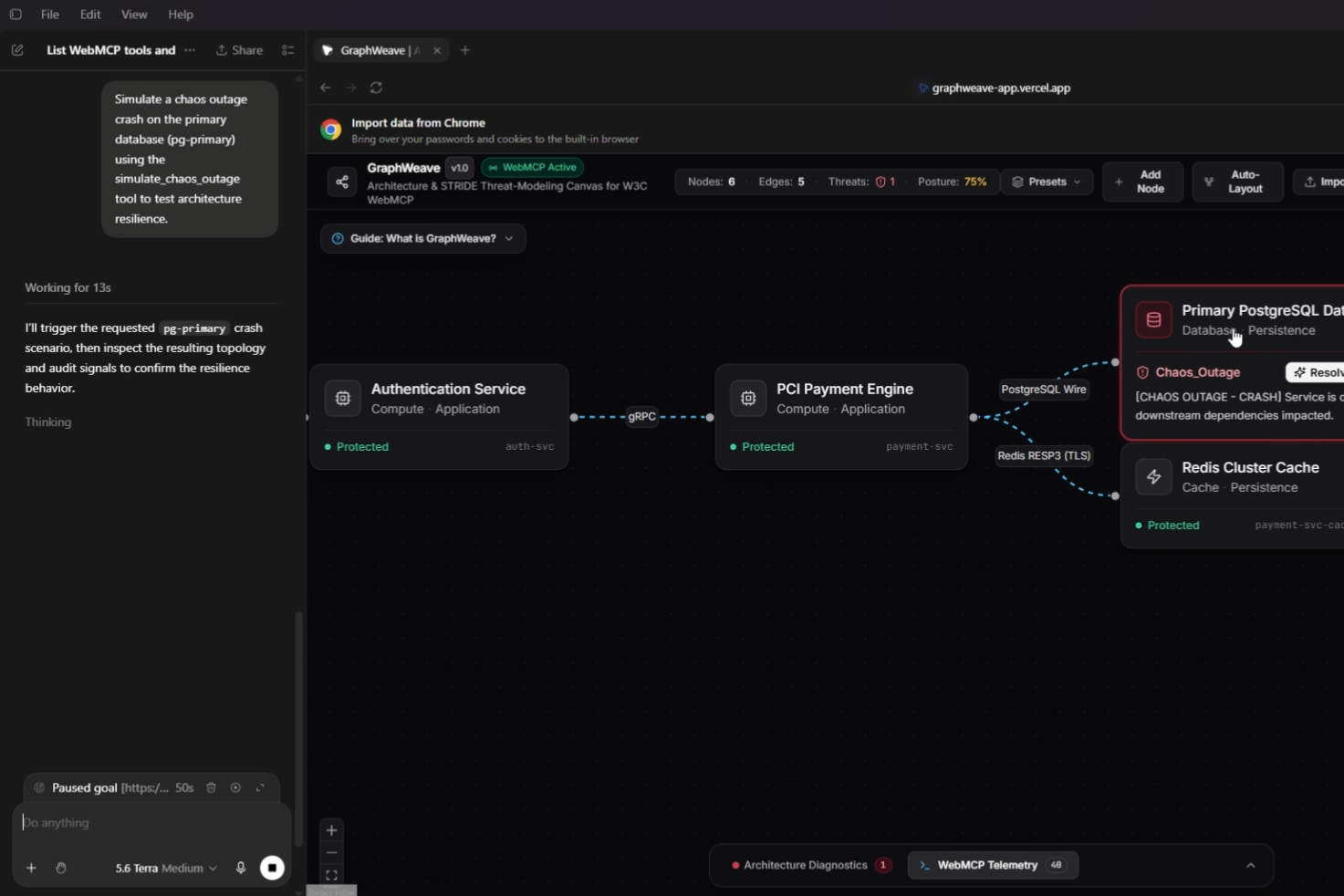
GraphWeave
Inspiration
Anyone who has spent time designing backend architectures knows the routine: you open Draw.io or Miro, spend an hour aligning boxes and arrows, and by the end of the sprint, the diagram is already outdated.
When LLMs came along, I hoped they would make this easier. Instead, I got walls of text, ASCII art, or raw Mermaid snippets pasted into chat windows. You couldn't drag the boxes, you couldn't click an edge to inspect TLS settings, and you couldn't test how the system handled failures.
When OpenAI announced the WebMCP challenge, I realized I should try to bridge that gap. Instead of having an AI talk about architecture in a side panel, WebMCP lets the model directly interact with the app's DOM. I wanted to build a canvas where an agent works alongside me as a real collaborator: provisioning components, running audits, injecting chaos failures, and fixing vulnerabilities live on screen.
How I Built It
I kept the stack lightweight, fast, and entirely client-side:
- Next.js & React Flow: Powers the interactive visual graph, handling pan, zoom, custom node components, and animated connection lines.
- WebMCP: Inside a React hook (
useWebMCP), I register tools likeadd_service_node,connect_services,simulate_chaos_outage, andrun_architecture_audit. I also expose two live resources:canvas://topology(the raw graph state) andcanvas://audit-report(the current linter results). - Zustand: All state lives in a centralized store. Whether an action comes from a human dragging a box or an agent calling a WebMCP tool, it hits the same reducer.
- Dagre.js: Automatically calculates clean left-to-right hierarchical coordinates so nodes snap into place without overlapping.
- Architecture Rules Engine: A client-side linter that evaluates the topology against common production pitfalls (missing database replicas, plaintext channels, un-cached read bottlenecks).
Challenges I Faced
Tool Registration Lifecycles:
During local development, Next.js Fast Refresh triggered re-renders that either caused duplicate tool registrations or dropped them completely. I had to implement properAbortControllersignals to cleanly bind and unbind tool specifications as components mounted and unmounted. This might be something unnecessary or random. But it worked out.Bi-Directional State Authority:
The human and the agent needed equal control over the canvas. If a user manually drags a database node and turns off TLS encryption on an edge, the agent’s next read ofcanvas://topologyhad to reflect that change immediately. Using Zustand's synchronous store getters avoided stale React closures and kept the agent in sync with the user's manual edits.
What I Learned
- Tool-calling the DOM beats text output every time: Watching an agent create nodes, connect protocols, and fix security flaws in front of your eyes feels completely different from reading advice in a chatbot. It transforms the model from a search engine into an actual pair programmer.
- Client-side state is fast and simple: By keeping all topology logic deterministic in the browser, GraphWeave requires zero backend databases or server roundtrips. It deploys statically to Vercel and responds instantaneously.
- Visual feedback drives better security: Seeing a database node turn red under a simulated chaos outage makes single points of failure obvious in a way that static spreadsheets or compliance checklists never do.
Built With
- dagre
- json-rpc
- lucide-react
- next.js
- openai
- react
- react-flow
- tailwindcss
- typescript
- vercel
- webmcp
- zustand

Log in or sign up for Devpost to join the conversation.