-
-
GraphUI - Get your idea working in seconds.
-
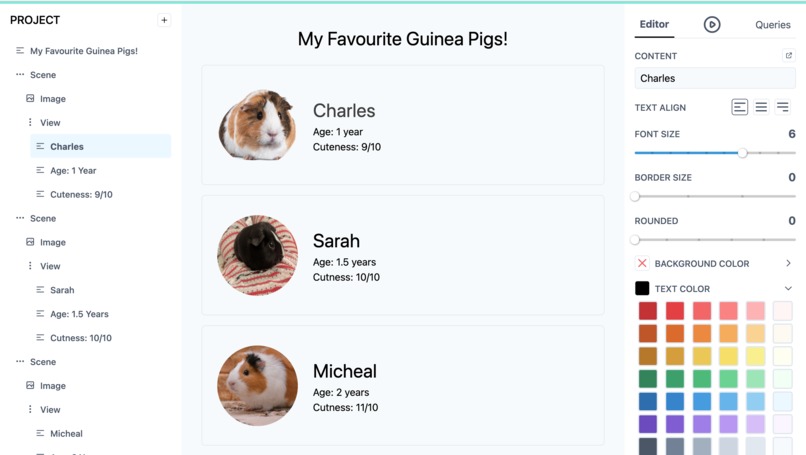
Builder - Start your journey with this simple but powerful UI creation tool.
-
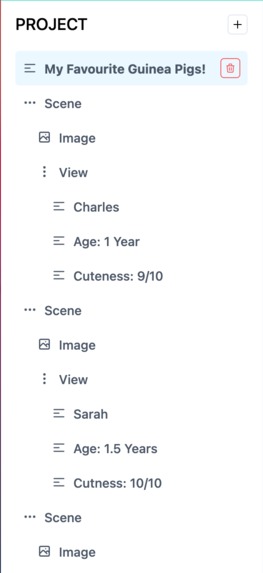
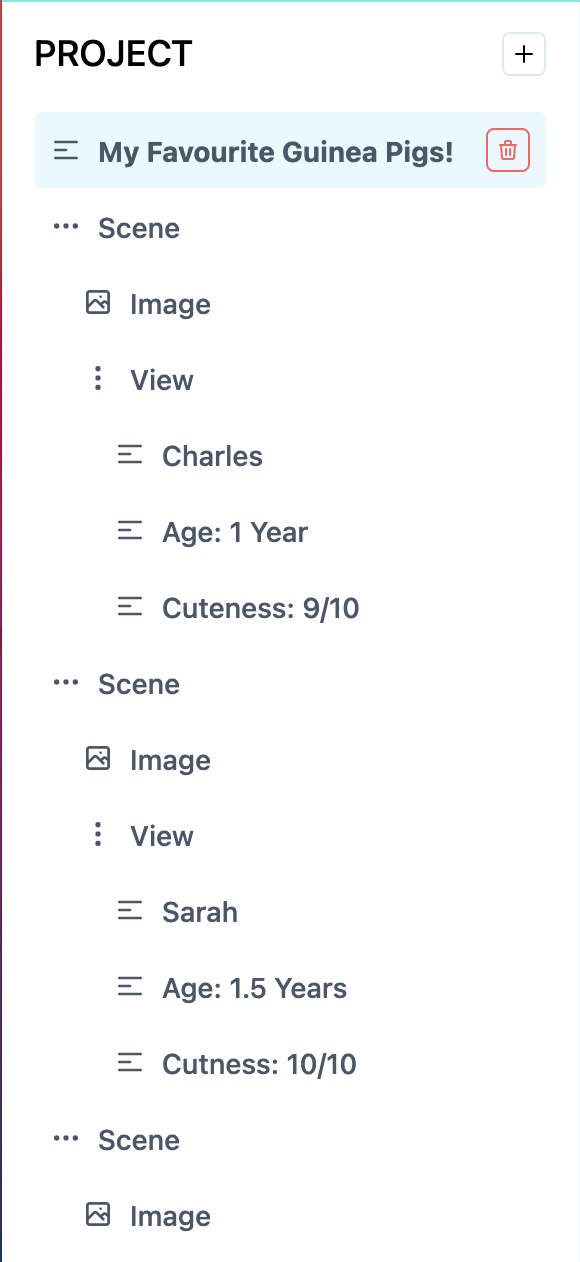
Project - View your entire app's structure at a glance.
-
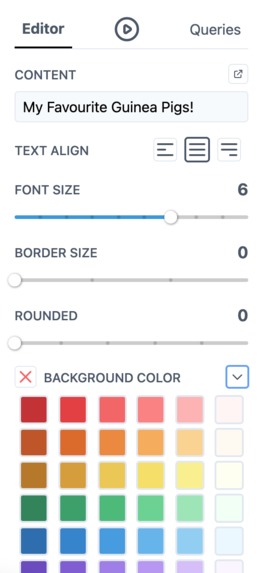
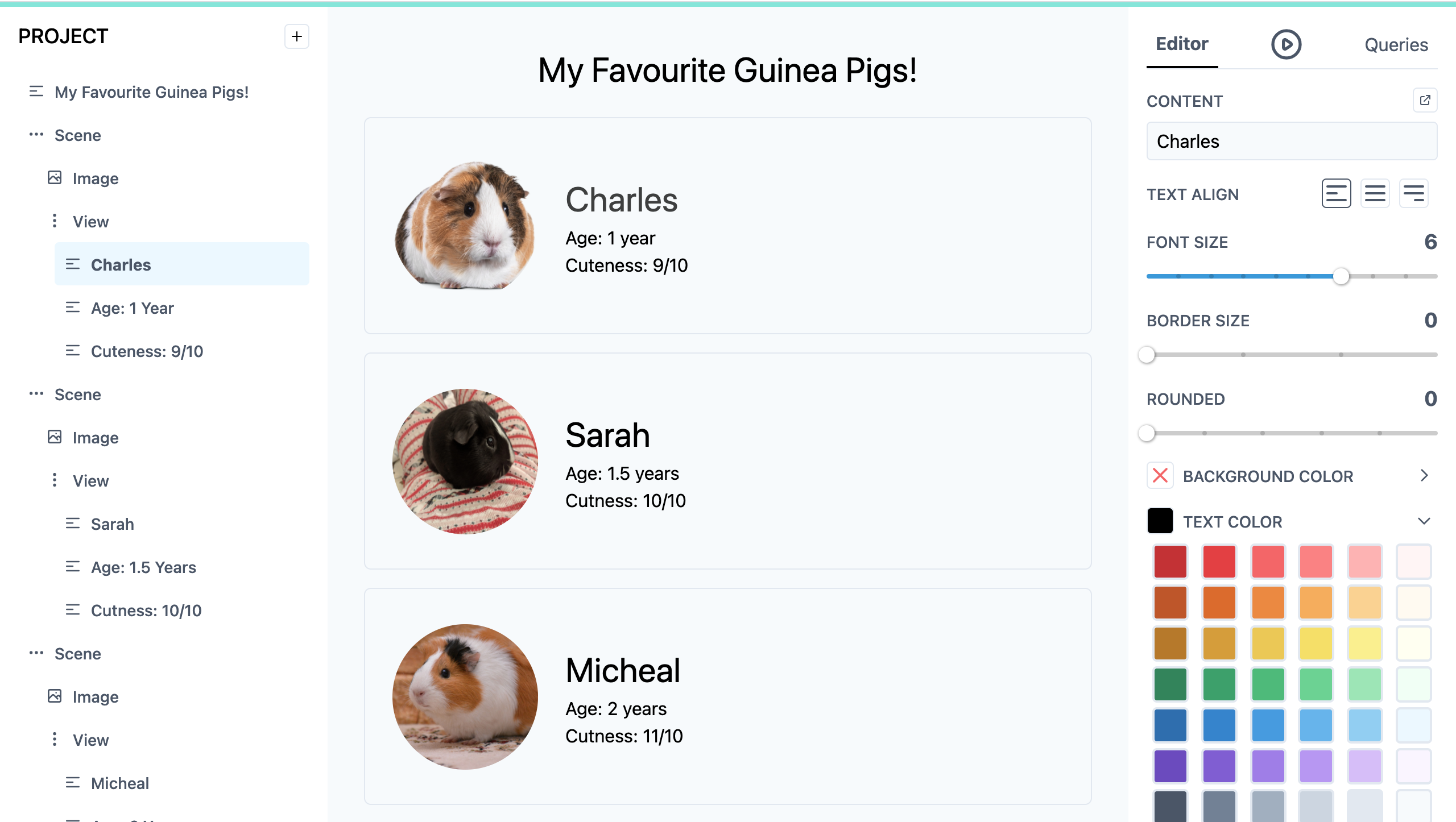
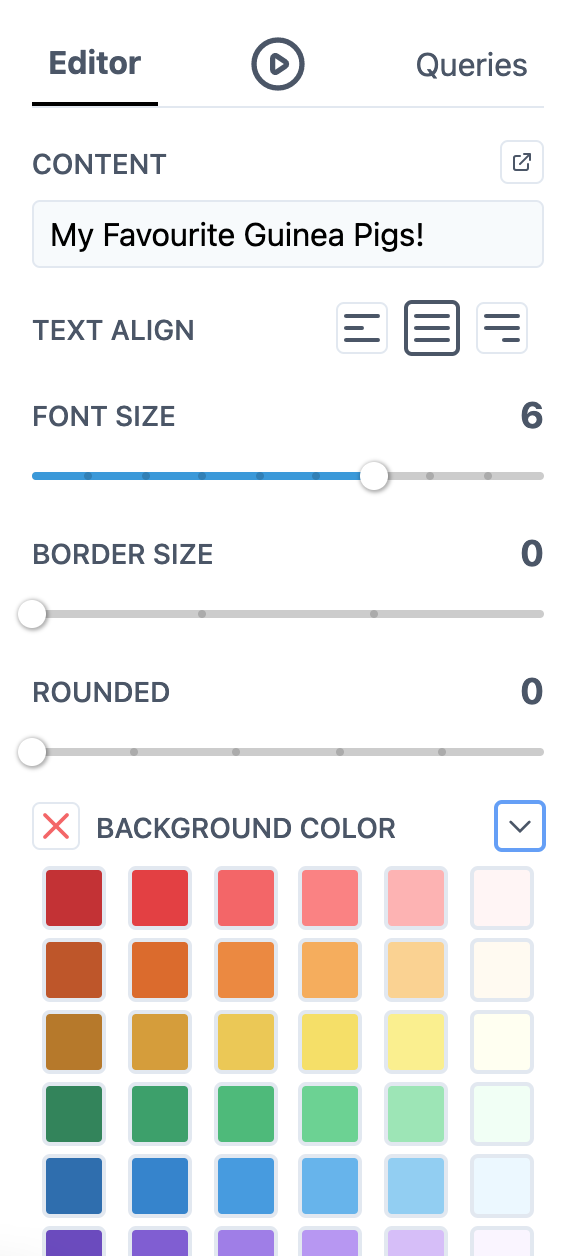
Editor - Fine tune each component to your liking.
-
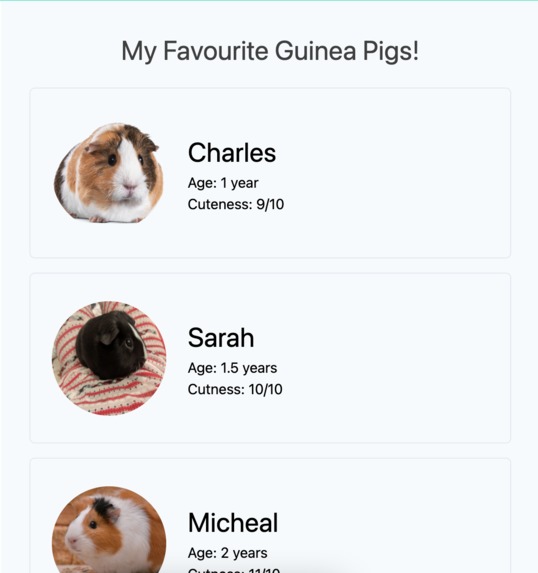
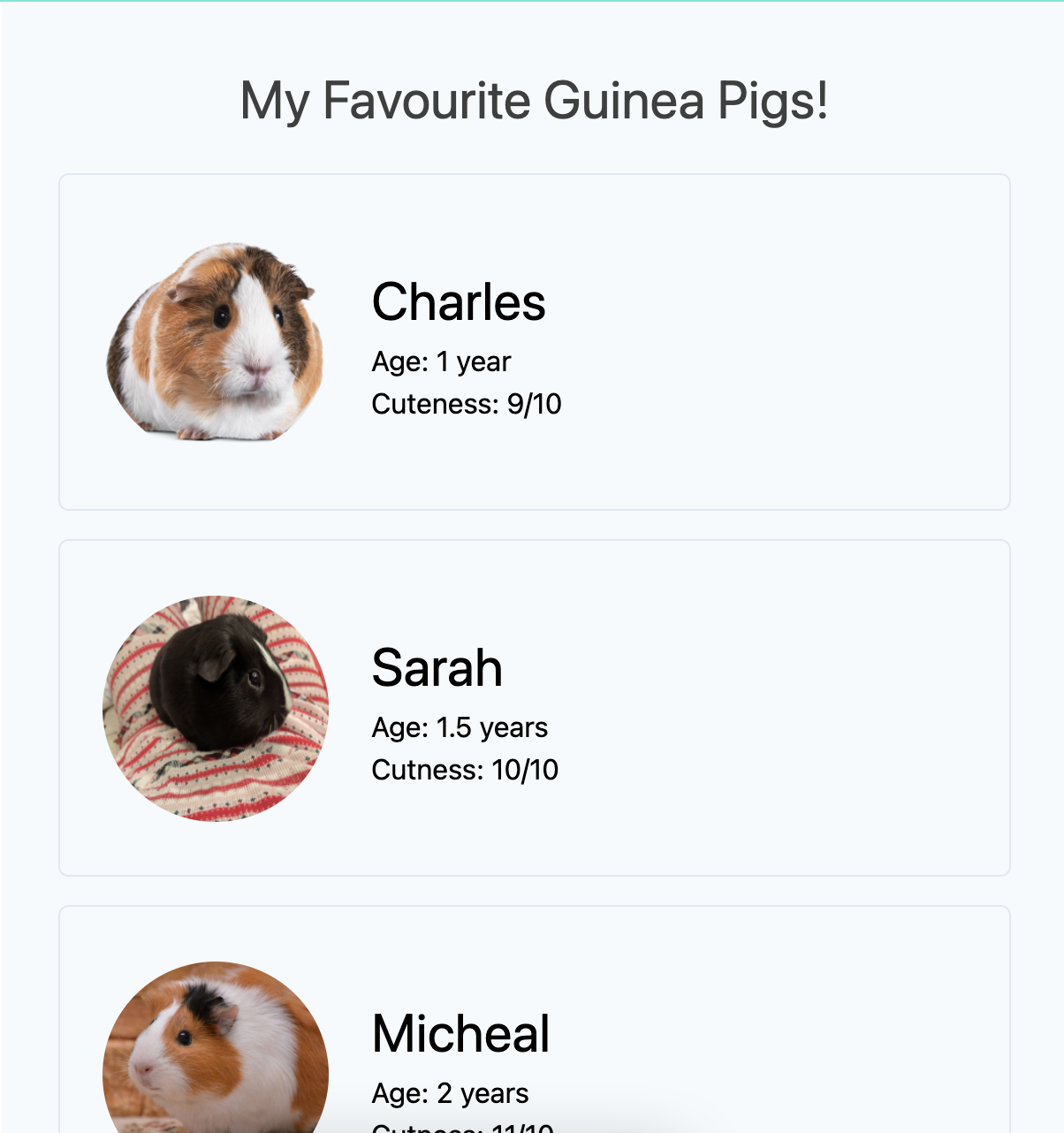
Preview - See exactly what your app is going to look like- updated live as you edit.
-
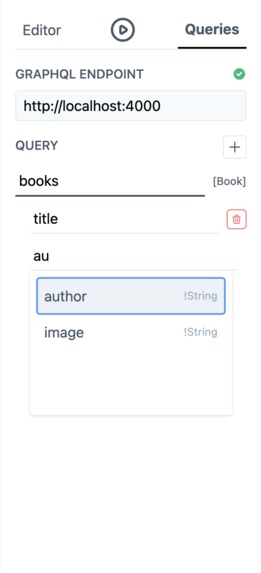
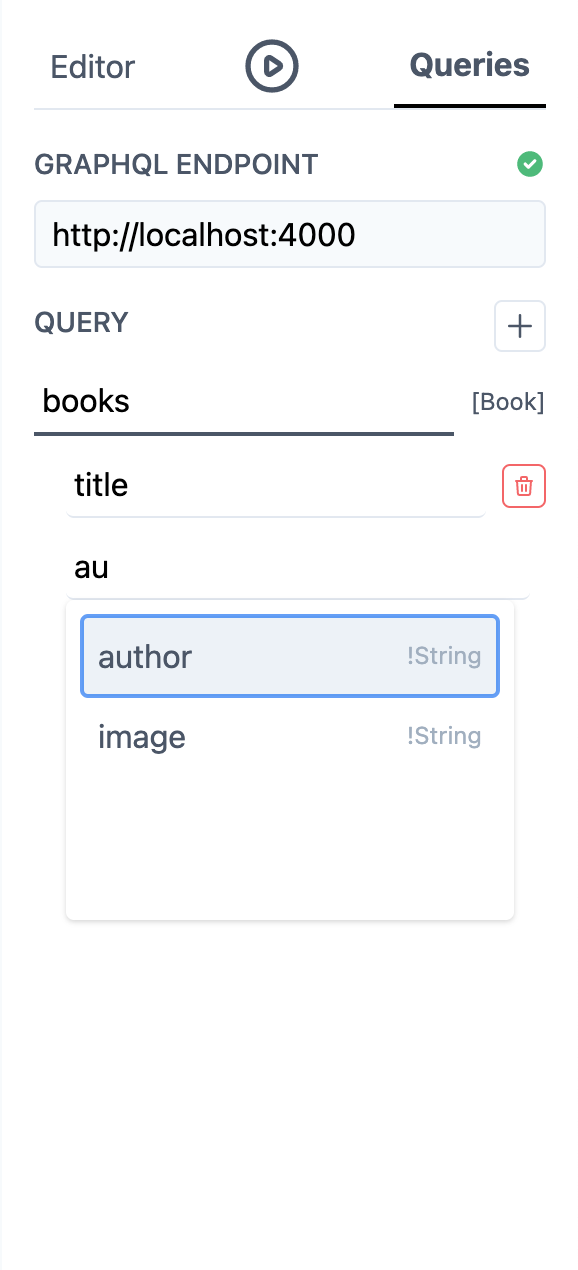
Queries - Easily build your queries by typing exactly what you want to get via intelligent suggestions.
-
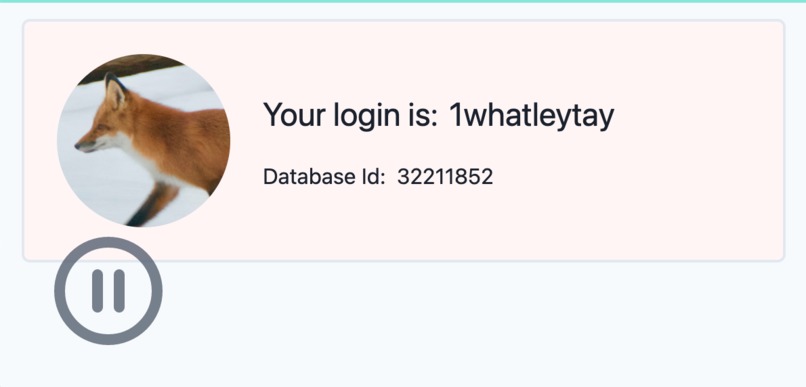
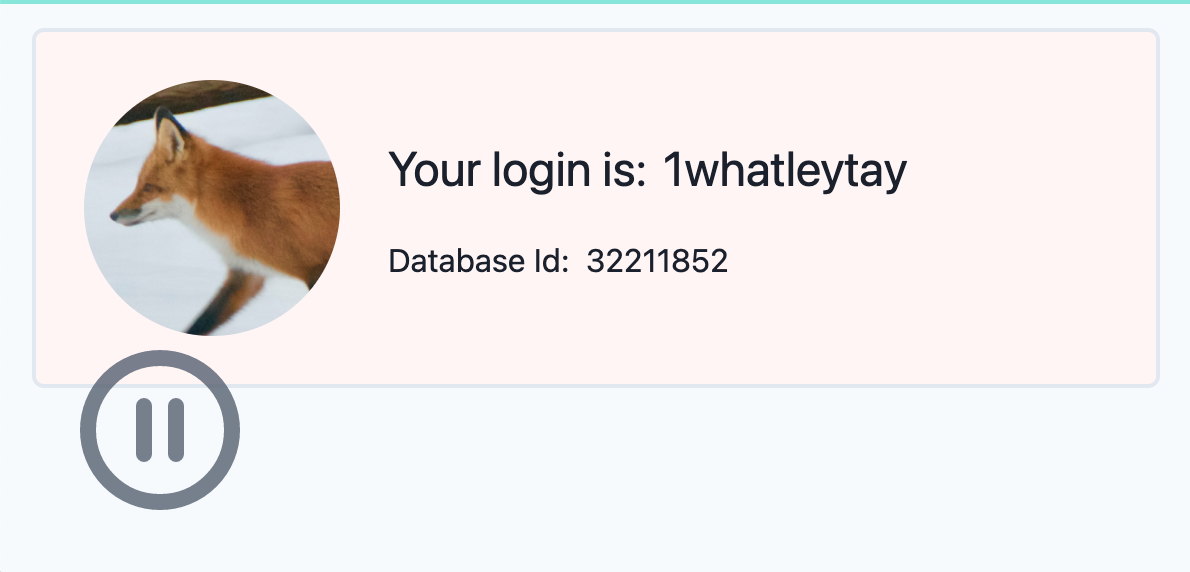
Run and Debug - Build and run your apps, see them in action!
Inspiration
As a beginner, entering into the scary world of app development can be a frighteningly difficult task. Each and every tool you use has its own quirks and complications that can throw you for a loop. Rarely do you have a visual representation of what is going on, and when you do it's coupled with complicated concepts like "constraints." Your final project is often broken into "logic" and "visual" sections, and it's often left unclear how these two interact.
When I was a beginner, I struggled to figure out simple things in frameworks like UIKit, Android XML and Windows Forms. It was a real uphill battle. I had a secret word for these tools, a "comprimisolution-" a tool that could solve your problem but you'd have to give up something nice, like intuitiveness, easy of use, no code, etc. Recently, I was teaching a friend a tool called Vue.js, and he ran into the same issues I had when I was a beginner. After that session, I began thinking about ways we could streamline and simplify the process of building an app.
What it does
GraphUI is the solution to this problem. Its a strong "all-in-one" app development tool that helps your app get out of your mind and onto your device. It was designed with intuitiveness and ease of use in mind to help beginners get comfortable with the tool. To achieve this, GraphUI sports a streamlined but powerful UI builder that reflects how your app will look live. Usually, when you want to bring functionality to your app (via the internet), most frameworks will just give up and force you to go back to your programming language. GraphUI brings life to your app in a unique way: super easy to use queries. Thanks to technologies like GraphQL, its as simple as typing in exactly what you want to get ("I would like the user's email please") and just dragging it wherever you want in your app. GraphUI will even suggest helpful queries as you are building your app to help you get your work done that much faster. Using GraphUI, you can create your app in minutes, completely working, without writing a single line of code.
How I built it
I used Vue.js and Tailwind to create most of the builder interface. It was a lot of fun! Tailwind makes designing everything so fast and easy, and you end up with this pretty clean look at the end.
GraphQL has an interesting property that made lots of the helpful parts of GraphUI possible- introspection. This means, theoretically, a user could enter some website like papascooking.com/graphql and any program could instantly recognize all the possible requests it can make to that website (ex. makePizza, serveDinner). Through introspection, I can make conclusions about what the user is trying to get, and build an actual GraphQL query representing exactly what they want. It also lets me give them some cool suggestions and information about what they're querying.
Challenges I ran into
One of the hardest problems I had to tackle was allowing the user to create lists of items from queries. I wanted the user to be able to ask for a list of "books," and have the app create different elements for each book containing each their title, picture, author, etc. This turned out to be much more difficult than I initially thought it would be... I had to take about half an hour planning on paper, and I eventually came up with an infallible plan to make it work! Now it works! It was a real joy to see that get crossed off my list.
Accomplishments that I'm proud of
I had no clue I could make a whole UI editor and query builder within 36 hours. However, as time went by, I realized I got a lot more done than I expected. I'm proud about the number of different configuration options, and how easy they were to change. I'm really proud about how polished the whole experience feels, I am almost confident this could go straight into production!
What I learned
I pushed out of my comfort zone for this project and forced myself to use tools like Vuex and GraphQL. I also got more comfortable with the inner working of Vue.js, a framework I wasn't completely confident with going into the project.
What's next for GraphUI
I'm planning to add an option to export your program to some text you can share with your friends (I hope I finish this before the hackathon is over). Creating and sharing something cool with my friends is one of the core reasons I keep programming, and I want anyone who happens to visit the site to have that experience too. I think it would be interesting to see what people would create with a creation like this.
I absolutely dislike how most modern app frameworks force you into this 50% storyboard 50% code relationship with your project. If you want to develop for web, your project will be split into at least 3 different languages (HTML, CSS, JS, maybe PHP, maybe SQL and a bunch of frameworks if you want to meet your deadline) and this is completely unfair to any beginner. Many of my recent projects have been working towards addressing this "split project" issue, and I'm really happy to add GraphQL to that league.
Built With
- graphql
- tailwindcss
- vuejs


Log in or sign up for Devpost to join the conversation.