Graphix — Devpost project page
Inspiration
Infographics are the most efficient way to make a number memorable, and almost nobody can make one. Not because the information is hard, but because the tooling assumes you are a designer: you pick a template, hunt for the right layout, fight the spacing, and give up and post a screenshot of a table instead.
The thing that made me build this was a specific frustration with AI image generators. They will produce a gorgeous infographic with completely wrong numbers on it. Text rendering in generated images is unreliable, and for an infographic the text is the content.
Graphix generates the visual structure, but keeps the content as structured data so the numbers are exactly what you gave it.
What it does
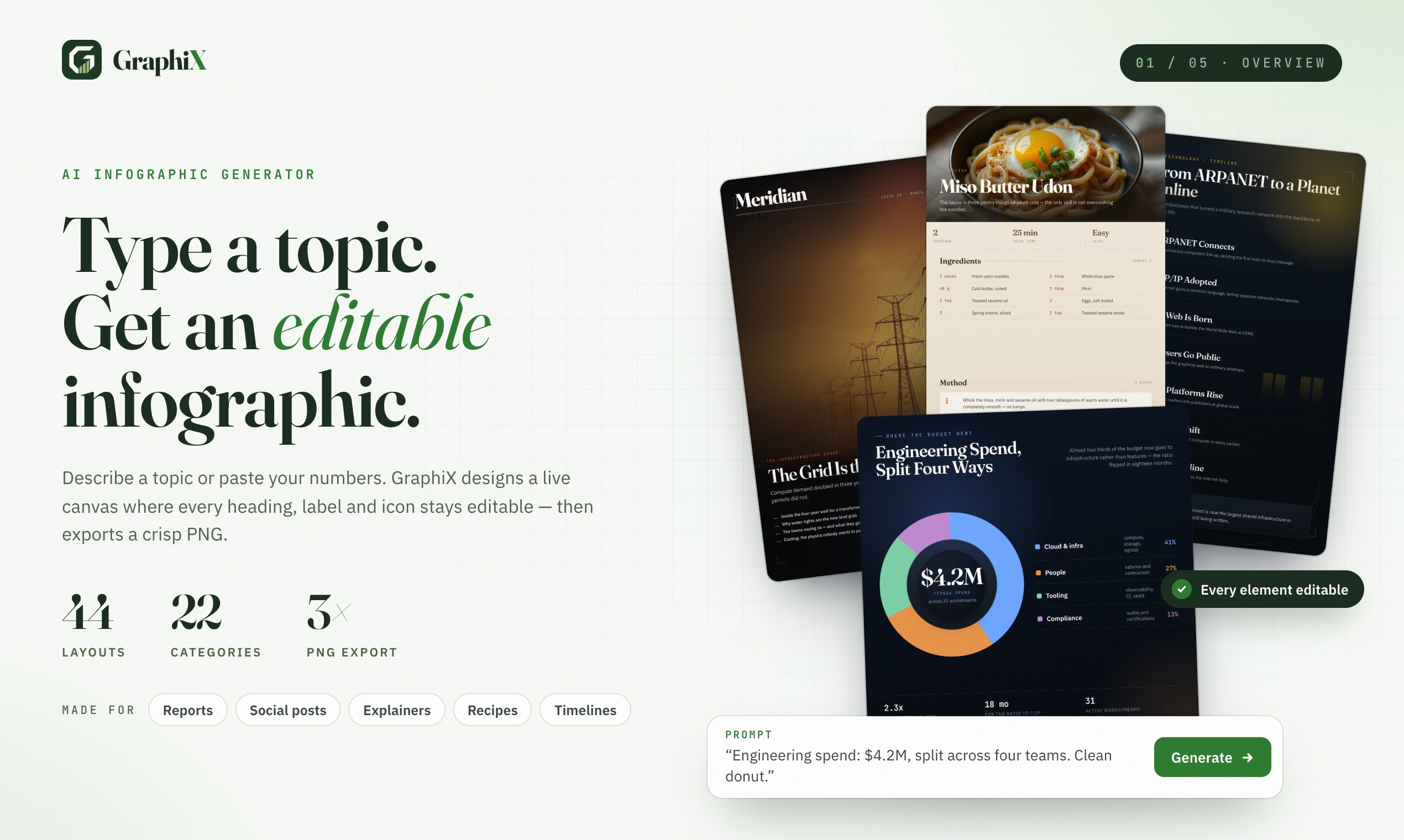
Give it a topic or a dataset, get an editable infographic.
- Generate from a prompt or from actual data
- Produces charts, timelines, and comparison layouts
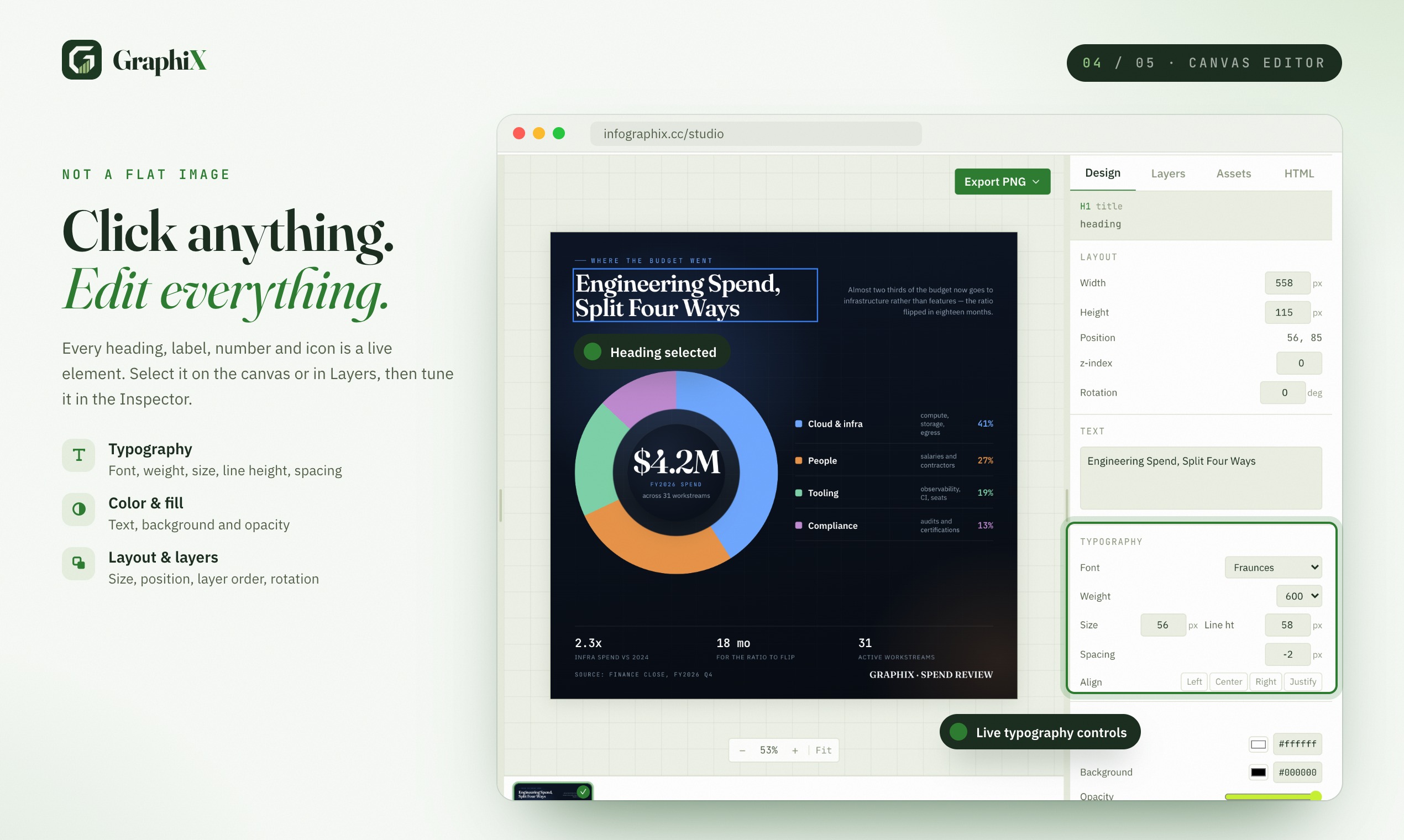
- Every element is editable afterwards
- Output is real layout, not a generated image, so text stays crisp and correct
How I built it
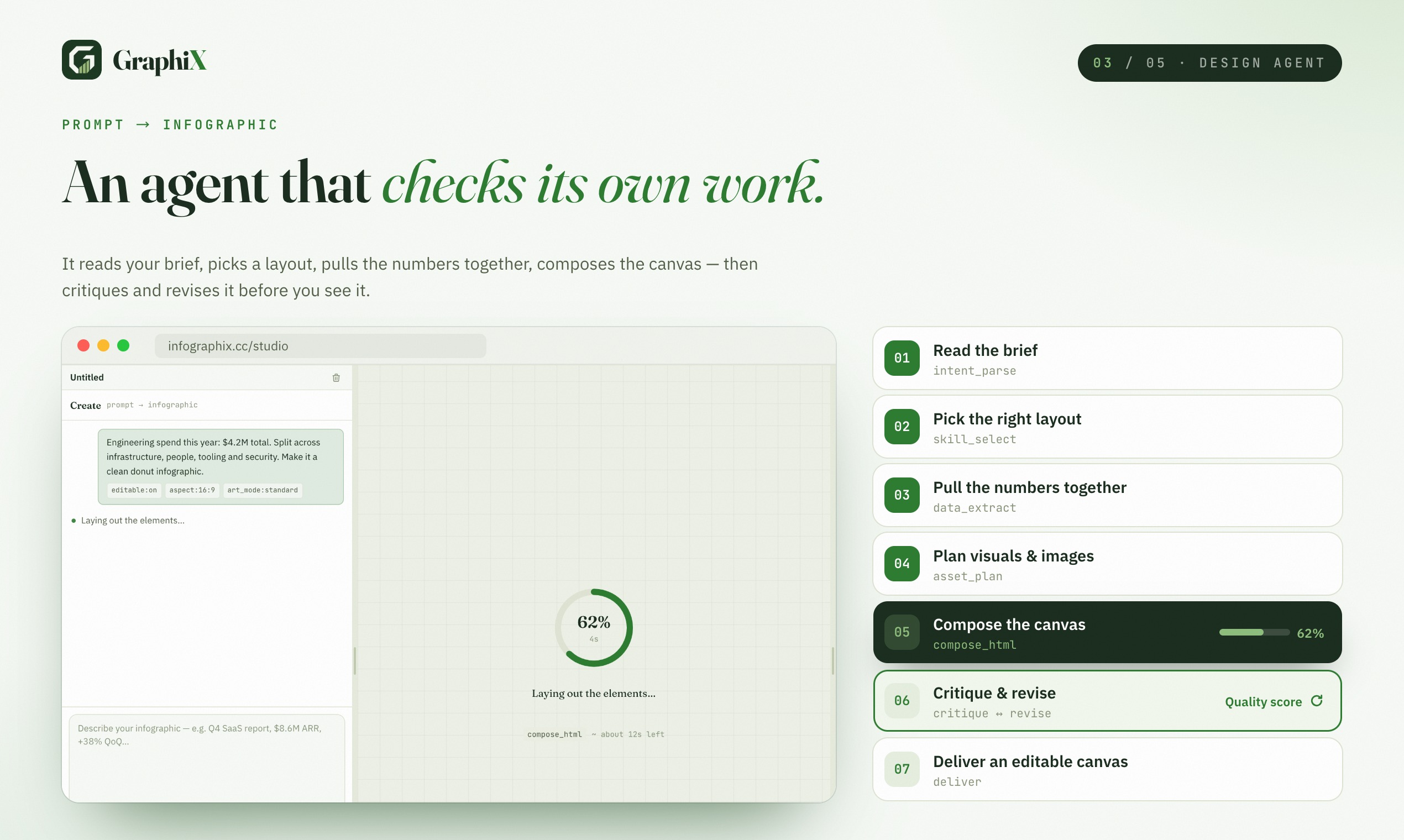
The key decision is that the model does not draw. It writes a layout description, and a renderer turns that description into an editable canvas.
1. Intent to structure. The model receives the topic or dataset and outputs a structured plan: chart type, series, labels, axis decisions, callouts, and the reading order. This is a design decision expressed as data.
2. Chart type selection. Picking the wrong chart is the most common way an infographic becomes useless — a pie chart with twelve slices says nothing. The selection is rule-driven (count of categories, whether values are comparative or compositional, whether a time axis exists) with the model handling ambiguous cases.
3. Layout engine. The plan goes into a layout pass that computes a grid, allocates space per element by content size, and handles the cases that make layout hard: labels that overflow, long category names, and axis ticks that collide. Text measurement happens before positioning, not after.
4. Editable output. The result is a live editable canvas — every text block, chart, and shape is a real element with properties, not a flat image. Users can fix a label or change a chart type without regenerating.
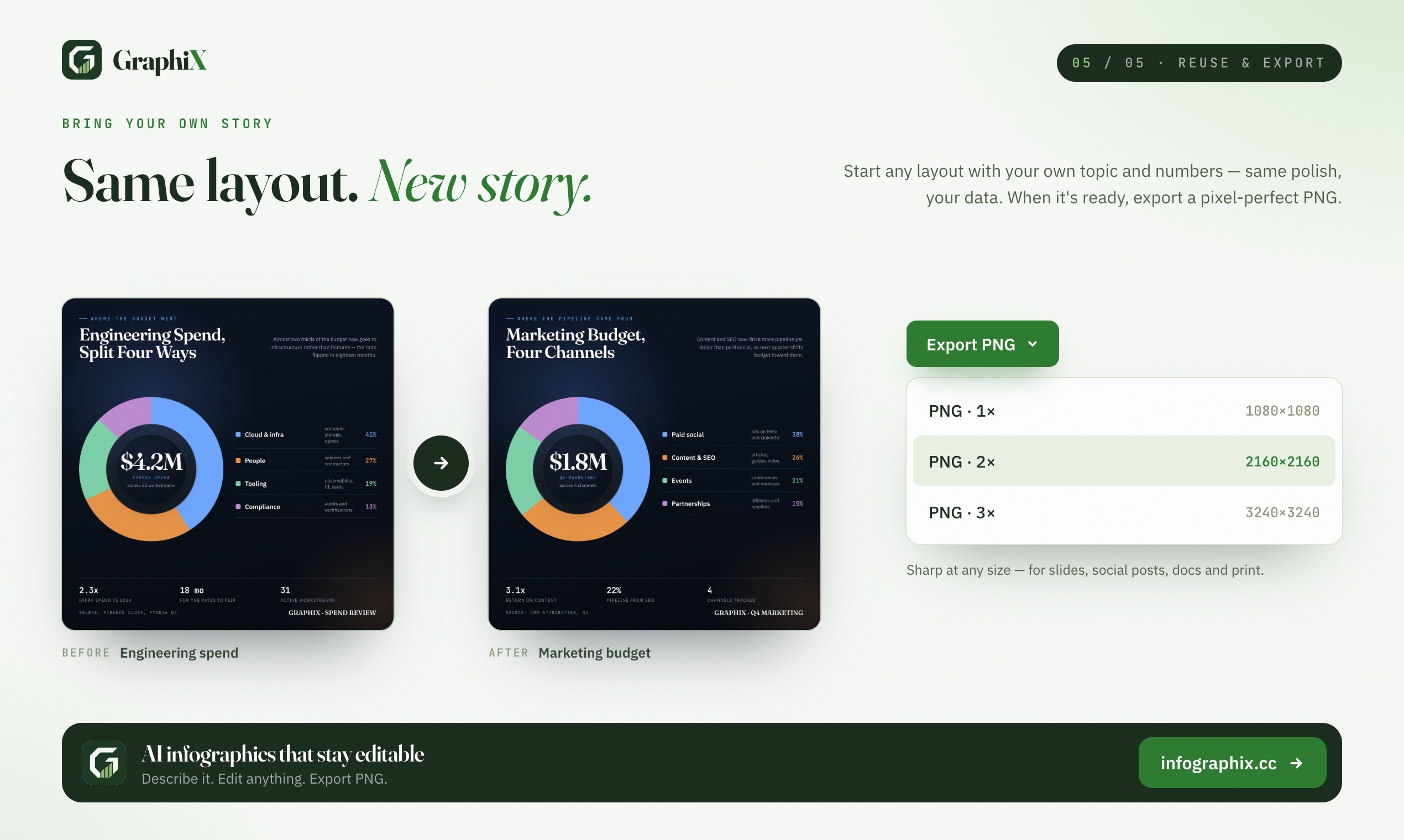
5. Export. Renders to image for sharing, and to editable form for people who want to keep working on it.
Challenges I ran into
Text that overflows destroys the whole layout. A single long category label can push a chart legend over the edge and make the output unusable. This required measuring text before layout rather than assuming a width, and then deciding — per element — whether to shrink, wrap, abbreviate, or reslot the layout entirely.
Generated charts with made-up data. Early on, if the user gave a topic rather than data, the model would invent plausible-looking statistics. Fabricated numbers in an infographic are actively harmful — they look authoritative and nobody checks them. The fix was to separate the two paths completely: with data, charts reflect the data; from a topic alone, the output uses qualitative structure (comparisons, timelines) rather than invented figures.
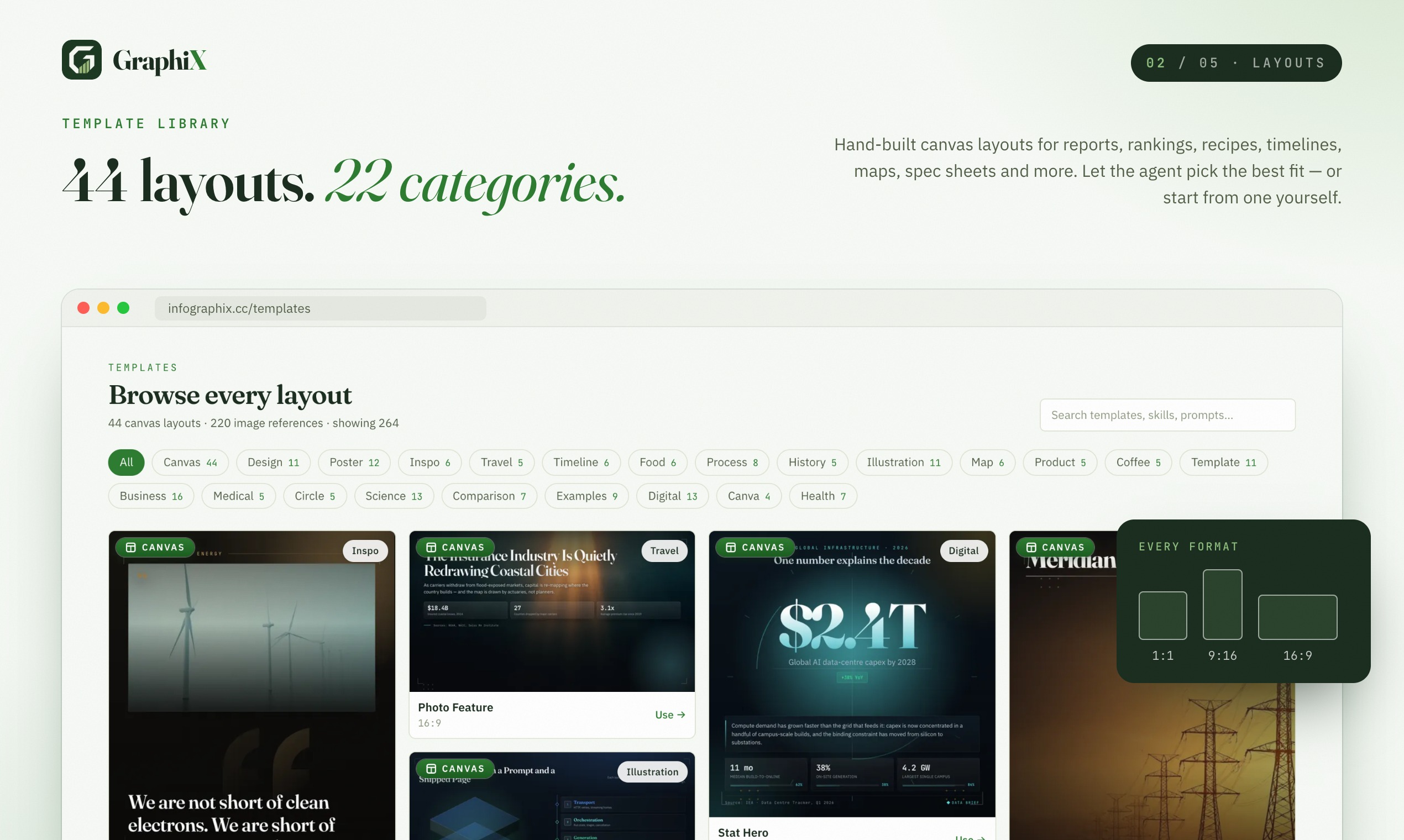
Every layout change breaks something else. A grid that works for three elements fails for seven. I ended up with layout patterns that declare their valid element counts, and a selection step that picks the pattern matching the content rather than trying to force one flexible grid to handle everything.
Accomplishments that I'm proud of
- Keeping output fully editable. Every other approach produces a flat image you cannot fix.
- The data-versus-topic split, which prevents fabricated statistics entirely.
- Getting text measurement right, so long labels do not silently wreck a layout.
What I learned
For information design, structure matters more than image quality. The visual polish is the easy part. Deciding that this should be a bar chart with these six categories and this callout is the actual product.
Never let a generative model invent numbers. I nearly shipped a version that generated "realistic" statistics and it would have made the tool dangerous to trust. The constraint that numbers come from the user or not at all is worth more than any feature.
What's next for Graphix
- Data connectors. Pull directly from a spreadsheet or a URL so the chart reflects live data rather than a one-time paste.
- Brand themes. Lock fonts and colours so a team's infographics look like a set.
- Multi-page reports. Move from a single infographic to a small report with a consistent visual language across pages.
- Direct editing on the chart. Edit the underlying data by dragging bars, which is faster than editing a table for small corrections.


Log in or sign up for Devpost to join the conversation.