-
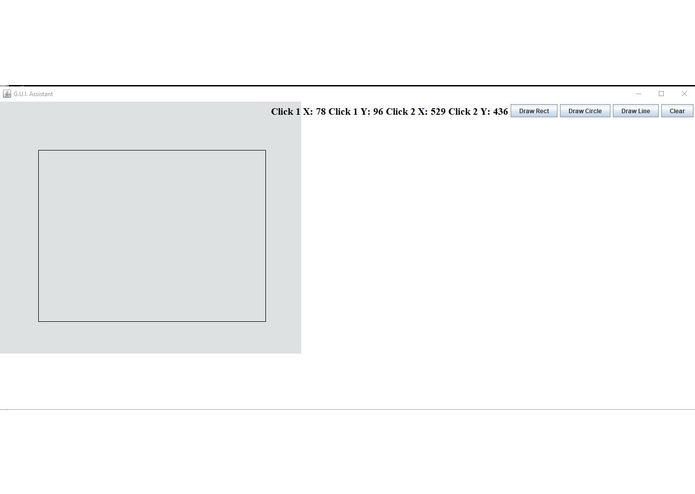
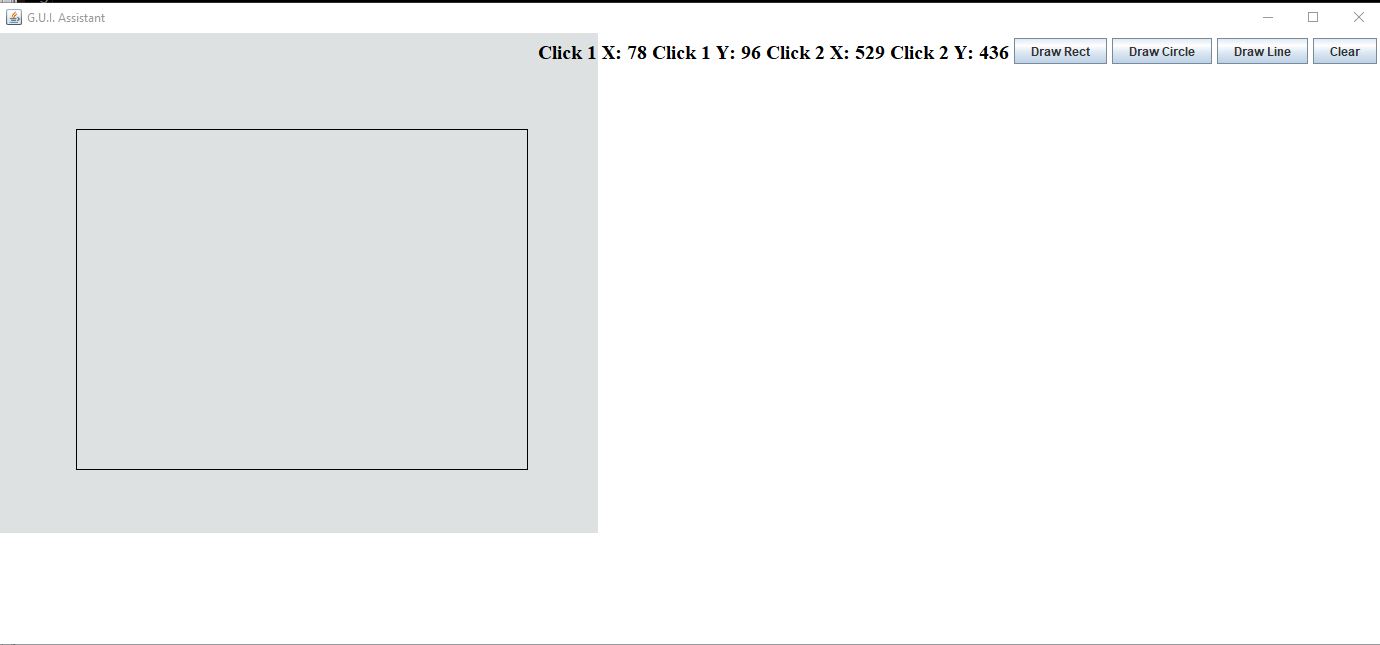
The screen cap of the program
Inspiration
We were learning our graphics unit in our computer math class at Dominion Highschool and always had trouble with creating shape after shape and keeping track of all the coordinates and using paper seemed very unorganized. So when we heard that we needed a project for this even Jake suggested we use his idea of this program and finally make it come to life!
What it does
Allows you to create basic shapes with the help of buttons and MouseListeners.
How we built it
We used the same program we use in school classes called Jgrasp along with packages created by Thomas Jefferson (the school not the person). We created a Driver that contained the main method and controlled the size of the window for the program. After that, we used a variety of button objects, booleans, and hooks for the buttons in a Panel file. That file is what contains almost all the code we wrote today.
Challenges we ran into
When first trying to get started we weren't able to get either Eclipse or Microsoft Visual Studio Code to work and did want to keep messing around and wasting time setting it up. Because of this not only did we have to revert to the basic JGrasp program but also limited us to one person coding at a time, switching off who used the computer when needed.
Accomplishments that we're proud of
We very proud that we have a working program to show the judges in time, aswell as intent to complete the progam after the hackathon.
What we learned
We have learned just how much it takes to create our own game/program and that not everything goes as planned.
What's next for Graphical Shape Assistant
Check the powerpoint!


Log in or sign up for Devpost to join the conversation.