-
-
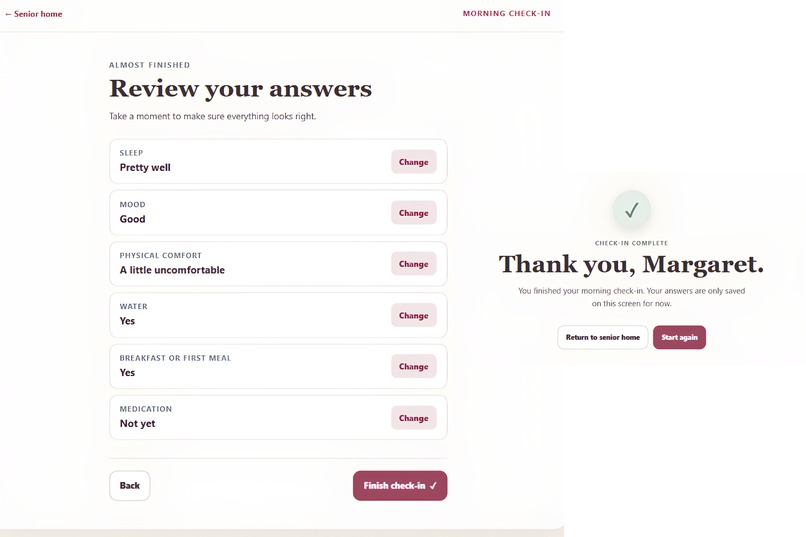
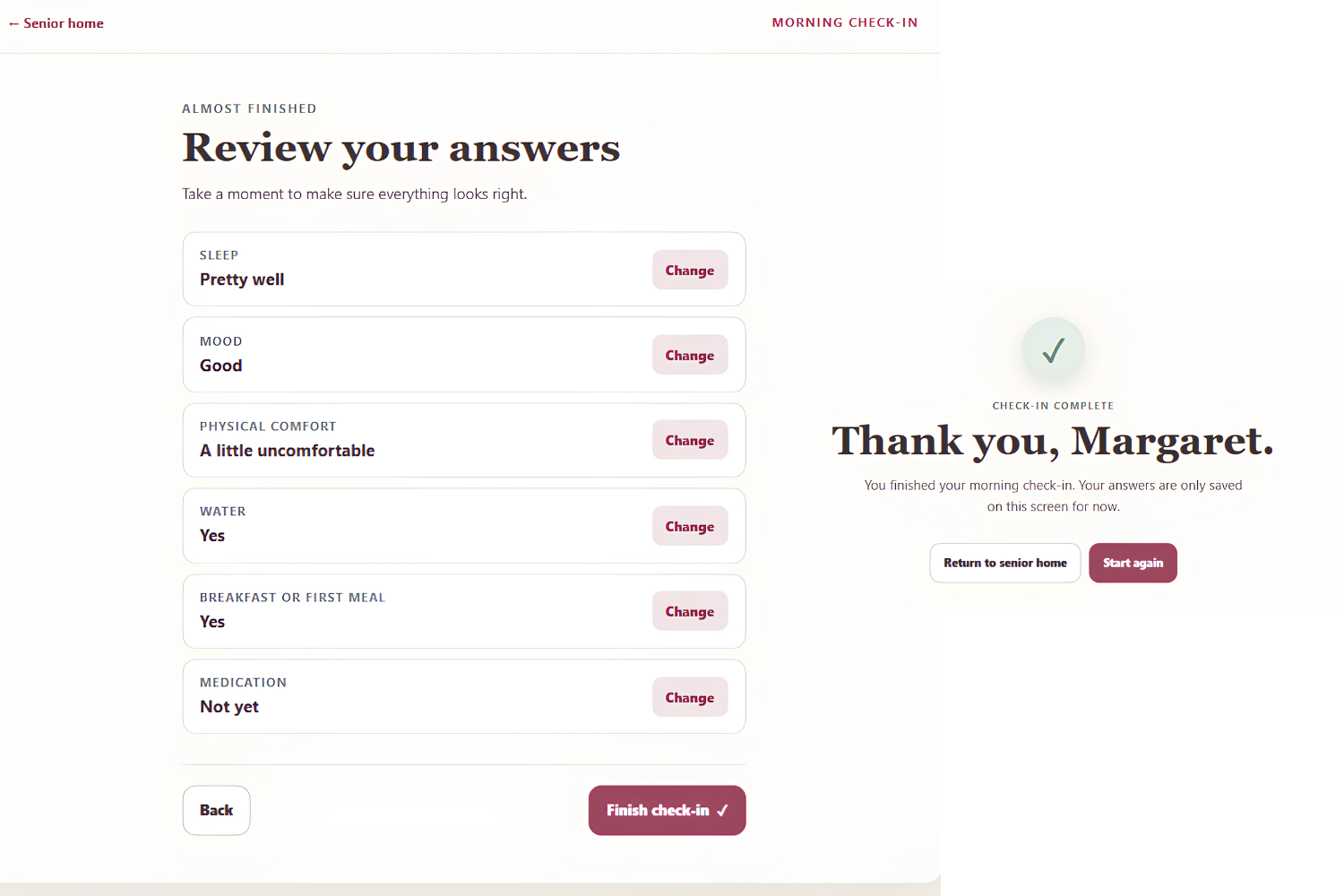
Review all six morning check-in answers, make changes if needed, and complete the check-in with confidence.
-
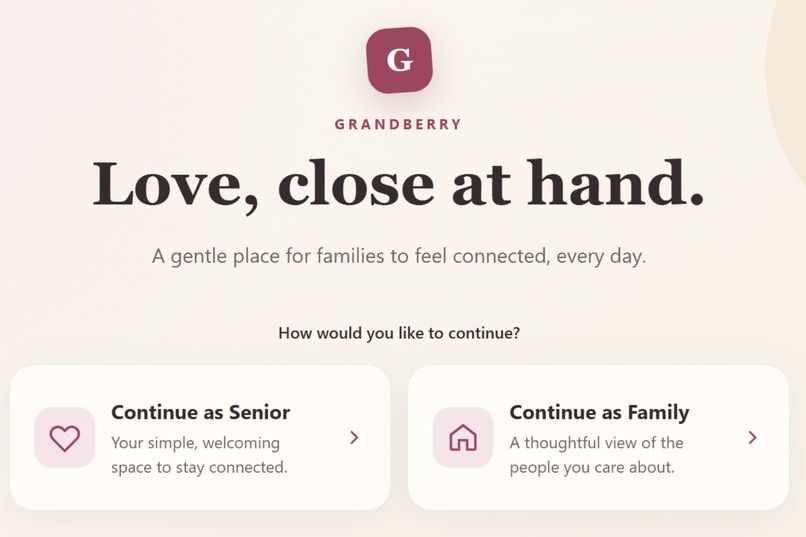
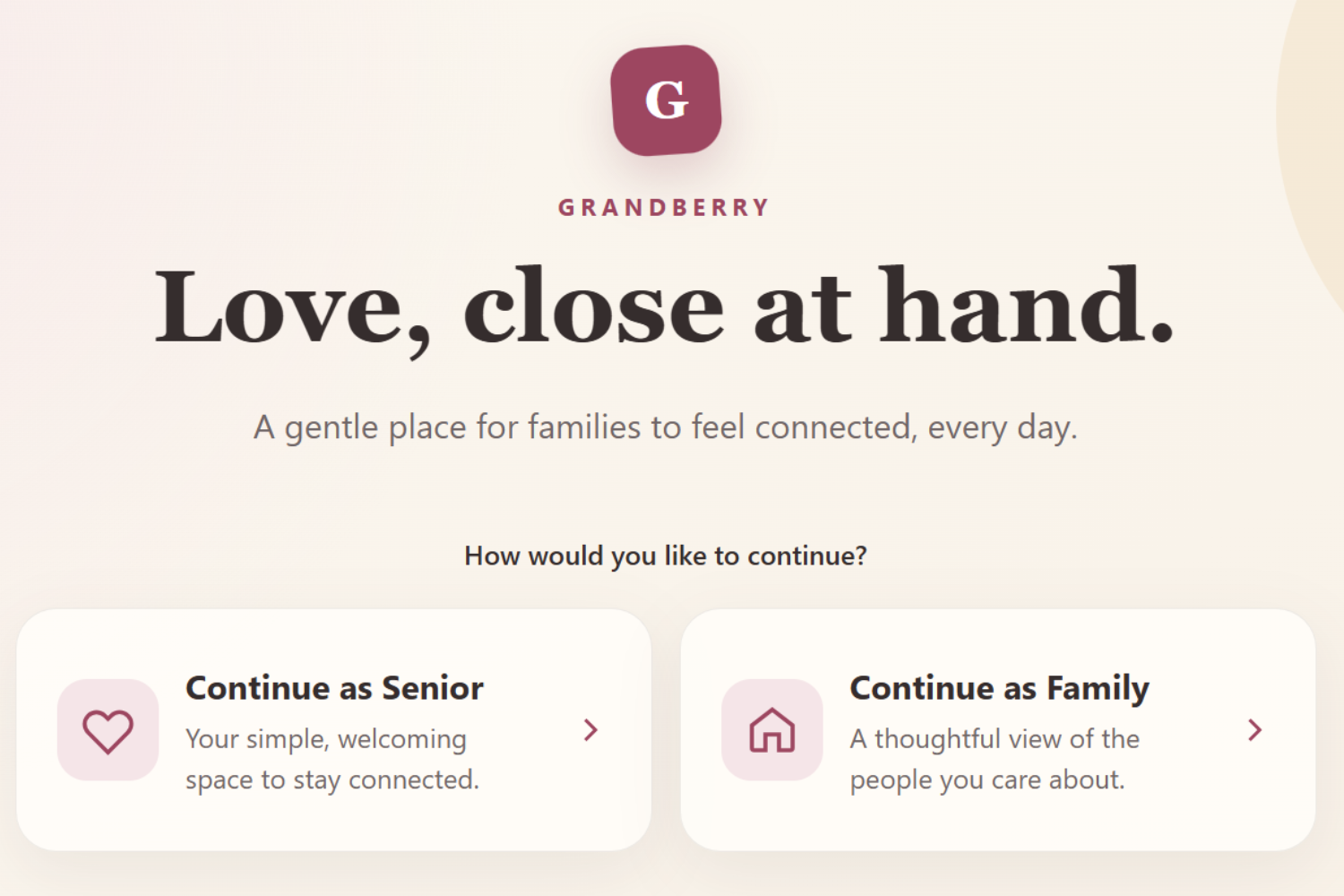
Grandberry welcomes seniors and families into two simple, accessible experiences designed to keep loved ones connected.
-
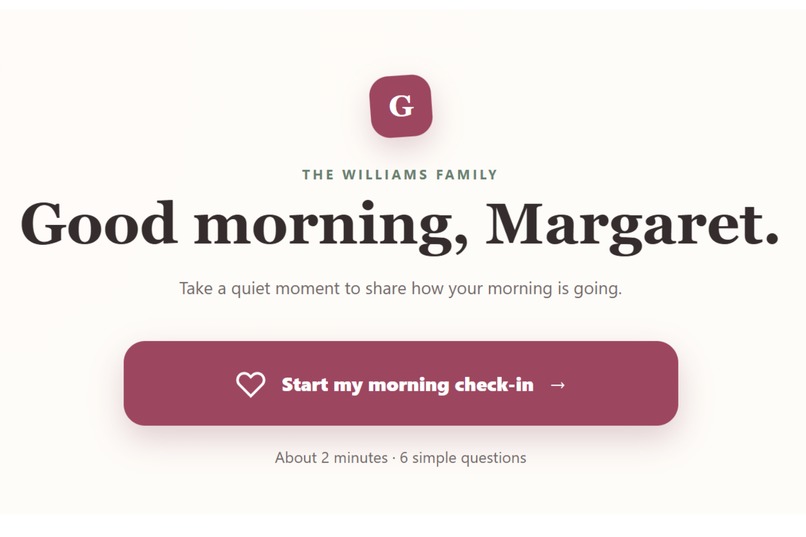
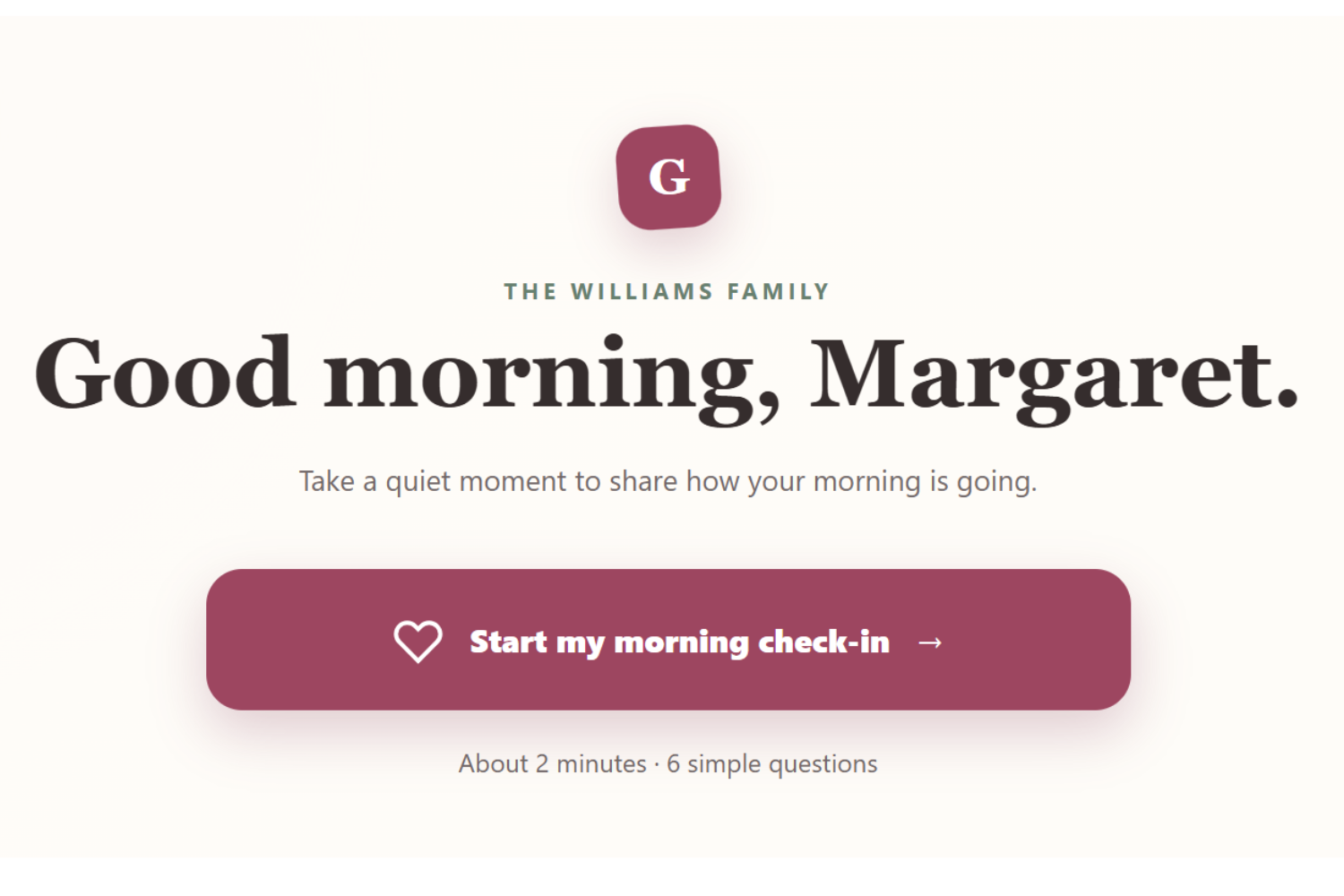
A calm two-minute morning check-in with six simple questions designed for comfort, clarity, and ease of use.
-
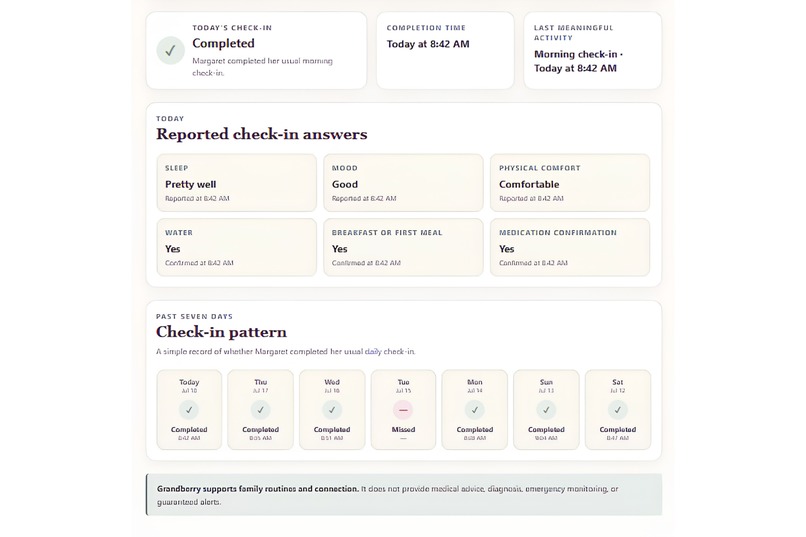
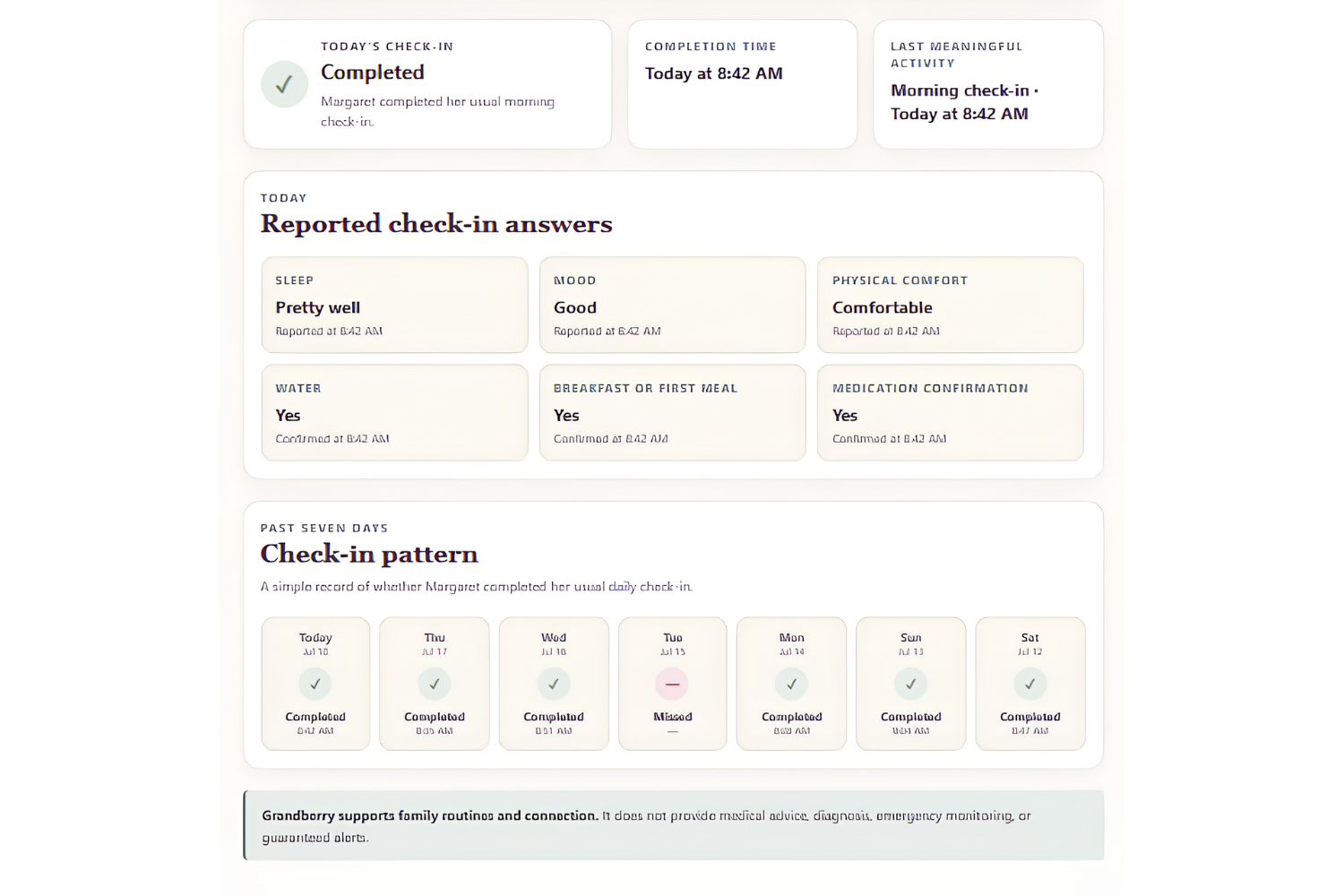
Families can review today’s reported check-in answers and see a simple seven-day completion pattern without medical interpretation.
-
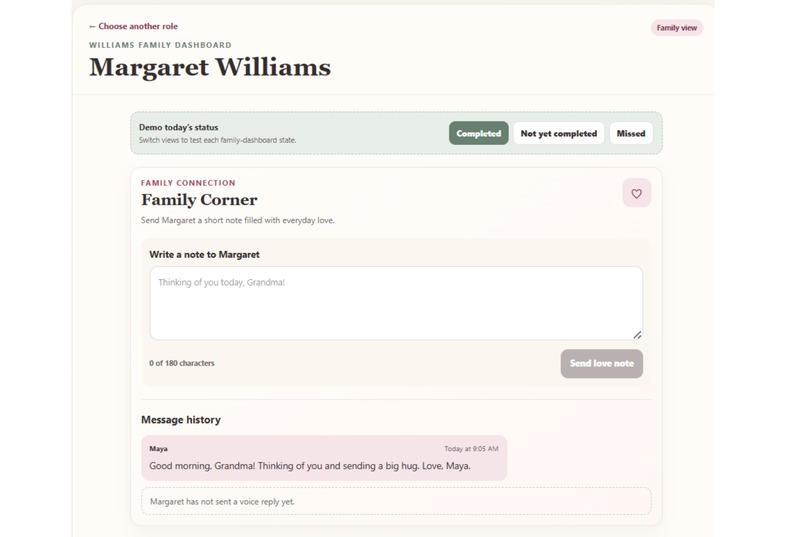
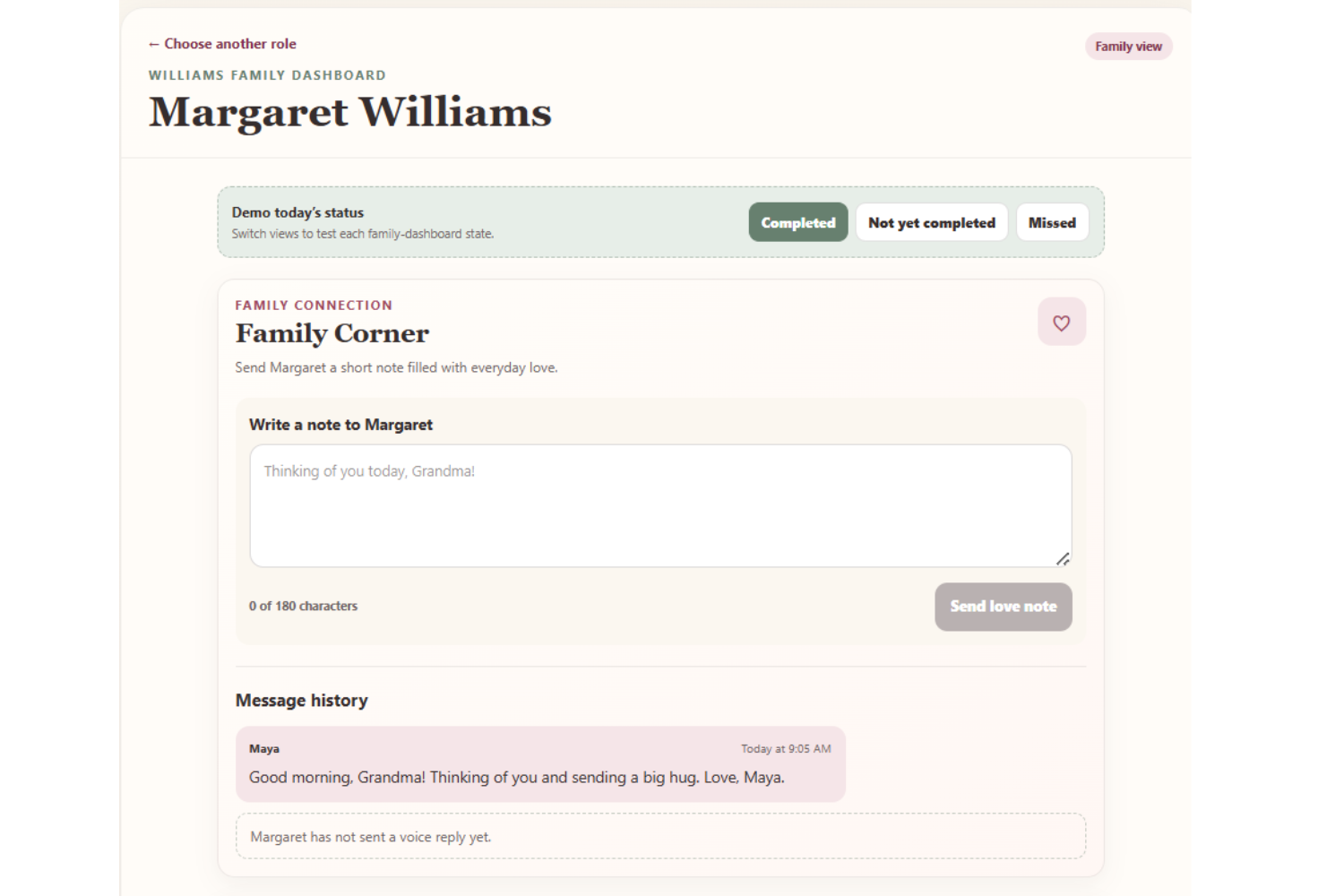
Family members can view check-in status, send supportive notes, and follow message history from one simple dashboard.
-
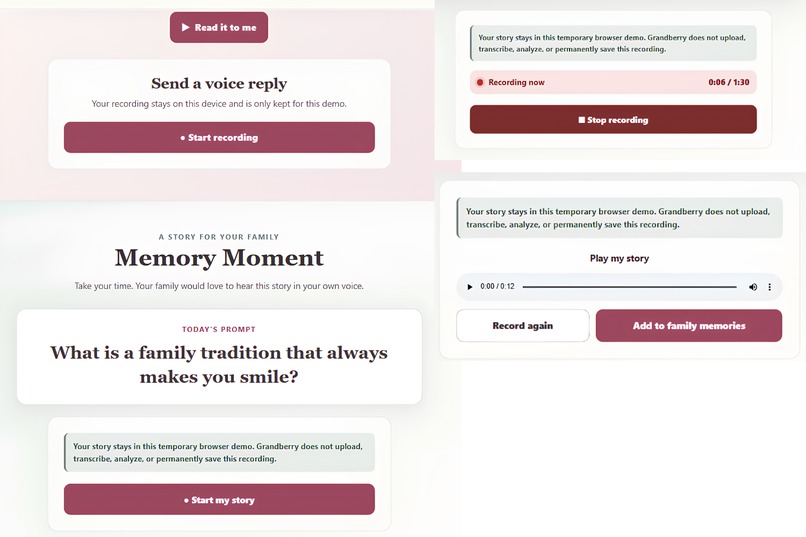
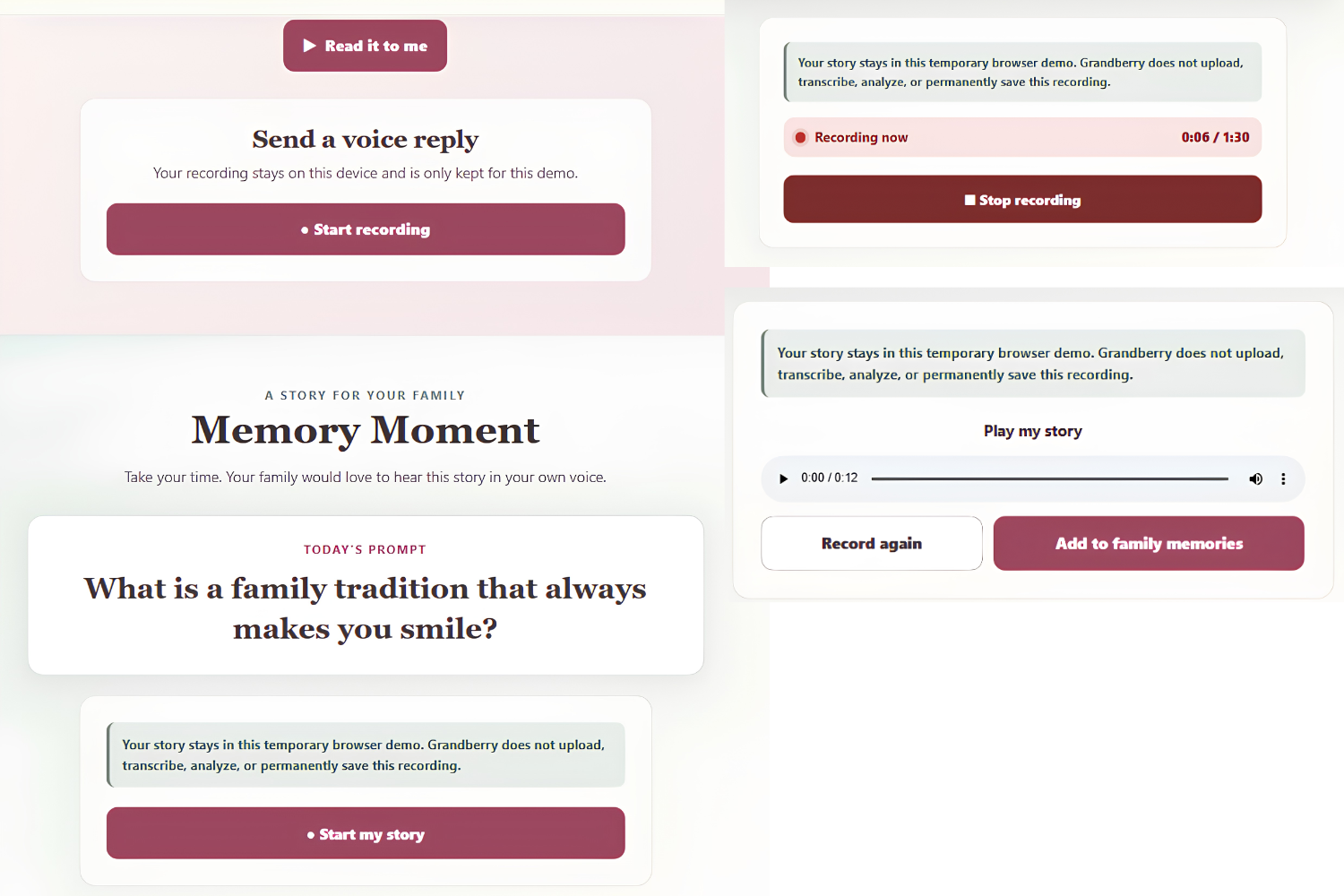
Record a voice reply or preserve a family story with clear privacy guidance, playback, re-recording, and sharing controls.
-
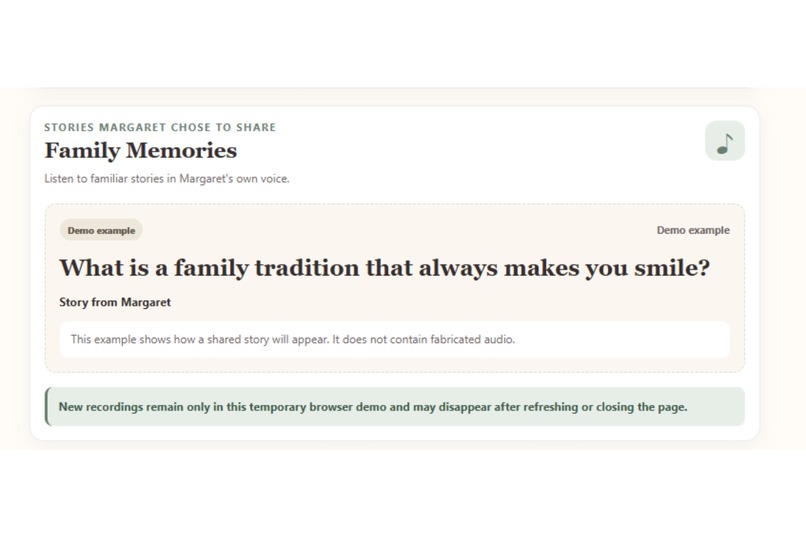
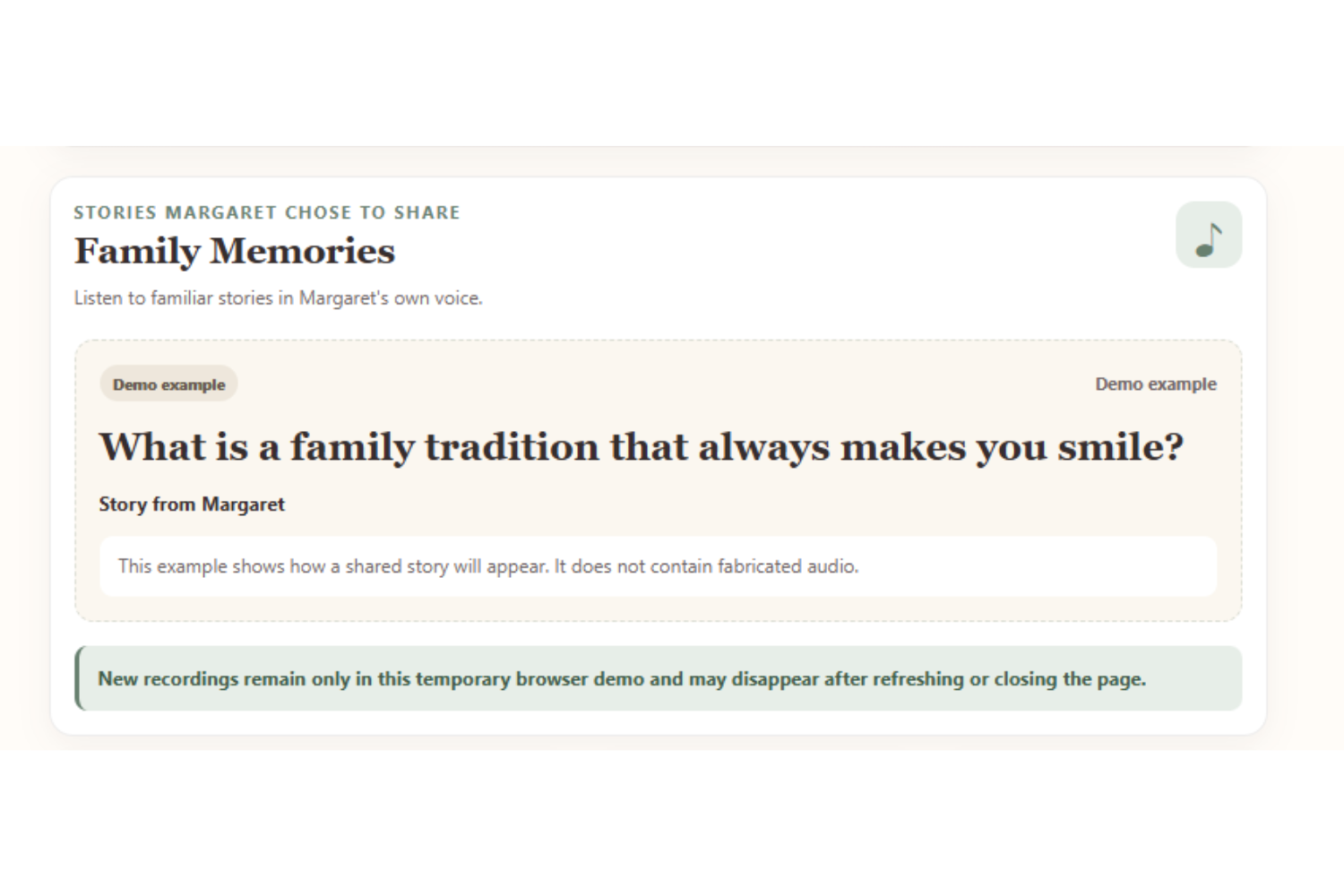
Family members can listen to shared stories in Margaret’s own voice, with clear privacy notes for the temporary demo.
Inspiration
Many older adults want to stay independent while also feeling connected to the people they love. Families often care deeply but may not know how their loved one is feeling day to day.
Grandberry was created to make those small moments of connection easier, calmer, and more meaningful.
What it does
Grandberry is a voice-first companion designed for older adults and their families.
The senior experience includes:
- A simple six-question morning check-in
- Large, accessible controls
- Family Corner love notes
- Voice replies to family messages
- Memory Moment recordings
- A clear review before completing the daily check-in
The family experience includes:
- A simple well-being summary
- Recent check-in information
- Love notes for the senior
- Listen-only family memories
- Clear, non-medical wording
Grandberry does not diagnose, assess, or replace professional care. It supports everyday communication and family connection.
How we built it
Grandberry was built with Codex using GPT-5.6.
Codex helped with:
- Planning the product structure
- Building the senior and family experiences
- Creating accessible responsive layouts
- Implementing microphone recording controls
- Adding permission and error states
- Improving wording and user flow
- Reviewing code quality and deployment readiness
The application was built with Next.js, TypeScript, React, and CSS, then deployed on Vercel.
Accessibility and privacy
Grandberry was designed with older adults in mind.
The interface includes:
- Large buttons
- High contrast
- Clear labels
- Keyboard focus support
- Responsive mobile layouts
- Reduced-motion support
- Friendly error messages
The current demonstration does not use external APIs or permanent storage. Recorded voice messages and memories remain temporary and are stored only in the browser session.
Challenges we faced
One major challenge was creating an experience that felt supportive without making medical claims.
We also had to make microphone recording simple for users who may not be comfortable with browser permissions. This required clear recording controls, permission-denied messages, playback, re-recording, and cleanup of temporary audio.
Another challenge was keeping the senior and family experiences connected while making each interface easy to understand.
Accomplishments
We completed a working experience that includes:
- Senior morning check-ins
- A family well-being dashboard
- Family love notes
- Senior voice replies
- Memory Moment recordings
- A family memories library
- Responsive and accessible design
- A live deployed demonstration
What we learned
We learned that building for older adults requires more than increasing font size. Every instruction, button, error message, and decision must feel calm and understandable.
Codex made it possible to move quickly from the original idea to a functioning application while maintaining accessibility, privacy, and product consistency.
What's next
Future versions could include:
- Secure family accounts
- Approved long-term memory storage
- Additional language support
- Optional reminders
- Personalized accessibility settings
- Stronger privacy controls
- Carefully reviewed integrations with family communication tools
Built With
- audio
- codex
- css
- github
- gpt-5.6
- mediarecorder
- next.js
- react
- typescript
- vercel
- web

Log in or sign up for Devpost to join the conversation.