Inspiration II paint as a way to support myself and the process of layout is very time consuming and tedious, often taking a week or more alone. My feeling was this would be a great opportunity to automate the process.
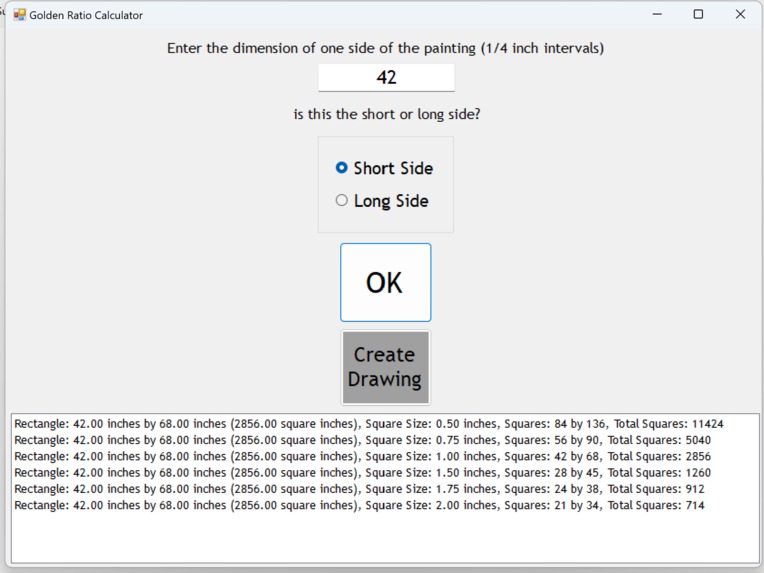
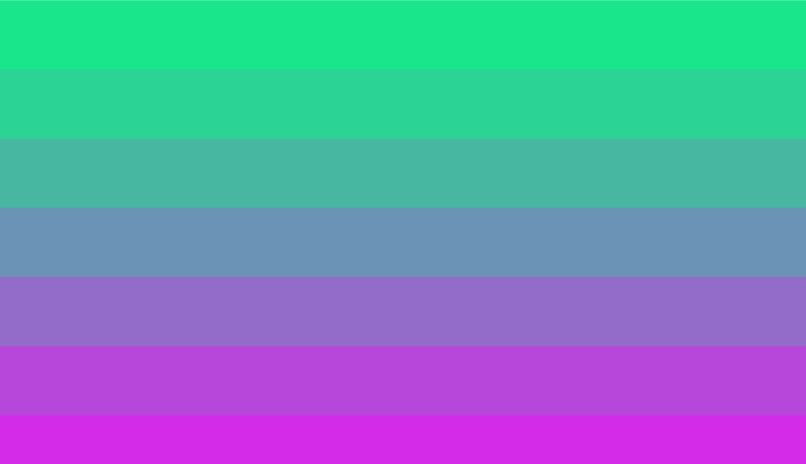
What it does: The program creates a golden ratio (aspect ratio 1.618/1) rectangle broken into squares of sizes ranging from 1/2 inch to 2" in 1/4" increments and only includes those rectangles that can be evenly divisible by the square size. Then the program uses a sigmoid function to control the transition of one color to another color. The initial image is a grayscale. By modifying a few lines of the code, I can change from grayscale to a color change, for example red to green all based upon a RGB color scheme. The intensity of the color can also be reduced.
How we built it using C# and the FlowLayoutPanel.
Challenges we ran into: getting the image to print to screen outside the initial FlowLayoutPanel
Accomplishments that we're proud of: Combining two separate programs for functionality
What we learned: I learned about how color is created in the computer environment
What's next for gradient scale create a ragged edge and around shapes





Log in or sign up for Devpost to join the conversation.