-
-
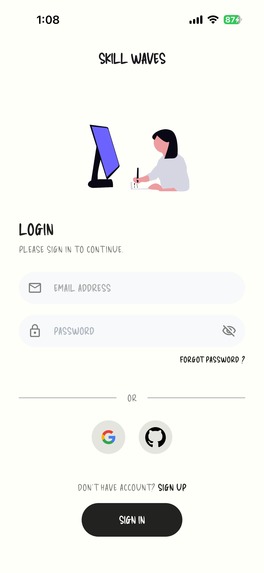
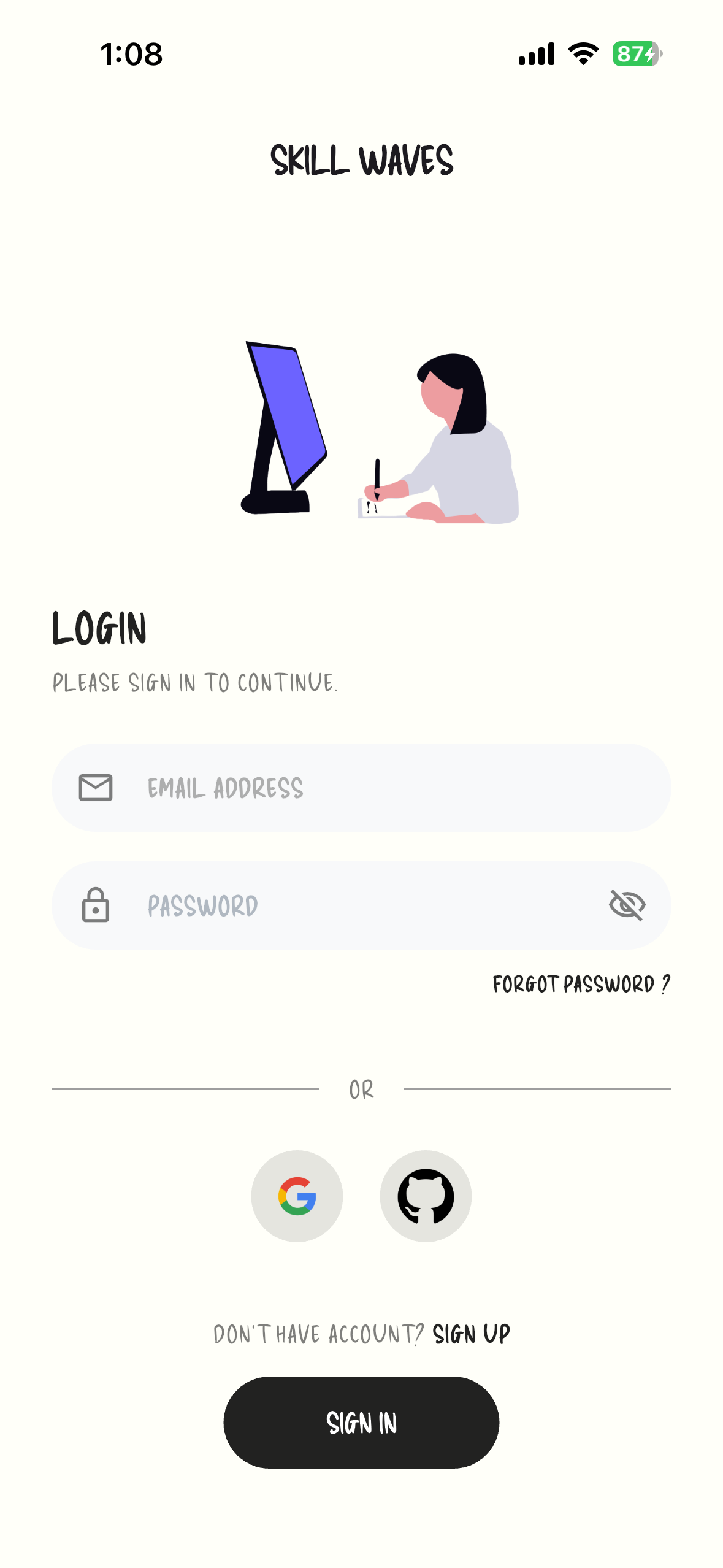
Sign in Form
-
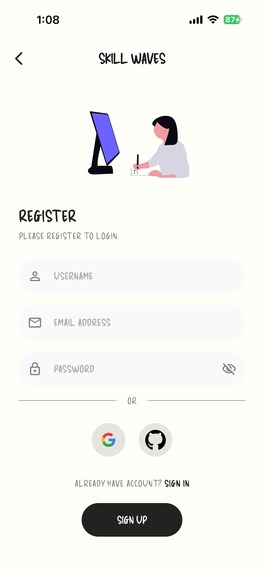
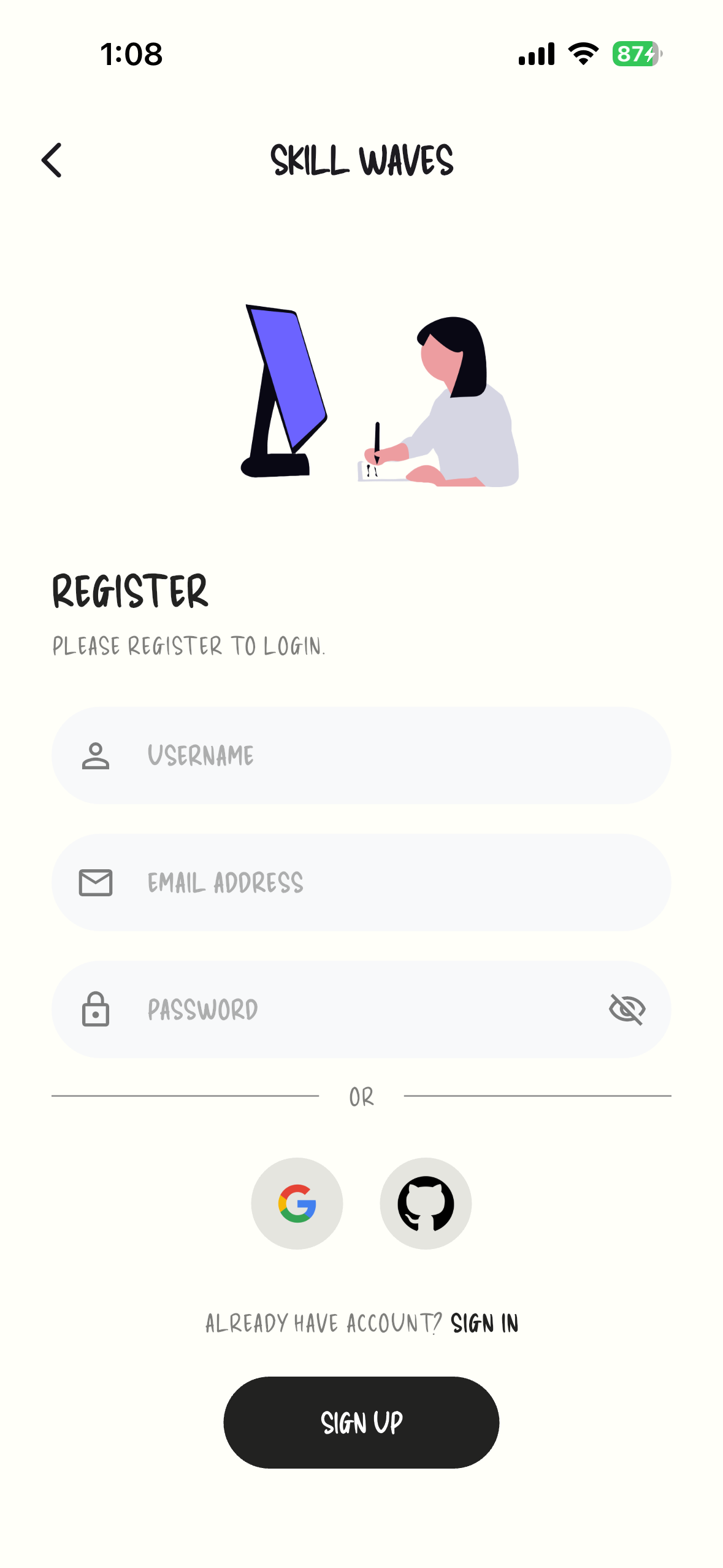
Sign up Fom
-
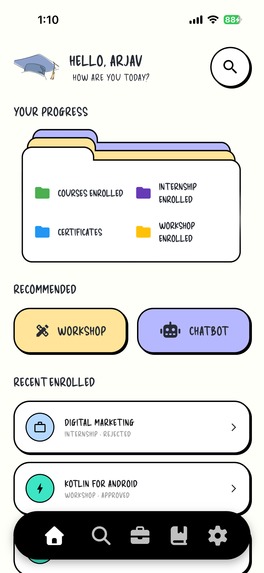
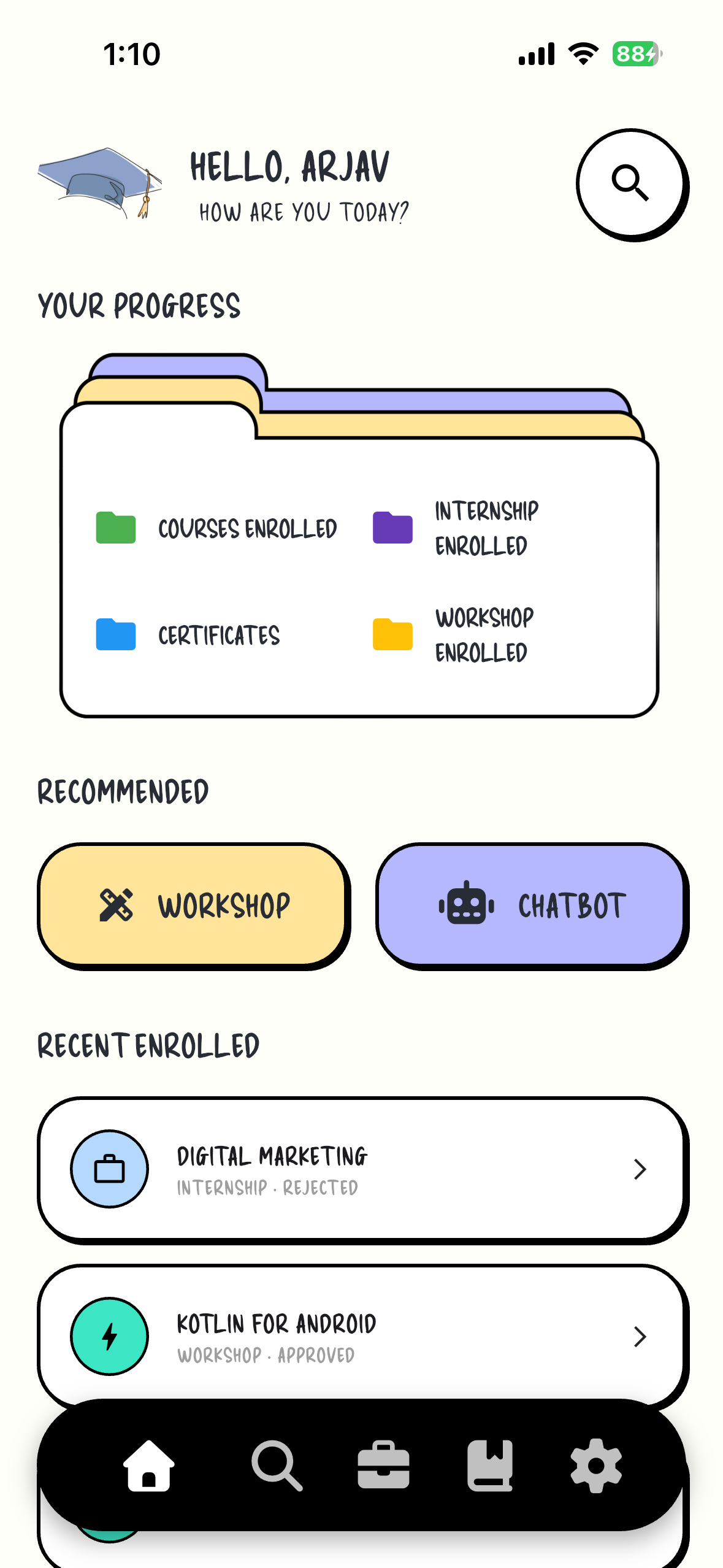
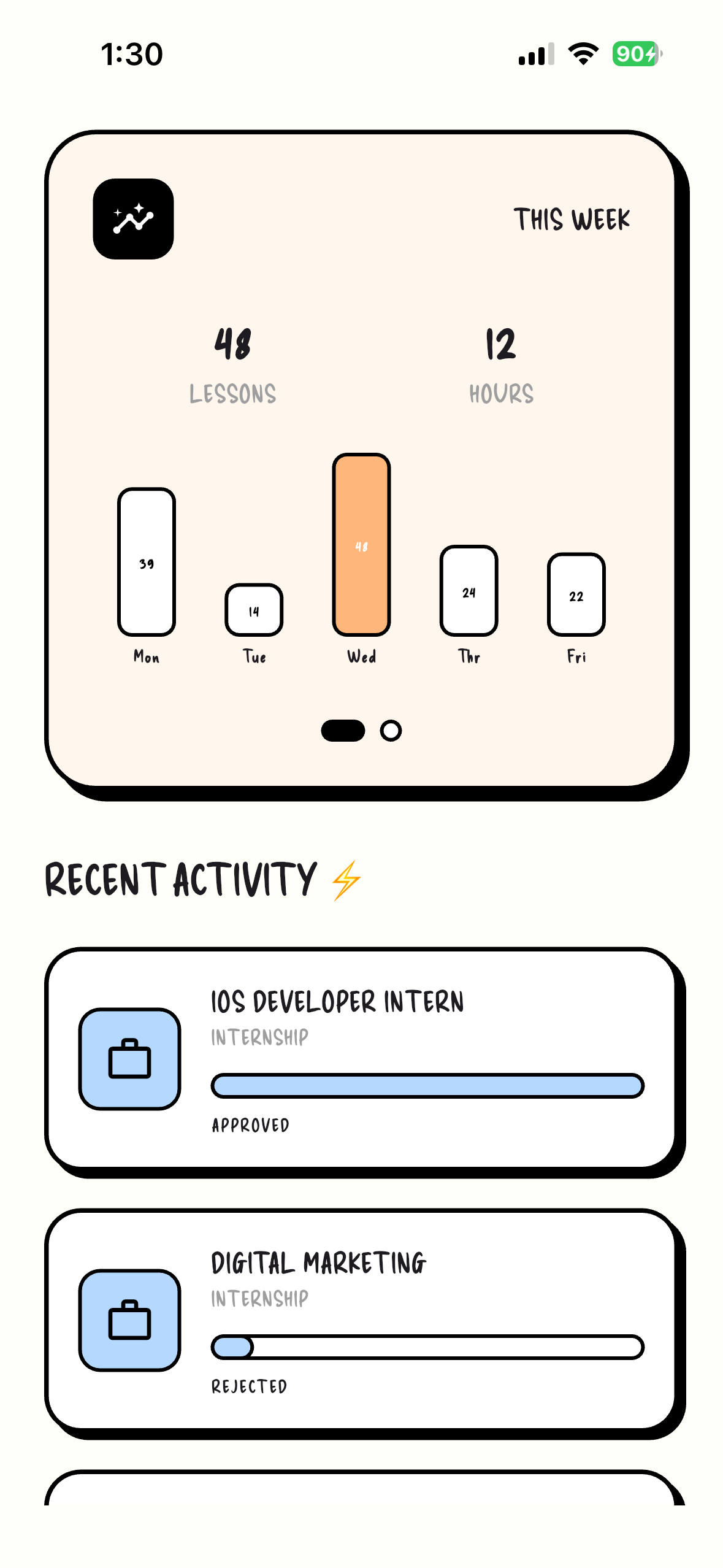
App Dasboard
-
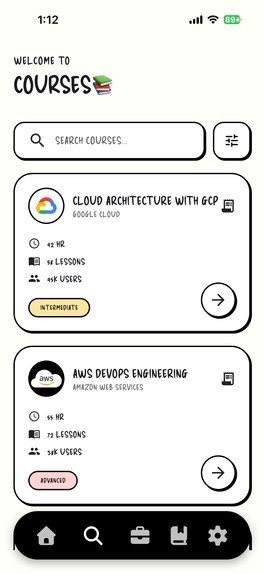
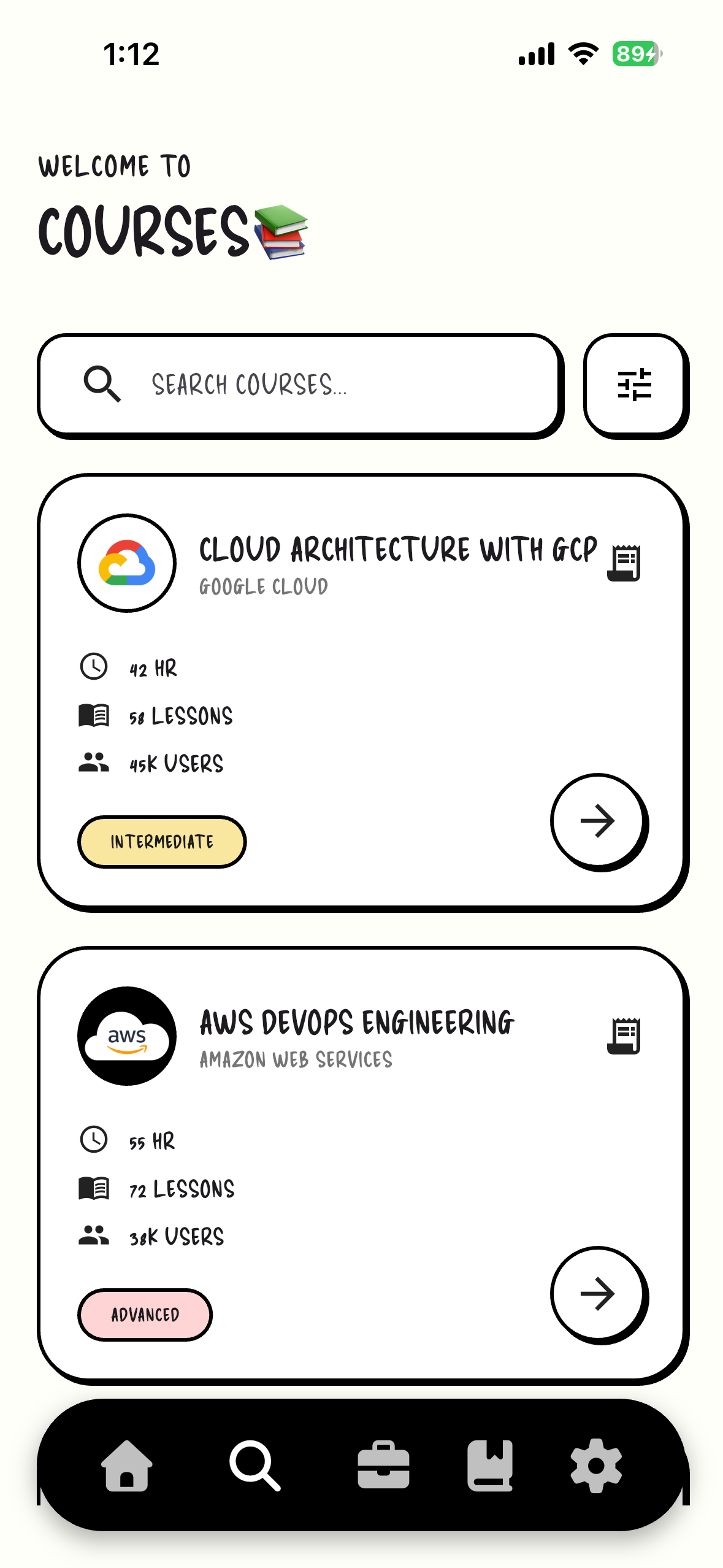
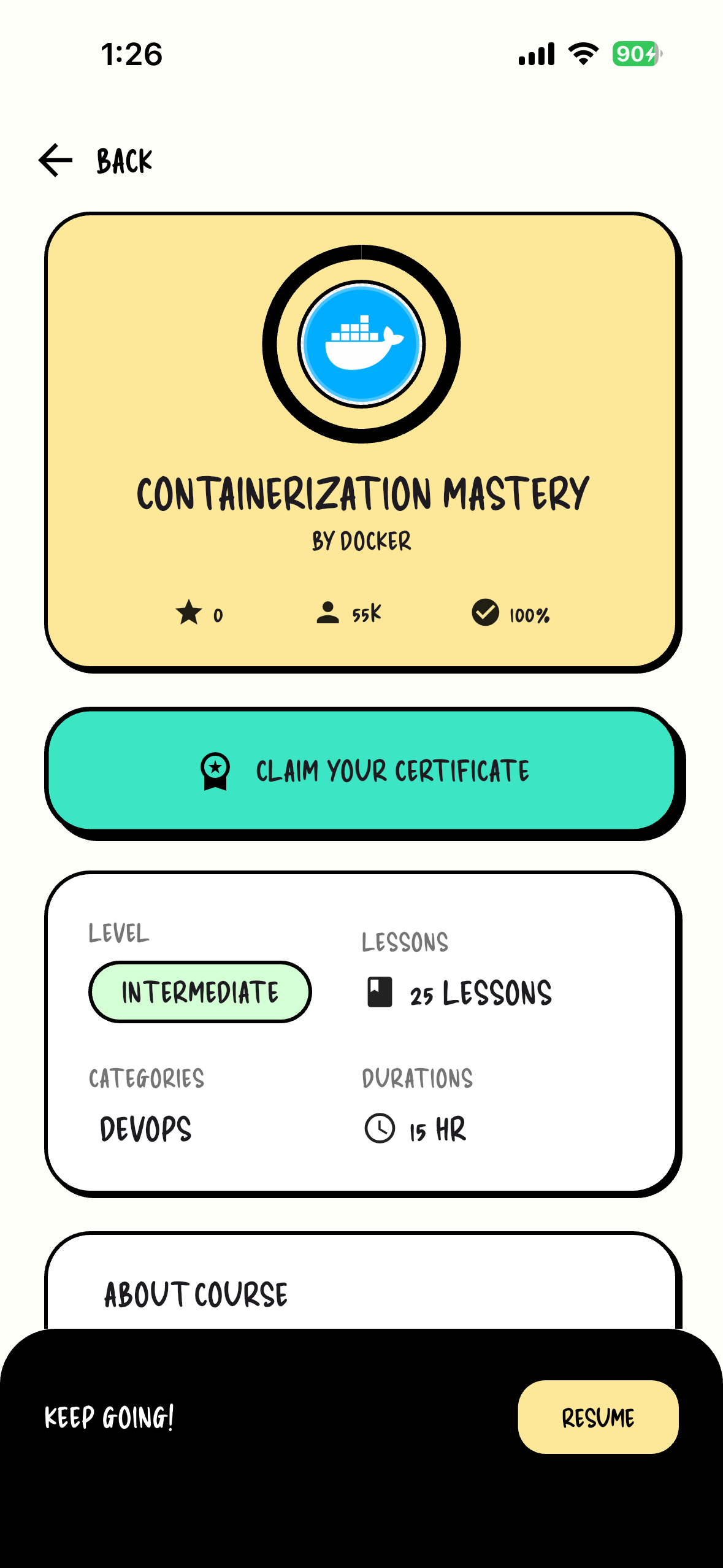
Course Screen
-
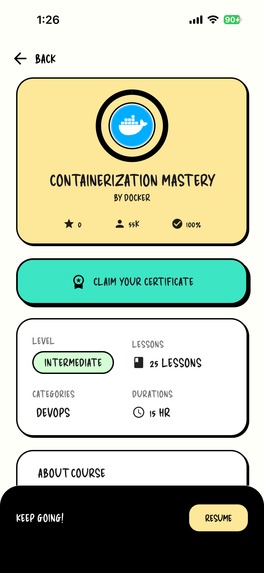
Course Detailed Screen
-
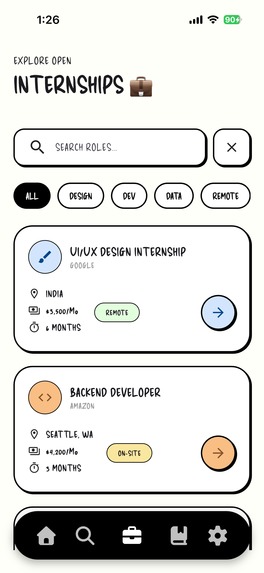
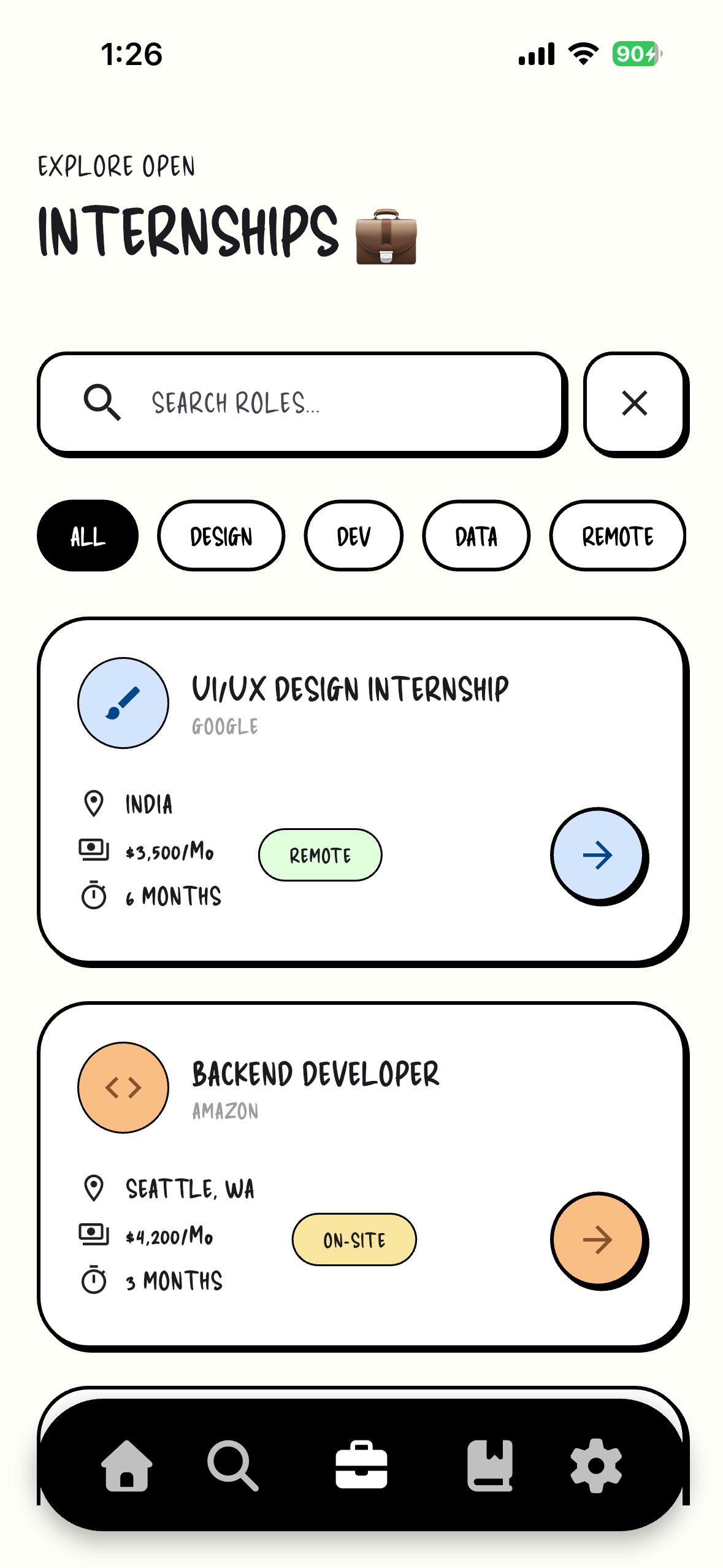
Internship Screen
-
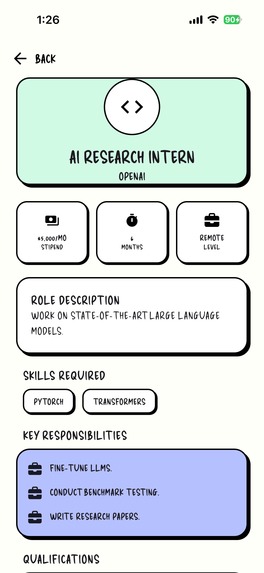
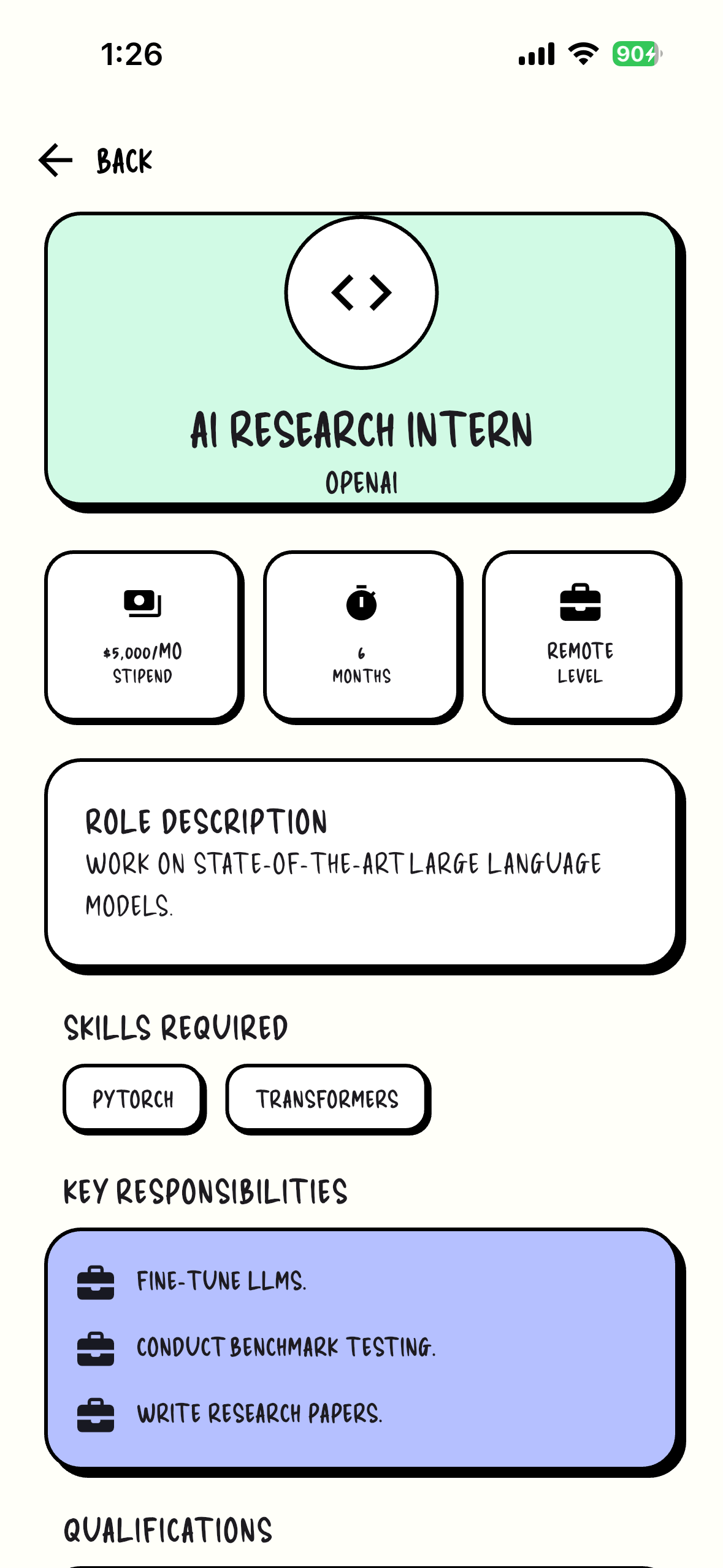
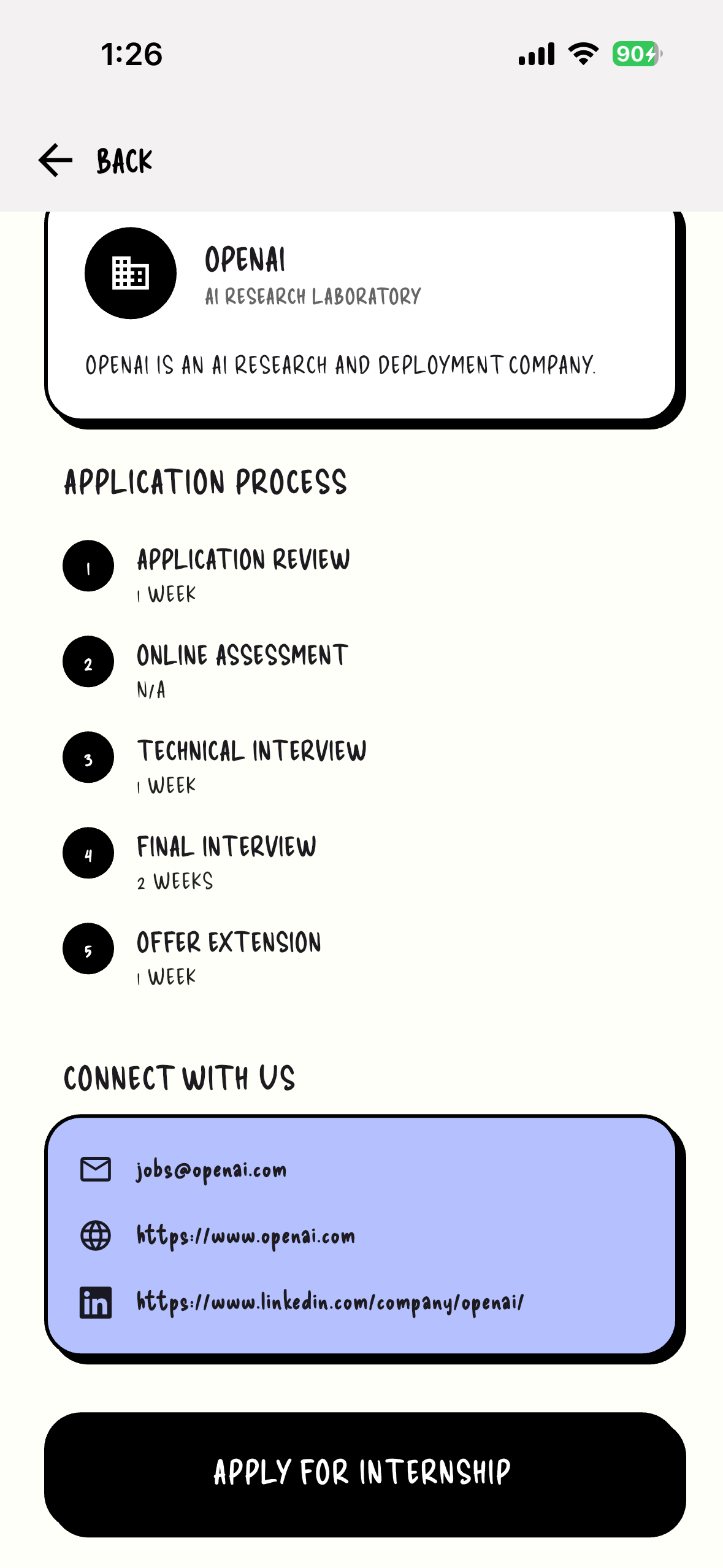
Internship Detailed Screen0
-
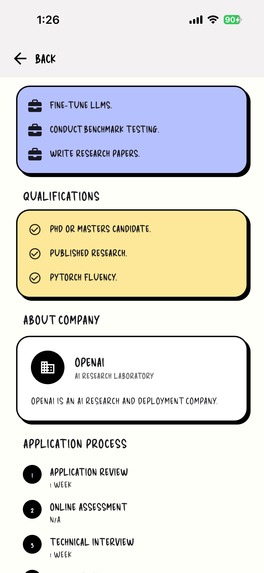
Internship Detailed Screen1
-
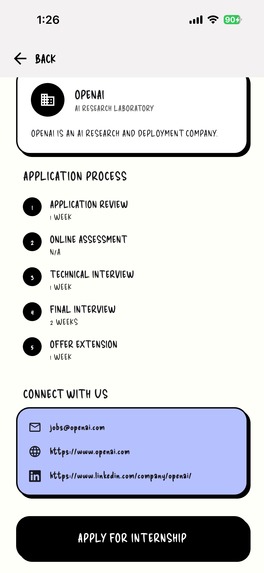
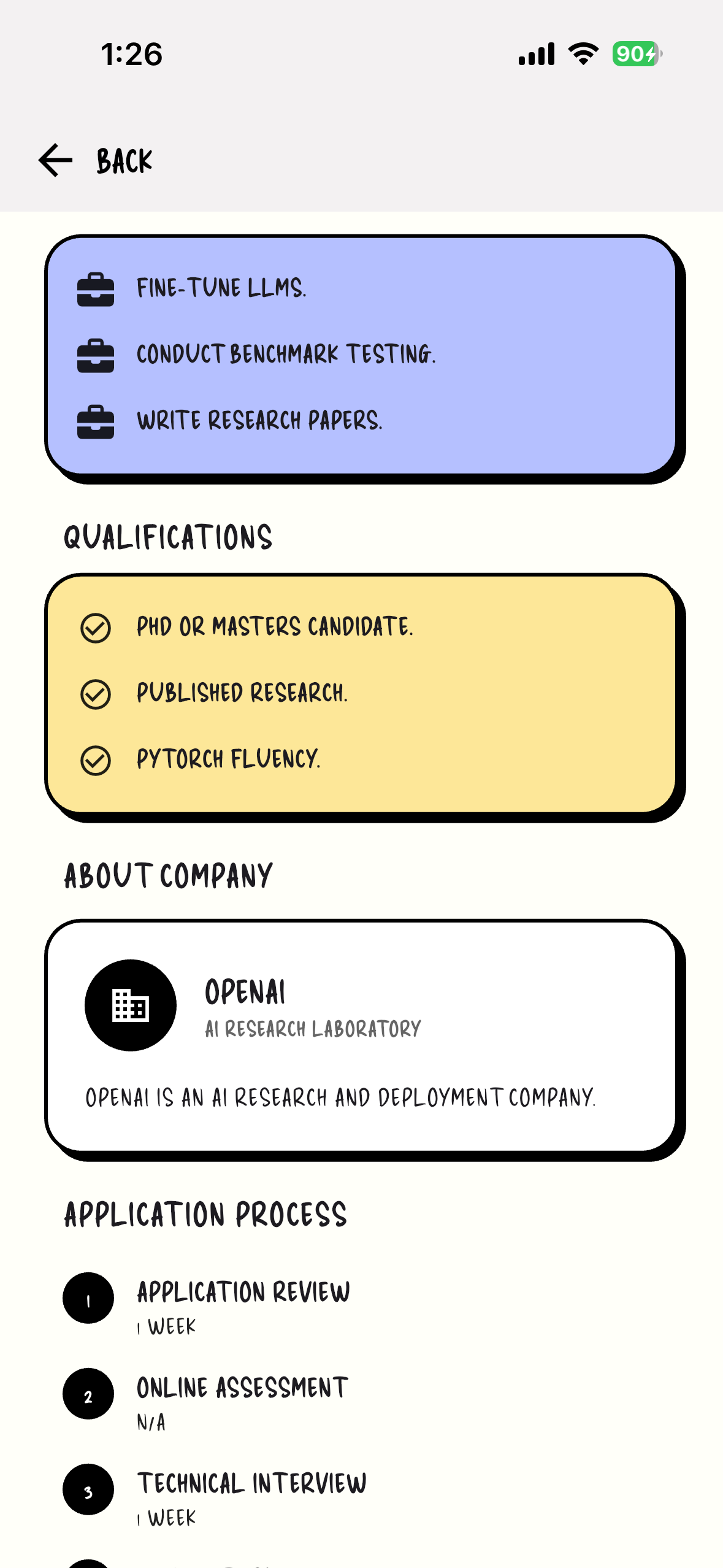
Internship Detailed Screen2
-
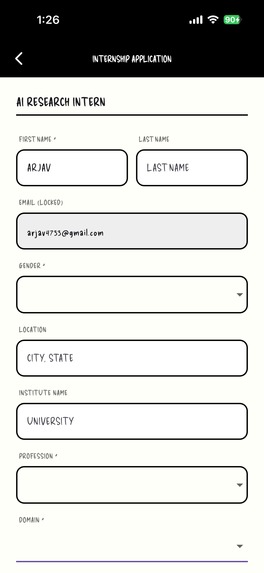
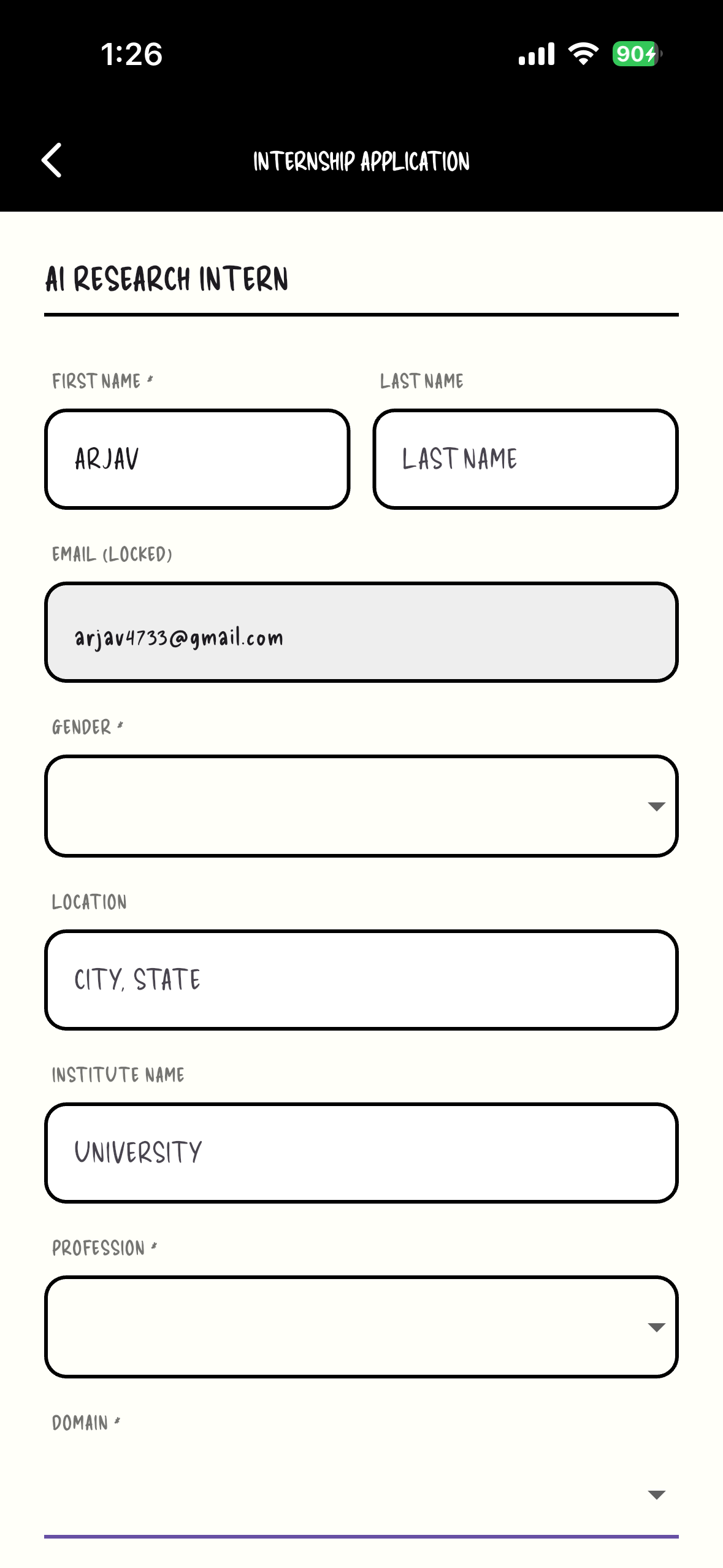
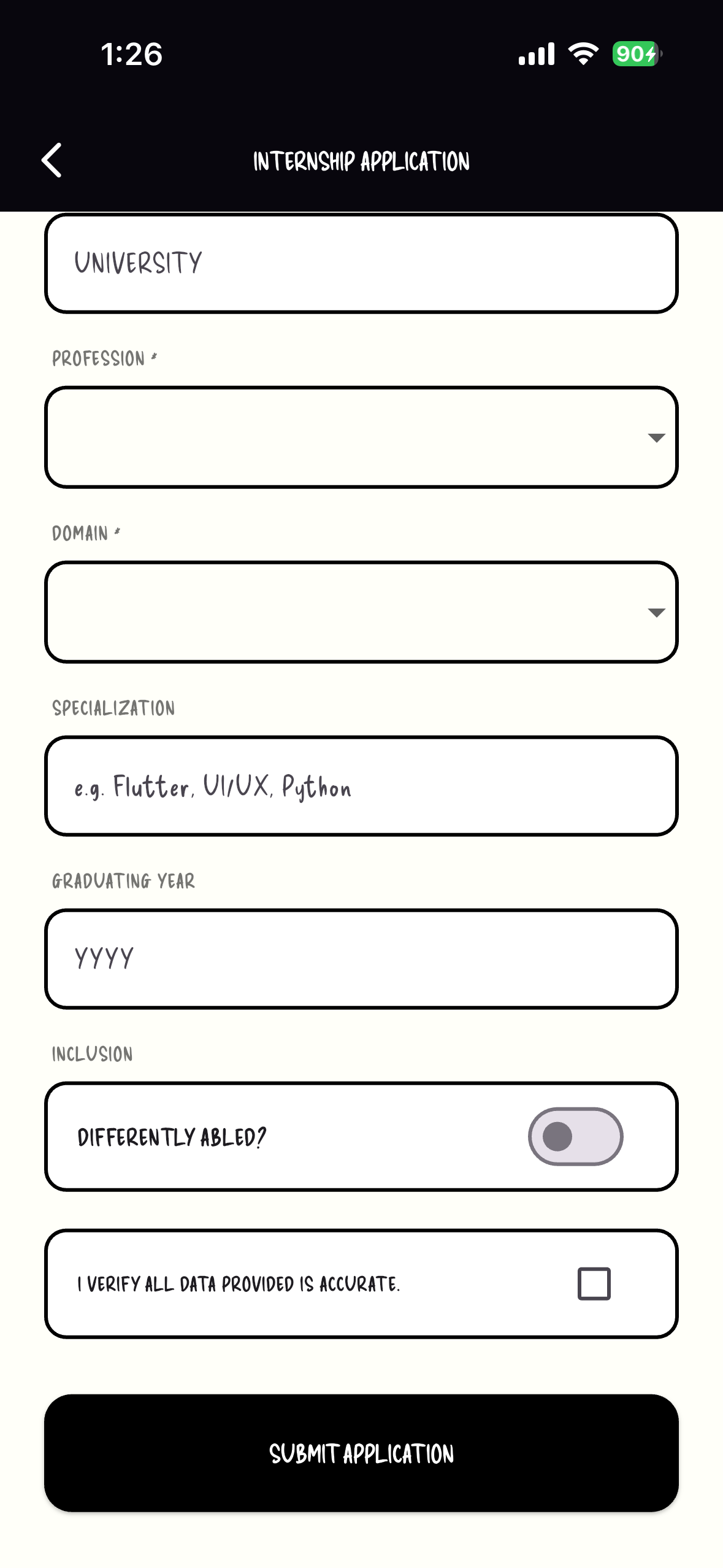
Internship Application Form0
-
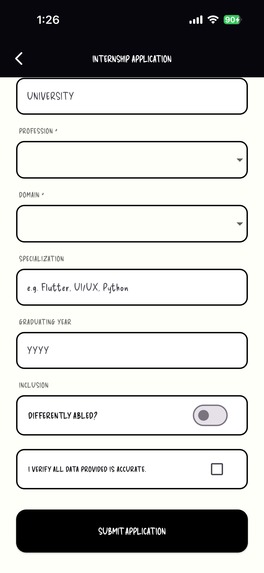
Internship Application Form1
-
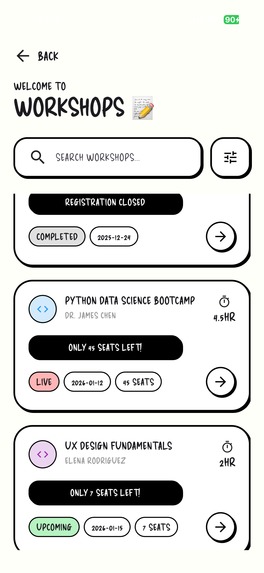
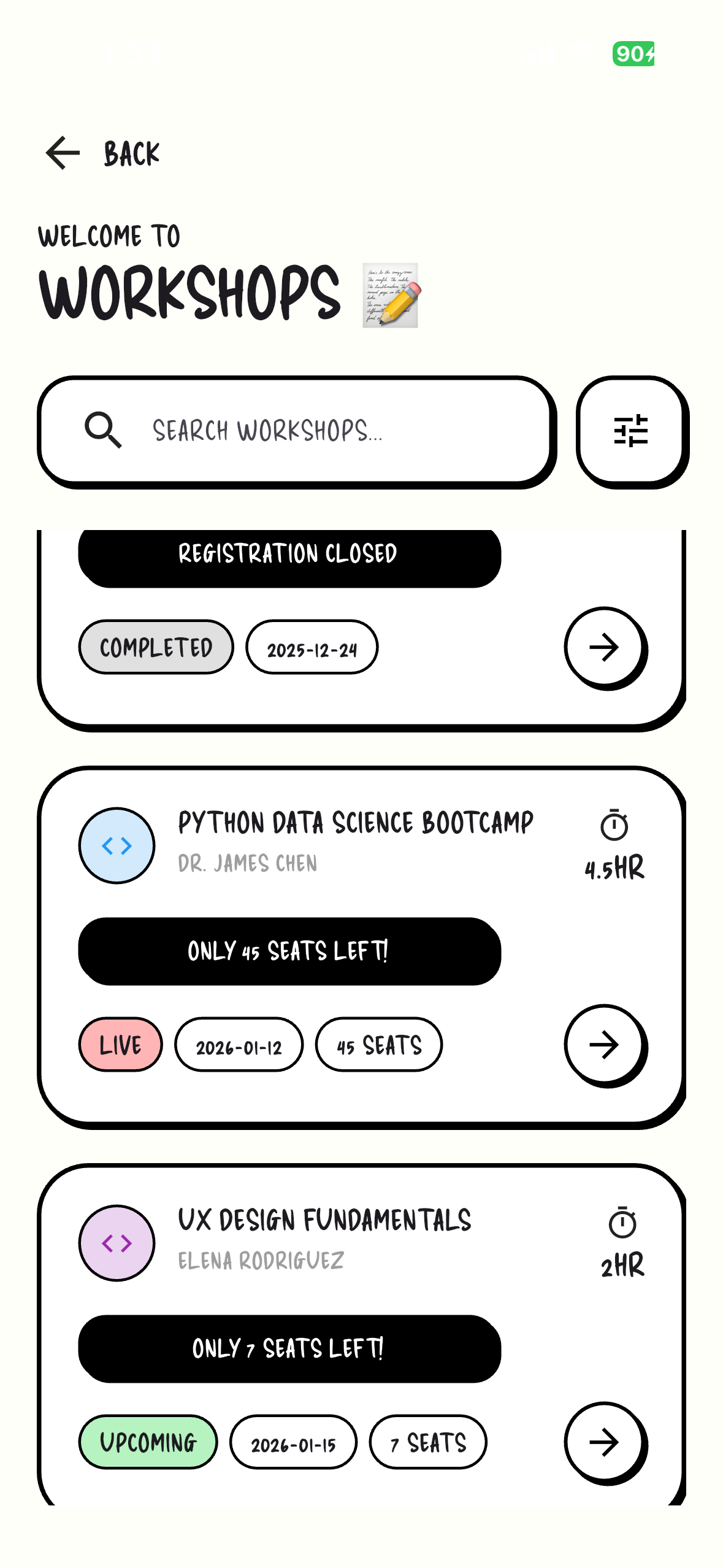
Workshop Screen
-
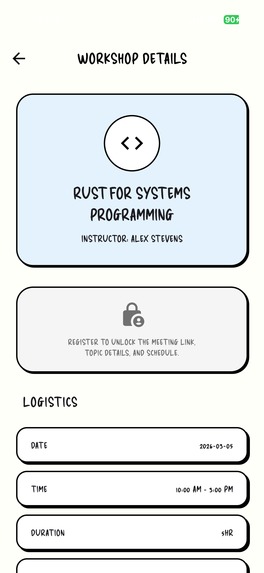
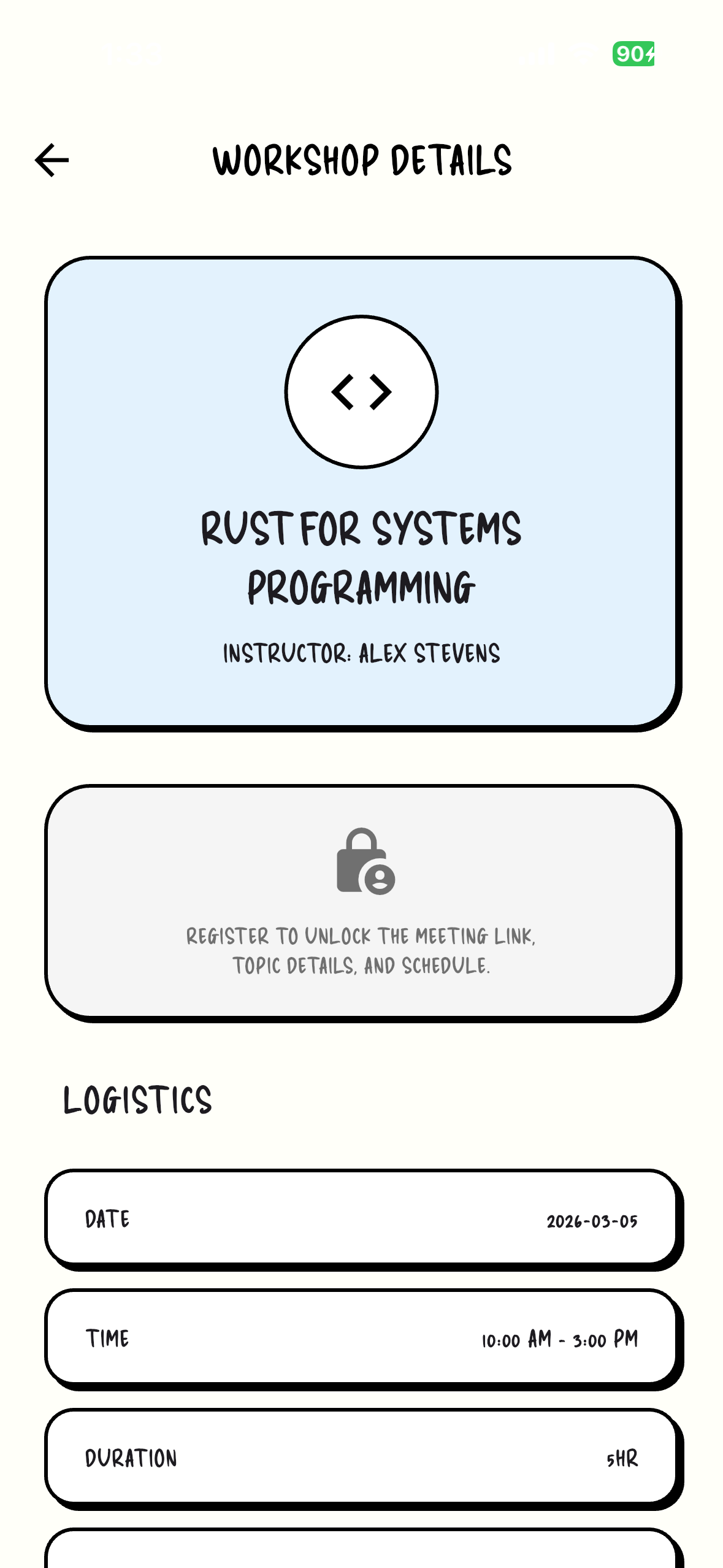
Workshop Detailed Screen
-
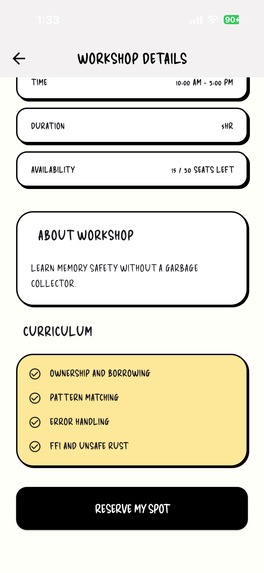
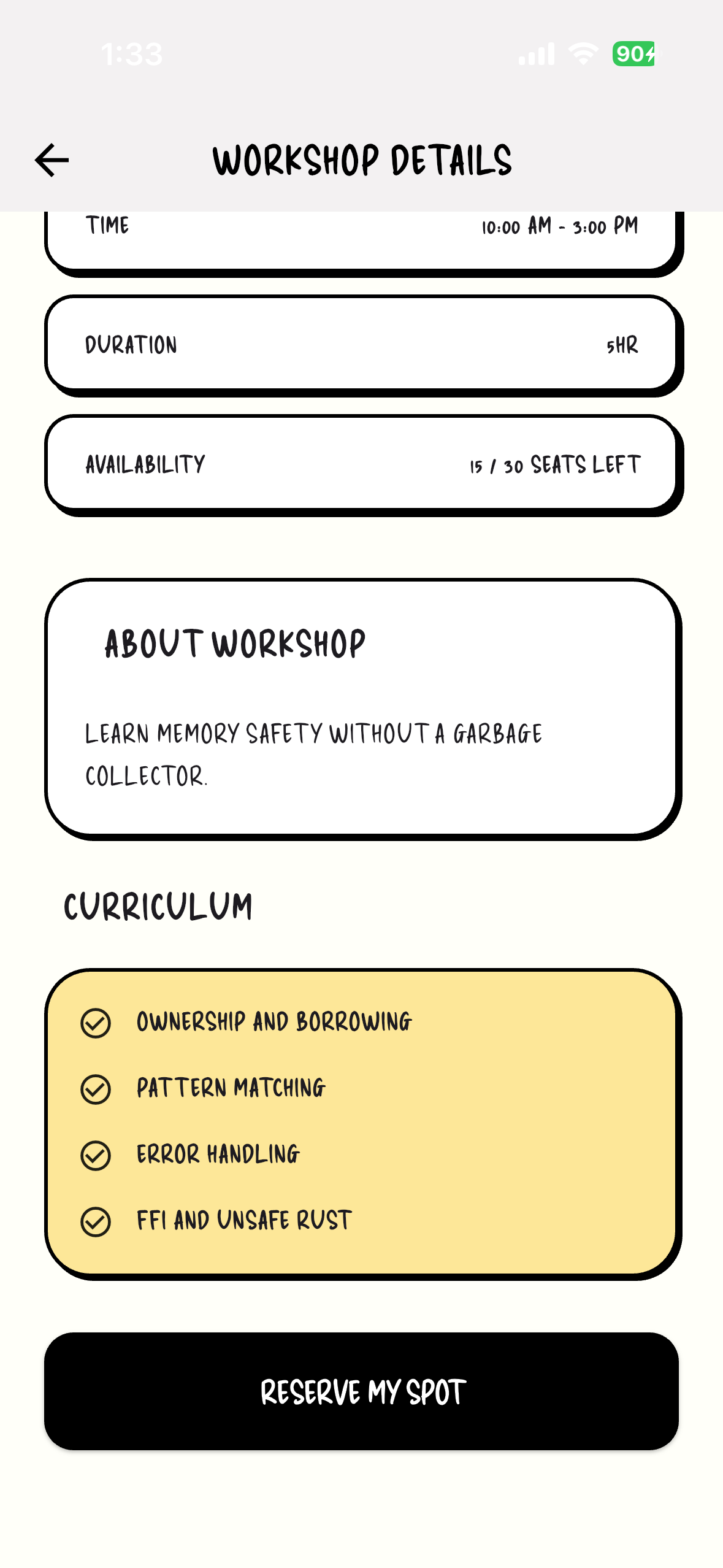
Workshop Detailed Screen1
-
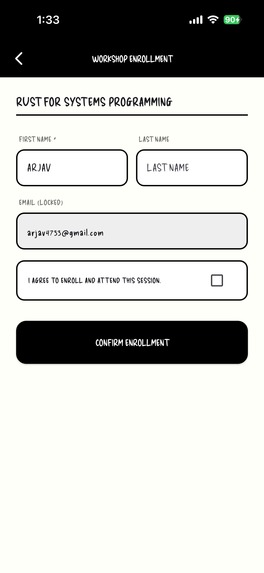
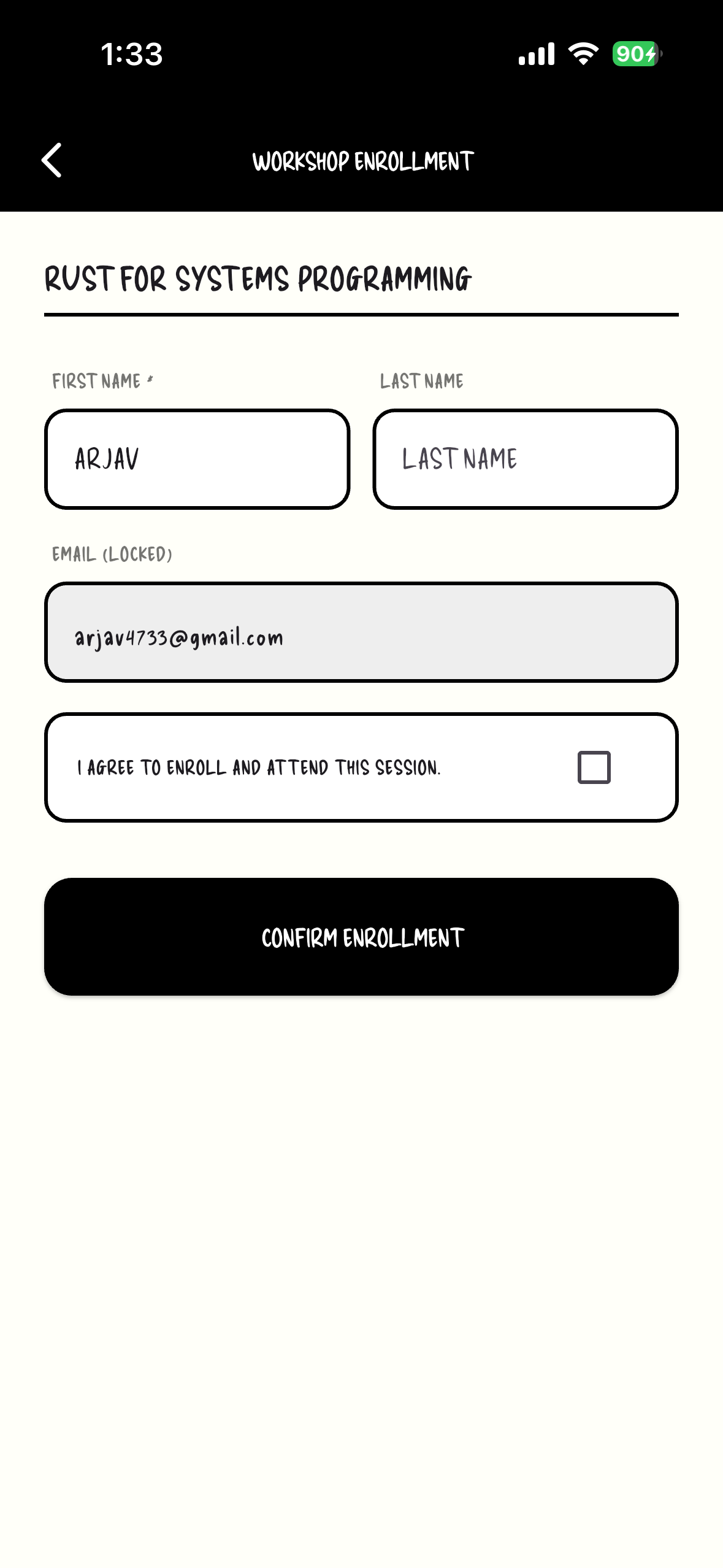
Workshop Application Form
-
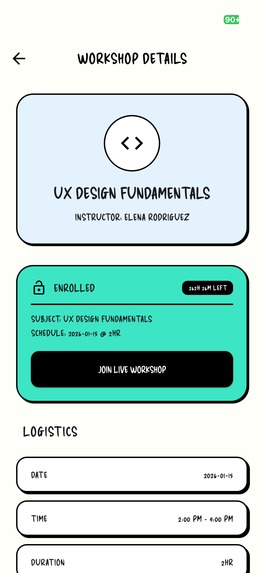
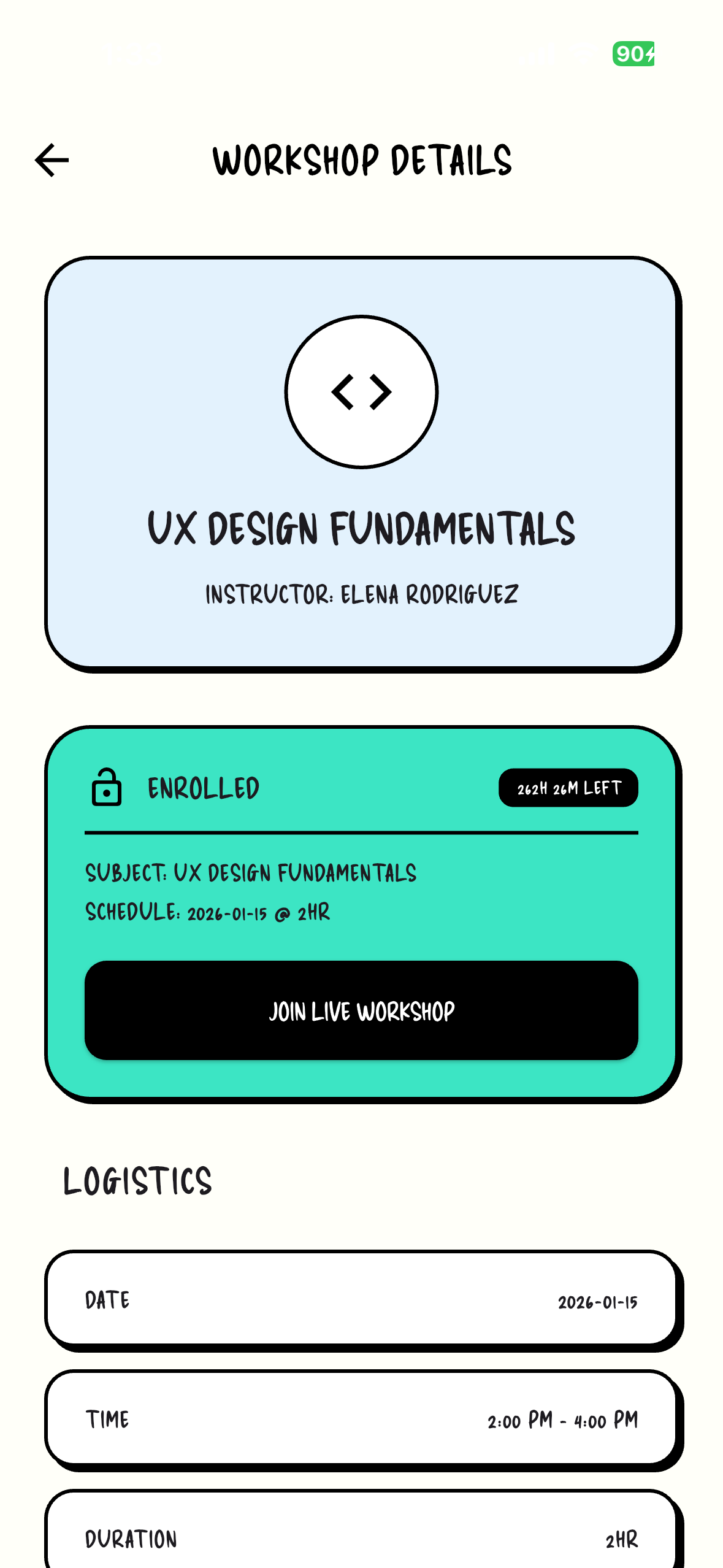
Detailed Screen after workshop completion
-
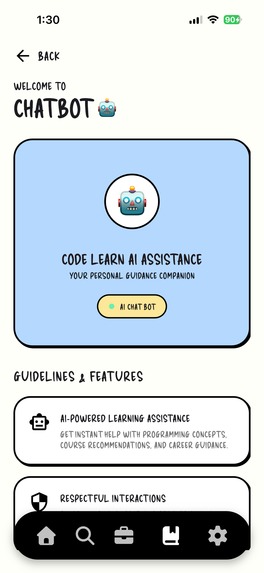
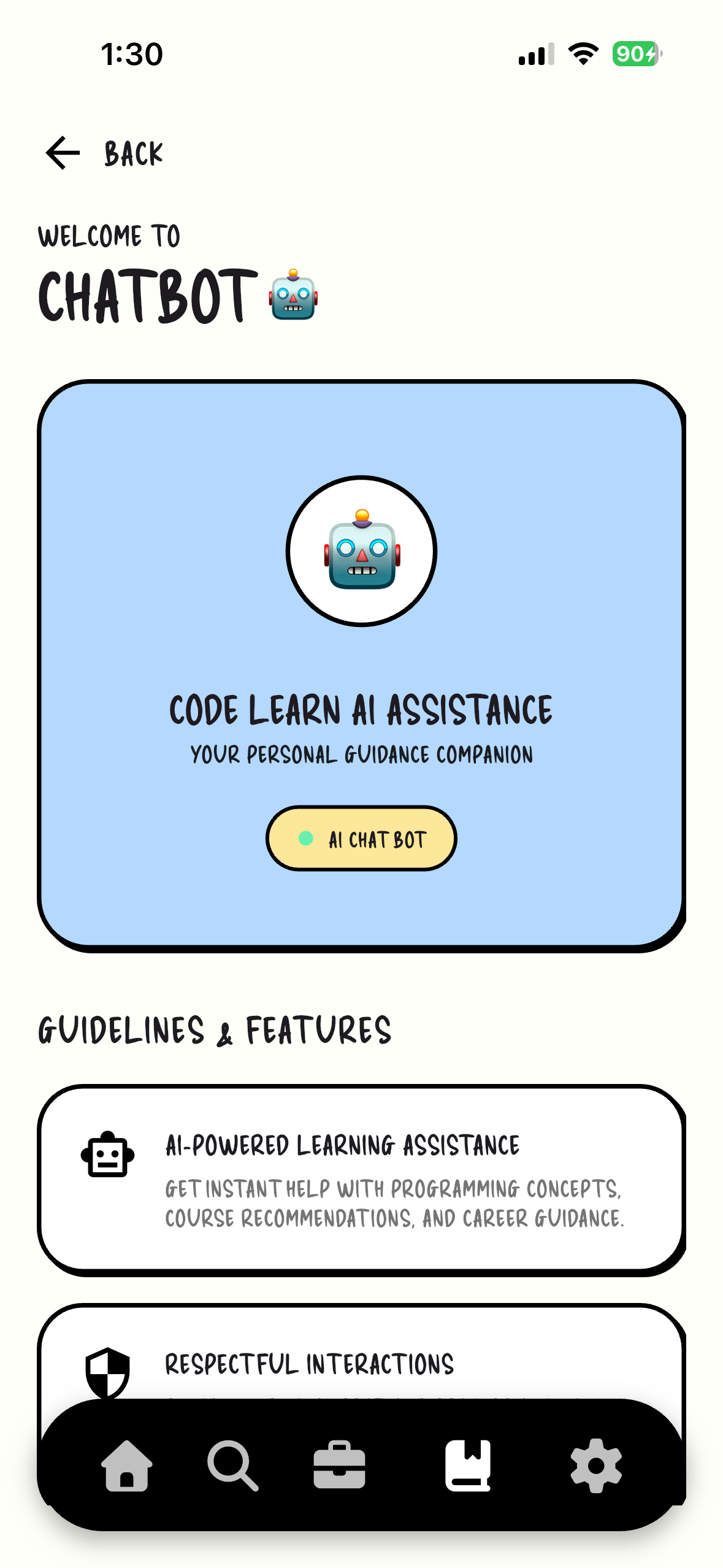
Onboarding Chatbot Screen
-
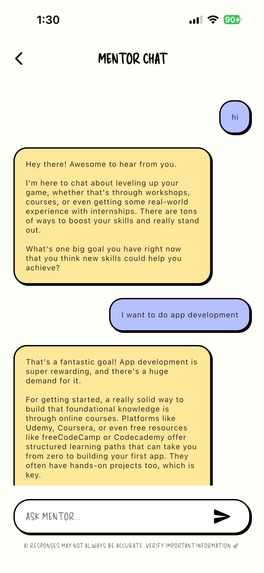
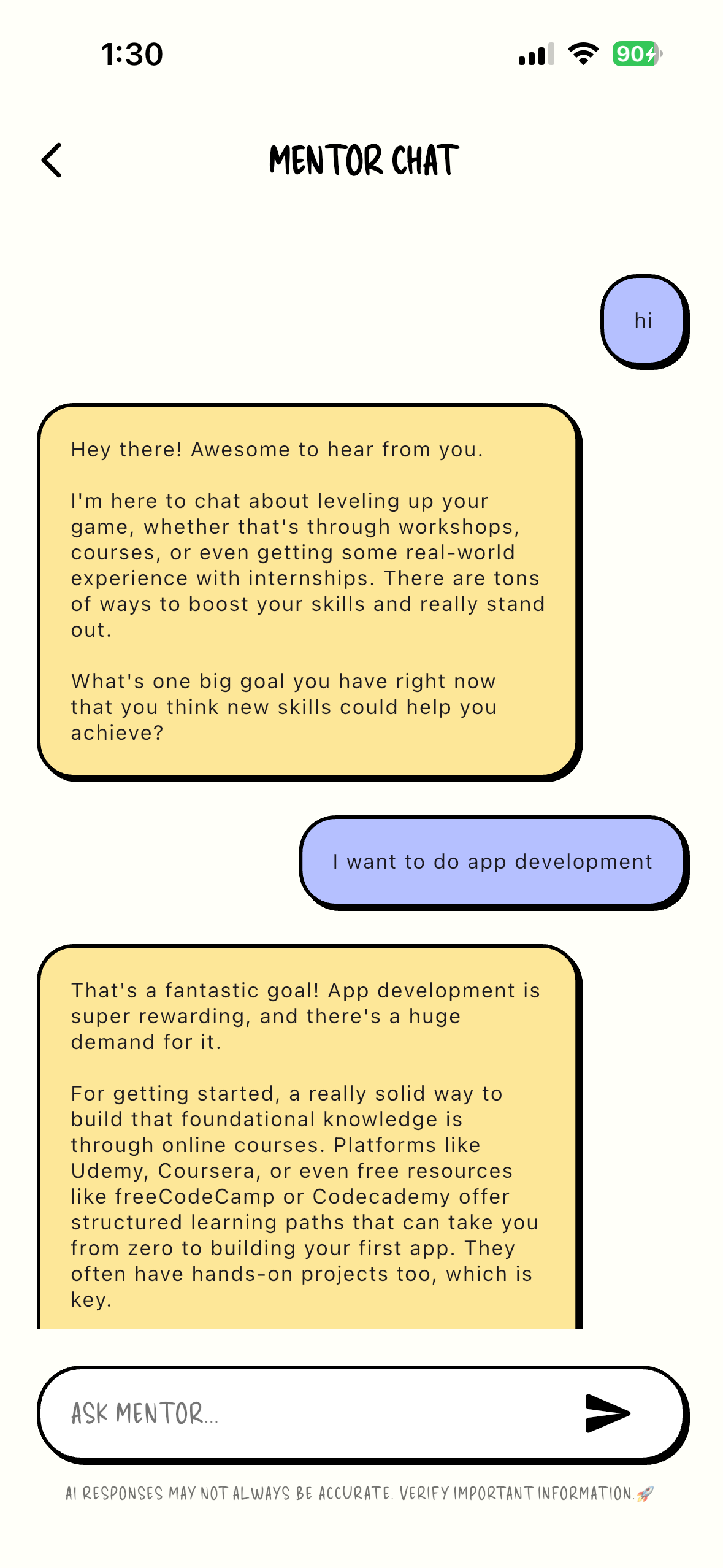
Chat Screen
-
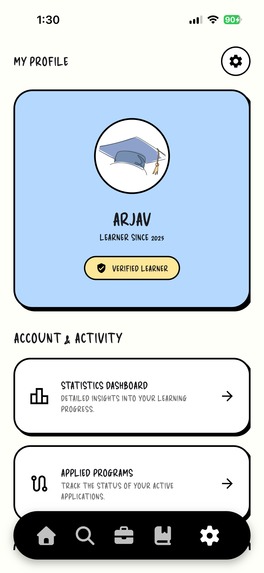
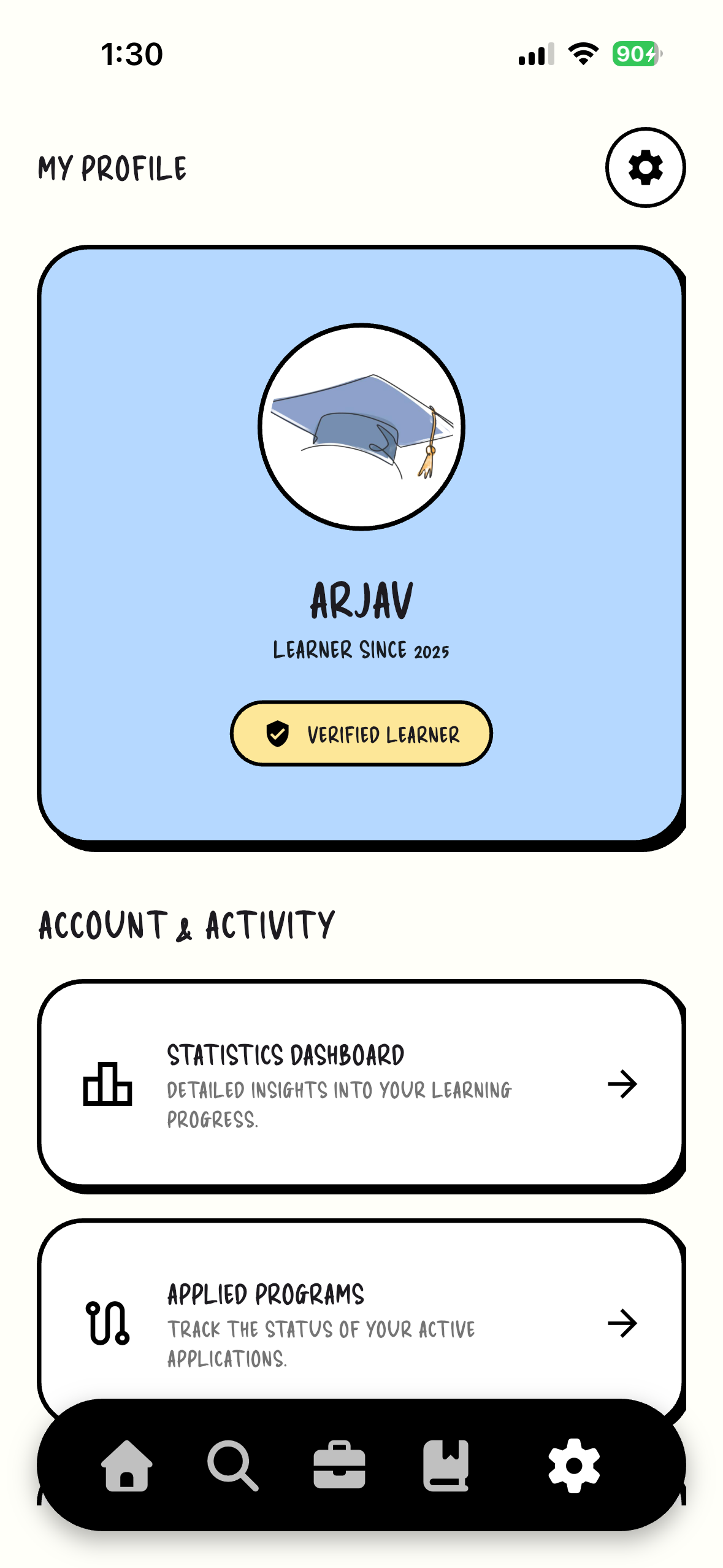
Profile Setting Page
-
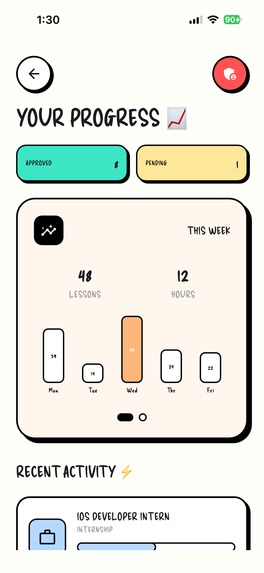
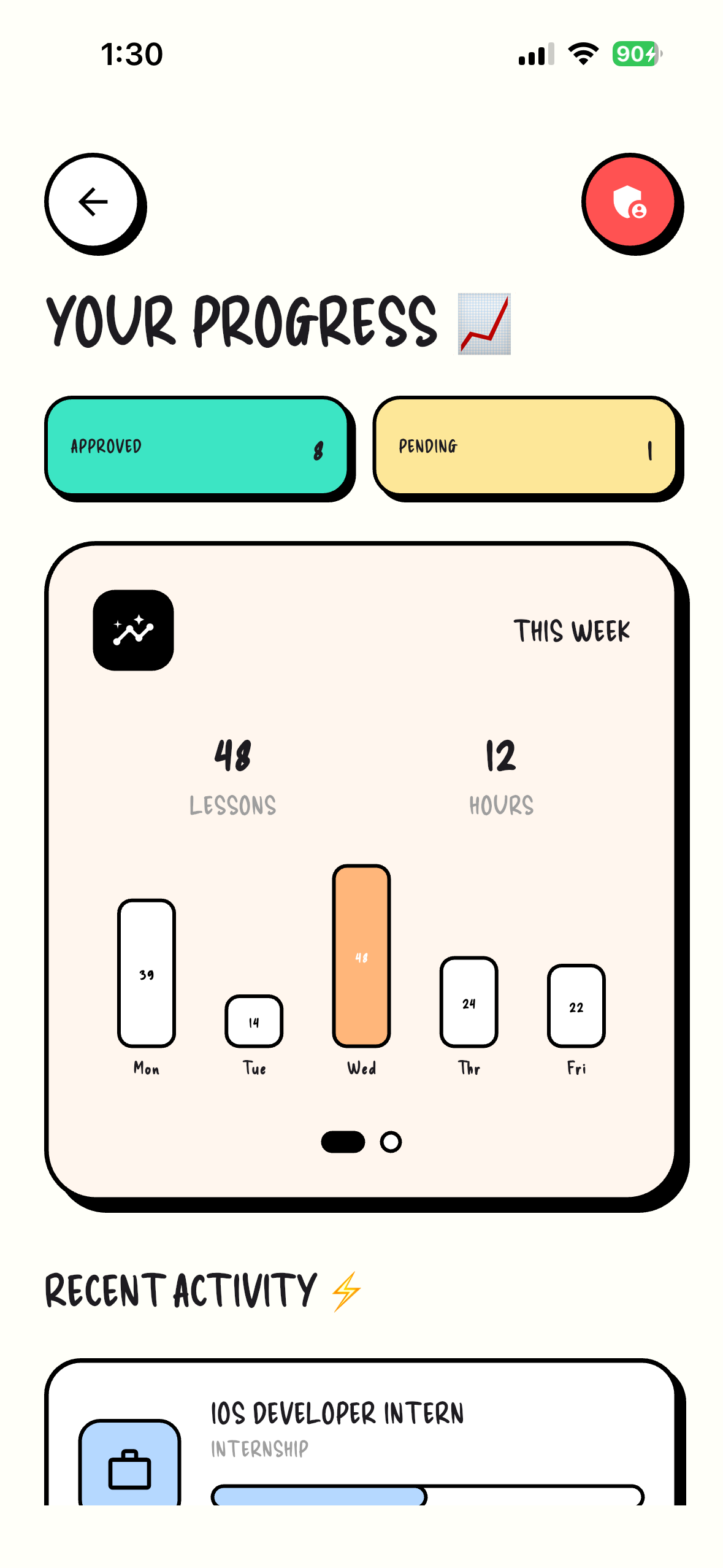
Progress Dashboard
-
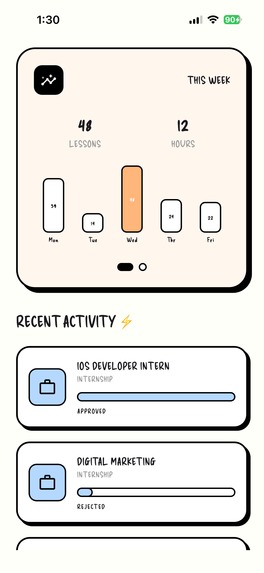
Progress Dashboard1
-
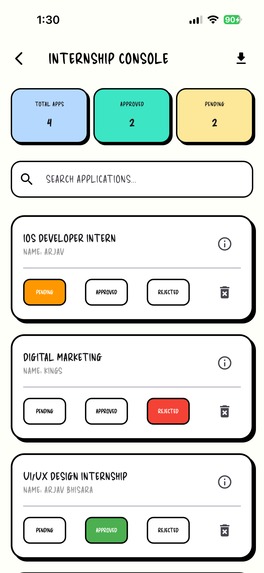
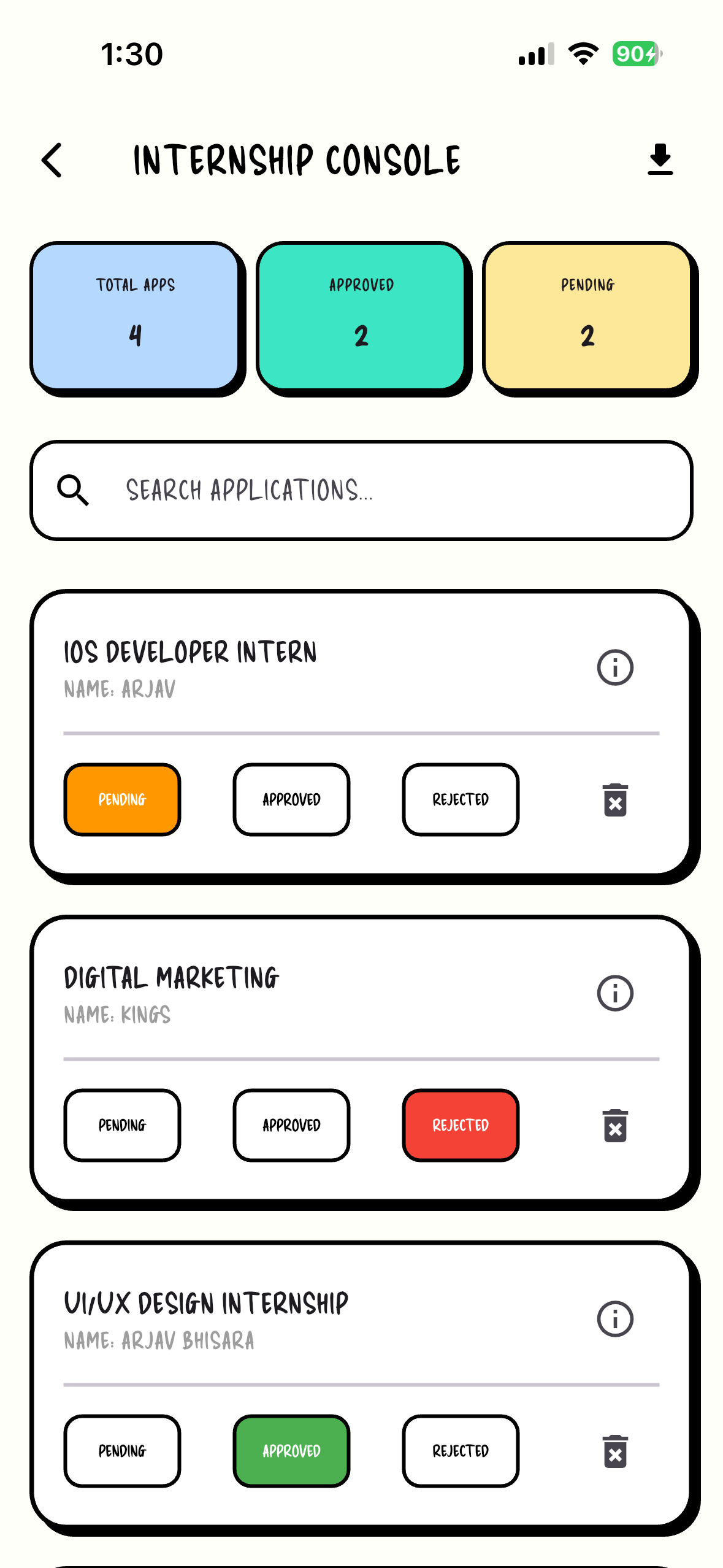
Admin Panel which will be accessed by the admins only
-
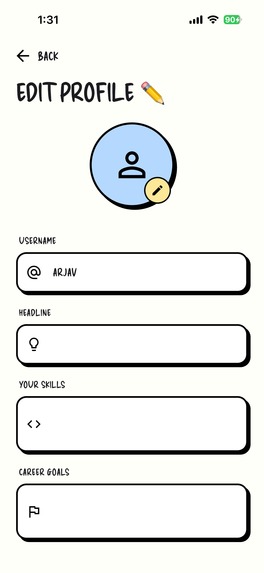
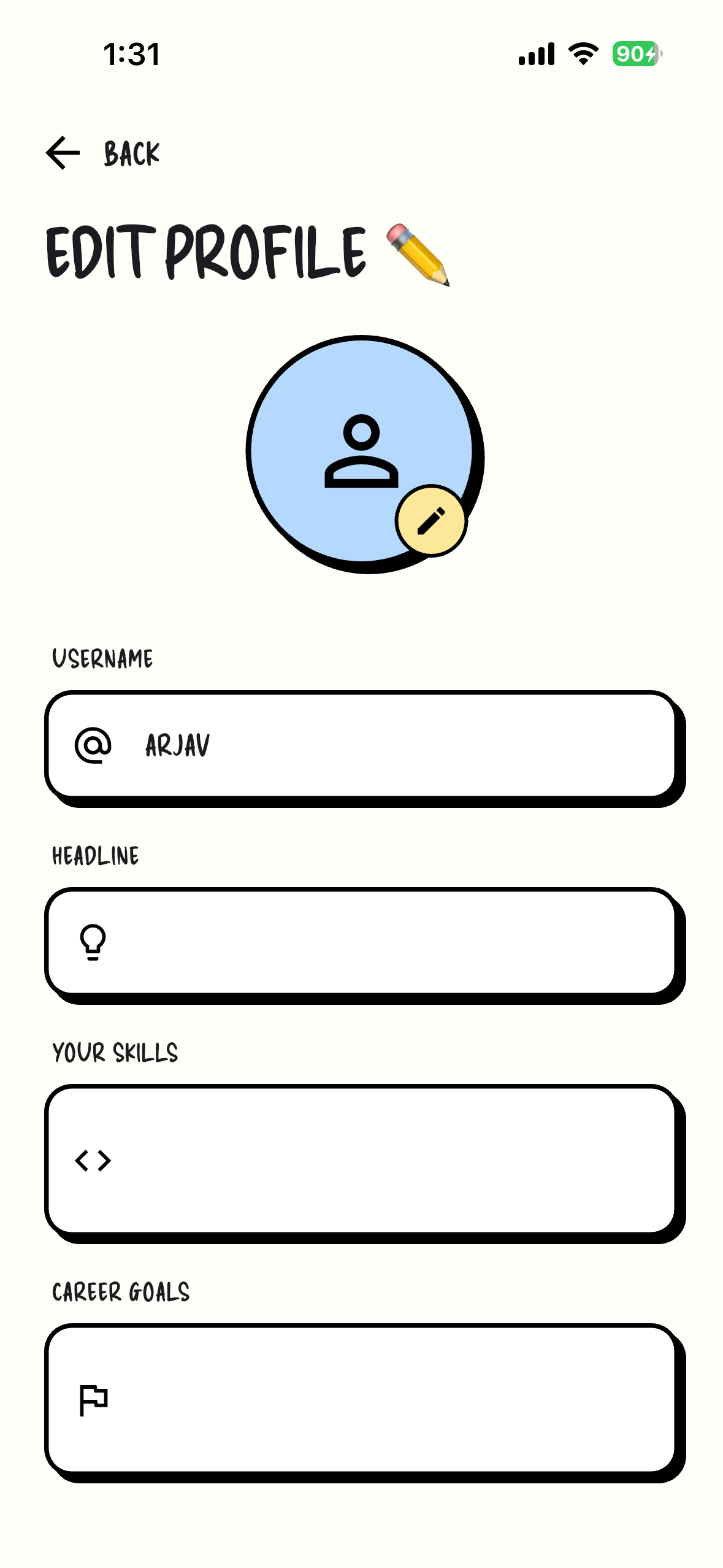
Edit Profile
-
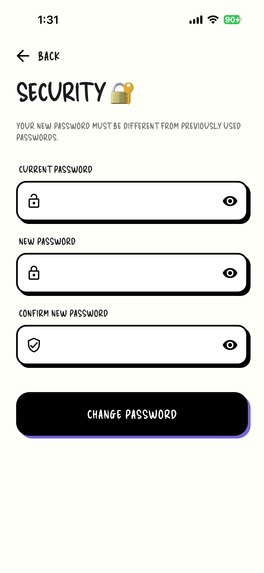
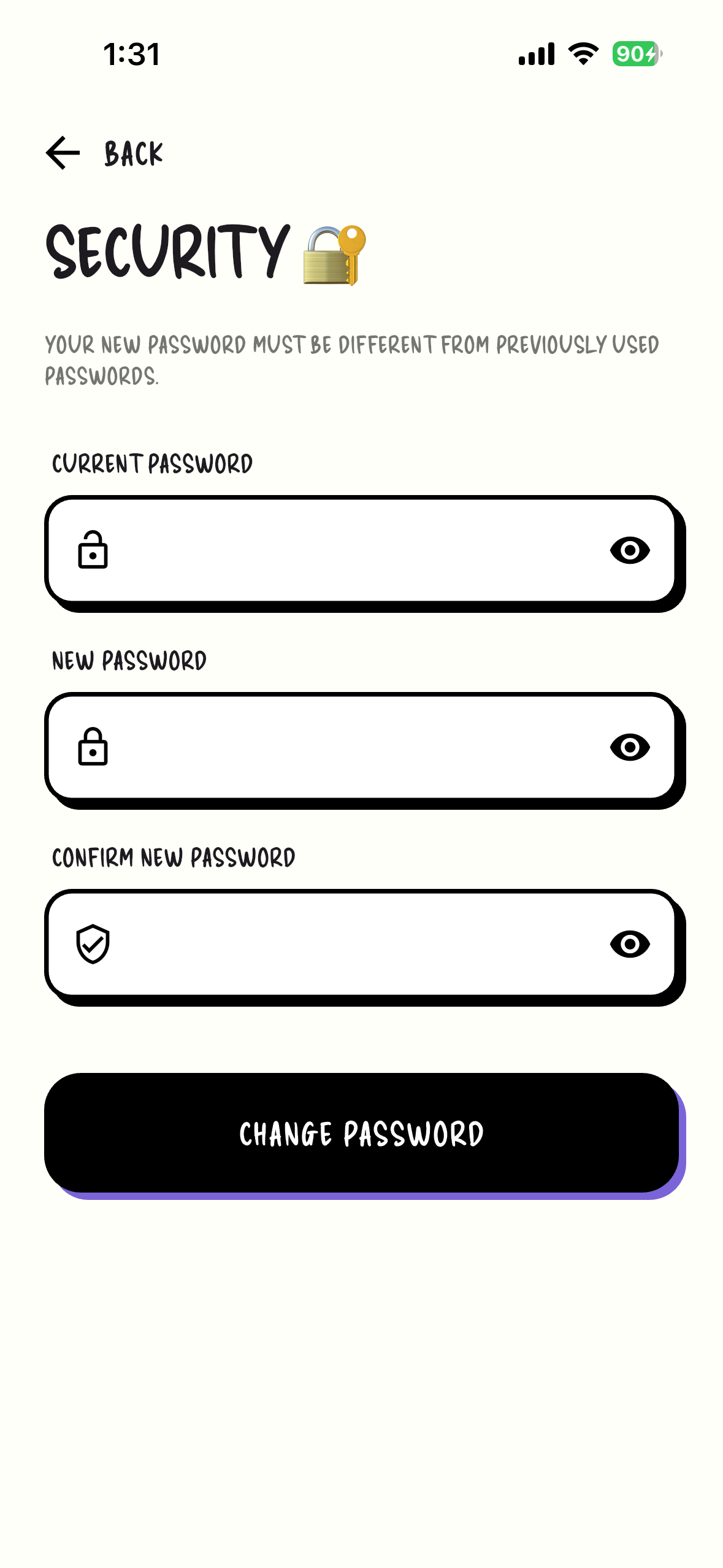
Password Security
-
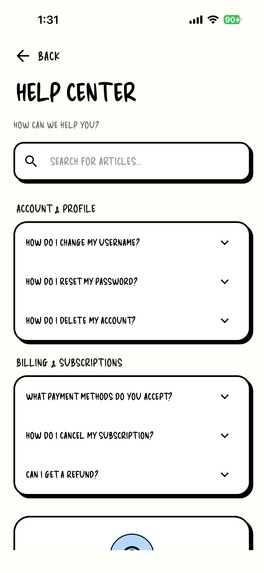
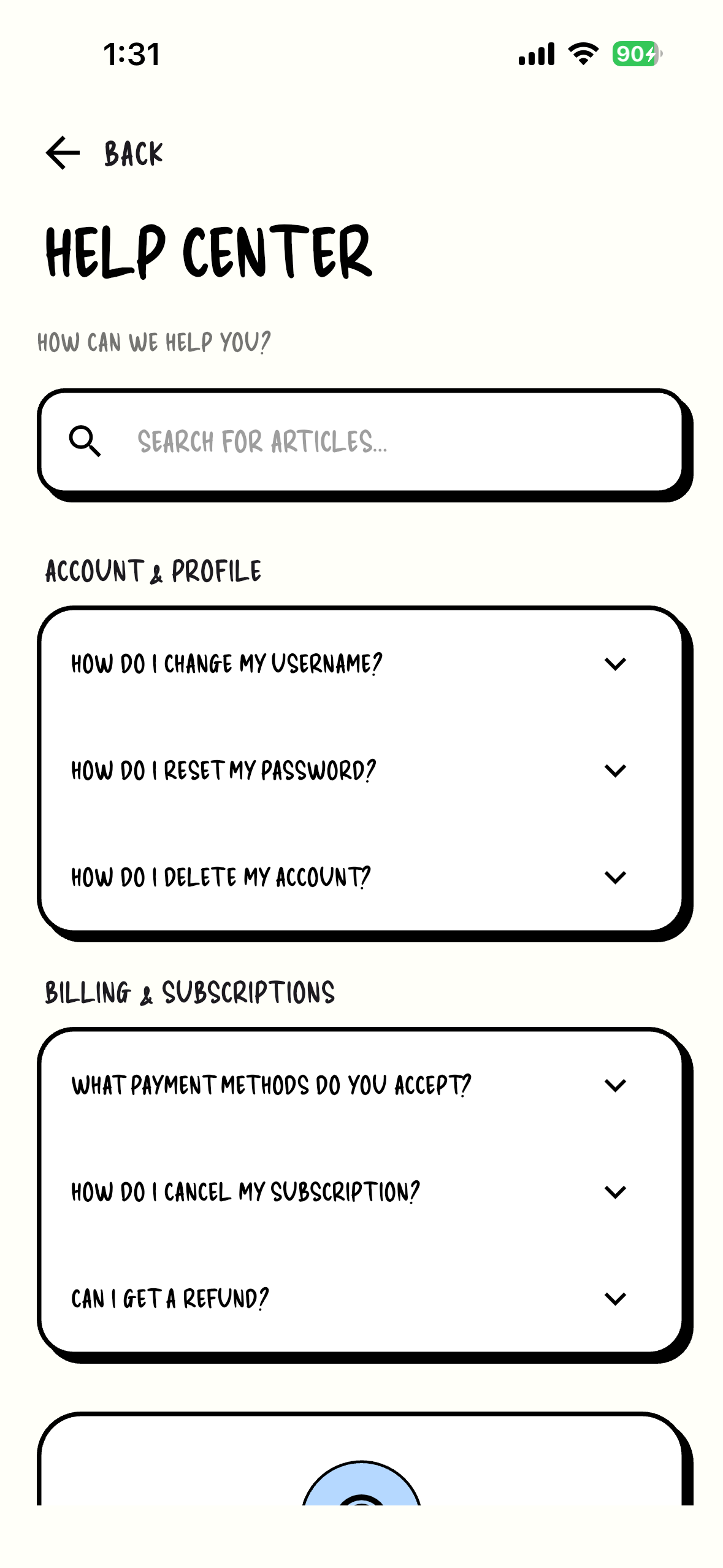
Help Center
-
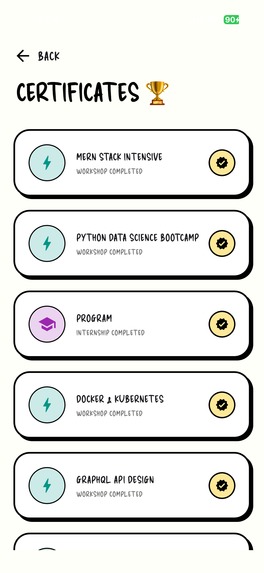
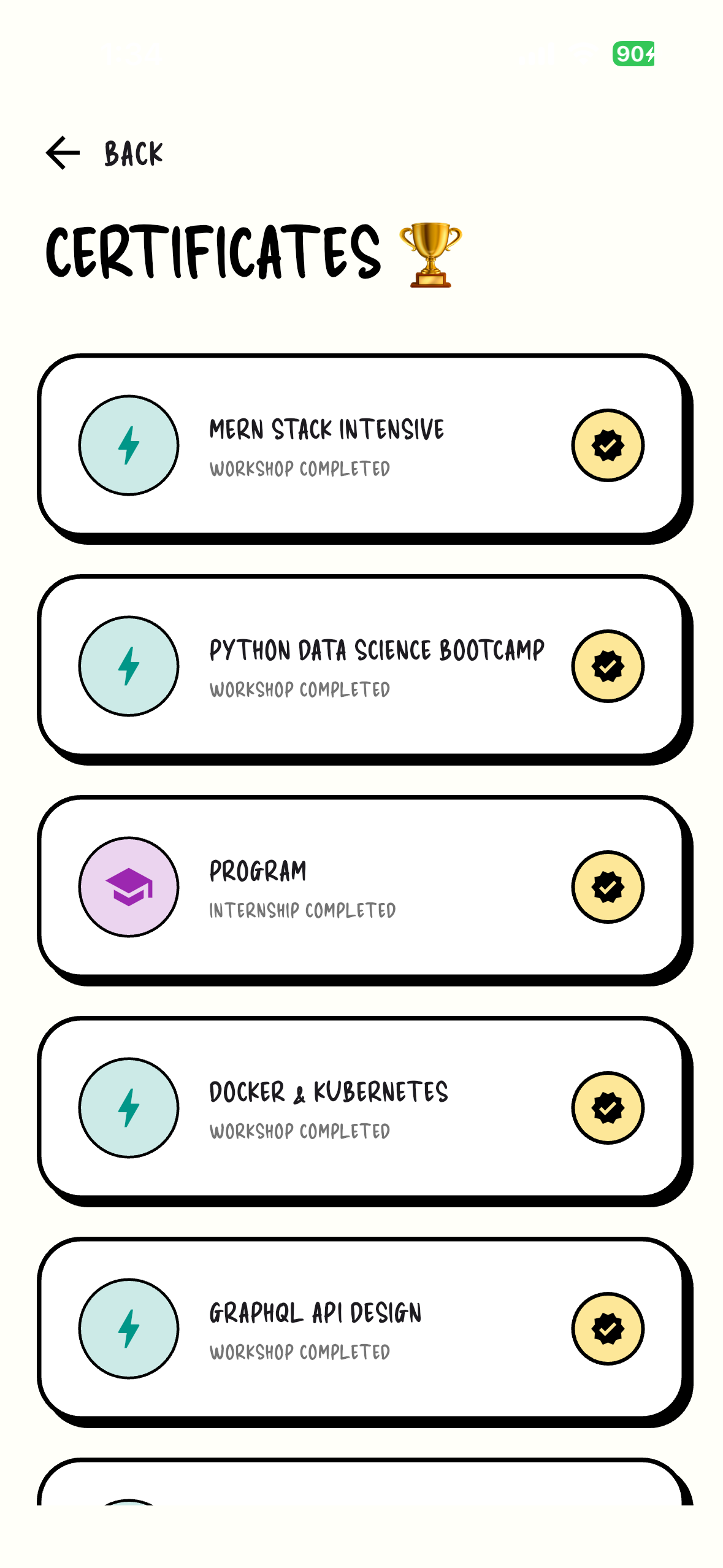
Certificates of Program
-
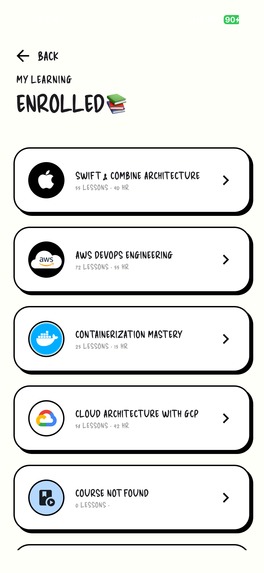
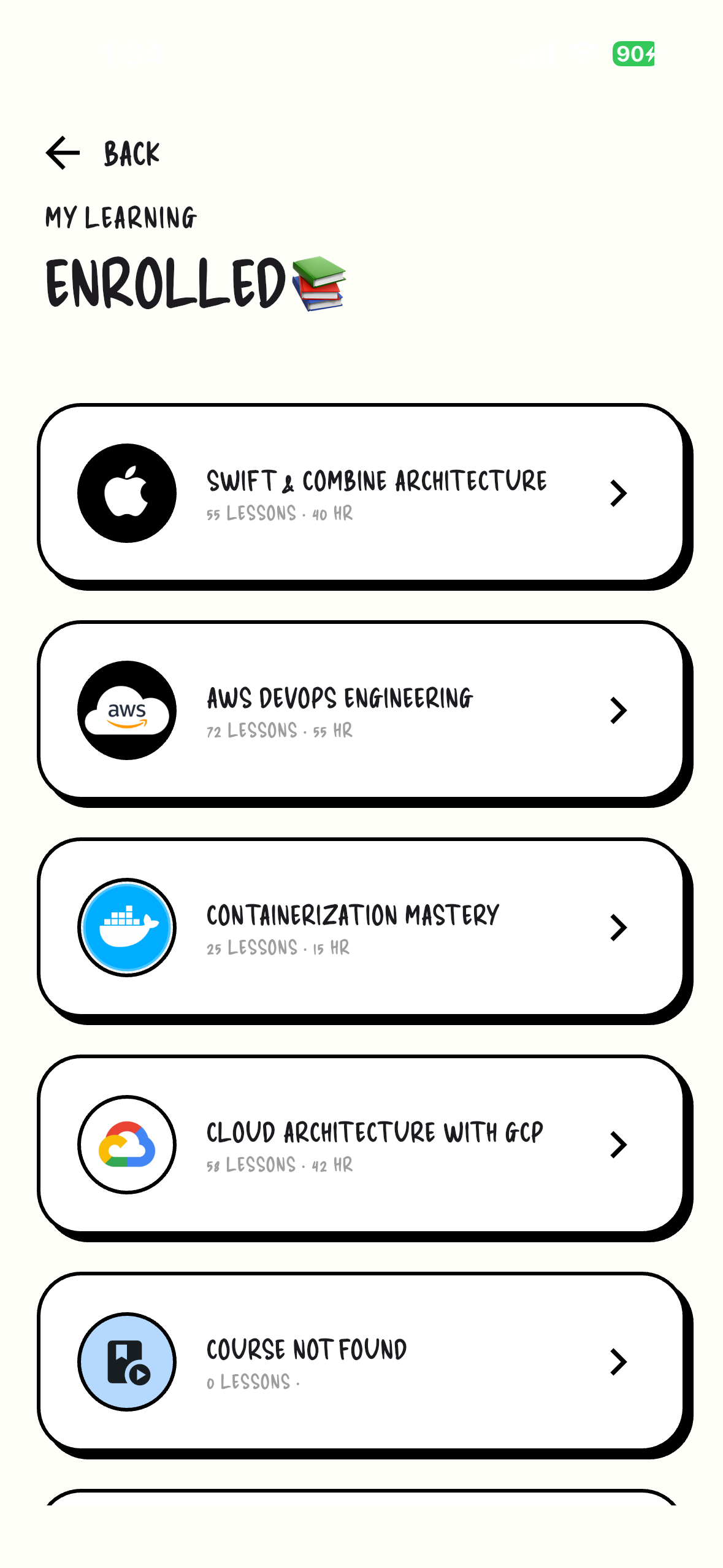
Past Enrolled
-
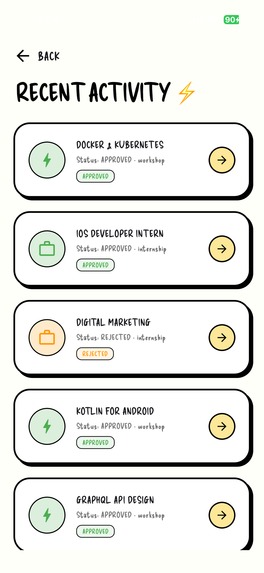
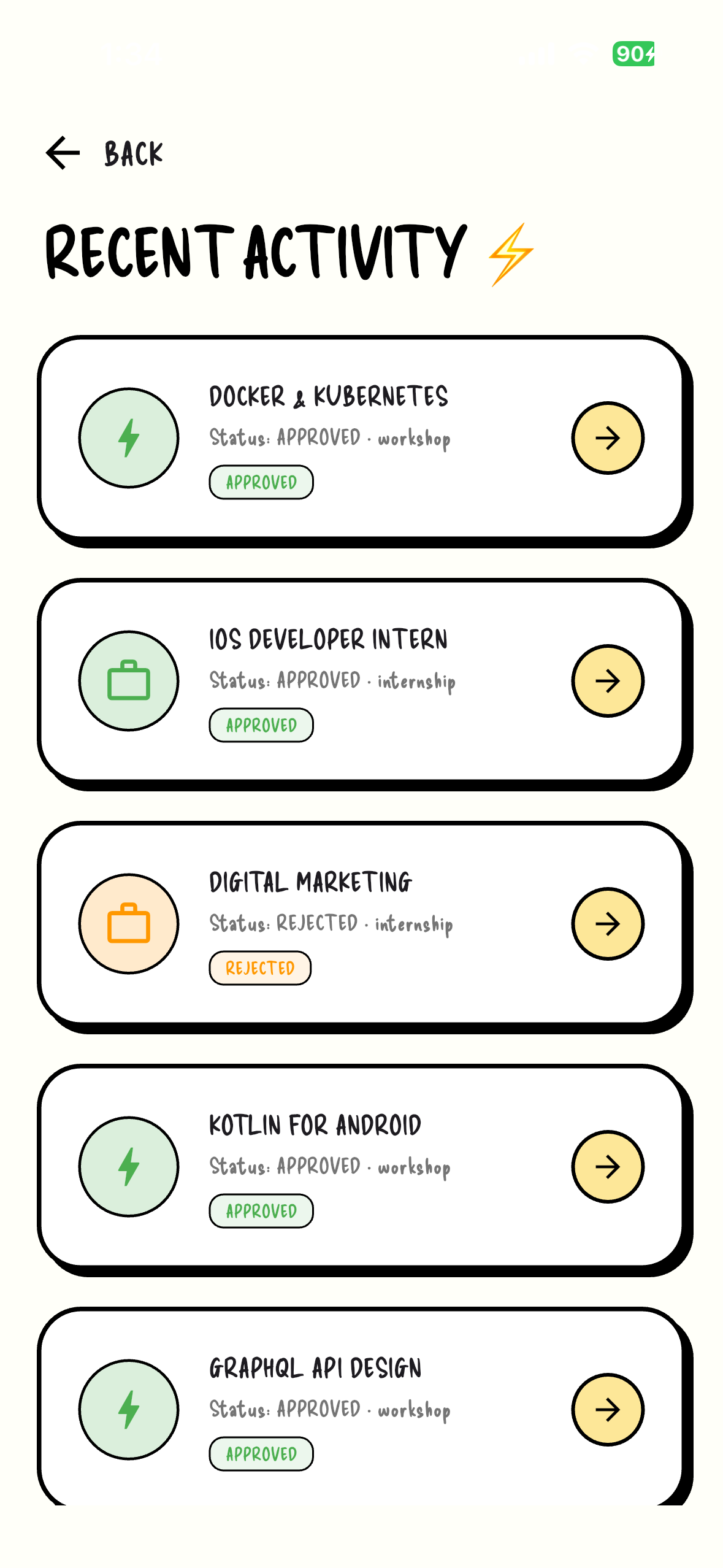
Recent Activity
About Grade Learn
Inspiration
As a student, I noticed a frustrating pattern: academic life is scattered. Between different portals for grades, cloud folders for materials, and separate apps for task management, students face a "cognitive tax" just trying to stay organized. I was inspired to build Grade Learn to eliminate this friction, creating a unified ecosystem where a student’s entire academic journey lives in one place.
How I Built It
The project is built using the Flutter framework for a high-performance, cross-platform experience.
- Frontend: Crafted with Dart, focusing on a clean, intuitive UI for minimal distraction.
- Backend: Integrated with Firebase and Cloud Firestore for real-time data synchronization and secure authentication.
- Architecture: Followed a modular approach to ensure features like the internship hub and AI chatbot could scale independently.
What I Learned
This project pushed me to master state management and backend integration. I also dove into the mathematics of academic tracking. For example, I implemented custom logic to calculate weighted averages, ensuring students always know their standing:
Where represents the number of assessments, and the sum of all weights equals .
Challenges Faced
The biggest hurdle was data consistency. Ensuring that a student's progress updated instantly across multiple devices while handling offline states required a deep dive into Firestore's persistence layers. Additionally, balancing a feature-rich environment (like adding an AI chatbot and internship hub) without cluttering the mobile UX was a constant exercise in user-centric design.
AI Chatbot: The Intelligent Academic Assistant
The Grade Learn AI Chatbot serves as a 24/7 mentor, helping students navigate career paths and complex subjects.
- Integration: I utilized the Gemini API via a Python-based backend to process natural language queries.
- Contextual Awareness: To prevent generic answers, I implemented a system that feeds specific student data (like major or current skills) into the prompt context.
- Logic: The system uses a basic probability model to determine the relevance of career advice based on the user's current progress:
Internship Hub: Bridging the Gap
The Internship Hub was designed to move beyond simple tracking and into professional growth.
- Real-time Feed: Using Cloud Firestore, I built a dynamic stream of opportunities that updates without requiring a page refresh.
- Filtering Logic: I developed a custom algorithm to match students with internships based on their "Skill Programs" completed within the app.
- Data Structure: Opportunities are stored as documents in a collection, optimized for low-latency queries even as the database grows.
Key Technical Learnings
- State Management: Navigating between the AI's response stream and the Internship Hub's data stream taught me how to manage complex application states effectively in Flutter.
- Asynchronous Programming: Handling API calls for the chatbot while maintaining a smooth 60fps UI required a deep understanding of
FutureandStreamin Dart.


Log in or sign up for Devpost to join the conversation.