-
-
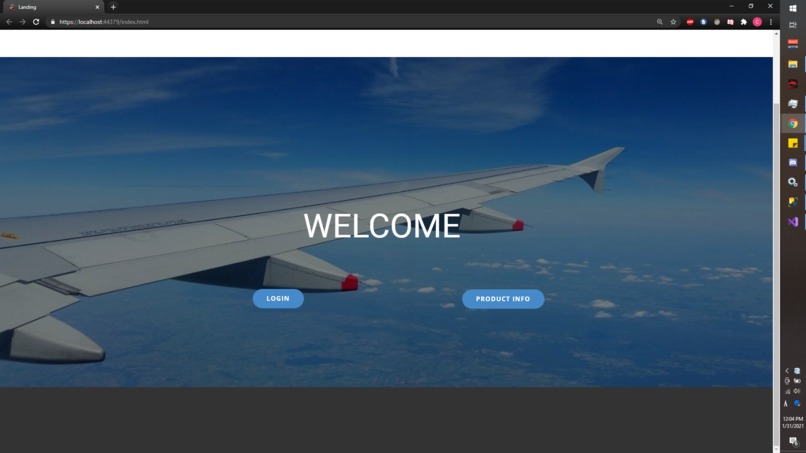
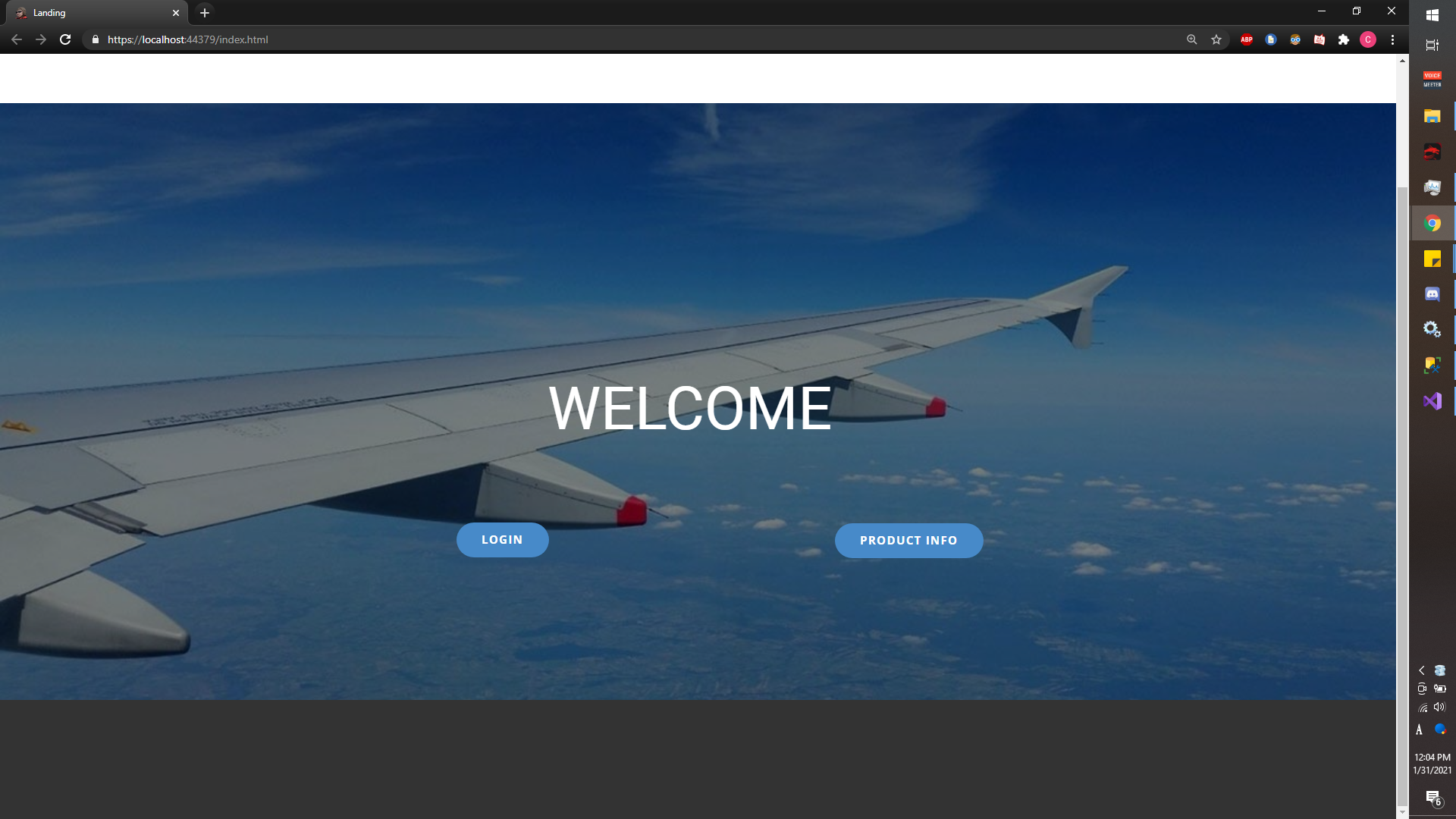
Landing Page
-
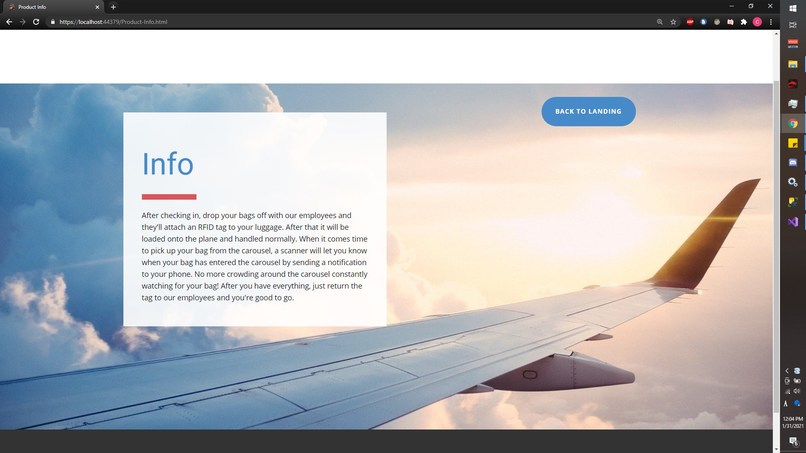
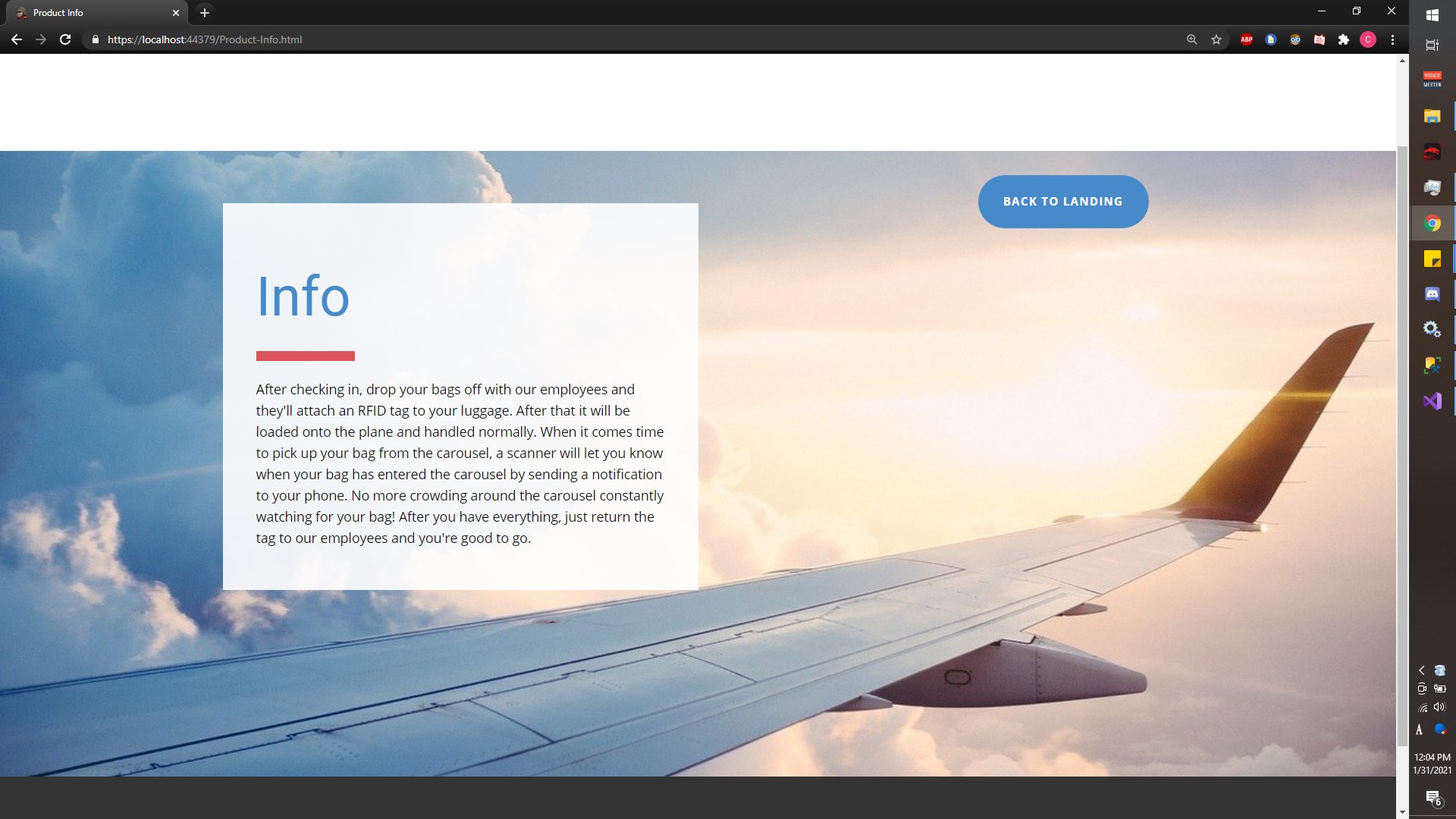
Product Page
-
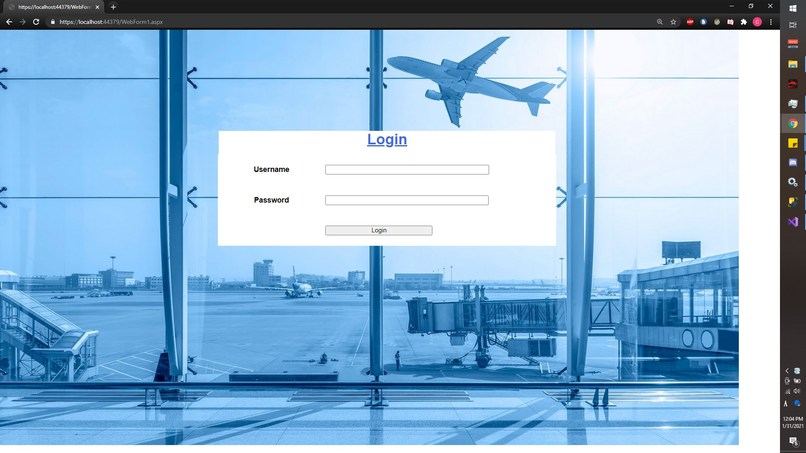
Login Page
-
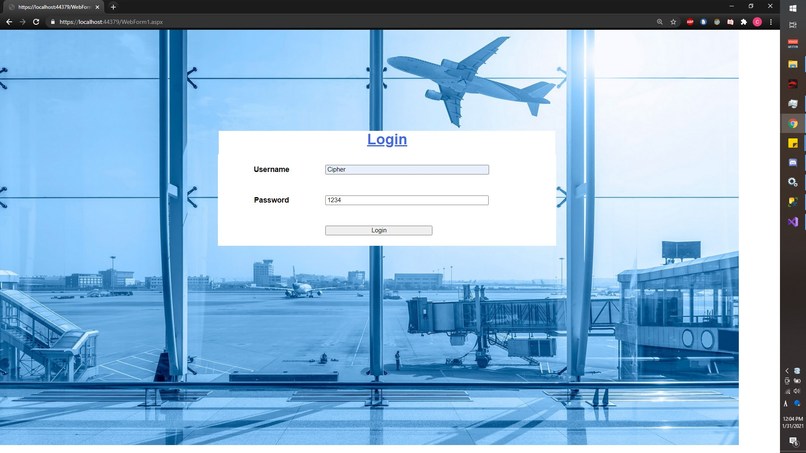
Login Page 2
-
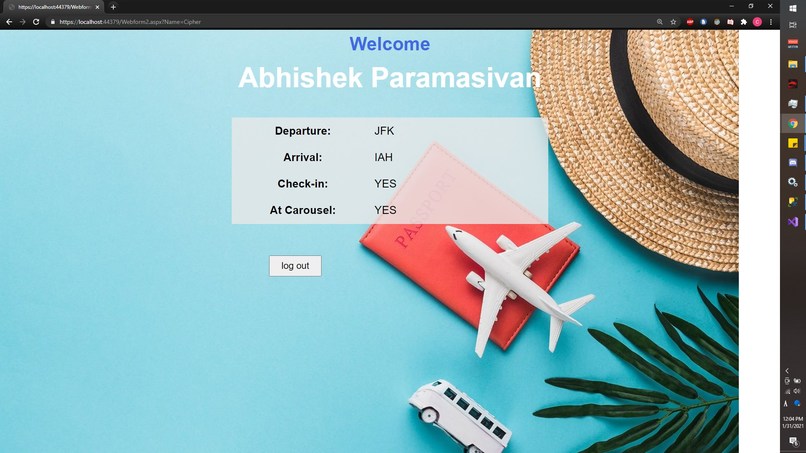
Results Page
-
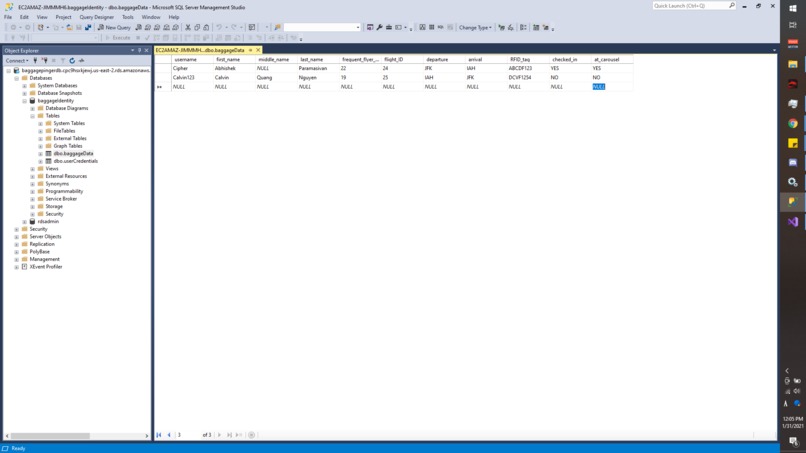
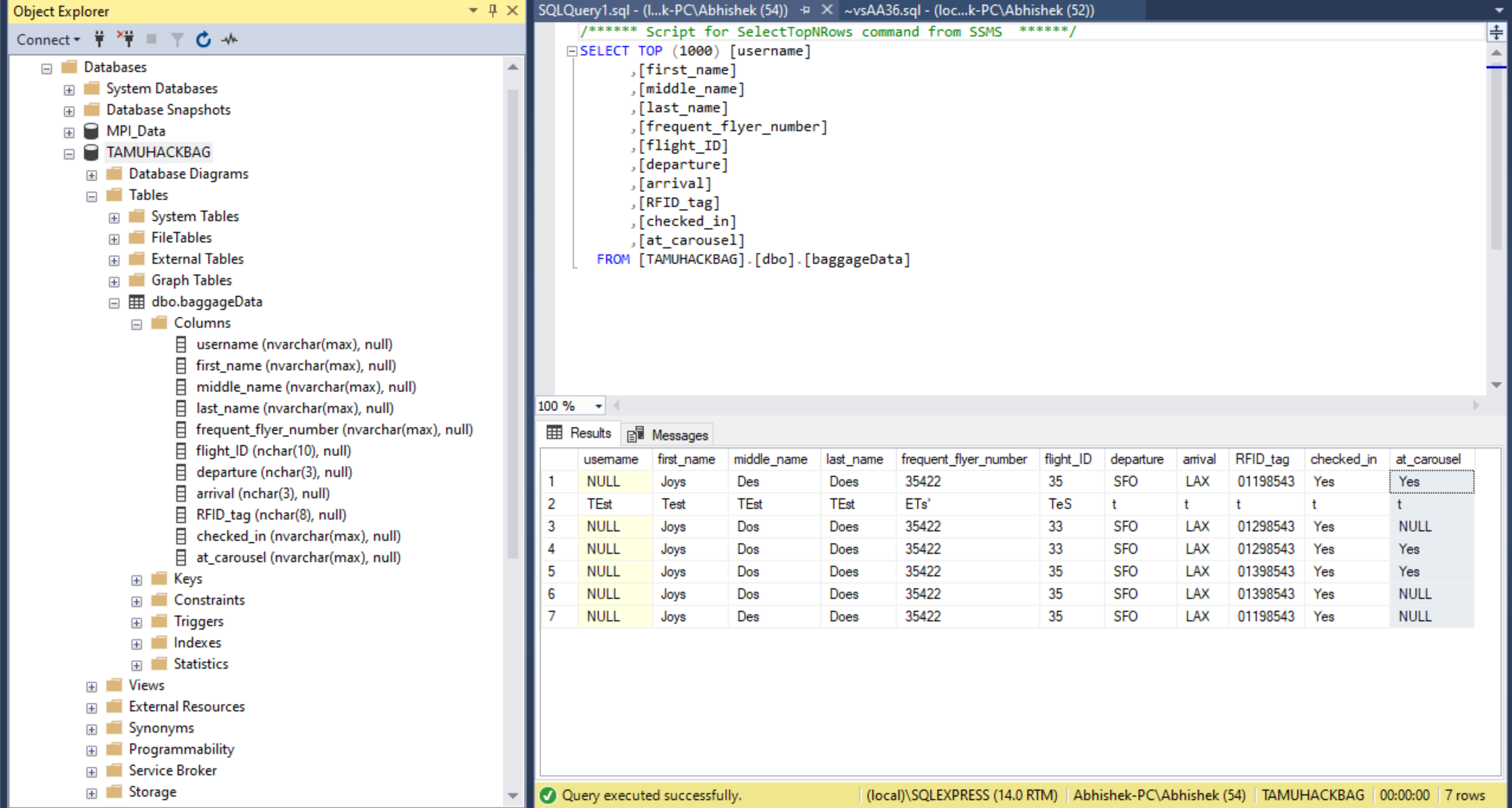
SQL Database - baggage/customer data
-
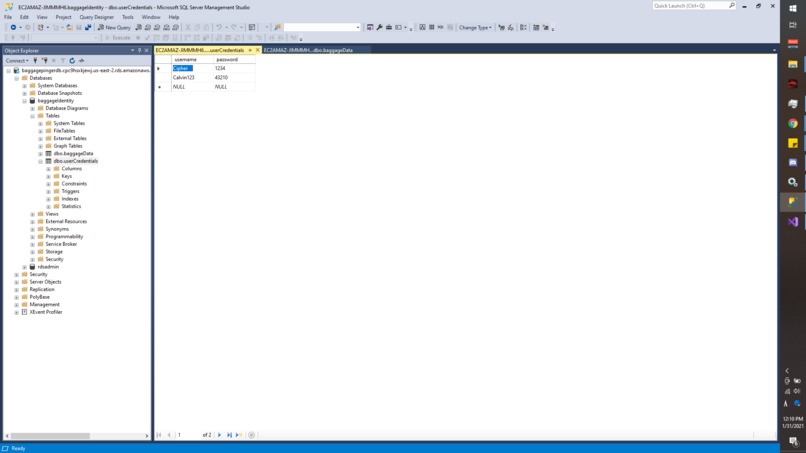
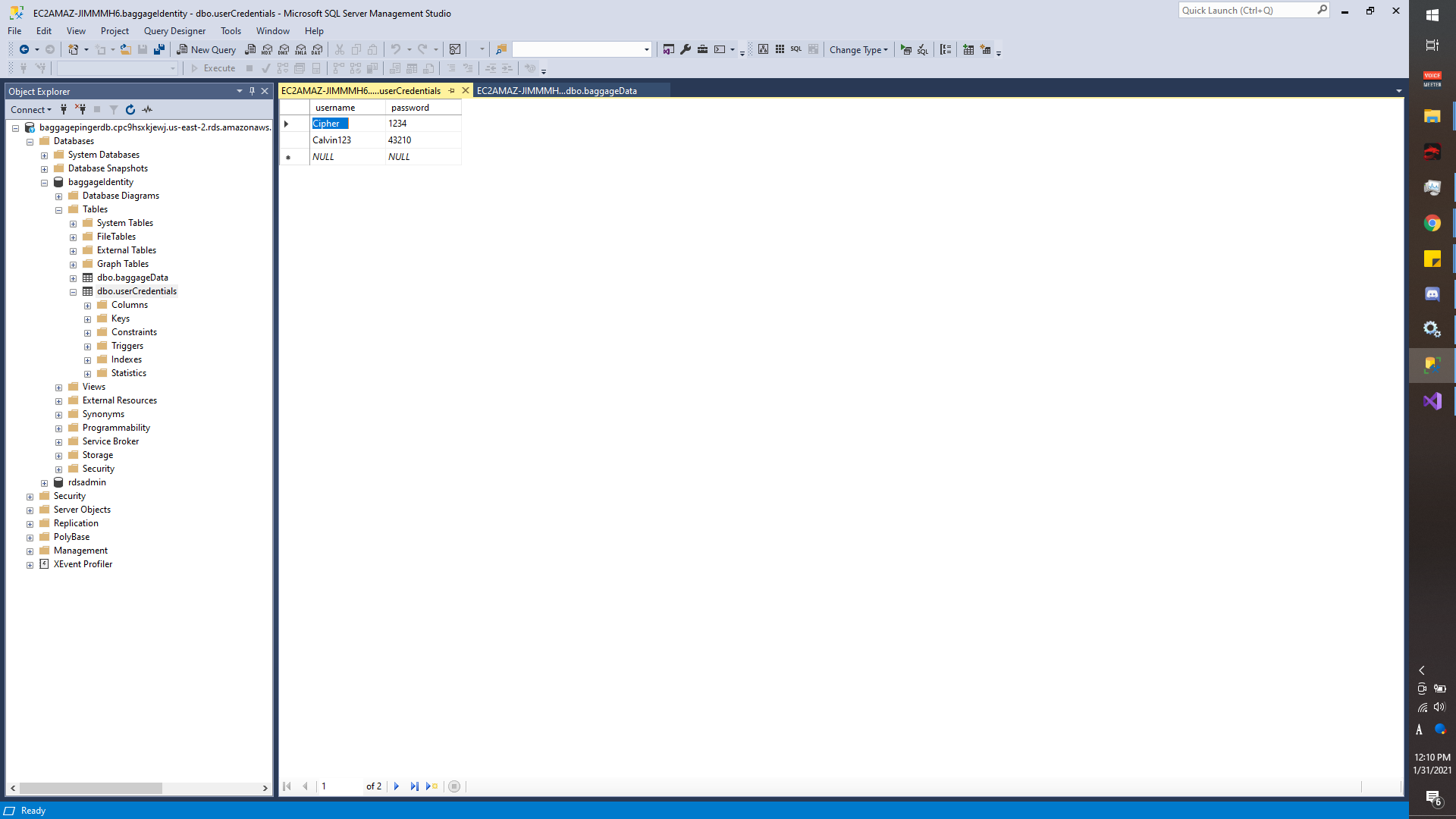
SQL Database - user logins
-
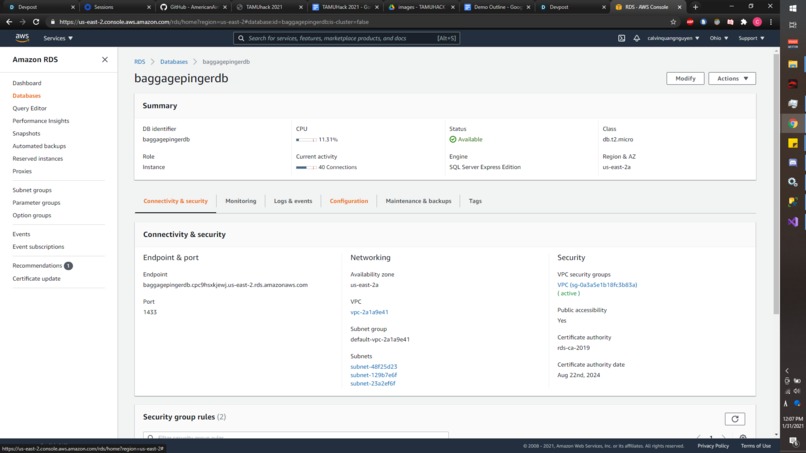
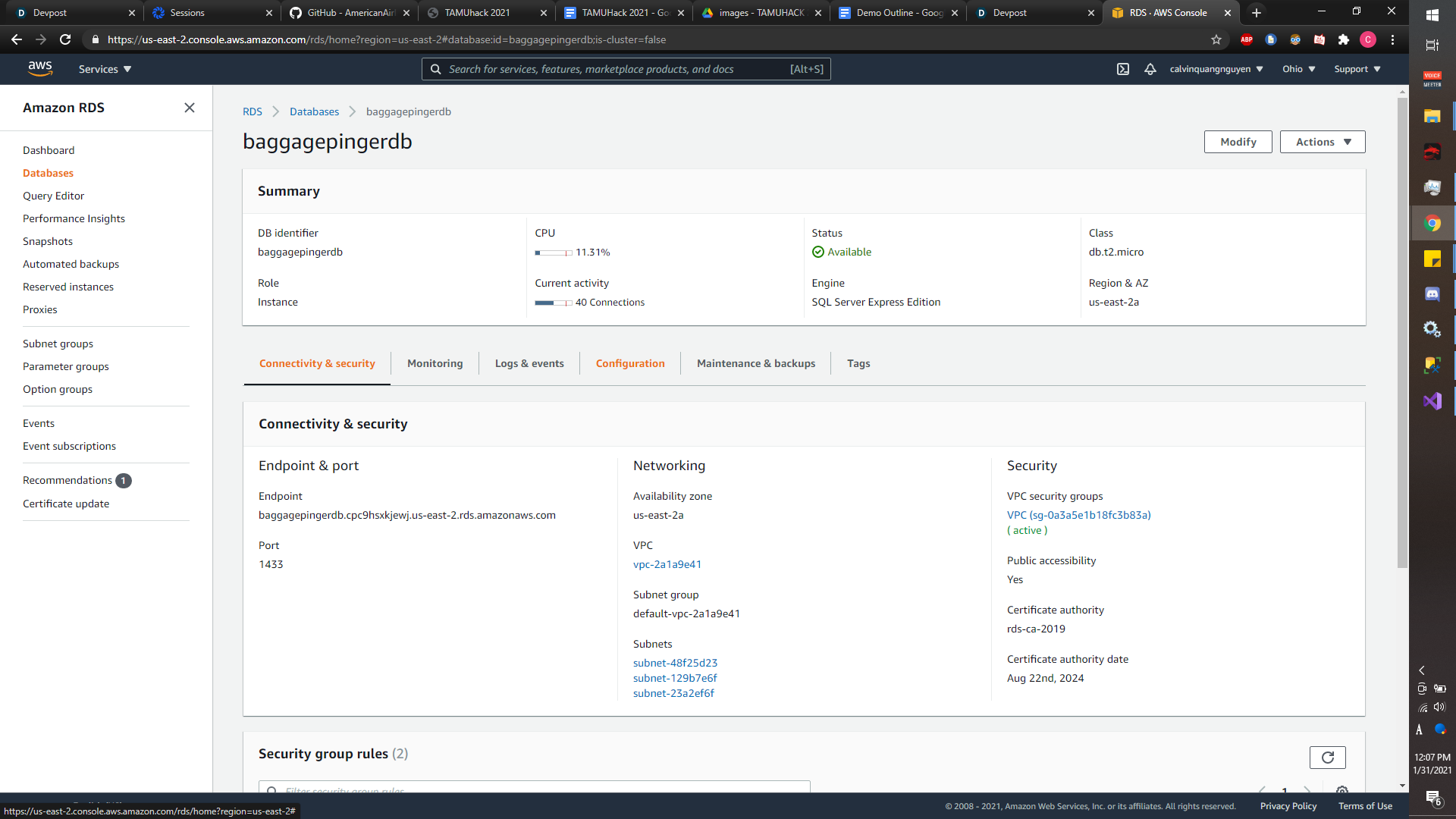
RDS AWS to host SQL
-
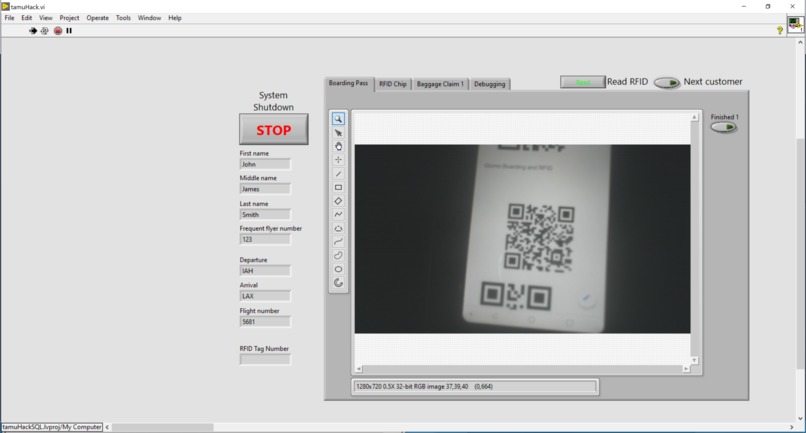
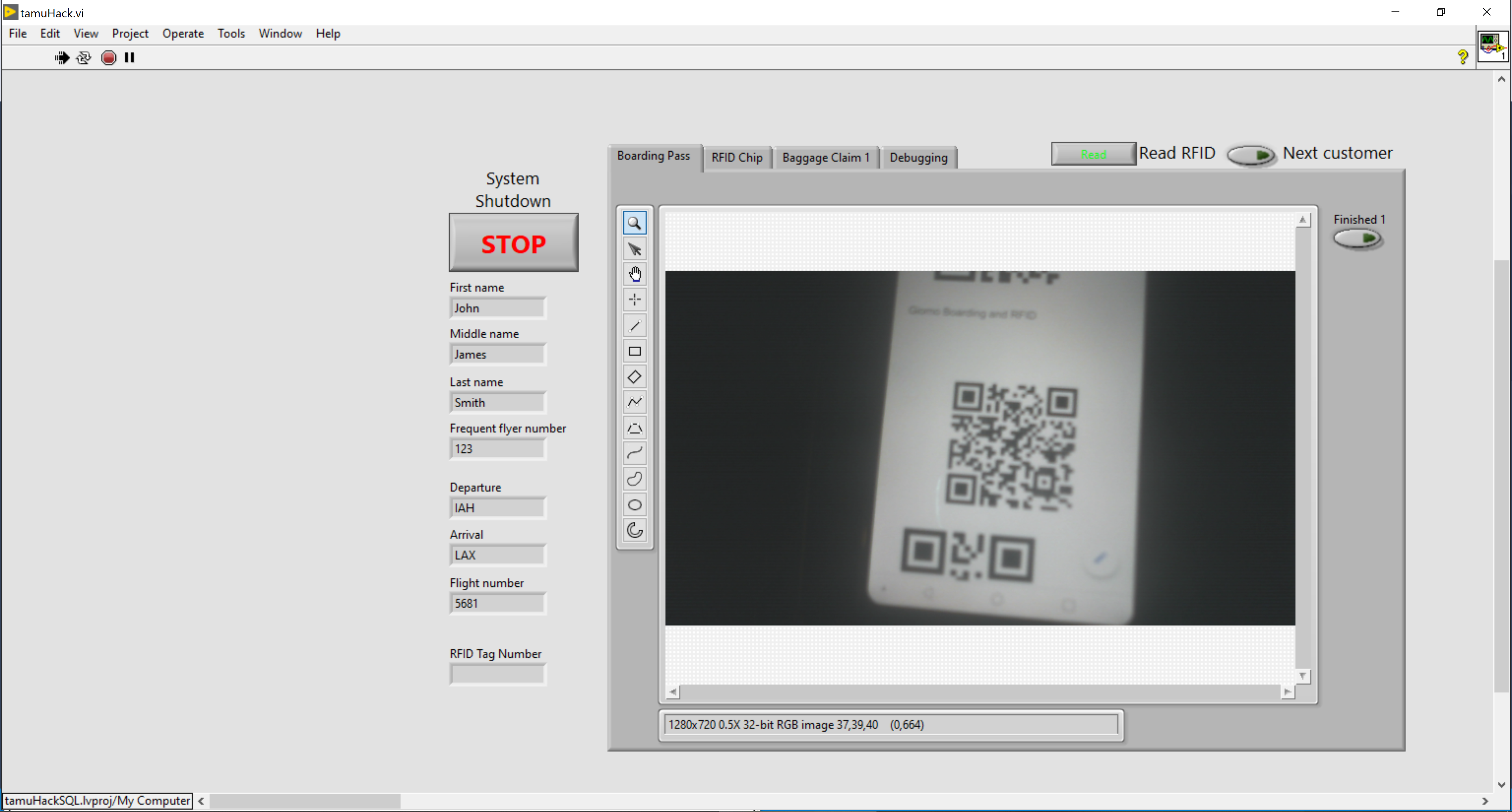
Interface
-
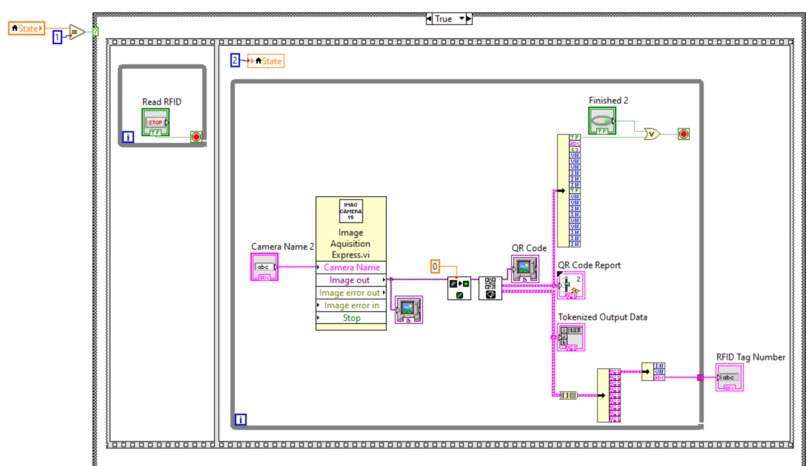
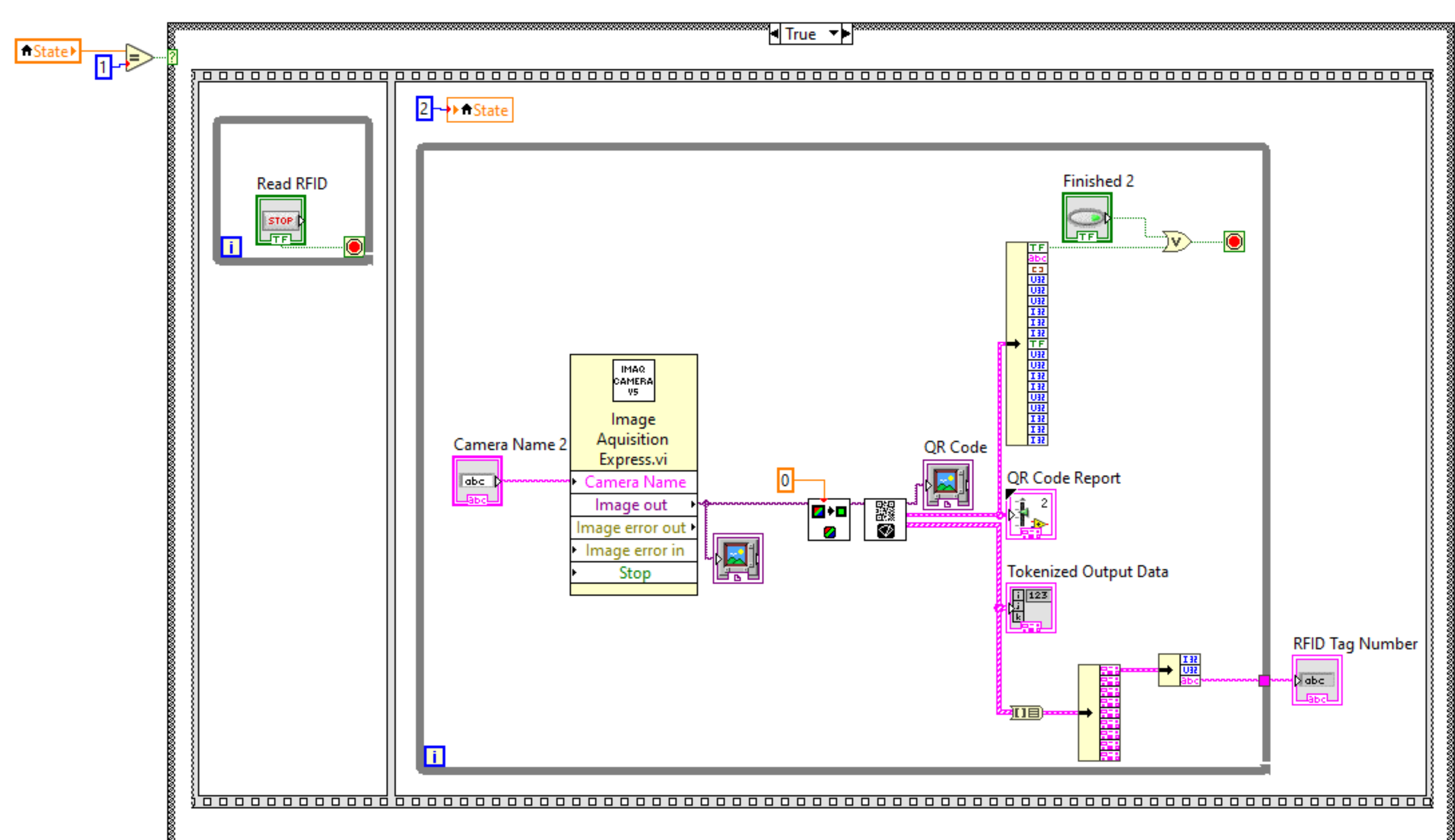
Capturing RFID
-
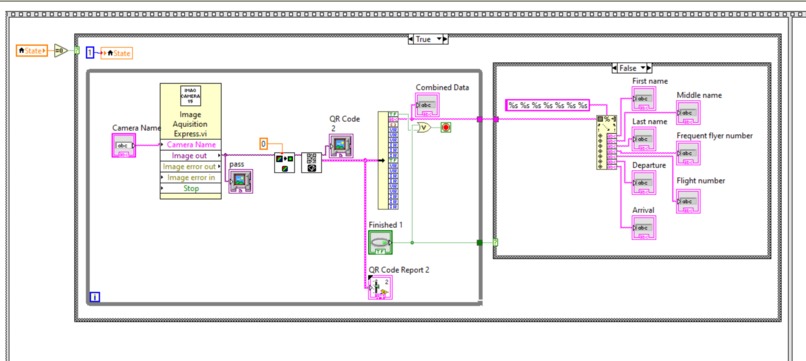
Capturing Boarding
-
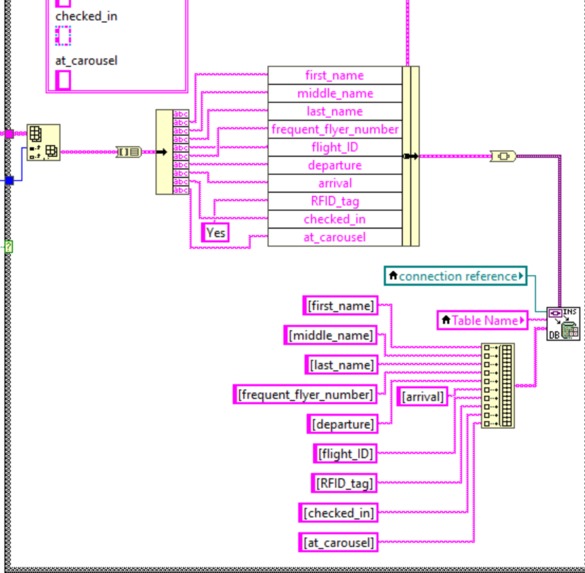
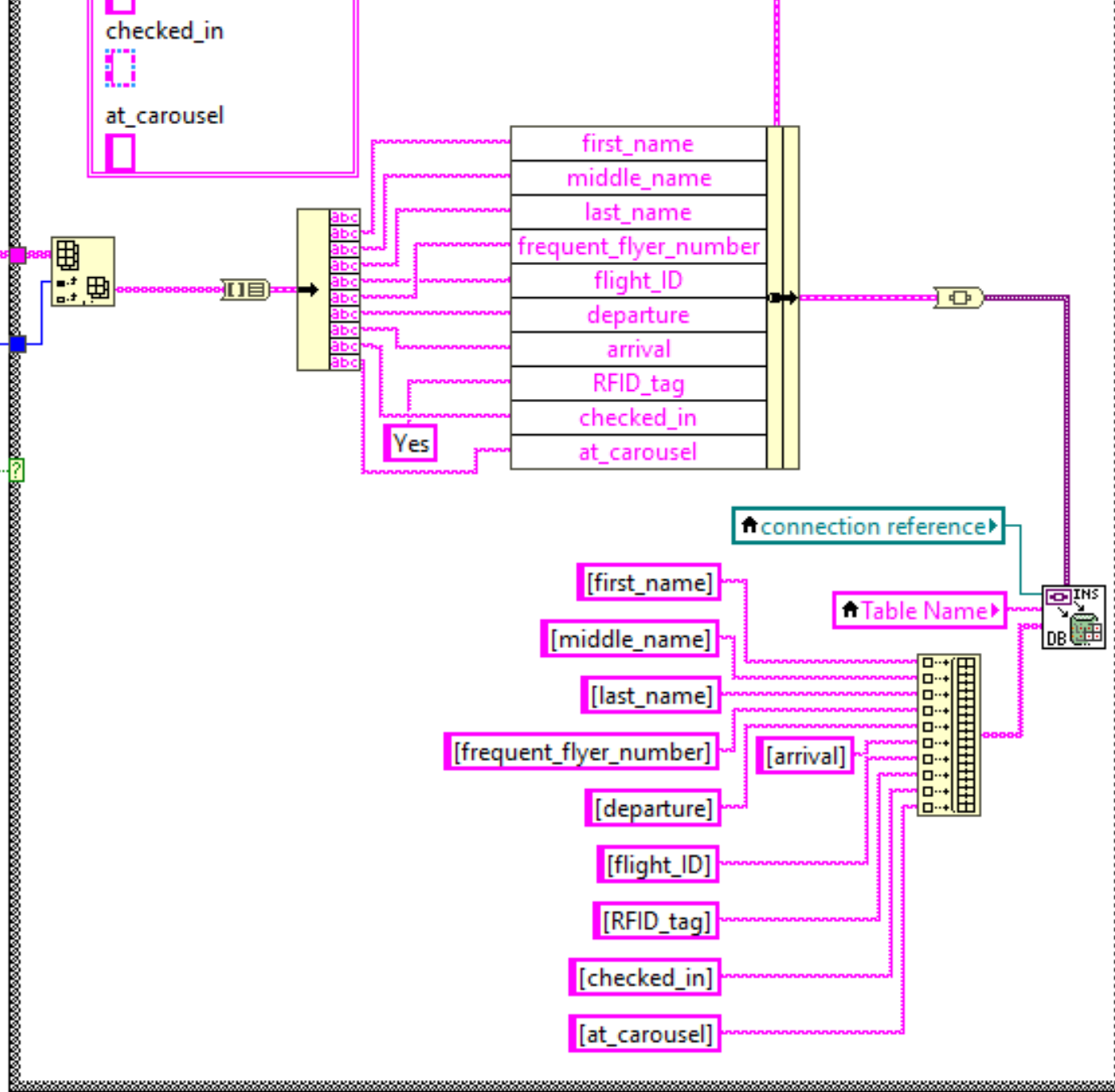
Writing to Database
-
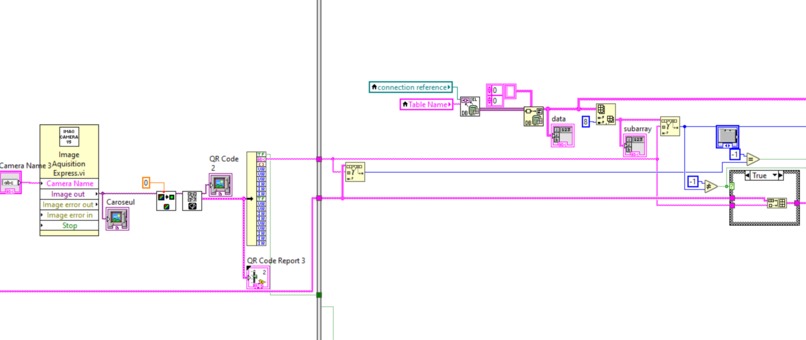
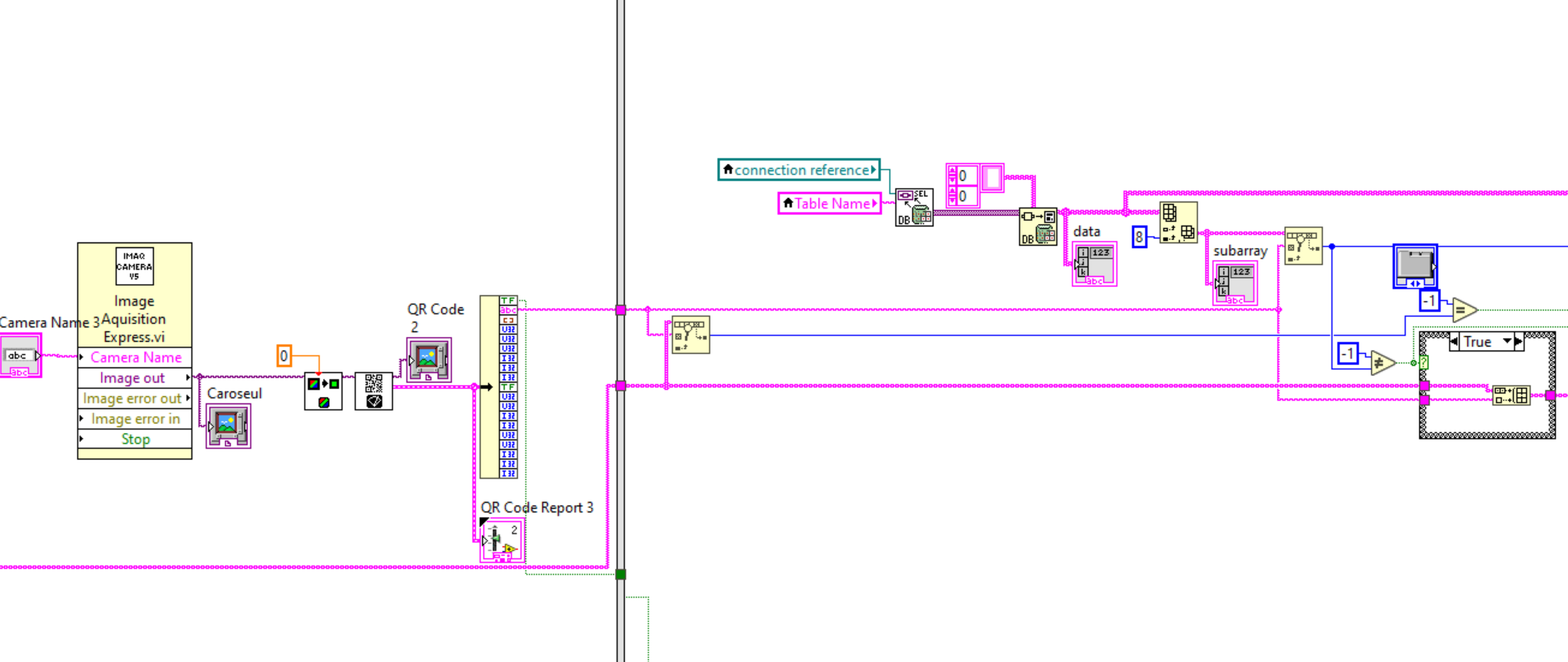
Capturing Carousel Trigger
-
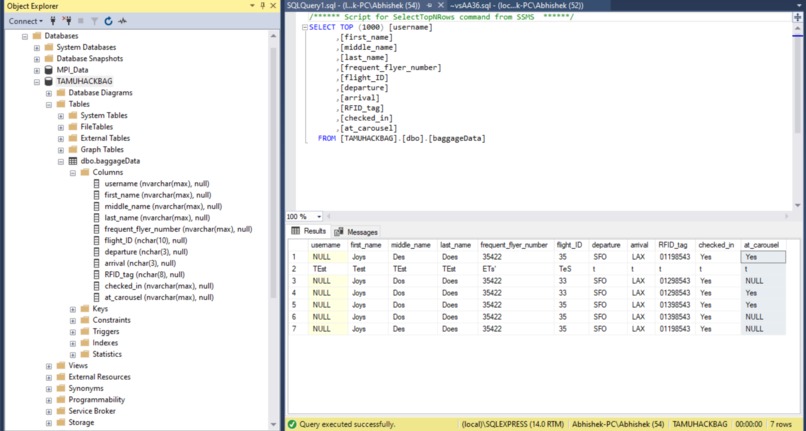
SQL Database
Inspiration
Our team was struggling with ideas to implement. We had some ideas from an initial brainstorming session, but nothing too concrete. Calvin proposed that we revolutionize baggage handling at airports. His initial proposition was met with some opposition. However, he persevered and was able to convince all of us to come together and create Grab Bag.
What it does
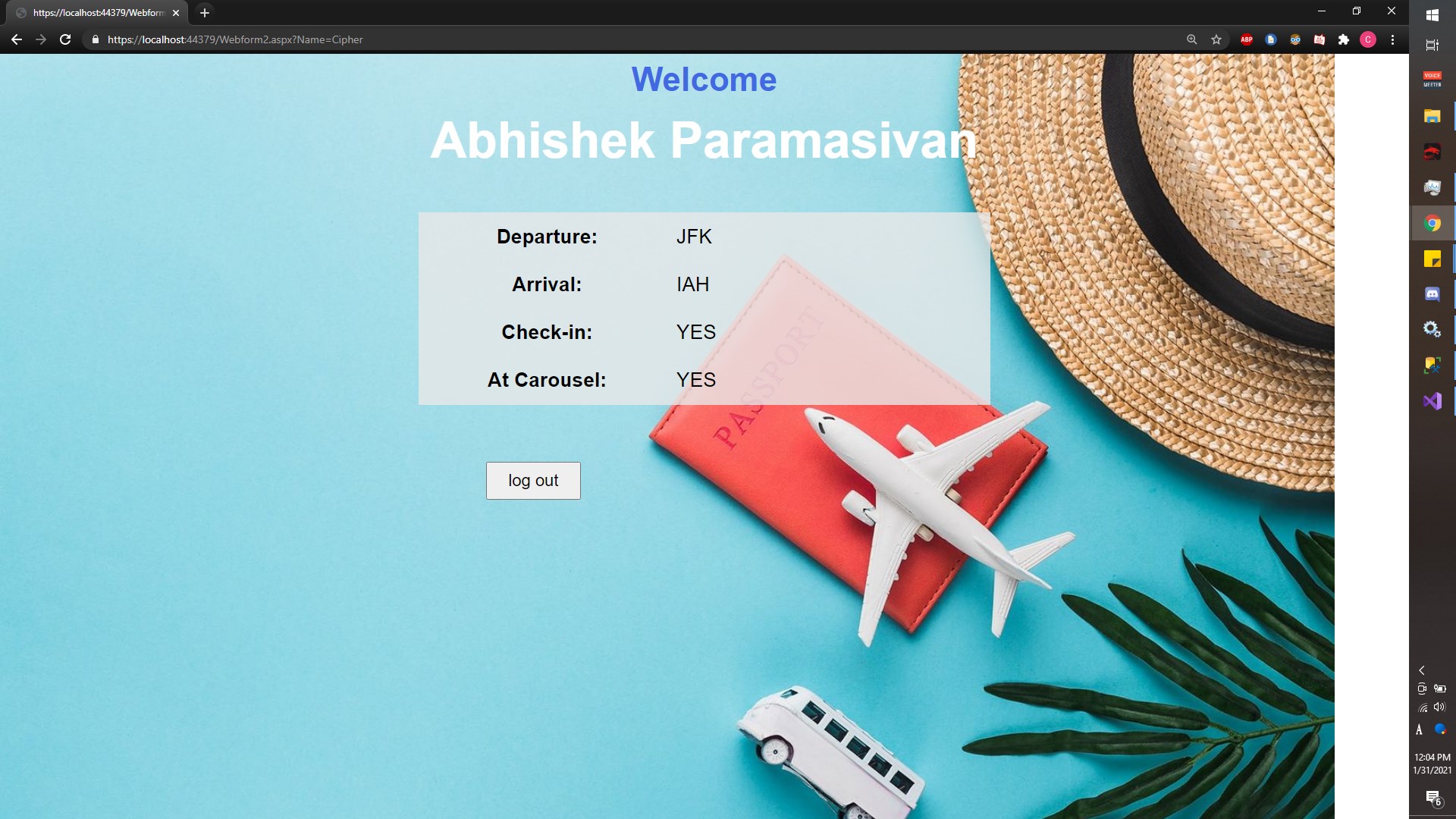
Have you ever had the hassle of waiting around in airports to look for a checked bag? Well, not anymore! Grab Bag allows for an airline customer to know when his/her check-in back is about to be deployed onto which baggage carousel. No more awkwardly waiting around in baggage claim for something that hasn't even gotten off the plane yet. Just remember to attach your GrabBag RFID sensor into your baggage and wait for the accompanying web app to notify you when your bags are ready to be grabbed.
How we built it
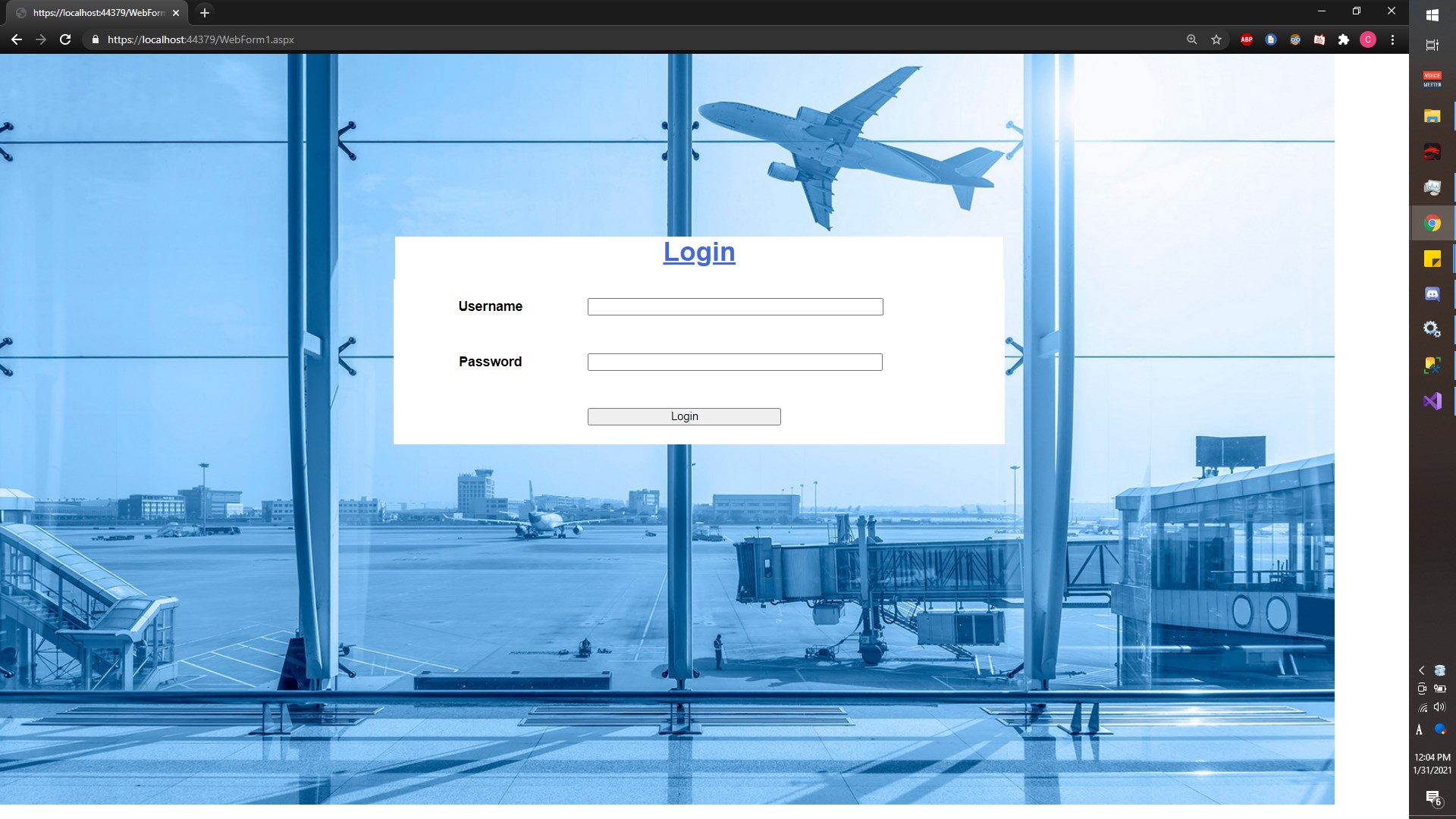
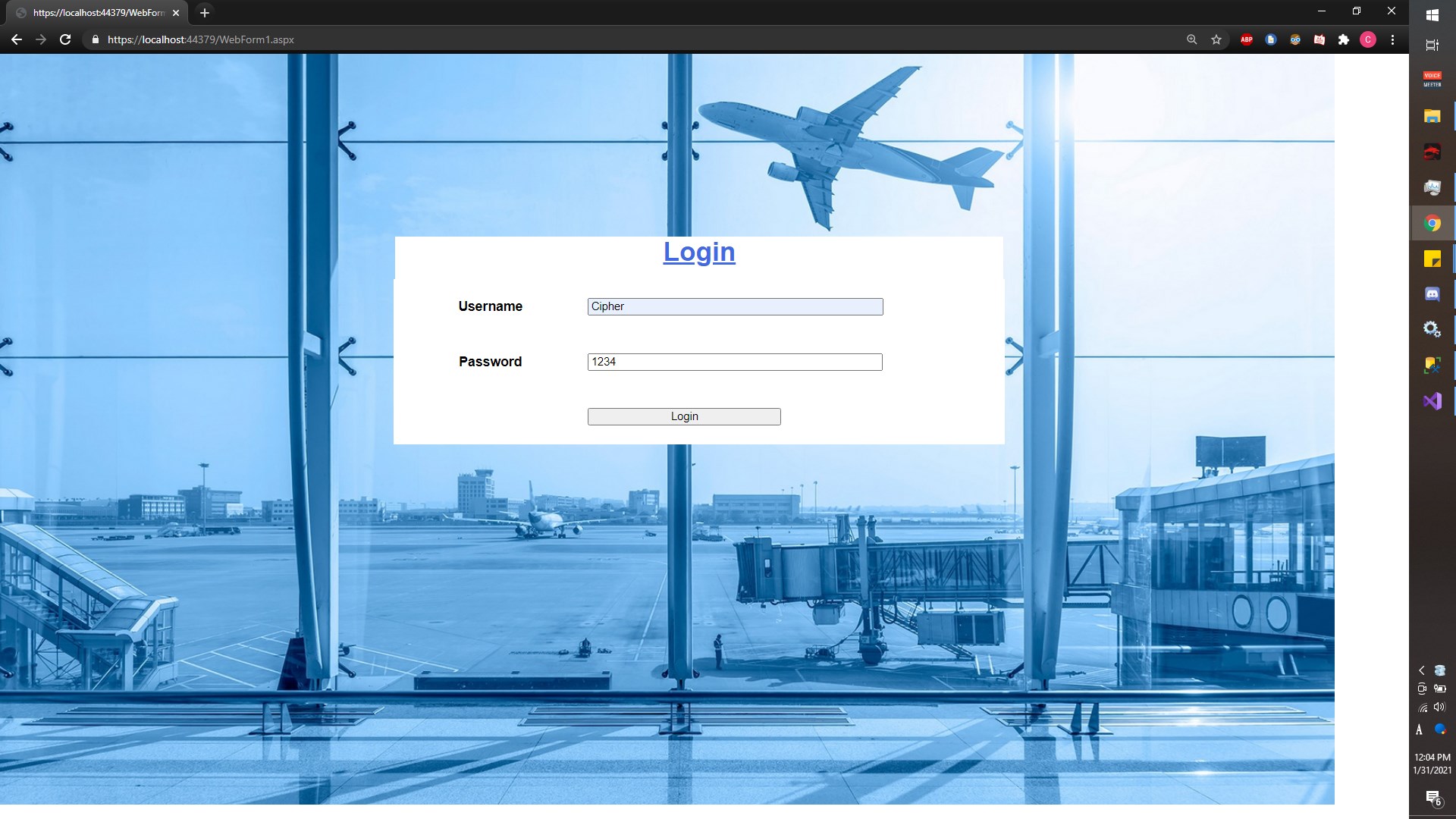
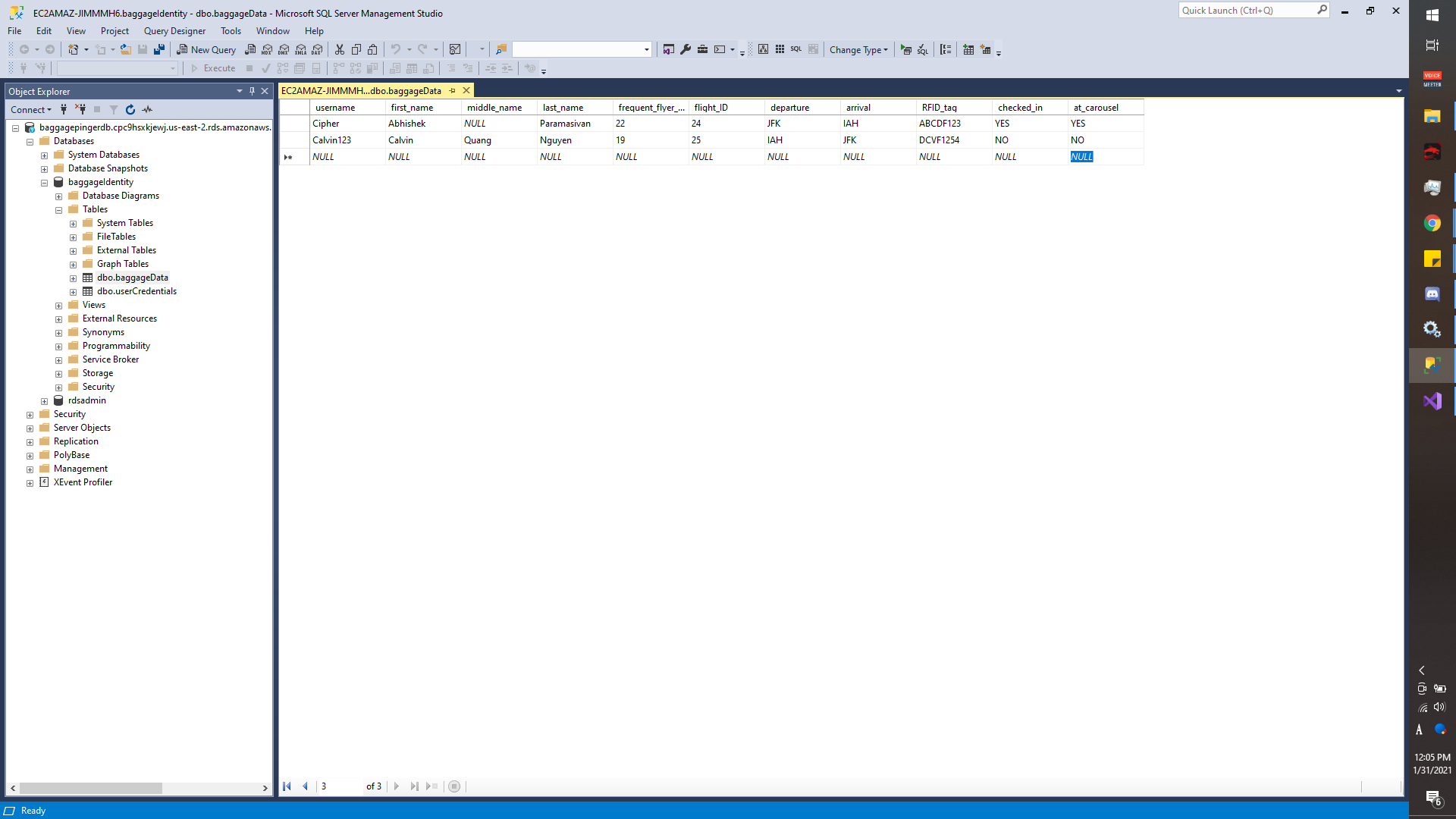
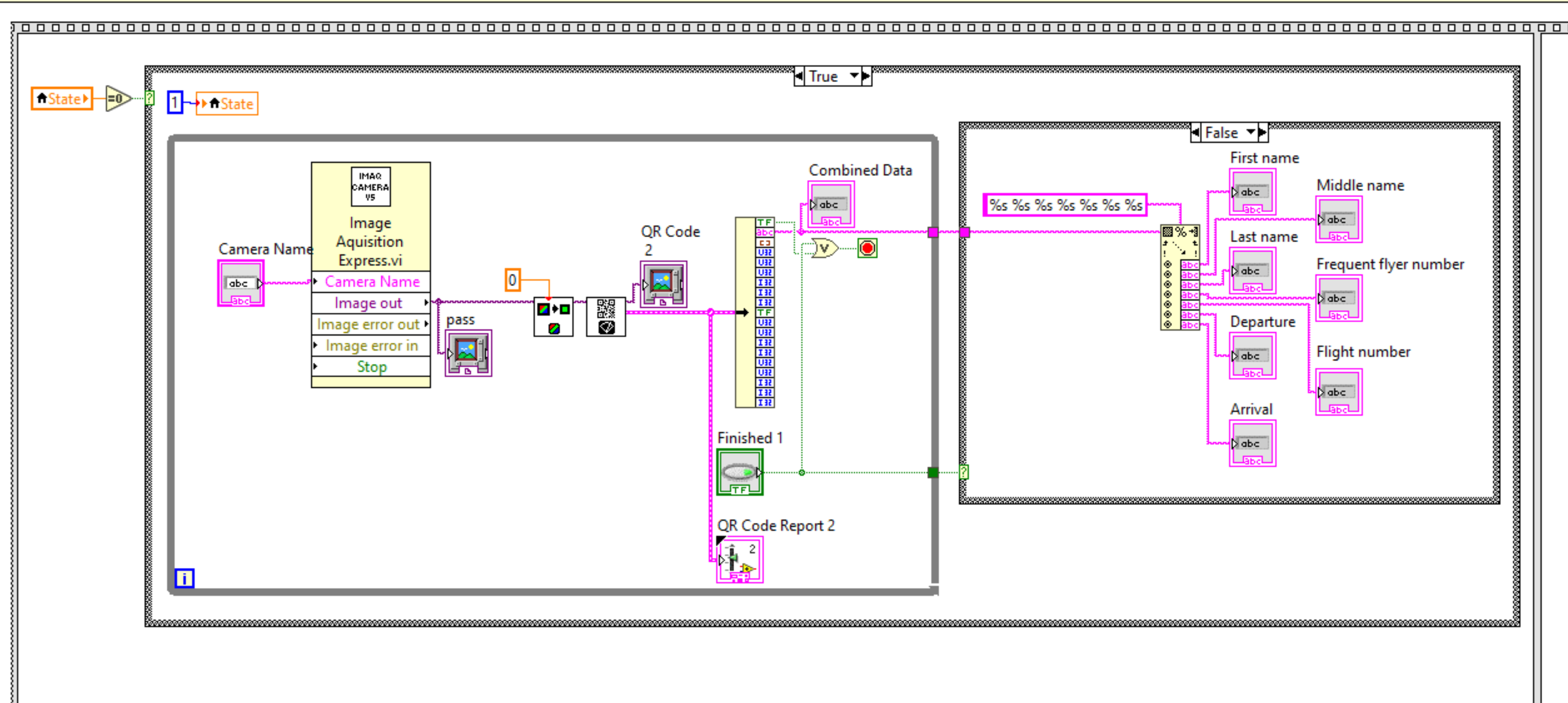
The struggles that led to our final solution are detailed in the section below, but we eventually ended up with three components. We have a website built using ASP.NET, MS Visual Studio, and Nicepage that customers can log in to and see the information that is tagged to their bags. Calvin spent a lot of time learning to code the login and logout features of the website while Xander worked on some of the visual aspects. Abhishek and Bowen worked with LabView and QR codes to simulate scanning RFID tags and getting their information ready for transmission. Abhishek and Calvin worked on getting the database together, first with MS SQL Management Studio and settling on using Amazon Web Services. The QR codes contained information such as name, flight number, flyer number, and destination. They were scanned, processed and, sent to the AWS database. Then, when the customer logged in on the website, they could see that information. Ideally once it was time to claim bags, the scanners at the carousel would scan each tag and ping the owner's phone through the website/webapp and let them know the bag was on the carousel and ready for pickup.
Challenges we ran into
We had to use QR code technology as a substitute for RFID technology because we did not have easy access to RFID technology. Bowen had problems with implementing an SQL read/write while working on a way to send information from the QR codes to the database. The majority of our struggles over the last 24 hours centered around the database. We initially used Microsoft SQL Management Studio to make a database on an SQL server. We then experimented with different ways to make an app or website that customers or employees could interact with. With Android Studio and Bubble.io, we found that we could not connect to the SQL server. We hypothesize that this was due to our location not having a static IP address. Eventually after many hours of struggling we moved to Amazon Web Services to create a database, and moved our website/app approach to a MS Visual Studio, LabView, and a website creation service called Nicepage. We could not find a cheap/free place to host our website however so screenshots will be posted below. Microsoft Azure was too laggy. We had no problems connecting to the database after this swap. While setting up the employee app that read passenger info from the QR codes and wrote that info to the database, we had an issue with reading some of the QR codes due to bad lighting. As of writing, we are also experiencing a problem with writing to the database still, and new issue with QR codes. Our cameras just kind of suck and are unable to consistently read the QR codes for an unknown reason. The executable created from LabView is connected to the database, but the server seems to either not be updating or there is a flaw in the LabView program. Finally, we aren't creative when it comes to naming solutions.
Accomplishments that we're proud of
Calvin learned to use ASP.NET to connect to a database after many very long hours. Abhishek was able to find a way to connect to the database using LabView and then also read and write to the database. We were able to learn the basics of a lot of different languages and applications and use them in our efforts. The efforts culminated in a website and QR reader that could interact with a database, which is something none of us could have accomplished before now.
What we learned
We learned quite a bit about setting up and querying to a database. We also learned about the importance of coordinating on tasks under pressure so we two people do not end up working on the same tasks. To access remote SQL servers in C++, you require sockets. Servers are fairly hard to create and maintain. ASP.NET is pretty hard to learn, but can create really creative websites.
What's next for Grab Bag
This project was a proof of concept to see if the technology was available to create GrabBag in its true form since we didn't have access to RFID cards nor RFID readers. Our next steps are to ensure that RFID will work as well as demonstrated by QR Codes or better. As well as refine the process of writing to and reading from the database. Figuring out how read and write was our greatest time-sink and refining the process would be a good next step.
Built With
- amazon-web-services
- asp.net
- html
- ipwebcam
- labview
- nicepage
- qrcode
- sql


Log in or sign up for Devpost to join the conversation.