## Inspiration
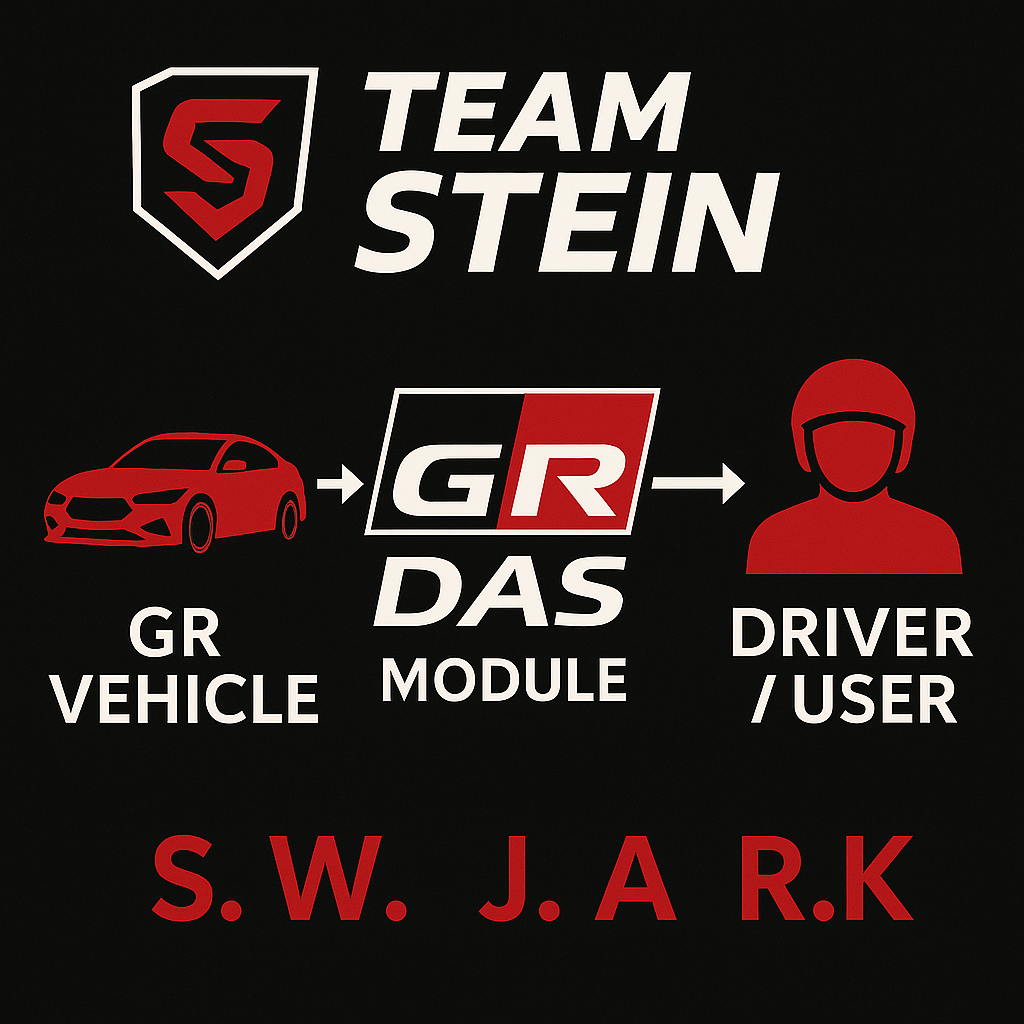
Bringing Toyota’s GR‑DAS brand to life in a modern desktop demo that’s easy to show, share, and build on.
## What it does
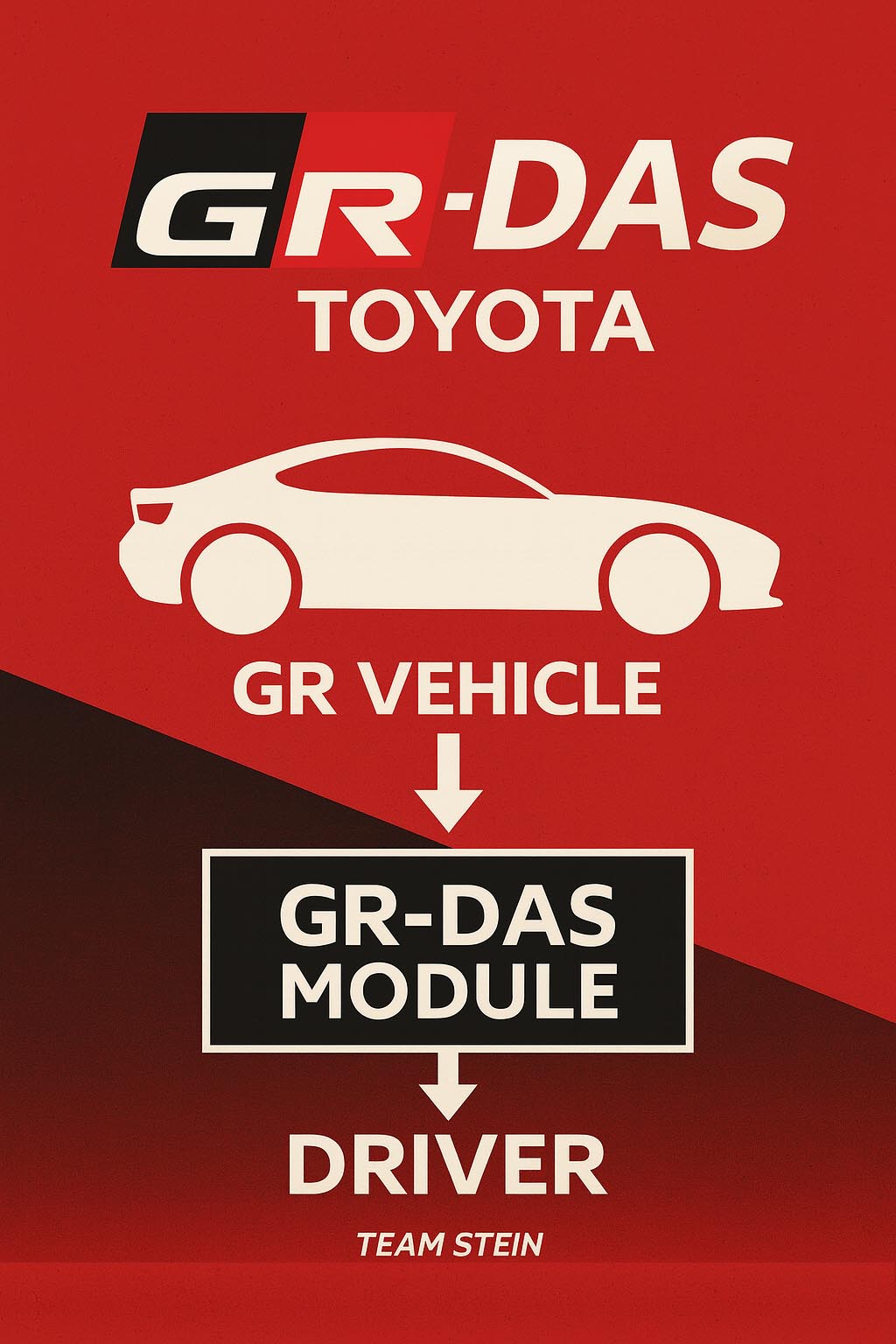
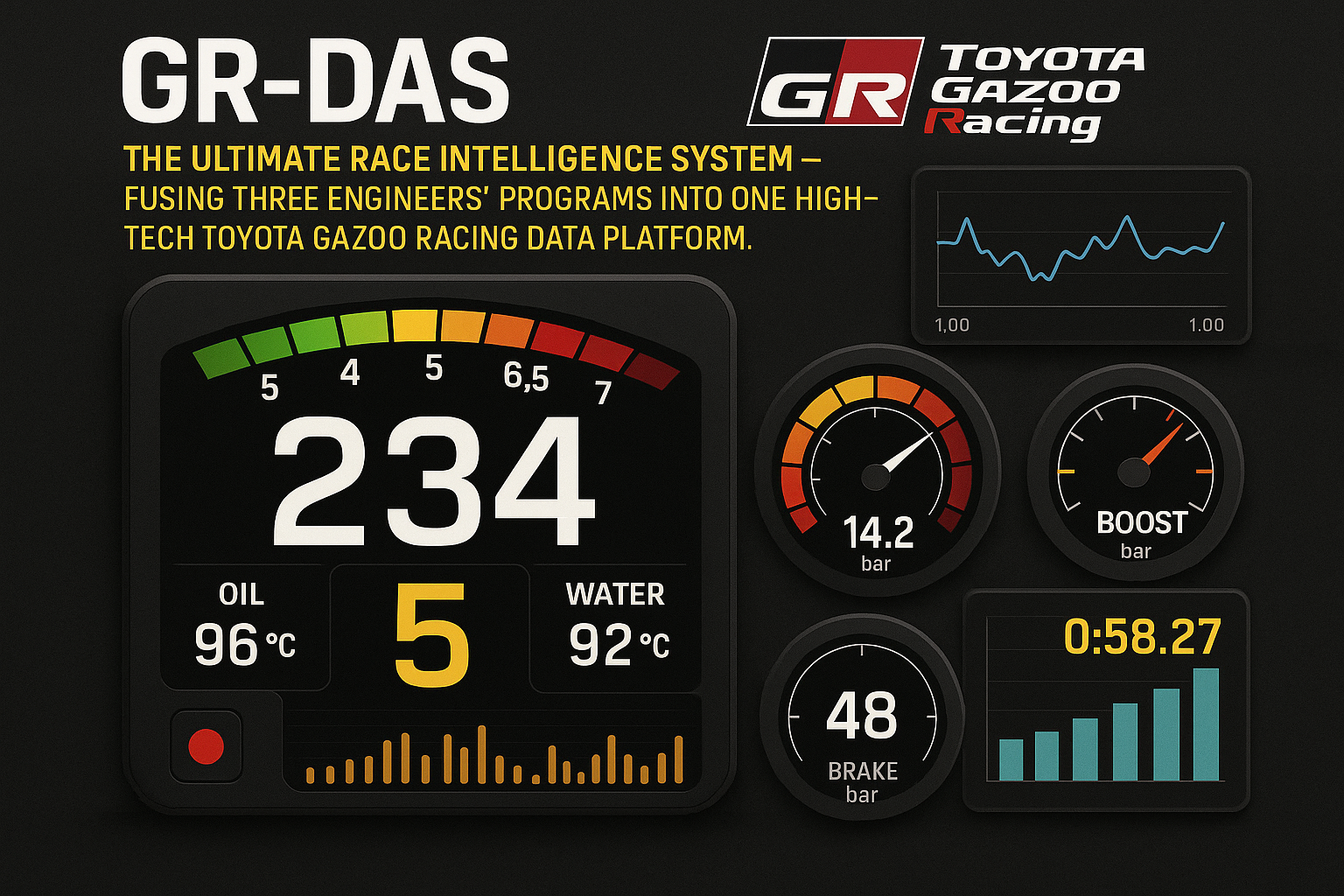
Shows the GR‑DAS splash, then walks through the dashboard/controls and data views so users can experience the system in a self-contained desktop app.
## How we built it
Python app packaged with PyInstaller from the GR-DAS_Unified codebase; bundled assets and UI to run as a standalone desktop executable.
## Challenges we ran into
Packaging and asset bundling for PyInstaller; getting audio/output routing correct on different setups; keeping the splash-to-dashboard flow smooth.
## Accomplishments that we're proud of
A clean, branded splash and demo flow that runs standalone; reliable build artifacts; quick trims/edits for presentations.
## What we learned
Tuning PyInstaller specs for mixed assets; the value of monitoring/output routing for recordings; keeping demo timing tight helps clarity.
## What's next for GR-DAS
Refine the dashboard interactions, add guided steps or captions, and polish packaging for multiple platforms.


Log in or sign up for Devpost to join the conversation.