-
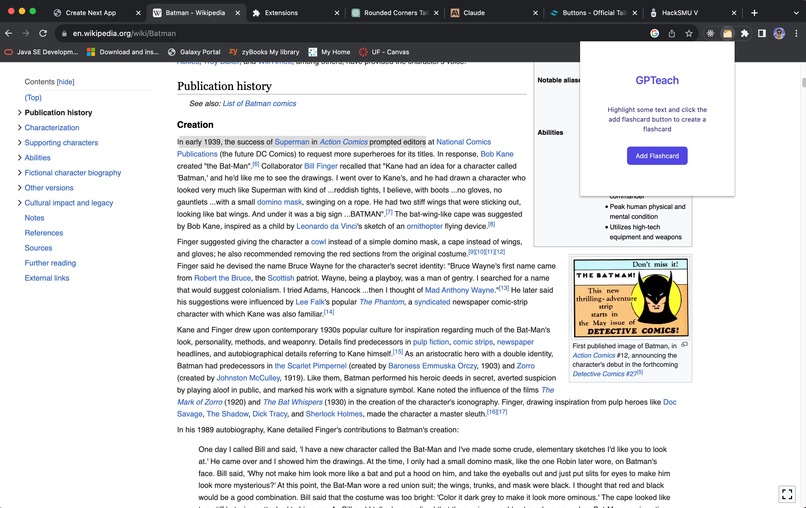
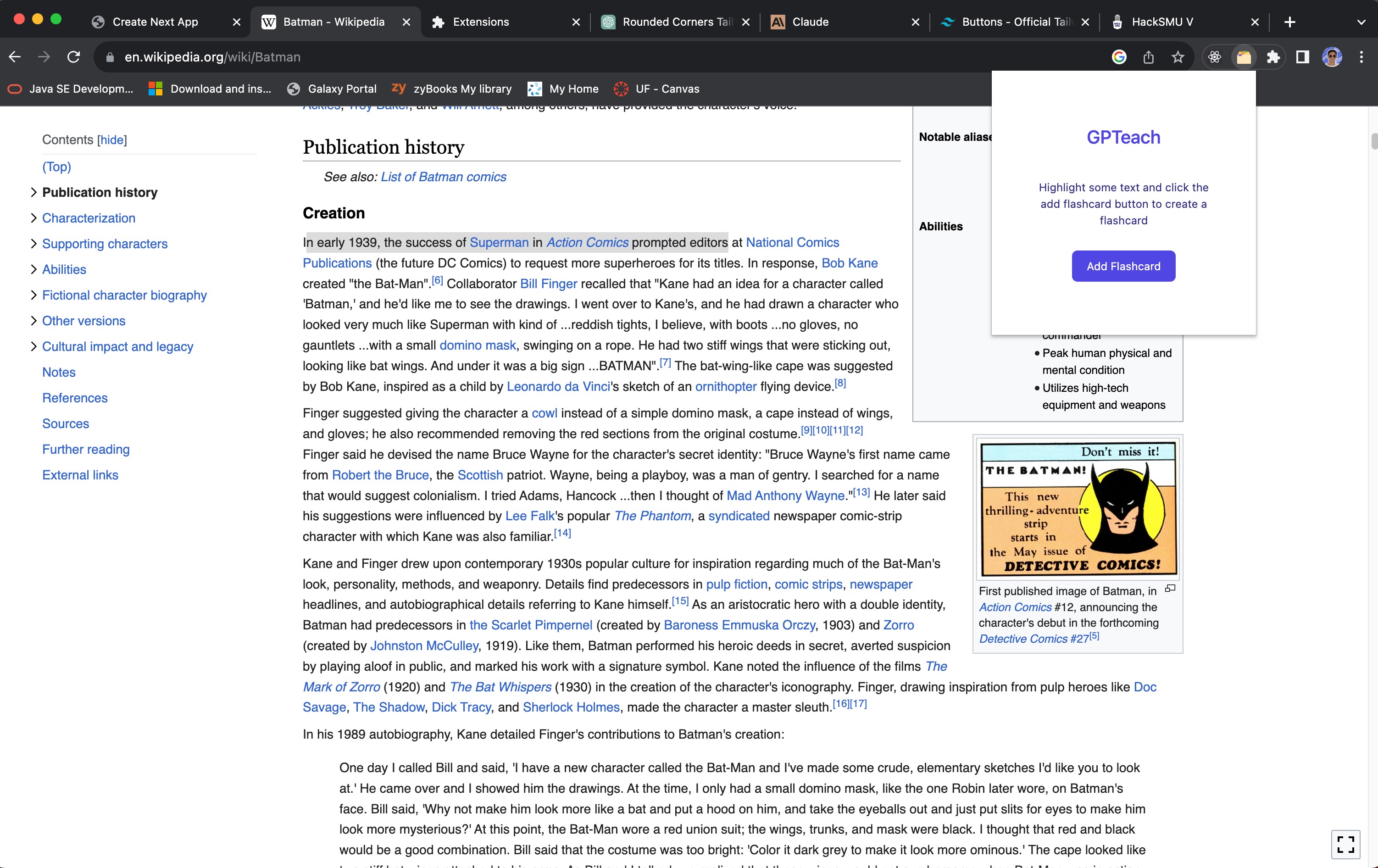
Using the GPTeach chrome extension on an article
-
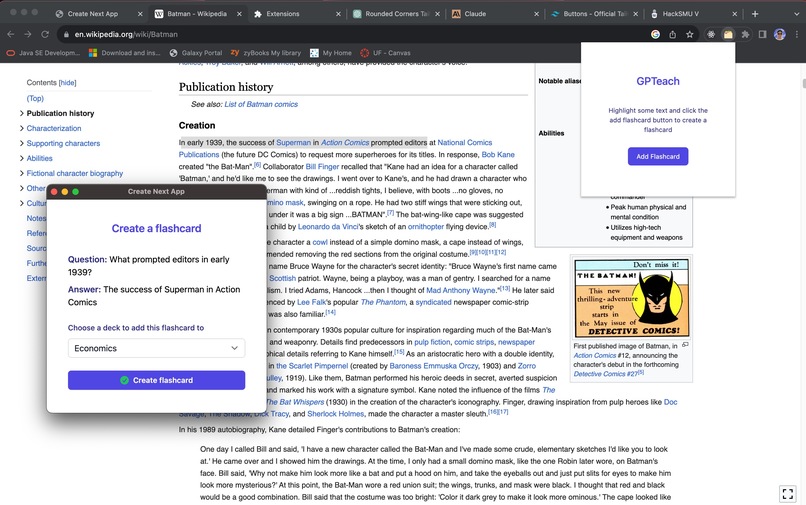
GPTeach in action - creating flashcards
-
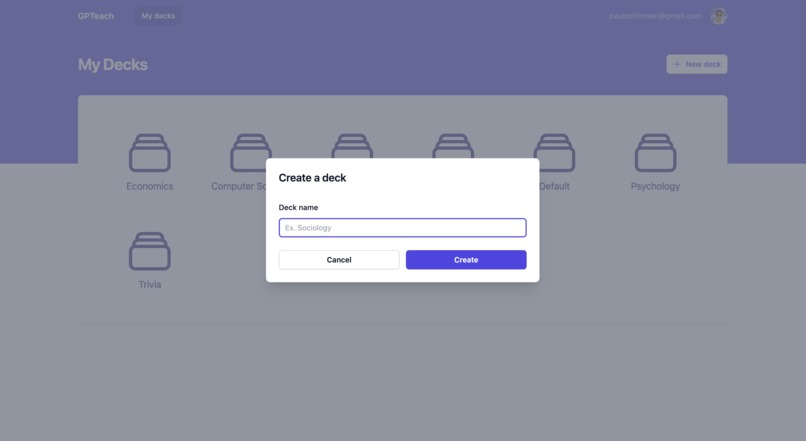
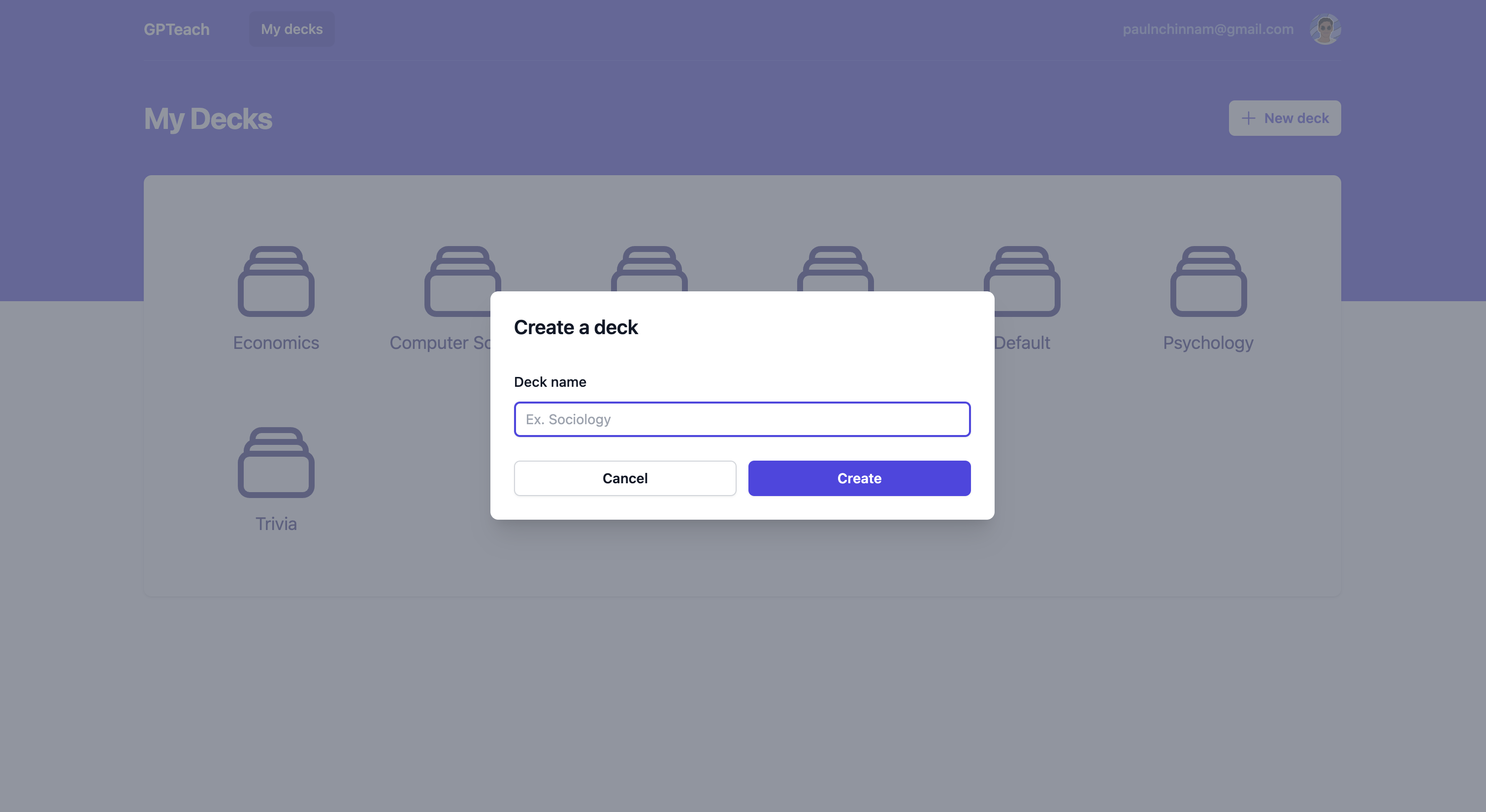
Creating a custom deck for a new flashcard topic
-
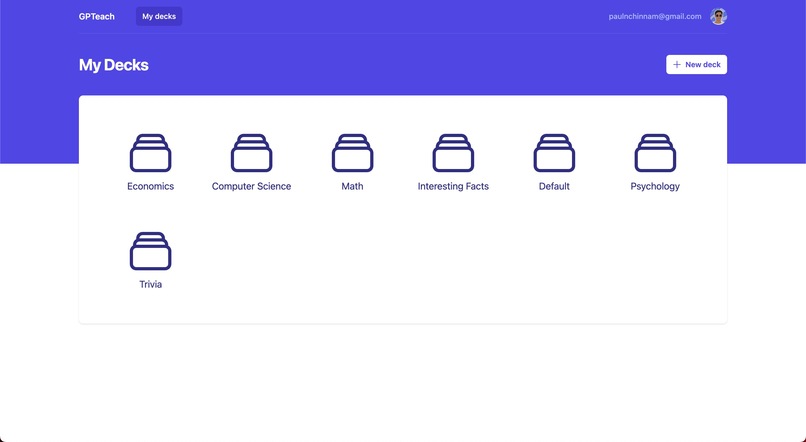
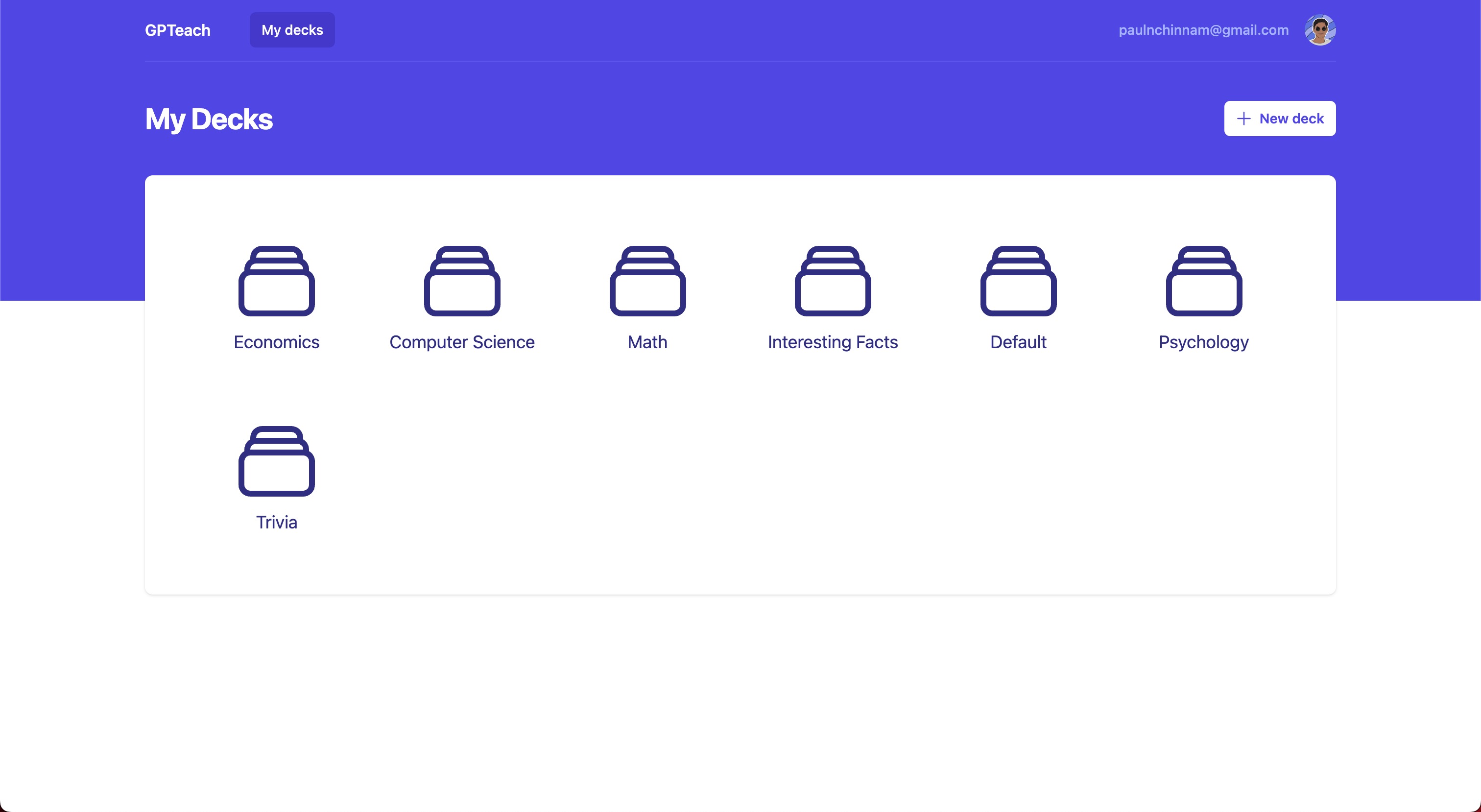
GPTeach dashboard where you can access all your decks and flashcards
-
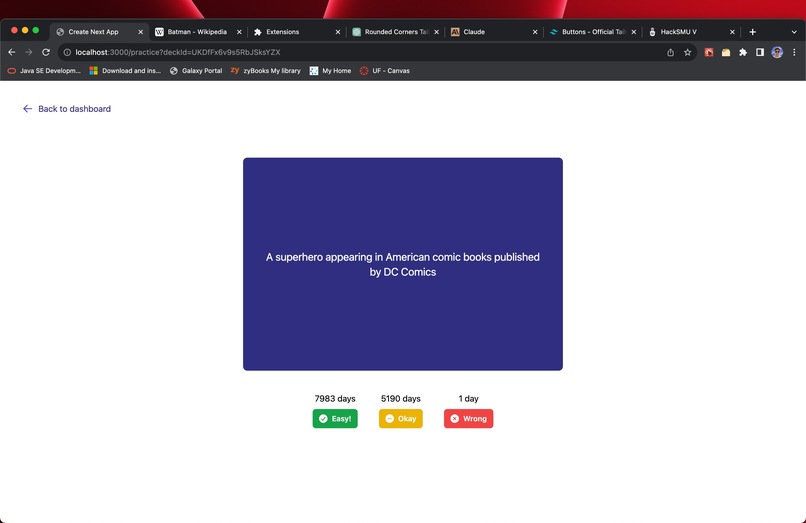
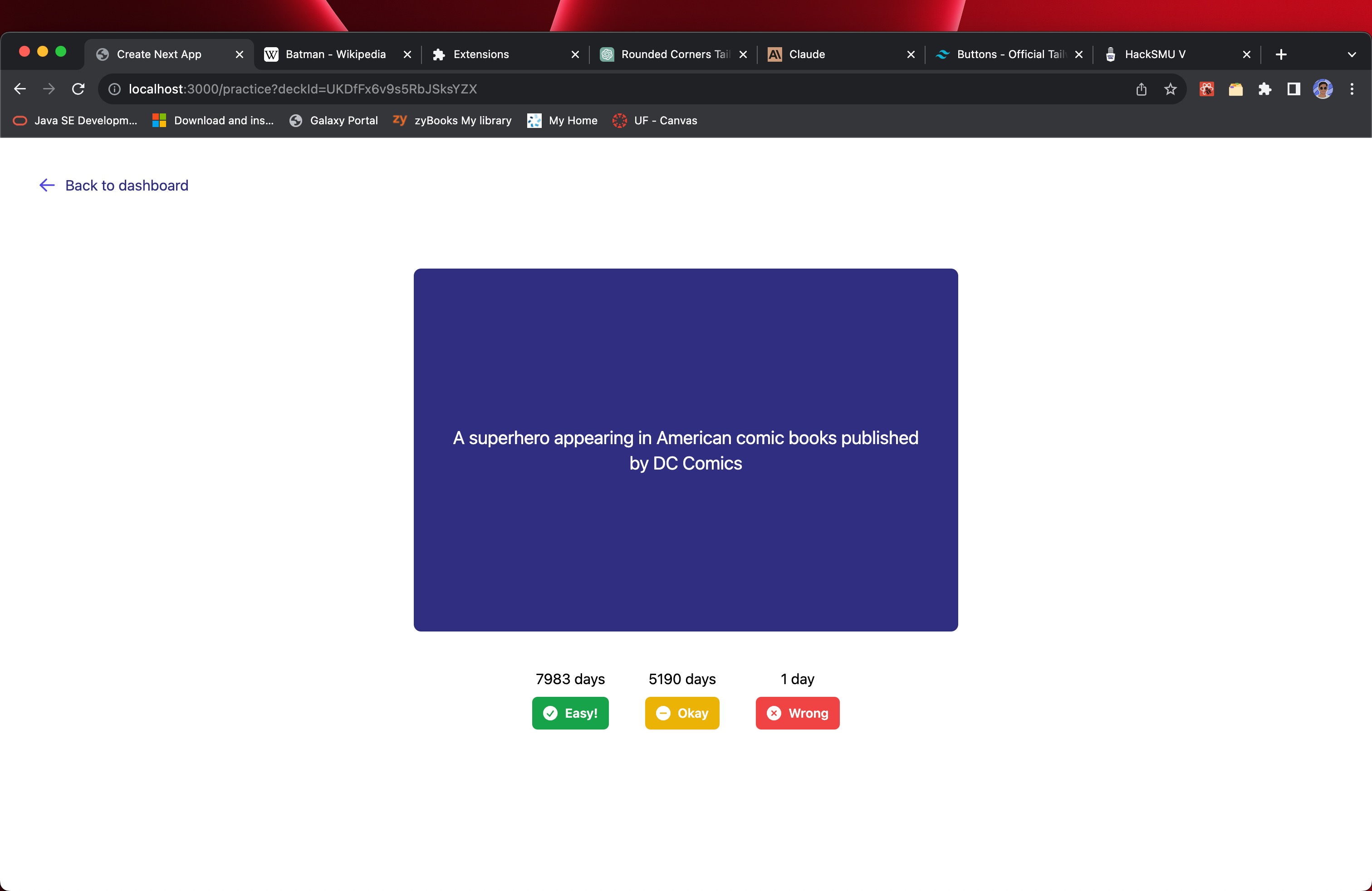
Interacting with a flashcard

Inspiration
Flashcards are an easy and fun way to learn, memorize, and understand most concepts through repetition. The problem is most flashcards need to be manually created - either on physical notecards which can be easily damaged/lost or on digital tools like Quizlet - which is a tedious and time-consuming process. GPTeach removes all the tedious steps involved in transcribing flashcards through a simple, fast extension that allows you to highlight any text on a webpage, feed it to ChatGPT through custom prompts engineered by our algorithm, and automatically generate flashcard decks that are stored in a dashboard just for you.
What it does
Using the OpenAI API, we pass a selected string of words (or word) highlighted by your cursor to ChatGPT 3.5. With a very specific prompt, ChatGPT returns JSON object(s) of flashcards generated from that text, including the front and back of each card. For example, entering the line "Superman is an alien superhero" can return something like {prompt: {Who is Superman?} answer:{An alien superhero}}. We then take this JSON object and turn it into a visual flash card that can be flipped around within our accompanying web application. You can also create 'decks' of flashcards to categorize flashcards based on theme, area of study, etc.
How we built it
We used Next.js, React.js, Firebase and OpenAI API.
Challenges we ran into
We wanted the UI/UX design to be as streamlined and user-friendly as possible, so we spent a significant amount of time working on that. Also, getting the openAI prompts to work took some testing to work as we expected.
Accomplishments that we're proud of
We are proud of the fact that simply anyone will be able to download this extension on the Chrome Web Store, and get started with making flashcards from any topic. You can input a singular word to create a flashcard and ChatGPT will make its own definition for you. You can also put in input for foreign languages as well, so language learning is also supported here.
What we learned
This was our first time using OpenAI API, so we learnt a lot about their technology and we were quite impressed with its capabilities.
What's next for GPTeach
We had some ideas for extending ChatGPT for study guides, creating education-assistant tools like a spark notes generator, Cornell Notes generator, and many more.


Log in or sign up for Devpost to join the conversation.