Inspiration
GovRouteX began when we noticed how many people still wait in crowded corridors just to hand over a file or get a signature. We saw that corruption often grows in those moments of unnecessary contact. The idea was simple: let the system carry the document, not the person. That spark pushed us to imagine a cleaner, more transparent digital route.
What it does
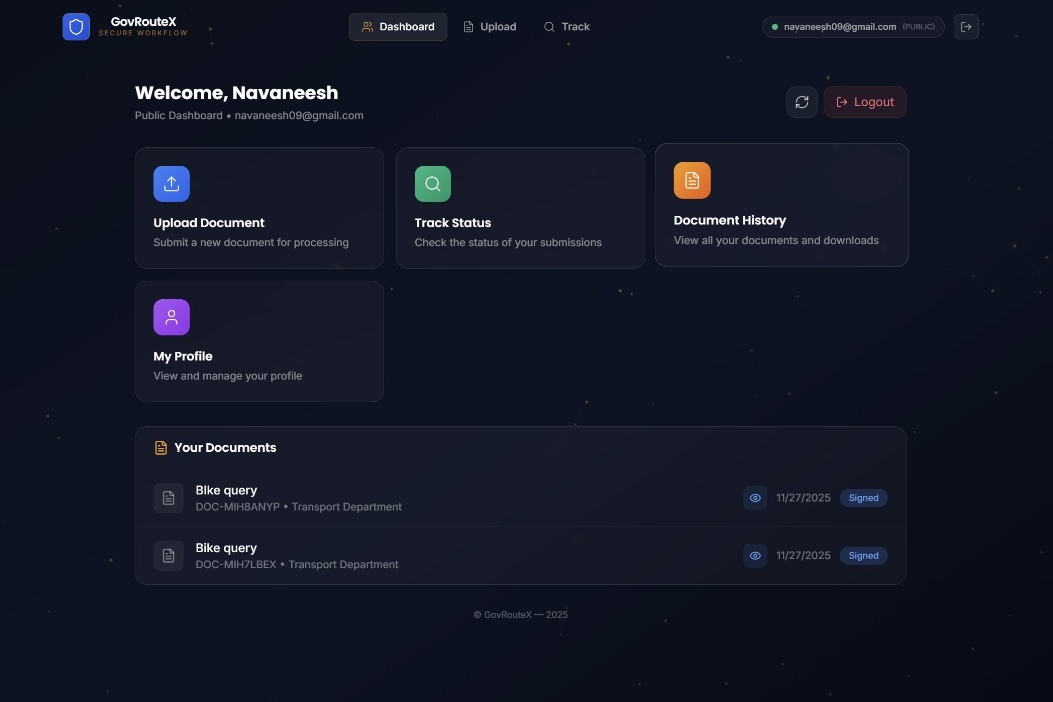
GovRouteX creates a fully contactless path for submitting documents, getting approvals, and tracking progress. Every step is logged, time-stamped, and visible, reducing the chances of unwanted influence, line-jumping, or “extra favours.” The app turns government workflows into a smooth, trackable pipeline.
How we built it
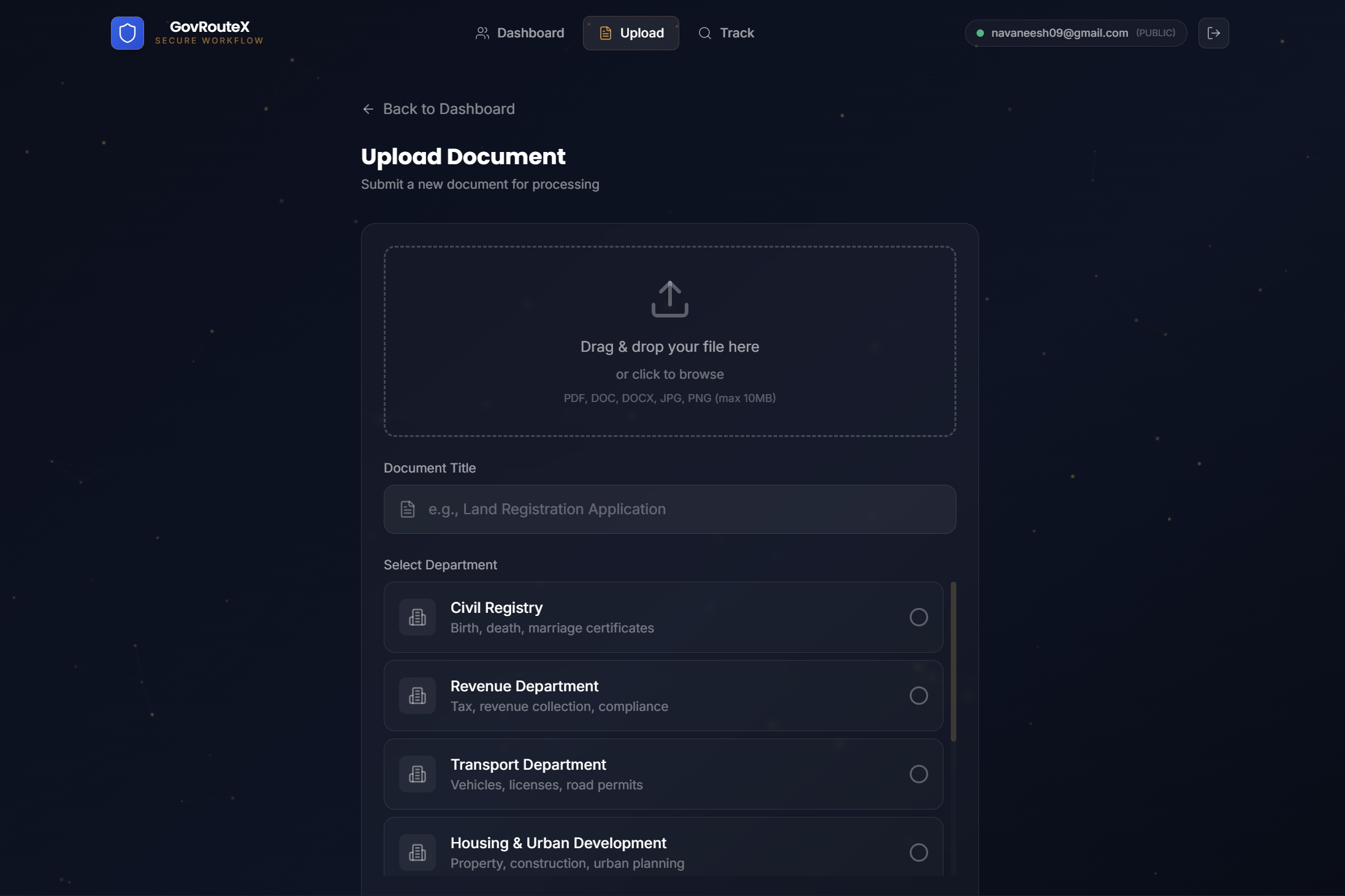
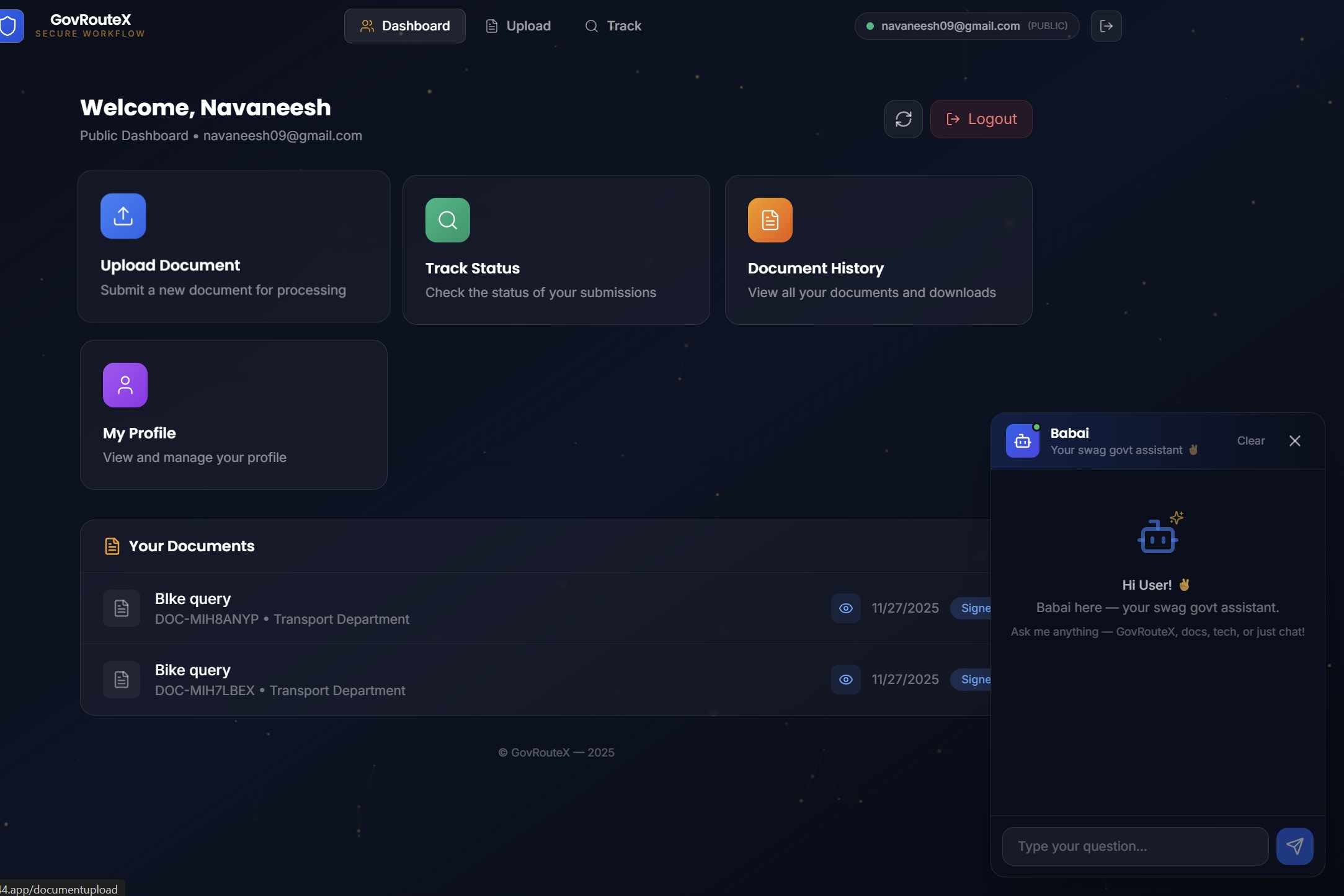
We designed a workflow engine that moves documents automatically between officials based on their roles. A secure backend handles verification, tracking, and timestamps, while the front-end gives users a simple interface to upload documents and monitor progress. The whole system is built to be lightweight, transparent, and easy to adopt.
Challenges we ran into
Government workflows are complicated, and modelling them without direct contact required careful planning. We had to rethink how hand-offs work, how delays occur, and how to keep the chain tamper-proof. Making everything clear without overwhelming the user took a lot of iteration.
Accomplishments that we're proud of
We turned a messy, physical, people-dependent process into a clean digital route. We built automatic tracking that removes ambiguity and created a tool where fairness becomes the default. Seeing the workflow operate smoothly end-to-end felt like a breakthrough.
What we learned
Processes fail not because people are bad but because systems leave gaps. When those gaps close, fairness becomes natural. We also learned that simple design beats complex features when the goal is trust.
What's next for GovRouteX
We plan to add digital identity verification, department-to-department connectors, offline-first support, and analytics for spotting bottlenecks. The long-term vision is to make GovRouteX a standard route for any government task that shouldn’t depend on personal contact.
How to use
There are 2 different ui's one for user and another for higher authority to verifi the documents the password for higher authority is given below in the password for testing and ease of use documents can be seen and signed from heigher authorities page and we have included N8N automation that sends email to user when their respective documents are ready


Log in or sign up for Devpost to join the conversation.