-
-
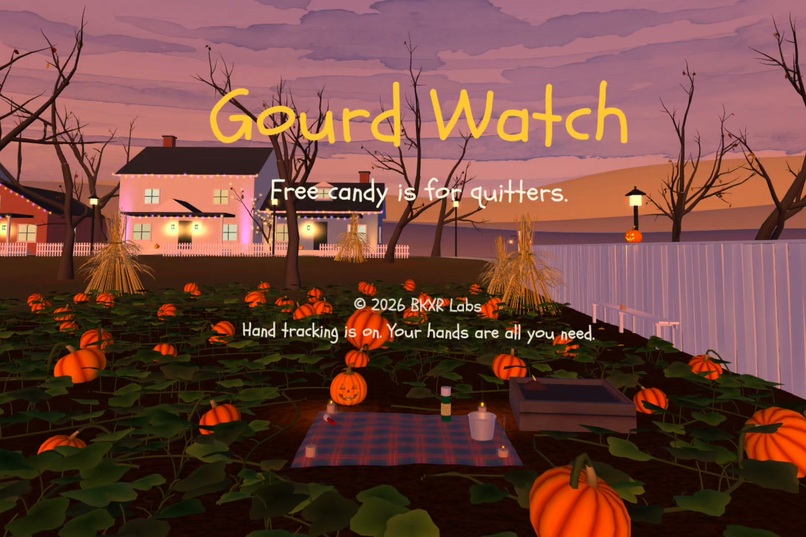
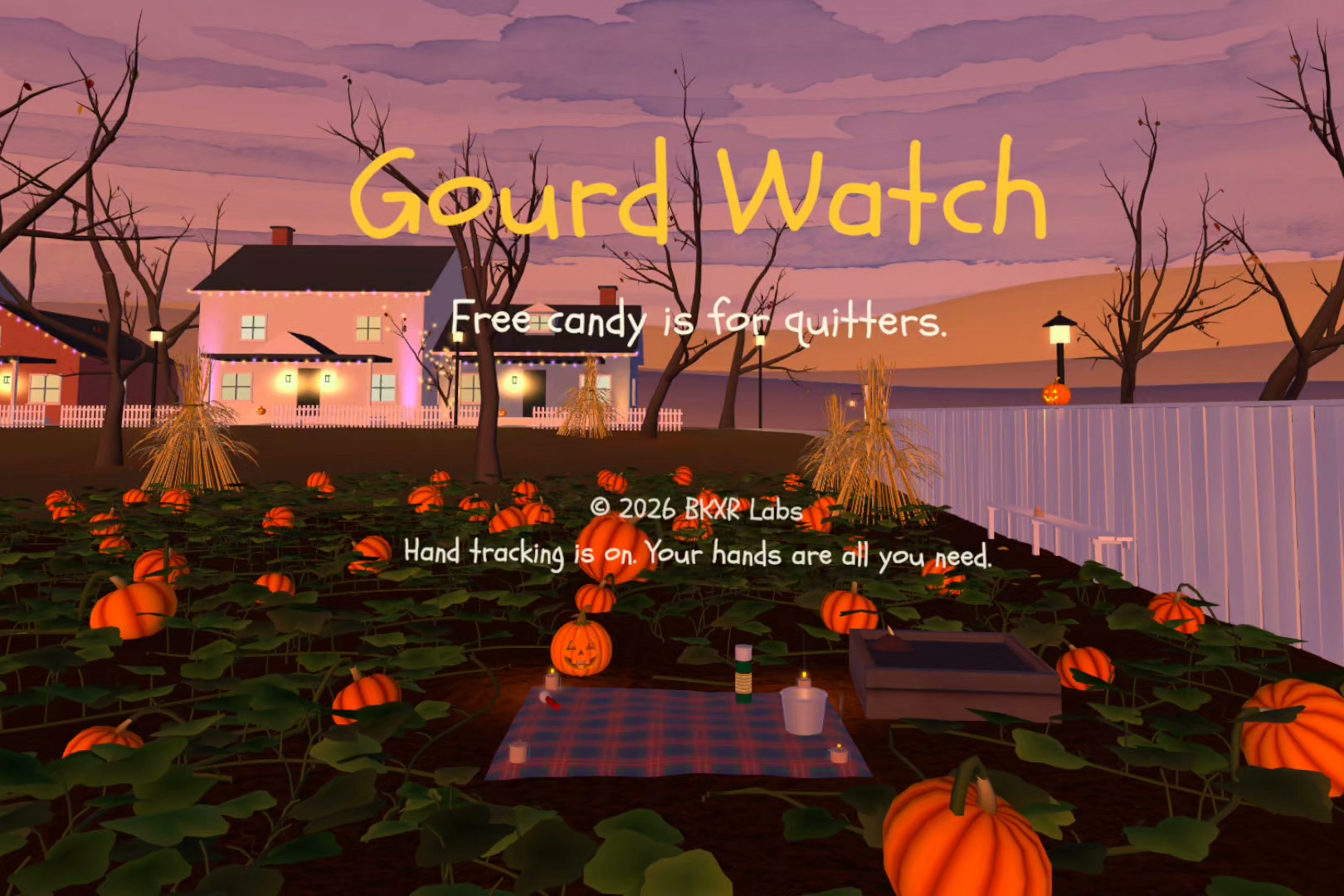
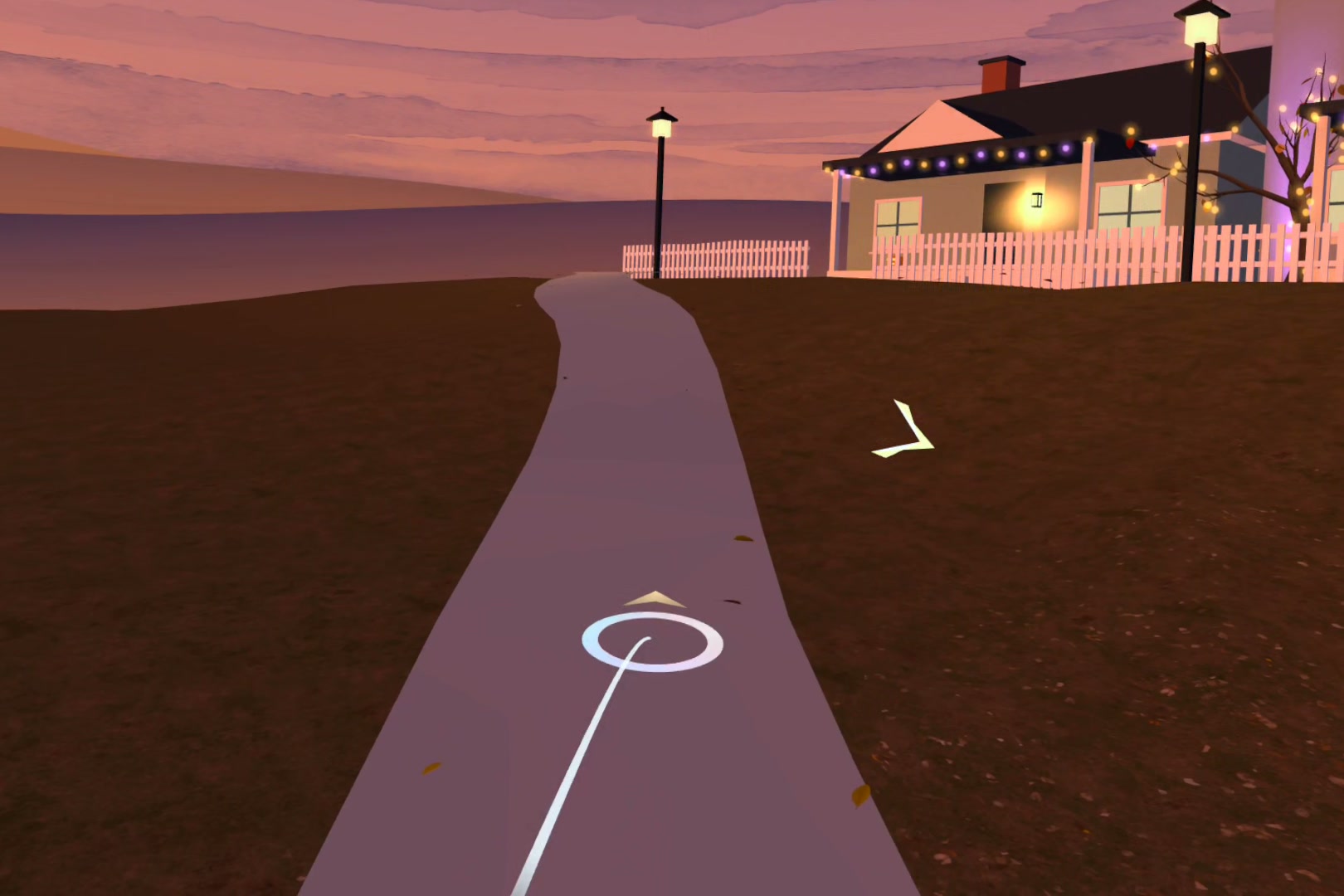
Your start at sunset. Hand tracking is on. Controllers work too.
-
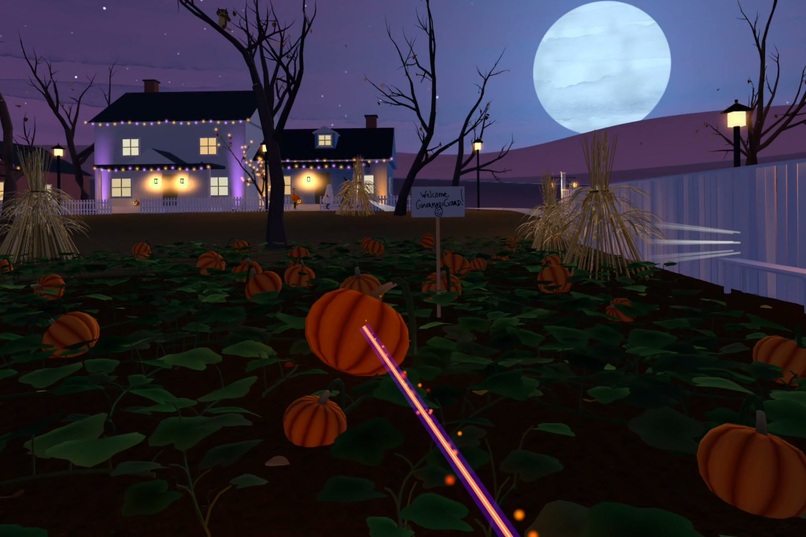
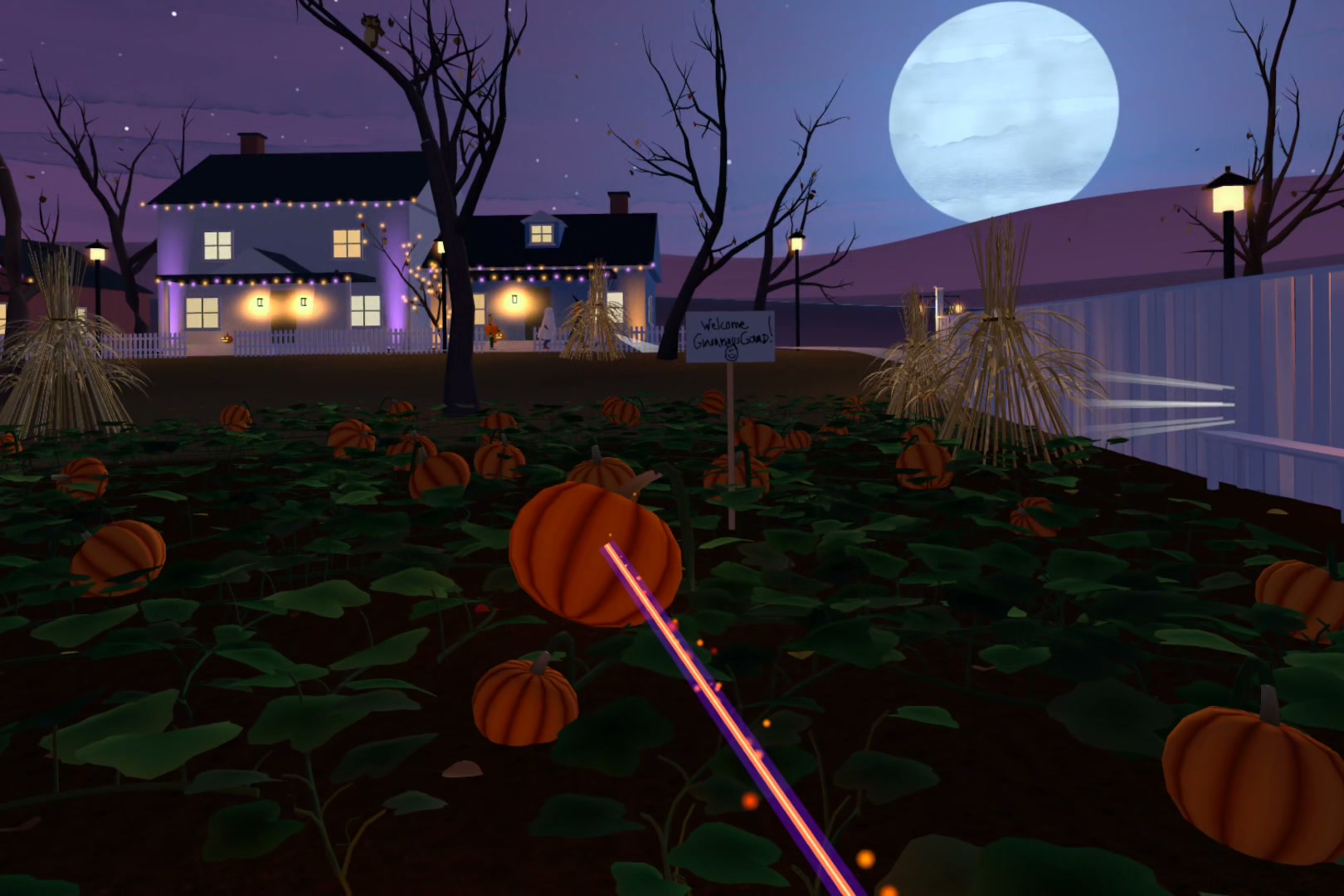
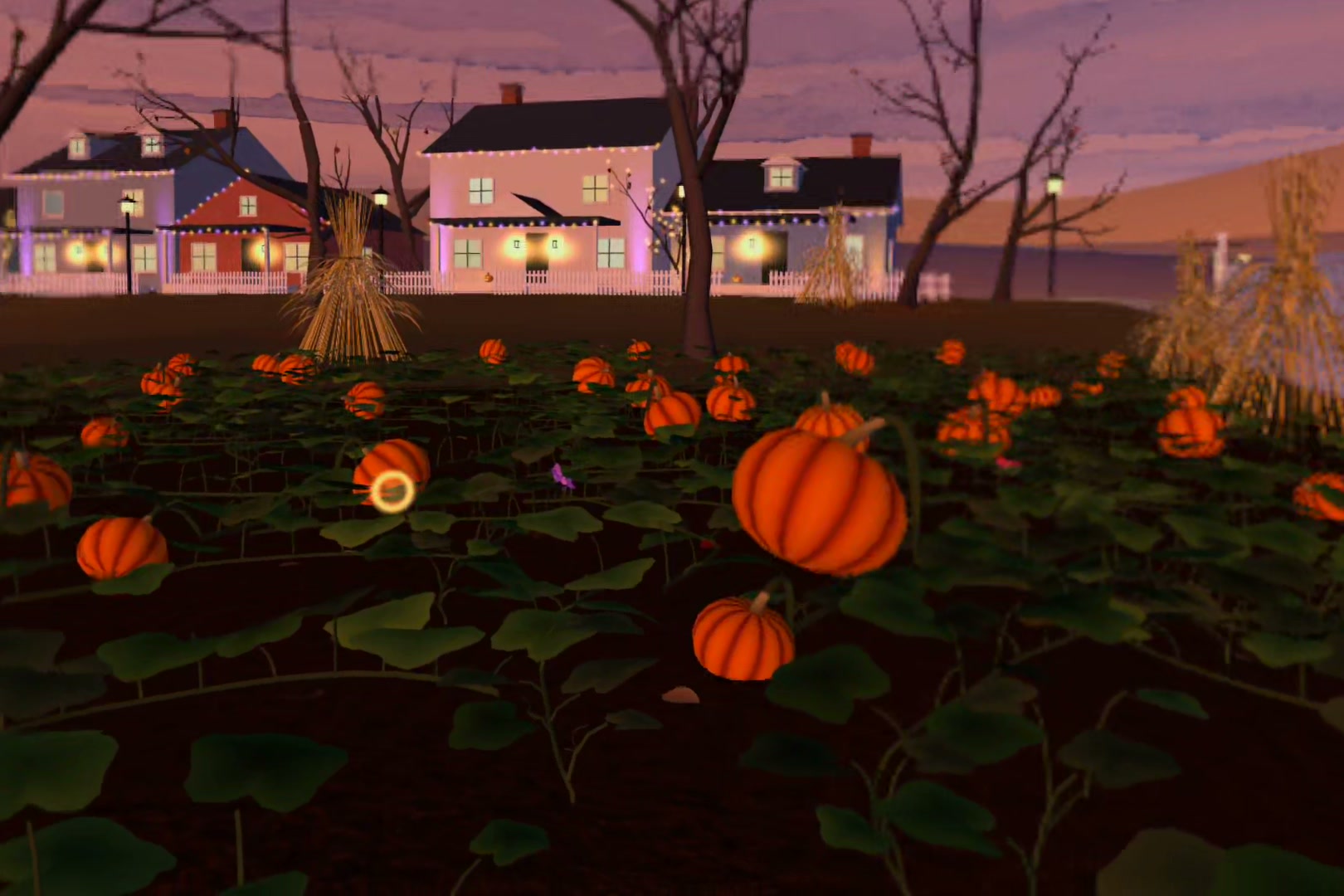
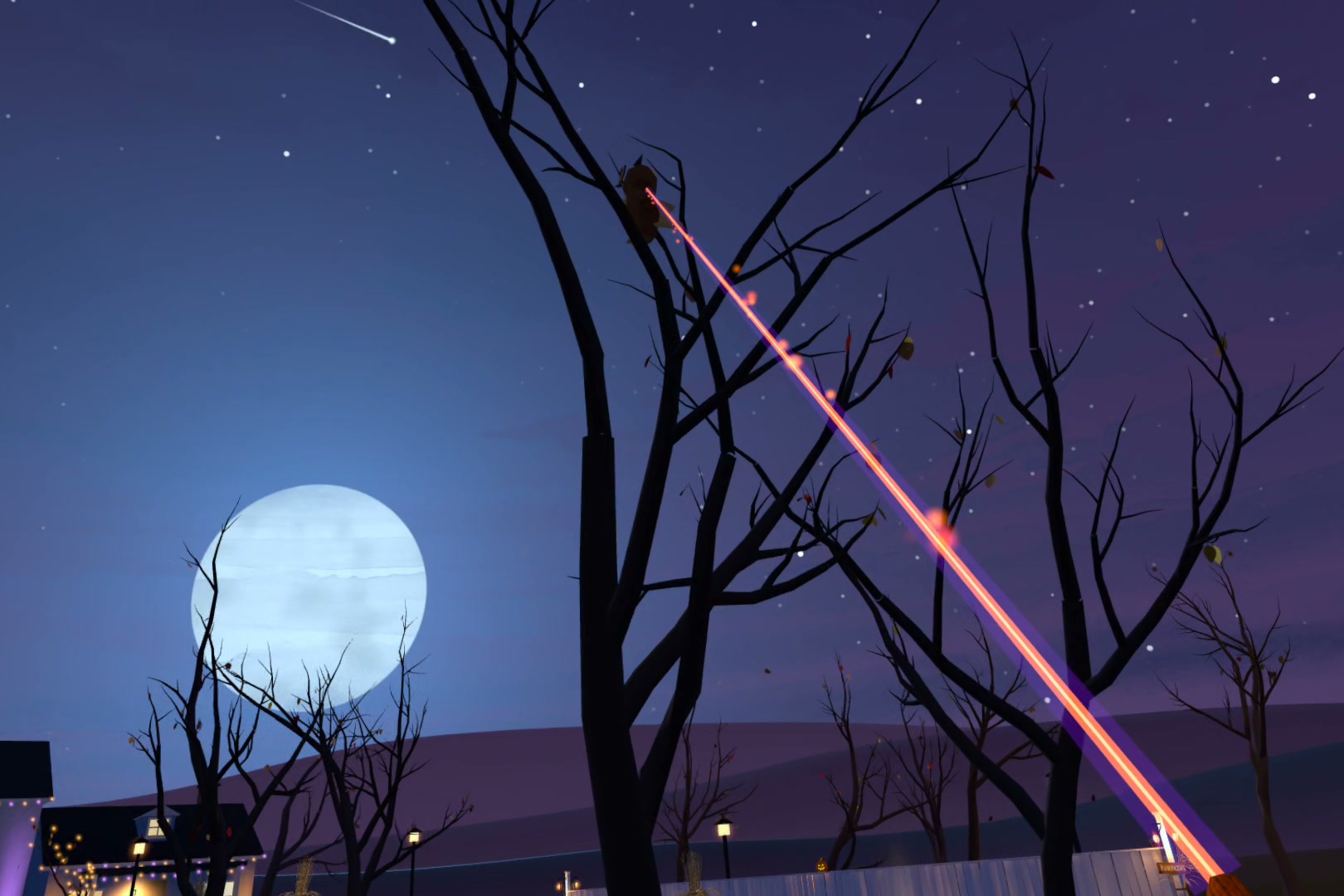
Watch and listen for signs of rustling among the gourds. Your finger is a laser pointer. It's how you show the patch it has your attention.
-
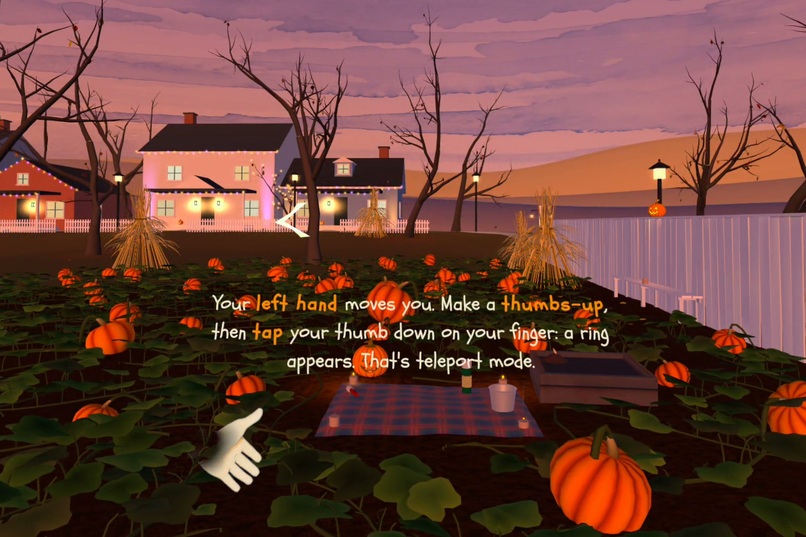
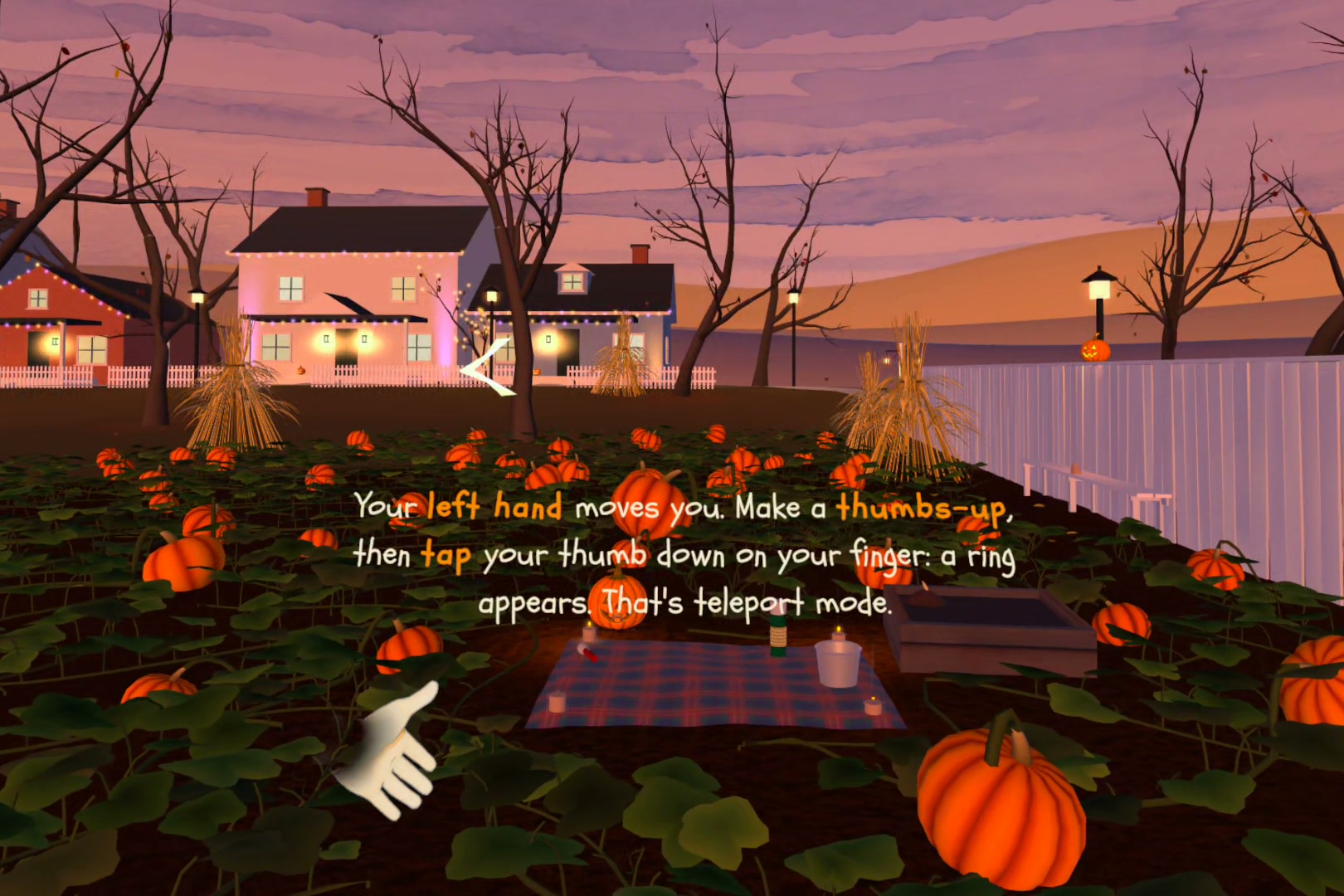
A short tutorial teaches Meta's hand gestures. Thumbs-up, then tap your thumb: a ring appears for teleporting.
-
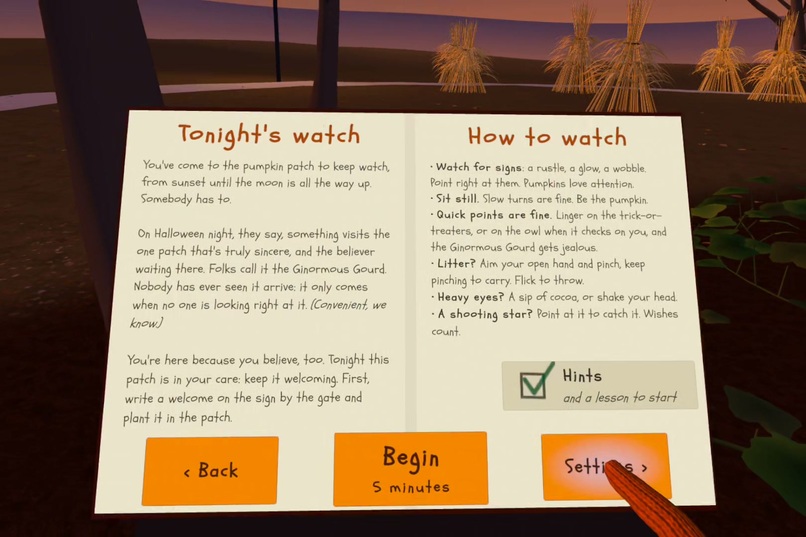
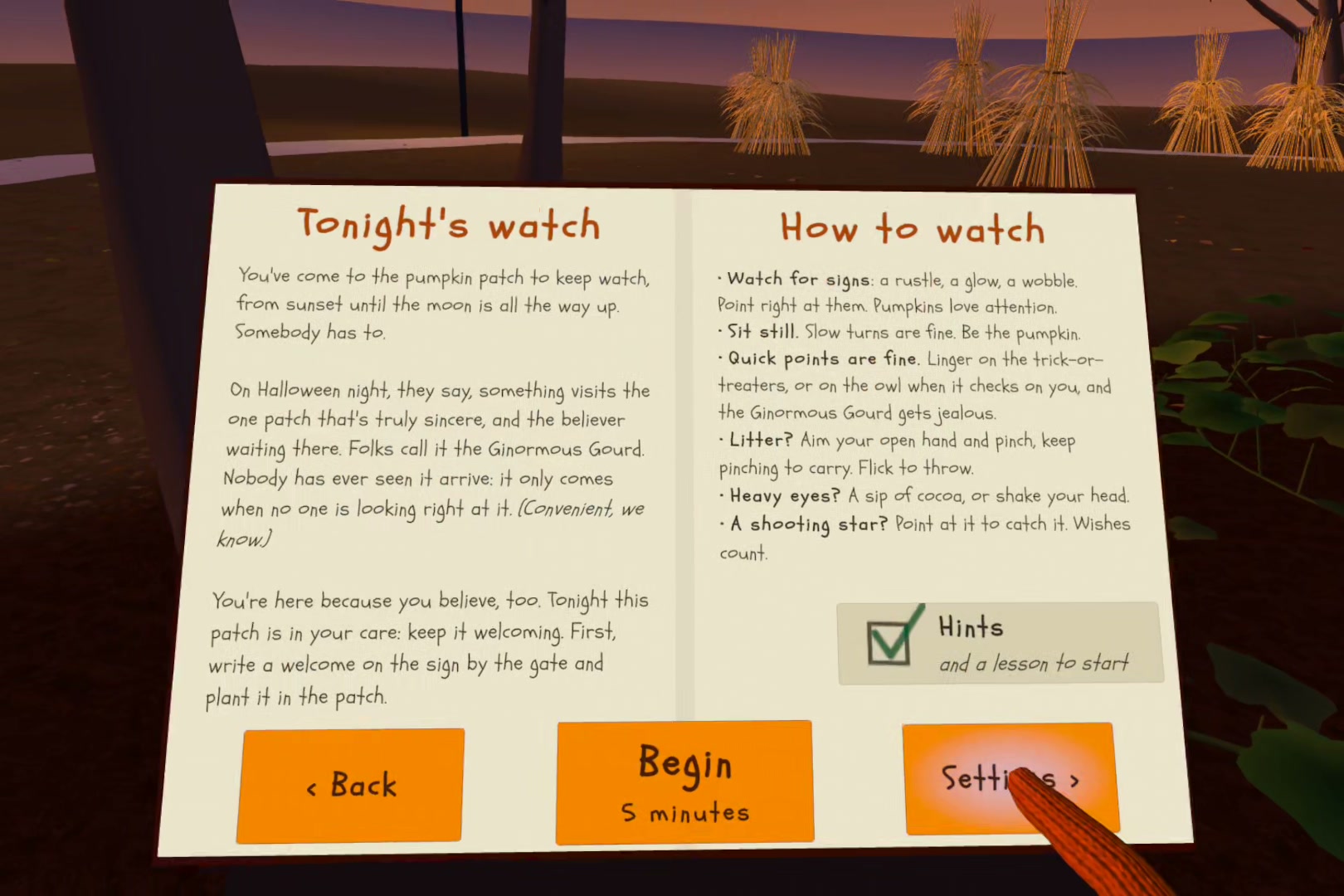
The welcome book explains the night. Point and pinch to turn pages; Begin starts a five-minute watch.
-
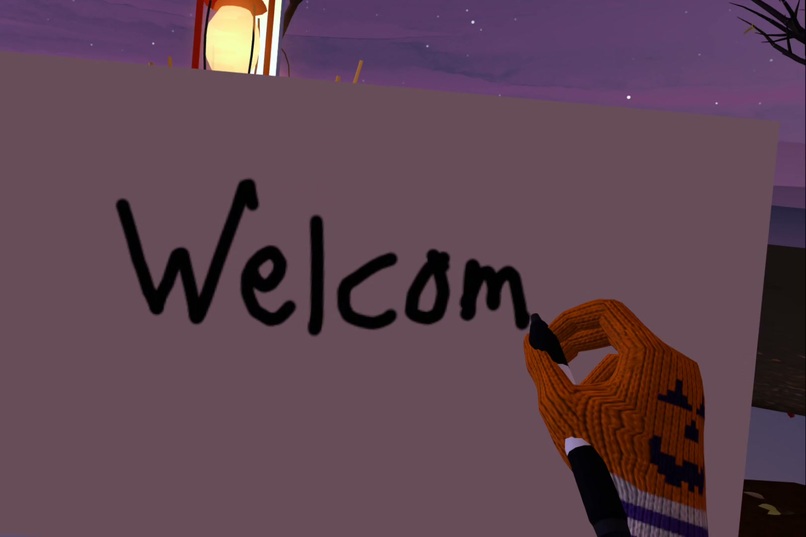
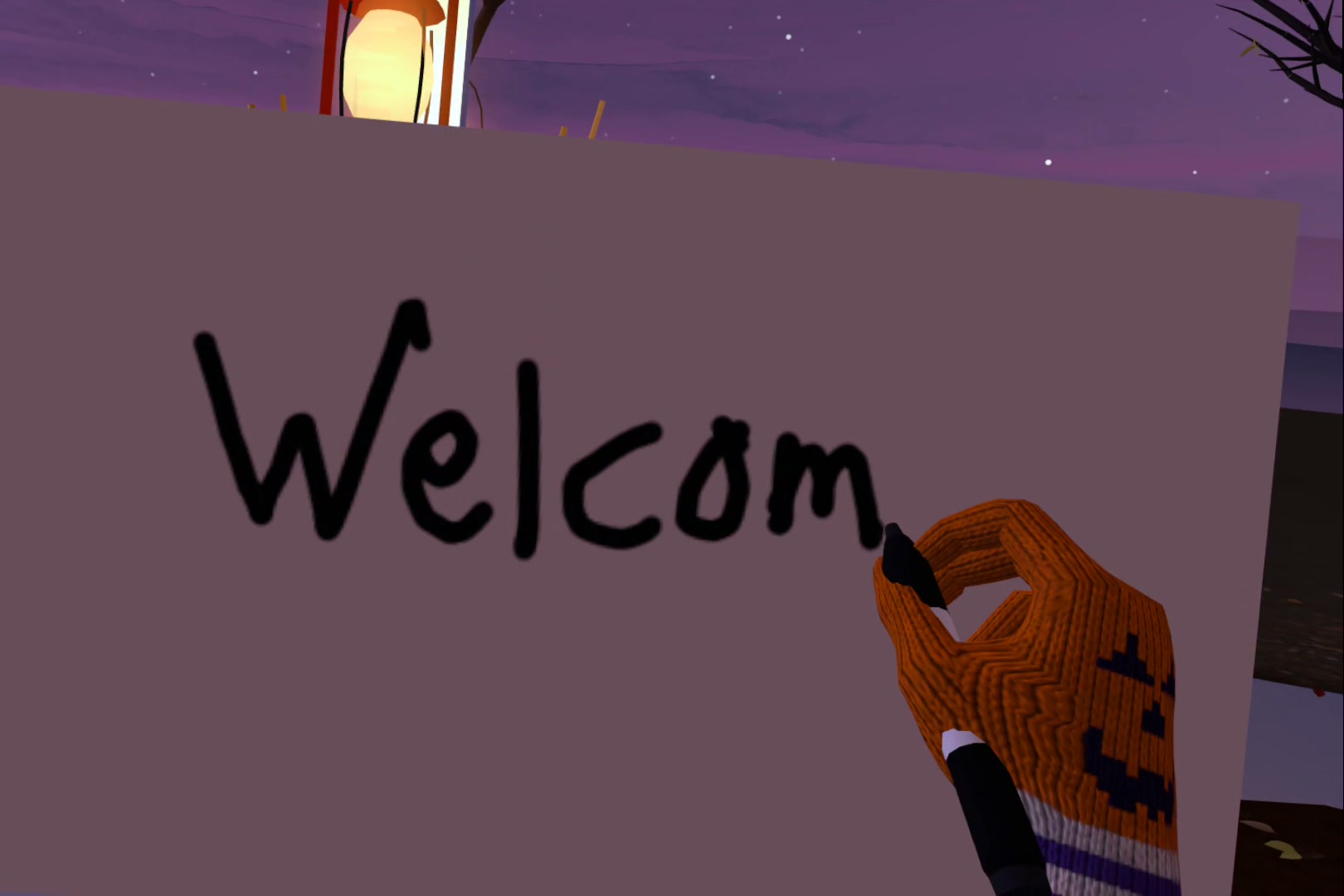
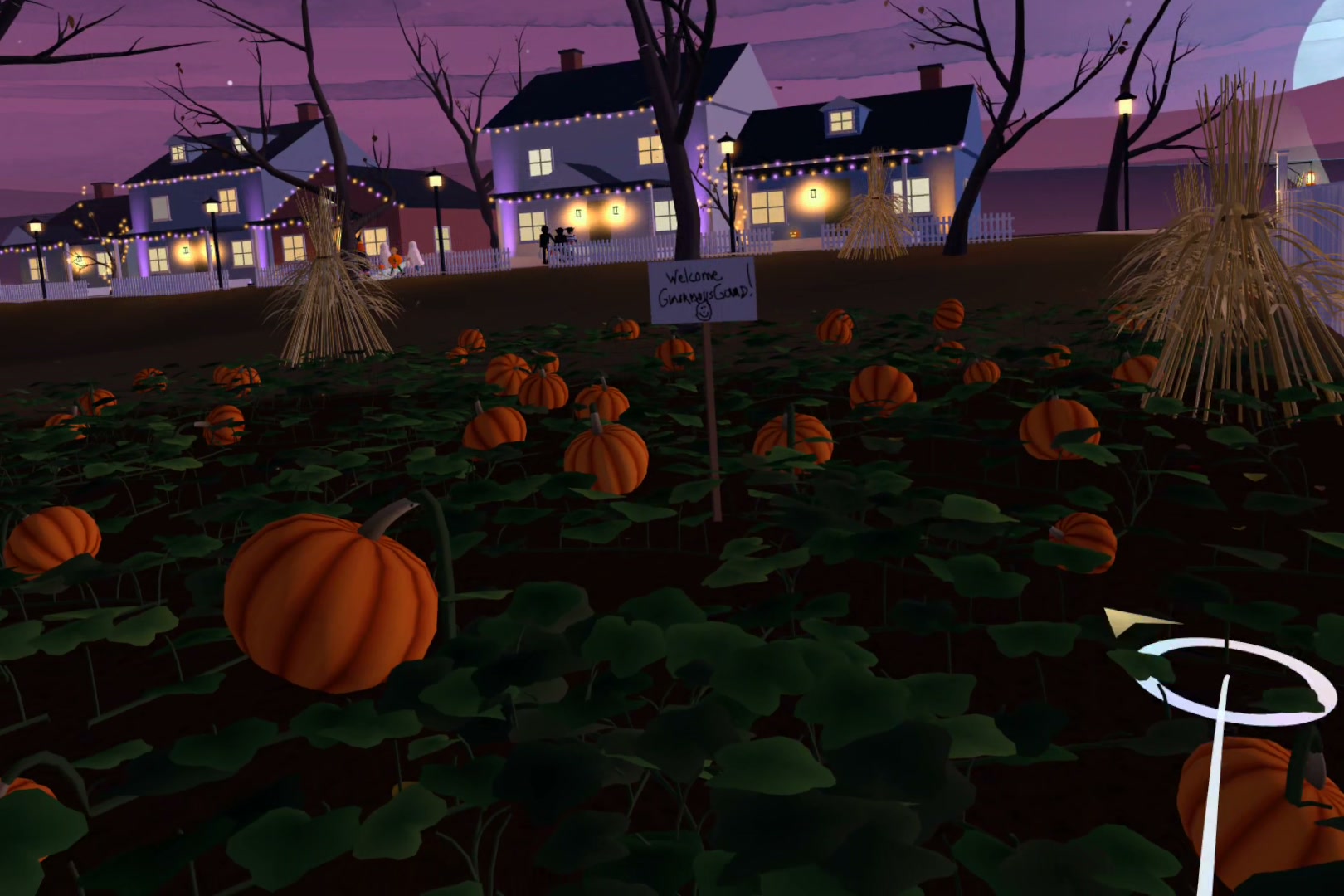
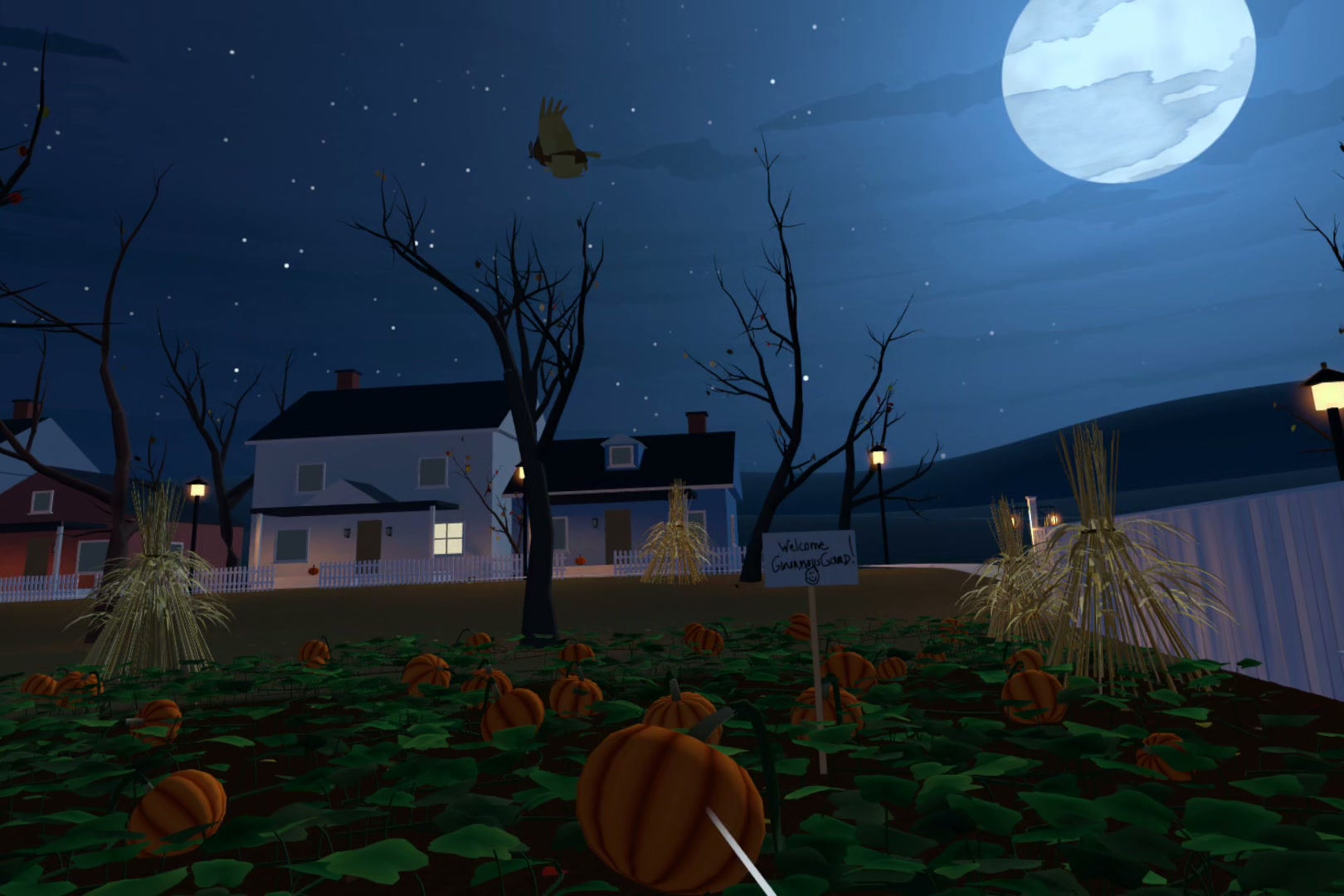
Your first job: pick up the marker and write a welcome on the sign, then plant it in the patch.
-
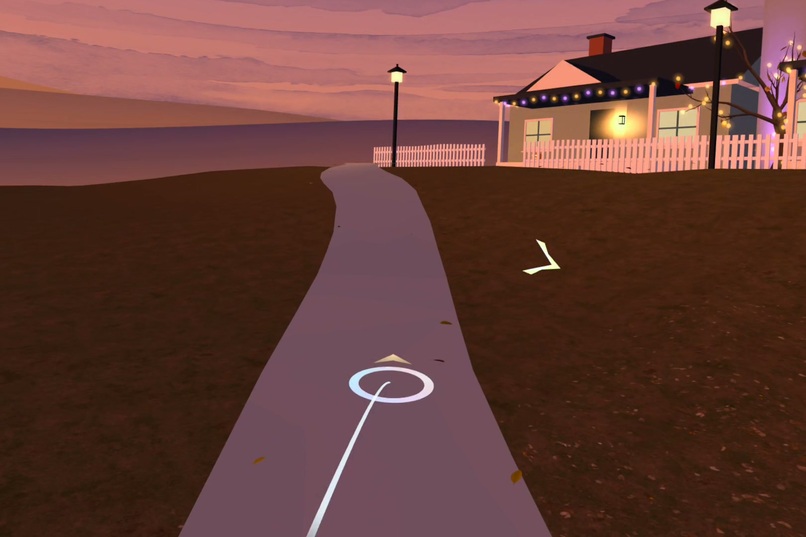
Travel with Meta's thumb micro-gestures: tap to show the landing ring, tap again to go there. Take a walk on the back path!
-
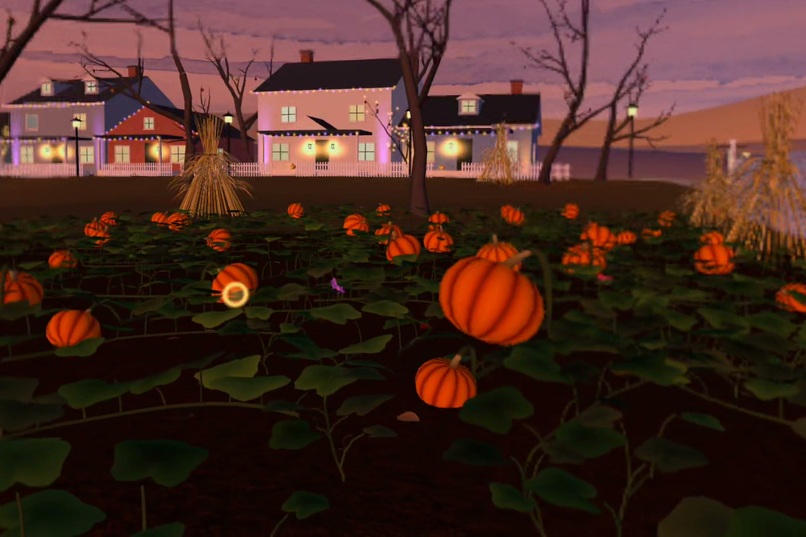
Have eye tracking support? Your eyes do the pointing: the small ring marks where you're looking.
-
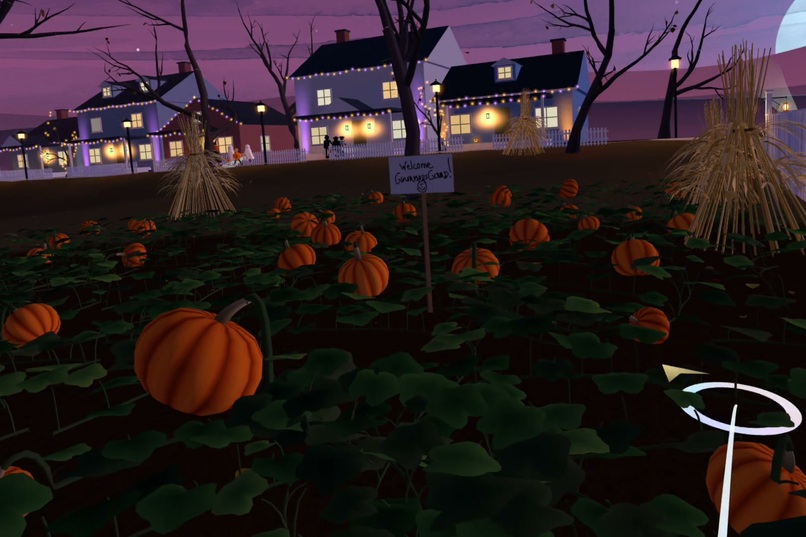
Trick-or-treaters work down the street. Twist your hand to turn the ring's arrow and choose which way you'll face.
-
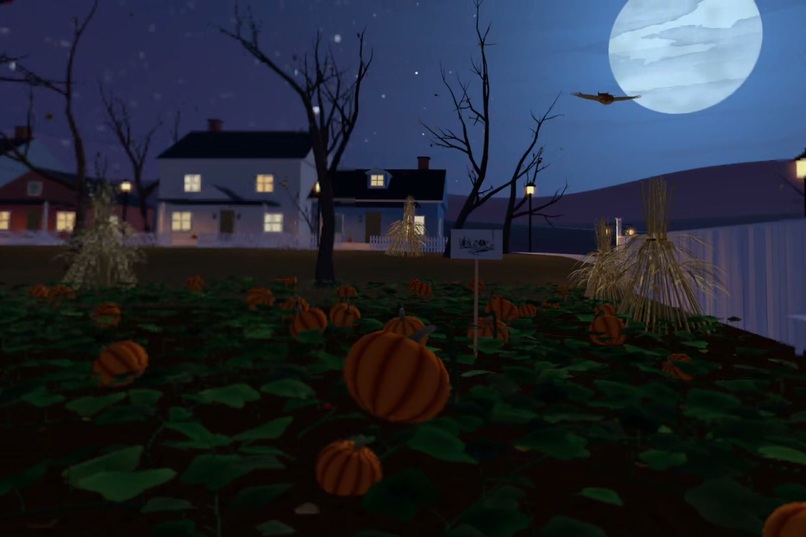
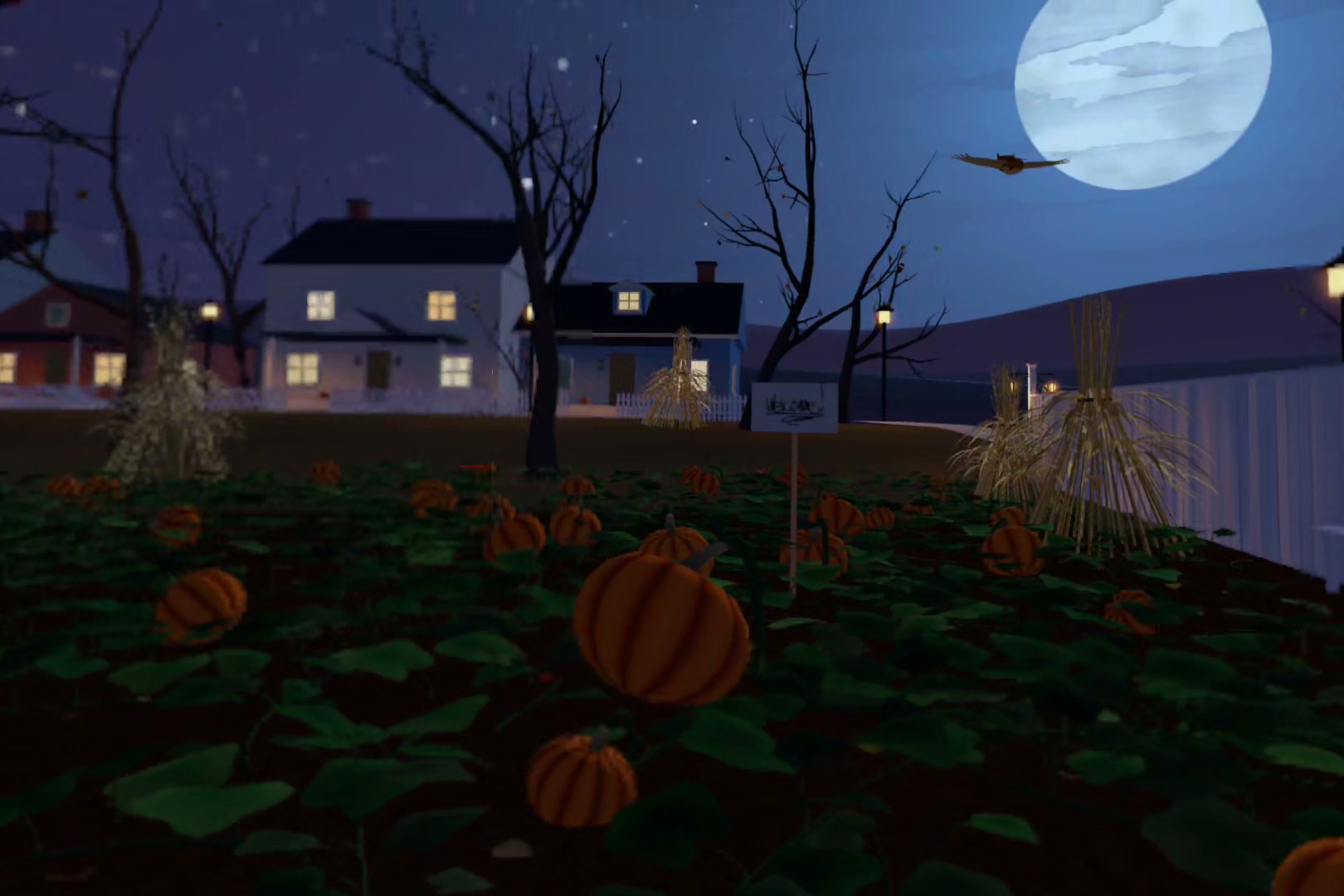
The moon climbs and the owl comes by to check on you. Glance, but don't linger: the patch wants your attention.
-
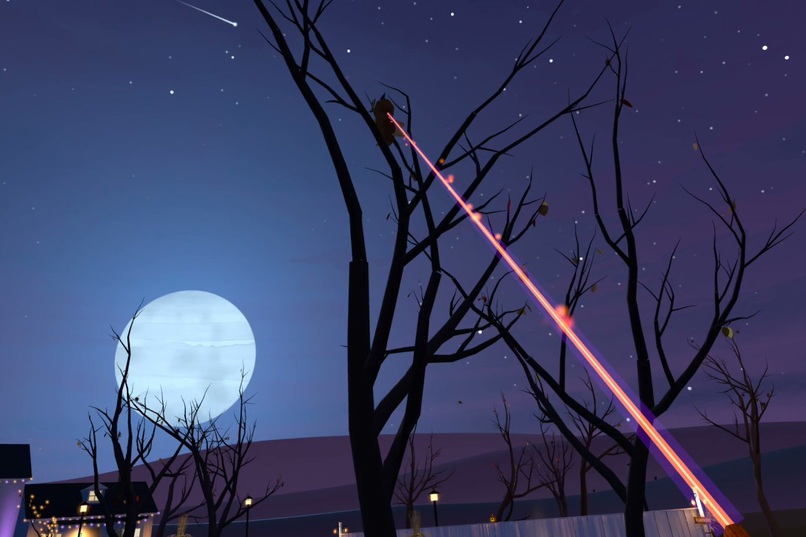
Full night. Shooting stars streak past the moon: point at one to catch it. Wishes count.
-
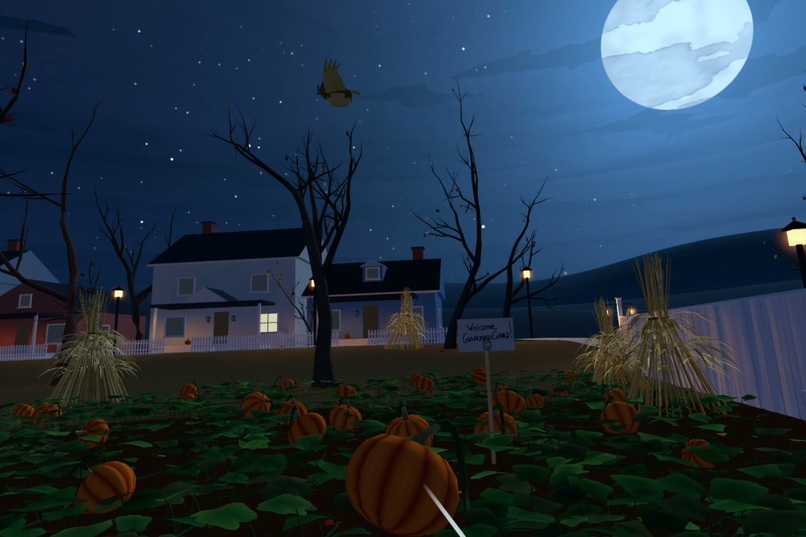
Midnight: the moon is high, the owl is out, and the welcome sign you wrote still stands in the patch.
-
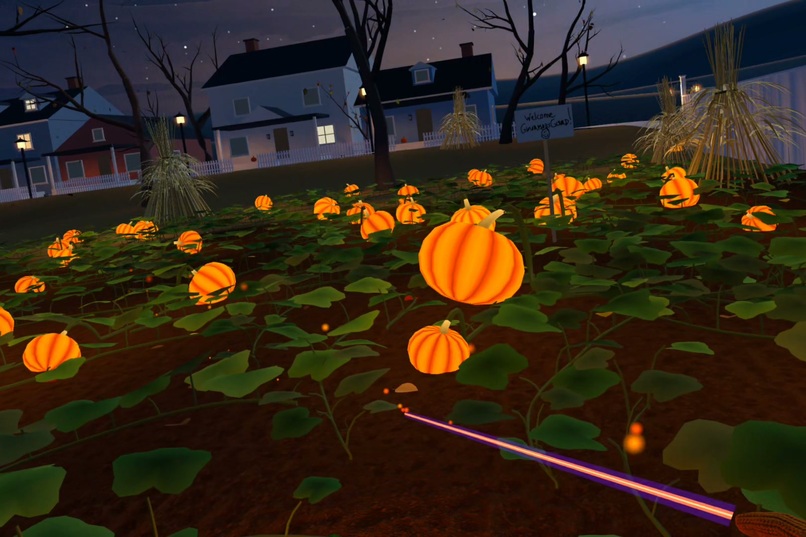
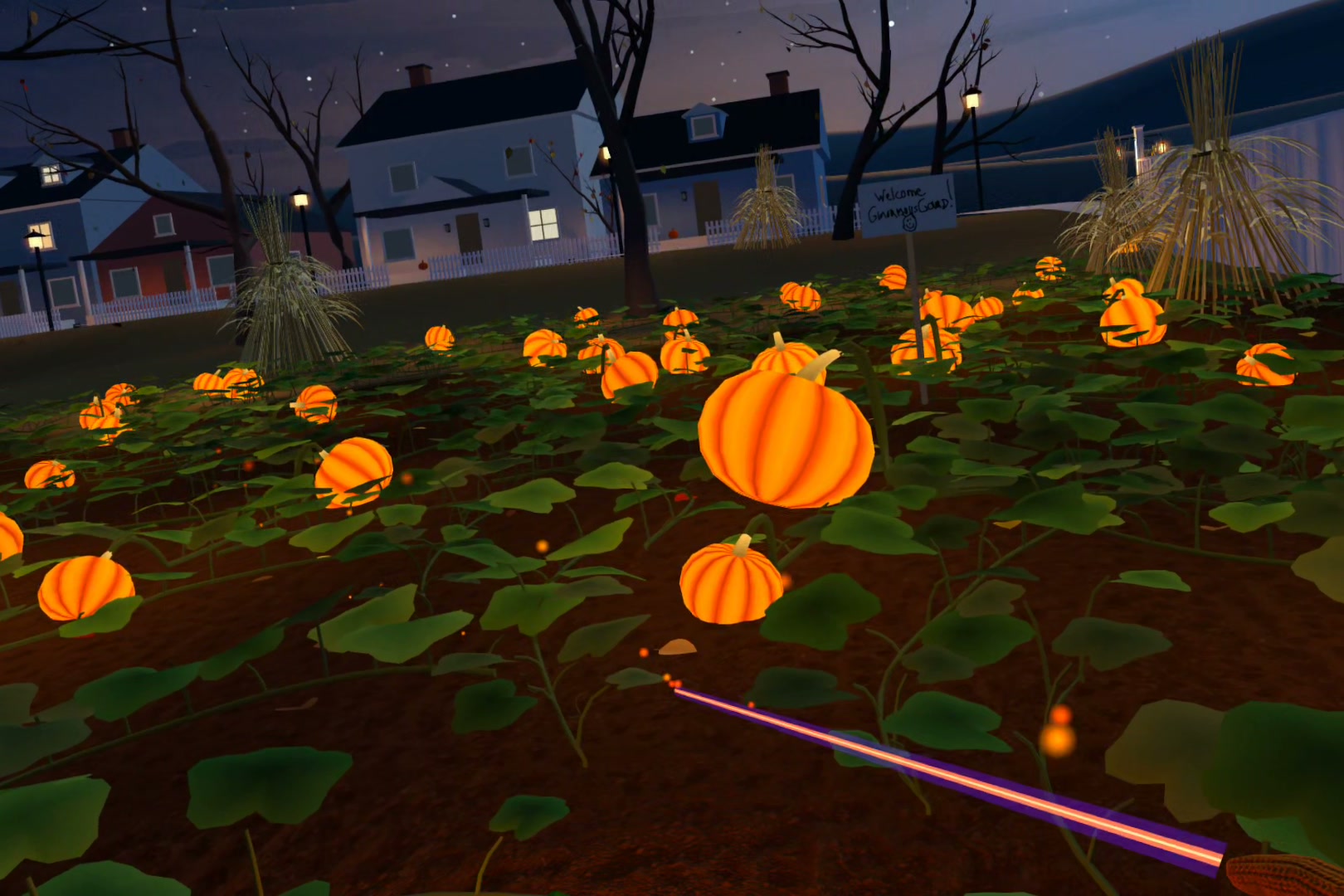
Moon fully up: the patch lights up in a wave, answering how faithfully you watched.
-
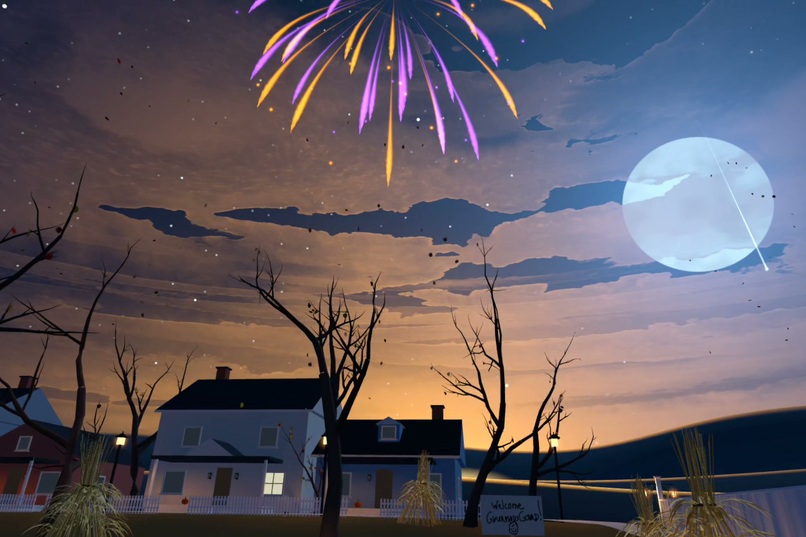
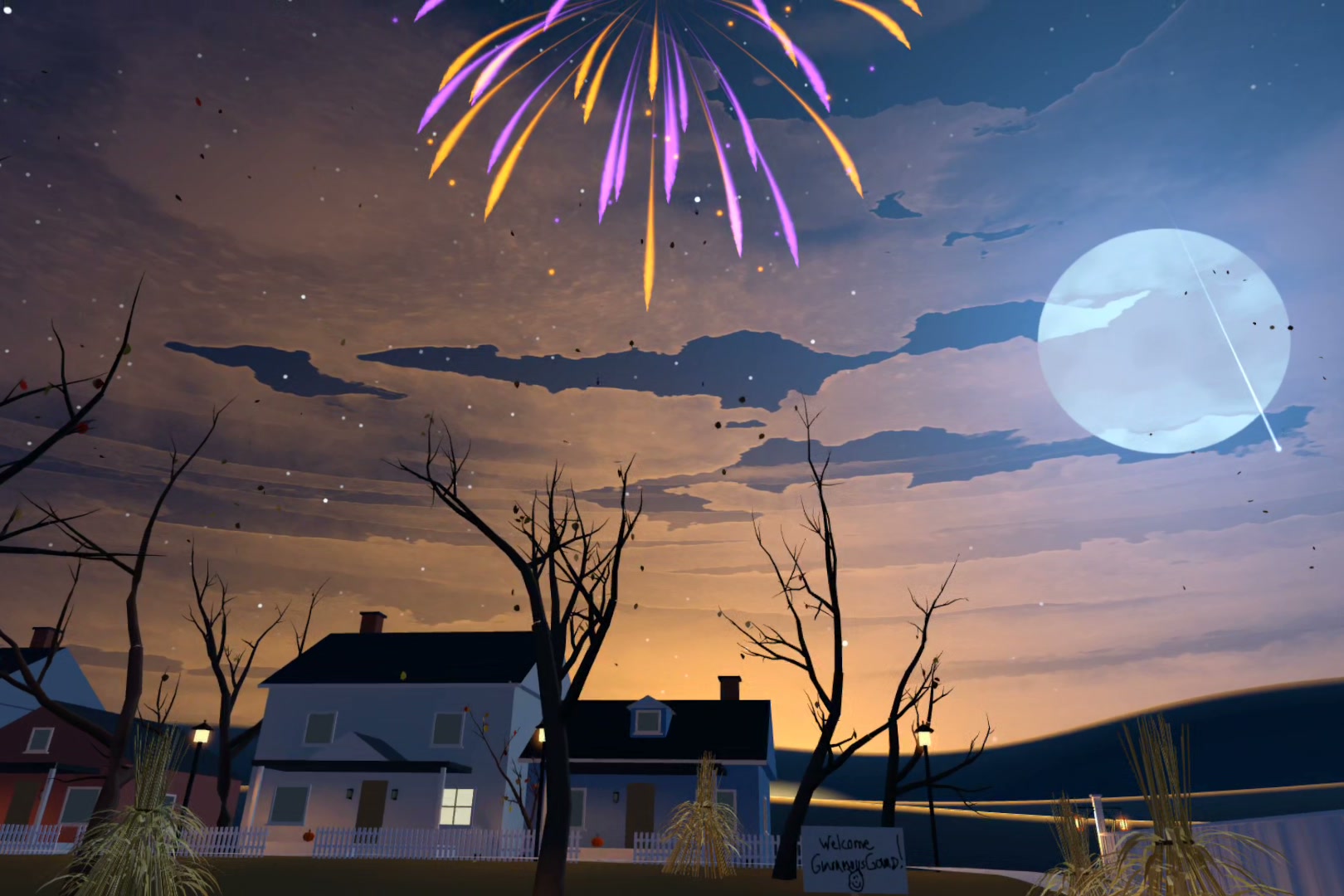
A very sincere night pays off. Perhaps you'll see fireworks as something rises off the horizon.
-
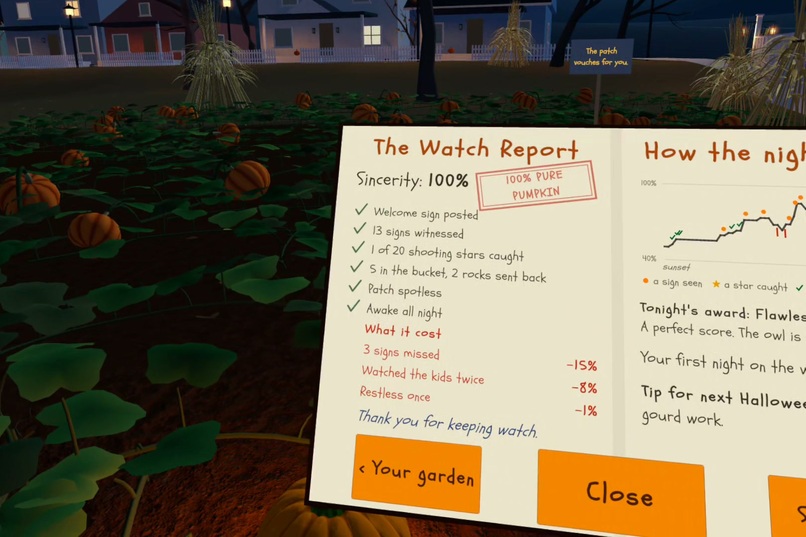
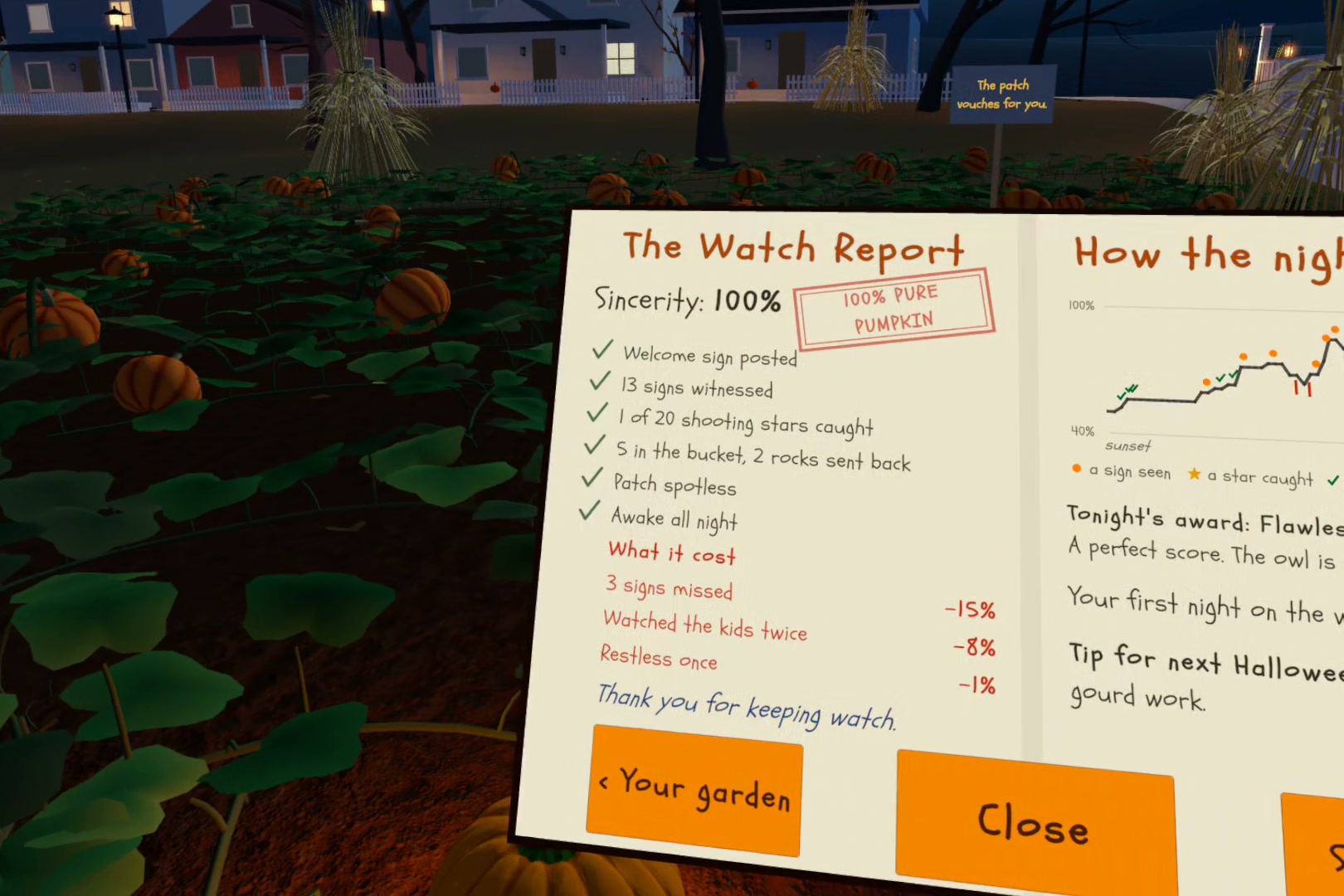
The Watch Report scores your sincerity: signs witnessed, stars caught, litter cleared, and what cost you points.
-
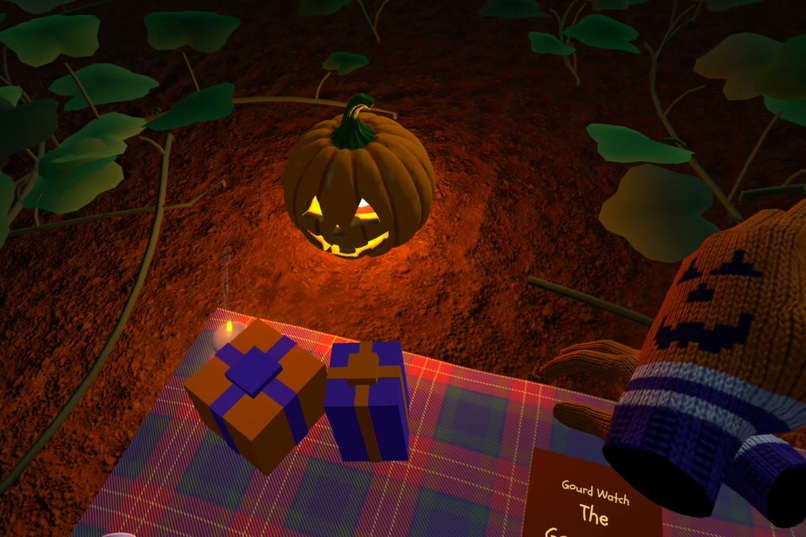
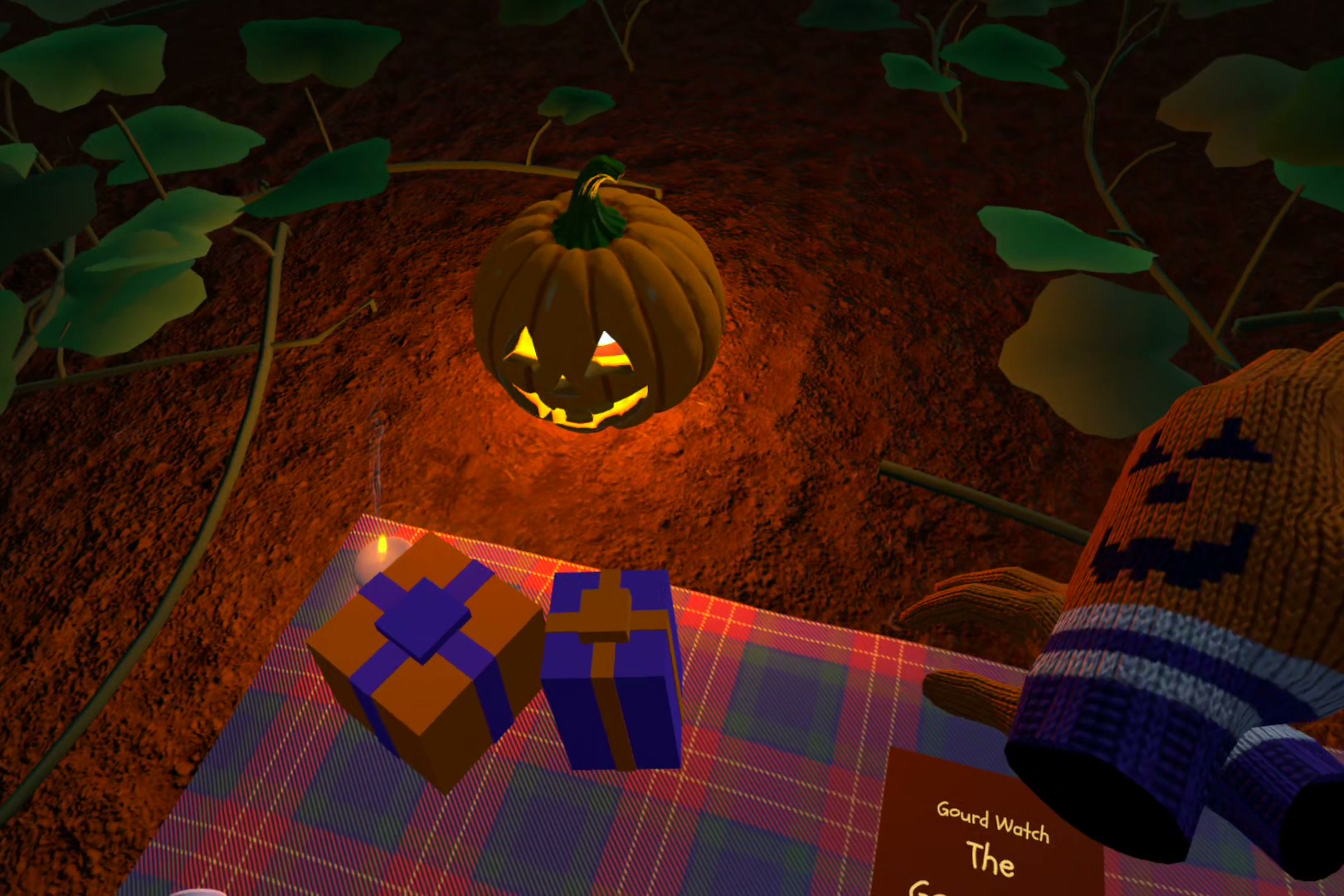
Do well and it might leave toys on your blanket! But the next night will be harder.
Inspiration
As a kid, I enjoyed the holiday specials. They’d always start with Halloween. Remember that one from the 1960s about a kid who gives up trick-or-treating and waits all night in a pumpkin patch for a visitor who may never come? I thought it’d be fun to put someone in his shoes for the night. I knew VR would let me, and I’ve had ideas for years. This competition was my chance to finally set aside serious time to make this game a reality.
What it does
Gourd Watch is a seated night vigil designed for hand tracking. From a blanket in a pumpkin patch, you watch the sun set and the moon rise while trick-or-treaters work down the street. The patch gives fleeting signs (a rustle, a pumpkin that glows or wobbles), seeking your attention, and being the dedicated kid you are, you make sure you let the patch know you are all in! You pay attention by pointing at the signs it raises. There are other things out there pulling at your attention, and it'll hurt your sincerity score if you're not careful. Fidgeting and staring at other things will cost you. Kids also keep littering the patch. Tidying the kids' litter earns it back. And that poor kid who keeps getting rocks for trick-or-treating lets off steam by tossing his rocks into your patch! Gotta get those, too. When the moon is up, the night answers how faithfully you watched. A kid brings a candle to the bench in a show of support for your dedication, and your own pumpkin grows if you earned it. Each night you play gets a little harder.
How we built it
Unity 6 (URP) with Meta's XR Core, Interaction and Audio SDKs with a Quest 3, and Quest Pro to also test eye gaze and eye-tracked foveated rendering. The owl watches what you pay attention to all night. On Quest 3 and 3S, you show attention with a laser from your hand. On the Quest Pro, you simply use your eye gaze, and the game is designed with the soon-to-be-released Meta VR Glasses in mind. Everything is Meta's own hand vocabulary (pinch, grab, touch, thumb tap to teleport, swipe to turn, microgestures): nothing new to learn, and controllers work too, supporting the full suite of Meta input modalities. The world is a mixture of assets from Unity and other online asset repositories, all licenses checked for commercial use, with many assets procedurally generated in code under a watercolor sky shader (a choice by design to pay homage to the original Halloween special.) Sound effects are human recordings from sound repos, spatialized with Meta's Audio SDK. (The music drifting from the houses was made with Suno, and the poor kid who keeps getting a rock speaks with an AI voice from ElevenLabs, sighing through his exhausted, frustrated lines!) The game was built with Claude Code as my pair programmer, with hundreds of rounds of testing every feature on multiple headsets.
Challenges we ran into
Hands-first input took quite a bit to clean up (e.g. a resting thumb looks like a pinch, so thresholds came from real finger data); make sure sounds replace haptics, e.g. the sound of the marker when writing on the sign; controlling false positive hits when pinching with multiple nearby grabbables was quite challenging. I also had some challenges adding additional capability to the Meta microgestures to also allow turning and pivoting the reticle arrow to make it easier to navigate with simple one-handed thumb taps. (Take a walk out on the back path! It's quite easy now!) Trying to channel the nostalgia of that classic Halloween episode took a lot of careful planning, renaming, and doing things just a bit differently than I wanted, but I think I succeeded. The game holds a painterly, nostalgic vibe from sunset through moon rise, while keeping the night at 72 fps on Quest 3. It required a lot of iteration. Lastly, finding high-quality assets is always a challenge: you want the best-looking game objects while keeping poly counts low.
Accomplishments that we're proud of
The overall scenery and vibe through the evening came out far better than we expected. The moon, stars, sky... the changing color as the sun sets, are really quite spectacular. Also, I'm happy with the multiple ways the player shows the pumpkin patch that they are dedicated and paying attention. I'm proud of what I was able to do with hand tracking alone, but really proud of how carefully I was able to integrate the onboarding tutorial and game play to use and adapt to any combination of modalities the user wants, for maximum support for whatever they prefer. In particular, eye tracking was a stretch. I'm not new to eye tracking in general usability and UI design, but not as an active component of game design. That took a lot of building small prototypes to really understand it. Careful discussions with a friend who is an expert with eye tracking studies helped. (Smoothing eye-tracked input is a thing!) But, once I heard about the new Meta VR Glasses, I figured I had to incorporate it. I wasn't surprised about eye gaze being a primary input now. It's one of the things I thought should have been the big win with the Quest Pro. So, I was thrilled to see Meta VR Glasses integrating this. (No headset out there should be released ever again without eye gaze input! Just sayin'!) Testers found the integration of eye tracking into a game like this to be quite appealing. The hand-tracking alone is fun. The laser pointer is quite cool. But, playing with hand AND eye tracking seemed to bring more of a chill vibe for players. It lets the player sit and absorb the scenery and ambiance of the evening, simply using their eyes to show the Patch you are being attentive, without having to move the rest of your upper body. It's quite fun! Hand tracking together with eye tracking lets us do a better job implementing the experience I was after.
What we learned
Unity CLI and MetaVR CLI tools are amazing. Connecting these tools together with Claude Code was quite an experience. We're still learning how to best use them, while acknowledging that these frameworks and tools are still in their infancy. AI-assisted development is clearly the way of the future for all software development. We knew from previous projects that the best results come from sticking to an agile development framework. AI lets us work through the backlogs faster. Much faster. But, we are still very much involved in the entire development process. This project really helped us refine our workflow with AI more than any other project I've worked on in the past couple of years. Every task completed from the backlog is tested, just as it was before AI. AI lets us test more thoroughly. Logs are generated to offer extra validation that events are really happening. Every task has clear criteria that must be passed. We improved our use of AI throughout the project by adding an agent dedicated to running a suite of tests after every task. That helped reduce many bugs that were uncovered, but we learned to never trust only AI to complete testing. We always make the final call for acceptance of every test after the AI tester deems a task to be ready for human testing. Each project we work on helps us to keep refining and improving our own development skills with AI.
What's next
Many ideas have come from testing with students. The obvious ones? More nights. More challenging levels. Creating a nostalgic harvest path on that back walkway, with "easter eggs" that could uncover interesting power ups or other benefits, especially as the game increases in difficulty. Create a relaxation / zen mode to really let someone get out of their head and just relax in the scenery. A 3D gaze heatmap to show you what in the environment was keeping most of your attention. (OK, that's for the nerd in me!) Possibly improving ways the owl might see you as not really being dedicated to the patch. It'll be easier once we shift to make the eye tracking component stronger, as hand tracking was a higher priority for the competition. One really intriguing idea came in to implement different seasons, you know... to channel a couple of the other popular episodes that arrive around the December holiday time! (We've already begun laying out plans for that one, but might be a different game altogether. Not sure.) And ultimately, a launch on the Meta Horizon Store soon. Not sure when would be the best time for that yet. We wanted to get it out the week before Halloween for obvious reasons! But, certainly will have something out soon.
For the judges
- Play seated. The signs are often heard before they're seen.
- Hands first: on Quest 3/3S, point with the laser from your hand - this is how you show attention; aim and pinch to grab wrappers and rocks; on Quest Pro you can use your eyes to aim and pinch alone. Controllers work too.
- Quick onboarding tutorial: will teach you the hand gestures and get you going.
- Ready? Head to the book: read the welcome book in front of you and select Begin.
- A night lasts about five minutes (the book says so on its Begin button), then the finale; each night after is a step harder. No internet or account needed.
Built With
- c#
- claude-code
- elevenlabs
- eye-tracking
- ffmpeg
- freesound
- google-fonts
- google-gemini
- hand-tracking
- hlsl
- librosa
- meshy
- meta-interaction-sdk
- meta-quest
- meta-xr-audio-sdk
- meta-xr-core-sdk
- openxr
- suno
- unity
- urp
