-
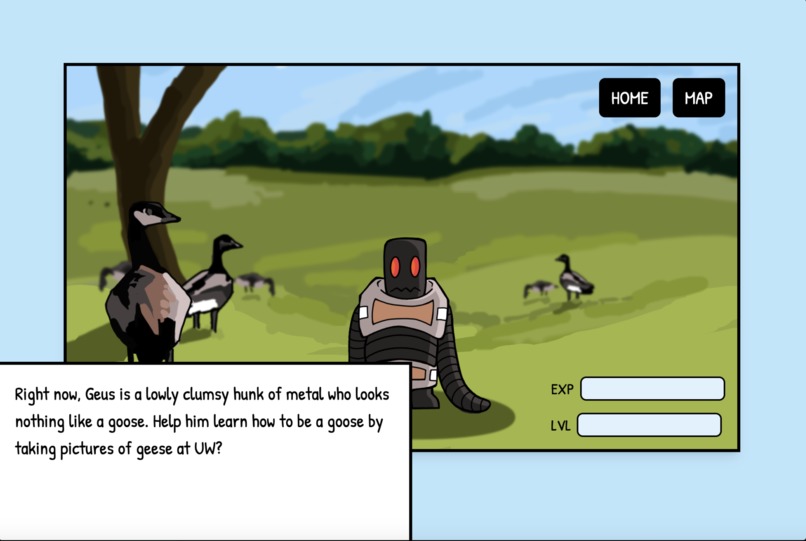
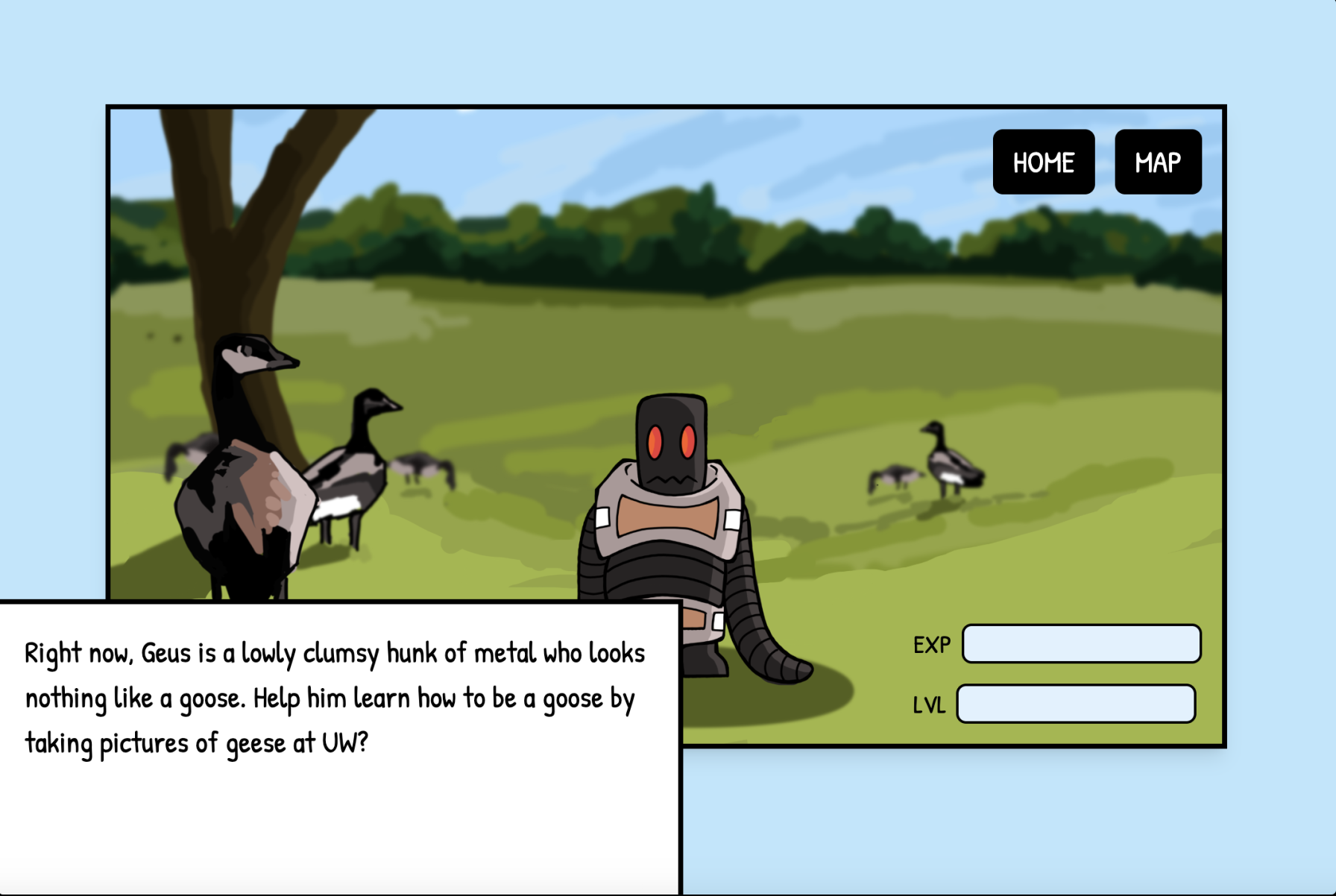
This is the first stage of your robo-goose. Keep taking pictures of geese to see it's other stages!
-
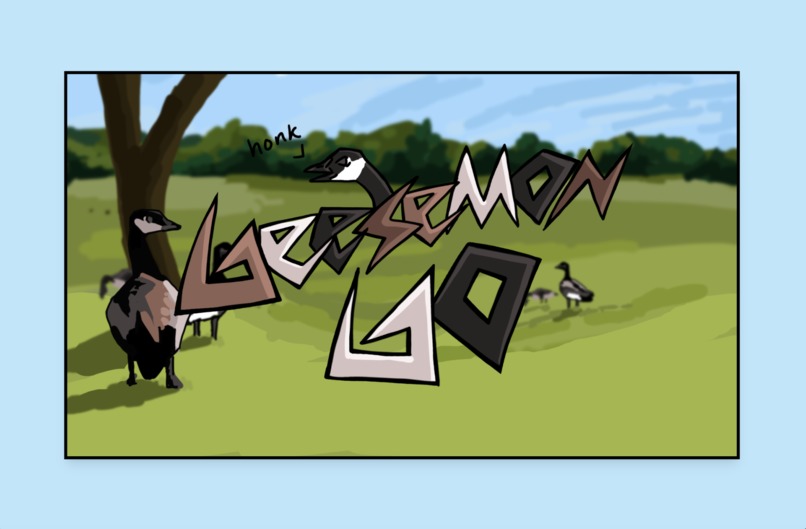
This is the welcome/start page
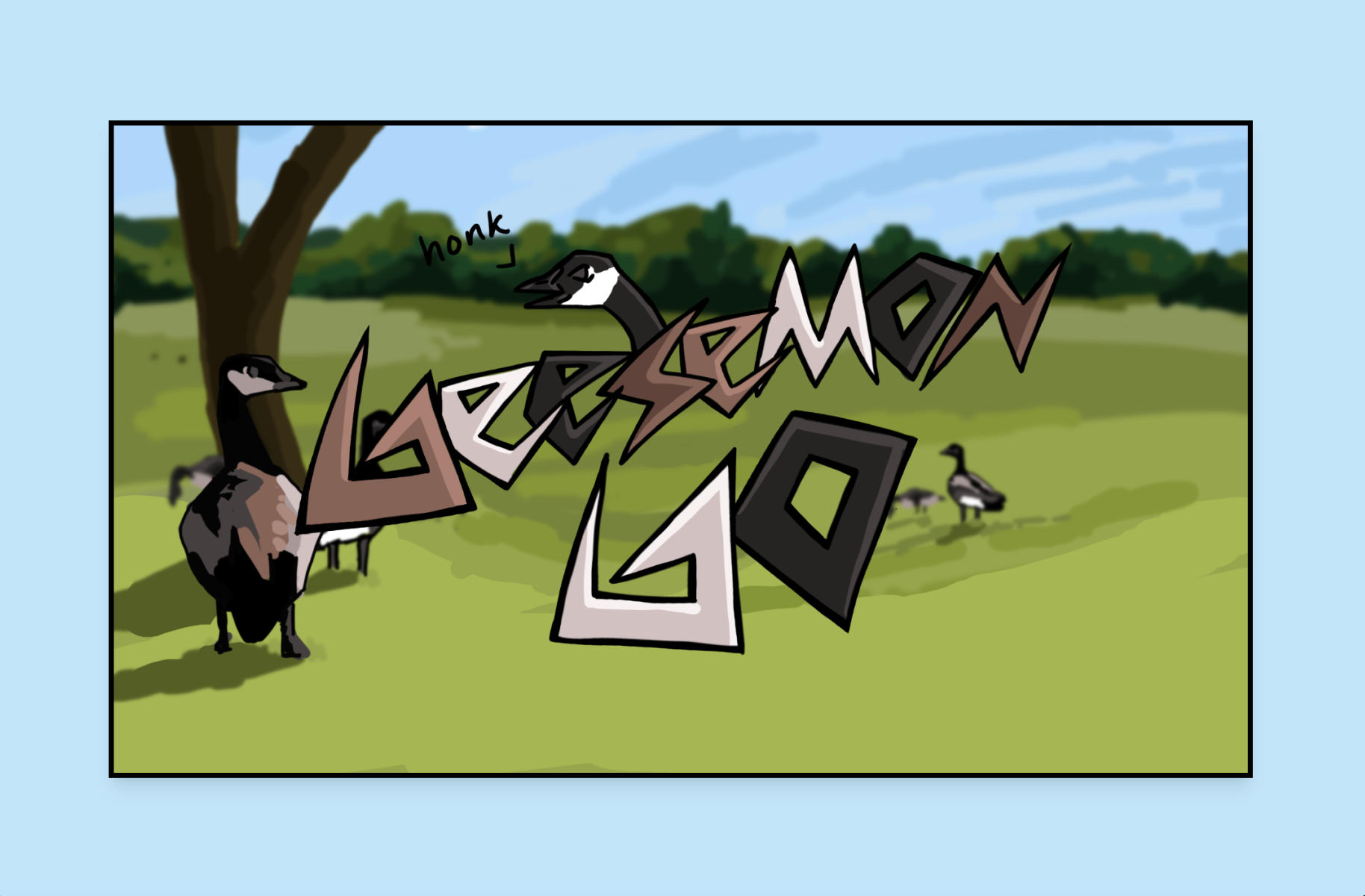
Goosemon Go 📱✨
What It Does
Goosemon Go is a fun and easy-to-use app where you:
- Own and care for a virtual robot goose.
- Snap pictures of geese in your local neighborhood to progress and unlock cosmetic upgrades for your robot goose.
- Collect and mark geese locations to help track population and migration patterns for potential research purposes.
How We Built It 🛠️
Frontend
- Designed prototypes using Figma and hand-drew Goosemon Go assets (e.g., robot goose sprites) with Procreate.
- Built using React and Vite with TypeScript for seamless UI interactions.
- Styled with TailwindCSS and custom CSS animations for a modern, responsive design.
- Enabled real-time communication with WebSockets (Socket.io).
Backend
- Developed using Python and Flask, hosted on an AWS EC2 instance.
- Flask backend integrated PyTorch to preprocess and classify images of geese.
- Combined the Roboflow API for pretrained geese classification with a custom Convolutional Neural Network (CNN) for improved accuracy.
- Implemented game logic for leveling up, earning experience points, and unlocking rewards.
AI/ML Model
- Used a pretrained Roboflow model API to classify images of Canadian geese and baby geese.
- Built a custom CNN trained on:
- ~1.4k 128x128 geese images as positive examples.
- ~1.1k 128x128 images of desks as negative examples.
- ~1.4k 128x128 geese images as positive examples.
- Used OpenCV to dynamically capture and save negative examples to train a diverse dataset.
- Preprocessed data with PyTorch by resizing, grayscaling, and normalizing images.
- Achieved ~93% accuracy with the CNN, trained on 2,000+ labeled images and tested on ~800 labeled images.
- Combined the custom CNN and Roboflow model to reduce false positives and false negatives.
Challenges We Ran Into ⚡
- False Classifications: Roboflow’s model struggled with false positives due to a lack of negative examples. We trained a custom CNN and used OpenCV to gather more negative examples to address this.
- Network Restrictions: Devices couldn’t communicate due to campus network restrictions (Eduroam), requiring alternative solutions.
- AWS Storage Issues: The AWS EC2 instance ran out of space due to a small
/tmpbuffer. We resolved this by redirecting temporary files to the user directory. - Data Quality: Online images were often blurry or too small, requiring significant curation for training datasets.
- Flask Errors: Flask’s development server encountered terminal attribute handling issues, causing runtime errors.
Accomplishments We’re Proud Of 🏆
- Successfully built and trained a custom CNN with ~93% accuracy.
- Learned and implemented Flask for the first time.
- Integrated WebSocket communication into a Flask API.
- Designed and deployed a polished React Native web app with a visually appealing UI.
What We Learned 📚
- How to preprocess large image datasets using PyTorch.
- Building efficient and robust apps with React Native.
- The challenges and nuances of deploying apps, especially React Native on AWS.
- Designing and implementing Flask APIs.
- Training binary image classification models with PyTorch and optimizing data preprocessing for better accuracy and faster training.
What’s Next for Goosemon Go 🚀
Gamification
- Earn coins for each goose photo to buy custom themes and outfits for your robot goose.
Database Integration
- Store user data to save progress and game state.
- Collect and track geese sighting data for population and migration research.
AI Interaction
- Enable an AI chat feature where users can talk to their robot goose (honks translated to English).
Improved Data
- Collect cleaner and more diverse negative examples for CNN training.
- Refine and expand positive examples for better classification.
More Progression Stages
- Add more stages for the robot goose to enhance engagement and keep users interested longer.


Log in or sign up for Devpost to join the conversation.