-
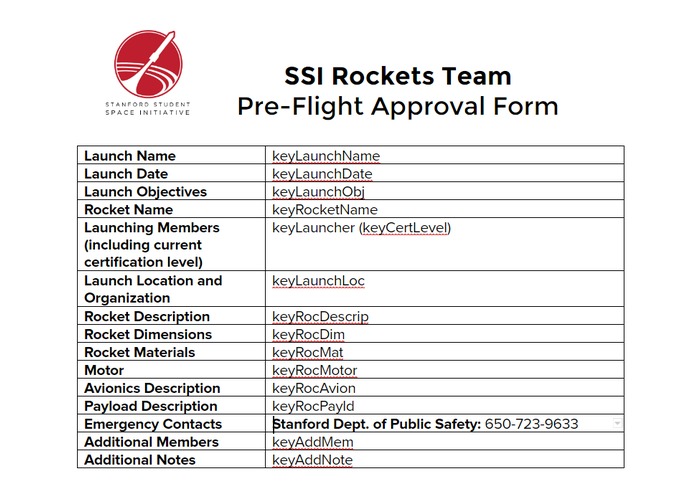
doc template
-
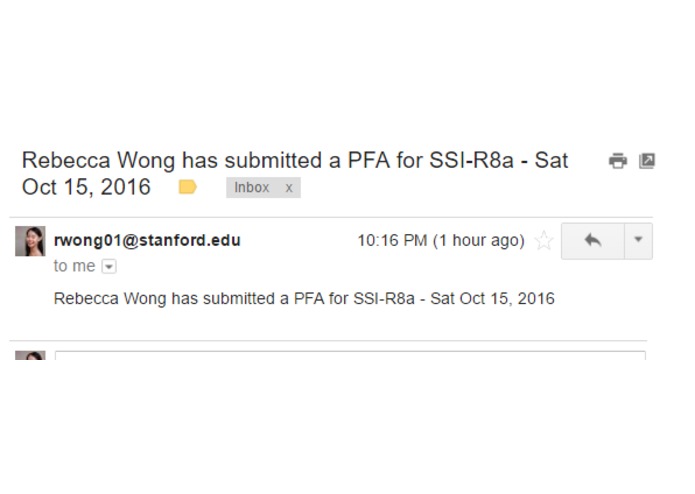
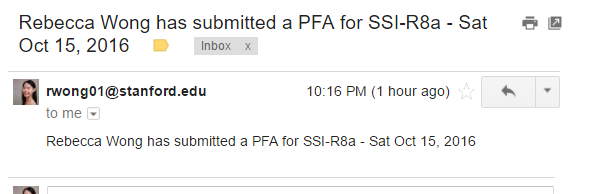
email notifications
-
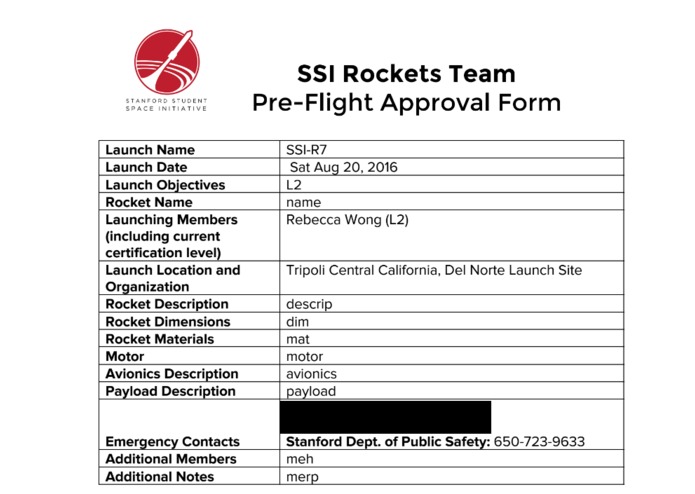
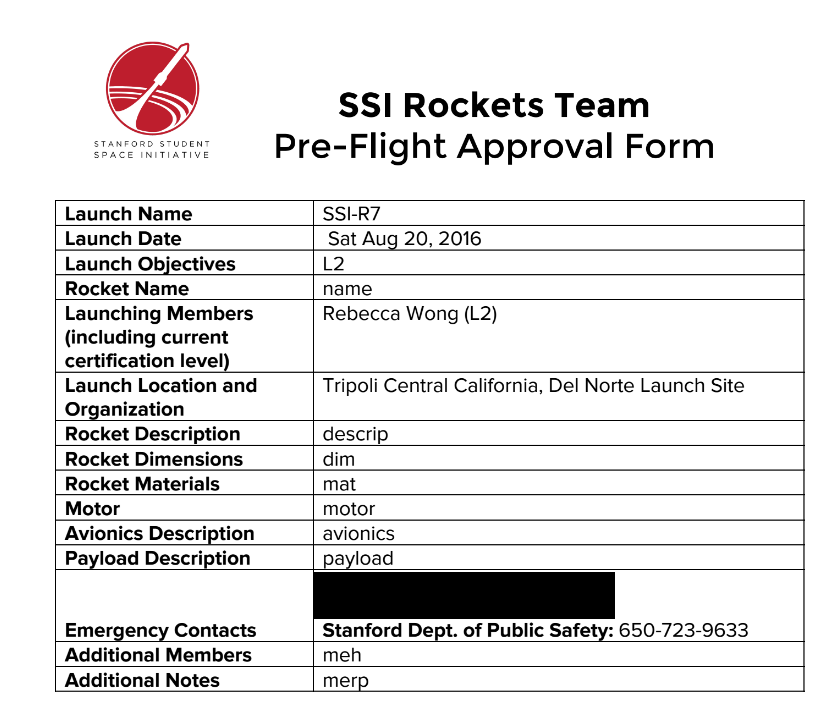
auto populated form
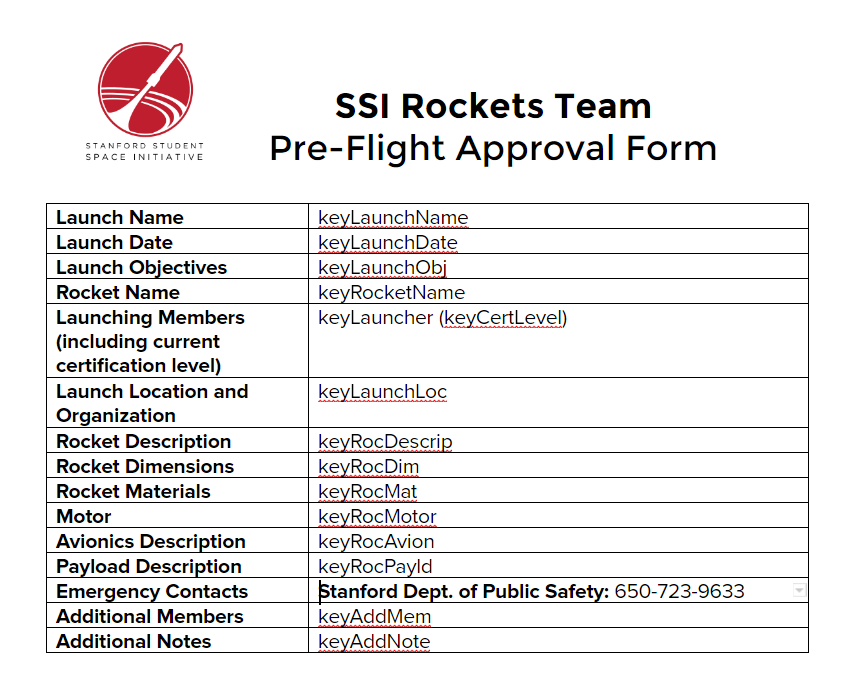
Inspiration
I'm one of the Rockets Team leads for the Stanford Student Space Initiative, and one of the things our members have to do prior to every launch is submit a Pre-Flight Approval Form which is sent in the form of a pdf to me (the team lead) who then compiles all the forms into a zip to send to our faculty advisor for approval.
The problem/pain point in the past is that we use a blank google doc template that each person is expected to make a copy of, fill out locally on their machine, download as a pdf, then email or Slack to me. I then download each one (or sometimes export a word doc to a pdf because people don't follow instructions), reformat and rename the files (because no one follows the correct naming convention), compress everything into a zip and send it along. It's cumbersome for our members, especially new ones who don't quite know the flow of the system, and especially for the team lead who has to do all the manual corrections.
What it does
Harnessing the power of Google Scripts, there is one script dedicated to turning Google Form responses into pdfs that are saved into our team Google Drive folder, making a new folder for each launch as necessary. A second script pulls data from our team roster and launch schedule and automatically updates the Google Form fields for names and launches based on this data so it's always up to date, even when changes occur (new launches, new members). The template is a Google Doc that has the fields populated with keywords that the script then replaces based on the responses from the form.
The script then navigates to a specified folder and checks if there is an existing folder for the launch specified. If there is, it adds the member's form as a pdf into that folder and if not, it makes the folder first and then adds the form. It then sends a notification email to the team lead that "xxx has submitted a PFA for SSI-Rx" (xxx being the name and SSI-Rx being the launch identifier)
How I built it
The primary script is triggered on a form submit and pulls data from that submission to search the doc template and replace each keyword with a cell from the spreadsheet. I was able to follow a simple guide that just created the pdf and then sent it in an email as a starting point and then developed it further to compile all the docs into folders which makes it very easy for me to download everything as a zip to email to my advisor.
Challenges I ran into
Google Scripts have some quotas on how frequently they can be run and how often the triggers can be set, so debugging wasn't always instantaneous. I also ran into problems when I changed questions in the form which does not automatically change the responses spreadsheet, so indexing things correctly has huge.
Accomplishments that I'm proud of
This was my first hackathon project so I'm just proud of getting it done! I think it was a well-scoped project for me to finish in less than a day and it's really useful for me and my team. Really looking forward to improving efficiency and reducing painful memories associated with PFAs.
What I learned
Google Scripts are awesome! There are some limitations, but they integrate so smoothly across all the Google Apps that it's totally worth it. Would recommend 10/10.
What's next for Google Scriptomania
- autopopulating fields in the form based on your selections so far (ie, the form will know that SSI-R7 launch corresponds to launch location A while SSI-R9 launch is at launch location B)
- allowing users to edit responses and regenerating pdfs based on their edits

Log in or sign up for Devpost to join the conversation.