-
-
tape
Google It 🤖
A computer-vision robot that sees, learns, and (almost) balances.
Inspiration
This project was a rollercoaster from start to finish. We started with the goal of building a two-wheeled self-balancing robot — one that could stand, move, and react on its own using nothing but Python, IMU data, and PID control.
We wanted to go the traditional way — no kits, no shortcuts, just physics, math, and creativity.
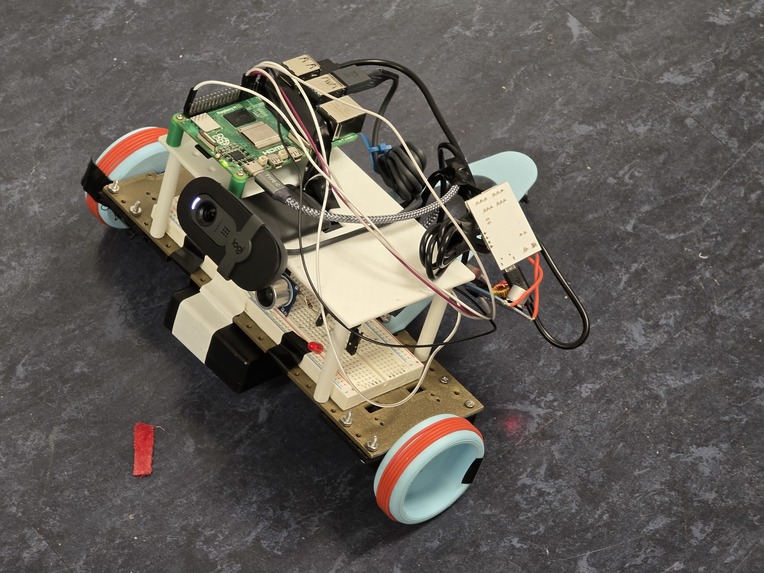
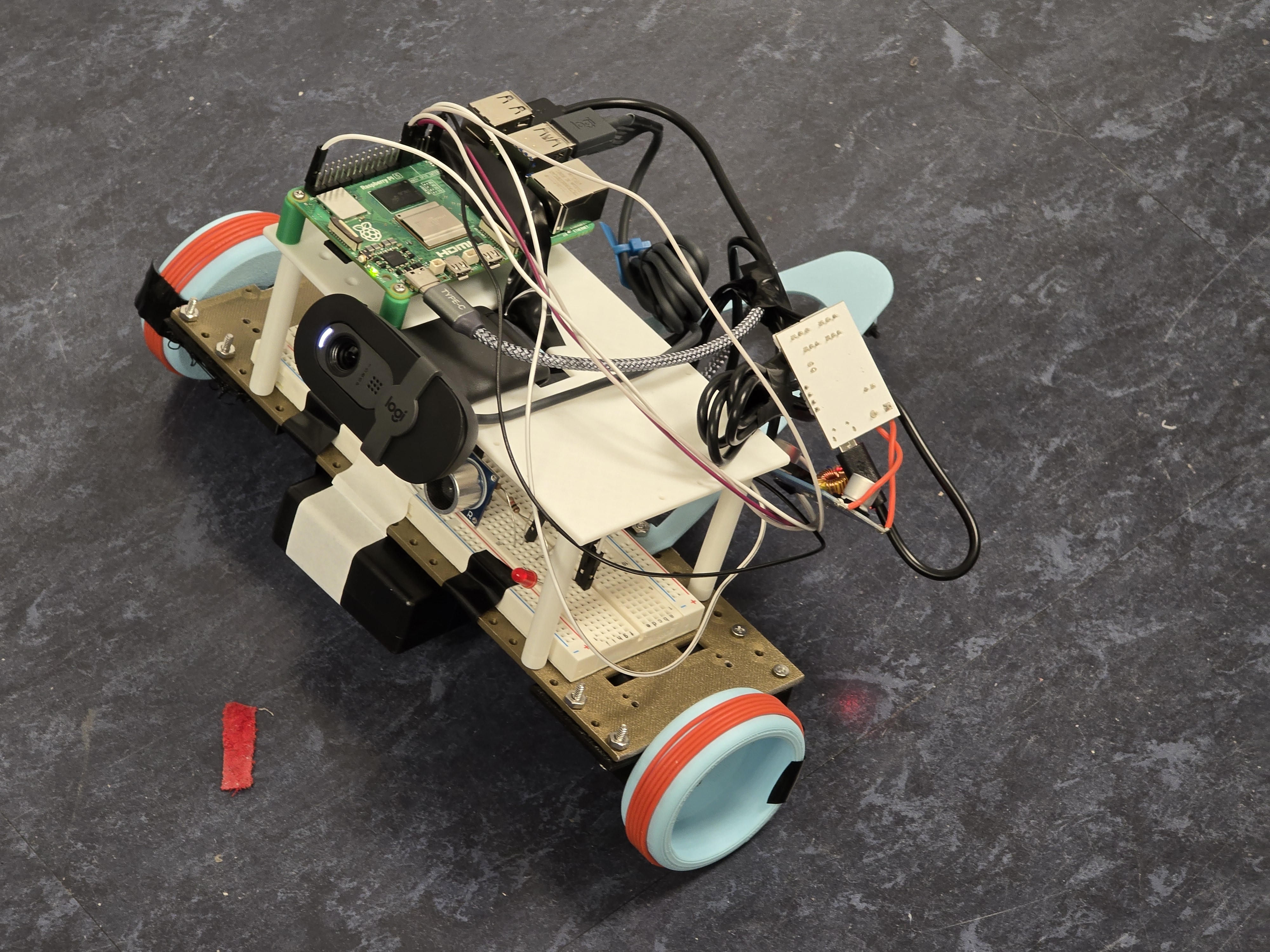
But tuning the PID values took more time than we had during the hackathon. So, we added a third wheel for stability and pivoted our focus toward computer vision and object tracking. That last-minute change turned Google It into a robot that could actually see and follow a QR code.
What it does
Google It uses a PID controller with an MPU6050 IMU to measure tilt and adjust motor speeds. The control system is based on the equation:
$$ u(t) = K_p e(t) + K_i \int e(t)\,dt + K_d \frac{de(t)}{dt} $$
Originally, this was meant to balance the robot on two wheels. But after adding a third wheel, we focused on its computer vision capabilities.
- The webcam detects and tracks QR codes.
- The ultrasonic sensor measures distance to the target.
- The Raspberry Pi controls the motors through an L298N driver using PWM signals for smooth motion.
Together, this lets the robot see and follow an object while staying stable and mobile.
How we built it
We began by wiring the MPU6050 IMU to the Raspberry Pi to stream accelerometer and gyroscope data.
Then we wrote a custom PID loop in Python to calculate and adjust motor speeds in real time.
After getting the base movement working, we added the webcam and ultrasonic sensor modules. Each subsystem — balance, vision, and sensing — was tested individually before merging everything into one working system.
Challenges we ran into
- We burned out multiple motors just trying to get enough torque and power.
- Wheels kept slipping off, so we made creative fixes — adding paper shims for a tighter fit and wrapping wire around the wheels for grip.
- Our 9 V battery couldn’t supply enough current, so we upgraded to a 12 V source with a DC converter.
- We didn’t have time to fine-tune the PID constants, which made the robot unstable — leading us to add the third wheel for reliability.
Every failure forced us to improvise, adapt, and keep pushing forward.
Accomplishments that we're proud of
- Building a working vision-guided robot entirely from scratch in Python.
- Successfully integrating computer vision, ultrasonic sensing, and motor control.
- Coming up with clever physical fixes when hardware failed — like the paper shim and wire tire.
- Learning to stay creative, flexible, and optimistic through every roadblock.
What we learned
We learned that engineering is creativity under pressure.
Equations and hardware matter, but what really counts is finding a way when nothing works.
What's next for Google It
We want to turn Google It into a robot that doesn’t just move — it interacts.
Next steps include:
- Voice recognition, so it can respond when it hears its name.
- Face detection, to recognize and follow familiar people.
- Speech generation, using tools like ElevenLabs, so it can talk back.
It already sees and follows — next, it will listen, recognize, and respond.


Log in or sign up for Devpost to join the conversation.