-
-
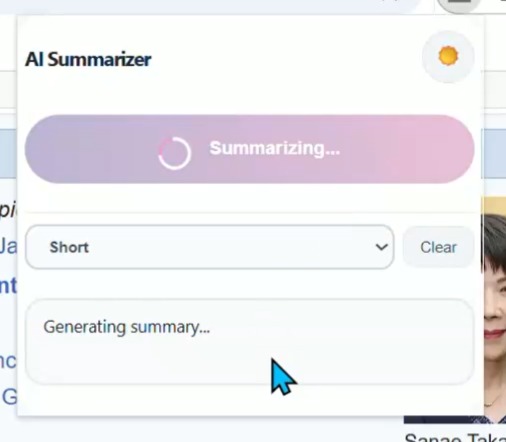
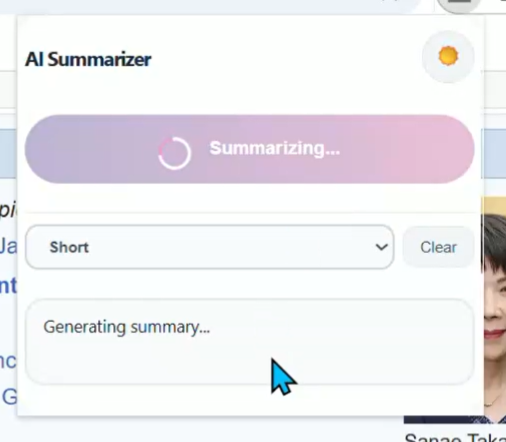
Generating Summary in Light mode
-
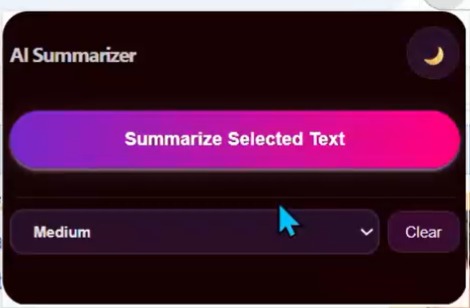
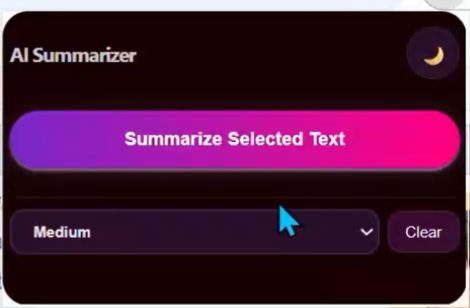
Main page
-
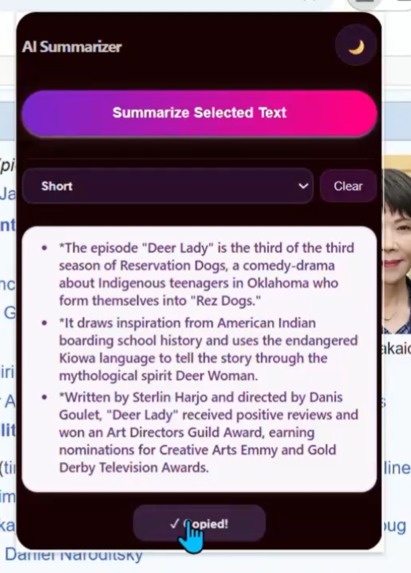
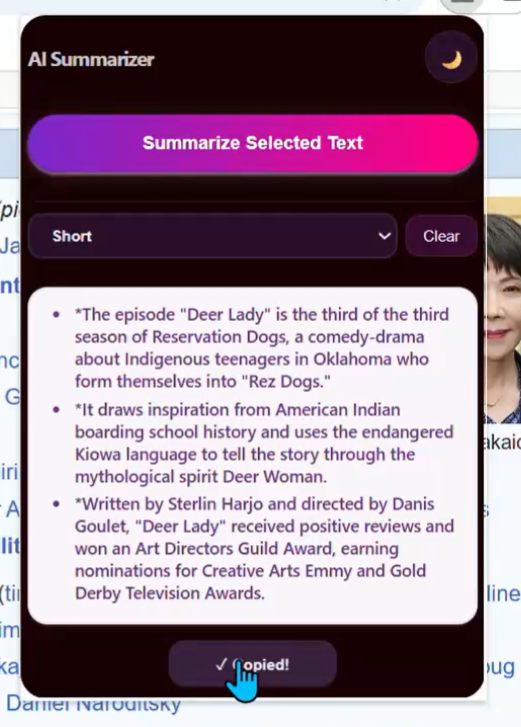
Final Summary what you can copy
-
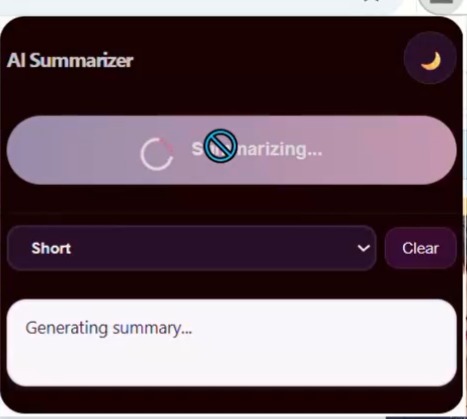
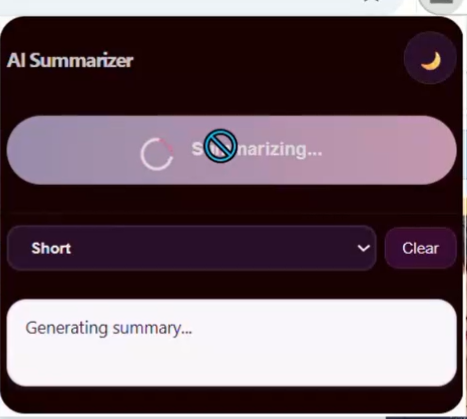
Generating Summary in Dark mode
Inspiration
I was inspired by how quickly local AI is developing within Chrome, and I wanted to make those advanced features accessible to everyone with a single click. Instead of relying on third-party services or copying text into external chatbots, I envisioned a privacy-first tool that brings summarization directly into the browser with zero setup.
What it does
My extension allows you to select any text on a web page and instantly generate a summary, powered by Chrome’s built-in Gemini Nano AI. Everything is processed locally—no internet connection or API keys required. Results appear as clean, bullet-point summaries in a beautifully designed popup, ready to read or copy.
How I built it
I utilized Manifest V3, HTML, CSS, and JavaScript, and integrated the new Summarizer API. I focused on user experience, designing clear loading and error states, and prioritized privacy by ensuring all AI runs on-device. The logic checks whether the Summarizer API is available and provides helpful messages if it’s not supported.
Challenges I ran into
- Ensuring compatibility across different systems, since the Summarizer API only works with certain Chrome versions and hardware.
- Managing resource requirements, especially the need for high RAM and disk space.
- Handling asynchronous AI operations to make the popup smooth and responsive.
- Developing helpful error messaging for users on unsupported devices.
Accomplishments that I'm proud of
- Creating a fully on-device, secure AI tool that is easy to use and requires no setup.
- Achieving a clean, modern interface with instant, reliable summaries and quick copy-to-clipboard.
- Making AI summarization accessible as a simple browser action for everyone.
What I learned
- Working with new browser APIs requires thorough cross-platform testing.
- Providing good user feedback and error messages is vital with advanced tech and hardware requirements.
- Small UX details like smooth spinners and clear formatting make a big difference in overall quality.
What's next for Google Chrome Built-in AI Extension Challenge 2025
- I plan to expand the extension with options like summary length customization, translation, and possibly voice reading.
- Improving multi-language support as Chrome’s AI evolves.
- Exploring more on-device AI features to further boost productivity while maintaining privacy and a seamless user experience.


Log in or sign up for Devpost to join the conversation.