-
-
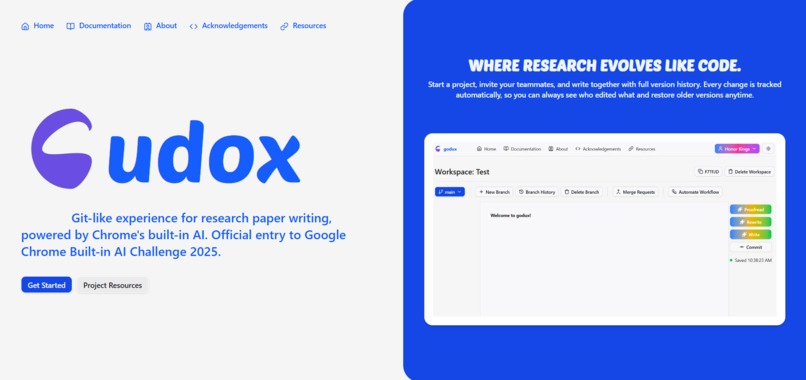
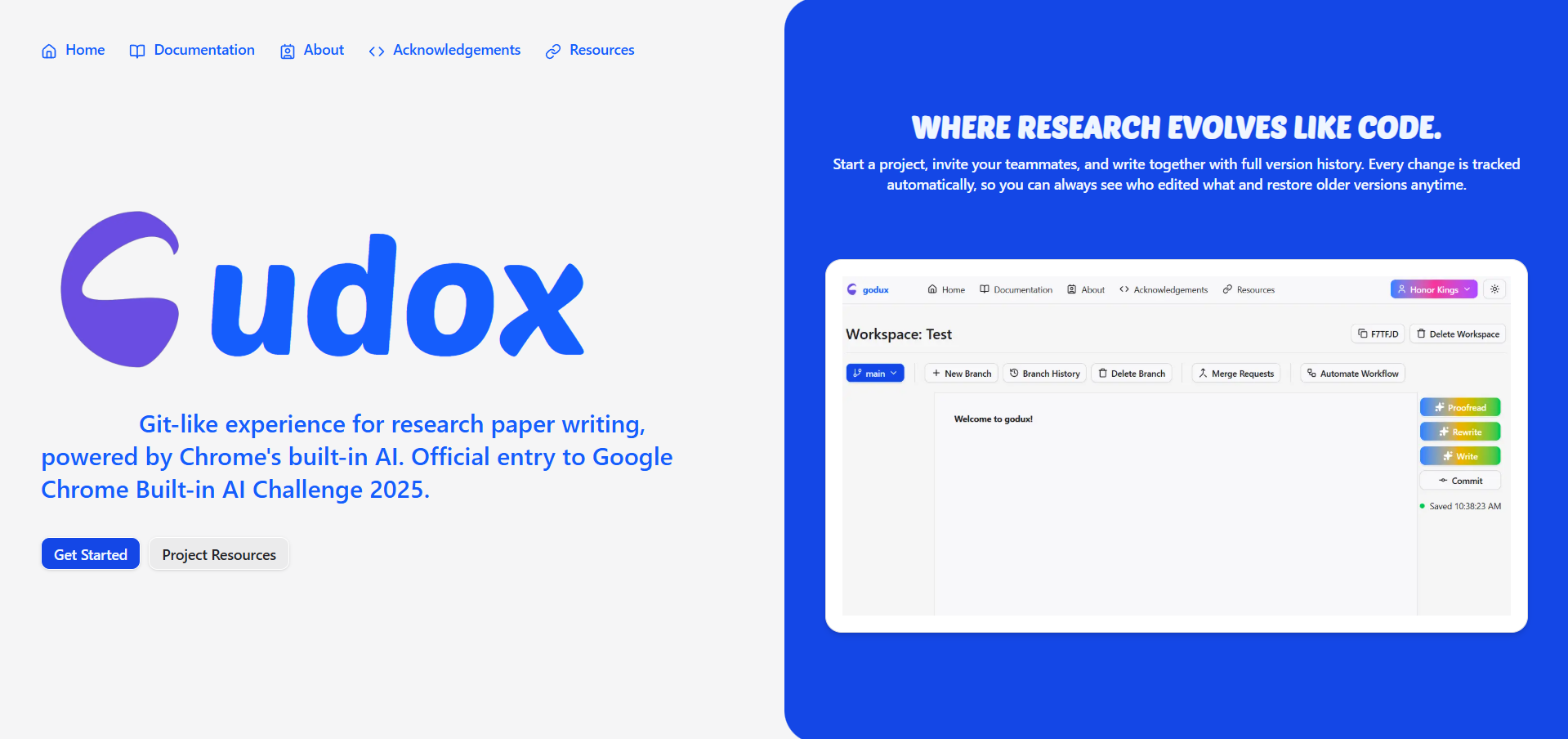
introducing... gudox!
Inspiration
Well, the inspiration behind this idea is for long-paper writers with multiple collaborators to track every change in a paper so they would not get lost. Basically, I had this experience of being a research/thesis paper leader back when I was in Grade 12 (I am a first-year student now). The hardest thing? To track every change of every member in every part of the document. We used Google Docs, and if a member wanted to change, remove, or add something, they would write it directly or in another tab. You could say that I was able to track it... only at the beginning. Once all the members started making changes and creating tabs, then letting me change it, it was total chaos. The history feature of Google Docs, for us, just did not save the right keyframe to pick where to save that particular version of the document. That is why I built Godux. It is basically what happens when GitHub and Google Docs merge into one app where you can track any change and go back to it if something breaks, or if you just want a more organized manner of writing a very, very long document.
What it does
It is the crossover of Github and Google Docs. Version control system that allows users to track changes through local saving, commits, merges. I focused on the version control system features with just a simple document area to write on.
Simple workflow would be:
- Create a workspace (basically a repository in github terms)
- The main branch (just a paper) is automatically created
- Write on the main branch, it would save locally
- Commit changes (it is like creating a timestamp version of the document to go back later)
- Add more edits to the main branch
- If there are mistakes and you want to revert, just revert to one of your commits
or:
- Join a workspace
- There are some contents on the main branch
- Create your own branch (just your own paper with all the contents of the main paper)
- Experiment and commit your changes
- Once done, create a merge request (ask for your content to be added to the main paper)
- Once done, they are merged!
- If later realized that merge is wrong, revert back
Integration of google built in ai
- Prompt and Language Model - generate commit title and description
- Write - write from scratch
- Rewrite - rewrite existing branch content
- Proofread - proofread your current branch or a merge request
- Summarize - summarize branch content or what changed on merge request
How we built it
I built it using nextjs and shadcn and I used firebase as my database and authentication.
Challenges we ran into
Well, there are two things. First, I saw this challenge so late haha. I started building the app on October 28 (just this tuesday), so yeah, kind of rush. Second, this is my first time using firebase. The initial setup was not that smooth compared to my usual tools, mongodb, supabase etc., especially when I finally deployed the app on vercel. But everything worked as I intended to :>
Accomplishments that we're proud of
The biggest accomplishment for me is that I was able to build the features that I laid out in just a short amount of time.
What we learned
As mentioned, this is my first time really using firebase so add a point for that. I also learned about how version control system might work on the background
What's next for gudox
Since I focused on the version control features for this, the first next step is to add more tools in the document writing part such more formatting options. I am also targeting the integration of this idea to google docs which be a really big help as for my experience on writing long papers.
Built With
- chrome-built-in-ai
- firebase
- nextjs
- shadcn
- vercel


Log in or sign up for Devpost to join the conversation.